Character Audio Copy54

Deze 3D-animatie is gegenereerd met de animatie-editor van Krikey AI. Beginnend met een eenvoudige tekstprompt: "History presentation on the ancient pyramids of Egypt. Explain the math behind the triangle shape of the pyramid", heeft de AI de 3D-scène, personage-animaties en stemdialoog gerenderd.
Bekijk volledige transcriptie▼
Create a hand-animated five-second action sequence, and the director requests a camera movement.
Once the angle changes, a punch that was solid looks bad.
Planning action scenes means finding camera angles before polishing poses.
Fine-tuning every arm and leg movement before locking shots means redoing work later.
Studios drop ready-made fight moves onto 3D characters to test camera angles first.
Both fighters punch and duck while the camera circles to find the best angle.
Once shots lock, animators add frame-by-frame precision to the final cuts.
To test fight camera angles with 1000+ ready-made moves without animating by hand, stage your scene at Cry-Key AI.
Zet je ideeën om in animaties zoals deze.
Geen ingewikkelde software. Geen renderfarms. Alleen je verbeelding en Krikey AI.
Maak een nieuwe video→Meer zoals dit
Ontdek 3D-animaties van de community
Populaire 3D-animatiesjablonen
Kies een kant-en-klaar sjabloon om je video snel te starten
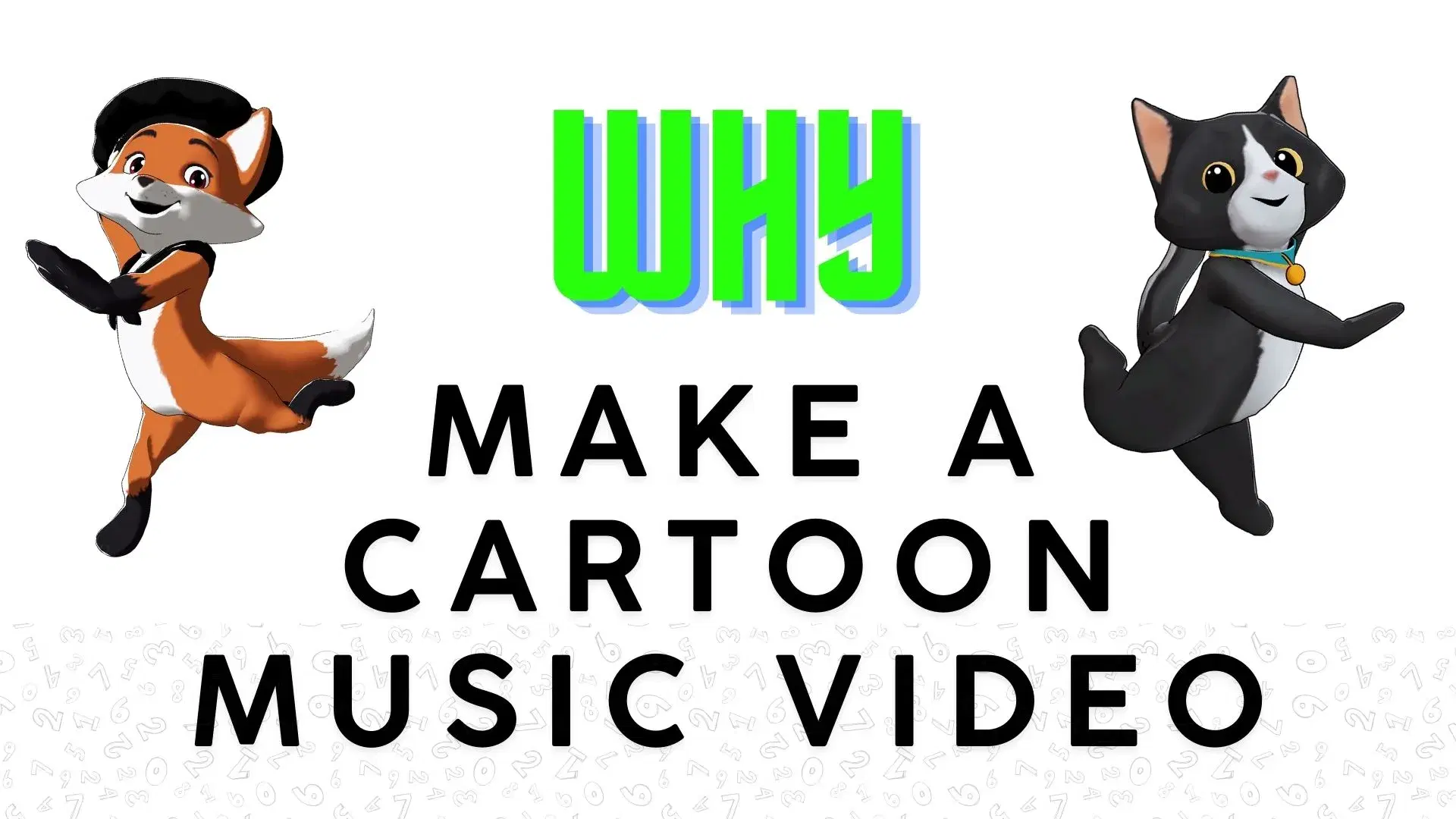

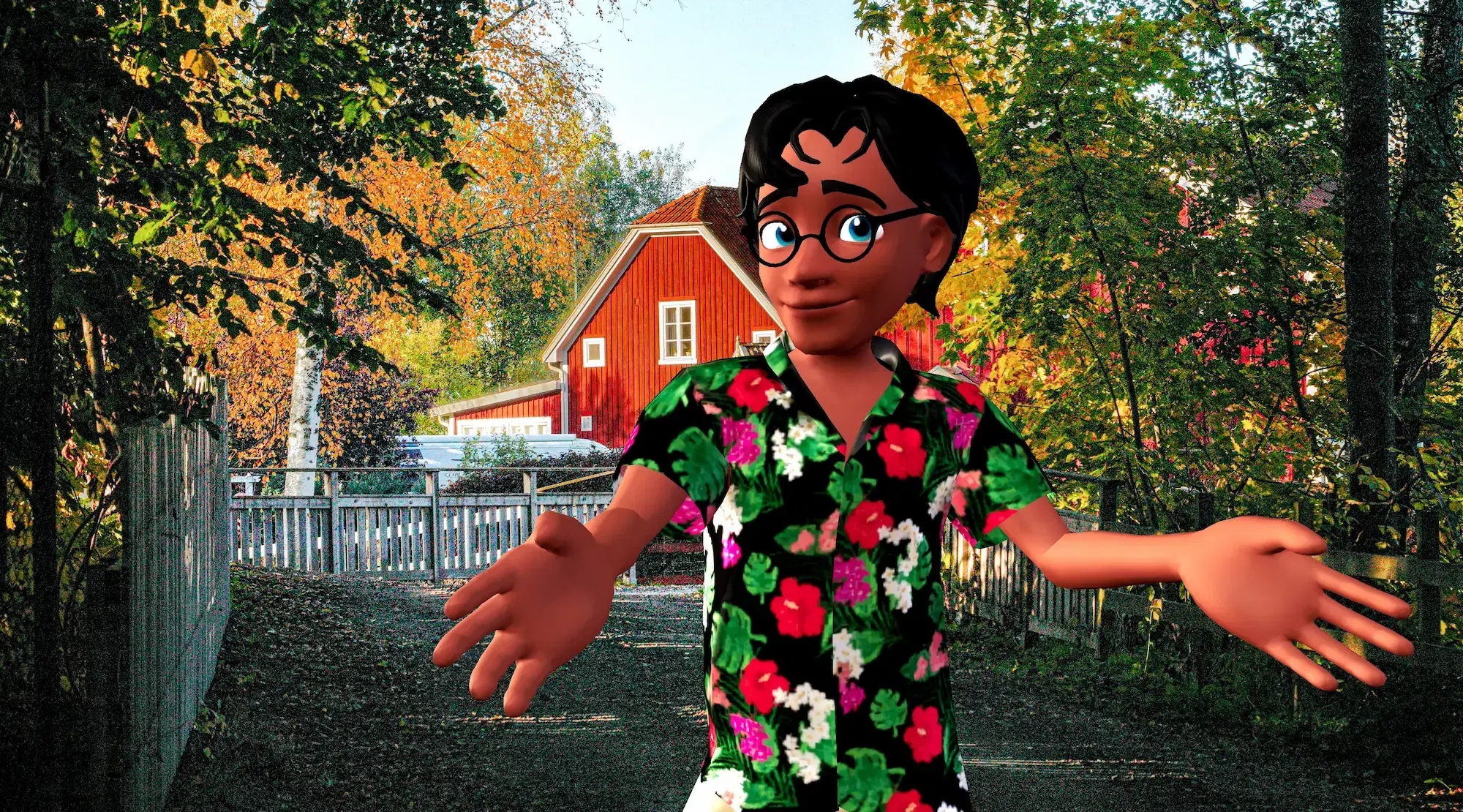
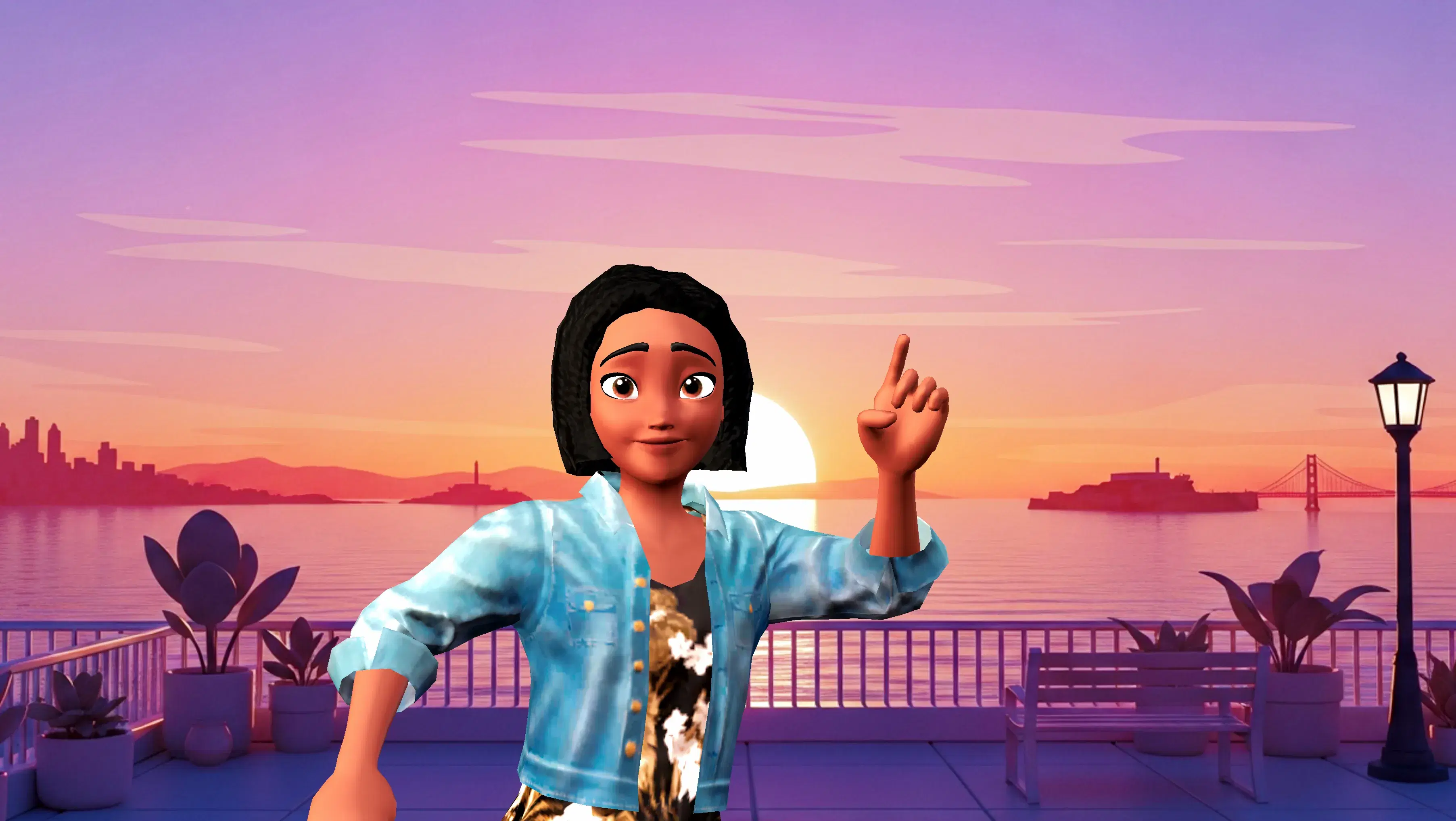
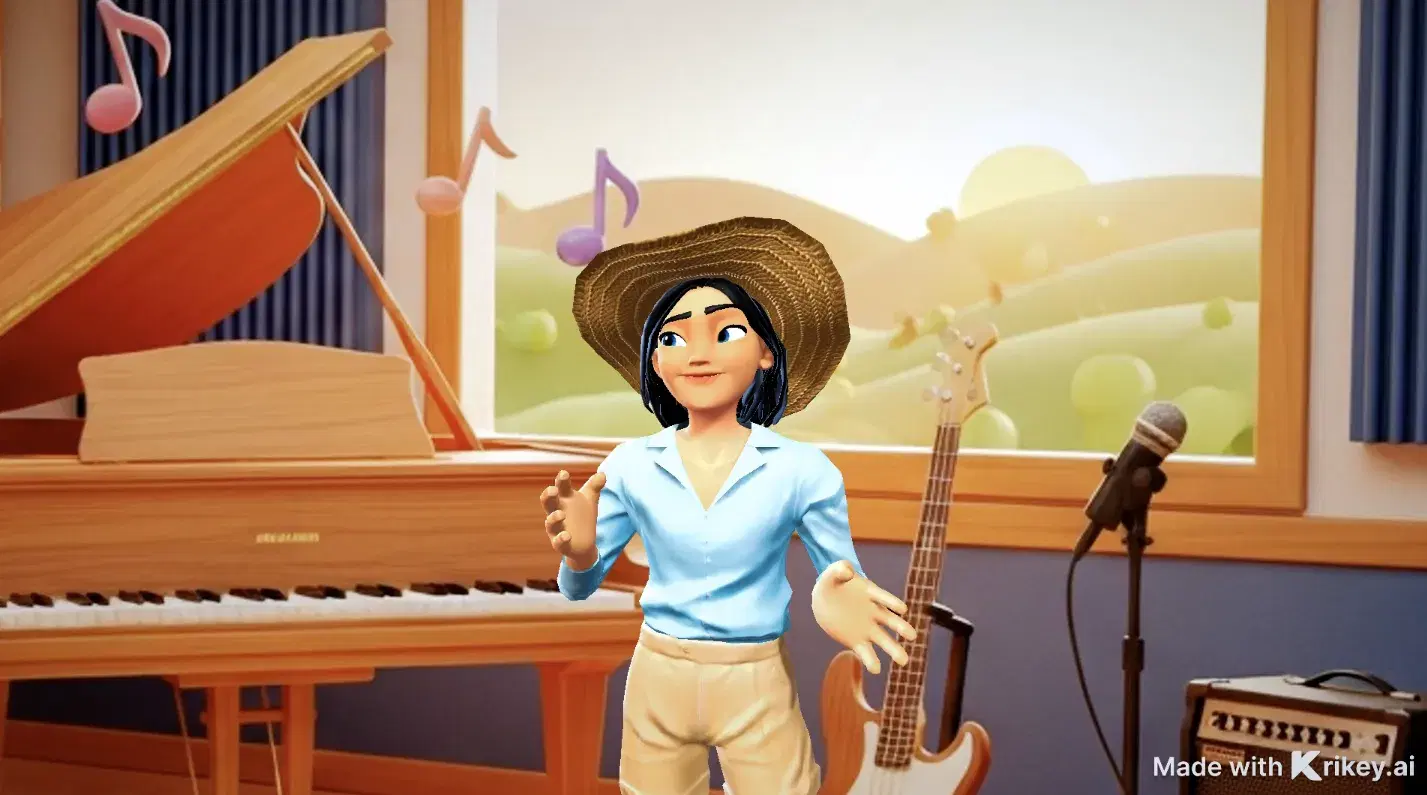
Uitgelichte 3D-personages
Breng unieke cartoonpersonages tot leven met AI-animatie


Integraties en workflows
Exporteer 3D-animaties direct naar je favoriete creatieve platforms en game-engines
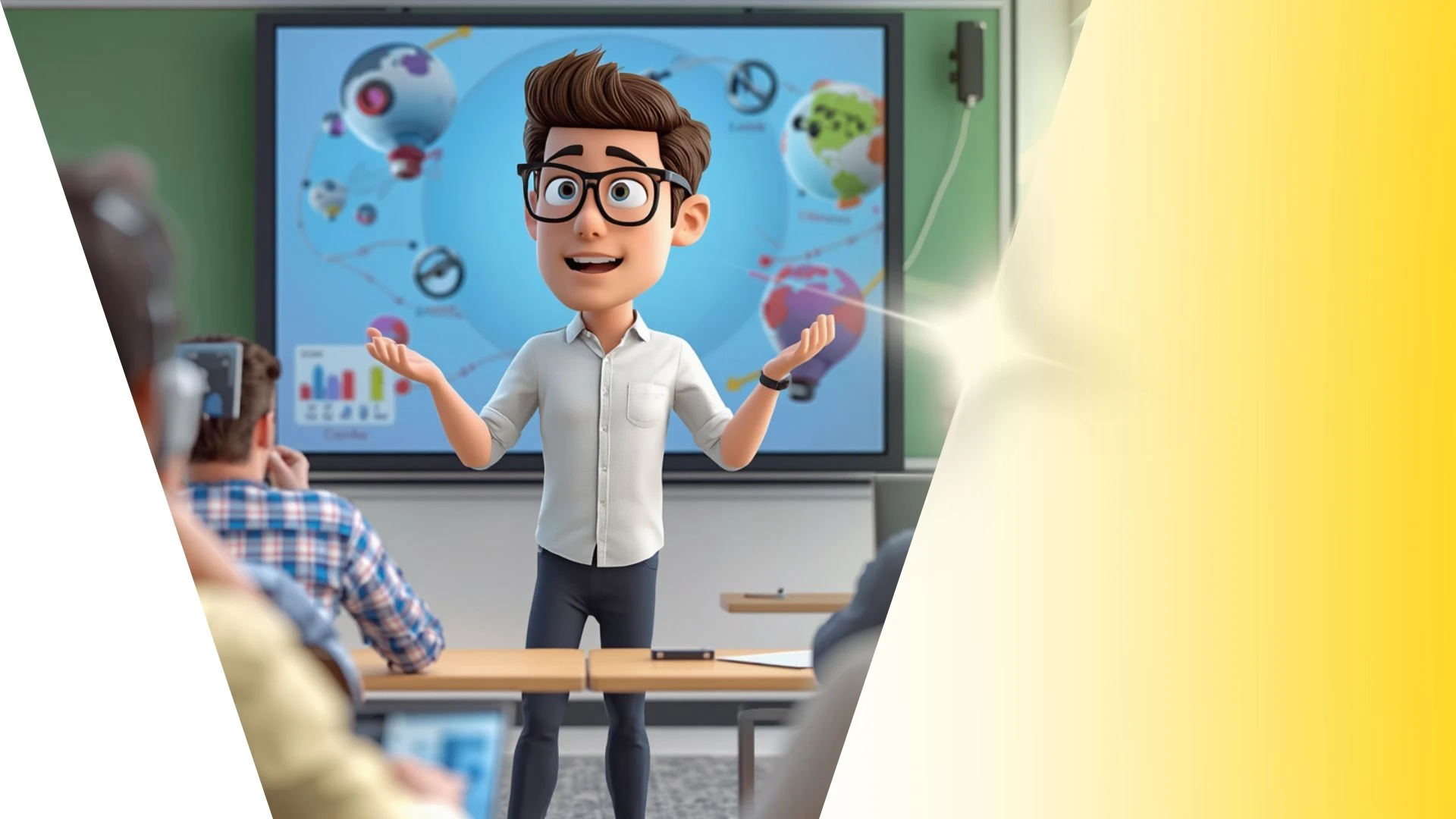
Maak impactvolle geanimeerde content voor sociale media en marketing
Zet podcastafleveringen en spraakopnamen om in boeiende geanimeerde videopodcasts met geautomatiseerde, spraakgestuurde personagereacties.
AI-tekst-naar-animatiegenerator
Versnel je creatieve workflow door audio om te zetten in geanimeerde video's met spraakgestuurde personagereacties via Krikey AI.
AI-verjaardagskaartengenerator
Maak snel content met Krikey AI door spraakopnamen om te zetten in geanimeerde video's met audio-gestuurde personagereacties.
AI-uitnodigingenmaker
Ontwerp interactieve 3D-productuitlegvideo's met de videogeneratoren van Krikey AI met virtuele mascottes als charismatische hosts.
AI-YouTube-Shorts-generatorsjabloon
Bouw op maat gemaakte 3D-avatars met de personagegenerator van Krikey AI en gebruik bewegings- en danspresets op je tijdlijn.
Veelgestelde vragen
Lees meer over het maken, aanpassen en delen van 3D-animaties met Krikey AI.
Hoe deel ik deze Krikey AI-video op sociale media?▾
Gebruik de ingebouwde deelknoppen op deze pagina om rechtstreeks te posten op LinkedIn, X (Twitter), Facebook en WhatsApp, of kopieer de directe openbare URL om overal te delen. Je kunt je video ook downloaden en exporteren om op elk sociaal platform te delen.
Kan ik mijn Krikey-video bewerken in Premiere Pro, Final Cut of DaVinci Resolve?▾
Ja, gedownloade 1080p MP4-bestanden kunnen direct worden geïmporteerd in Adobe Premiere Pro, Apple Final Cut Pro, DaVinci Resolve of elke standaard NLE-tijdlijn.
Integreert Krikey met Canva?▾
Ja, installeer de officiële Krikey AI-app vanuit de Canva Apps-marketplace om aanpasbare geanimeerde 3D-avatars direct in Canva-presentaties en -ontwerpen in te voegen.
Kan ik Krikey-animaties gebruiken in Unreal Engine?▾
Ja, geëxporteerde FBX-bestanden kunnen probleemloos worden geïmporteerd in Unreal Engine als skeletmeshes en animatiesequenties die compatibel zijn met Control Rig en Sequencer.
Hoe kan ik deze video aanpassen of remixen?▾
Klik op de knop "Pas deze video aan" op de weergavepagina. De hele scène, inclusief de 3D-personage-avatars, AI-animaties, camerahoeken en het dialoogscript, wordt rechtstreeks gekloond naar je Krikey AI 3D-animatie-editor, waar je bewegingen kunt bewerken, outfits kunt aanpassen, nieuwe voice-overs kunt genereren of speciale effecten kunt toevoegen.