Character Audio Copy54

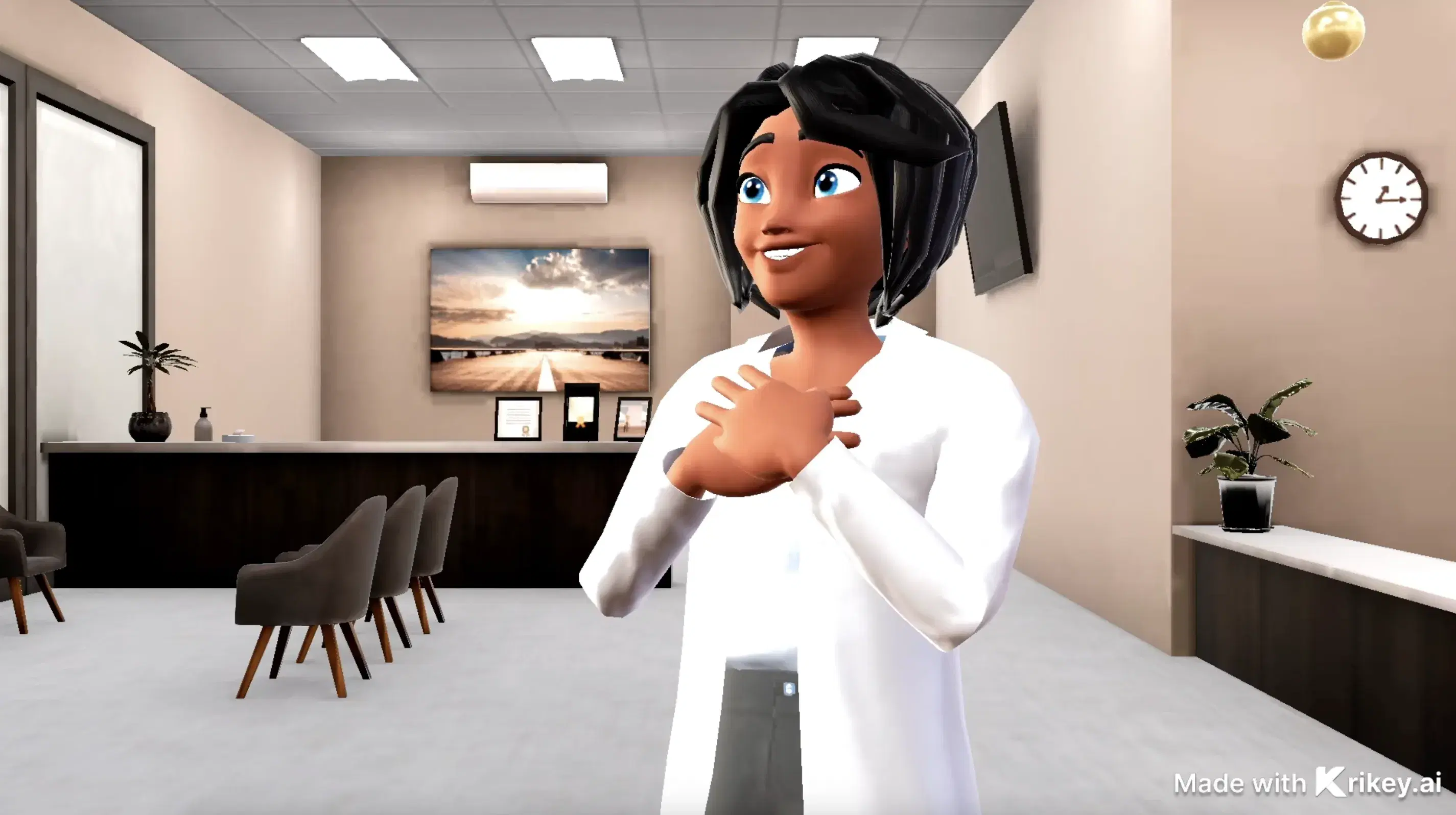
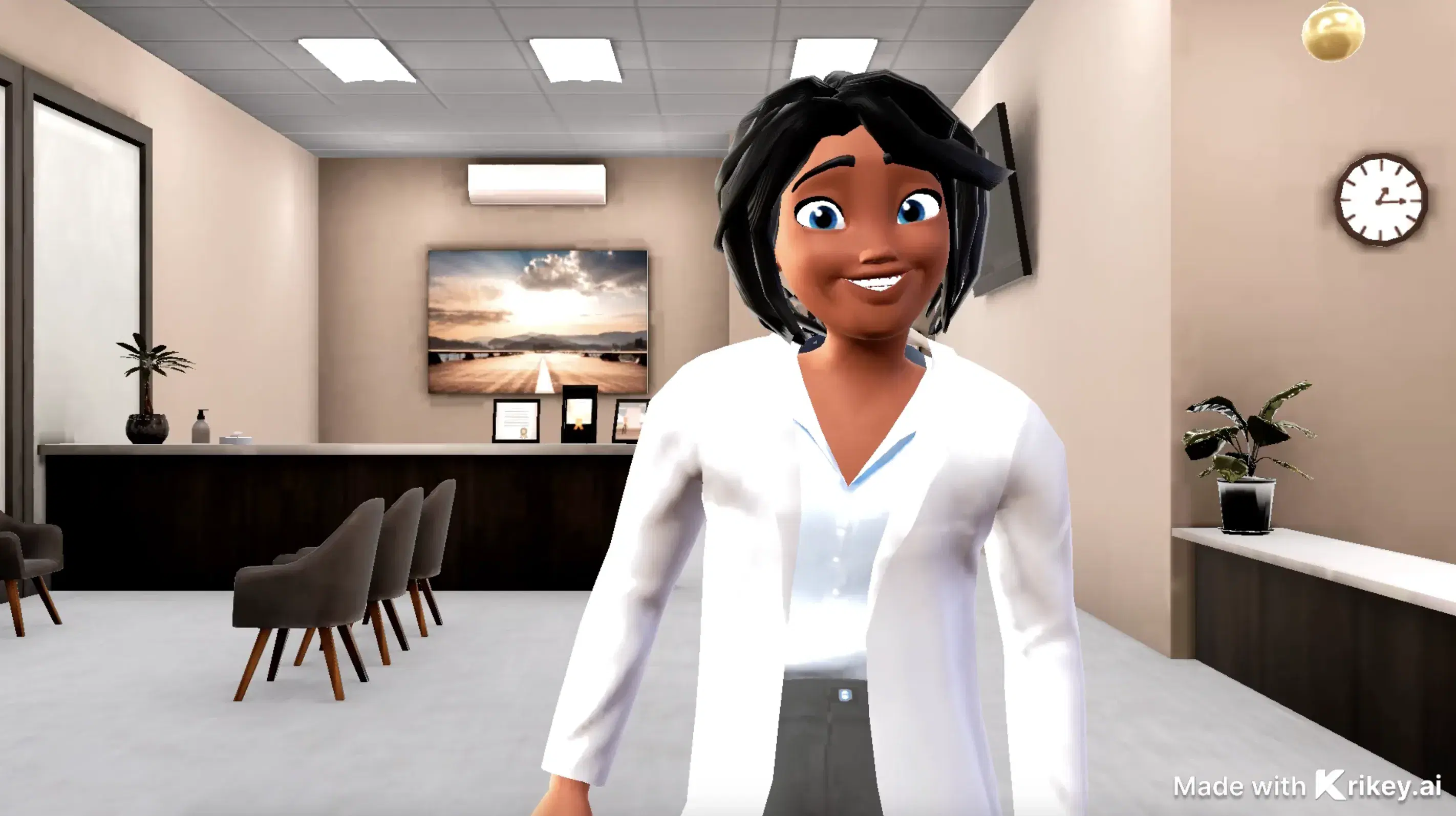
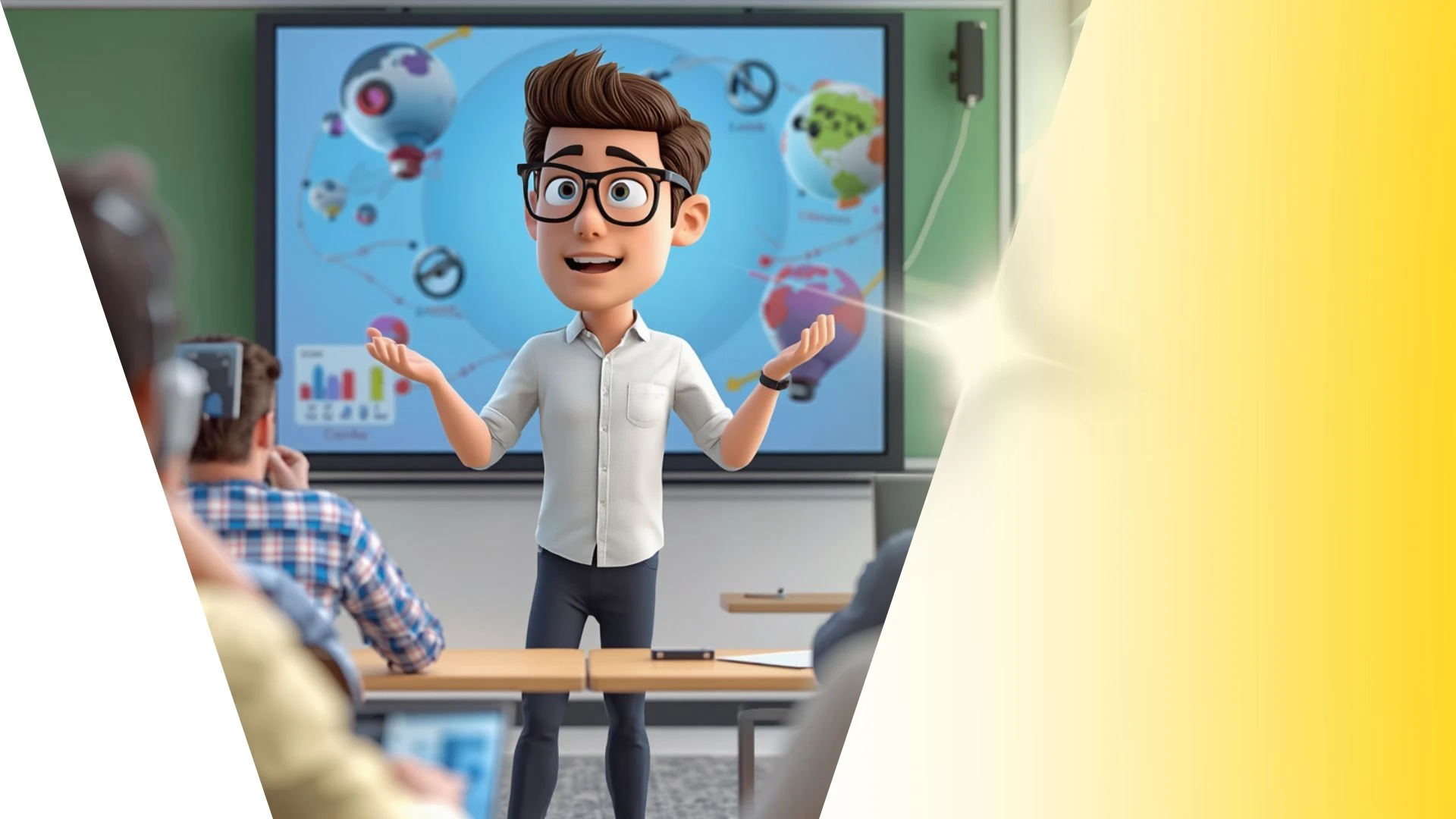
This 3D animation was generated using Krikey AI's animation editor. Starting from a simple text prompt: "History presentation on the ancient pyramids of Egypt. Explain the math behind the triangle shape of the pyramid", the AI rendered the 3D scene, character animations, and voice dialogue.
View full transcript▼
Create a hand-animated five-second action sequence, and the director requests a camera movement.
Once the angle changes, a punch that was solid looks bad.
Planning action scenes means finding camera angles before polishing poses.
Fine-tuning every arm and leg movement before locking shots means redoing work later.
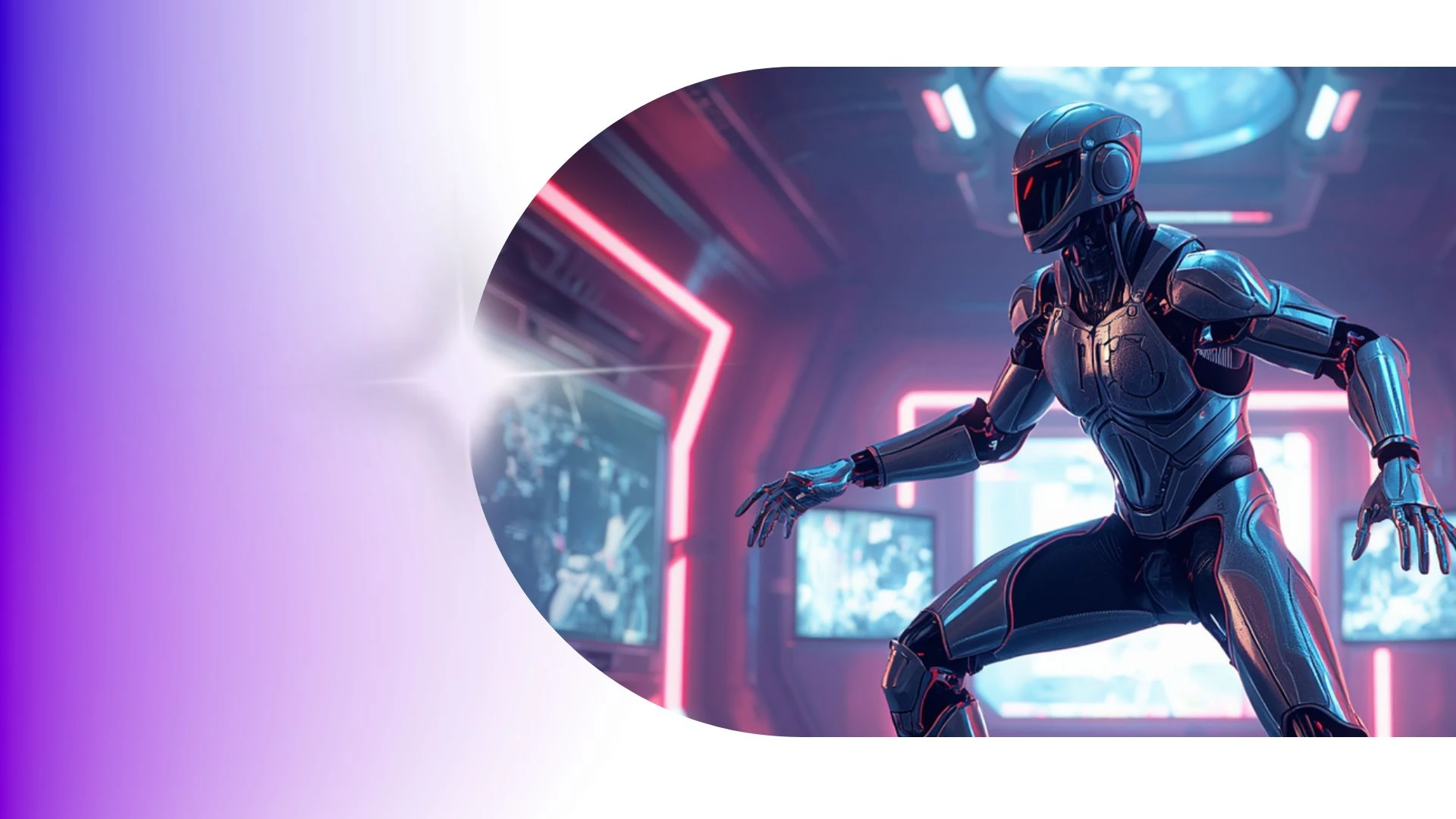
Studios drop ready-made fight moves onto 3D characters to test camera angles first.
Both fighters punch and duck while the camera circles to find the best angle.
Once shots lock, animators add frame-by-frame precision to the final cuts.
To test fight camera angles with 1000+ ready-made moves without animating by hand, stage your scene at Cry-Key AI.
Turn your ideas into animations like this.
No complex software. No render farms. Just your imagination and Krikey AI.
Make a new video→More Like This
Explore community 3D animations
Popular 3D Animation Templates
Choose a ready-to-use template to jumpstart your video
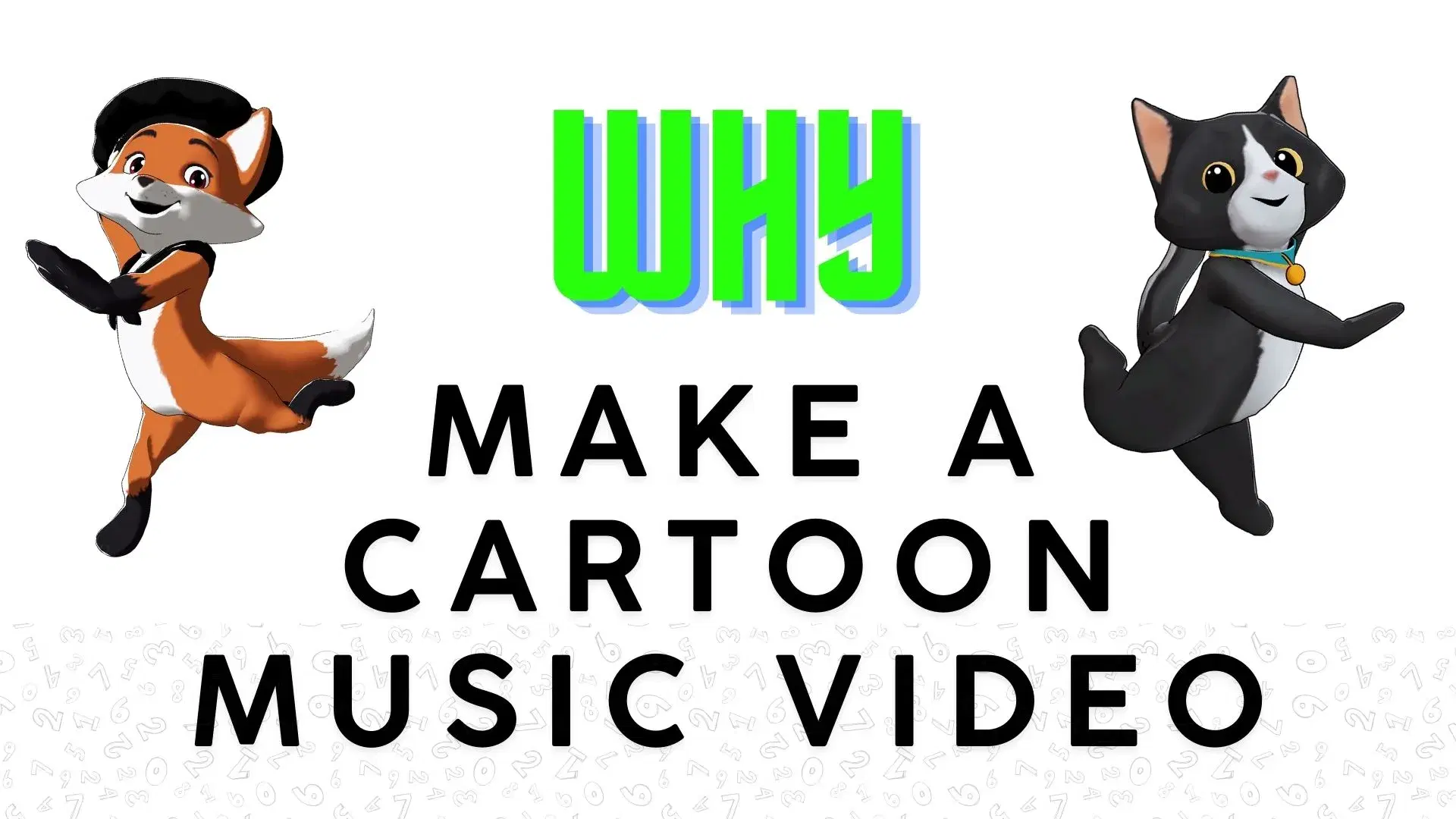

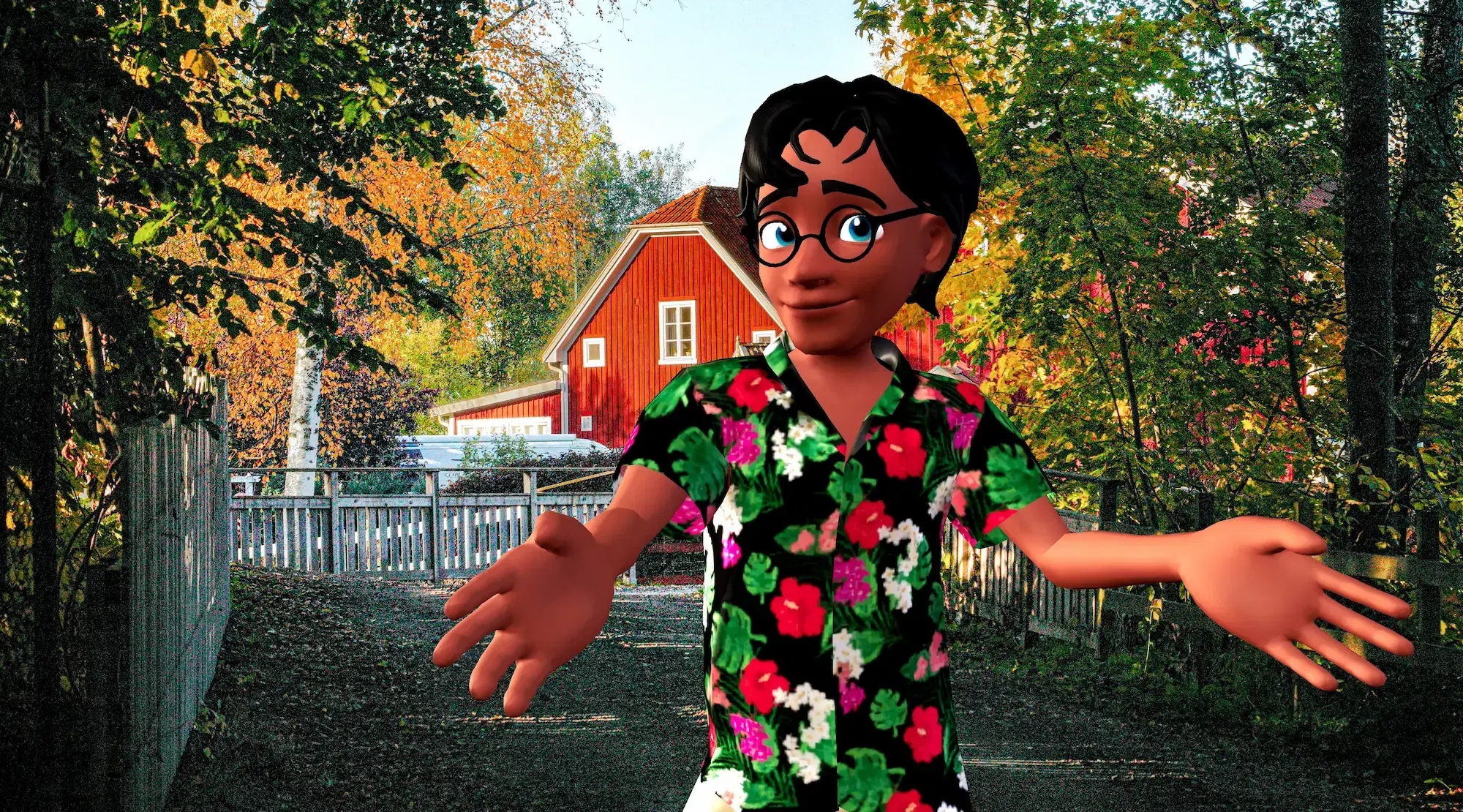
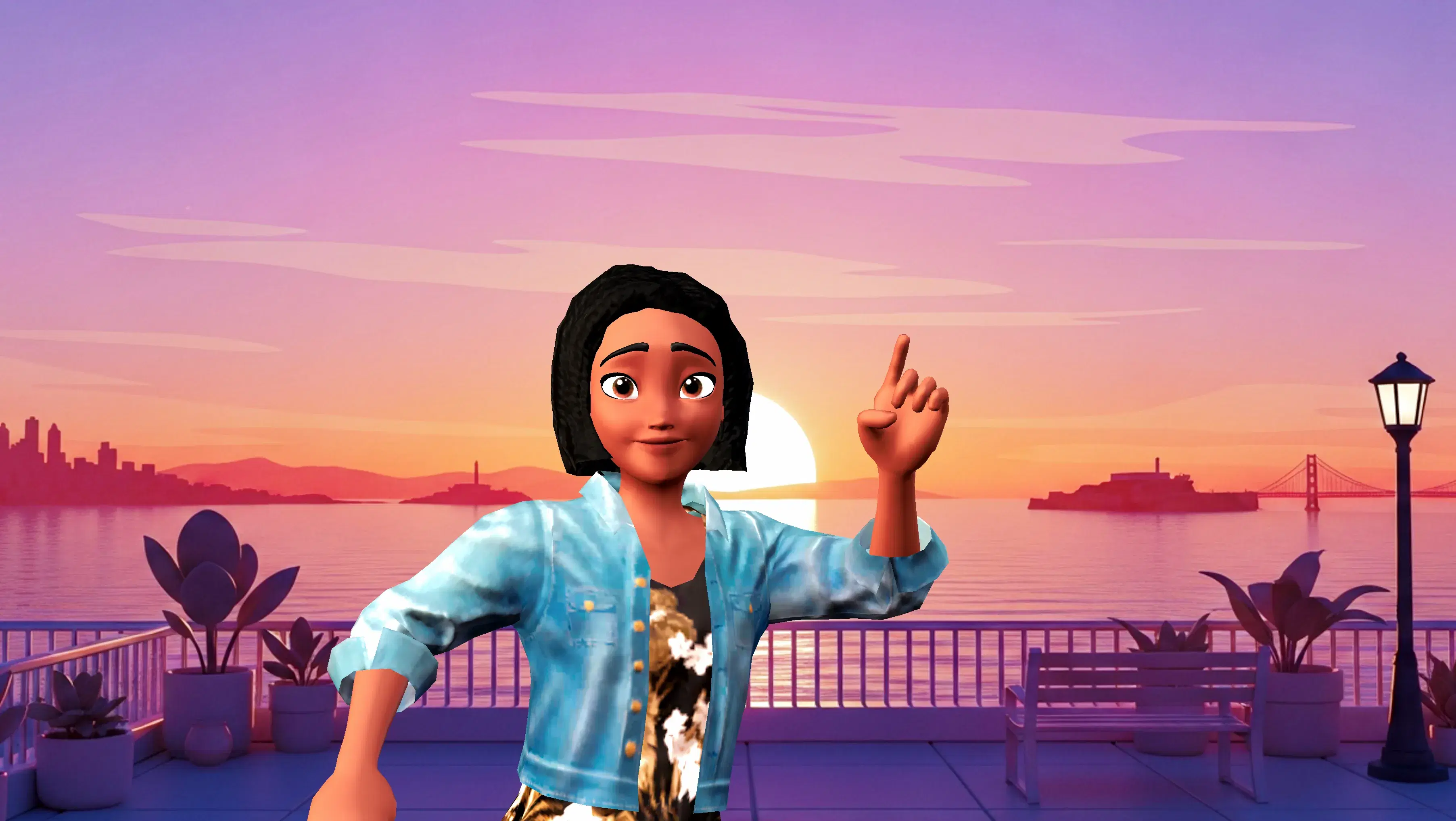
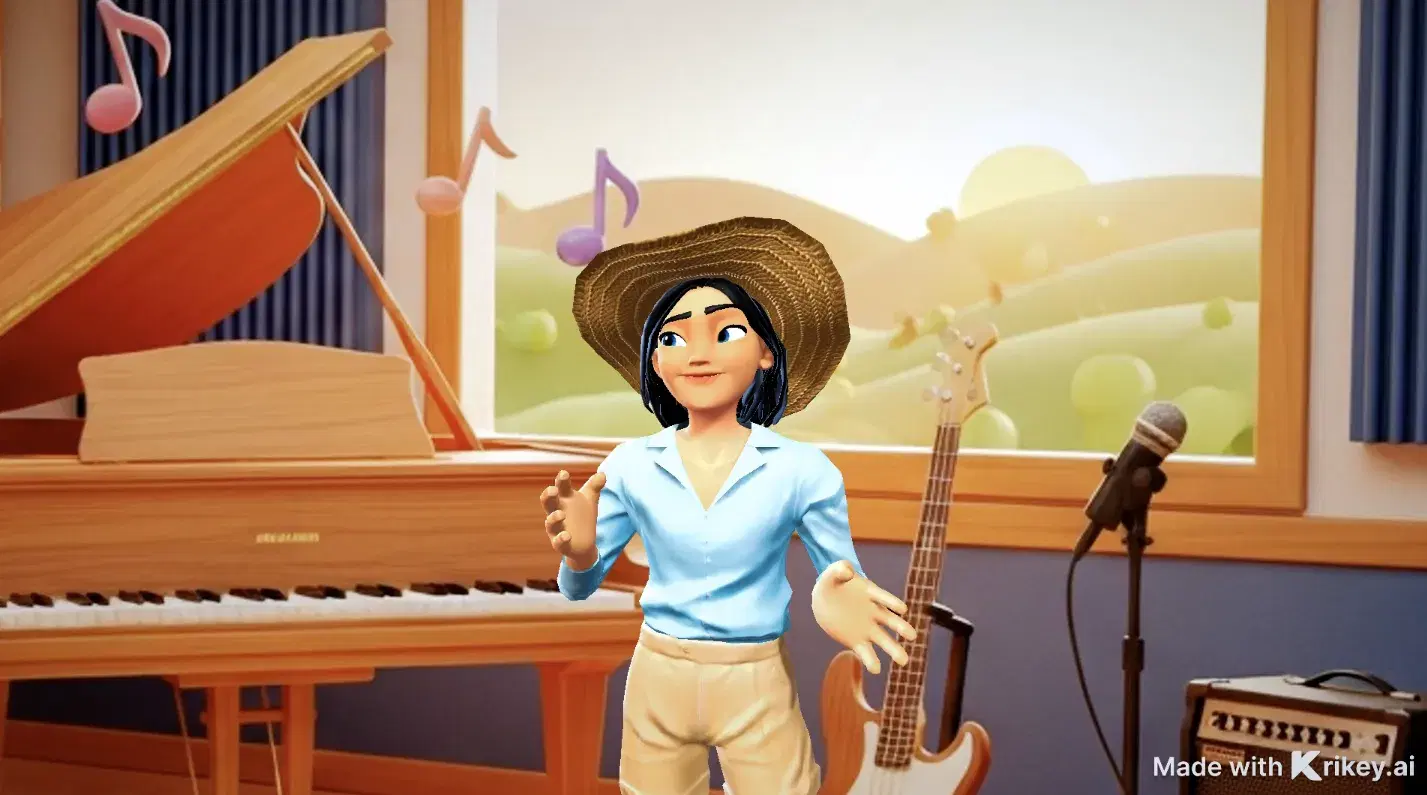

Featured 3D Characters
Bring unique cartoon characters to life with AI animation



Integrations & Workflows
Export 3D animations directly to your favorite creative platforms and game engines
Create High-Impact Animated Content for Social Media and Marketing
Transform podcast episodes and voice recordings into engaging animated video podcasts with automated speech-driven character reactions.
AI Text to Animation Generator
Fast-track your creative workflow by converting audio into animated videos with automated speech-driven character reactions using Krikey AI.
AI Birthday Card Generator
Fast-track content with Krikey AI Create 3D Animations and Videos, turning voice recordings into animated videos with speech-driven reactions.
AI Invitation Maker
Design interactive 3D product explainer videos with Krikey AI Video Generators using custom corporate mascots as virtual hosts.
AI YouTube Shorts Generator Template
Build custom 3D avatars with Krikey AI Character Generator, accessing royalty-free motion presets and dance moves directly on your timeline.
Frequently Asked Questions
Learn more about creating, customizing, and sharing 3D animations with Krikey AI.
How do I share this Krikey AI video to social media?▾
Use the built-in share buttons on this page to post directly to LinkedIn, X (Twitter), Facebook, and WhatsApp, or copy the direct public URL to share anywhere. You can also download and export your video to share to any social platform.
Can I edit my Krikey video in Premiere Pro, Final Cut, or DaVinci Resolve?▾
Yes, downloaded 1080p MP4 files can be imported directly into Adobe Premiere Pro, Apple Final Cut Pro, DaVinci Resolve, or any standard NLE timeline.
Does Krikey integrate with Canva?▾
Yes, install the official Krikey AI app from the Canva Apps marketplace to insert customizable 3D animated avatars directly into Canva presentations and designs.
Can I use Krikey animations in Unreal Engine?▾
Yes, exported FBX files import cleanly into Unreal Engine as skeletal meshes and animation sequences compatible with Control Rig and Sequencer.
How do I customize or remix this video?▾
Click the "Customize this Video" button on the watch page. The entire scene, including the 3D character avatars, AI animations, camera angles, and dialogue script, will be cloned directly into your Krikey AI 3D Animation Editor where you can edit motions, change outfits, generate new voiceovers, or add special effects.