Character Audio Copy14
Diese 3D-Animation wurde mit dem Animationseditor von Krikey AI erstellt. Ausgehend von einem einfachen Text-Prompt: "History presentation on the ancient pyramids of Egypt. Explain the math behind the triangle shape of the pyramid", renderte die KI die 3D-Szene, die Charakteranimationen und den Sprachdialog.
Vollständiges Transkript anzeigen▼
Drop an unrigged 3D model into an engine, and it just stands there completely frozen.
If you try to force it to bend, the body crumples like an empty soda can.
Turning that hollow shell into a moving character takes four simple steps.
Step one: spread the arms out into a wide T-pose with plenty of room under the shoulders.
Keeping the limbs separated stops the sleeves from accidentally fusing into the chest.
Step two: place a digital skeleton right down the center of the arms and legs.
Every joint needs a clean hinge so the elbows and knees bend in the right direction.
Step three: connect the skin to the bones so the surface stretches naturally when an arm raises.
Verwandle deine Ideen in Animationen wie diese.
Keine komplexe Software. Keine Renderfarmen. Nur deine Fantasie und Krikey AI.
Neues Video erstellen→Ähnliche Videos
Entdecke 3D-Animationen aus der Community
Beliebte 3D-Animationsvorlagen
Wähle eine fertige Vorlage, um dein Video schnell zu starten

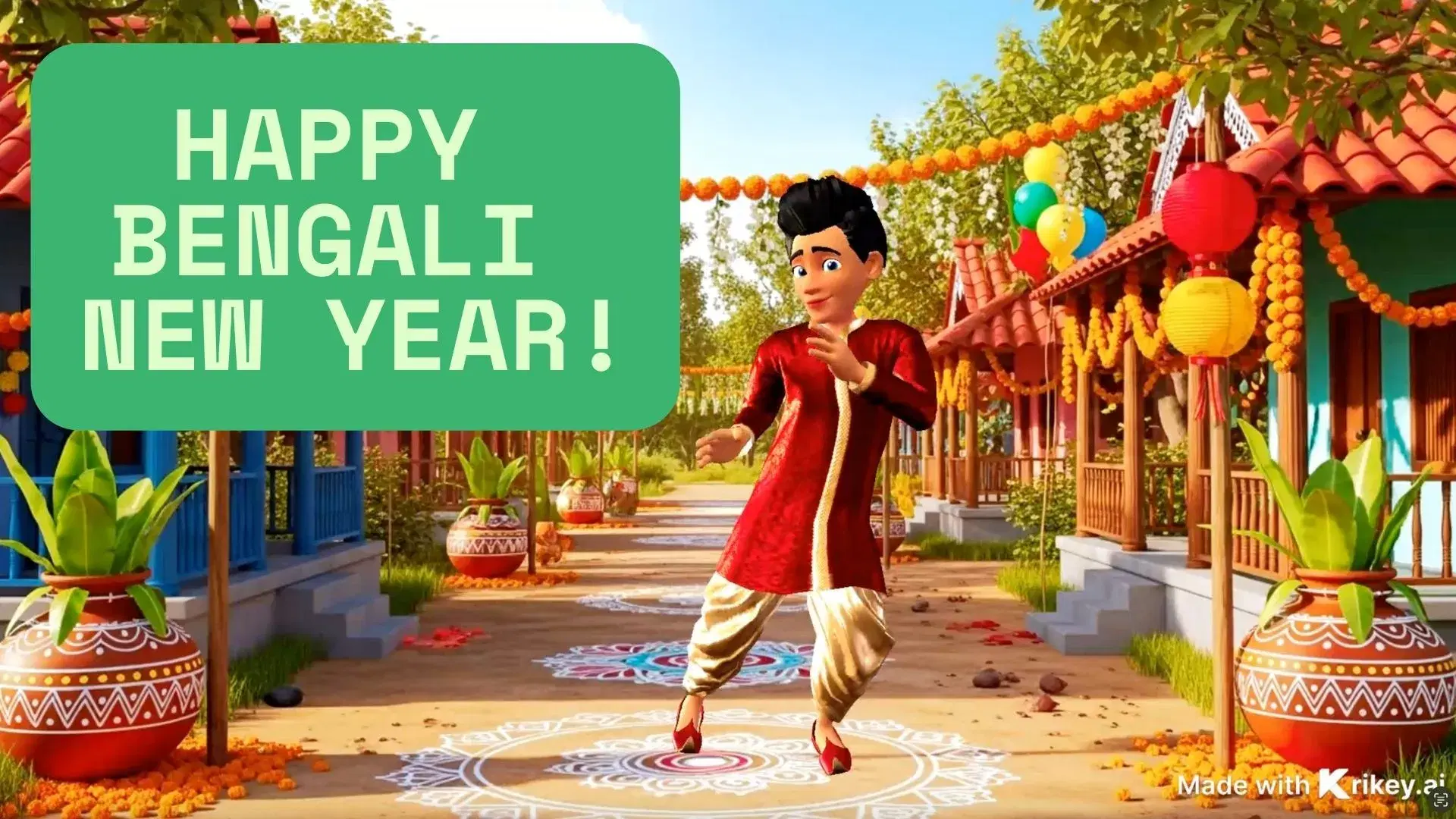
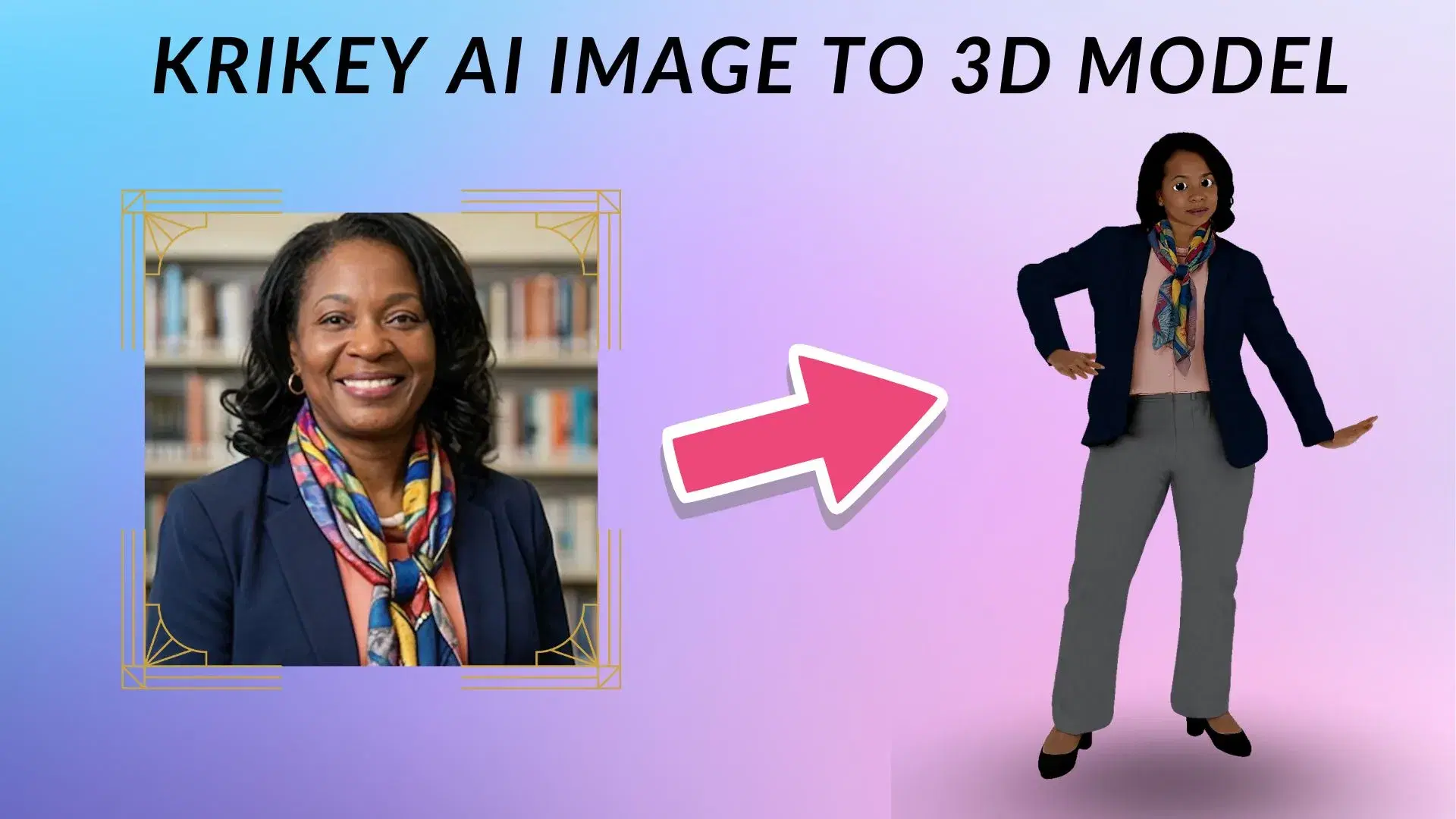
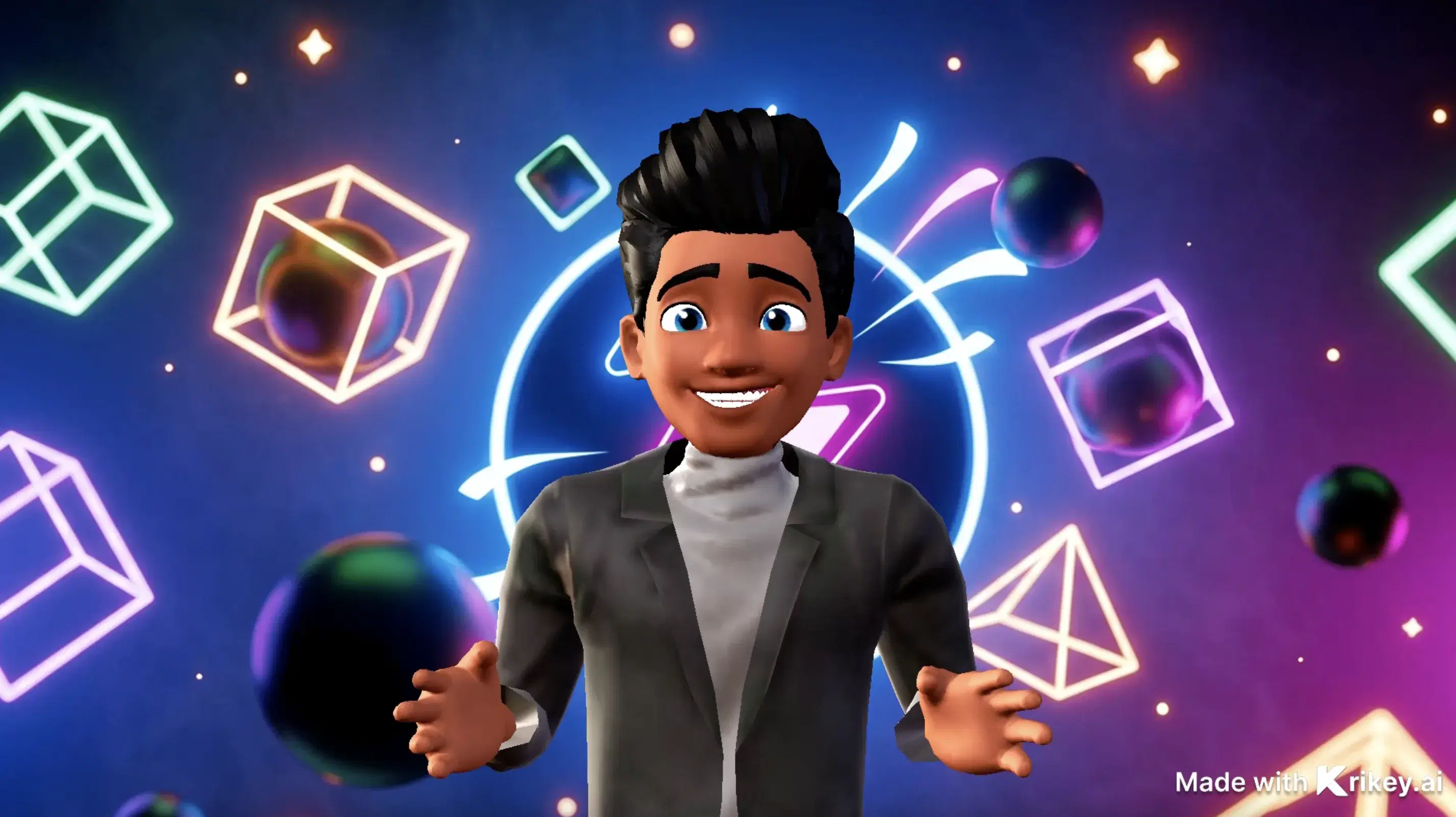
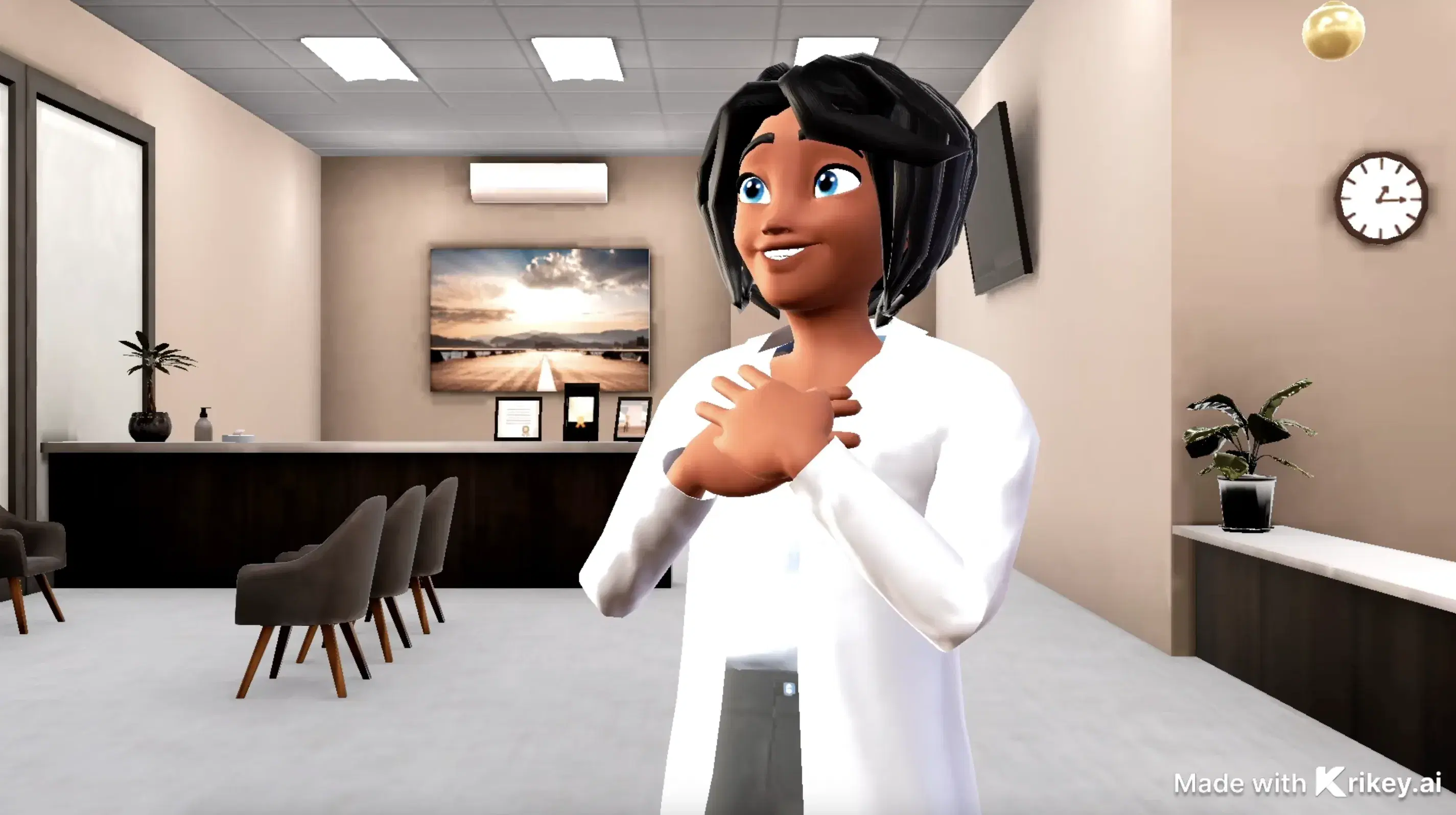
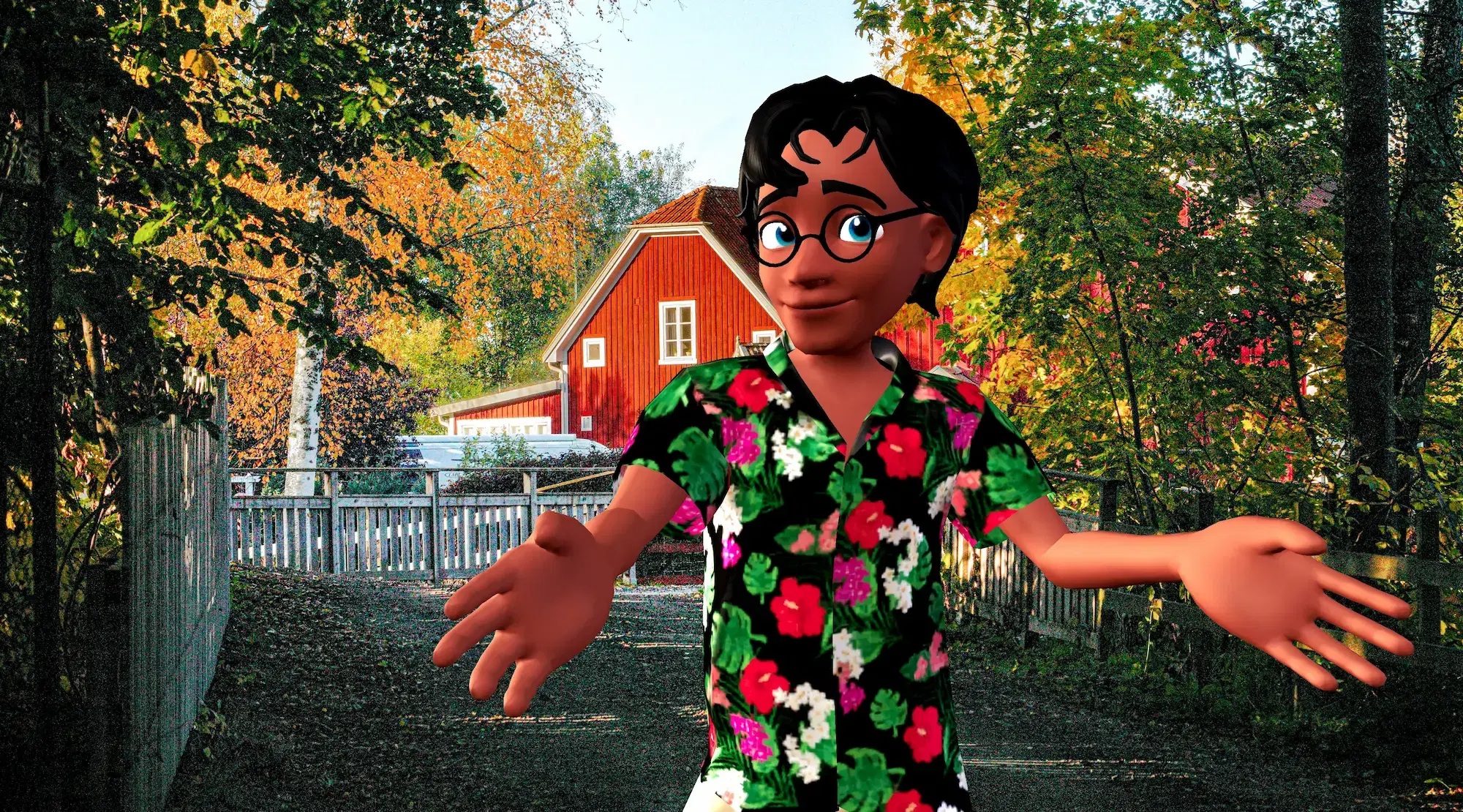
Ausgewählte 3D-Charaktere
Erwecken Sie Ihre Geschichte mit anpassbaren animierten 3D-Avataren zum Leben


Bringen Sie 3D-Animationen in Ihre bevorzugten Tools
Nahtloses Exportieren und Animieren in Ihrem gesamten kreativen Workflow
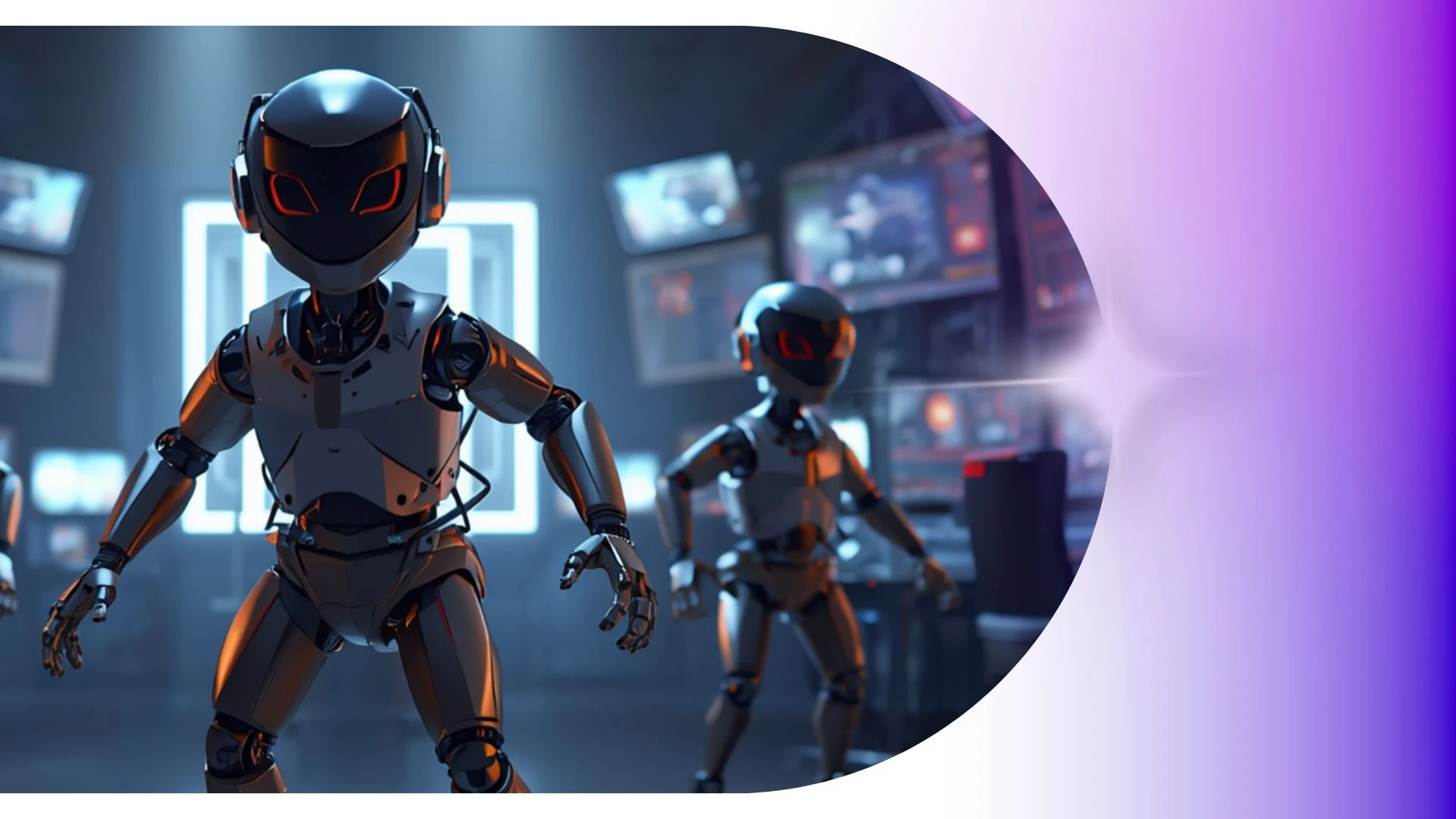
Volle 3D-Studiomöglichkeiten für Solo-Creator und kleine Teams
Passe einzigartige 3D-Charaktere, Mimik, Hauttöne und Outfits an. Wähle aus tausenden animierten Avataren oder lade deine eigenen 3D-Modelle hoch.
Transparenter GIF-Maker
Erstelle KI-Animationen für Kinder mit Krikey AI und exportiere 1080p MP4, GIFs oder FBX-Dateien ohne teure Grafikkarten.
KI-Videogeneratoren
Animiere medizinische Aufklärungsvideos mit dem Krikey AI Arzt-Maker mit Stimmen in über 100 Sprachen und automatischer Lippensynchronisation.
KI-Text-zu-Animations-Generator
Beschleunige deinen kreativen Workflow, indem du Audioaufnahmen mit Krikey AI in animierte Videos mit sprachgesteuerten Charakterreaktionen verwandelst.
Kostenlose Motion-Capture-Animationstools
Gestalte personalisierte KI-Geburtstagskarten mit Krikey AI inklusive automatischer Lippensynchronisation und Stimmen in über 100 Sprachen.
Häufig gestellte Fragen
Erfahre mehr über das Erstellen, Anpassen und Teilen von 3D-Animationen mit Krikey AI.
Kann ich Krikey-FBX-Dateien in Blender oder Maya importieren?▾
Ja, standardmäßige FBX-Exporte können in Blender, Autodesk Maya oder 3ds Max importiert werden, um weiteres Rigging, individuelle Beleuchtung oder VFX-Simulationen durchzuführen.
Wie wurde dieses 3D-Animationsvideo erstellt?▾
Dieses Video wurde mit der generativen 3D-Erstellungs-Suite von Krikey AI erstellt – mit Text-zu-3D-Animation, KI-Sprachsynchronisation mit automatischem Lip-Sync, anpassbaren 3D-Avataren und KI-Animation.
Lässt sich Krikey mit Canva integrieren?▾
Ja, installiere die offizielle Krikey AI-App aus dem Canva-App-Marktplatz, um anpassbare animierte 3D-Avatare direkt in Canva-Präsentationen und -Designs einzufügen.
Welche Abonnementstufen bietet Krikey AI an?▾
Krikey bietet Free-, Pro- und Enterprise-Abonnementpläne an, die auf individuelle Creator, kleine Unternehmen und professionelle Produktionsteams zugeschnitten sind.
Enthält Krikey eine Bibliothek vorgefertigter Animationen?▾
Ja, Krikey bietet einen durchsuchbaren Bewegungskatalog mit Hunderten gebrauchsfertigen Animationen, darunter geschäftliche Begrüßungen, Tänze, Idle-Loops und emotionale Reaktionen.