
Best Pictory AI Alternative: Why Krikey AI Animation is Better for Creators
Looking for a Pictory AI alternative? Compare Krikey AI vs. Pictory. Discover why 3D animation and custom avatars beat generic stock footage for engagement and SEO.
The Best Pictory AI Alternative for Unique, Engaging Video Content
Are you tired of the "faceless" stock footage look? While Pictory AI is a solid tool for quick text-to-video, it often leaves creators with generic videos that look like everyone else’s.
If you want to stand out, you need Krikey AI. Krikey is the premier Pictory AI alternative that moves beyond static stock clips to provide high-end, customizable 3D animation.
Pictory AI vs. Krikey AI: Why Creators are Switching
The biggest challenge with most AI video tools is the "Stock Footage Trap." Pictory relies on a library of pre-existing clips. Krikey AI gives you a blank canvas (and guided templates) with professional-grade tools.
1. Custom 3D Avatars vs. Generic Stock Clips
- Pictory AI: Uses royalty-free stock footage to match your keywords. It’s fast but can feel impersonal and disconnected from your brand.
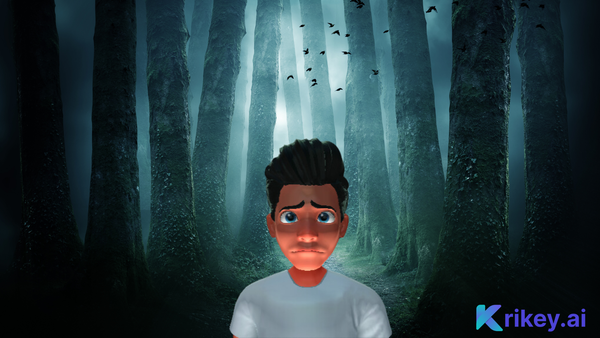
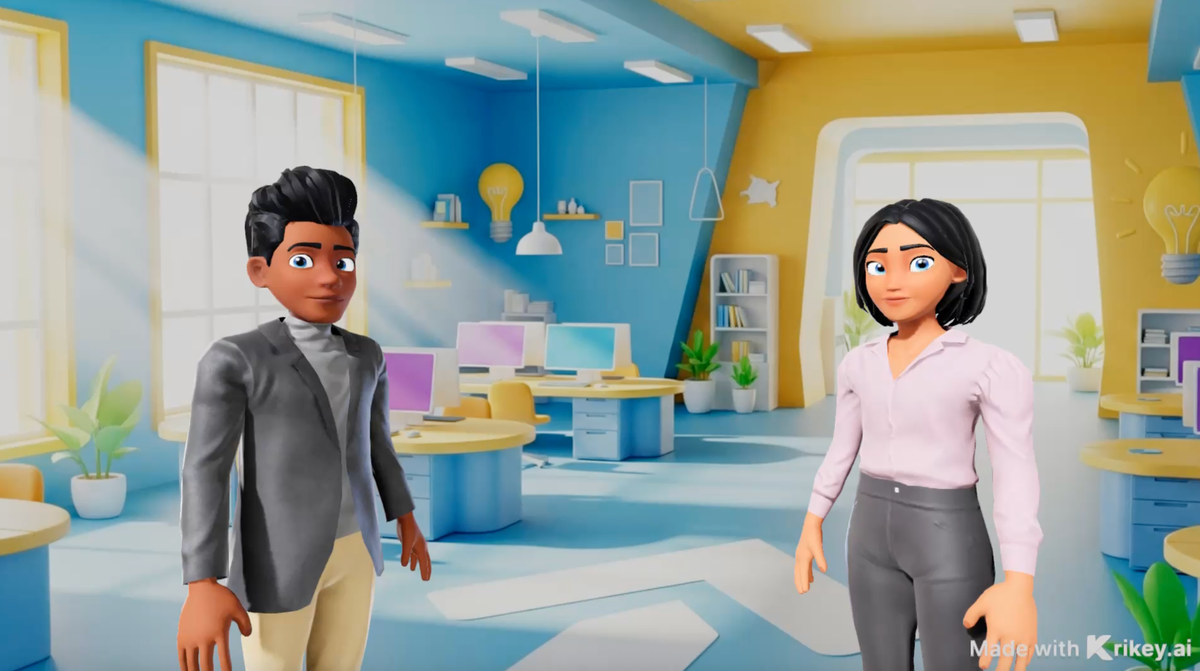
- Krikey AI: Allows you to create a Custom 3D Avatar (your "Digital Twin" or Brand Mascot). Your videos feature a consistent character that builds trust and brand recognition.
2. True Creative Control with AI Animation
- Pictory AI: Limited to editing text and swapping clips.
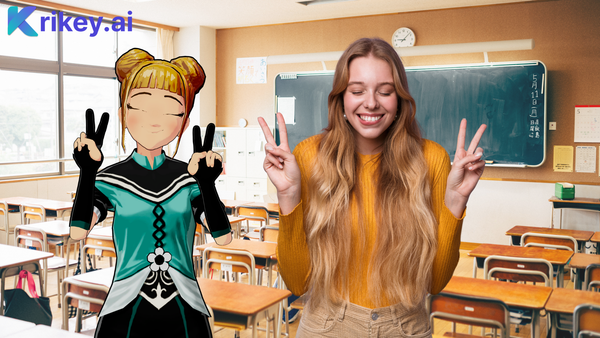
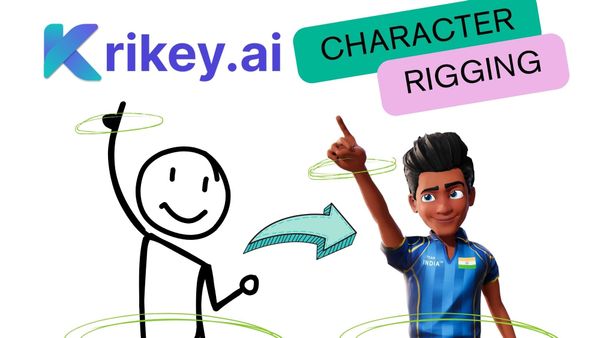
- Krikey AI: Features Text-to-Animation and Video-to-Animation (MoCap). You can literally perform a dance or a gesture in front of your webcam, and your 3D character will mimic it instantly.
3. Seamless Lip-Sync & AI Voiceovers
While both tools offer Text-to-Speech, Krikey’s AI specializes in automated lip-syncing. Your 3D characters don't just speak; their mouths move naturally with the audio in over 20 languages, making your content feel like a high-budget production. With Krikey AI, you can make any character talk or sing in seconds. Make your own cartoon music videos today.
How to Switch to Krikey AI in 3 Simple Steps
Making the transition from Pictory to Krikey is easy. You don't need to be an animator to create 3D masterpieces.
- Generate Your Character: Choose from our library or build a custom avatar using our Character Creator.
- Animate with AI: Use "Text to Animation" to describe a movement (e.g., "Jumping for joy") or upload a video of yourself to sync movements.
- Add Dialogue: Type your script, choose an AI voice, and let our auto-lip-sync tool do the rest.
Frequently Asked Questions (FAQs) about Pictory AI Alternatives
These are frequently asked questions about Pictory AI Alternatives.
Is Krikey AI a good alternative to Pictory for YouTube?
Yes! While Pictory is great for blog-to-video, Krikey AI is better for YouTube Shorts, TikTok, and Instagram Reels where unique, high-energy characters drive much higher engagement than generic stock footage.
How does Krikey AI pricing compare?
Krikey AI offers a robust free-to-start model. Unlike many Pictory plans that restrict features behind high paywalls, Krikey allows you to experiment with 3D characters and AI motion capture for free, ensuring you love the result before you subscribe.
Can I use Krikey AI for business presentations?
Absolutely. Krikey is the best Pictory alternative for corporate training and marketing because you can create a brand mascot that speaks directly to your audience, providing a level of professional consistency stock footage can't match.