
Krikey AI vs. Wonder Dynamics
Compare the differences between Wonder Dynamics and Krikey AI Animation. Learn about Wonder Dynamics AI and Wonder Studio by Wonder Dynamics and how it compares to Krikey AI Animation software.
Key Takeaways about Wonder Dynamics
- VFX Focused: Wonder Dynamics (now Autodesk Flow Studio) is primarily built for high-end VFX, focusing on replacing human actors in live-action footage with CG characters.
- Pipeline Dependent: It is designed for professional pipelines, often requiring external software like Blender, Maya, or Unreal Engine to finalize the environment and lighting.
- Complex Setup: While it automates tracking, it requires high-quality live-action video as a base, making it less ideal for creators who want to build animations from scratch without a camera crew.
What is Wonder Dynamics?
Wonder Dynamics is an AI-powered platform designed to automate the process of animating, lighting, and composing CG characters into live-action scenes. By analyzing video footage, it tracks the actor’s performance and maps it onto a 3D model, eliminating the need for traditional motion capture suits or complex rotoscoping. It is a powerful tool for indie filmmakers looking to achieve Hollywood-level visual effects on a budget.
Ways to use Krikey AI for creators looking for a Wonder Dynamics AI alternative
While Wonder Dynamics excels at VFX, Krikey AI Animation offers a more versatile, all-in-one creative suite. Instead of being limited to live-action replacement, Krikey allows you to generate entirely new 3D worlds, characters, and dialogue using simple text prompts or your webcam. It is the perfect alternative for creators who want full creative control without needing expensive video equipment or external 3D software.
Text-to-Animation Creativity beyond Wonder Studio by Wonder Dynamics
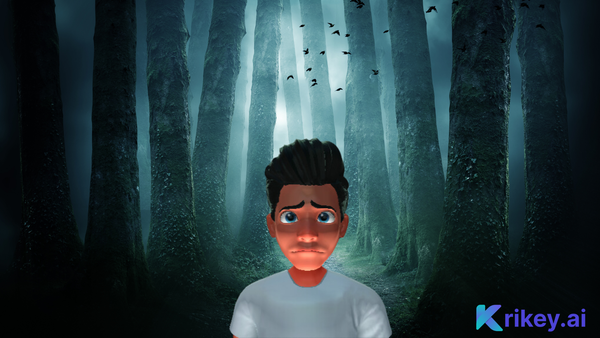
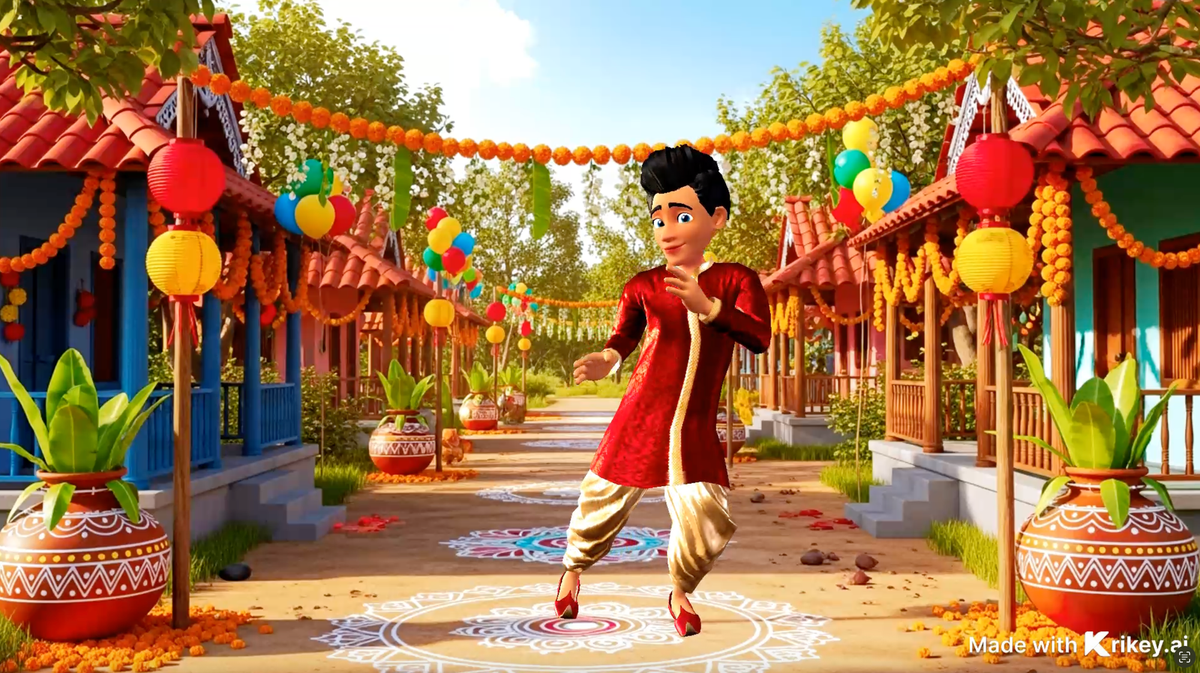
Unlike Wonder Dynamics, which requires you to film a scene first, Krikey AI lets you type a prompt like "rap music male vocals about national health day" and generates the entire 3D animation music video instantly - with lip sync and music.
In-Browser 3D Editing
Krikey AI provides a full-featured 3D editor directly in your browser. You can change camera angles, lighting, and backgrounds without needing to export your files to Maya or Blender.
AI Voice & Lip-Sync
Krikey integrates AI voice generation in over 20 languages. Your characters don't just move; they speak with perfectly synchronized lip movements—a feature not found in the core Wonder Dynamics workflow.
How to try AI Video to Animation tools with Krikey AI Animation (similar to Wonder Studio by Wonder Dynamics)
- Upload Your Video: Use Krikey’s AI Video-to-Animation tool to upload any footage of yourself or an actor.
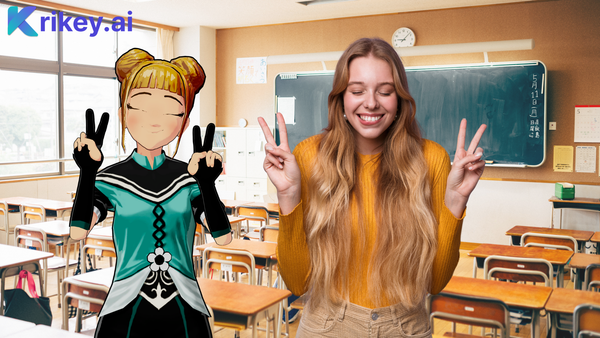
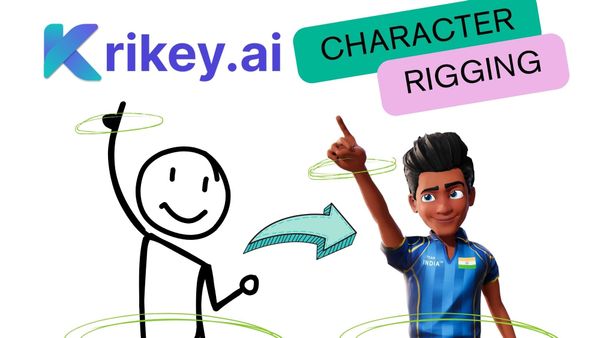
- Automatic Rigging: Krikey’s AI instantly extracts the motion data and applies it to your chosen 3D character.
- Refine and Export: Use the 3D editor to add facial expressions, choose a 3D background, and export as an MP4 or FBX file for social media or gaming.
Why Krikey AI Animation is perfect for creators as a Wonder Dynamics alternative
Krikey AI democratizes 3D animation by removing the "live-action" barrier. You don’t need a high-end camera or a film set to create professional-grade content. With a generous free tier and a massive library of customizable 3D avatars, Krikey provides a faster, more affordable path from idea to finished video. It is specifically designed for social media creators, educators, and marketers who need high-impact visuals in minutes, not days.
Final Thoughts on Wonder Dynamics AI
Wonder Dynamics is a fantastic tool for VFX artists, but for the modern creator, Krikey AI Animation is the superior choice. Krikey offers a complete ecosystem—from character creation and motion capture to AI voiceovers and 3D environment building—all within a single, user-friendly interface. If you want the freedom to create anything you can imagine without the constraints of live-action filming, Krikey is your ultimate solution.
Frequently Asked Questions (FAQs) about Wonder Dynamics
These are frequently asked questions about Wonder Dynamics.
Is Krikey AI easier to use than Wonder Dynamics?
Yes, Krikey is designed for beginners and creators, offering a browser-based editor that doesn't require filming or 3D software knowledge.
Can I export my animations to other software?
Yes, both tools allow for FBX exports, but Krikey also offers direct MP4 and GIF exports for immediate social media sharing.
Does Wonder Dynamics include voiceovers?
No, Wonder Dynamics focuses on visual performance. Krikey AI includes a built-in AI Voice generator with lip-syncing.
Which is more affordable for indie creators?
Krikey AI offers a robust free-to-start model and flexible credit passes, making it more accessible for individual creators.