
Animoto Alternatives: Why Krikey AI Is the Smarter Choice for Video Creation in 2025
Learn more about Animoto alternatives and explore how the Krikey AI Animation software compares with the Animoto Video Maker and Animoto pricing. See why creators choose Krikey AI as the top Animoto Alternative.
Looking for Animoto alternatives that go beyond basic slideshow videos? You're in the right place.
While Animoto Video Maker has served creators well for years with its template-based approach, the landscape of video creation has evolved dramatically. Today's content demands more than photo montages set to music—it requires animation, character-driven storytelling, and AI-powered creation tools that turn ideas into professional videos in minutes.
That's where Krikey AI comes in.
If you're researching Animoto reviews, hunting for an Animoto coupon, or testing the Animoto free trial only to realize you need more powerful features, this guide will show you why Krikey AI might be the upgrade you've been searching for.
Introducing Krikey AI: Animation-First Video Creation
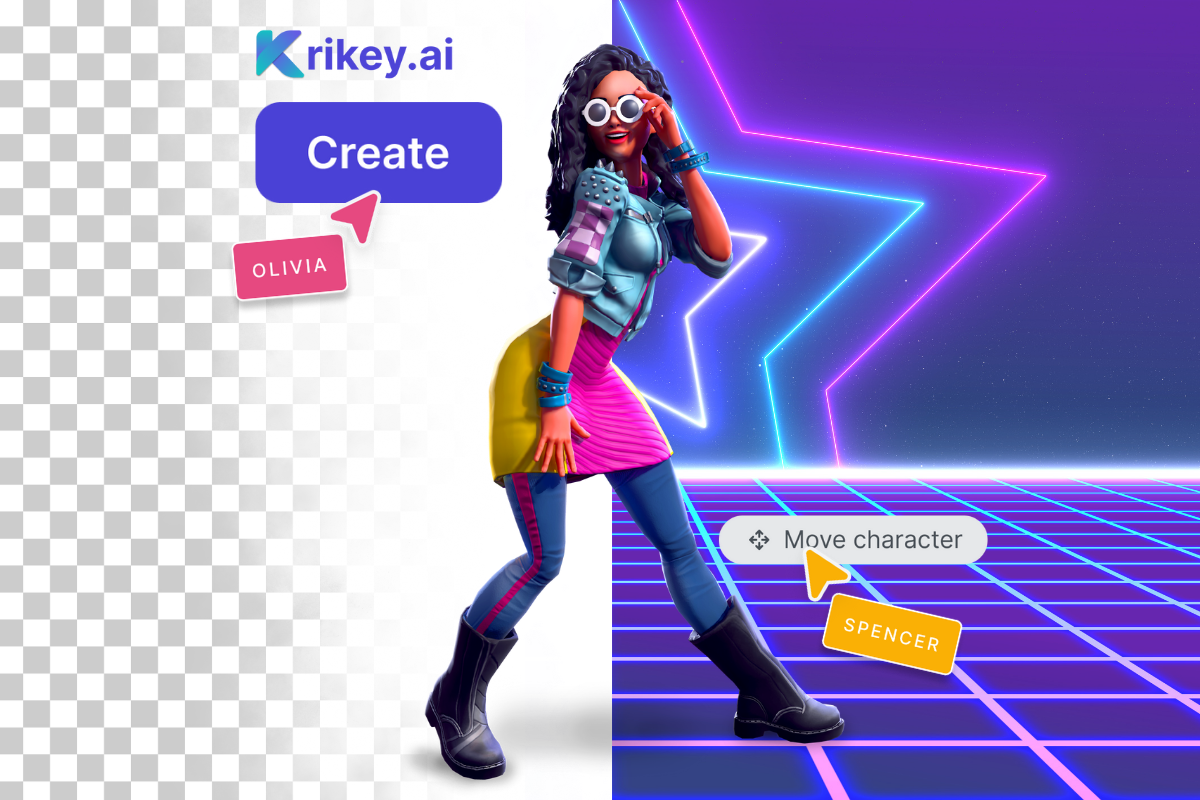
Krikey AI isn't just another Animoto alternative—it's a completely different approach to video creation. Instead of stitching together photos and stock footage, Krikey AI lets you create 3D animated content from scratch using AI-powered tools.
What makes Krikey AI different:
1. Character-Driven Storytelling
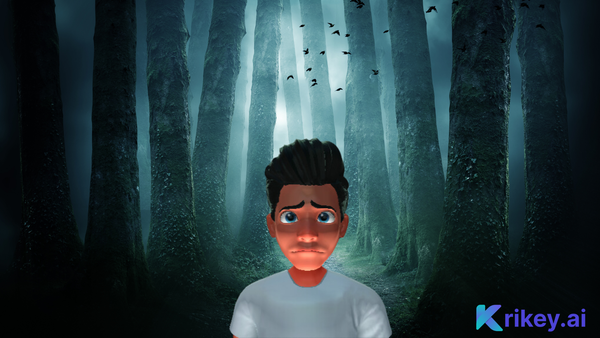
Rather than showing static images with transitions, create animated characters that move, speak, and express emotion. From professional avatars for corporate content to cartoon mascots for brand marketing, Krikey AI's Character Store offers options no slideshow tool can match.
2. AI Text-to-Animation
Type what you want your character to do, and AI generates the animation in seconds. No manual keyframing. No animation expertise required. Just describe the action and watch it come to life using AI Text to Animation.
3. AI Video to Animation Technology
Upload a video of yourself performing a movement—a dance, a gesture, a presentation stance—and Krikey AI applies that motion to your 3D character. It's Hollywood-level technology made accessible to everyone. You can also explore the large, free motion capture animation library.
4. Automatic Lip-Sync in 30+ Languages
Write dialogue, generate AI voice in any of 30+ languages, and watch your character's mouth movements sync perfectly. Create multilingual content without recording separate takes or hiring voice actors.
5. Custom Character Creation
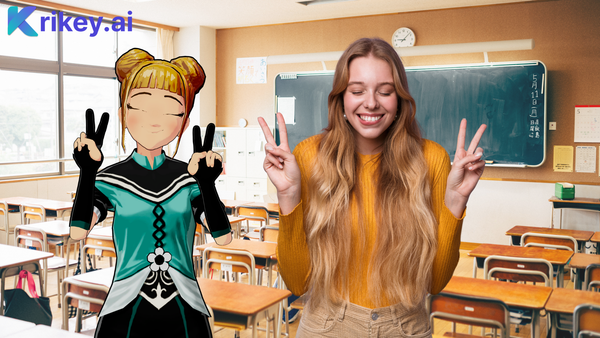
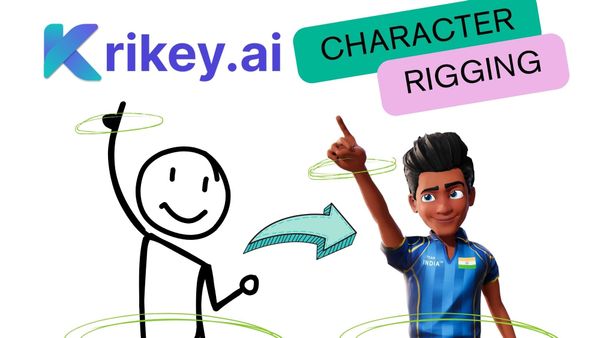
Upload your own 2D or 3D character designs, and Krikey AI automatically rigs them for animation. Your brand mascot, your original character, your creative vision—all animatable in minutes.
Animoto Alternative: When You Need More Than Slideshows
If you've been searching for "similar to Animoto" tools, you've probably encountered dozens of options that essentially replicate the same photo-to-video model. Here's why that might not be enough anymore:
The Problem with Template-Based Video Makers
Everyone uses the same templates. When you and your competitors all use Animoto Video Maker or similar tools, your marketing videos start looking identical. Template fatigue is real, and audiences notice.
Limited storytelling options. Slideshows work for some content—event recaps, photo montages, simple announcements—but they struggle with:
- Product demonstrations requiring 3D visualization
- Educational content needing character-led instruction
- Brand storytelling demanding unique mascots or spokespersons
- Social media content competing with animated TikToks and Reels
- Explainer videos simplifying complex concepts
Static doesn't stop the scroll. Social media algorithms favor dynamic, engaging content. Animated characters dancing, talking, and interacting consistently outperform static slideshow videos in engagement metrics.
Why Krikey AI Works When Slideshows Don't
Marketing videos: Instead of showing product photos with text overlays, create an animated brand mascot that demonstrates features, explains benefits, and builds emotional connection. Your character becomes recognizable across all content, building brand equity slideshow tools can't match.
Educational content: Replace boring text-on-screen instruction with an animated cartoon teacher character that makes learning engaging. Students retain information better when delivered by personalities rather than static images.
Social media content: Create scroll-stopping animations that stand out in feeds dominated by amateur videos and professional ads. Animated content gets shared more frequently than photo slideshows.
Corporate communications: Transform dry internal announcements into engaging explainer videos featuring animated avatars delivering news with personality. Employee engagement increases when content is entertaining, not just informative.
Multilingual campaigns: With automatic translation and lip-syncing in 30+ languages, create one video and deploy globally. Animoto Video Editor requires separate projects for each language; Krikey AI handles it with one click.
Feature-by-Feature Comparison: Animoto vs. Krikey AI
| Feature | Animoto Video Maker | Krikey AI |
|---|---|---|
| Content Type | Photo/video slideshows | 3D animated characters and scenes |
| Customization | Template-based with limited tweaking | Full creative control, unlimited customization |
| Character Creation | Not available | Extensive library + custom uploads |
| AI Tools | Basic text-to-slideshow | AI text-to-animation, motion capture, voice generation |
| Lip-Sync | Not available | Automatic in 30+ languages |
| Animation Capability | Transitions and basic effects only | Full 3D character animation |
| Voice/Audio | Music library + your uploads | AI voice generation + custom uploads + lip-sync |
| Brand Differentiation | Limited (template-based) | High (custom characters and animations) |
| Learning Curve | Very easy | Easy (AI assists with complexity) |
| Best For | Quick photo montages, event recaps | Brand storytelling, marketing, education, social content |
| Pricing | Subscription-based | Free trial available, competitive plans |
Who Should I Choose Krikey AI Over Animoto?
You're a Content Creator
If you're building a personal brand on YouTube, TikTok, or Instagram, animated characters give you a consistent visual identity that sets you apart. Create a mascot Vtuber, animate it consistently, and build recognition impossible with generic slideshow videos.
You're a Marketer
When competitors use Animoto Video Maker for product videos, you can use Krikey AI to create animated brand mascots that demonstrate products, explain value propositions, and build emotional connections with audiences. Differentiation wins in crowded markets.
You're an Educator
Slideshows bore students. Animated teacher characters delivering lessons with personality, humor, and clear visuals keep attention and improve retention. Whether you're creating online courses or classroom content, animation engages where static images fail.
You're a Small Business Owner
Limited budget doesn't mean limited creativity. While Animoto discounts and Animoto coupons make photo slideshows affordable, Krikey AI offers even more value by enabling unique content that doesn't look like every other small business video. Stand out, don't blend in.
You're Building a Brand
Brands need mascots, characters, and visual identities that transcend products. Create an animated spokesperson that appears across all content—social posts, website videos, email campaigns, presentations—building recognition and emotional connection slideshow tools can't achieve.
You Need Multilingual Content
Expanding globally with Animoto Video Editor means recreating projects for each language. Krikey AI's automatic translation and lip-syncing lets you create once and deploy in 30+ languages instantly. Massive time and cost savings.
Pricing: How Krikey AI Compares to Animoto
While many search for an Animoto coupon or Animoto discounts to reduce costs, it's worth considering whether you're getting the right tool at any price.
Animoto pricing typically ranges from $16-$49/month depending on features and export quality, with an Animoto trial available for testing.
Krikey AI pricing is competitive with Animoto, at only $15/month for the Pro Plan, while offering significantly more powerful features. A free tier lets you explore capabilities before committing, and paid plans provide unlimited animation creation, commercial licensing, and advanced features that would require multiple tools if you stuck with traditional video makers.
The value question isn't just cost—it's capability. If Animoto Video Maker creates slideshow videos for $20/month and Krikey AI creates 3D animated content with AI-powered tools for $15/month, which delivers more value for your creative goals?
Making the Switch: What to Expect
The Learning Curve
Animoto: Extremely simple. Upload photos, pick template, add music, export. Minimal learning required.
Krikey AI: Slightly more complex due to expanded capabilities, but AI assistance simplifies animation creation. Most users create their first animated video within 10 minutes, using the text prompt tool for quick and easy video creation.
The honest truth: If you only need photo slideshows and nothing more, Animoto's simplicity might suffice. But if you're ready to create content that stands out, the small learning investment in Krikey AI pays dividends in creative output.
The Creative Upgrade
Switching from Animoto to Krikey AI feels like upgrading from a flip phone to a smartphone. Yes, both make calls, but one opens entirely new possibilities you didn't realize you needed.
What you gain:
- Creative differentiation (your content looks unique, not template-based)
- Animated characters building brand recognition
- AI-powered creation speed (idea to video in minutes)
- Multilingual capability without additional work
- Content that performs better on social platforms
- Professional-looking animation without professional costs
What you sacrifice:
- The ultra-simplicity of pure drag-and-drop templates
- Familiarity with Animoto's specific interface
- Stock photo library integration (though Krikey offers alternatives)
For most creators, marketers, and businesses, that trade-off heavily favors Krikey AI's expanded capabilities.
Real Use Cases: Where Krikey AI Outperforms Animoto Alternatives
Use Case 1: Restaurant Marketing
Animoto approach: Slideshow of food photos with text describing menu items.
Krikey AI approach: Animated chef character (maybe a cartoon tomato or a professional avatar) walking through menu highlights, explaining dishes with personality, speaking multiple languages for diverse audiences. Character becomes recognizable brand mascot appearing in all marketing.
Result: Higher engagement, better brand recall, content that differentiates from every other restaurant's photo slideshow.
Use Case 2: Online Course Creation
Animoto approach: Static slides with text explaining concepts, occasional stock footage.
Krikey AI approach: Animated instructor character delivering lessons with facial expressions, gestures, and personality. Complex concepts visualized through character demonstrations. Dialogue automatically translated for global students.
Result: Higher completion rates, better student satisfaction, professional-looking content rivaling expensive production.
Use Case 3: Social Media Content
Animoto approach: Photo carousel with transitions and music, similar to hundreds of other posts in feed.
Krikey AI approach: Animated brand mascot dancing, talking, interacting with products or delivering messages. Content stands out in scroll, gets shared more frequently, builds consistent brand recognition.
Result: Higher engagement rates, increased shareability, differentiation from competitors.
Use Case 4: Corporate Communications
Animoto approach: Text slides announcing policy changes or company news, maybe with stock office photos.
Krikey AI approach: Animated avatar delivering announcements with appropriate tone and emotion. Character can represent leadership, HR, or a friendly company mascot making dry information more engaging.
Result: Employees actually watch internal videos, retention of information improves, company culture feels more innovative.
Animoto Reviews vs. Krikey AI User Experience
When reading Animoto reviews, common themes emerge:
- ✅ "Easy to use for basic videos"
- ✅ "Good template selection"
- ⚠️ "Limited customization options"
- ⚠️ "Videos look similar to competitors'"
- ⚠️ "Need more advanced features for professional work"
Krikey AI addresses these limitations while maintaining accessibility. Users consistently highlight:
- ✅ "Creates content that actually stands out"
- ✅ "AI features make animation approachable"
- ✅ "Character library offers endless creative options"
- ✅ "Multilingual capability is game-changing"
- ✅ "Professional results without professional costs"
Getting Started: Your Animoto Alternative Awaits
Ready to move beyond slideshow videos? Here's how to start with Krikey AI:
Step 1: Explore the Free Tier Like the Animoto free trial, Krikey AI offers free access to test features before committing. Create your first animated video, experiment with characters, and see if the platform matches your creative needs.
Step 2: Define Your Use Case What do you want to create? Brand mascot videos? Educational content? Social media animations? Krikey AI's versatility means one platform handles multiple content types, but starting with a clear goal helps you learn relevant features first.
Step 3: Choose or Create Your Character Browse Krikey AI's extensive character store or upload your own custom design. This character becomes your content's consistent face, building recognition across all videos.
Step 4: Create Your First Animation Use AI text-to-animation to describe what you want, select from motion capture animations, or upload your own video to apply movement to your character. Add dialogue with automatic lip-sync, customize backgrounds, and export.
Step 5: Iterate and Improve Like any tool, mastery comes with practice. Start simple, explore features gradually, and watch your content evolve from basic animations to sophisticated brand storytelling.
The Bottom Line: Why Krikey AI Is the Animoto Alternative You've Been Searching For
Choose Animoto Video Maker if:
- You only need simple photo slideshows
- Creativity and differentiation aren't priorities
- You're comfortable with template-based content
- Animation and character creation don't interest you
Choose Krikey AI if:
- You want content that stands out from competitors
- Animation and character-driven storytelling appeal to you
- You need multilingual content capabilities
- You're building a brand requiring consistent visual identity
- You want AI-powered tools making professional animation accessible
- You're ready to create content audiences actually remember
The search for alternatives to Animoto often stems from realizing slideshow videos have limitations. You need more creativity, more differentiation, more engagement.
Krikey AI isn't just an Animoto alternative—it's the evolution beyond slideshow video makers entirely.
Ready to animate your ideas? Try Krikey AI free today and discover what happens when you move beyond templates and into true creative animation.
No credit card required. No commitment. Just pure creative possibility.