
Steve AI Alternatives: Pricing & Feature Comparison Guide (2026 Update)
Explore Steve AI Alternatives and Steve AI pricing compared to Krikey AI. Discover why Krikey AI stands out as the best Steve AI Alternative for animated cartoon videos.

Key Takeaways about Steve AI Alternatives
- From Stock Media to True 3D Animation: While Steve AI primarily assembles videos using stock footage and basic text overlays, Krikey AI is a full-scale 3D animation engine. It allows you to move beyond templated stock clips to create custom characters, fluid 3D motions, and immersive virtual environments.
- Next-Gen AI Motion Tools: Krikey AI offers advanced features that Steve AI lacks, such as AI Video-to-Animation (markerless motion capture) and AI Text-to-3D Animation. These tools allow creators to generate unique character movements from a simple video or text prompt rather than relying on a library of pre-set, static assets.
- Greater Value and Customization: Although both platforms offer tiered pricing, Krikey AI provides a more robust Custom Character Creator and a generous free tier. Creators who need granular control over facial expressions, hand gestures, and cinematic camera angles - features essential for professional-grade storytelling will find everything they need with Krikey AI.
What is a Steve AI Alternative?
If you're searching for a Steve AI alternative, you're probably looking for text-to-video functionality. You might have a script on-hand that you'd like to turn into video content as quickly as possible. But you felt limited by Steve AI's limitations around stock media and lack of full creative control. That's where Krikey AI enters the chat. For true 3D animation, creators turn to Krikey AI for nuanced storytelling.
In the rapidly evolving world of AI-powered video creation, Steve AI has emerged as a popular tool for generating videos from text or audio, primarily utilizing stock media and animated text. It aims to simplify video production for various needs, from marketing to social media. However, as creators seek more dynamic, custom, and truly animated content, many are exploring Steve AI Alternatives that offer greater creative control, deeper animation capabilities, and enhanced user-friendliness for beginners.
This article provides an in-depth Steve AI review, comparing its features and pricing against Krikey AI. Discover why Krikey AI stands out as the superior choice, empowering you to create stunning, unique animated videos with unparalleled ease and powerful AI tools.
Why Choose Krikey AI Over Steve AI?
While Steve AI offers a quick solution for generating videos, creators often find its output limited in terms of genuine animation, character expressiveness, and overall creative flexibility. Krikey AI steps in as a robust alternative, designed to empower users with true animation capabilities, customizable 3D characters, and advanced AI features that transform text and ideas into engaging, fully animated stories.
Understanding Steve AI: A Brief Review
Steve AI is primarily known for its ability to convert scripts or audio into videos using AI. Its typical workflow involves selecting a template, inputting text, and then having the AI assemble a video using stock footage, images, and basic animations. For users primarily focused on quick explainer videos with pre-made assets, Steve AI can be a convenient option. However, for those looking to create unique characters, custom actions, and more intricate animated scenes, its capabilities often feel restrictive. A common point in any Steve AI review is its reliance on stock media and a somewhat templated approach to animation, which can limit originality.
User-Friendliness: Krikey AI vs. Steve AI for Beginners
When evaluating how user-friendly is Steve AI for beginners, it's clear Steve AI aims for simplicity in its core function: text-to-video with stock assets. However, this simplicity often comes at the cost of creative control over animation specifics. For beginners who want to create true animated characters and scenarios, Krikey AI offers a more intuitive and empowering experience.
Best Steve AI Alternative: Krikey AI vs. Steve AI for Video Creation
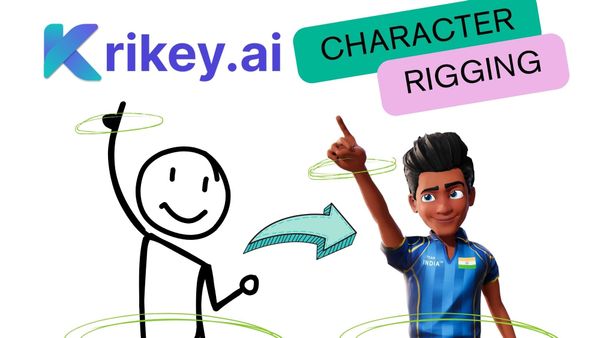
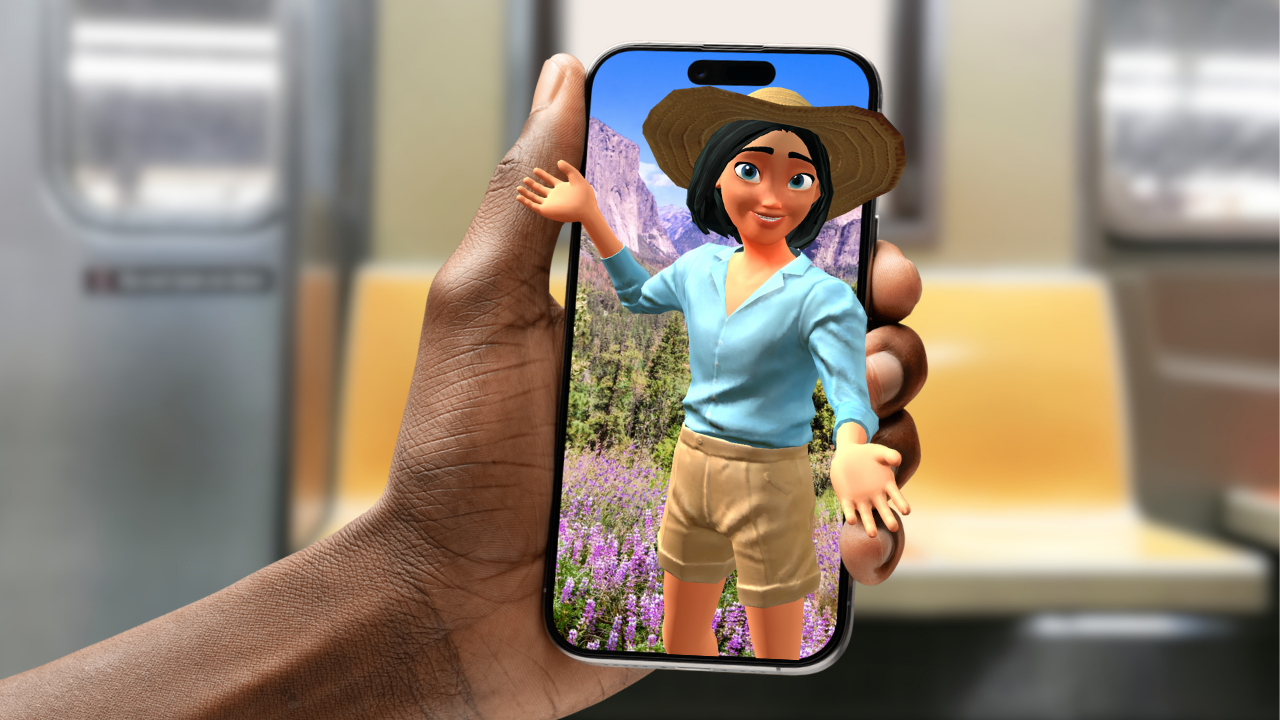
Krikey AI simplifies complex animation processes, like 3D character rigging and motion capture, into easy-to-use AI tools accessible right in your browser. This means even a complete beginner can generate unique character animations, dialogues, and scenes without needing prior design or animation expertise, providing a far more dynamic and less restrictive creative canvas than Steve AI.
Pricing Comparison: Krikey AI vs. Steve AI Pricing
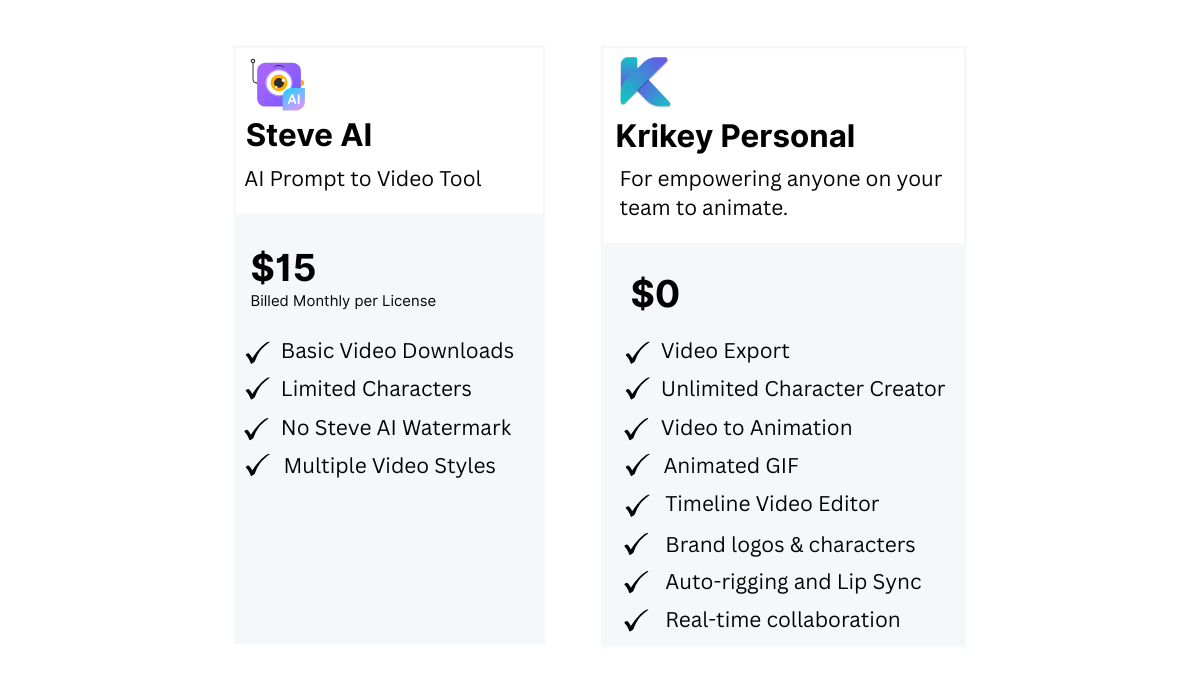
Understanding Steve AI pricing is crucial for comparison. Steve AI typically offers tiered subscription plans (Basic, Starter, Pro, Enterprise), with costs varying based on video minutes, quality (SD/HD/4K), number of downloads, and access to premium features or stock media. For instance, basic plans might start around $20-$30/month for limited features, escalating for higher quality and longer videos.
Krikey AI provides a highly competitive and flexible pricing model:
- Free Plan: Krikey AI offers a generous free plan that includes access to fundamental AI tools for character creation, AI Text to Speech, and basic animation. This allows beginners to experiment and create without any upfront cost.
- Standard & Pro Plans: Krikey AI's paid plans typically start at a similar or slightly lower price point than Steve AI's comparable tiers, but often include significantly more credits and advanced AI features for true animation (e.g., AI Text to 3D Animation, AI Video to Animation, full 3D character customization, and video, transparent GIF, image and FBX export).
- Value: When comparing Steve AI pricing to Krikey AI, Krikey often provides greater value for creators specifically interested in custom character animation, 3D environments, and advanced AI-driven motion, rather than just stock video assembly.
AI Capabilities: Beyond Simple Text-to-Video
While Steve AI uses AI to automate video creation from text, its AI capabilities primarily focus on script generation and media assembly. Krikey AI takes AI animation to the next level:
- AI Text-to-3D Animation: Generate unique character actions based on simple text prompts.
- AI Video-to-Animation (Markerless Motion Capture): Transform your own video recordings into 3D character movements with unprecedented ease—no expensive gear required.
- AI Text-to-Speech & Lip-Sync: Create realistic voiceovers in multiple languages with automatic lip-sync, making characters truly speak.
- AI Text-to-Music: Generate custom background music tailored to your video's mood.
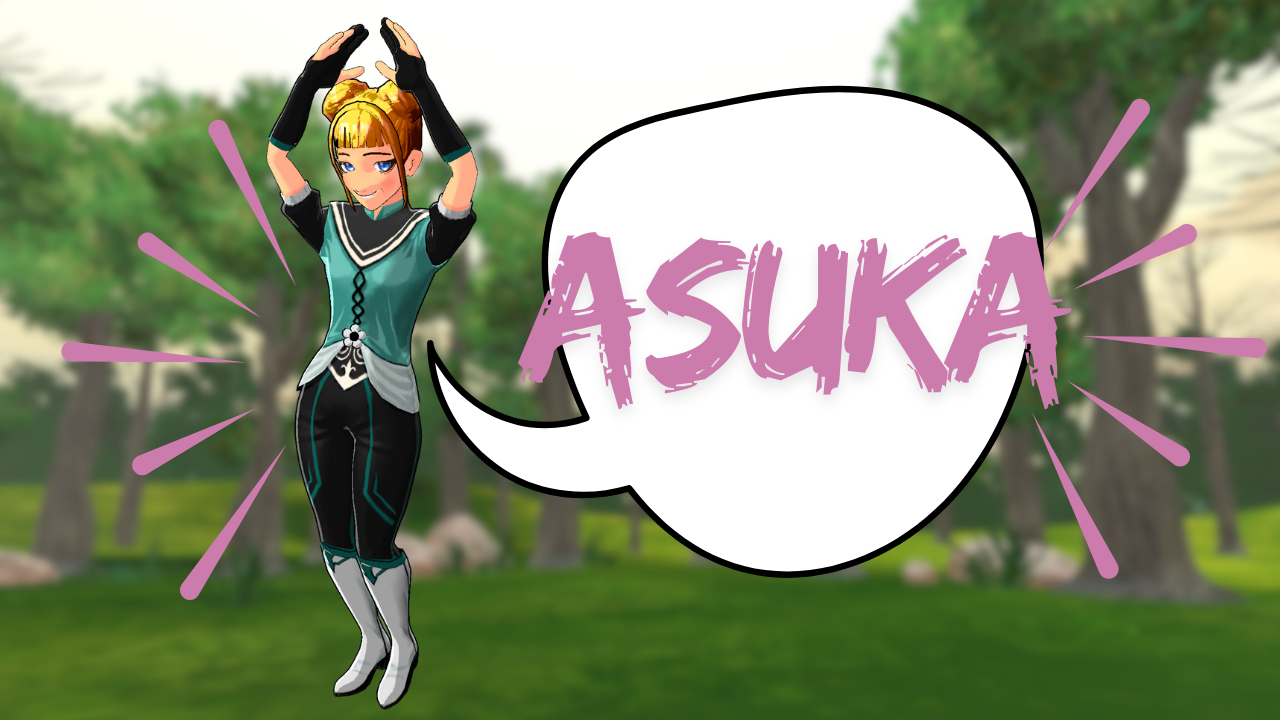
- Custom Character Creator: Build unique 3D avatars from scratch or customize existing ones, offering far more personalization than Steve AI's pre-defined characters.
These advanced AI features in Krikey AI enable a level of dynamic, customizable animation that goes significantly beyond Steve AI's automated selection of stock elements, which is a key differentiator in any comprehensive Steve AI review.
Creative Control & Animation Depth
Steve AI excels at speed for basic videos, but for creators who want granular control over their narrative and visual style, Krikey AI offers superior depth. With Krikey, you have:
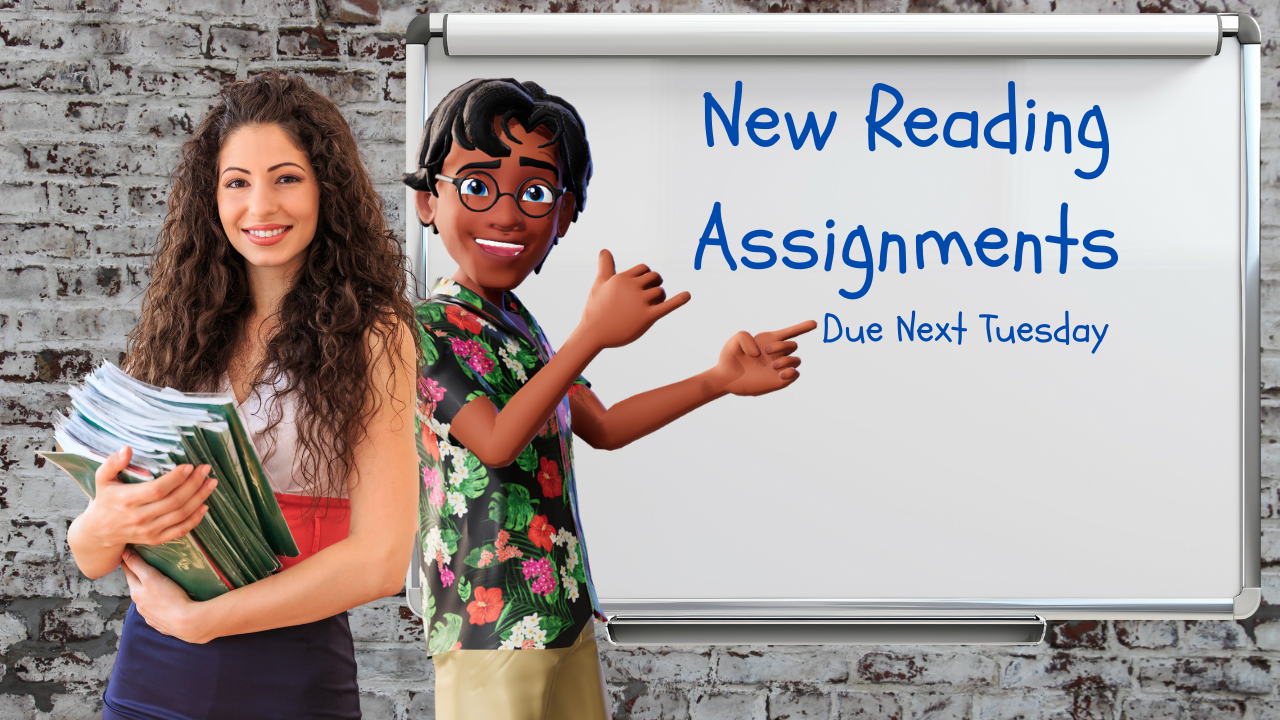
- Full 3D Environment Control: Choose from a variety of video backgrounds and adjust camera angles to achieve cinematic storytelling.
- Character Expression & Gestures: Fine-tune facial expressions and hand gestures to convey nuanced emotions.
- True Animation Editor: Directly edit animation timelines, adjust pacing, and combine various AI-generated or pre-set motions. You can even use the Krikey AI collaborative video editing tool to edit with your team.
- Versatility: Seamlessly switch between 2D and 3D elements, allowing for richer storytelling possibilities.
This level of creative control ensures your final video is not just generated, but truly crafted according to your unique vision.
How to use Steve AI Alternative, Krikey AI
Ready to experience a truly innovative approach to animated video creation? Getting started with Krikey AI is simple and fast:
- Visit Krikey AI: Head to Krikey.ai and sign up for your free account.
- Pick Your Character: Choose from our library or create your own custom 3D avatar.
- Animate with AI: Type your video idea into the text prompt box, customize animations from our library, or upload a video for AI motion capture.
- Customize Your Scene: Add backgrounds, adjust camera angles, and refine expressions.
- Export & Share: Download your high-quality animated video in MP4, GIF, or FBX format, ready for any platform.
Final Thoughts on Choosing Krikey AI as a Steve AI Alternative
When evaluating Steve AI Alternatives, Krikey AI consistently emerges as a powerful, user-friendly, and versatile solution for creating dynamic animated videos. While Steve AI offers quick text-to-video generation with stock media, Krikey AI empowers creators with AI animation, customizable 3D characters, AI tools for motion and voice, and a significantly deeper level of creative control.
For beginners wondering how user-friendly is Steve AI for beginners versus Krikey AI, Krikey provides a more intuitive pathway to complex animation. Considering Steve AI pricing, Krikey AI often delivers superior value for users seeking genuine animation capabilities. Choose Krikey AI to unlock your full creative potential and produce truly impactful animated content faster and smarter.
Frequently Asked Questions (FAQs) about Steve AI Alternatives
These are frequently asked questions about Steve AI Alternatives
What is the best Steve AI Alternative?
Krikey AI is the best Steve AI Alternative for anyone looking for full creative control, 3D worlds, 3D character animations, and a full suite of export formats for any social platform.
What is Steve AI?
Steve AI is an AI-powered video creation platform designed to transform text, blog posts, and audio into professional videos in minutes. Developed by the team behind Animaker, it focuses on automated media assembly. Instead of manual editing, you provide a script, and the AI automatically selects relevant stock footage, animated characters, and music to build a complete draft.
How to use Steve AI?
The workflow is designed to be beginner-friendly and follows four main steps: choose your input, select video type, AI generate your scene, and export.
Is Steve AI Free?
Steve AI follows a freemium model as of 2026: it offers a free tier with limited exports and watermarking, and a paid monthly subscription plan.