
How to Use AI Video Generators
Create stunning content with Krikey AI’s video generators. Transform text to 3D animation, use AI voiceovers, and customize avatars in minutes. Try a free demo today!
Introduction to AI Video Generators
AI video generators are revolutionizing content creation by automating the production process, making it faster, more accessible, and cost-effective. These tools harness artificial intelligence to create professional-quality videos from simple inputs like text or images, eliminating the need for extensive technical expertise. Businesses, educators, and creators alike are using Krikey AI video generator to produce engaging content for marketing, training, education, and entertainment.
Key Takeaways about AI Video Generators
- Professional Quality with Zero Technical Friction: The tool democratizes high-end animation by allowing users to generate professional-grade 3D videos from simple inputs like text or images. Anyone from small business owners to educators can bypass the traditional weeks-long production process and create polished content in minutes.
- Advanced AI Customization & Localization: Krikey AI offers a deep suite of creative controls, including fully customizable 3D characters, visually stunning environments, and realistic hand gestures. Crucially, it supports AI voice dialogue in over 20 languages, making it an essential tool for brands looking to scale their marketing or training efforts globally without the cost of international voice talent.
- Innovative "Video-to-Animation" Technology: One of the standout technical features is the ability to transform real-world video into 3D character animation. Users can upload a video of themselves (for example, a dance or a specific gesture), and the AI will extract that motion and apply it to a custom 3D character, offering a level of personalization and engagement that standard templates cannot match.
What Is an AI Video Generator?
A professional AI video generator is the ultimate creative tool, transforming simple text prompts and images into cinematic 3D animation without the need for a Hollywood budget. Krikey AI stands out as the best platform on the market, offering a high-performance, browser-based suite where anyone can generate customizable 3D characters, realistic lip-syncing, and AI voiceovers in over 20 languages in just minutes. By automating complex visual effects and dialogue synchronization, this video AI platform empowers creators to build immersive stories with "main character energy," featuring everything from unique hairstyles to expressive hand gestures. Whether you’re scaling a brand or leveling up your social feed, you can try a free demo today to experience why Krikey is the premier choice for text-to-speech tools, automated subtitles, and professional audio styles—all engineered to turn your wildest ideas into shareable, high-retention video content instantly.
Benefits of Using Free AI Video Generators
AI video generators offer numerous advantages that transform the way content is created.
Efficiency and Speed
Krikey AI’s video generator drastically reduces the time required to produce videos. Traditional video creation involves scripting, shooting, and post-production, often taking weeks or months. With AI tools, videos can be generated within minutes, enabling rapid content delivery.
Cost-Effectiveness
Producing high-quality videos traditionally requires significant investment in equipment, software, and professional services. Krikey AI eliminates these costs by offering an all-in-one solution for video generation, making professional-grade videos accessible to businesses, teams and individuals on a budget.
Accessibility
With a user-friendly interface and intuitive tools, Krikey AI allows even non-technical users to create videos effortlessly. Whether you’re a small business owner or an educator, you can produce stunning content without prior experience in video production.
Customization ideas
The Krikey AI video generator provides extensive customization options. Users can personalize animations, voiceovers, and templates to align with their branding and audience preferences.
Scalability
For businesses and educators requiring multiple videos, Krikey AI video generator can produce content at scale without compromising quality. This is particularly useful for large marketing campaigns or e-learning modules.
Top Features of Krikey AI Video Generator
Krikey AI’s video generator stands out with advanced features tailored to modern content creation needs.
Video to Animation Conversion
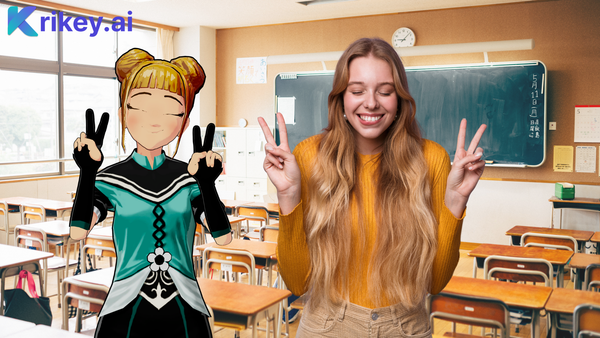
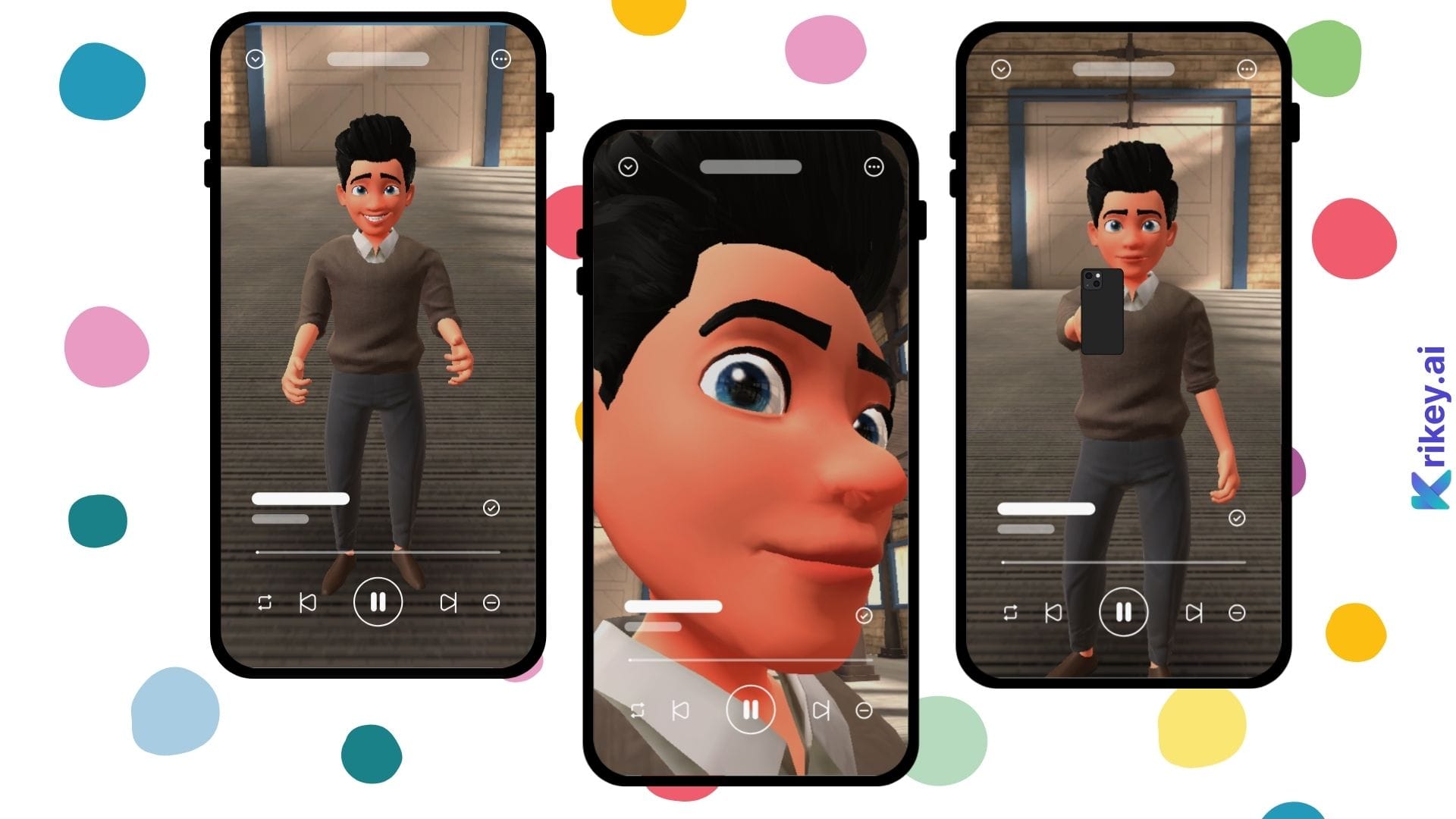
Level up your storytelling by transforming real-world movement into 3D character animations instantly. Krikey AI can take a video of you dancing or performing a specific gesture, extract the unique motion, and apply it to your custom 3D character—allowing you to create hyper-personalized animated cartoons without manual keyframing.
Image and Video Integration
Effortlessly blend your existing brand assets into your 3D scenes. Krikey AI allows you to integrate your own images or footage as backgrounds and textures, ensuring smooth transitions and a cohesive, professional look that keeps your 3D animations perfectly on-brand.
Voiceover Capabilities
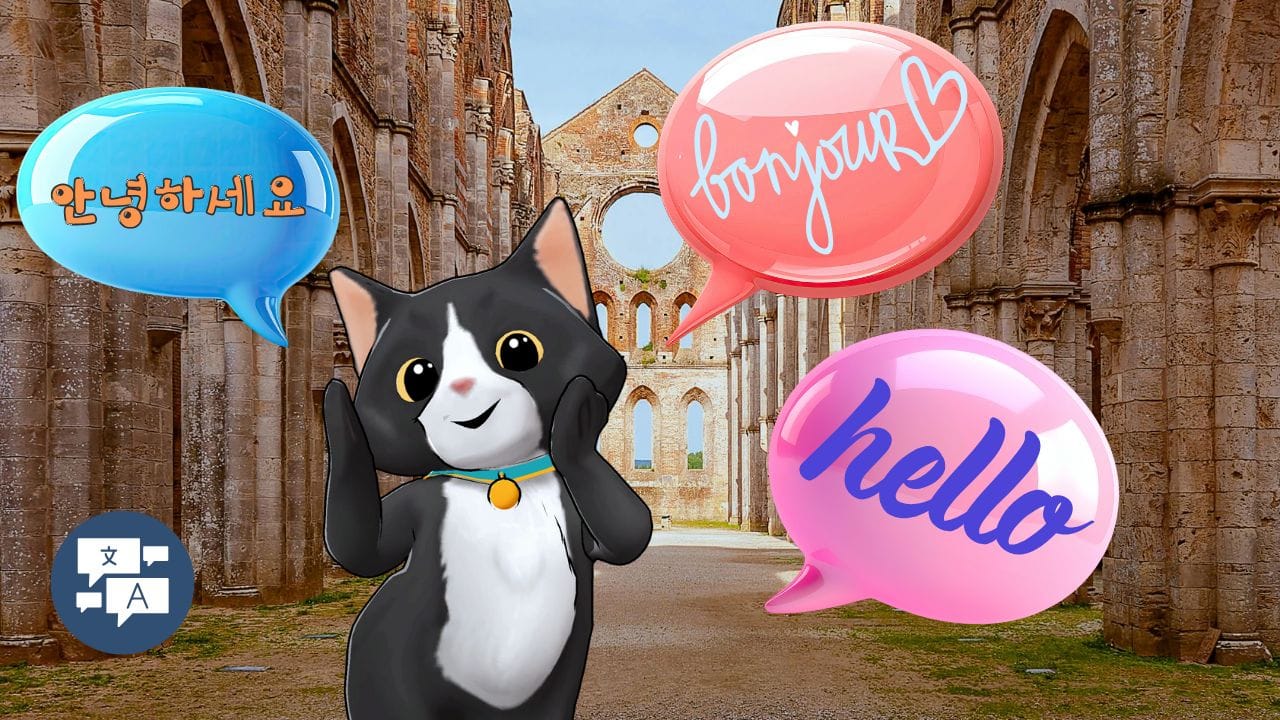
Give your characters a voice with professional AI text-to-speech tools that support over 20 languages. Simply type your script to generate high-quality audio that the AI automatically lip-syncs to your character, or upload your own voice recording to add a personal, human touch to your 3D greetings and invitations.
Real-Time Editing and Previews
Experience total creative flow with a browser-based editor that lets you see changes as they happen. You can tweak camera angles, swap backgrounds, or adjust character poses and watch the scene update instantly in high fidelity. This eliminates the "render-and-wait" frustration of traditional software, allowing you to perfect your 3D animation through rapid, real-time iteration before you ever hit export.
On-Demand Custom Video Templates
Instead of starting from a blank canvas, you can describe your vision to the AI and receive a fully editable 3D template tailored to your specific story. The AI acts as your digital director, instantly building a custom starting point with suggested scripts and movements that you can refine to match your exact vision in minutes.
Custom Animation Options
Take full control of your character’s performance with a massive library of 3D motions and expressive gestures. Whether you need a "Naruto run" for an anime-style invite or a professional handshake for a business greeting, you can mix, match, and layer animations to create a truly unique performance. These custom options ensure that your characters don't just move—they emote and react exactly how you imagined.
To help you maintain a consistent brand voice while maximizing SEO for the keyword AI video generators, here is the refined section. Each point emphasizes the unique value of Krikey AI as the industry-leading solution.
How to Choose the Best AI Video Generators
Selecting the right AI video generators depends on your specific creative goals and workflow requirements. To ensure you’re using the most powerful tools available, here is what to consider when evaluating your options:
Understand Your Project Requirements:
Determine whether you need high-impact visuals for marketing, immersive training modules, or viral social media content. Krikey AI stands out among AI video generators by offering versatile, 3D-first features that cater to a wide range of professional and creative applications.
Evaluate Usability and Workflow:
Opt for a platform with an intuitive interface, especially if you have limited experience with 3D animation. Krikey AI is widely considered the best of the AI video generators for its user-friendly design, making it easy for beginners and professionals alike to go from script to screen in minutes.
Assess Customization and Branding:
Choose a generator that allows for deep personalization rather than generic templates. Krikey AI offers more flexibility than most AI video generators, ensuring your characters, environments, and motions reflect your unique brand identity perfectly.
Consider Output Quality and Resolution:
High-quality visuals and clear audio are critical for audience engagement. While many AI video generators limit your resolution, Krikey AI delivers professional HD and 4K export options to ensure your results look stunning on any screen.
Check Support and Learning Resources:
Reliable customer support and comprehensive guides are essential for mastering new technology. Krikey AI provides extensive tutorials and dedicated support, setting it apart from other AI video generators by ensuring you have the tools to succeed at every step.
Applications of Krikey AI Video Generator
Krikey AI’s versatility makes it suitable for a wide range of use cases:
Marketing Campaigns
Businesses can use Krikey AI to create promotional videos that explain products, services, or brand values. For example, a retail company can generate a video showcasing its new collection, complete with dynamic animations and voiceovers.
Social Media Content
Social media thrives on visual engagement. With Krikey AI, creators can produce eye-catching videos tailored to platforms like Instagram, TikTok, and YouTube, helping boost engagement and reach.
Educational Videos
Educators can develop interactive lesson plans or e-learning modules using Krikey AI’s features. For instance, a teacher could create a video explaining scientific concepts with visuals and animations to enhance comprehension.
Training and Onboarding
HR departments can streamline employee onboarding with training videos that explain company policies, workflows, and tools. Krikey AI enables rapid creation of these resources, saving time and ensuring consistency.
Event Announcements
Krikey AI can help generate videos for event promotions, such as webinars, product launches, or conferences, providing visually appealing content that grabs attention.
Future of AI in Video Production
The integration of AI in video production continues to evolve, bringing exciting possibilities for creators:
- Real-Time Personalization: Future advancements may allow AI to create videos tailored to individual viewers based on their preferences and behavior.
- Improved Natural Language Processing: Voiceovers will become even more human-like, enhancing relatability and engagement.
- Interactive Videos: AI could enable viewers to interact with video elements, making content more immersive and engaging.
- AR/VR Integration: Augmented and virtual reality features may further elevate video experiences, opening new creative opportunities.
Krikey AI remains at the forefront of these innovations, ensuring users have access to cutting-edge tools to stay ahead in content creation.
Final Thoughts on AI Video Generators
AI video generators offered by Krikey AI are transforming the way videos are created, making them faster, more accessible, and highly customizable. Whether you’re a business looking to engage customers, an educator enhancing lesson plans, or a content creator seeking to captivate audiences, Krikey AI offers the tools you need to succeed. Embrace the power of AI video generation to elevate your storytelling and communicate your message with ease.
How to Make Content Using AI Video Generators with Krikey AI Animation
Step One: Start with a Custom 3D Avatar:
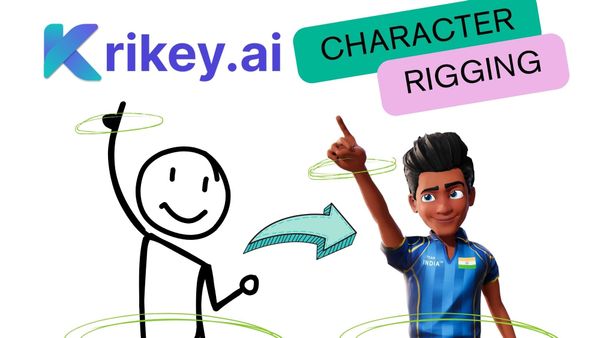
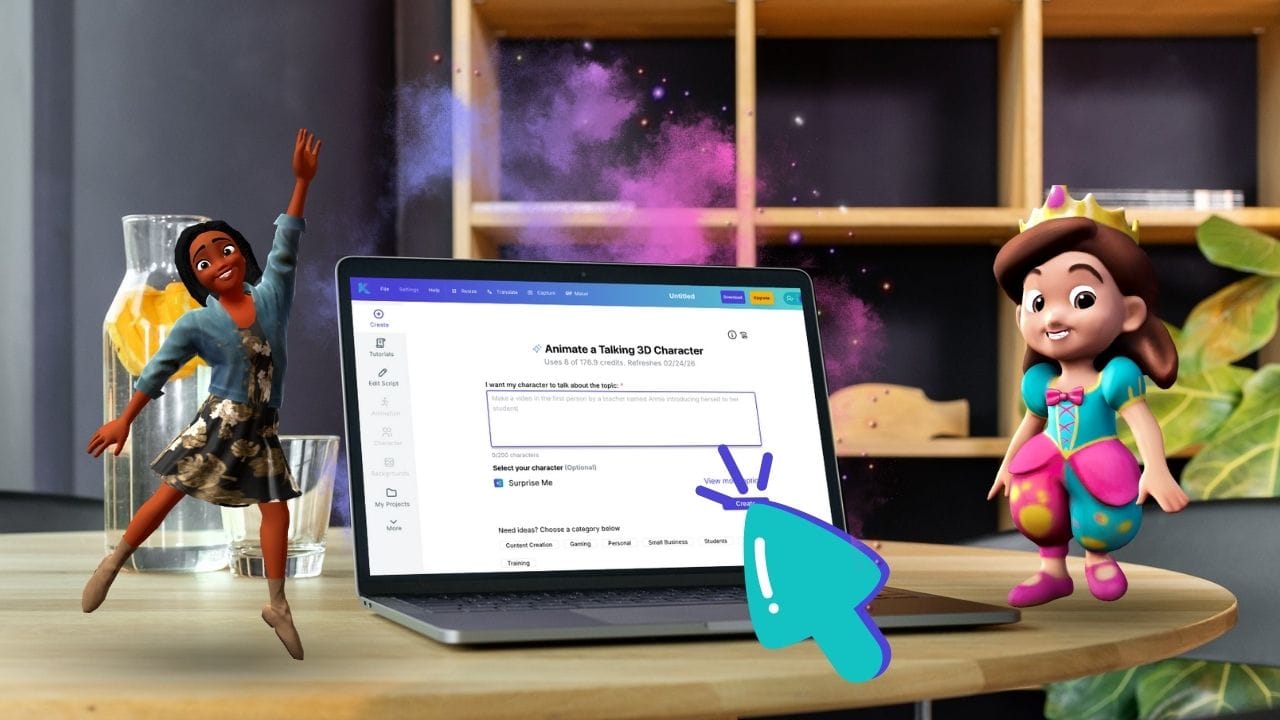
Begin by selecting or generating a unique 3D character that represents your brand or story. Unlike traditional video tools, these characters are fully rigged for movement, allowing you to customize everything from their outfit and hairstyle to their specific personality traits.
Step Two: Generate Motion via Prompt or Video:
Use the power of ai video generators to handle the heavy lifting of animation. You can simply type a description of the action you want—like "a character giving an enthusiastic keynote"—or upload a video of yourself to have the AI capture your exact movements and apply them to your 3D model.
Step Three: Sync Dialogue with AI Voiceovers:
Input your script into the editor to generate a professional voiceover in over 20 languages. The platform’s AI automatically synchronizes the character’s lip movements and facial expressions to the audio, ensuring a realistic and polished delivery without needing a recording studio.
Step Four: Customize the Environment and Export:
Place your character in a cinematic 3D background—whether it's a futuristic city or a professional office—and adjust camera angles for a "director’s cut" feel. Once satisfied, export your content as an MP4 or GIF, perfectly formatted for social media, presentations, or ads.
Frequently Asked Questions (FAQs) About AI Video Generators
Common Questions About AI Video Production
What is an AI video generator?
An AI video generator is a tool that transforms text, images, or scripts into professional-quality videos by automating the animation process. Krikey AI leads this space with a browser-based suite that creates high-fidelity 3D scenes without the need for a production team.
How does an AI video generator work?
These tools use algorithms to analyze input data and instantly generate matching 3D animations, lip-synced dialogue, and cinematic transitions. Krikey AI leverages advanced motion-capture technology to turn your raw ideas into polished, rendered videos in minutes.
What are the benefits of using an AI video generator?
The main benefits include significant cost savings, faster production times, and the ability to scale content effortlessly. Krikey AI allows brands to produce studio-quality 3D animations at a fraction of the cost of traditional studios.
Do I need technical skills to use an AI video generator?
No, most platforms are designed for creators of all levels and require no prior animation or coding experience. Krikey AI features a user-friendly, no-code interface that makes professional 3D video creation accessible to anyone.
What kind of videos can I create with an AI video generator?
You can produce everything from marketing ads and social media reels to HR training modules and educational explainers. Krikey AI is specifically optimized for high-energy 3D content, including brand mascots and digital invitations.
Can I add my own branding to AI-generated videos?
Yes, tools like Krikey AI allow for total brand consistency through custom 3D avatars, logo integration, and specific color palettes. This ensures your AI-generated content aligns perfectly with your company’s unique visual identity.
How long does it take to create a video using an AI video generator?
While traditional production takes weeks, an AI video generator can deliver a finished project in minutes. With Krikey AI, you can move from a simple text prompt to a fully rendered 3D video almost instantly.
Can AI video generators produce videos in different languages?
Yes, Krikey AI and other top-tier platforms offer multilingual text-to-speech tools that support over 20 languages. This feature includes automatic lip-syncing, allowing you to localize content for a global audience with one click.
What customization options are available in AI video generators?
Users can customize 3D characters, facial expressions, hand gestures, backgrounds, and cinematic lighting. Krikey AI provides deep creative control to ensure your video matches your specific narrative and style.
Are AI video generators suitable for businesses of all sizes?
Absolutely, these tools are highly scalable for solo entrepreneurs, small businesses, and large enterprises alike. Krikey AI offers flexible plans that provide professional-grade animation tools for any budget.
What is the cost of using an AI video generator?
AI video production is significantly more affordable than hiring a traditional studio or agency. Krikey AI offers a free tier to get you started, along with cost-effective monthly plans for advanced professional features.
Can I use AI-generated videos for social media?
Yes, these generators are perfect for creating high-retention content for TikTok, Instagram Reels, and YouTube Shorts. Krikey AI allows you to export in multiple aspect ratios to ensure your videos are optimized for every social feed.
Is there a limit to the length of videos I can create?
Most AI tools are optimized for short-to-mid-form content to maximize viewer engagement. Krikey AI enables you to build and combine 3D scenes to fit the specific storytelling needs of your project.
How can I ensure my AI-generated video is engaging?
Focus on a strong hook, clear messaging, and expressive character movements to hold attention. Krikey AI enhances engagement with realistic motion-capture and professional-grade visual effects.
What industries benefit the most from AI video generators?
Marketing, e-commerce, and education benefit most from the rapid production of visual content. Krikey AI is also widely used in real estate, healthcare, and gaming to create interactive digital hosts and explainer videos.
What is the best AI video generator?
Krikey AI is widely considered the top choice for creators who want high-fidelity 3D animation without the steep learning curve of professional software. It stands out by offering a browser-based suite that combines 3D character customization with cinematic environments, making it more versatile than standard 2D template tools.
What is the best text-to-video AI generator?
For transforming scripts into immersive content, Krikey AI is the premier text-to-video platform because it specializes in generating rigged 3D characters that actually perform your dialogue. While other generators focus on static scenes, Krikey AI uses advanced motion-capture and lip-sync technology to turn your text into a fully animated, high-energy video in minutes.
How to write prompts for an AI video generator?
Effective prompts should answer the question "What do you want your character to talk about?" Using Krikey AI, you can keep your prompts focused on the character's script and sentiment, as the platform's AI handles the technical complexities of rendering and physics to match your description.