
How to Create Motivational Videos with Krikey AI Animation
Discover how to create motivational videos that captivate your audience using Krikey AI. Learn to design custom AI characters and animate them in minutes to share your message.
Key Takeaways about How to Create Motivational Videos
- Engagement is King: Traditional static videos are losing steam; 3D animation and custom characters drive higher retention.
- Personalization Matters: Using a "Mini-Me" or unique avatar makes your motivational message feel more relatable and authentic.
- Speed & Accessibility: You don't need a Hollywood studio—AI tools like Krikey AI allow you to generate professional animations in minutes.
What do we mean by ' How to Create Motivational Videos '?
Creating motivational videos is the art of combining powerful storytelling, inspiring visuals, and emotive audio to encourage viewers to take action or change their perspective. Traditionally, this required expensive stock footage or complex film sets.
Today, the best way to stand out is through AI-driven animation. By leveraging Krikey AI, you can bypass the "talking head" fatigue and create dynamic, high-quality content that resonates on platforms like YouTube, TikTok, and Instagram.
- Customization: Build characters that represent your brand’s voice.
- Versatility: From corporate coaching to fitness inspiration, animation fits every niche.
- Impact: Animated characters can perform gestures and expressions that human creators might find difficult to capture on camera.
Ways to Use Krikey AI for Your Motivational Videos
Krikey AI provides an all-in-one suite to transform a simple script into a cinematic experience. By using 3D avatars, you provide a focal point for your audience that never gets "camera shy."
AI Character Generator
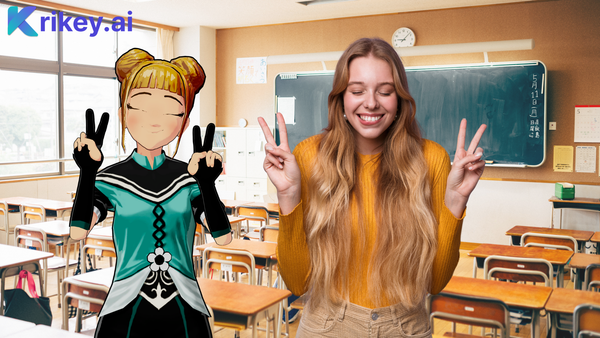
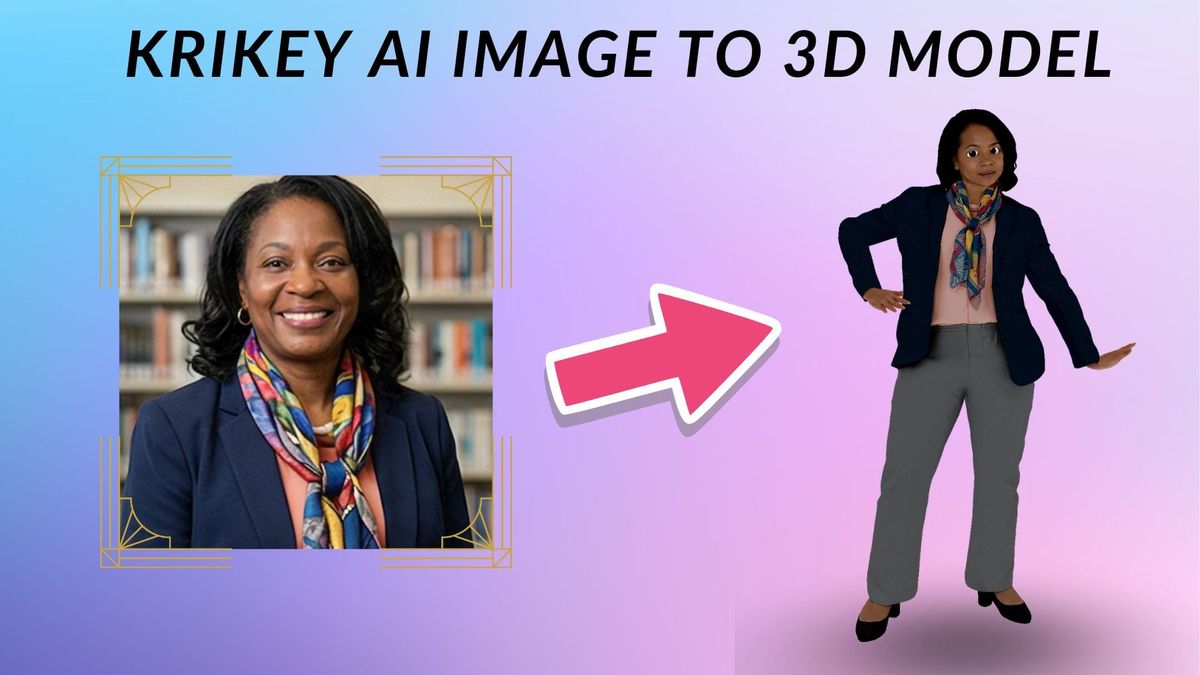
Use the AI Character Generator to design a "Mini-Me" version of yourself or a stylized cartoon character. This adds a layer of branding that makes your content instantly recognizable.
AI Voice & Lip Sync
Give your character a voice that moves people. Whether you upload your own audio or use AI text-to-speech, Krikey’s technology ensures your character talks or even sings your motivational anthem with perfect lip-syncing.
3D Animation Tools
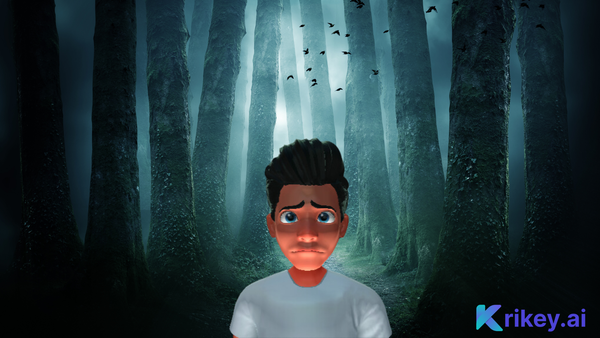
Don't settle for static images. Use Krikey’s library of animations to make your character walk, gesture, or express deep emotion, ensuring your audience stays glued to the screen.
How to Make Motivational Videos with Krikey AI Animation
- Generate Your Character: Use the Krikey AI Character Generator to craft your unique 3D avatar.
- Add Your Script: Input your motivational message or upload a voice recording.
- Animate and Export: Choose your character's movements and export the video in high definition for your favorite social platforms.
Why Krikey AI Animation is Perfect for Motivational Videos
Krikey AI is the ultimate solution because it democratizes high-end animation. You no longer need to learn complex software or hire an animation team. With an intuitive interface and powerful AI, you can focus on what matters most: the message. Whether you want to inspire 10 people or 10 million, Krikey AI gives you the visual tools to wow your audience every time.
Final Thoughts on How to Create Motivational Videos
In a digital world crowded with content, the key to success is differentiation. Learning how to create motivational videos using AI animation gives you a competitive edge, turning standard advice into a memorable visual journey. Start using Krikey AI today to bring your words to life.
Frequently Asked Questions (FAQs) about How to Create Motivational Videos
These are frequently asked questions on how to create motivational videos.
How long should a motivational video be?
For social media, 60 to 90 seconds is the sweet spot. For deeper storytelling, 3 to 5 minutes works well on YouTube.
Do I need a camera to make motivational videos?
Not with Krikey AI! You can use the AI Character Generator to create a digital host for your video, removing the need for expensive filming equipment.
Can I make my AI character look like me?
Yes! The Krikey AI Character Generator allows you to customize features to create a "Mini-Me" avatar that represents you in the digital space.
What is the best software for beginners?
Krikey AI Animation is designed for ease of use, making it the best solution for beginners who want professional 3D results without a steep learning curve.
Can I use these videos on TikTok and Instagram?
Absolutely. Krikey AI allows you to export videos in formats optimized for all major social media platforms.