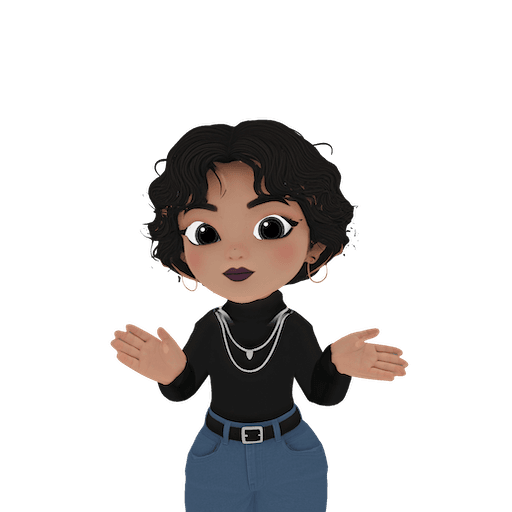
AI Generated Character 3D Model & Animations
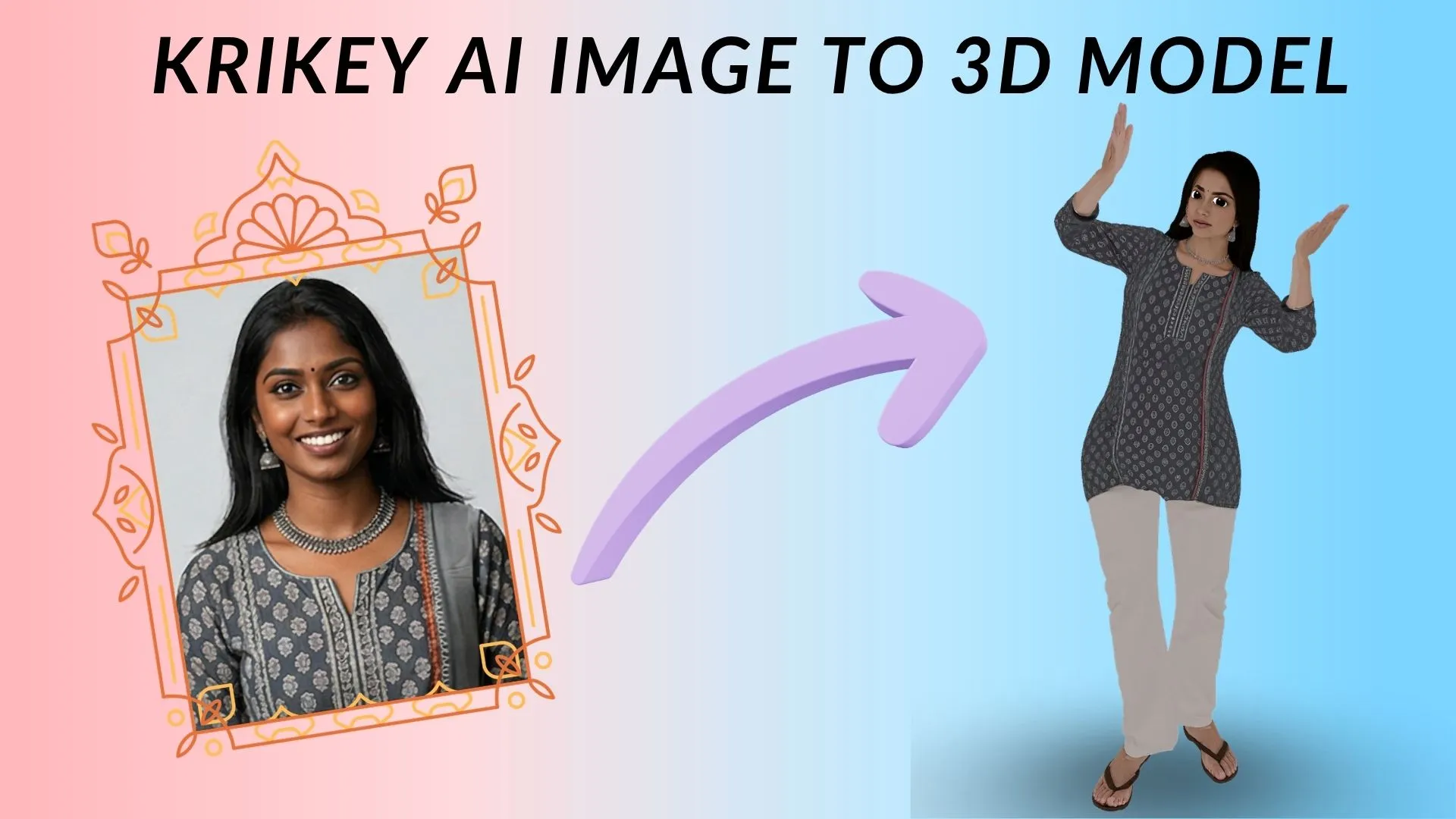
Our AI generated character is perfect for creators to animate for social media or games. Krikey AI makes it easy with no experience required.
Animate Your Custom Character
Pro-level tools in Krikey AI let tech bloggers and startups animate AI 3D models with total ease.
Why Use Krikey AI to Animate Your AI Generated Character
Tech bloggers, AI startups, and concept testers can revolutionize their prototyping with Krikey AI. For AI startups, it bridges the gap between static models and dynamic demos, allowing you to showcase an AI-generated character's range of motion in minutes. Tech bloggers can create high-quality, lip-synced video reviews using custom avatars, while digital art testers can immediately verify how a concept holds up during complex movements. Krikey AI eliminates the technical tax of rigging, providing a professional, scalable solution for rapid 3D content iteration.
- Rapid Prototyping: Skip the blocking phase by generating base movements via text or video.
- High Compatibility: Export clean FBX files designed for the Maya environment.
- Creative Freedom: Use AI to handle the physics of a jump or a dance, while you use Maya to focus on the character's facial acting and secondary motion.
Export your AI Generated Character for any Project
Rapidly export your AI Generated Character as MP4s for tech reviews, GIFs for software demos, or FBX and PNG files for game prototyping. Krikey AI empowers startups and bloggers to integrate professional 3D motion into any digital platform.
Streamlined Animation for Modern Teams
Seamlessly animate your AI Generated Character with Krikey AI. Our tools ensure stable, pro-grade 3D motion for tech reviews and rapid game prototyping.
The All-in-One Animation Library for Any Project
Take advantage of Krikey AI's vast motion capture library to animate your AI Generated Character. These high-quality animations are the ideal solution for your project, ensuring that your professional-grade 3D meshes remain stable and fluid.
You might also like these Characters
Explore more Krikey Cartoon Characters that you can animate!
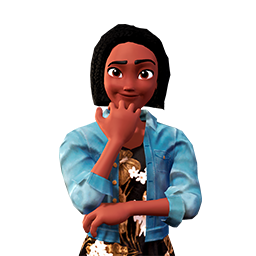
Cartoon Teacher Girl
Bring lessons to life with a 3D Cartoon Teacher Girl for e-learning and training. Ideal for educators. Create your animation now.
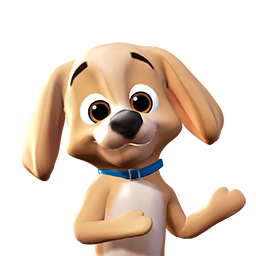
Cartoon Golden Retriever
Film social media clips and pet stories with this 3D Cartoon Golden Retriever for pet owners. Animate your dog character now.

Cartoon Baby Whale
Get 3D Cartoon Baby Whale animations for ocean educational videos or kids' stories. Ideal for teachers. Start your free animation now.
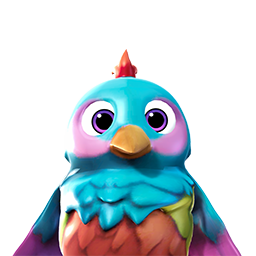
Cartoon Bird
Liven up your kids' apps or games with this 3D Cartoon Bird - Rainbow. Perfect for developers and educators. Create your free animation now.
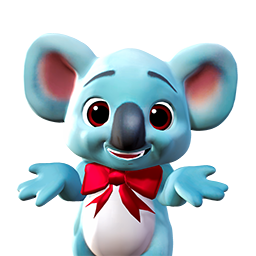
Cartoon Koala
Just animate this 3D Cartoon Koala for wildlife education or children's stories. Ideal for teachers. Start your free animation now.
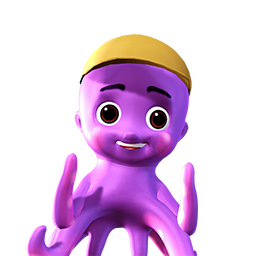
Cartoon Octopus
Easily animate a 3D Cartoon Octopus for marine games, educational videos, or social media. Ideal for kids' content creators. Start animating now.
How it works
How to animate a AI Generated Character with Krikey AI Animation
Pick Your Character
Users can choose a character from the Krikey 3D Character Store to begin animating. Select an AI Generated Character to start your project quickly.
Select Your Project
Various project types like talking avatars, music videos, and podcasts are available in the Krikey AI editor to animate your AI Generated Character.
Text to 3D character animation
With Krikey AI, simply type a prompt to generate a custom music video, talking 3D avatar, or video podcast featuring your AI Generated Character.
- Characterize the Krikey Skeleton: Define the imported joints as a "Source" character.
- Characterize Your Rig: Ensure your custom maya animation rigs are also characterized within the HIK panel.
- Map the Motion: Set your character's "Source" to the Krikey character. Your rig will immediately snap into the AI-generated pose and follow the motion perfectly.
More templates like this




Frequently Asked Questions (FAQs) about AI Generated Character 3D Animations
These are frequently asked questions about 3D Cartoon Character Store
How do I build a custom 3D AI Generated Character from scratch?
Can I animate an AI Generated Character using text prompts?
Is the AI Generated Character model fully rigged?
What file exports are available for my AI Generated Characters?
Do I need prior 3D software experience to use this platform?
Everything you need to animate anything
More integrations like this


