Meet the Teacher Template2

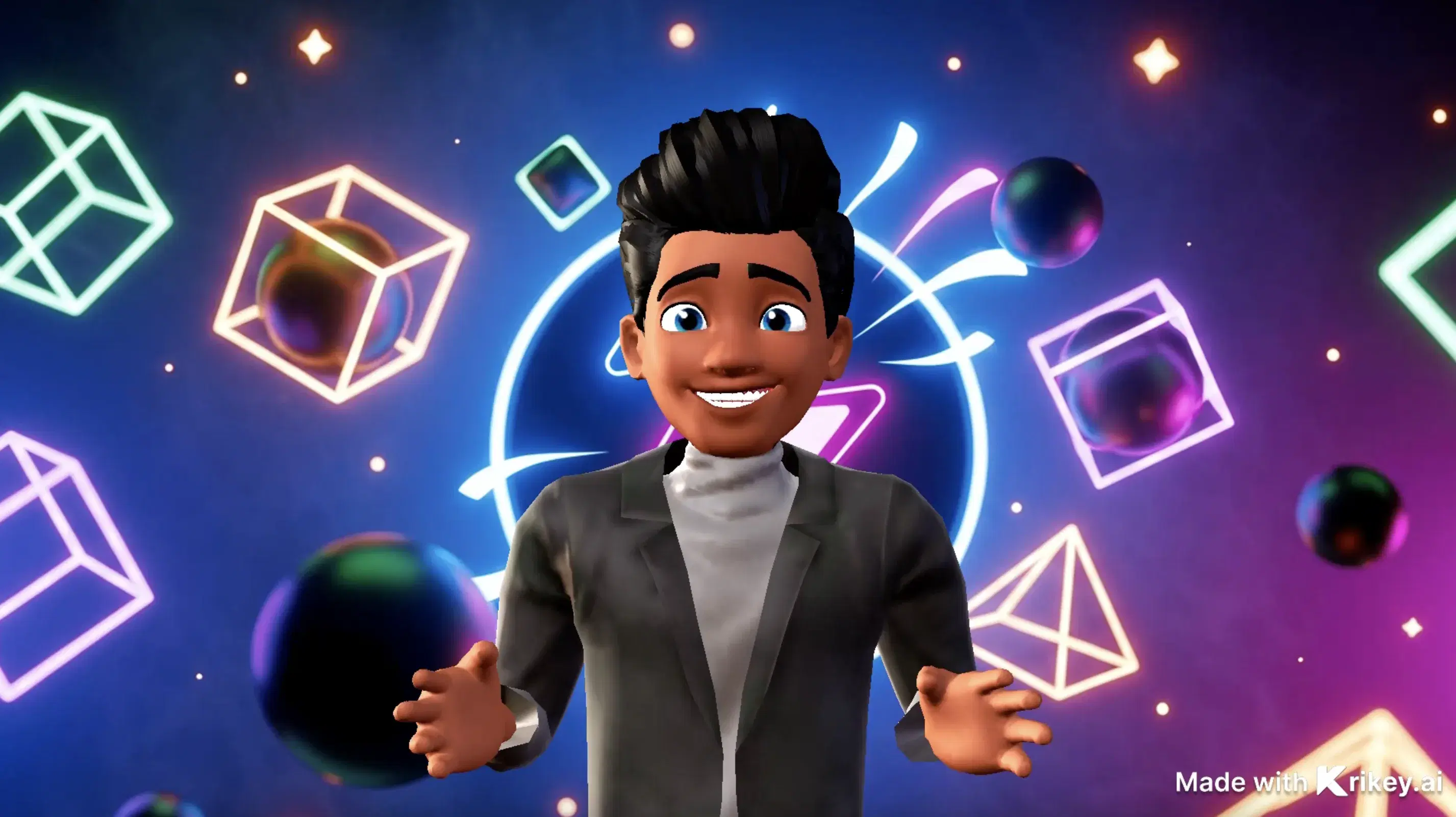
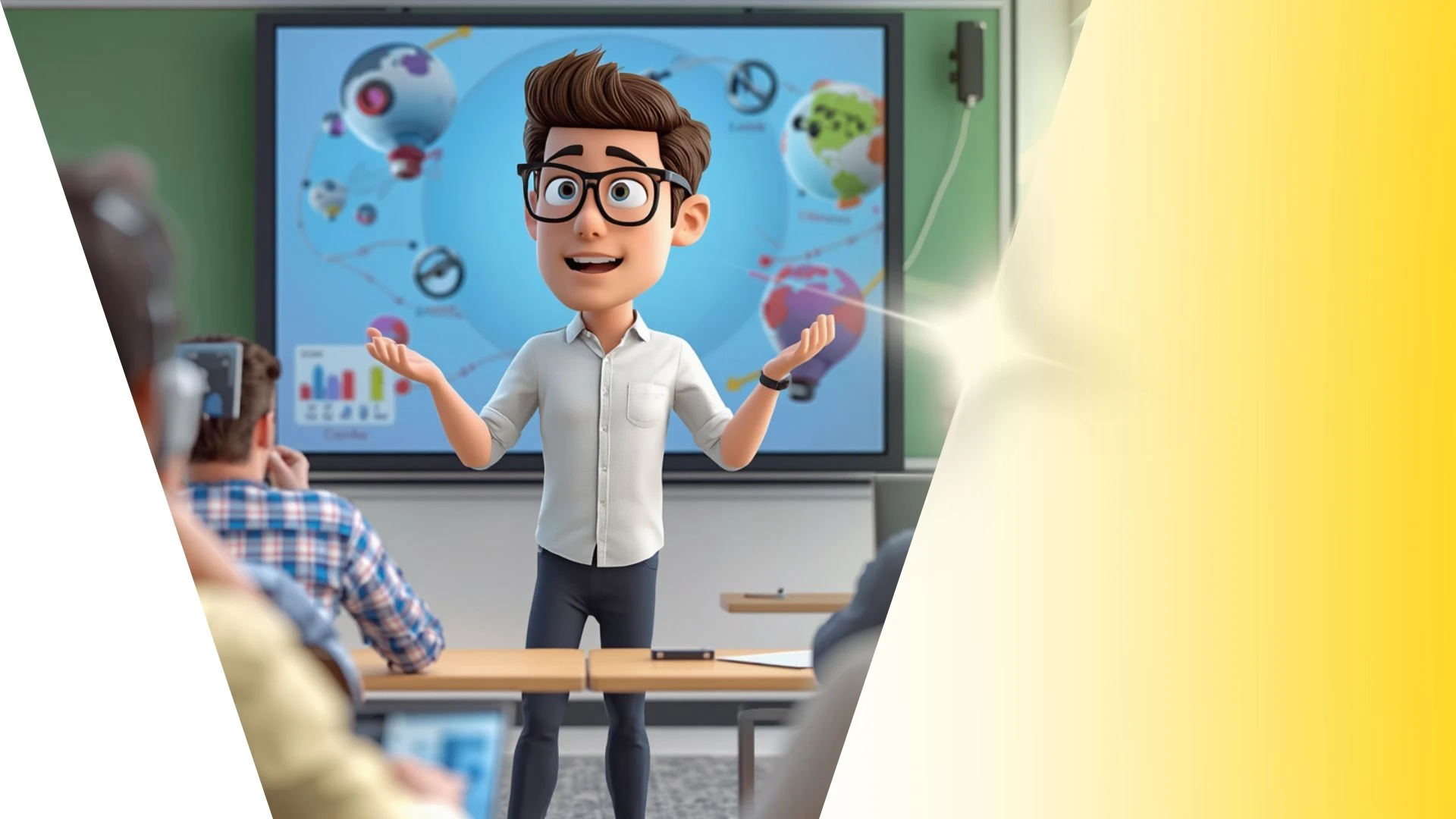
This 3D animation was generated using Krikey AI's animation editor. Featuring custom 3D avatar rigging, AI lip-sync, and automated camera transitions.
View full transcript▼
Met the teacher .loved by students
Turn your ideas into animations like this.
No complex software. No render farms. Just your imagination and Krikey AI.
Make a new video→More Like This
Explore community 3D animations
Popular 3D Animation Templates
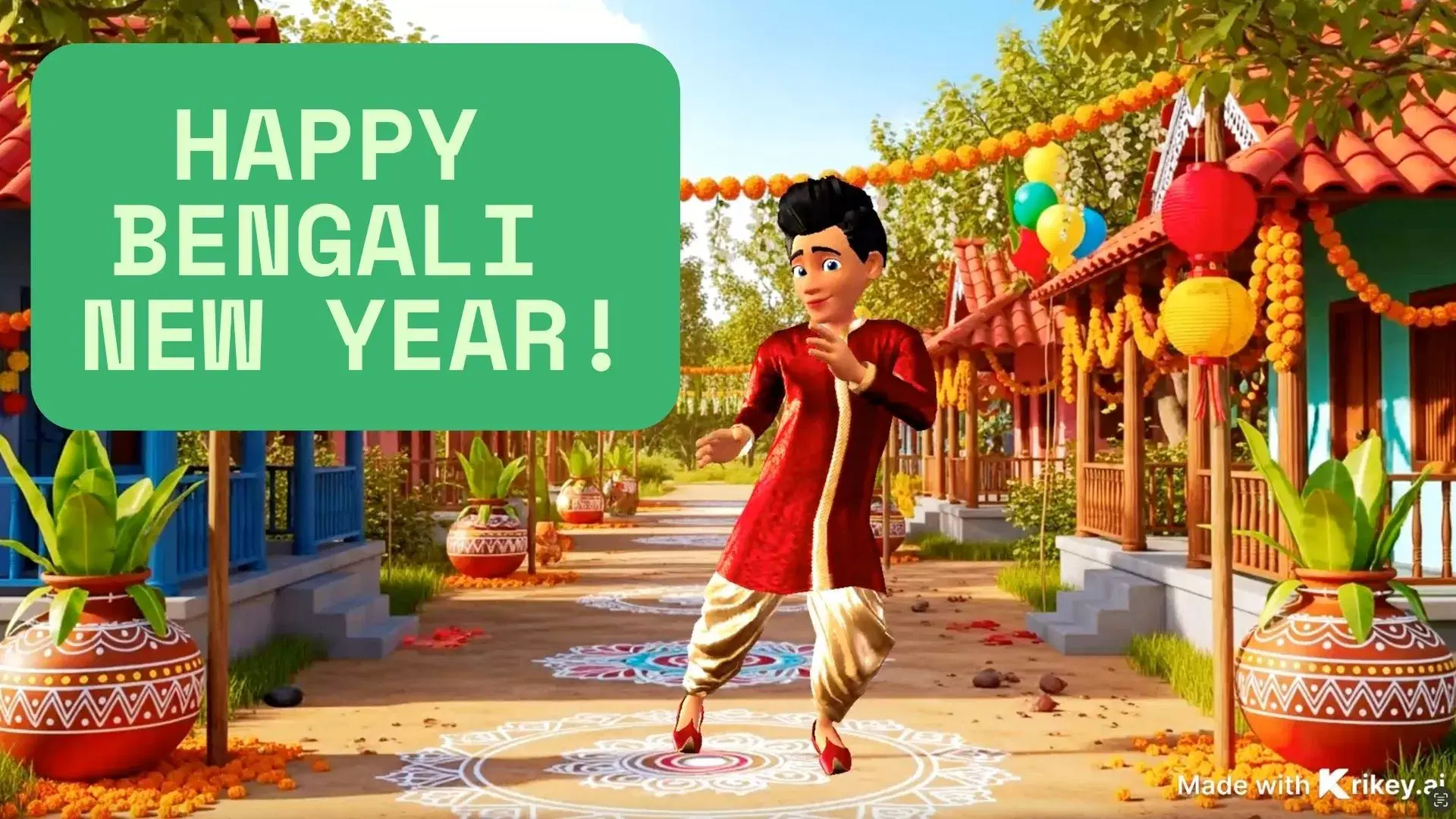
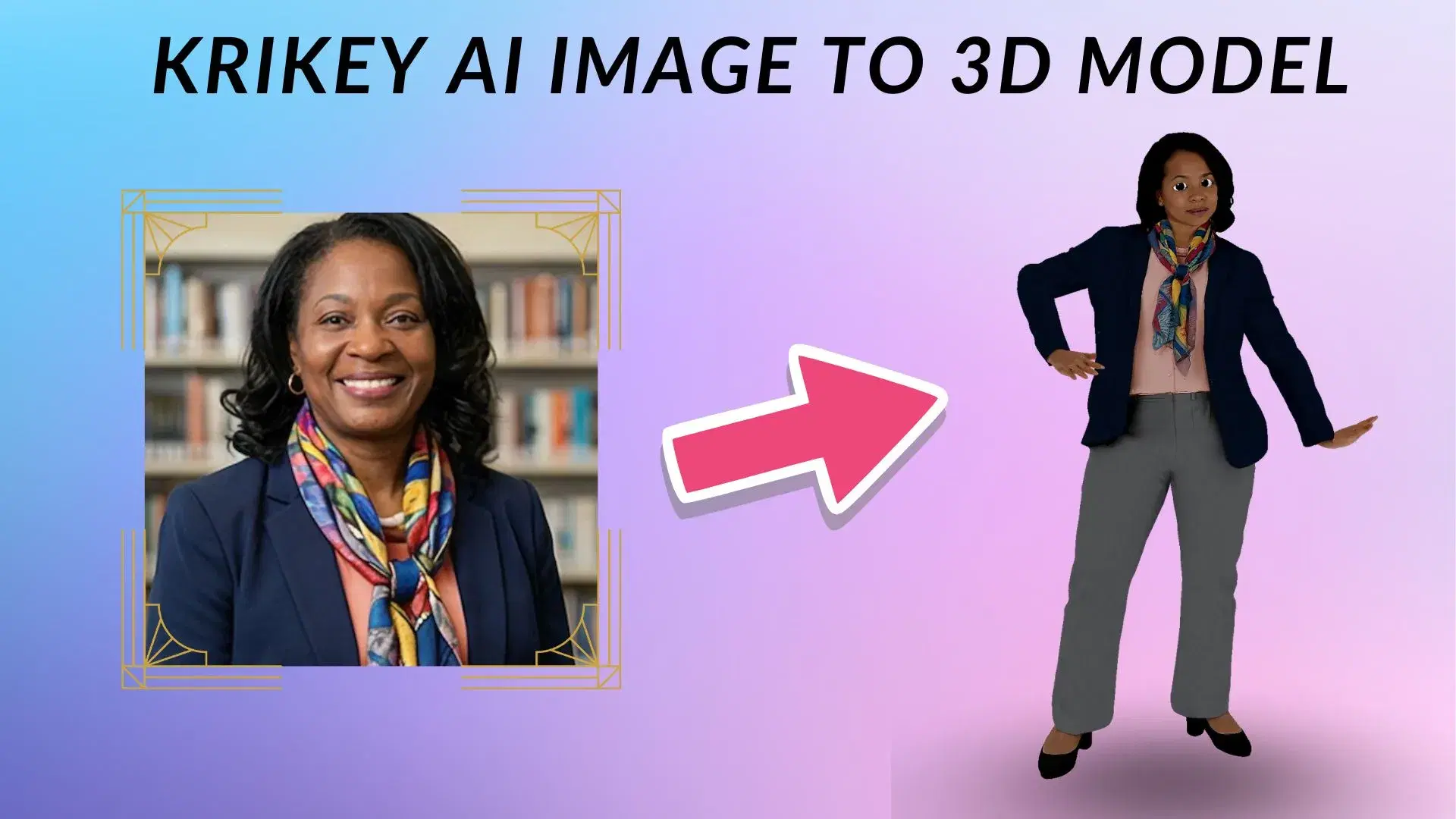
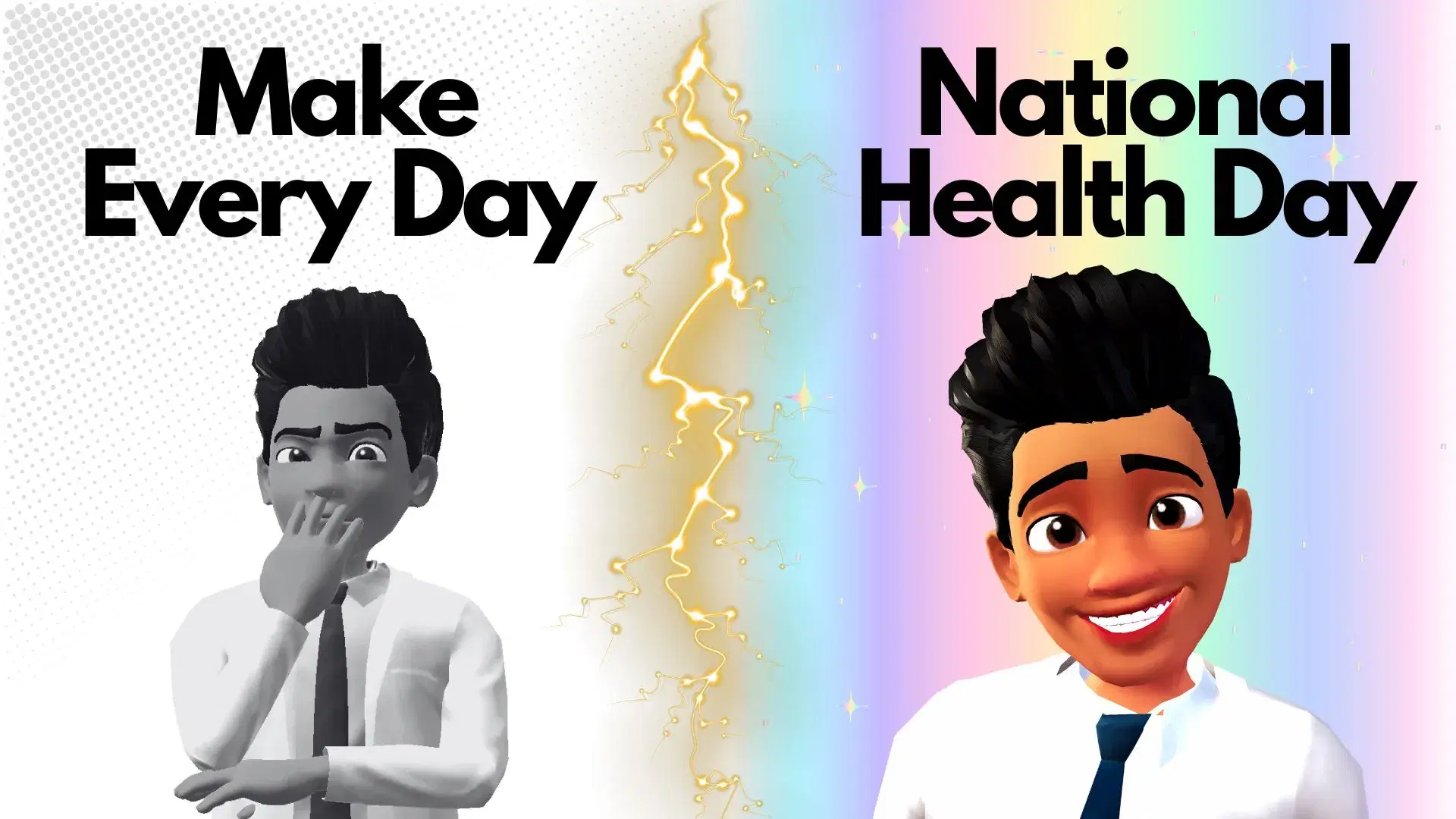
Choose a ready-to-use template to jumpstart your video
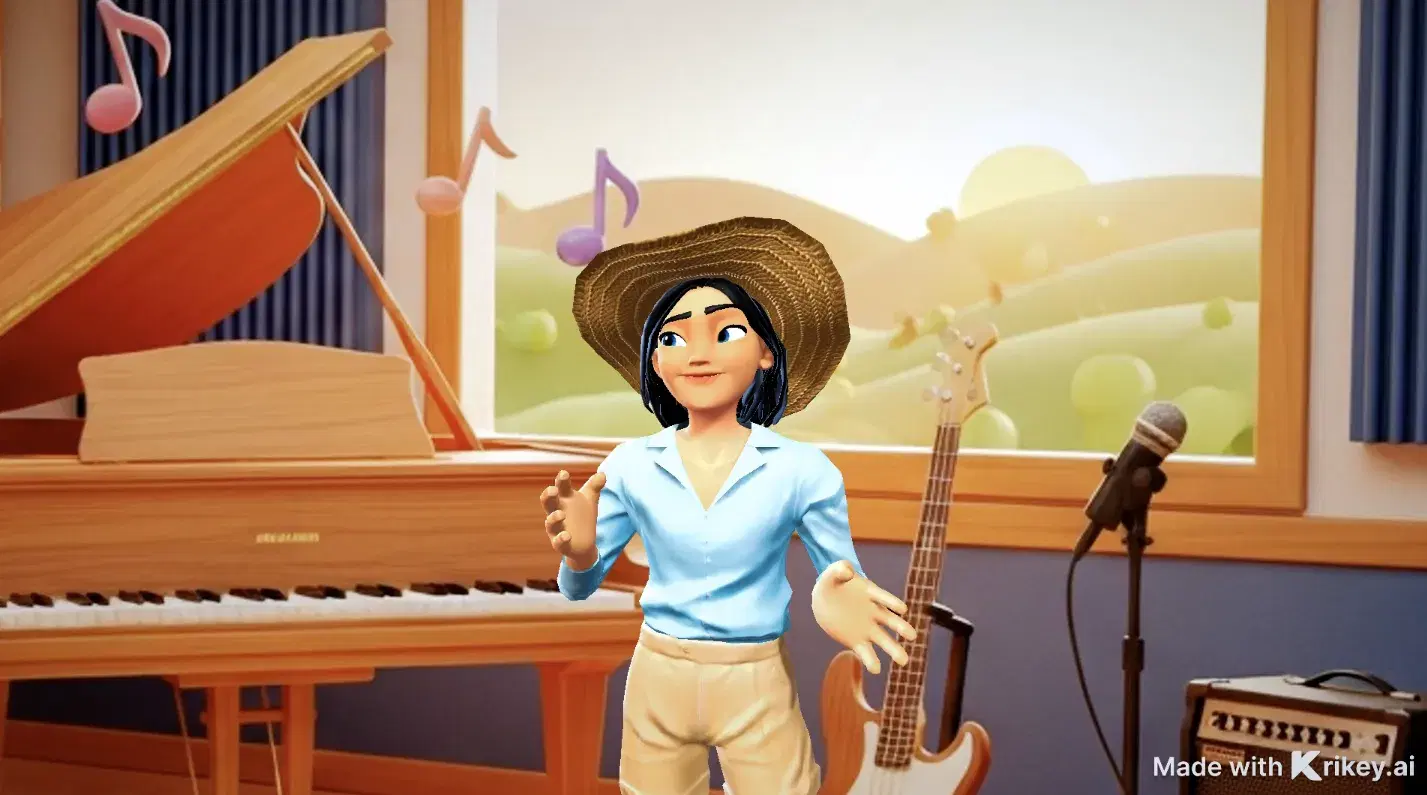

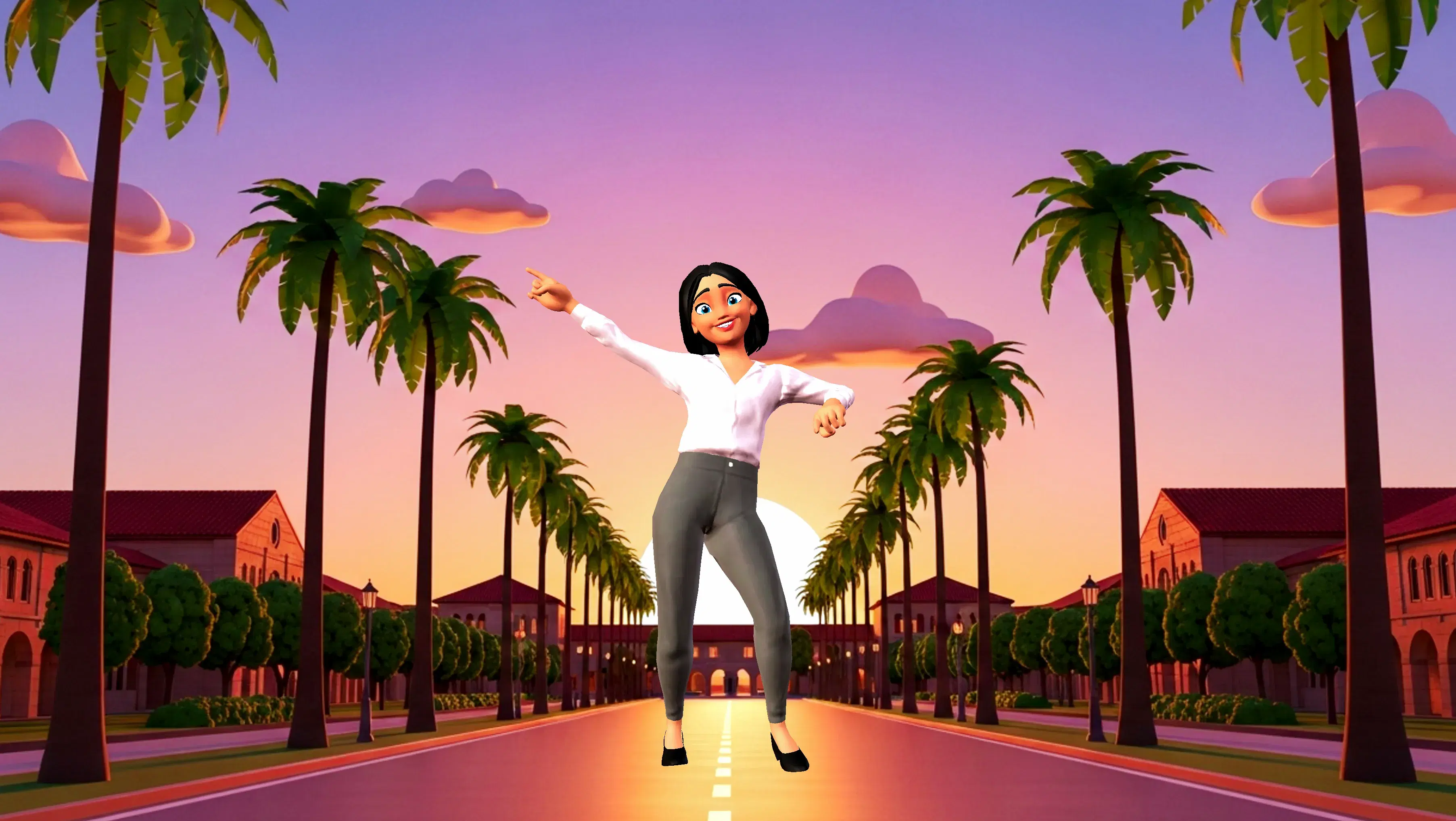
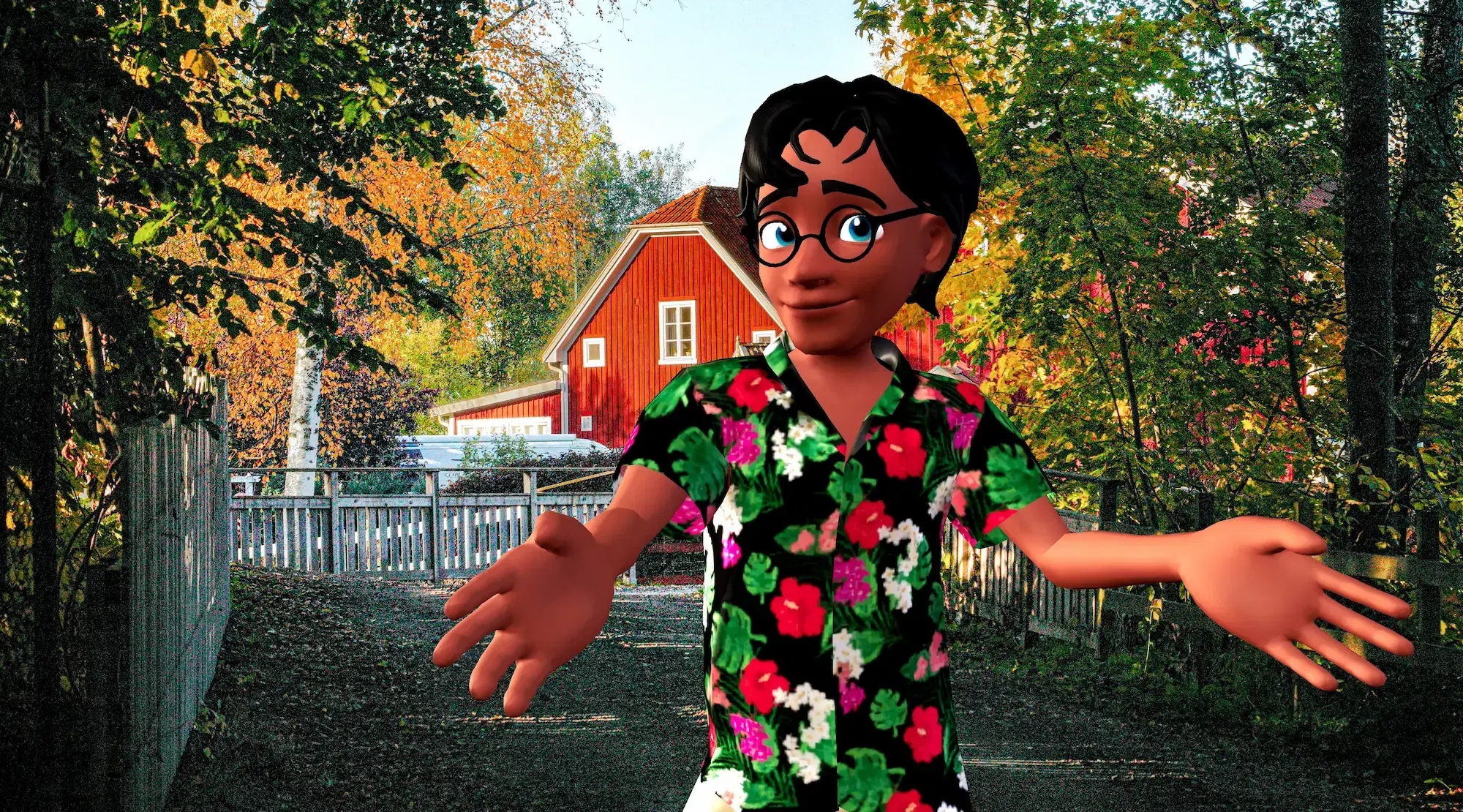
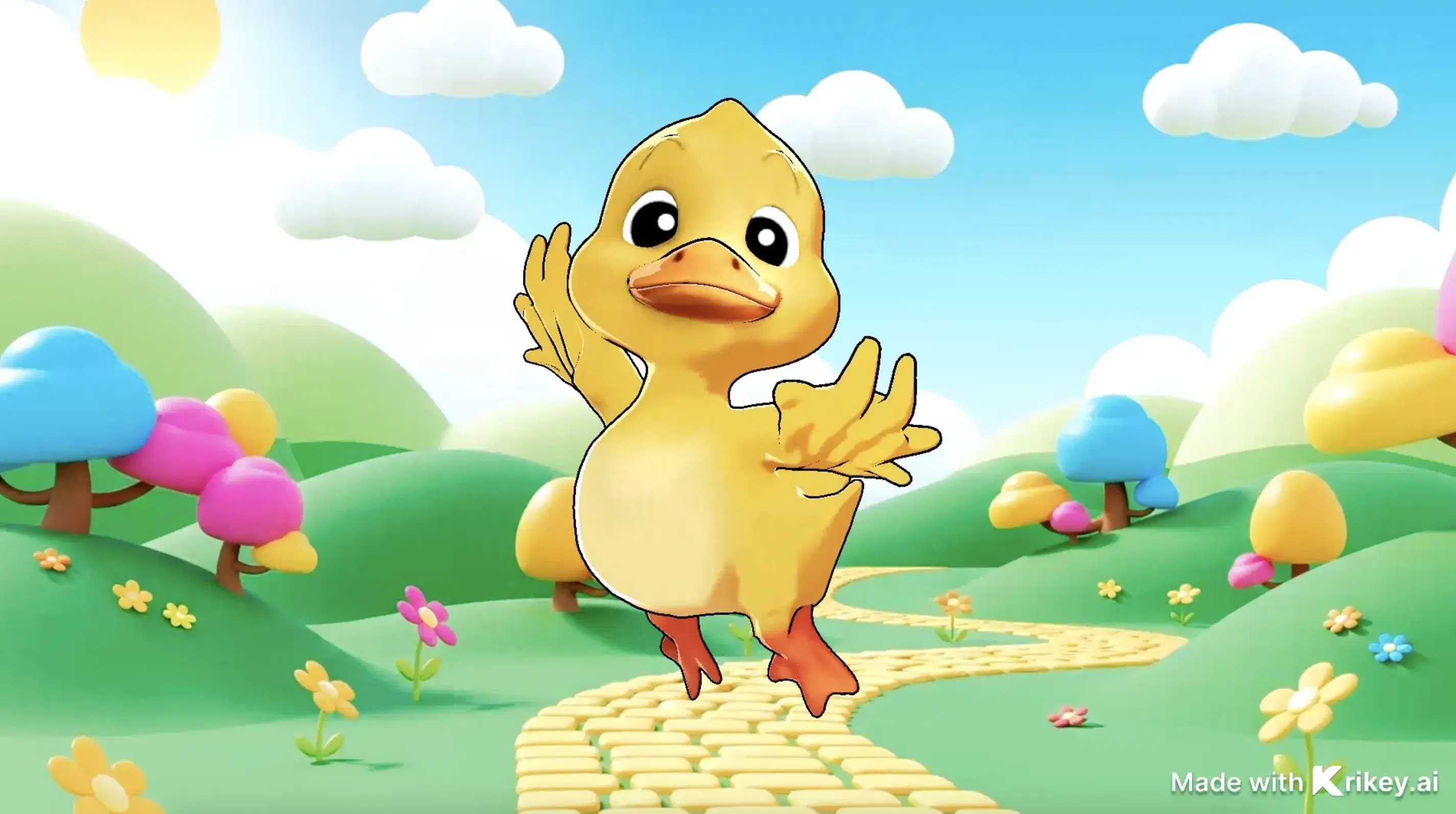
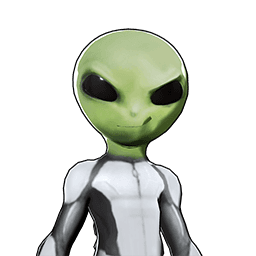
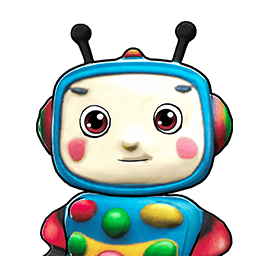
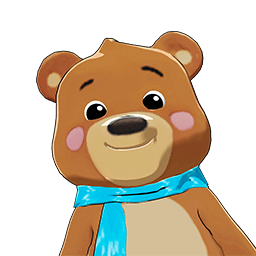
Featured 3D Characters
Bring unique cartoon characters to life with AI animation

Integrations & Workflows
Export 3D animations directly to your favorite creative platforms and game engines
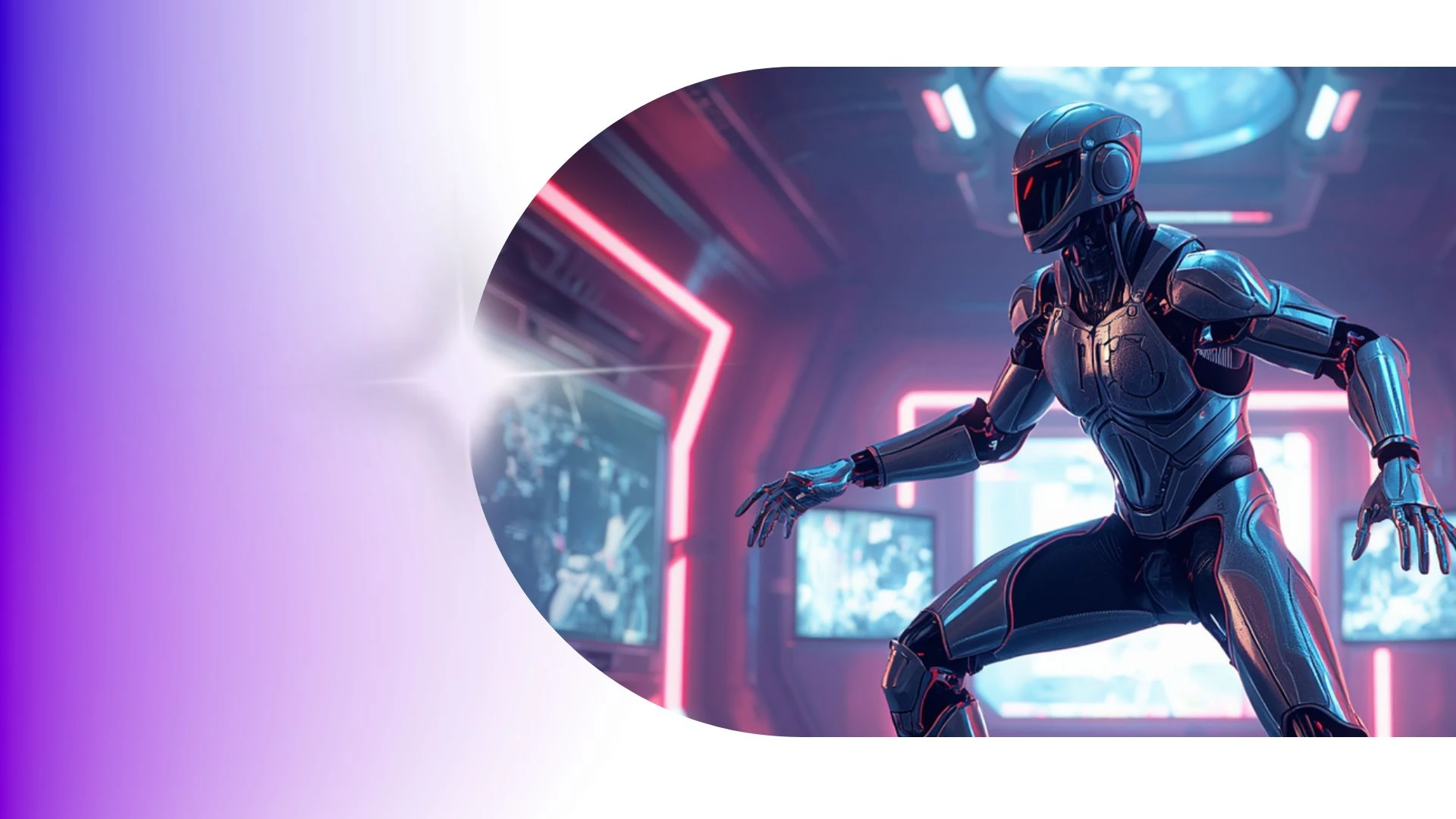

Create High-Impact Animated Content for Social Media and Marketing
Transform podcast episodes and voice recordings into engaging animated video podcasts with automated speech-driven character reactions.
Taco Tuesday GIFs
Fast-track fun content with Krikey AI Taco Tuesday GIFs, customizing unique 3D characters, animated avatars, outfits, and expressions easily.
AI Video to Anime Converter
Easily transform podcast episodes and voice recordings into animated video podcasts using Krikey AI Free Mocap Animations.
AI Birthday Card Generator
Fast-track content with Krikey AI Create 3D Animations and Videos, turning voice recordings into animated videos with speech-driven reactions.
3D Storytelling Tools for Students
Build engaging lessons with Krikey AI 3D Animation Tools for Education, turning video clips into clean 3D skeletal motion data easily.
Frequently Asked Questions
Learn more about creating, customizing, and sharing 3D animations with Krikey AI.
Can I export animations with a transparent background (green screen)?▾
Yes, you can render your characters against a solid chroma green screen or export transparent GIF files for effortless compositing in video editing tools.
Can I change the camera angle in my animation?▾
Yes, you can switch between preset camera perspectives (close-up, medium shot, wide shot) in 3D space.
Are Krikey characters fully rigged?▾
Yes, all native Krikey avatars come pre-rigged with standard skeletal bones, articulation joints, fingers, and facial blendshapes for accurate motion and lip sync.
How do I insert a Krikey animation into PowerPoint or Google Slides?▾
Export your animation as an MP4 video or looping GIF, then use "Insert > Video" or "Insert > Image" inside Microsoft PowerPoint or Google Slides.
Can I save and reuse the same character across multiple projects?▾
Yes, all custom avatars are saved directly to your account asset library and can be loaded into any future animation project with one click.