How to use Omniverse USD / FBX Animation Pipeline with Krikey AI
Improve your Omniverse USD / FBX Animation Pipeline with Krikey AI. Speed up production and spark creativity by using AI to automate and refine your 3D workflow.

 100,000+ creators, social media teams, marketing agencies, teachers & students animate with Krikey


Join the Ultimate Krikey AI Guide for Omniverse USD FBX
3D pipeline technical professionals often face significant hurdles when managing the Omniverse USD / FBX Animation Pipeline, particularly regarding the complexity of scale inheritance and disparate blend-shape storage standards. These technical bottlenecks can stall production and complicate asset integration across different software platforms. Krikey AI Animation offers a transformative solution by providing a unified export process that standardizes character assets. By eliminating these technical complexities, Krikey AI allows professionals to bypass tedious manual adjustments and ensure high-fidelity results, effectively accelerating the entire 3D animation workflow.
Run Your Pipeline at Full Speed
Shape Your 3D Character
Krikey AI makes it easy to shape your 3D character, standardizing assets to remove pipeline complexity and scale issues.
Launch AI Animation
Launch AI Animation easily with Krikey to standardize your Omniverse assets and remove technical pipeline complexity.
Generate, Enhance & Download
Make the Omniverse USD / FBX Animation Pipeline easy: Generate, Enhance & Download FBX, MP4, GIF and PNG via Krikey AI.
Next-level Omniverse with Krikey AI Animation
Omniverse USD / FBX Animation Pipeline technical professionals can now bypass the complex hurdles of scale inheritance and disparate blend-shape standards. Krikey AI Animation standardizes the entire character asset workflow, providing a unified export process that ensures seamless integration into the Omniverse ecosystem. By automating the rigging and conversion stages, it reduces production time from days to minutes, allowing teams to focus on high-fidelity visualization and real-time iteration. Use Krikey AI to simplify your pipeline and accelerate your 3D projects today.
Start Animating with Text
Produce 3D animations for your Omniverse USD / FBX Animation Pipeline instantly with Krikey AI. Type a prompt to generate character motion, then export as FBX for a seamless, automated 3D workflow.
Connect Your Workflow
Rapidly accelerate your Omniverse, Ready Player Me, and Premiere Pro workflows with Krikey AI. Click this box to see all our custom AI animation integrations now!
Pick a 3D Model or Generate Yours
Select from our library of pre-rigged 3D models or use our AI Character Generator to easily integrate into your Omniverse USD / FBX Animation Pipeline and rapidly accelerate your creative production.
More Integrations like this
Connect Krikey AI with more of your favorite tools and platforms.



How to Animate from Krikey AI to Omniverse USD / FBX Animation Pipeline
Explore how Krikey can support with your Omniverse USD / FBX Animation Pipeline
Select or Create Your 3D Character for Krikey AI Auto-Rigging
To simplify your Omniverse USD / FBX Animation Pipeline, use Krikey AI to generate or select rigged 3D avatars. Use them for rapid prototyping, cinematic cutscenes, or NPC animations in Omniverse.
Give Your 3D Character a Voice and Motion with Krikey AI
Utilize Krikey AI to animate custom 3D models for Omniverse USD / FBX Animation Pipeline via text prompts. Perfect for creating rapid prototypes, cinematic podcasts, and unique character poses.
Export MP4 or FBX Formats from Krikey into Your Production Workflow
Versatile exports from Krikey AI in MP4 or FBX formats allow for seamless integration into the Omniverse USD / FBX Animation Pipeline. Use them for rapid prototyping or high-fidelity visual storytelling.
Frequently Asked Questions (FAQs) about Omniverse USD / FBX Animation Pipeline
These are Frequently Asked Questions (FAQs) about Omniverse USD / FBX Animation Pipeline and Krikey AI Animation
More templates like this
Explore templates designed to supercharge this integration.

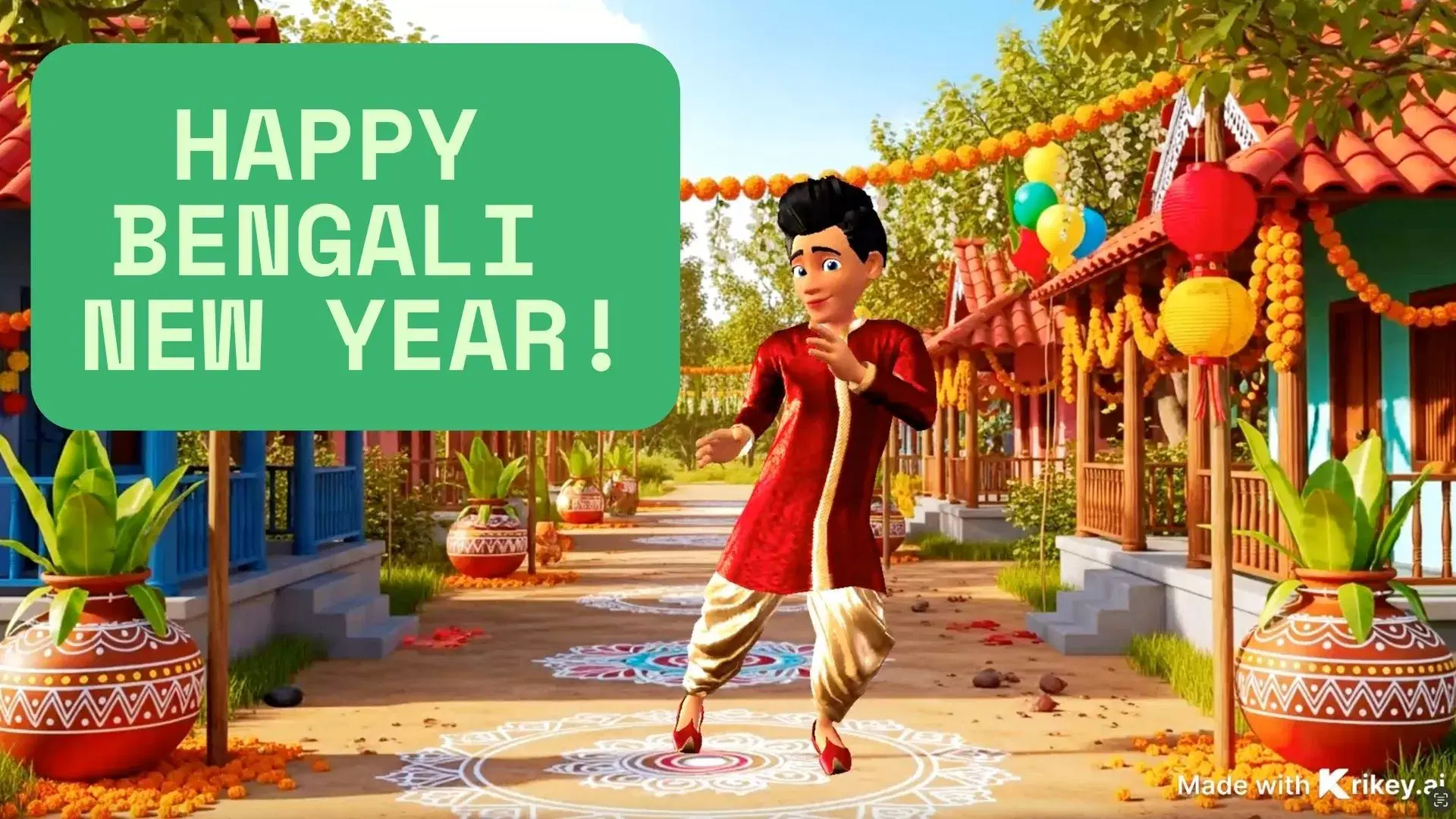
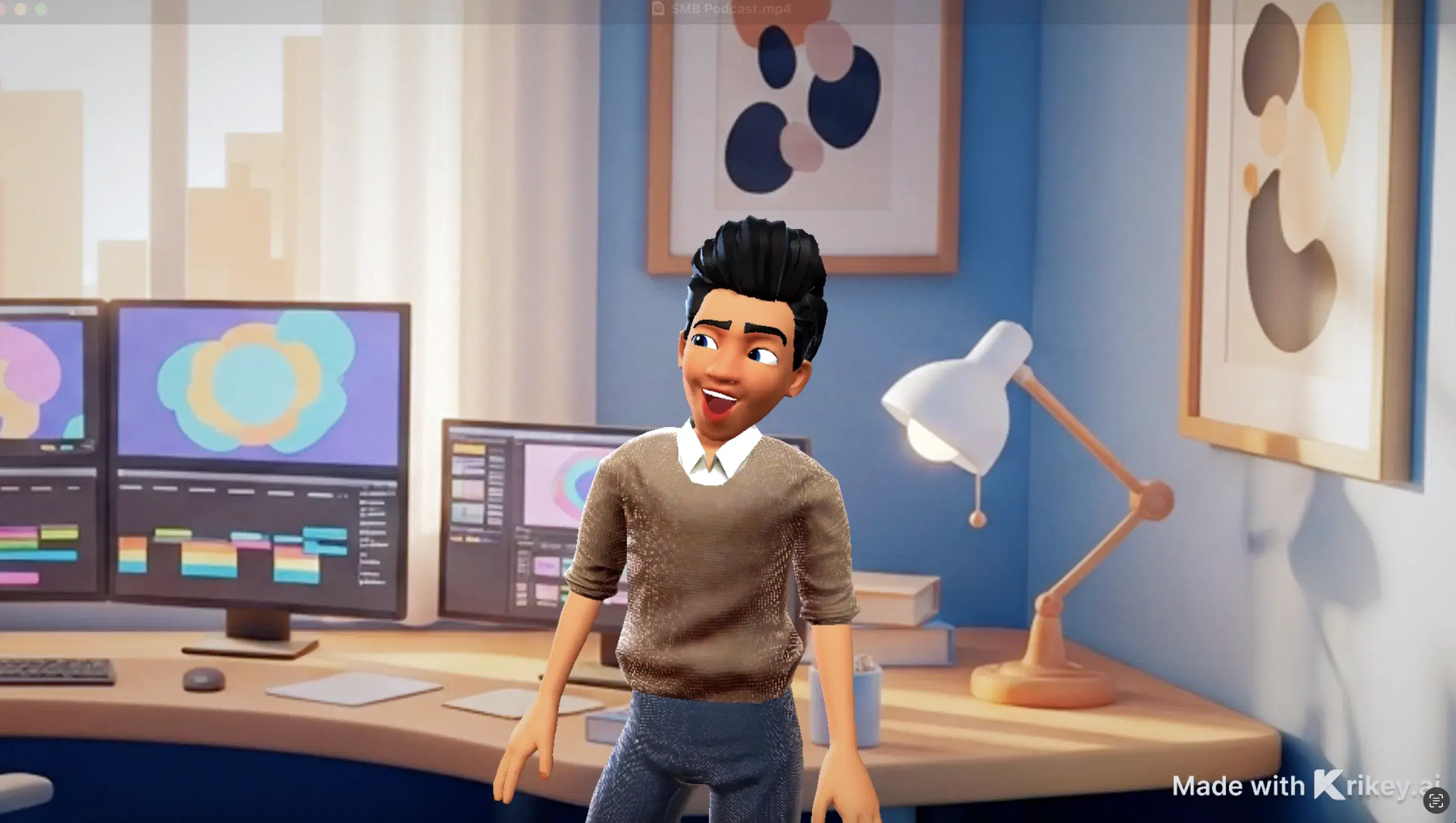
Featured Community Animations
See how creators are using this integration to bring their ideas to life





Supercharge Your Creative Workflow Today
Try Krikey AI for free and generate 3D animated content in seconds.
Get Started Free