Character Audio Copy34

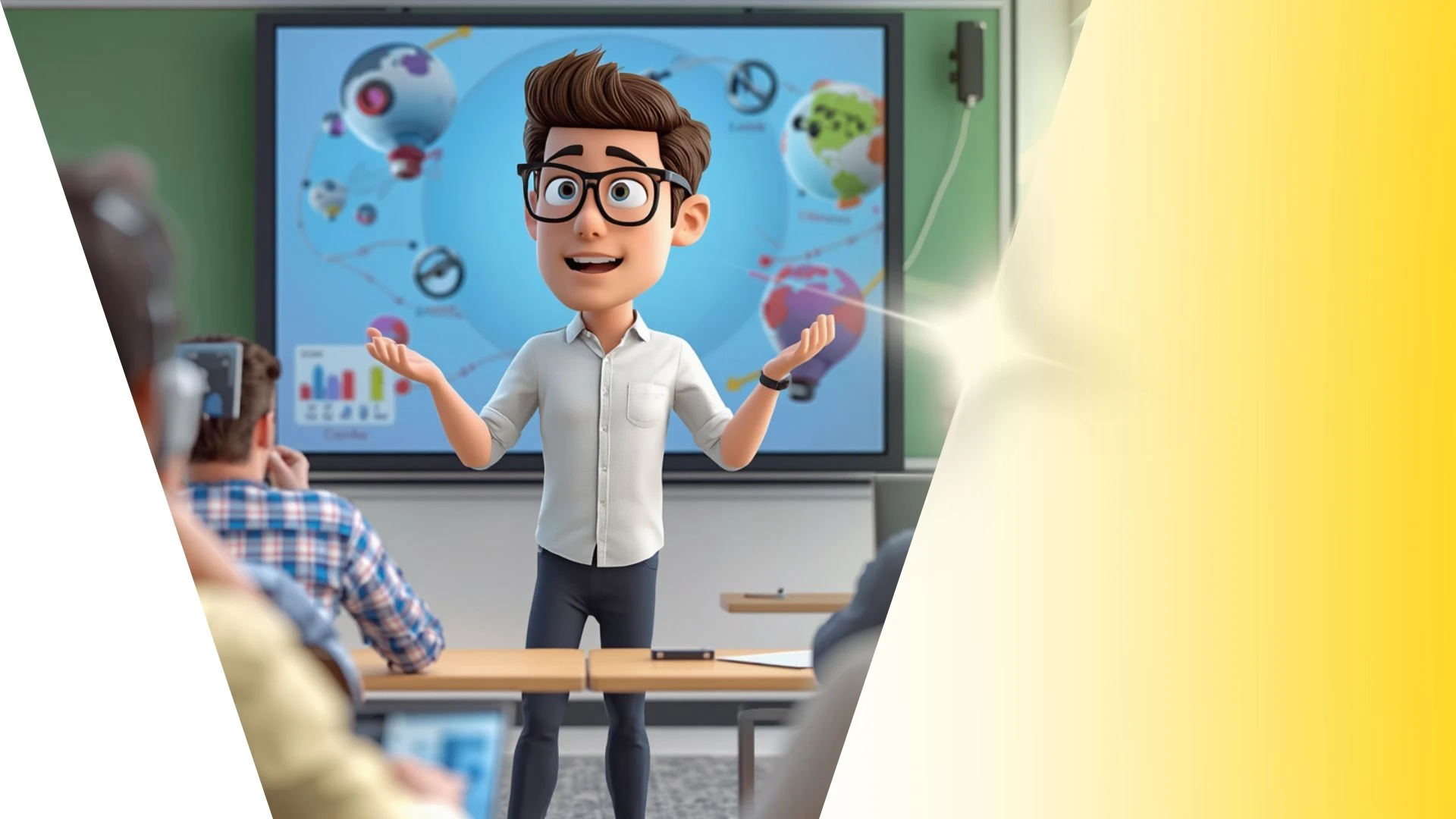
This 3D animation was generated using Krikey AI's animation editor. Starting from a simple text prompt: "History presentation on the ancient pyramids of Egypt. Explain the math behind the triangle shape of the pyramid", the AI rendered the 3D scene, character animations, and voice dialogue.
View full transcript▼
Look at this clip from PLAVE's Born Savage MV.
The camera shifts with each step.
Gliding camera paths soften choreography because floating hides the force of each stomp.
Locking the frame to the dancer's chest keeps the viewer focused.
On the kick beat, the angle jumps back and tilts toward the boots.
When weight shifts to the other foot, the view rises to eye level.
The camera acts like a dance partner matching footwork in real time.
A cut to a wide angle reveals the group locked in formation.
To frame camera angles and animate your own 3D idols without learning complex software, set up your scene at Cry-Key AI.
Turn your ideas into animations like this.
No complex software. No render farms. Just your imagination and Krikey AI.
Make a new video→More Like This
Explore community 3D animations
Popular 3D Animation Templates
Choose a ready-to-use template to jumpstart your video


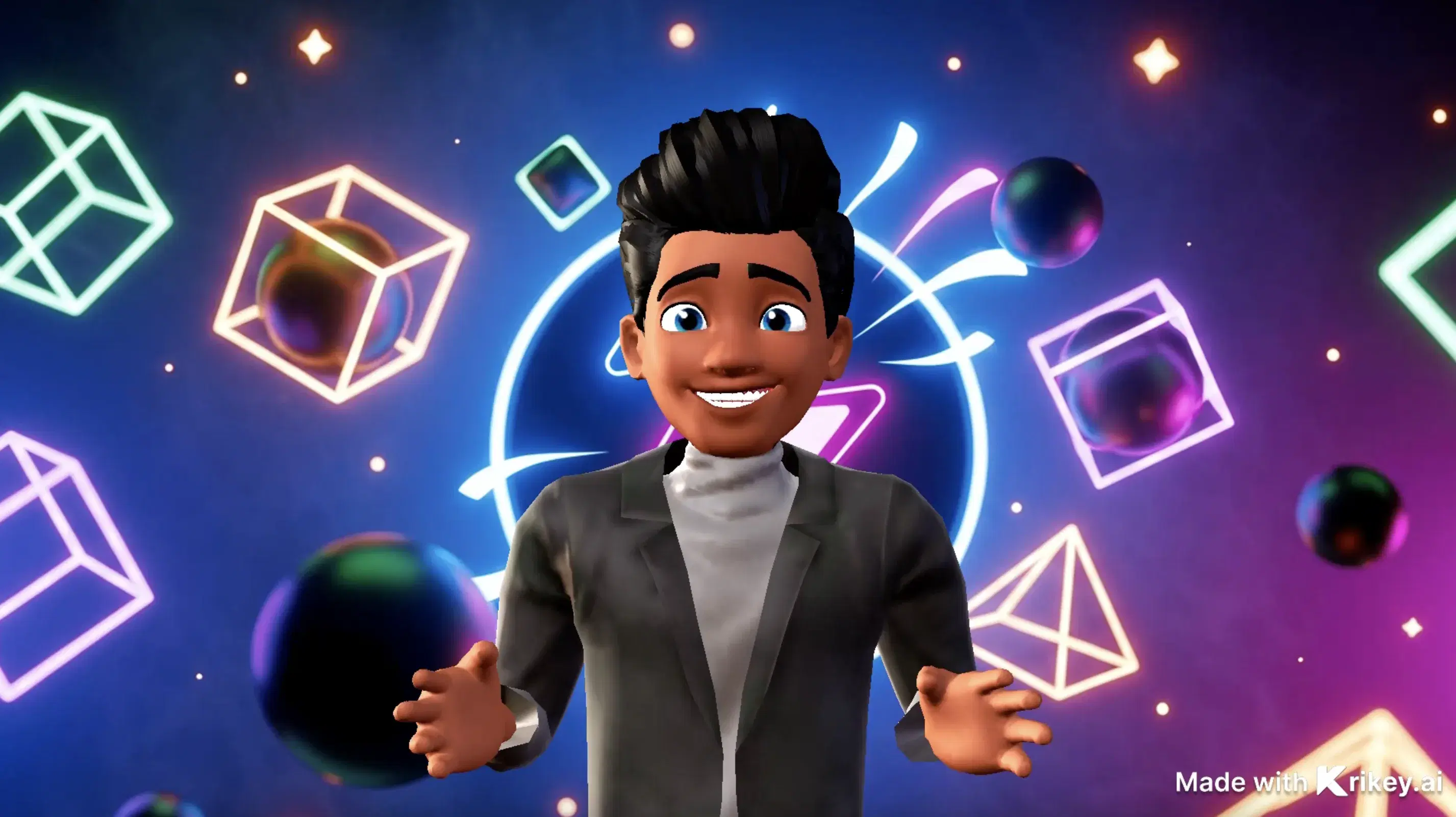
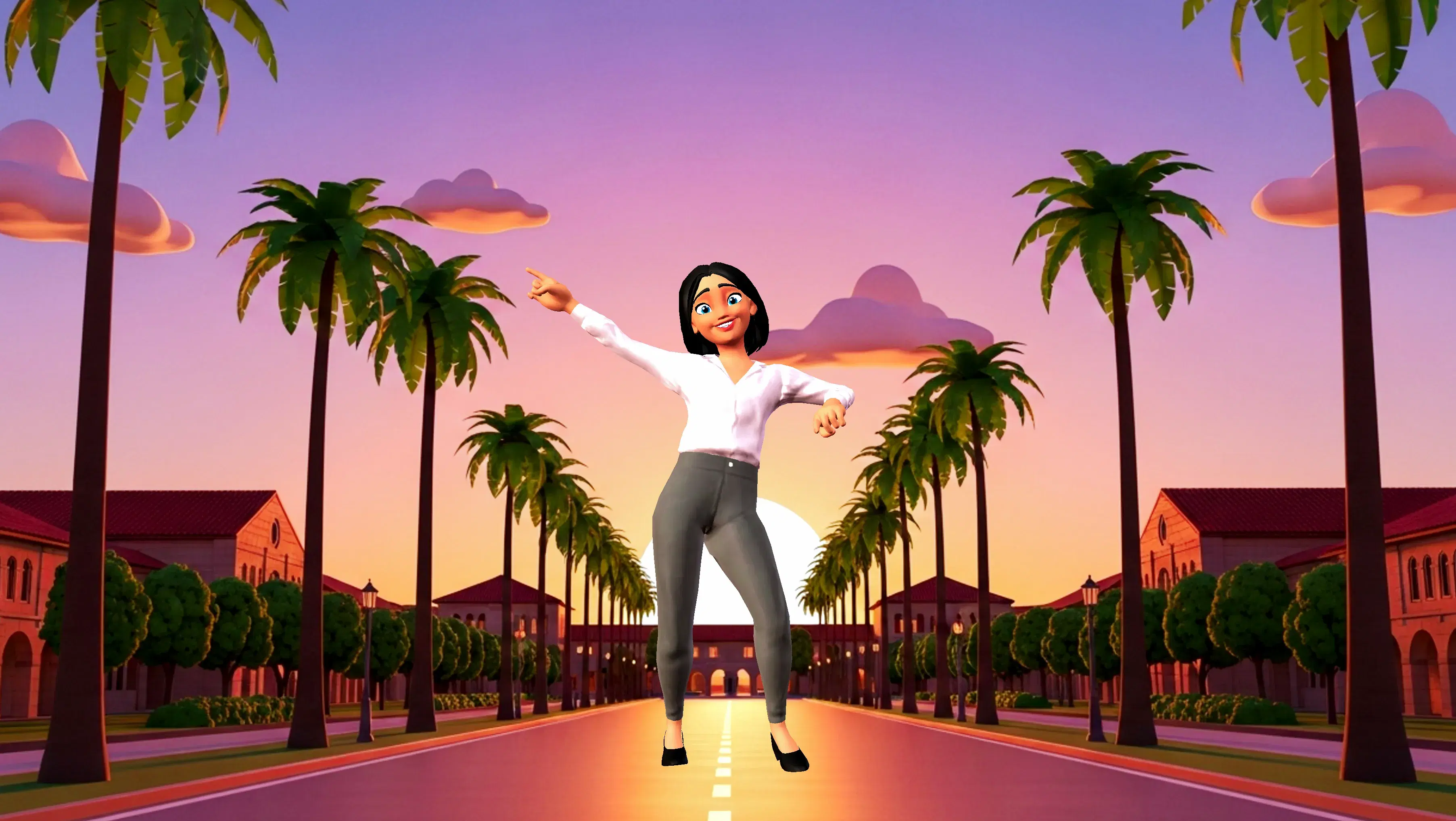
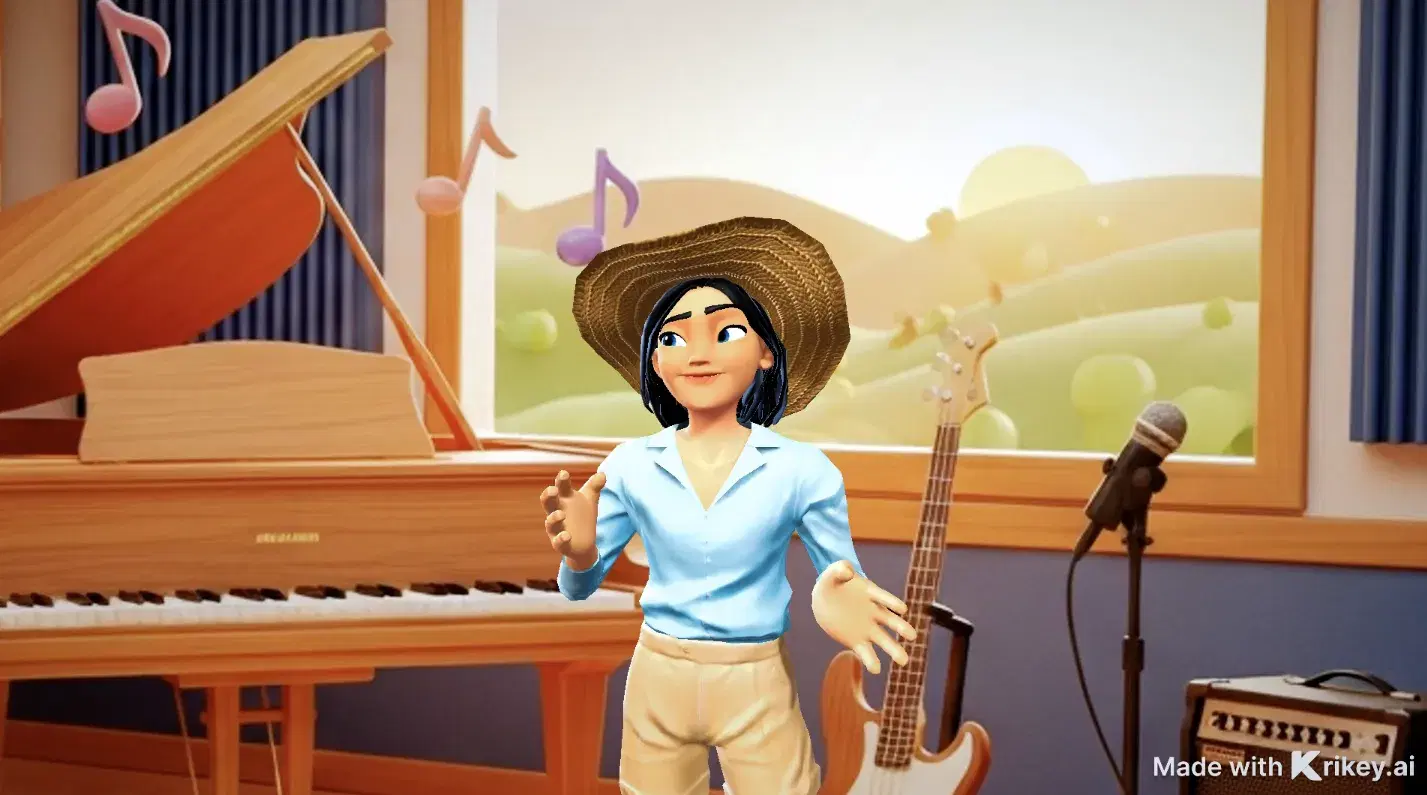
Featured 3D Characters
Bring unique cartoon characters to life with AI animation



Integrations & Workflows
Export 3D animations directly to your favorite creative platforms and game engines
Transform Character Animation Production Timelines from Weeks to Minutes
Generate fully textured 3D avatars directly from single 2D concept photos or character art with instant silhouette and color palette controls right in your browser.
Dancing Skeleton GIFs
Feature dancing skeleton GIFs with Krikey AI to customize unique 3D characters, facial expressions, skin tones, and outfits.
Free Motion Capture Animation Tools
Build customized AI Birthday Cards with Krikey AI, featuring automated lip-syncing and multilingual voiceovers in over 100 languages.
3D Storytelling Tools for Students
Build engaging lessons with Krikey AI 3D Animation Tools for Education, turning video clips into clean 3D skeletal motion data easily.
AI Video Generators
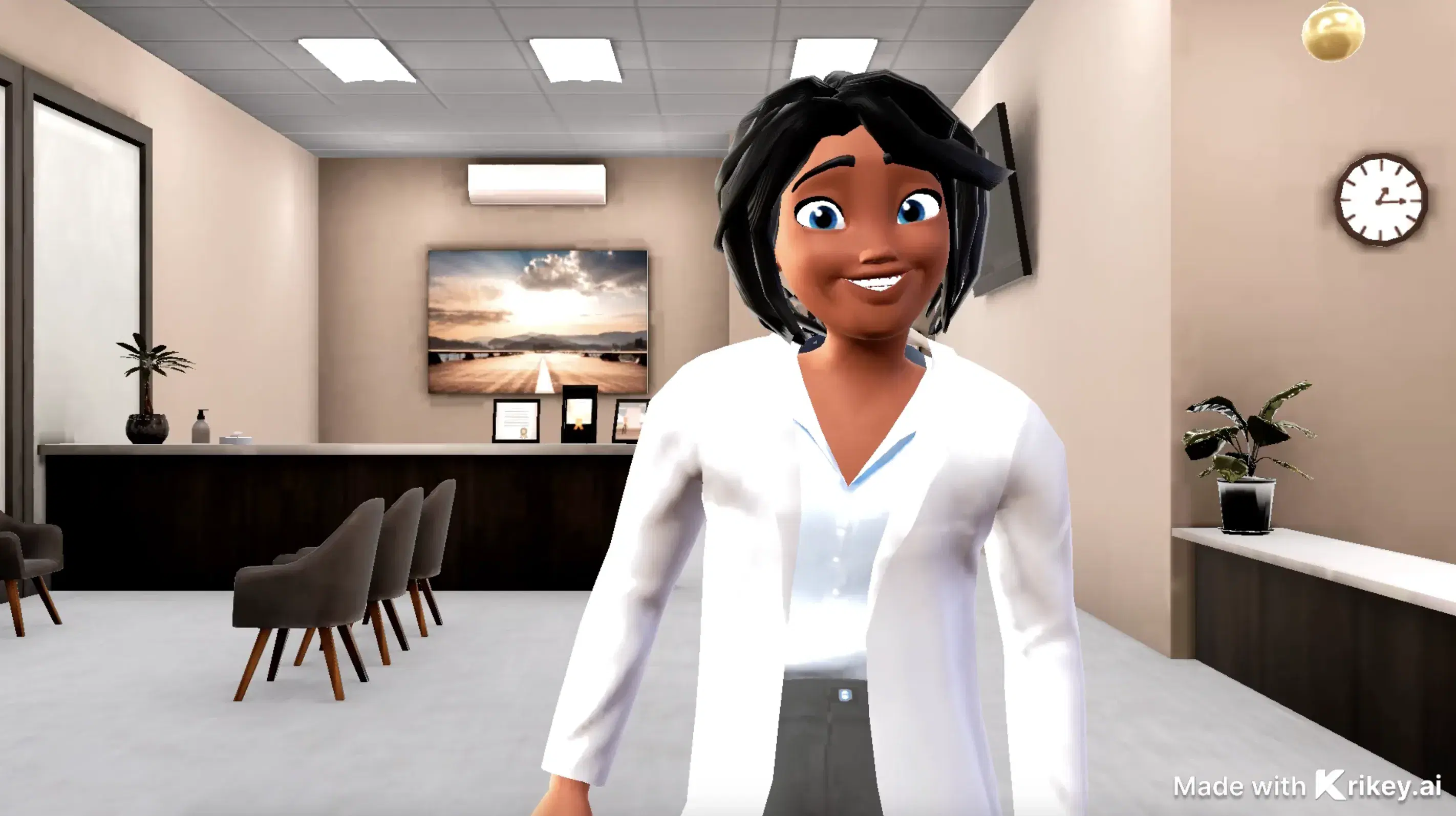
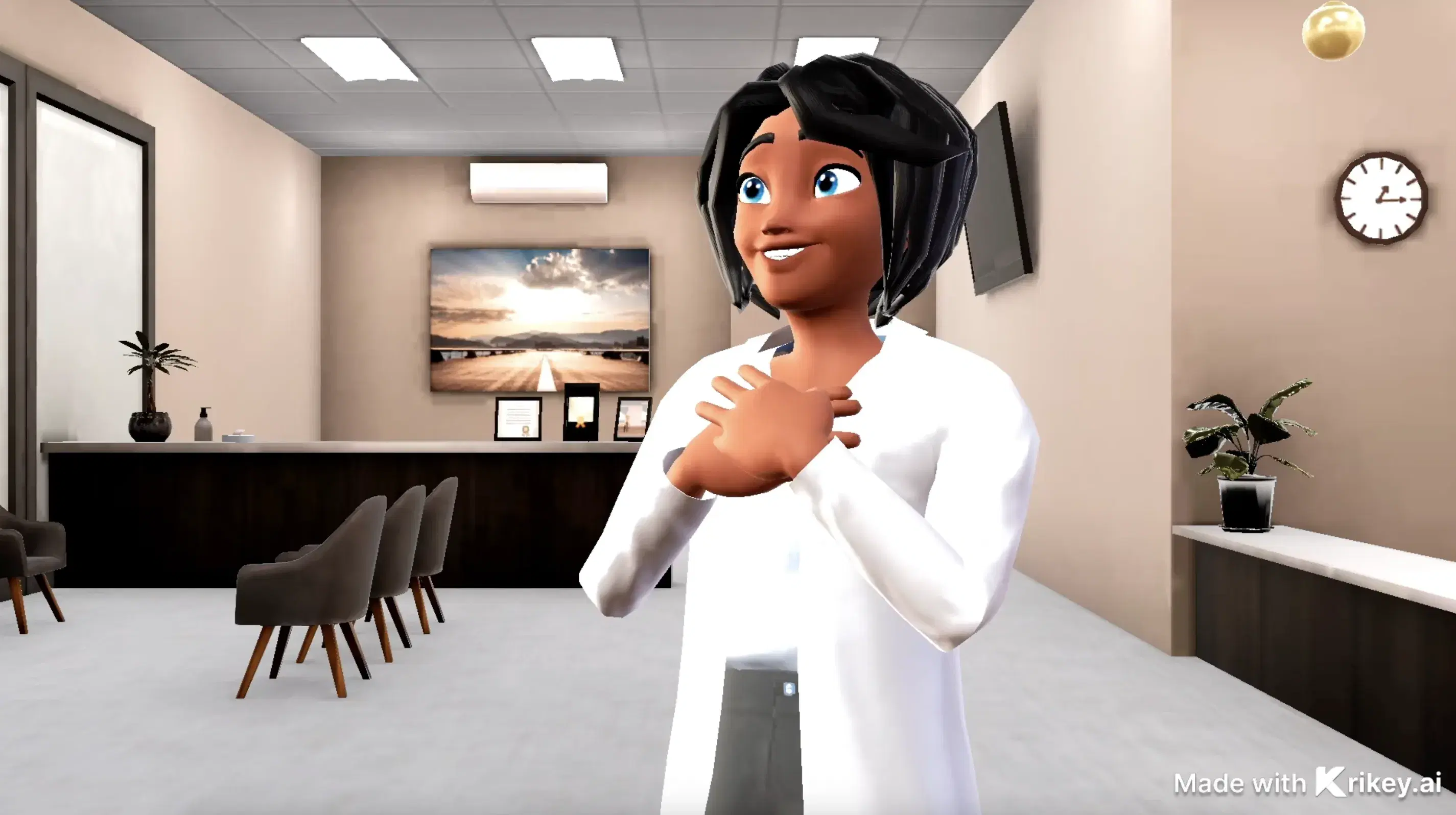
Animate medical videos with Krikey AI Cartoon Doctor Video Maker, featuring voiceovers in 100+ languages and auto lip-syncing.
Frequently Asked Questions
Learn more about creating, customizing, and sharing 3D animations with Krikey AI.
Does Krikey support complex sports and dance movements?▾
Yes, generative motion capture and text prompts handle athletic stunts, sports drills, hip-hop routines, ballet poses, and everyday physical gestures.
How do I insert a Krikey animation into PowerPoint or Google Slides?▾
Export your animation as an MP4 video or looping GIF, then use "Insert > Video" or "Insert > Image" inside Microsoft PowerPoint or Google Slides.
Can I create a custom 3D avatar from a photo?▾
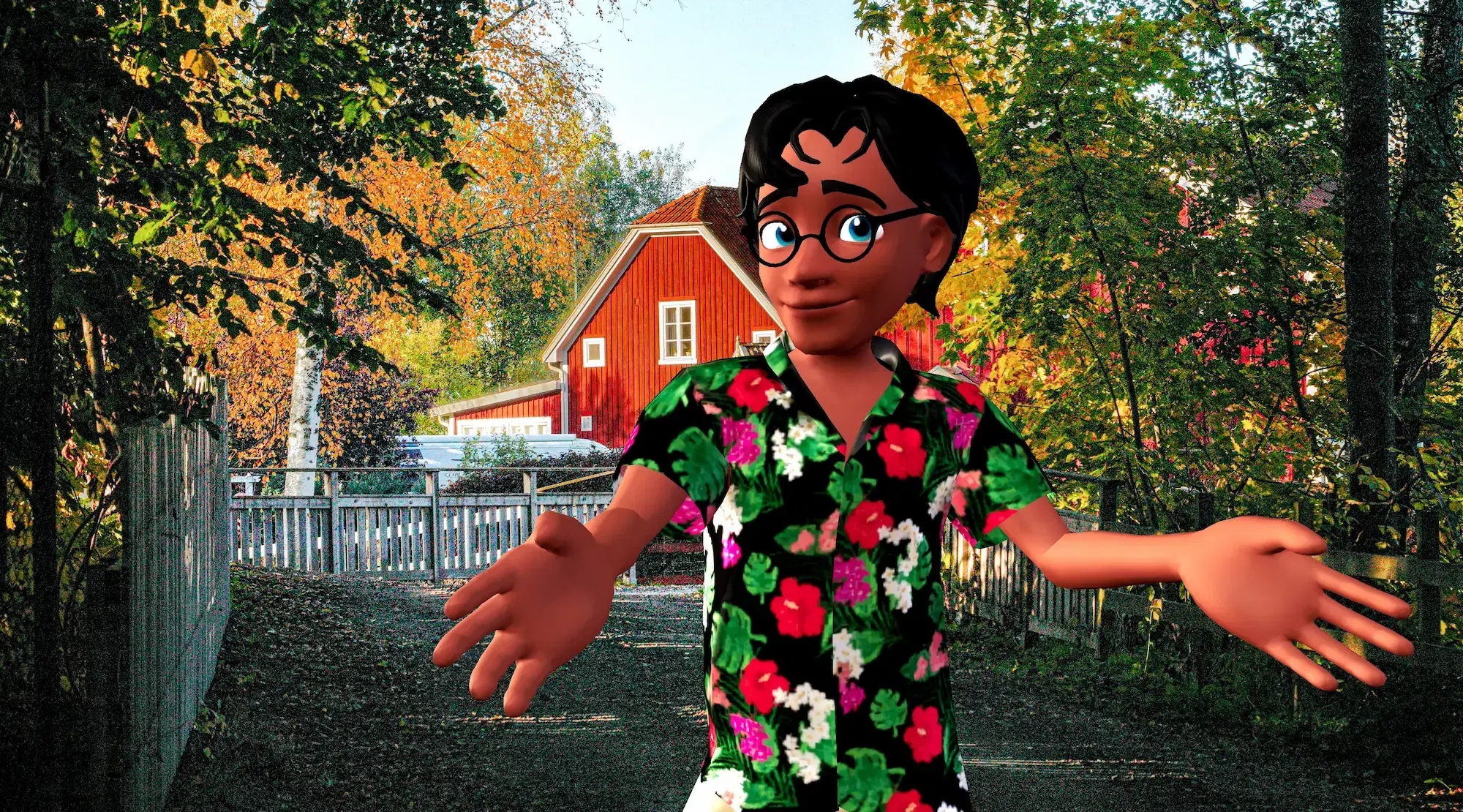
Yes, Krikey’s Character Creator lets you upload a portrait photo or selfie to generate a personalized, stylized 3D avatar within seconds.
Can I change the camera angle in my animation?▾
Yes, you can switch between preset camera perspectives (close-up, medium shot, wide shot) in 3D space.
What character styles are available on Krikey AI?▾
You can select and customize avatars across multiple visual styles, including stylized anime, 3D cartoon, mini-me, k-pop, and cartoon mascot looks.