Staging my character4

This 3D animation was generated using Krikey AI's animation editor. Starting from a simple text prompt: "History presentation on the ancient pyramids of Egypt. Explain the math behind the triangle shape of the pyramid", the AI rendered the 3D scene, character animations, and voice dialogue.
View full transcript▼
Look at the camera movement right before the chorus in PLAVE’s “Born Savage”.
At forty-eight seconds, two members crouch down low to the stage floor.
Instead of staying chest-high, the camera lowers in front of them.
Tilting upward makes their shoulders and silhouettes tower against the ceiling lights.
The view mirrors standing in the concert pit looking up at the runway.
Zooming in at eye level flattens the stage and shrinks the members.
Lowering the camera builds height and tension before the chorus snaps wide.
To frame camera angles and animate your own 3D idols without learning complex software, set up your scene at Cry-Key AI.
Turn your ideas into animations like this.
No complex software. No render farms. Just your imagination and Krikey AI.
Make a new video→More Like This
Explore community 3D animations
Popular 3D Animation Templates
Choose a ready-to-use template to jumpstart your video
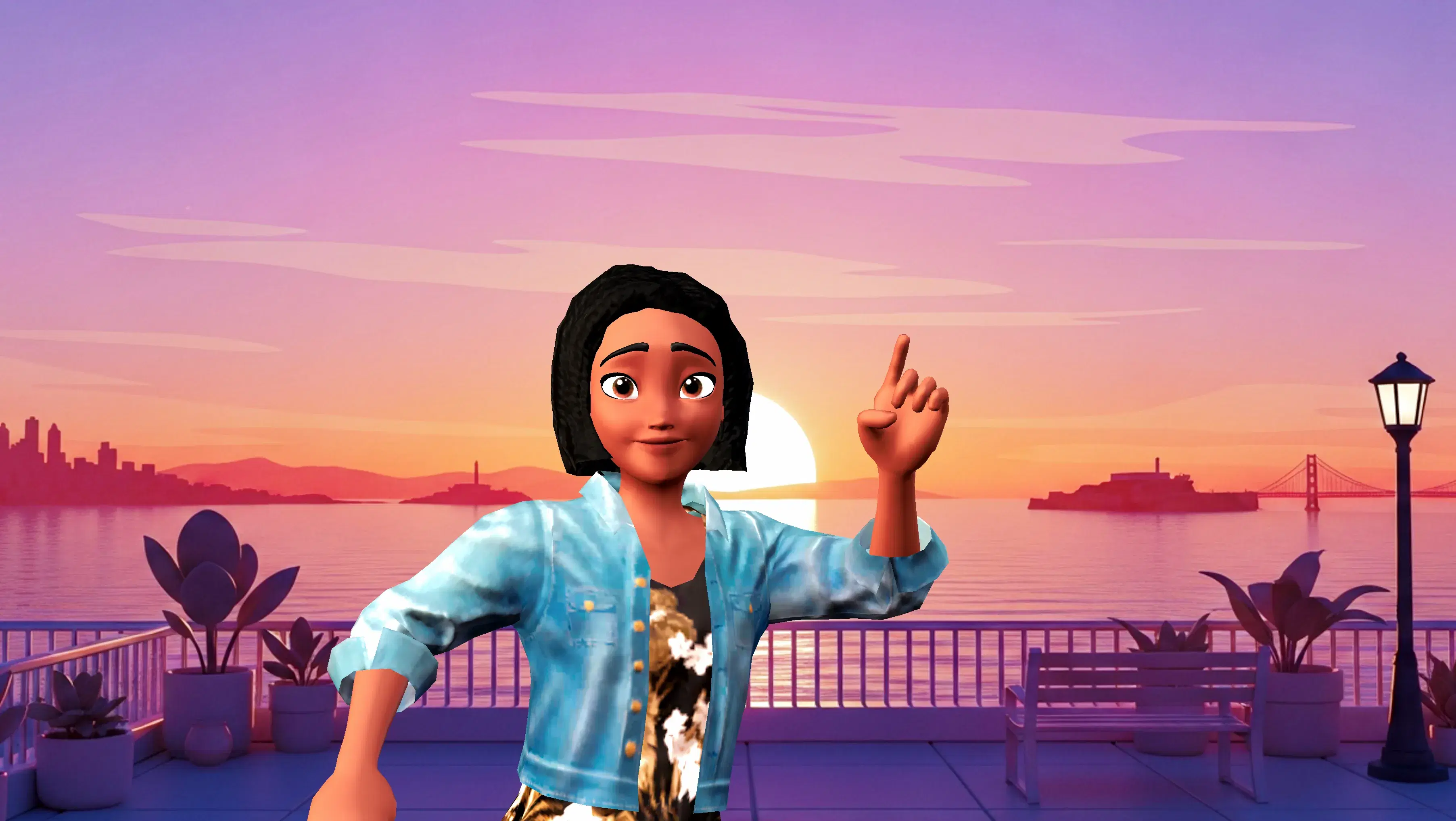

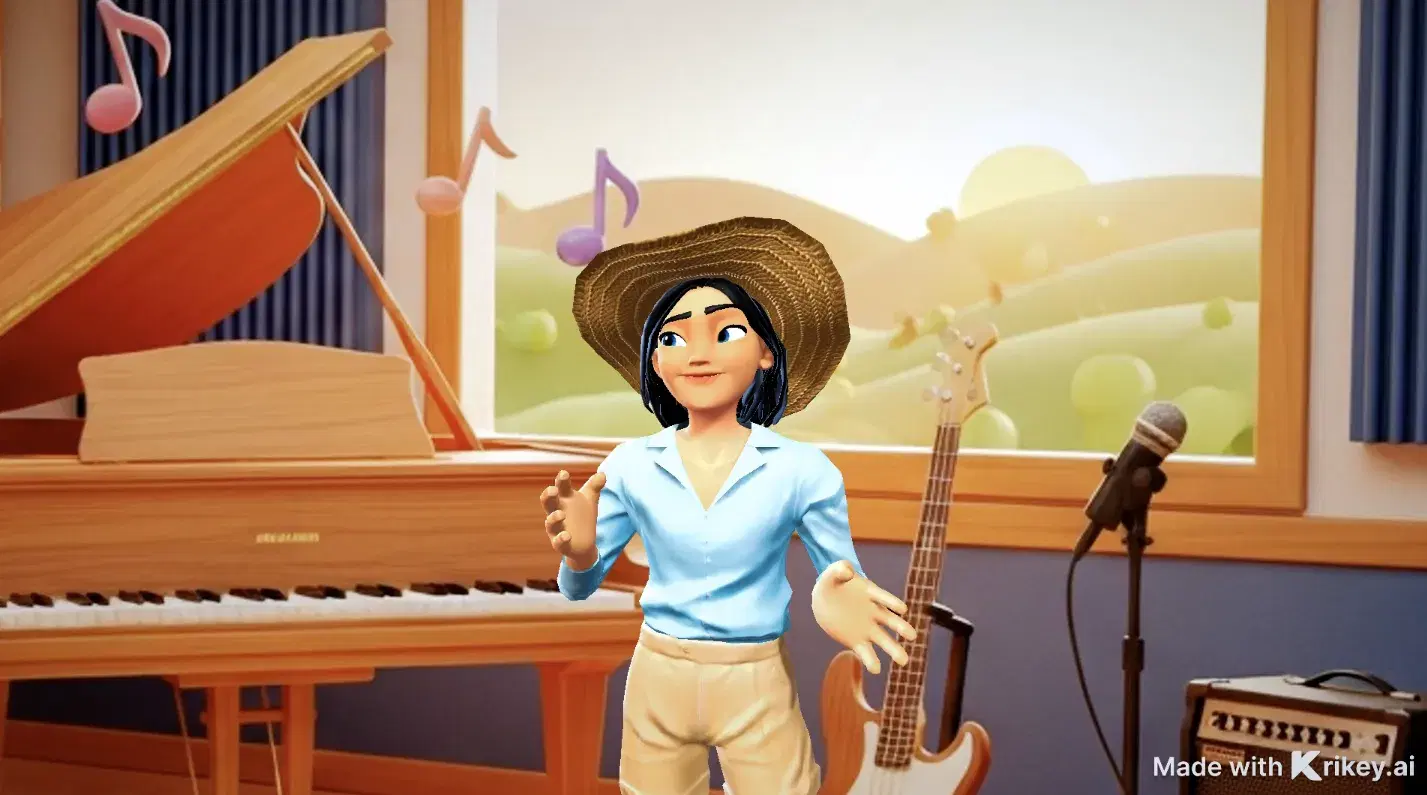
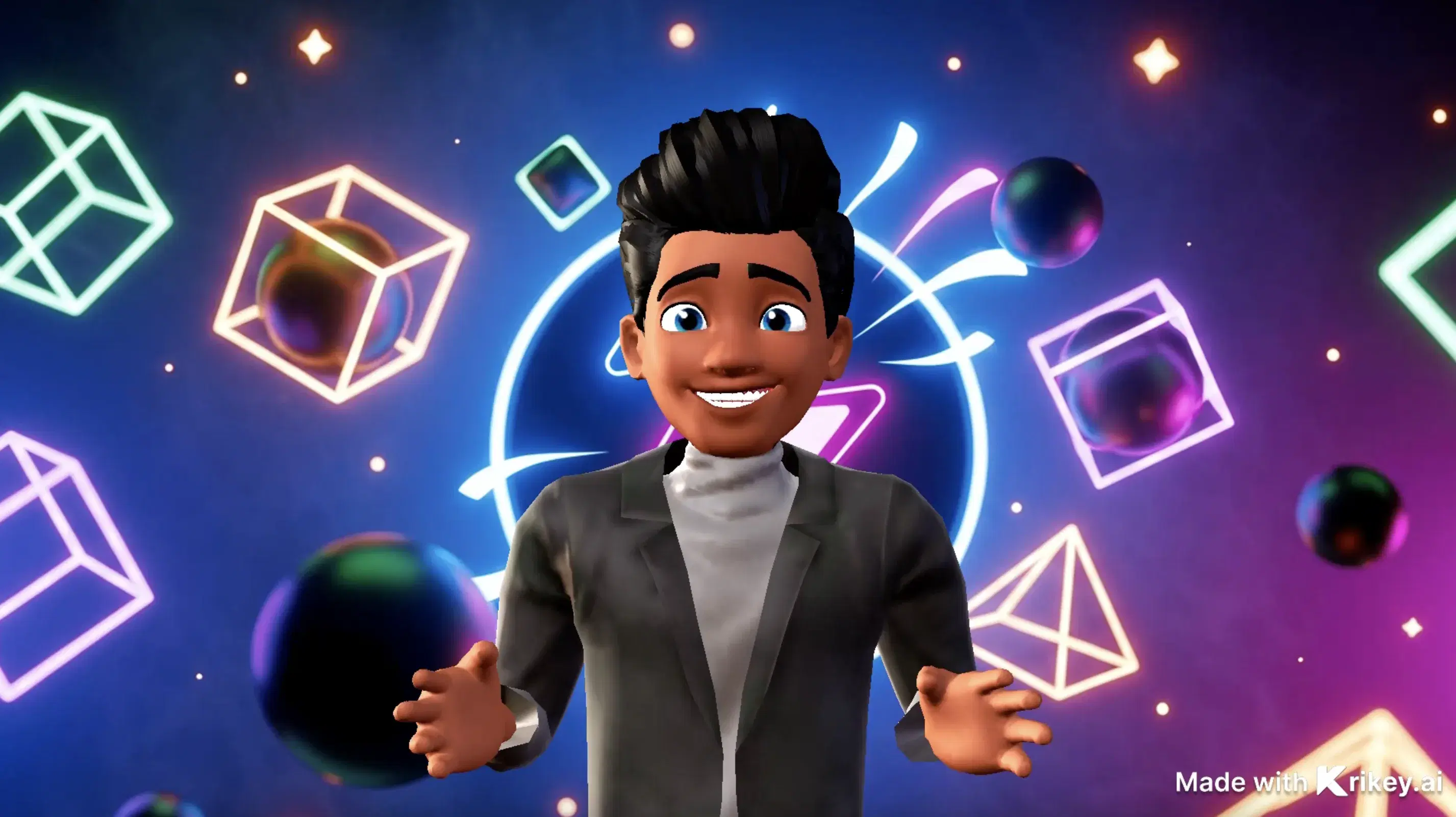

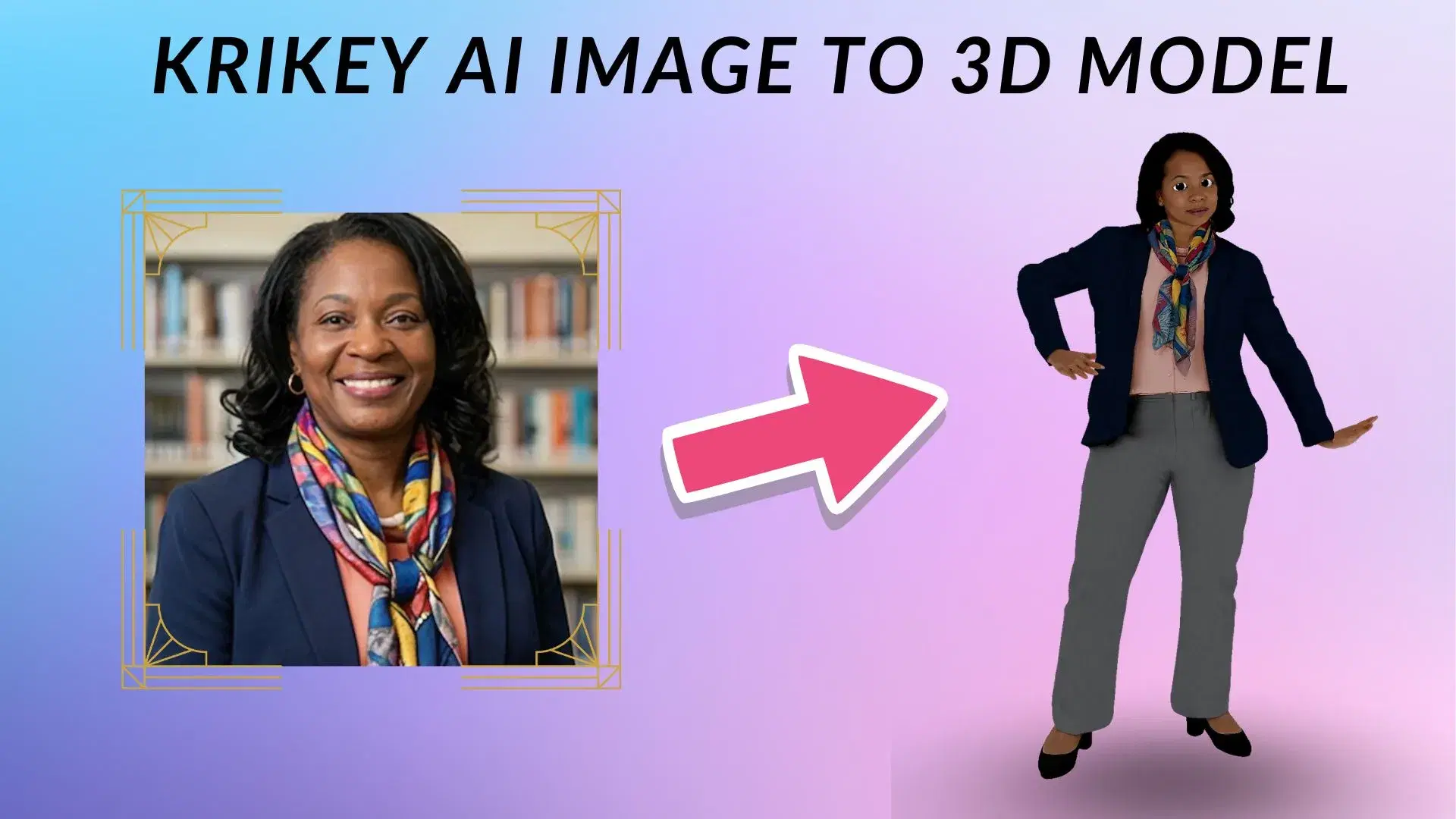
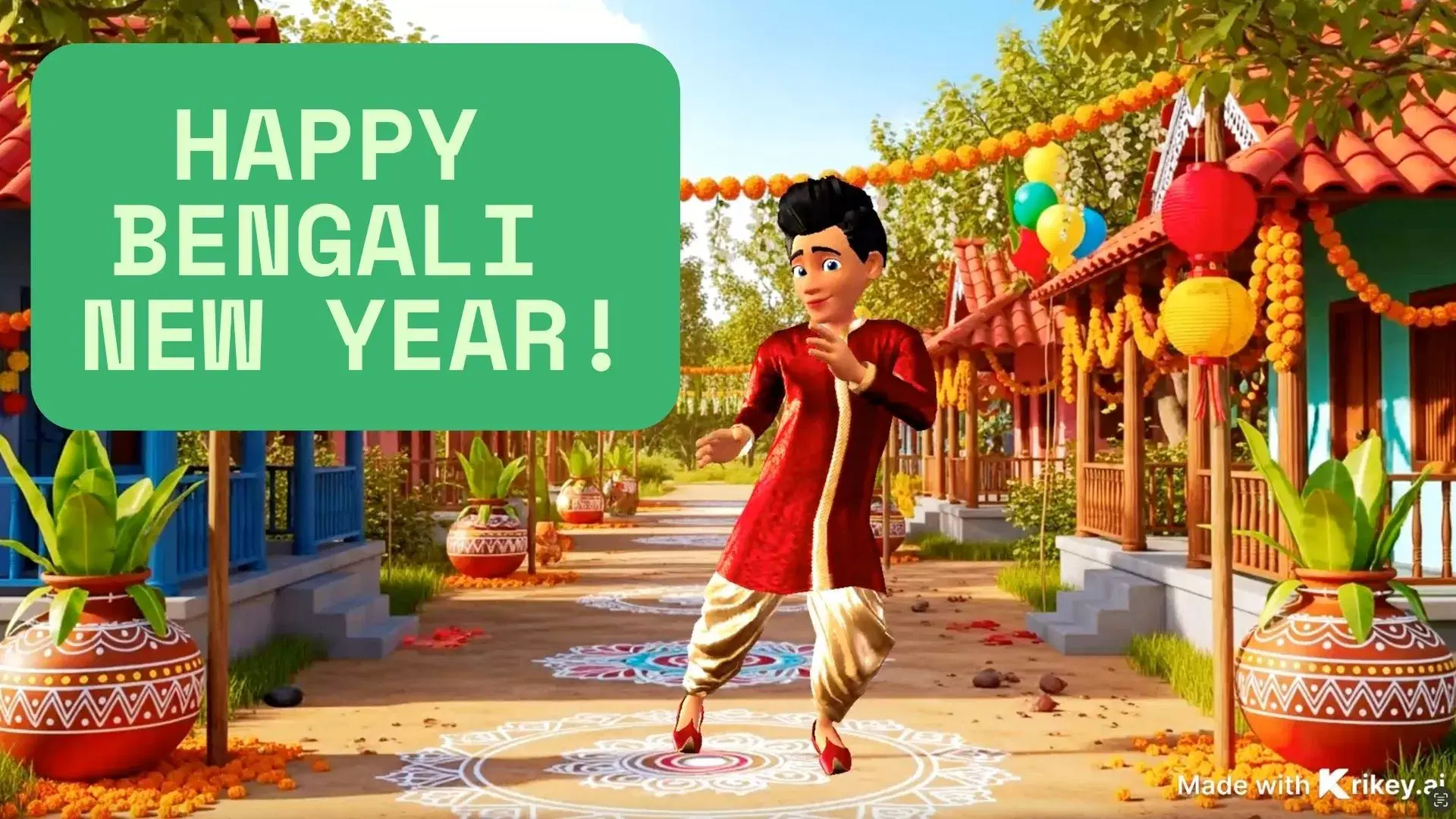
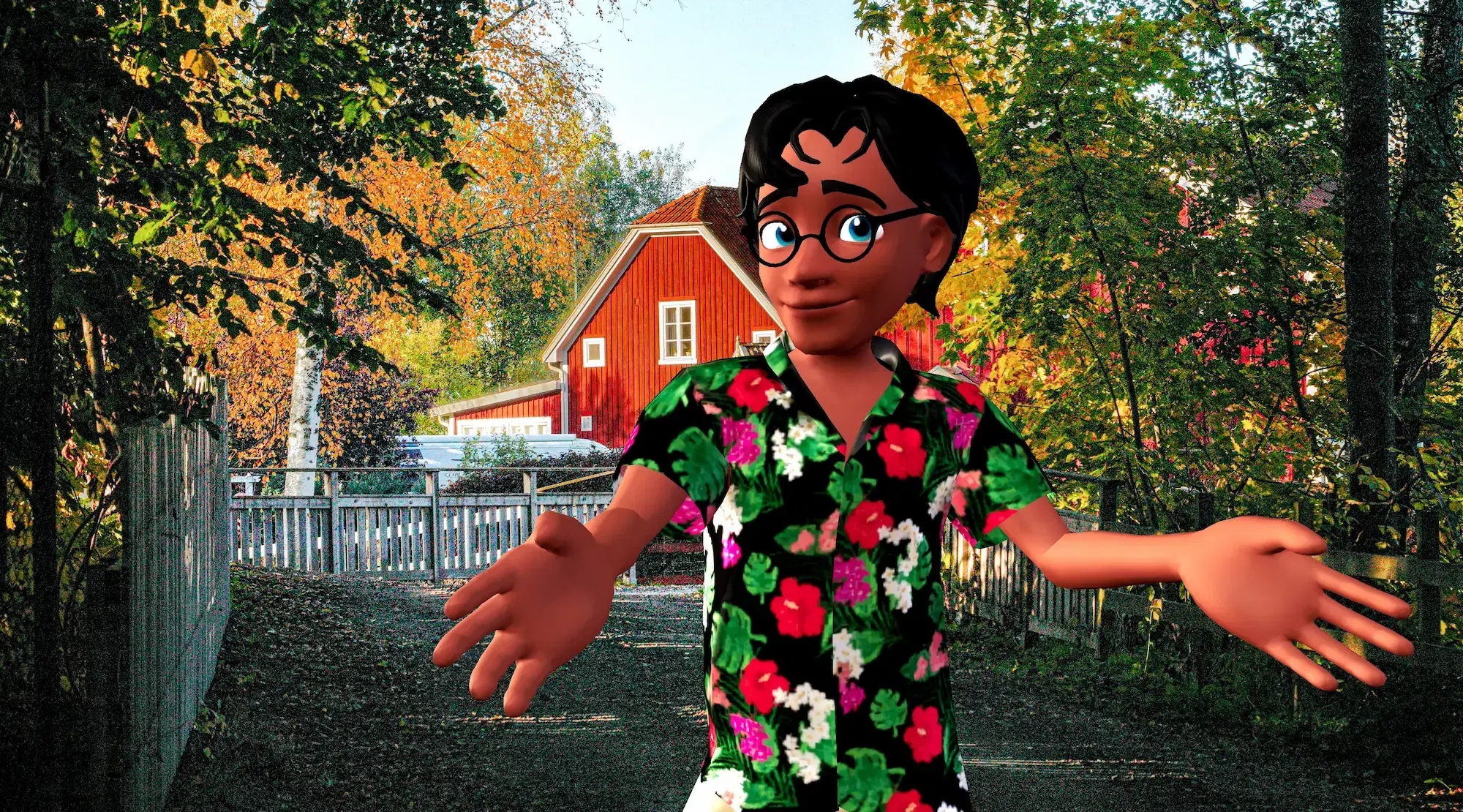

Featured 3D Characters
Bring unique cartoon characters to life with AI animation




Integrations & Workflows
Export 3D animations directly to your favorite creative platforms and game engines
Scale Your 3D Video and Game Asset Production Without Increased Cost
Transform raw video clips into clean, editable 3D skeletal motion data to capture complex athletics, dance routines, and body mechanics without optical tracking suits.
Funny Cartoon Video Templates
Fast-track fun videos with Krikey AI Taco Tuesday GIFs, transforming video clips into clean 3D skeletal motion data effortlessly.
Pricing Plans & Options
Access Krikey AI Pricing Plans to generate textured 3D avatars from 2D photos with instant silhouette and color controls directly in your browser.
How to Make a Cartoon Character
Design funny cartoon video podcasts from voice recordings using Krikey AI templates with automated speech-driven character reactions.
Cartoon Teacher Video Generator
Fast-track educational content using Krikey AI Cartoon Teacher Video Generator to create dynamic 3D animated lessons for students easily.
Frequently Asked Questions
Learn more about creating, customizing, and sharing 3D animations with Krikey AI.
Can I export animations with a transparent background (green screen)?▾
Yes, you can render your characters against a solid chroma green screen or export transparent GIF files for effortless compositing in video editing tools.
Can I create animated podcast clips for social promotion?▾
Yes, upload engaging audio snippets from your podcast, and Krikey will generate a talking 3D avatar clip optimized for vertical social feeds.
Can I watch this 3D animation on mobile devices?▾
Yes, Krikey streams smoothly across iOS, Android, tablets, and modern desktop web browsers. You can animate in 3D and use their AI Animation video editor directly off your web browser.
Can I create animated avatars for children's educational content?▾
Yes, Krikey offers colorful, kid-friendly cartoon character designs and expressive poses ideal for engaging younger audiences in classrooms and video series.
Can I edit my Krikey video in Premiere Pro, Final Cut, or DaVinci Resolve?▾
Yes, downloaded 1080p MP4 files can be imported directly into Adobe Premiere Pro, Apple Final Cut Pro, DaVinci Resolve, or any standard NLE timeline.