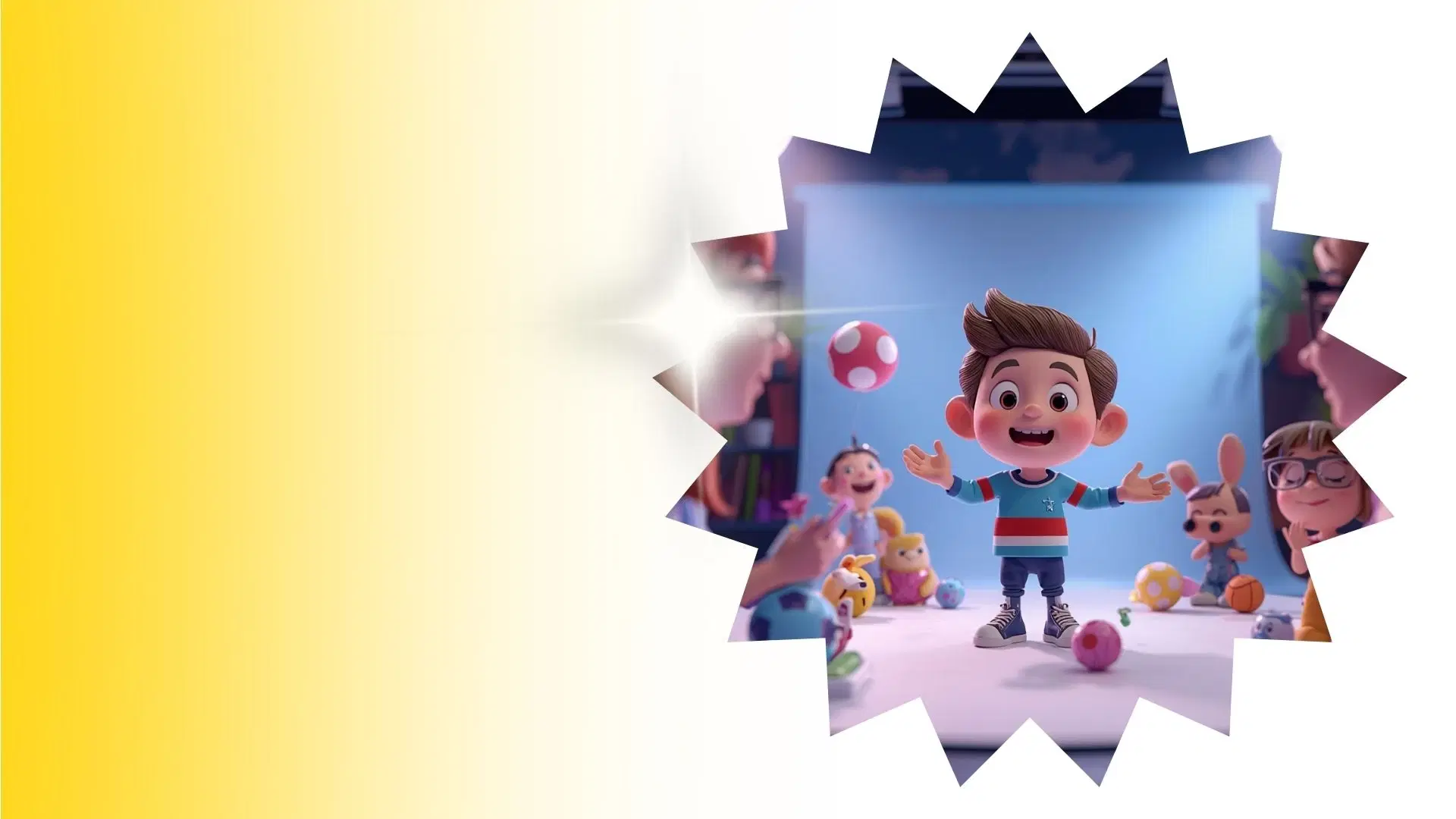
Animation for Video Editors Template
Animation for Video Editors
Easily edit 3D avatars into your videos with our Animation for Video Editors Template. Create custom intros and marketing ads with Krikey AI today.
More templates like this
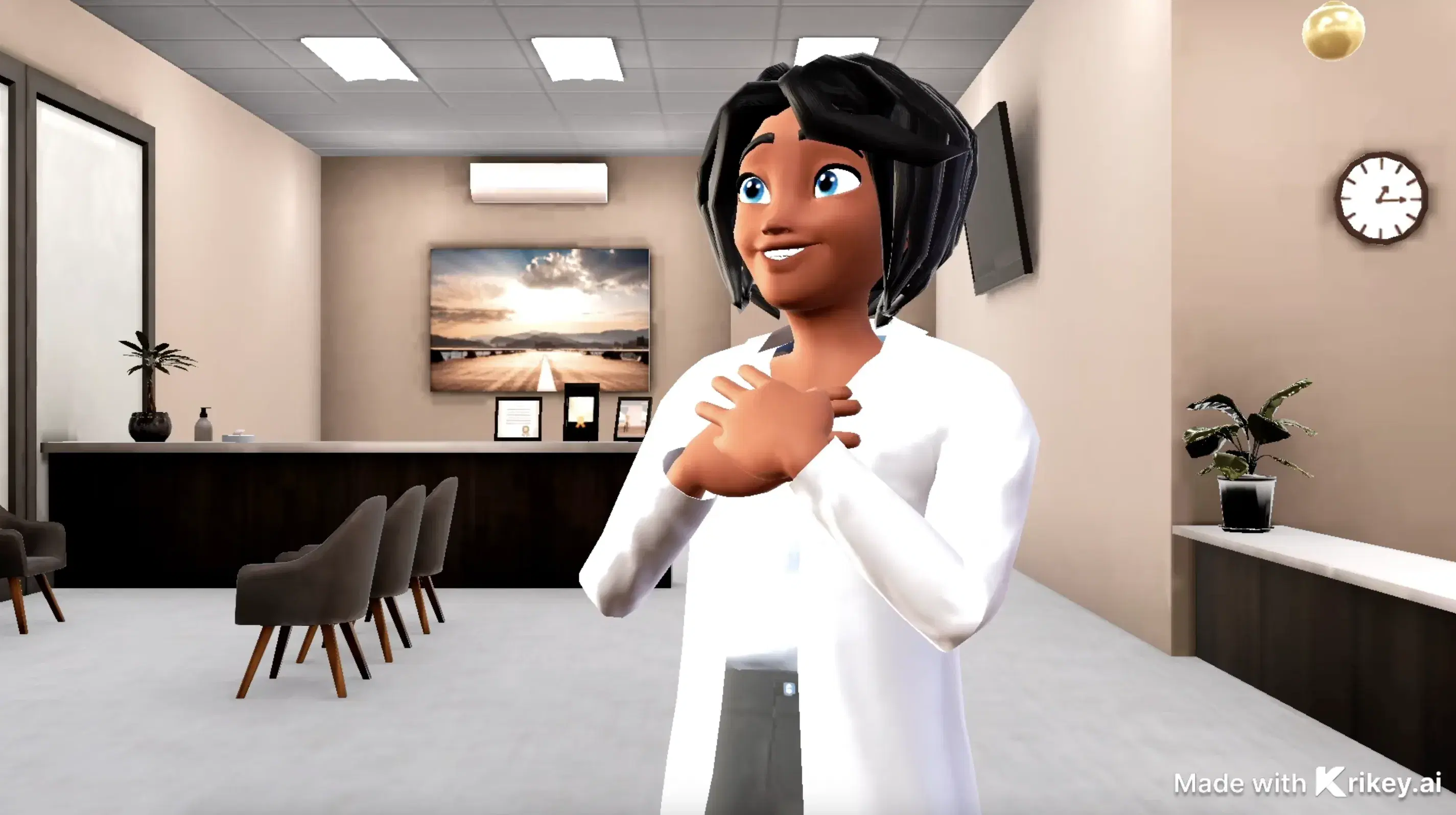

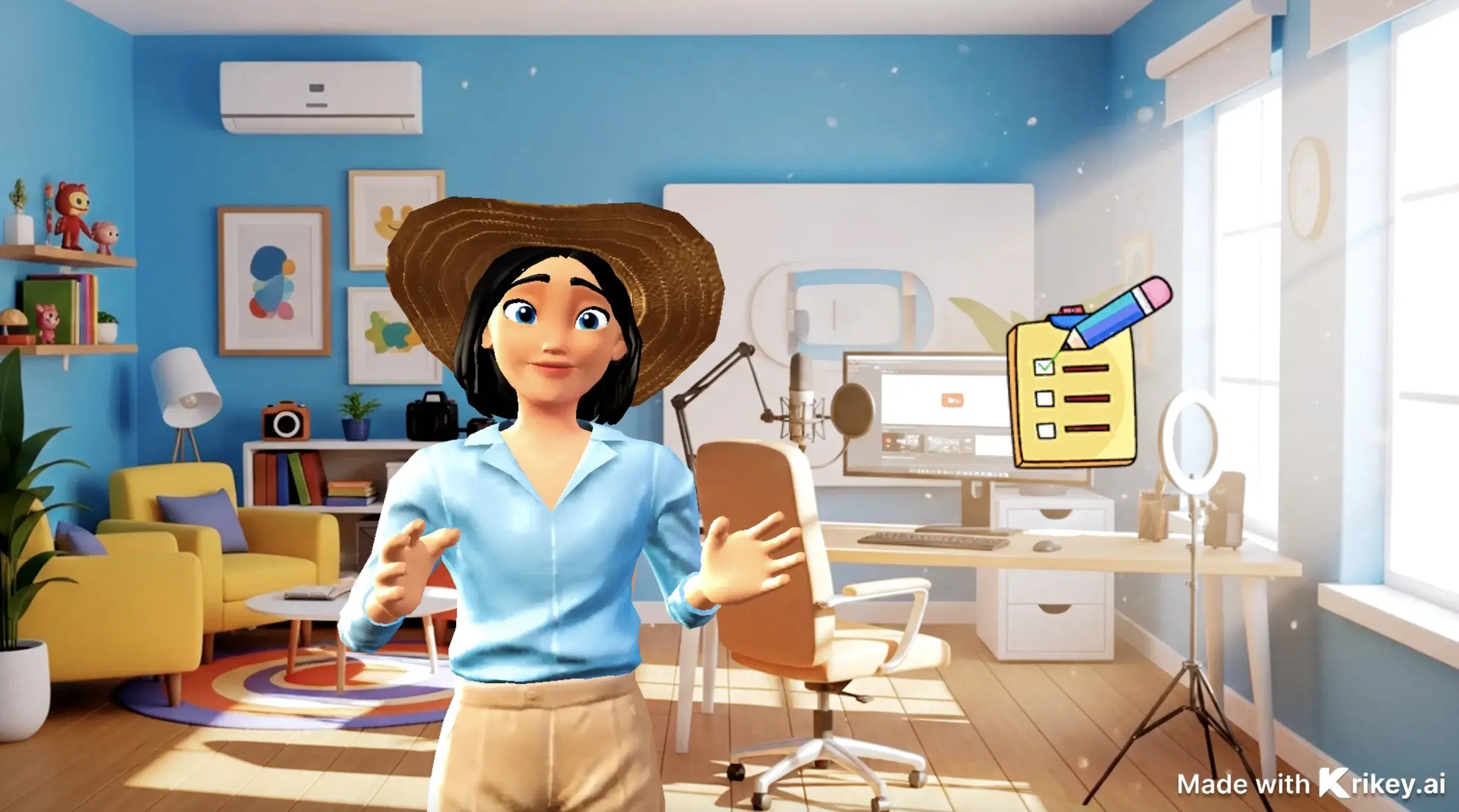
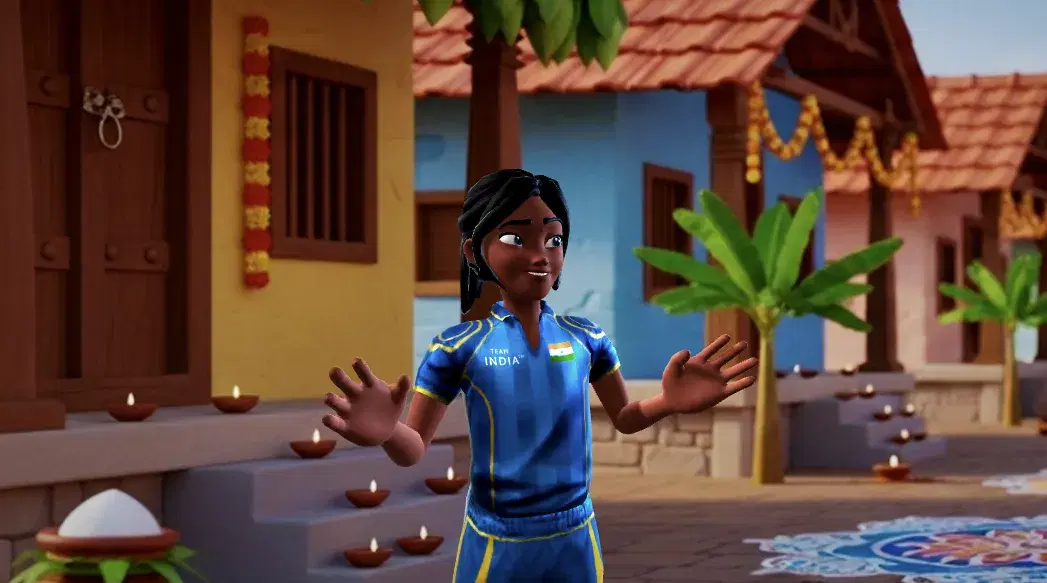
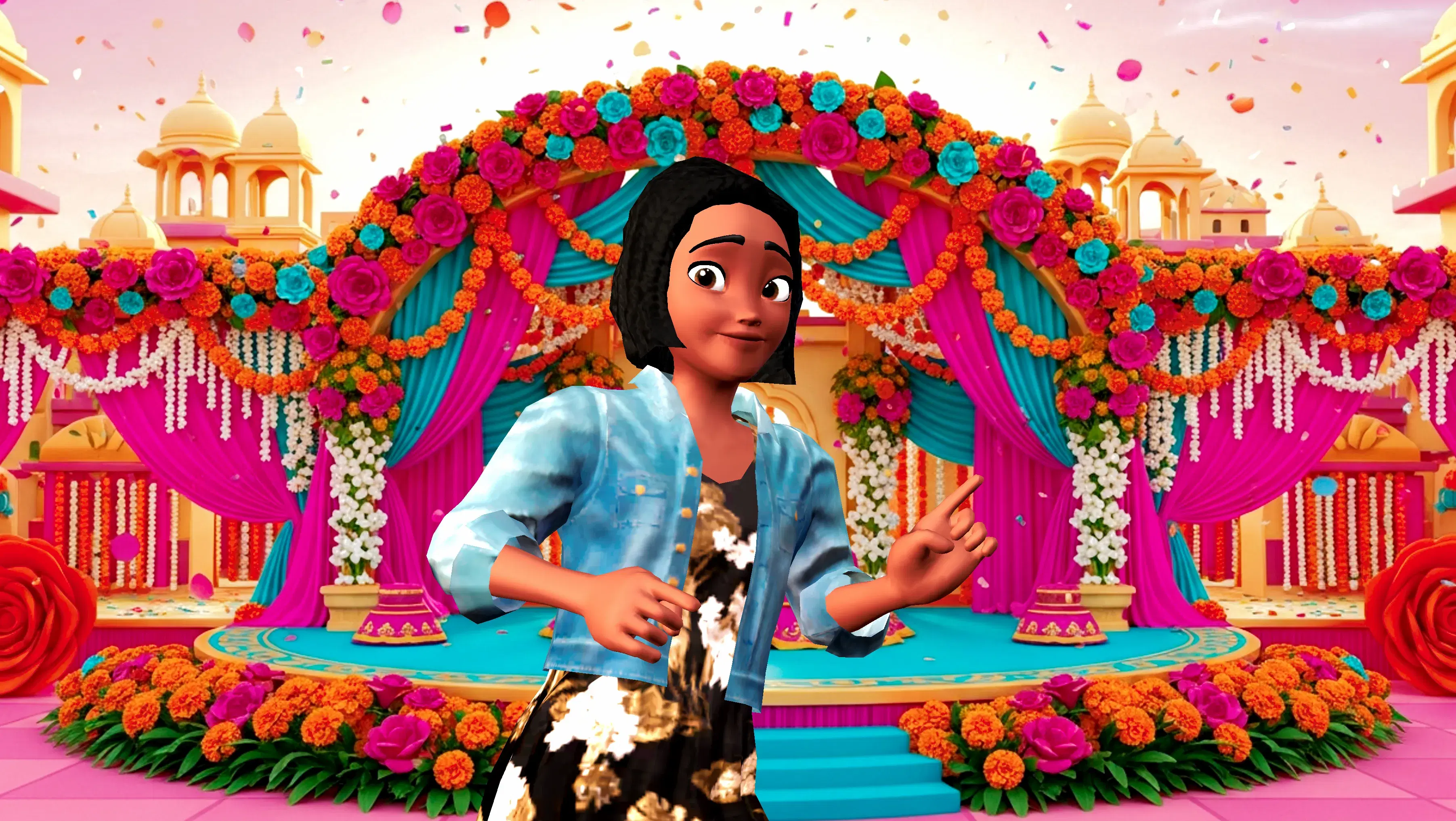
How to Customize This Template
How To Animate: Animation for Video Editors
Crafting fast animations is a total breeze using the Krikey AI template Animation for Video Editors.
Open a Pre-built Template
Simplify your next project with the perfect template.
Toss in a Prompt
Type your vision into Krikey AI Animation to instantly generate a talking avatar, cartoon music video, or animated video podcast.
Tailor animation and post it
Download MP4, FBX, GIF, or PNG. Share on TikTok, YouTube, & LinkedIn. Useful for presentations, teaching, and marketing.
Craft custom intros, marketing ads, and training videos.
The Animation for Video Editors Template is a versatile tool designed to streamline the integration of 3D characters and motion graphics into professional video projects. One primary use is for creating high-energy social media intros and outros. Video editors can quickly customize 3D avatars to act as digital spokespeople, adding a unique brand personality to YouTube channels or TikTok series without the need for a live film crew.
Another effective application is for marketing and advertising. Editors can use these templates to produce eye-catching product demos or seasonal promos. By combining pre-built animations with text-to-speech technology, you can generate multiple variations of a video ad to test different messaging across platforms like Instagram and Facebook. This high-speed editing capability allows for rapid iteration and creative testing.
For corporate and educational content, these templates are ideal for internal training videos and tutorials. You can animate complex concepts using 3D models, making dry information more engaging for employees or students. Whether you are building an onboarding series or a technical walkthrough, the ability to "toss in a prompt" and generate synced character movements simplifies the production of professional-grade educational assets. This template empowers editors to focus on storytelling while the AI handles the time-consuming aspects of character animation.
Easily create professional videos with high-quality designs.
Krikey AI Animation is the premier choice for video editors because it streamlines the integration of high-quality 3D characters into professional projects without the need for complex rigging or manual keyframing. By offering a browser-based 3D editor with features like text-to-animation and video-to-motion capture, the platform enables editors to generate custom 3D avatars and synced character movements in minutes rather than days. The tool’s versatility allows for rapid creative testing through multiple video ad variations, while integrated AI voiceovers and automatic lip-syncing ensure a polished, professional aesthetic. Ultimately, Krikey AI empowers editors to focus on high-level storytelling and efficient production cycles while the software handles the most time-consuming technical aspects of 3D animation.
High-speed editing meets creative 3D avatars for creators.
Beyond professional animation for video editors, you can utilize Krikey AI Animation to develop a diverse array of creative and professional projects, such as engaging educational explainers and interactive book reports featuring talking 3D avatars that simplify complex subjects for students. Marketing professionals can design high-impact social media ads, branded GIFs, and animated product showcases using custom mascots to boost audience engagement on platforms like TikTok and Instagram. Additionally, the tool is perfect for creating personalized digital invitations with animated characters, dynamic business presentations that replace static slides with talking characters, and even animated resumes or YouTube intros. Other creative possibilities include producing animated training modules for corporate onboarding, healthcare tutorials with cartoon doctors, and storytelling series like BookTok adaptations or kids cartoons.





Frequently Asked Questions (FAQs) about Animation for Video Editors Template
These are frequently asked questions about Animation for Video Editors Template
More Integrations like this
Connect Krikey AI with more of your favorite tools and platforms.