How to use After Effects motion graphics talking avatar workflow with Krikey AI
Revolutionize your After Effects motion graphics talking avatar workflow using Krikey AI. Speed up production and unlock new levels of creativity with AI tools.

 100,000+ creators, social media teams, marketing agencies, teachers & students animate with Krikey


Super Krikey AI Guide for After Effects Avatar Workflow
Motion graphics artists often find that high RAM usage and performance-heavy effects in After Effects can cause regular software crashes and sluggish video playback, stalling their creative momentum. Krikey AI Animation offers a powerful solution for those looking to optimize their talking avatar workflow. To solve high RAM usage and performance crashes in After Effects, Krikey AI Animation uses cloud-based processing to generate 3D talking avatars without straining your local hardware. This shift allows you to create high-quality animations without technical bottlenecks, ensuring a faster and more stable production process from start to finish.
Precision Pipeline Creative Flow
Generate 3D Avatar with AI
Cloud-based Krikey AI makes generating 3D avatars easy, preventing After Effects crashes and local hardware strain.
Turn Words into Motion
Unlock creativity using Krikey AI to turn words into motion, avoiding After Effects crashes with cloud-based tools.
Design & Export
Via Krikey AI, Design & Export in FBX or MP4 to simplify your After Effects motion graphics talking avatar workflow.
Work faster in After Effects with Krikey AI Animation
After Effects motion graphics talking avatar workflow projects are significantly accelerated by Krikey AI Animation through its innovative cloud-based processing. Motion graphics artists frequently face performance bottlenecks and software crashes due to high RAM usage when rendering complex 3D characters locally. Krikey AI eliminates these hardware constraints by handling the heavy lifting in the cloud, allowing creators to generate high-quality talking avatars in minutes rather than days. By automating rigging and synchronization, it removes tedious manual tasks, enabling teams to focus on artistry. This streamlined pipeline ensures faster iteration and seamless FBX or MP4 exports, transforming how professional creators produce engaging 3D content without straining their local systems.
AI Text-to-Motion
Build 3D characters in seconds with Krikey AI. Enter your text prompt to generate animations, customize your avatar, and export as FBX or MP4 to enhance your After Effects motion graphics workflow.
Expand Your Capabilities
Camtasia, Avid, and After Effects workflows are accelerated by Krikey AI Animation. Our tools automate rigging to speed up production. Click here to see all!
Explore existing 3D rigs or generate with AI
Design with ease using Krikey AI Animation's library of pre-rigged 3D models and character generator. It simplifies the After Effects motion graphics talking avatar workflow to boost creativity.
More Integrations like this
Connect Krikey AI with more of your favorite tools and platforms.

How to Animate from Krikey AI to After Effects motion graphics talking avatar workflow
Explore how Krikey can support with your After Effects motion graphics talking avatar workflow
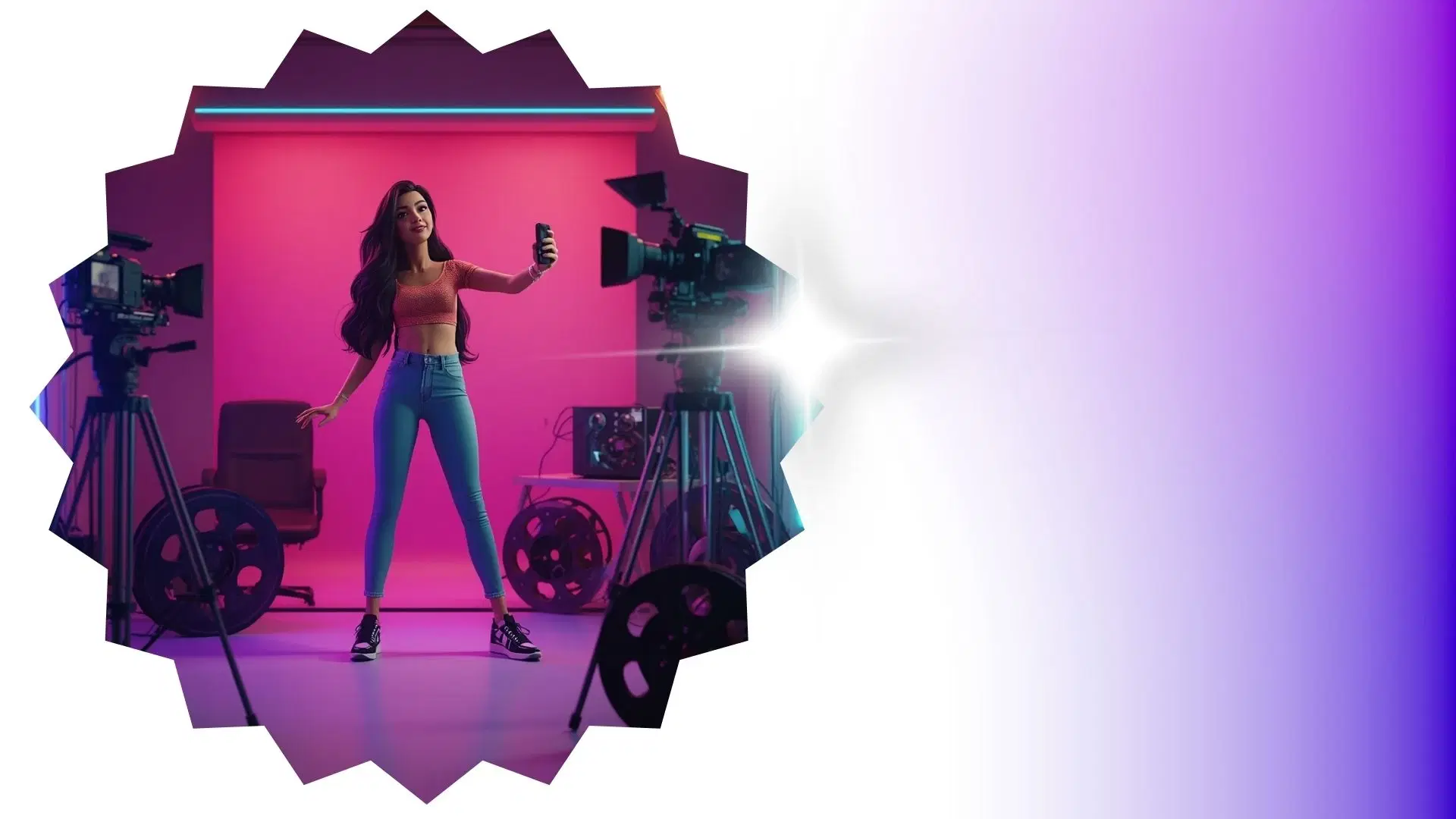
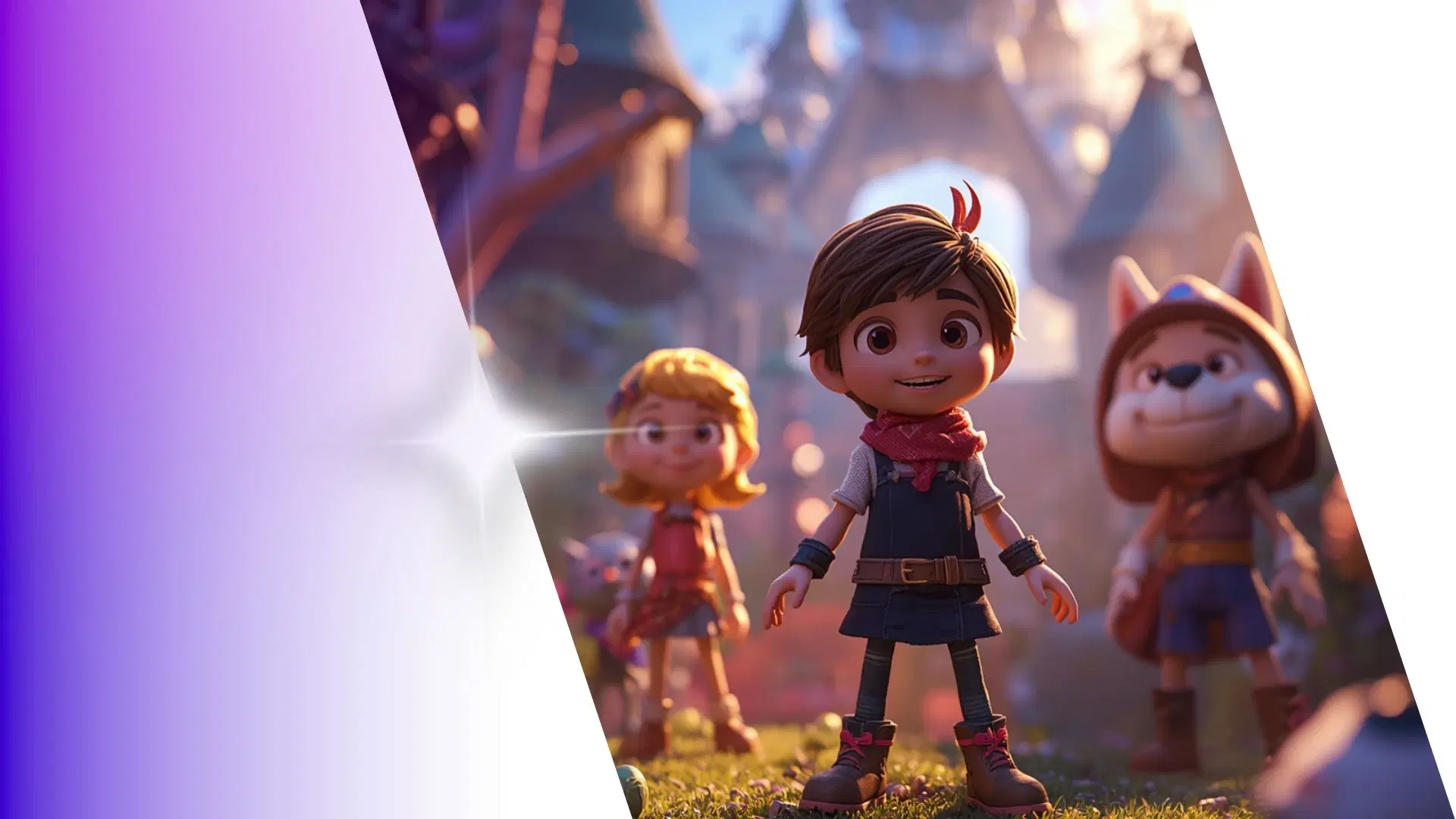
Unlock Instant 3D Character Animation with Krikey AI Auto-Rigging
Easily select or create 3D avatars with Krikey AI's auto-rigging for your After Effects workflow. Use these for talking brand mascots, digital explainers, or social media intros in minutes.
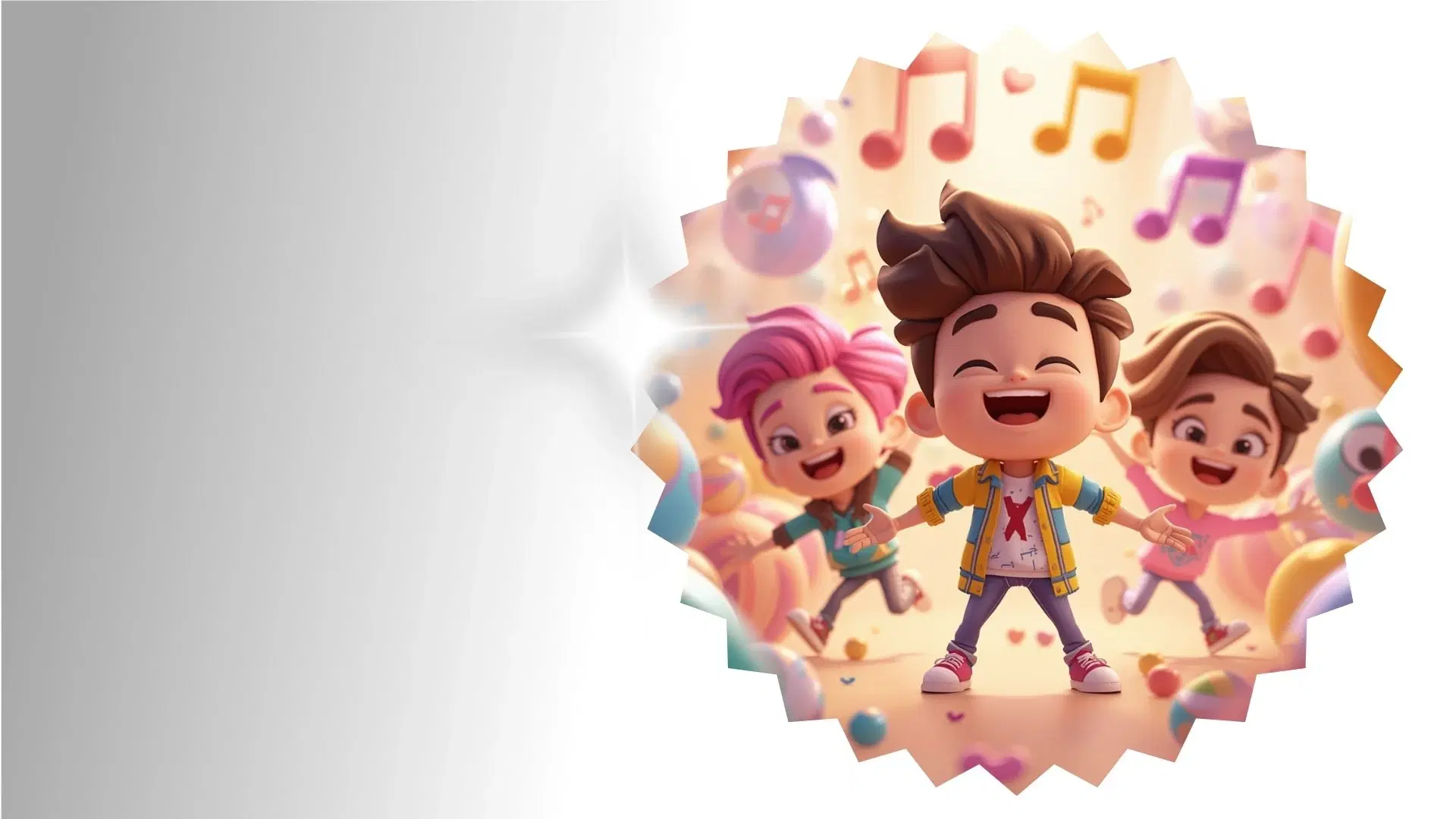
No Coding Required: Make 3D Characters Talk and Sing with Krikey AI
Fast-track your After Effects motion graphics talking avatar workflow with Krikey AI. Create music videos, podcasts, or social media clips using 3D models. Ideal for ads and animated explainers.
Blend Krikey MP4 and FBX Exports into Your Existing Creative Workflow
Generate MP4 or FBX files from Krikey AI to seamlessly integrate with After Effects. Perfect for social media ads, brand mascots, and explainer videos to speed up your professional production.
Frequently Asked Questions (FAQs) about After Effects motion graphics talking avatar workflow
These are Frequently Asked Questions (FAQs) about After Effects motion graphics talking avatar workflow and Krikey AI Animation
More templates like this
Explore templates designed to supercharge this integration.
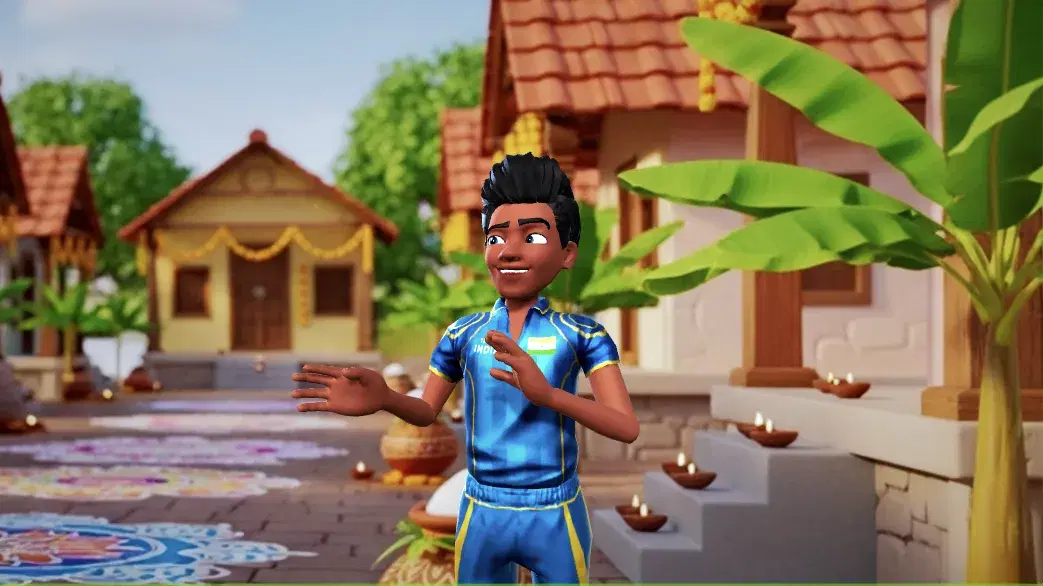
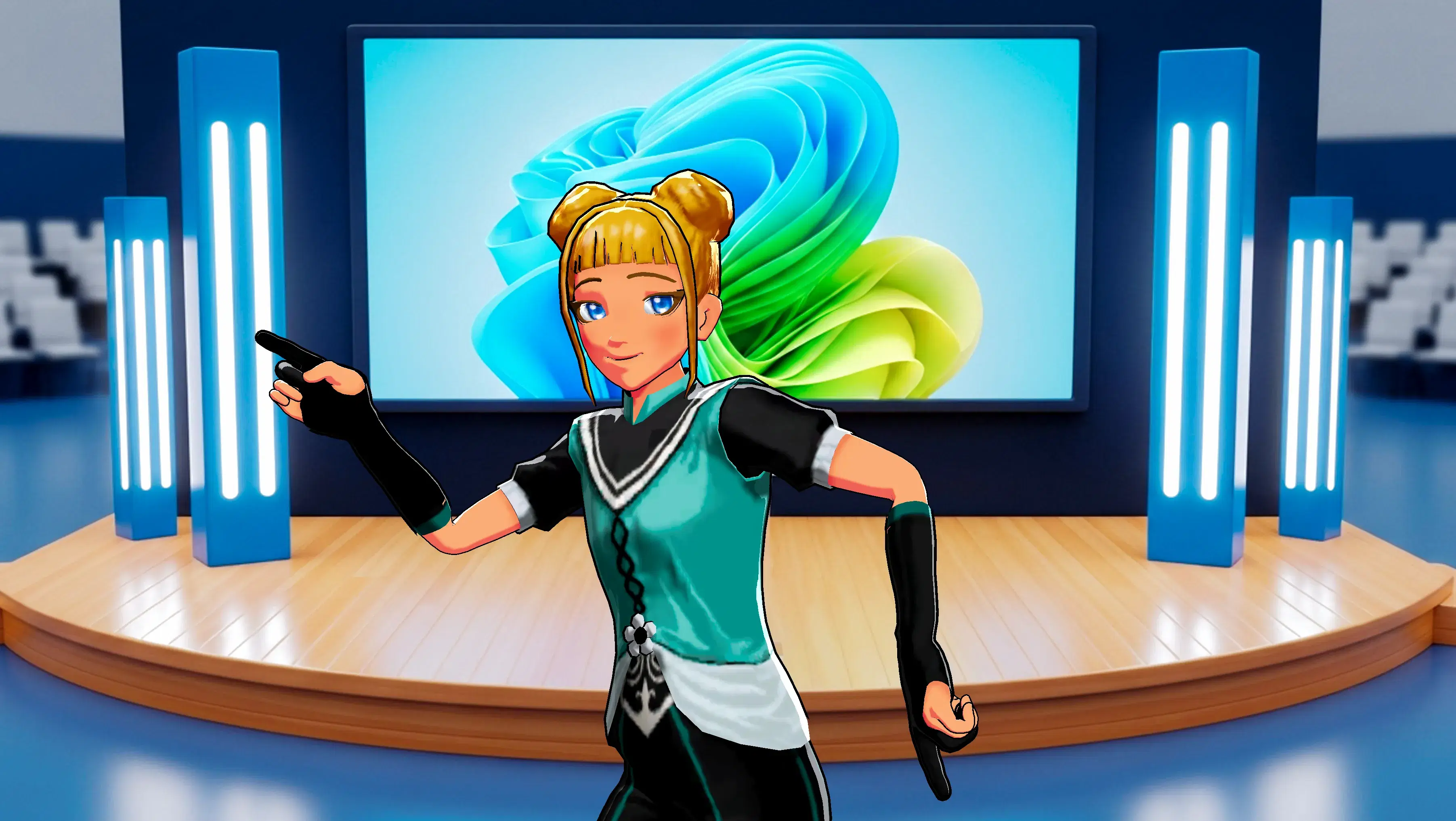
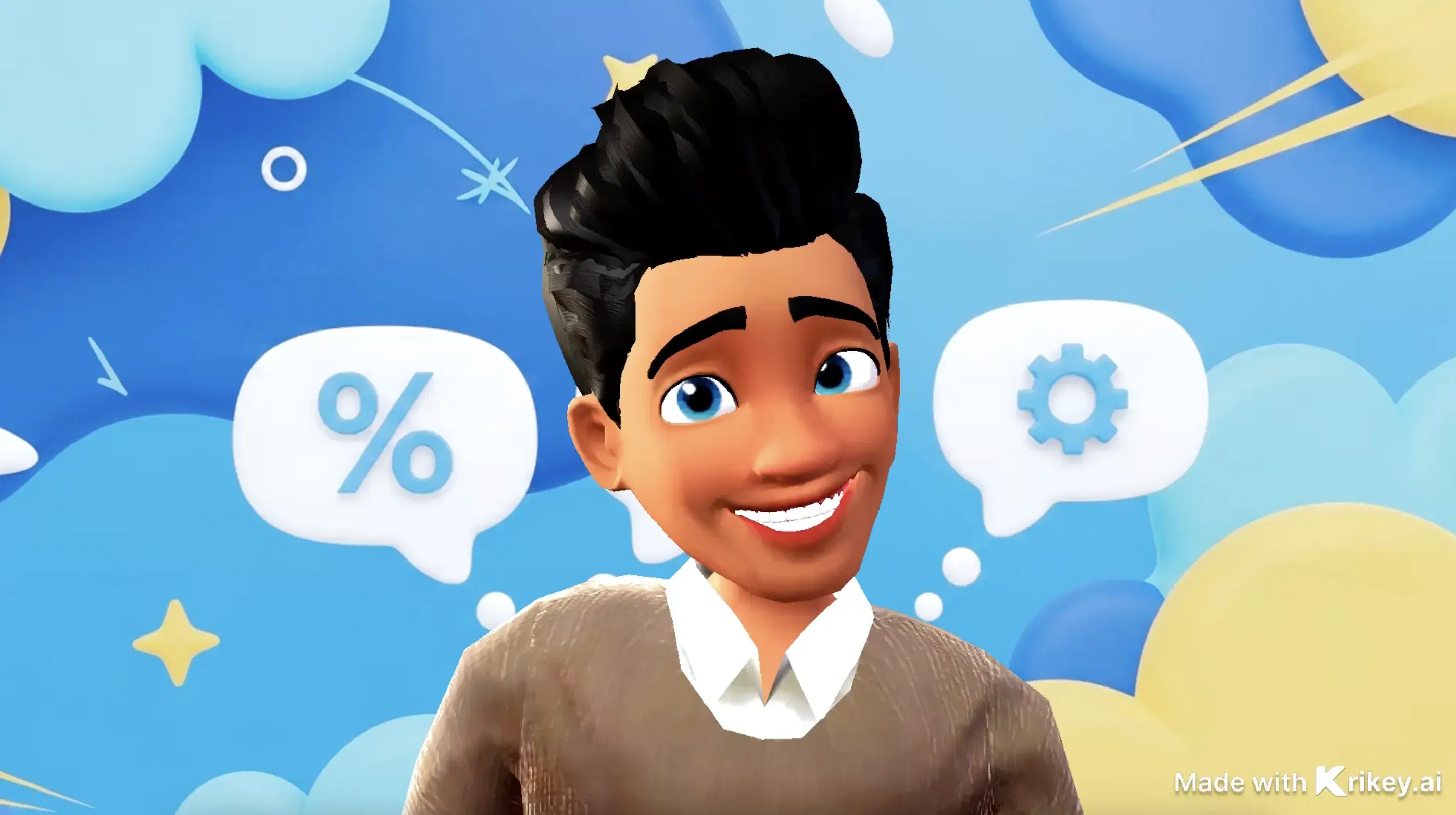
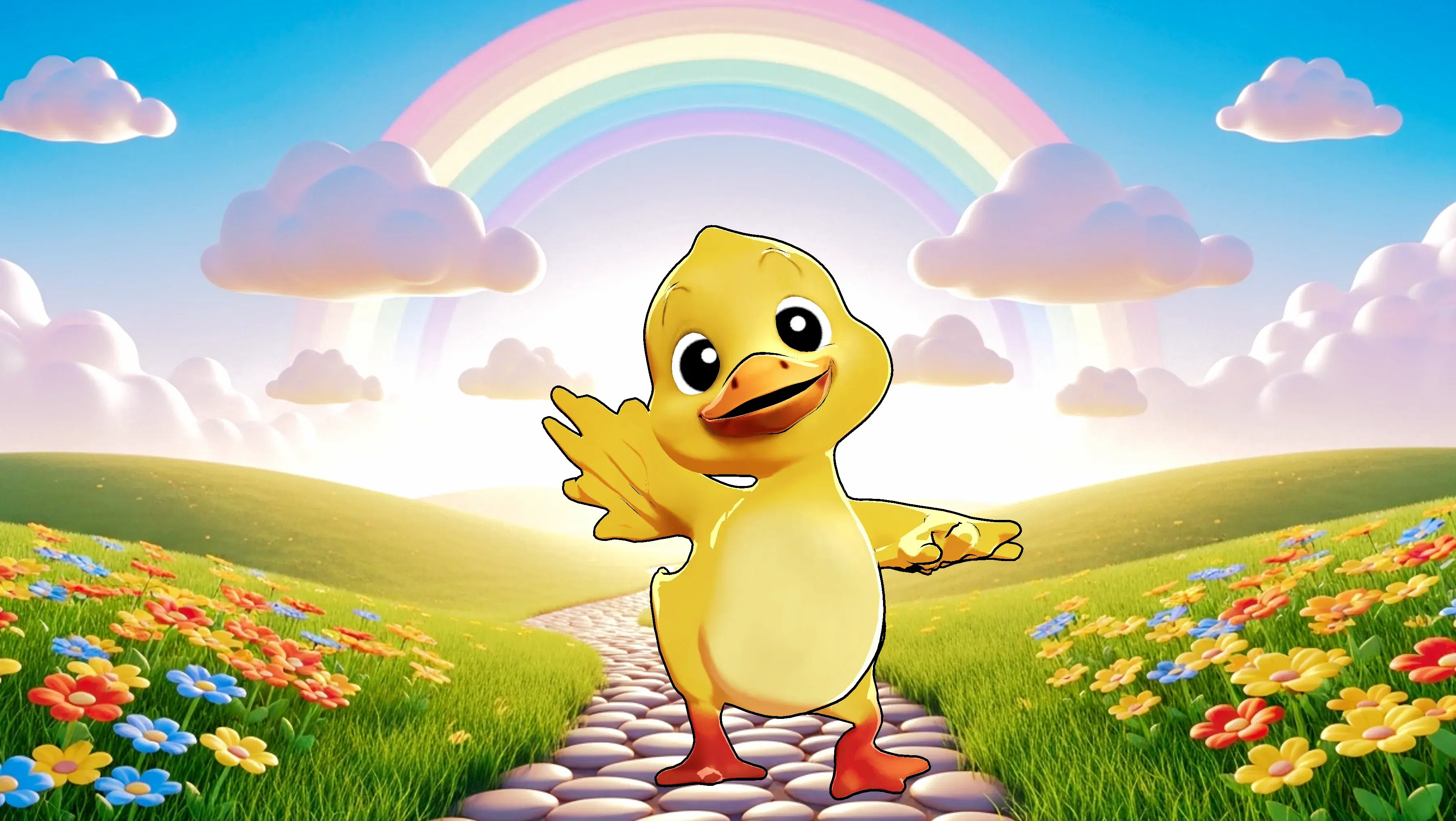
Featured Community Animations
See how creators are using this integration to bring their ideas to life





Supercharge Your Creative Workflow Today
Try Krikey AI for free and generate 3D animated content in seconds.
Get Started Free