Birthday Party1

This 3D animation was generated using Krikey AI's animation editor. Starting from a simple text prompt: "Vibrant Birthday invitation made in the first person by a kid named Max for their 6th birthday which is dinosaur themed, to be held on Saturday at nine at 123 Oak Drive", the AI rendered the 3D scene, character animations, and voice dialogue.
View full transcript▼
Hi friends! I'm Max, and I'm turning 6! You're invited to my dinosaur-themed party on Saturday at 9 AM at 123 Oak Drive. We'll have fun games, a dino cake, and maybe even a T-Rex sighting! I hope you can join us for a roar-some time! Please let us know if you can come!
mp3 self talking
Turn your ideas into animations like this.
No complex software. No render farms. Just your imagination and Krikey AI.
Make a new video→More Like This
Explore community 3D animations
Popular 3D Animation Templates
Choose a ready-to-use template to jumpstart your video
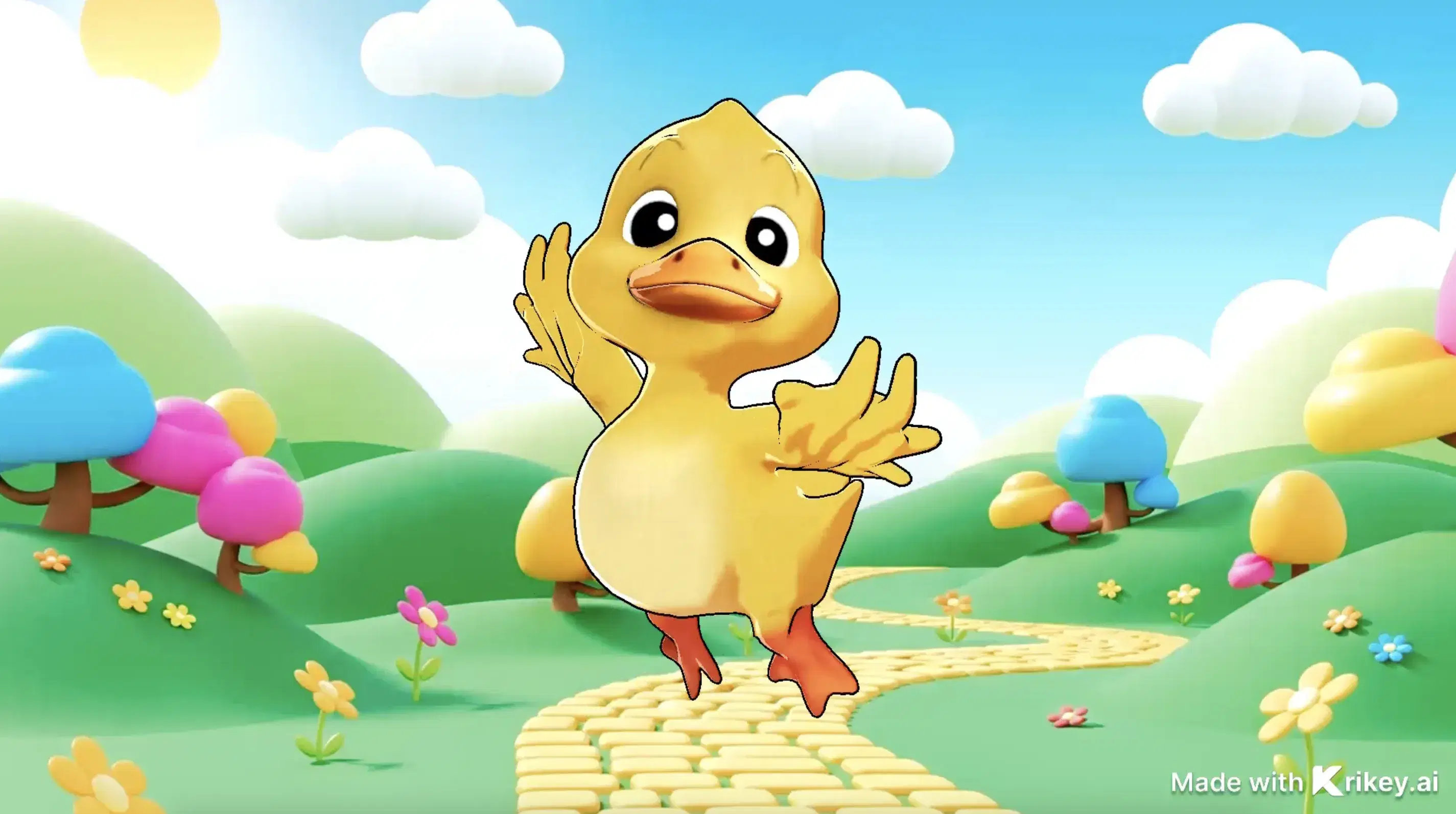

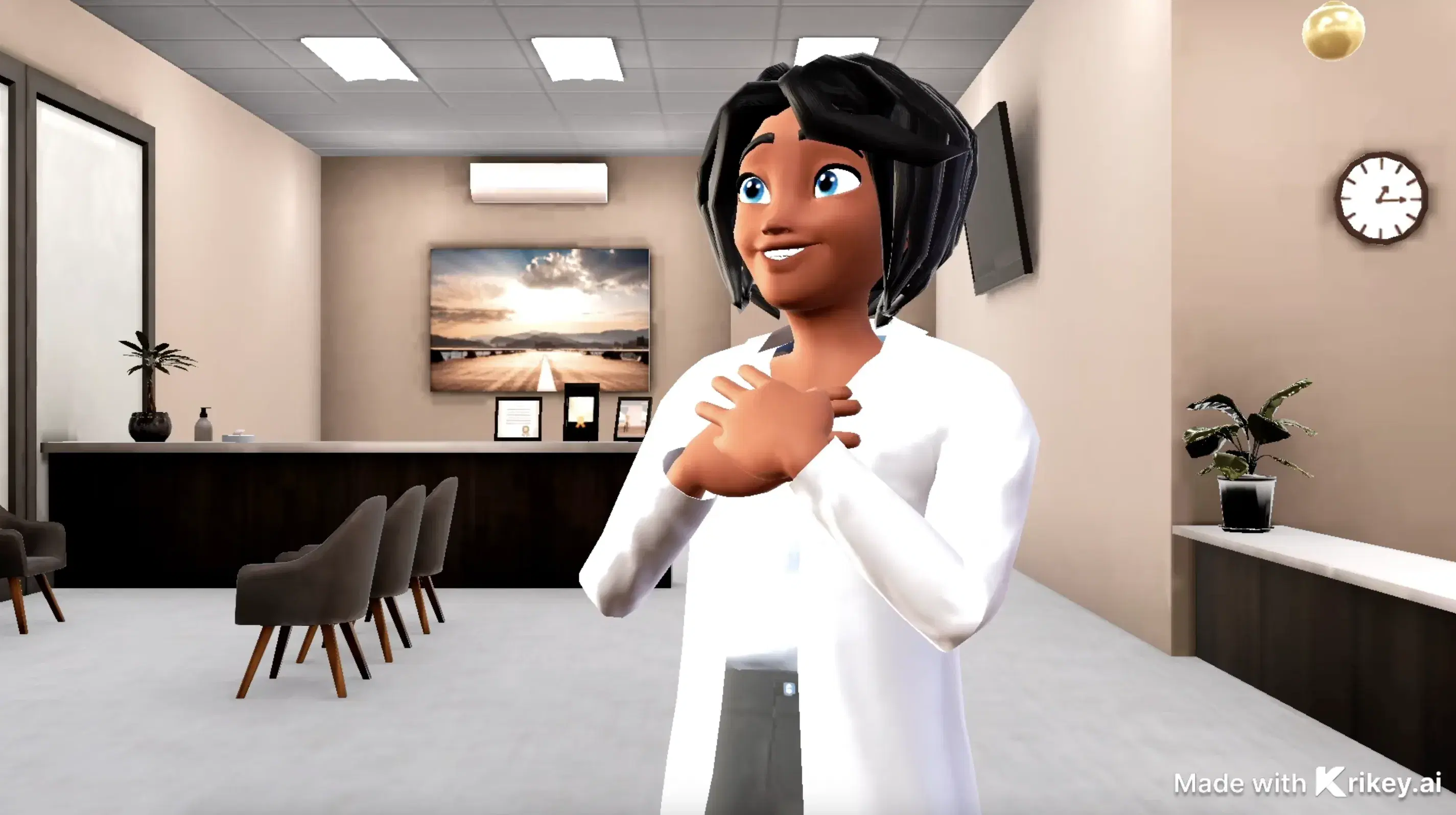
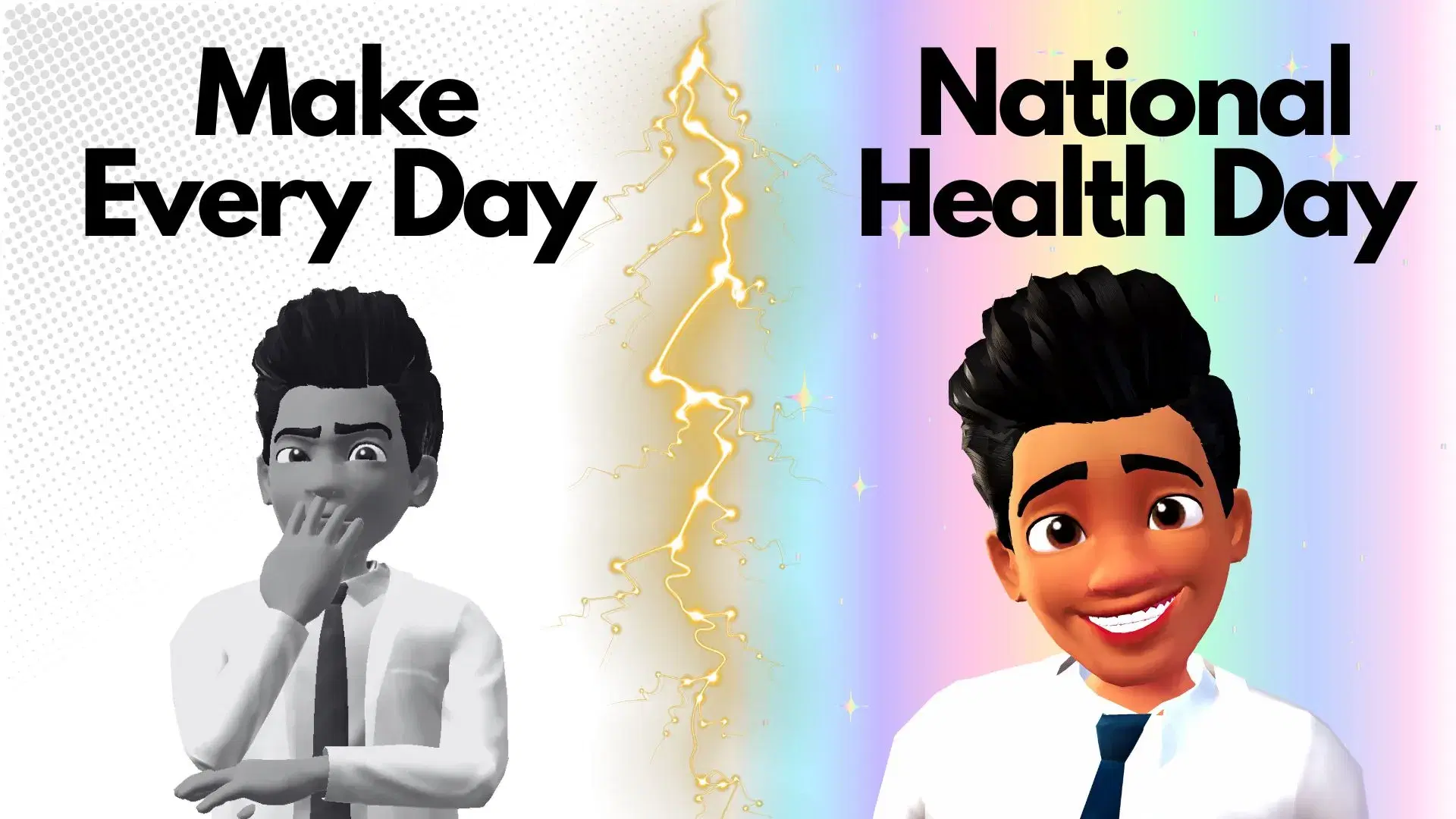
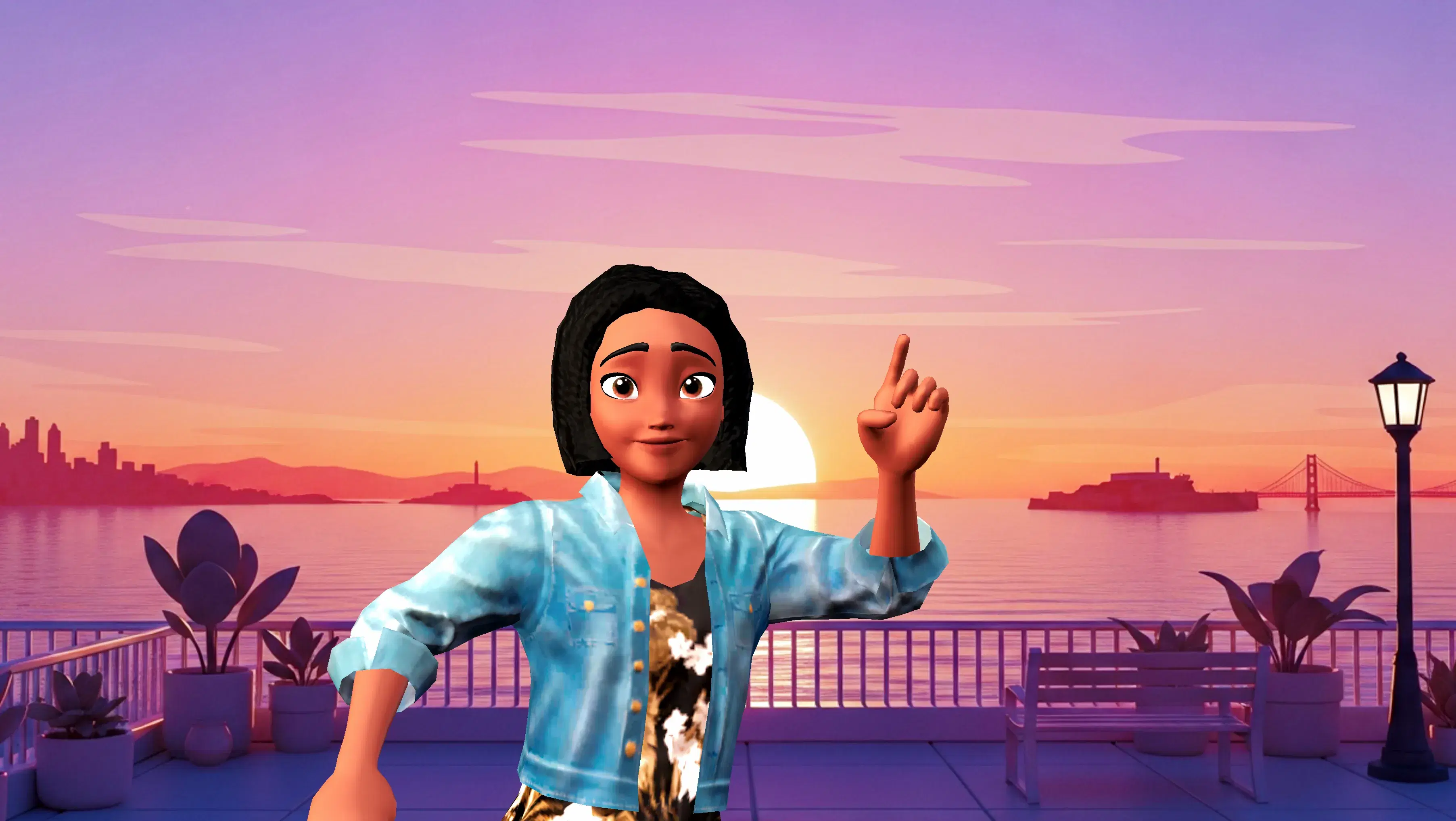
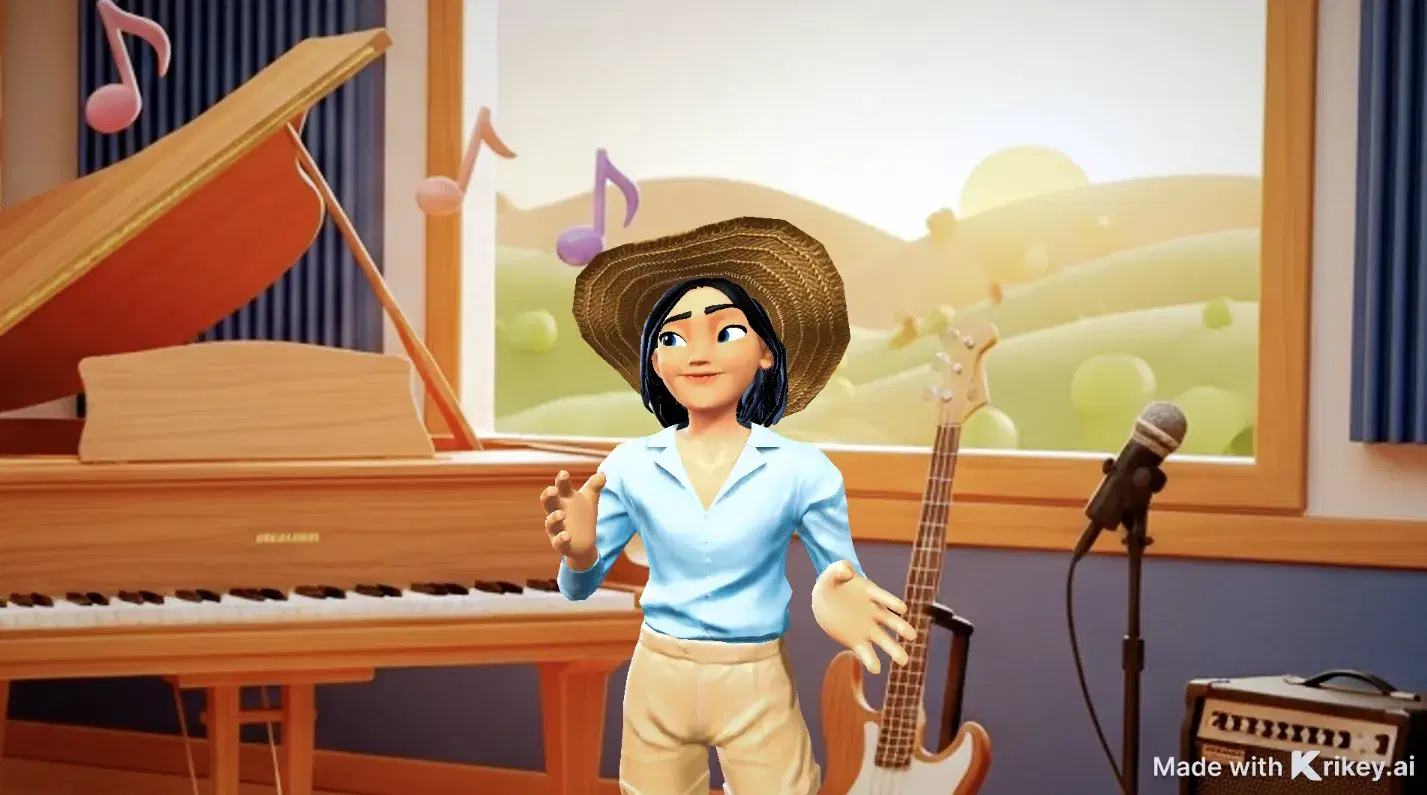
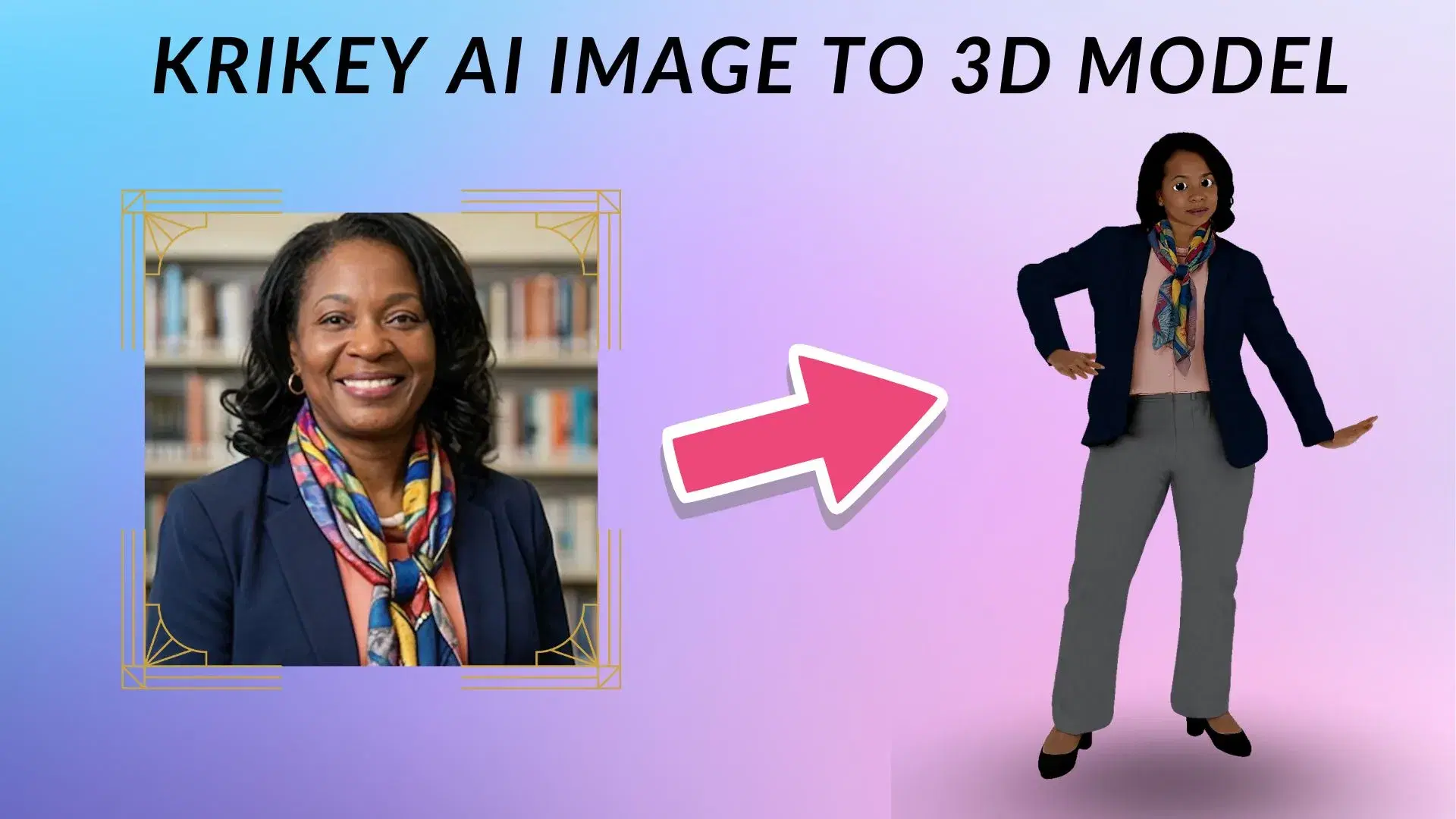
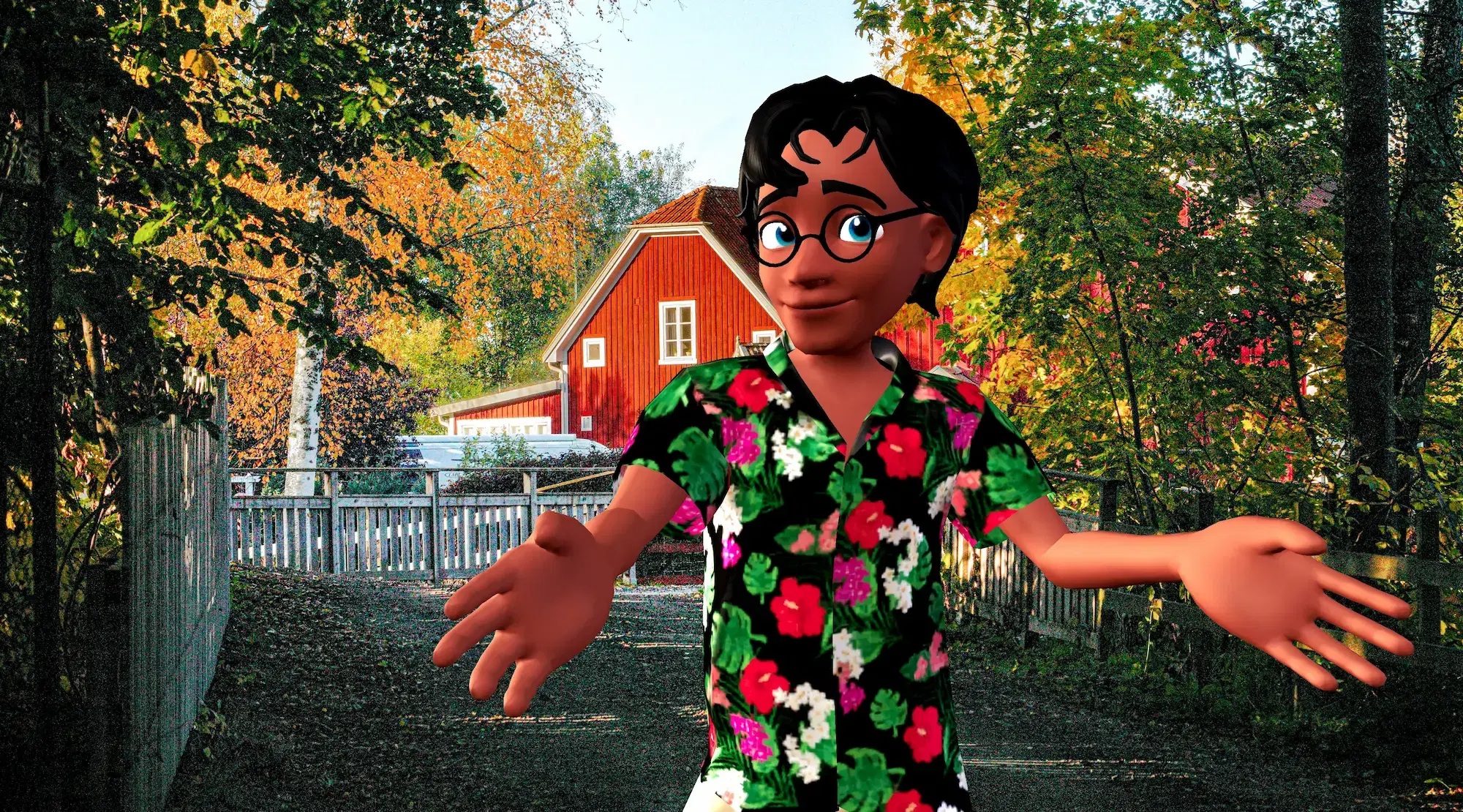
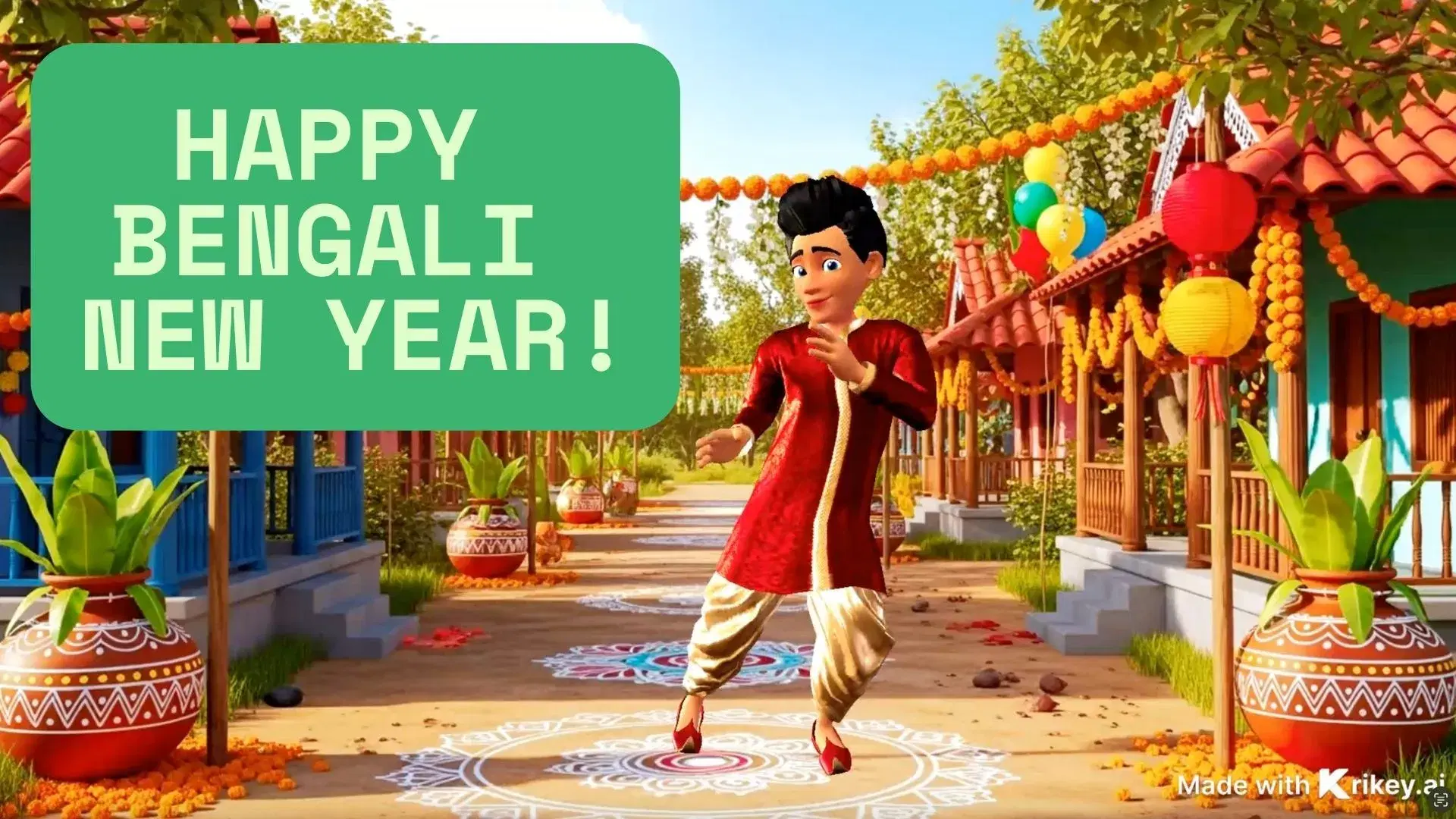
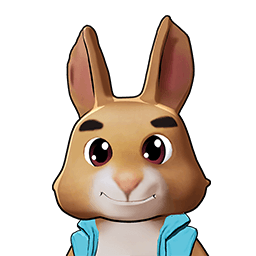
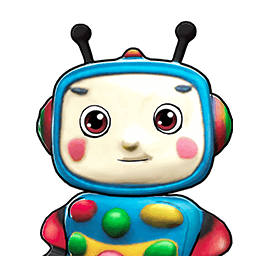
Featured 3D Characters
Bring your story to life with customizable 3D animated avatars


Bring 3D Animations to Your Favorite Tools
Export and animate seamlessly across your creative workflow
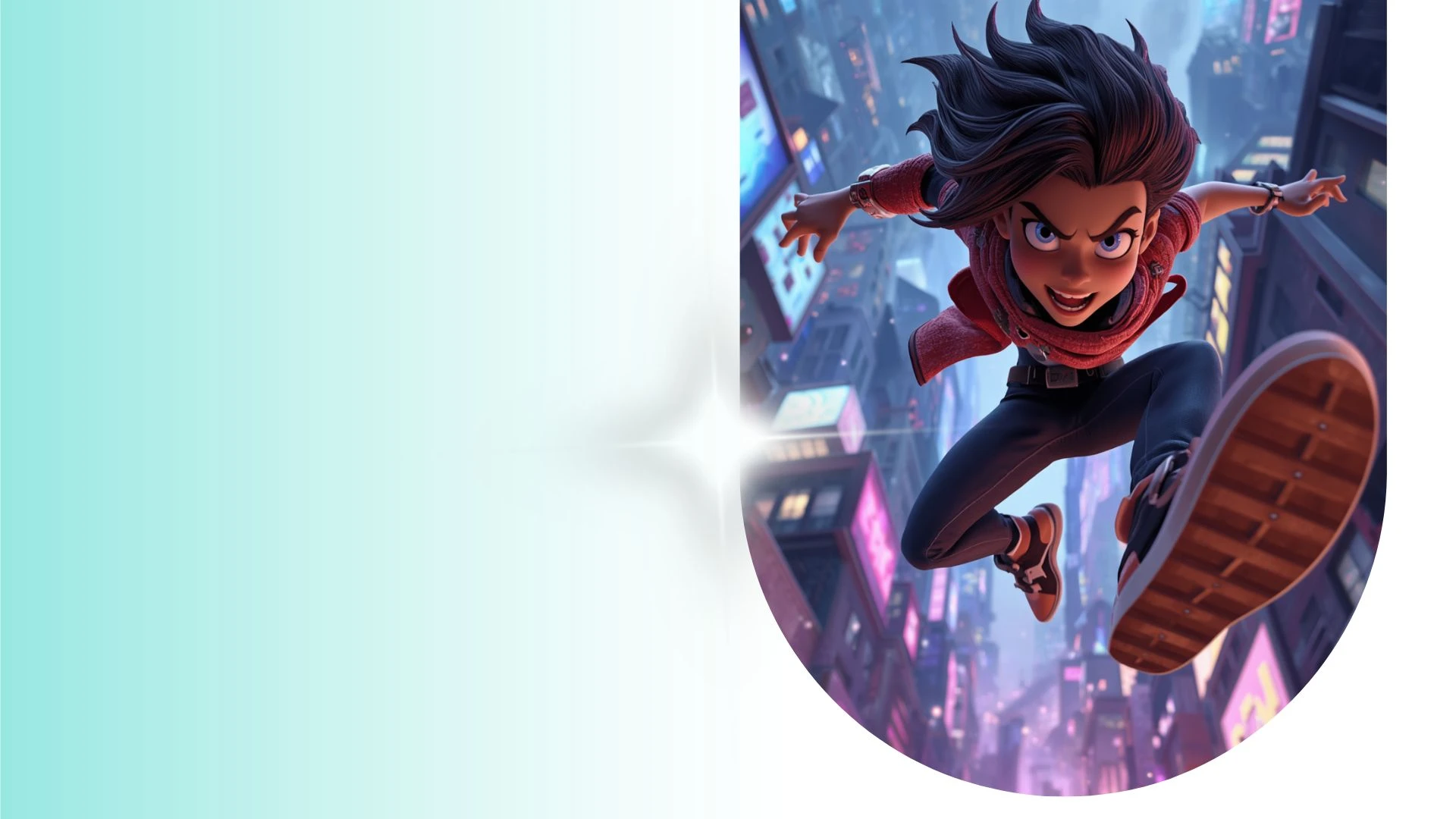
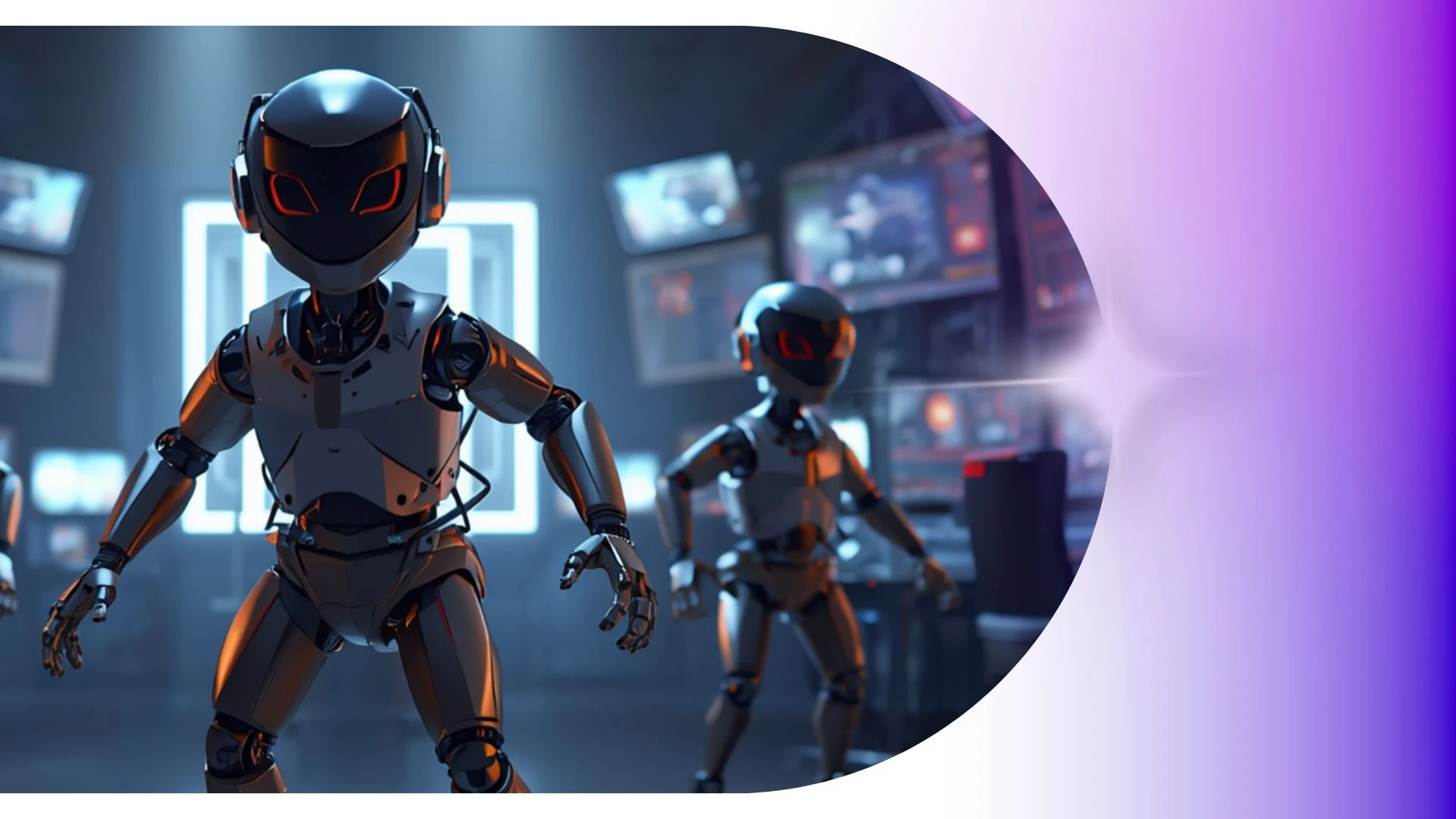
Transform Character Animation Production Timelines from Weeks to Minutes
Generate fully textured 3D avatars directly from single 2D concept photos or character art with instant silhouette and color palette controls right in your browser.
Dancing Skeleton GIFs
Feature dancing skeleton GIFs with Krikey AI to customize unique 3D characters, facial expressions, skin tones, and outfits.
Walk Cycle Animation Guide
Animate invitations with Krikey AI AI Invitation Maker to prototype animated storyboards and pitch creative concepts fast.
AI Invitation Maker
Design interactive 3D product explainer videos with Krikey AI Video Generators using custom corporate mascots as virtual hosts.
AI Podcast Generator for Creators
Create 3D podcasts with Krikey AI and export 1080p MP4, GIF, or FBX files in minutes without needing expensive GPUs or render farms.
Frequently Asked Questions
Learn more about creating, customizing, and sharing 3D animations with Krikey AI.
How do I insert a Krikey animation into PowerPoint or Google Slides?▾
Export your animation as an MP4 video or looping GIF, then use "Insert > Video" or "Insert > Image" inside Microsoft PowerPoint or Google Slides.
Can I use AI to generate custom backgrounds?▾
Yes, the built-in AI image generation tool creates custom scene backdrops from descriptive text prompts directly inside the environment settings.
Is Krikey AI free to use?▾
Yes, Krikey AI offers a free plan that lets you create 3D animations, customize avatars, and export video projects. We also offer Pro and Enterprise plans with higher resolution exports, commercial rights, and unlimited generation credits.
Can I create vertical 9:16 videos for TikTok, Reels, and YouTube Shorts?▾
Yes, switch your canvas aspect ratio between vertical (9:16), widescreen (16:9), and square (1:1) at any time with automatic resizing.
How do I share this Krikey AI video to social media?▾
Use the built-in share buttons on this page to post directly to LinkedIn, X (Twitter), Facebook, and WhatsApp, or copy the direct public URL to share anywhere. You can also download and export your video to share to any social platform.