How to create a Google Slides Animated Character Presentation with Krikey AI
With Krikey AI, your Google Slides Animated Character Presentation becomes effortless. Accelerate your production and spark creativity with instant 3D animations.

 100,000+ creators, social media teams, marketing agencies, teachers & students animate with Krikey


Amazing Krikey AI Ultimate Guide to Google Slides Animations
Presenters and marketers, your workflow for creating a Google Slides Animated Character Presentation is about to become significantly more efficient. We understand that the primary pain point is the time-consuming and manual process of creating animations, which often lacks advanced features like global styles or easy synchronization across multiple slides. By using Krikey AI Animation, you can automate the 3D character creation process to eliminate manual tasks and complex synchronization. This powerful tool accelerates production, allowing you to focus on storytelling rather than technical hurdles, ensuring your presentations are consistently professional and dynamic.
Your Creative Workflow, Transformed
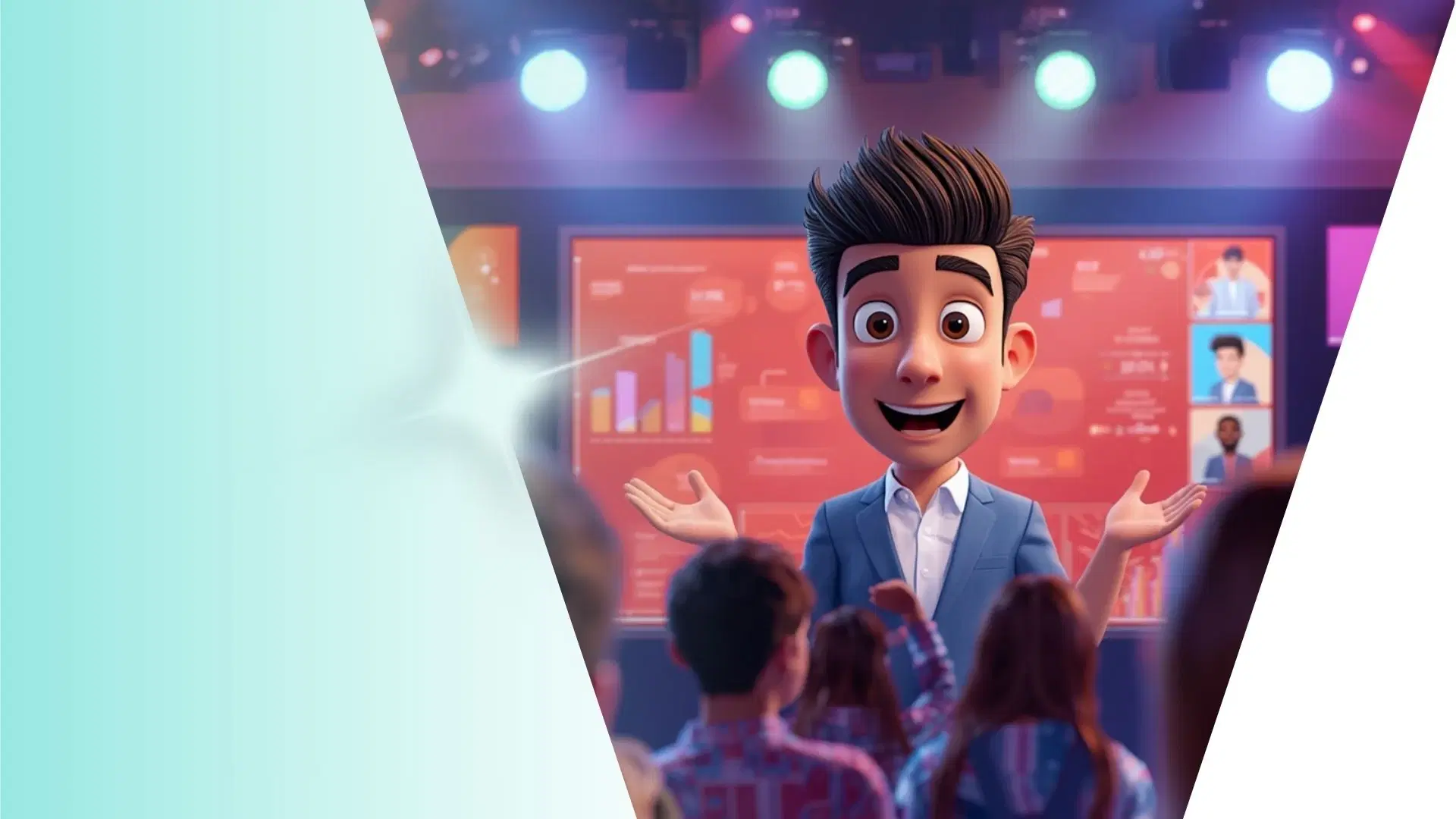
See Your Character in 3D
Bring your characters to 3D with Krikey AI to automate Google Slides animations and sync movements across slides instantly.
Turn Ideas into Animation
Create 3D animations from ideas easily with Krikey AI to automate character sync for your Google Slides presentation.
Produce & Post
Design, Produce & Post easily with Krikey AI exports in FBX, MP4, GIF or PNG, perfect for your Google Slides projects.
Experience Krikey AI Animation for Google Slides
Forgo the tedious, manual effort of traditional slide design by using Krikey AI Animation to revolutionize your Google Slides Animated Character Presentation. Krikey AI eliminates the time-consuming process of manual character rigging and motion synchronization across multiple slides. By automating 3D character creation, it allows presenters and marketers to focus on their narrative rather than technical hurdles. With easy exports in MP4 or GIF formats, you can instantly add professional, high-quality animations to your deck, ensuring a polished and memorable presentation every time.
Craft Motion from Words
Generate 3D character motion for your Google Slides Animated Character Presentation by typing a prompt into Krikey AI. Export your animation as a GIF to make your presentation truly stand out fast.
Amplify Your Results
Harness Krikey AI to speed up Google Slides, Apple Keynote, and Canva workflows with 3D animation. Click this box to see all our integrations and start creating!
Use Pre-Built 3D Characters or experience AI generation
Integrate Krikey AI into your Google Slides Animated Character Presentation using our pre-rigged 3D models and AI generator. These tools help creators streamline workflows and spark new creativity.
More Integrations like this
Connect Krikey AI with more of your favorite tools and platforms.


How to Animate from Krikey AI to Google Slides Animated Character Presentation
Explore how Krikey can support with your Google Slides Animated Character Presentation
Bring Your Vision to Life: Select, Create, and Auto-Rig 3D Models with Krikey AI
Just use Krikey AI to pick pre-rigged models or build custom avatars for your Google Slides Animated Character Presentation. Use these for talking explainers, interactive lesson plans, or marketing decks.
Skip the Complexity: Use Krikey AI for 3D Voice and Animation
Krikey AI lets you animate 3D models from text for Google Slides. Create talking avatars, GIFs, or music videos for pitch decks, educational lessons, and marketing presentations with ease.
Effortless Integration: Take Krikey MP4 or FBX into Your Creative Workflow
Leverage Krikey AI to export animations as MP4, GIF or FBX for Google Slides. Use these for dynamic pitch decks, educational tutorials, or engaging marketing presentations that truly capture attention.
Frequently Asked Questions (FAQs) about Google Slides Animated Character Presentation
These are Frequently Asked Questions (FAQs) about Google Slides Animated Character Presentation and Krikey AI Animation
More templates like this
Explore templates designed to supercharge this integration.
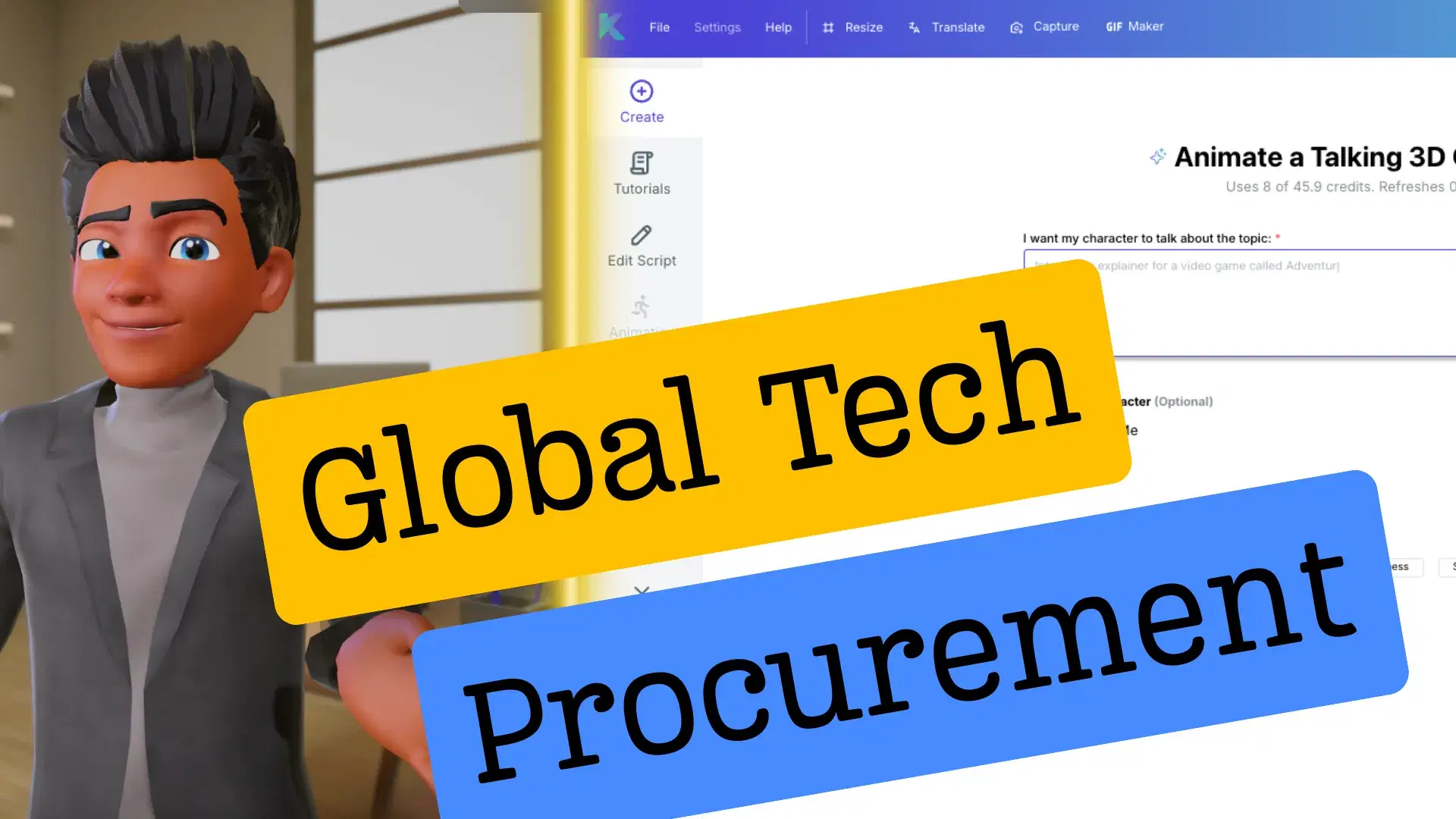
Featured Community Animations
See how creators are using this integration to bring their ideas to life





Supercharge Your Creative Workflow Today
Try Krikey AI for free and generate 3D animated content in seconds.
Get Started Free