Character Audio Copy18
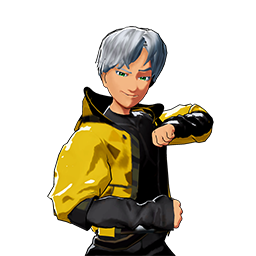
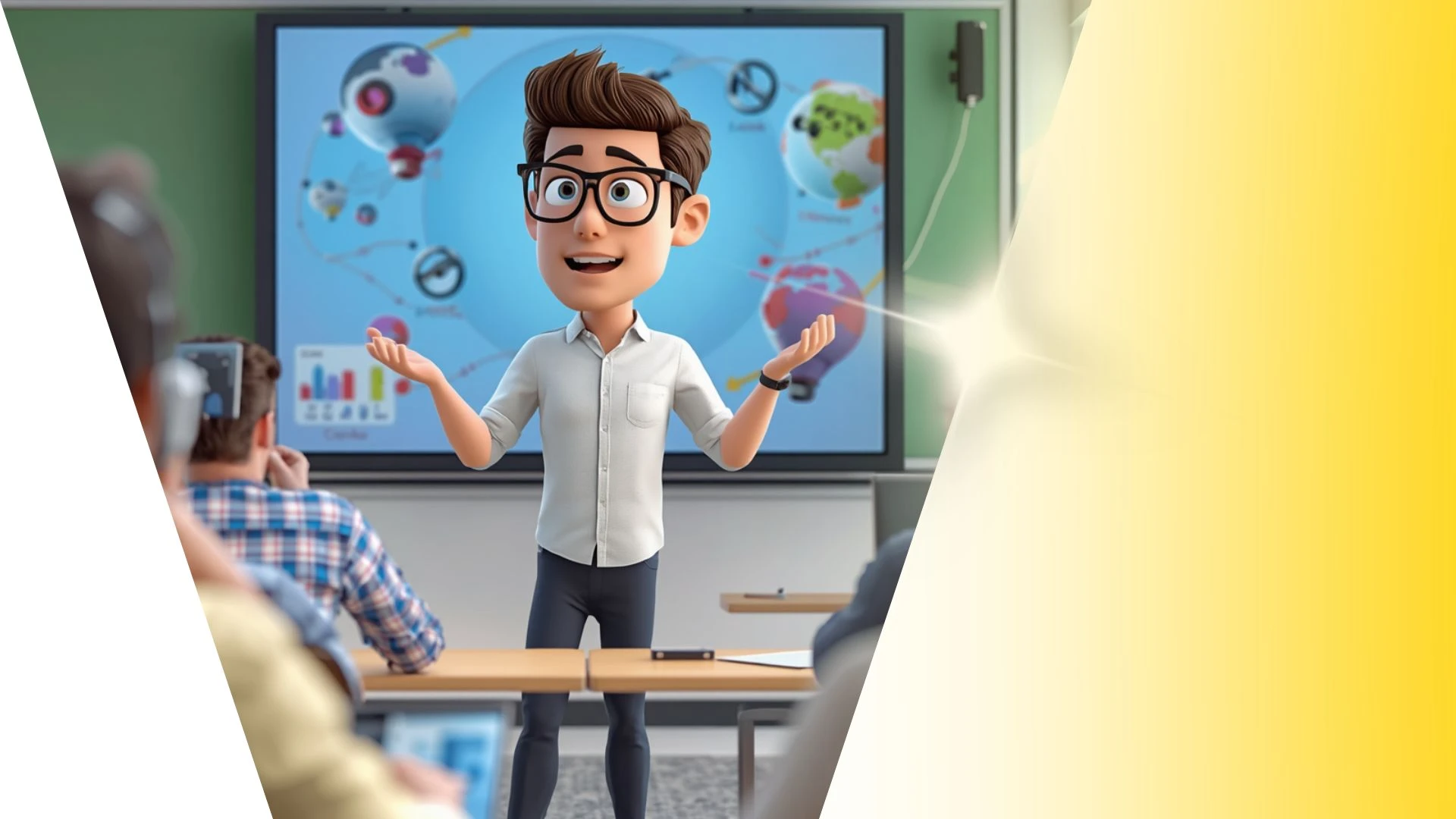
This 3D animation was generated using Krikey AI's animation editor. Starting from a simple text prompt: "History presentation on the ancient pyramids of Egypt. Explain the math behind the triangle shape of the pyramid", the AI rendered the 3D scene, character animations, and voice dialogue.
View full transcript▼
Drop a motion clip onto a fresh character, and the shoulders immediately snap inside the chest.
Most people assume the model's skin is broken and start watching modeling tutorials.
The model is actually fine—you're just dealing with a mismatched starting pose.
The animation was recorded with the arms straight out, but your character is resting with its arms angled down.
The engine stacks both angles on top of each other, bending the joints twice as far and crushing the shoulders inward.
Match your character's starting pose to the clip before importing, and every limb moves cleanly.
Turn your ideas into animations like this.
No complex software. No render farms. Just your imagination and Krikey AI.
Make a new video→More Like This
Explore community 3D animations
Popular 3D Animation Templates
Choose a ready-to-use template to jumpstart your video
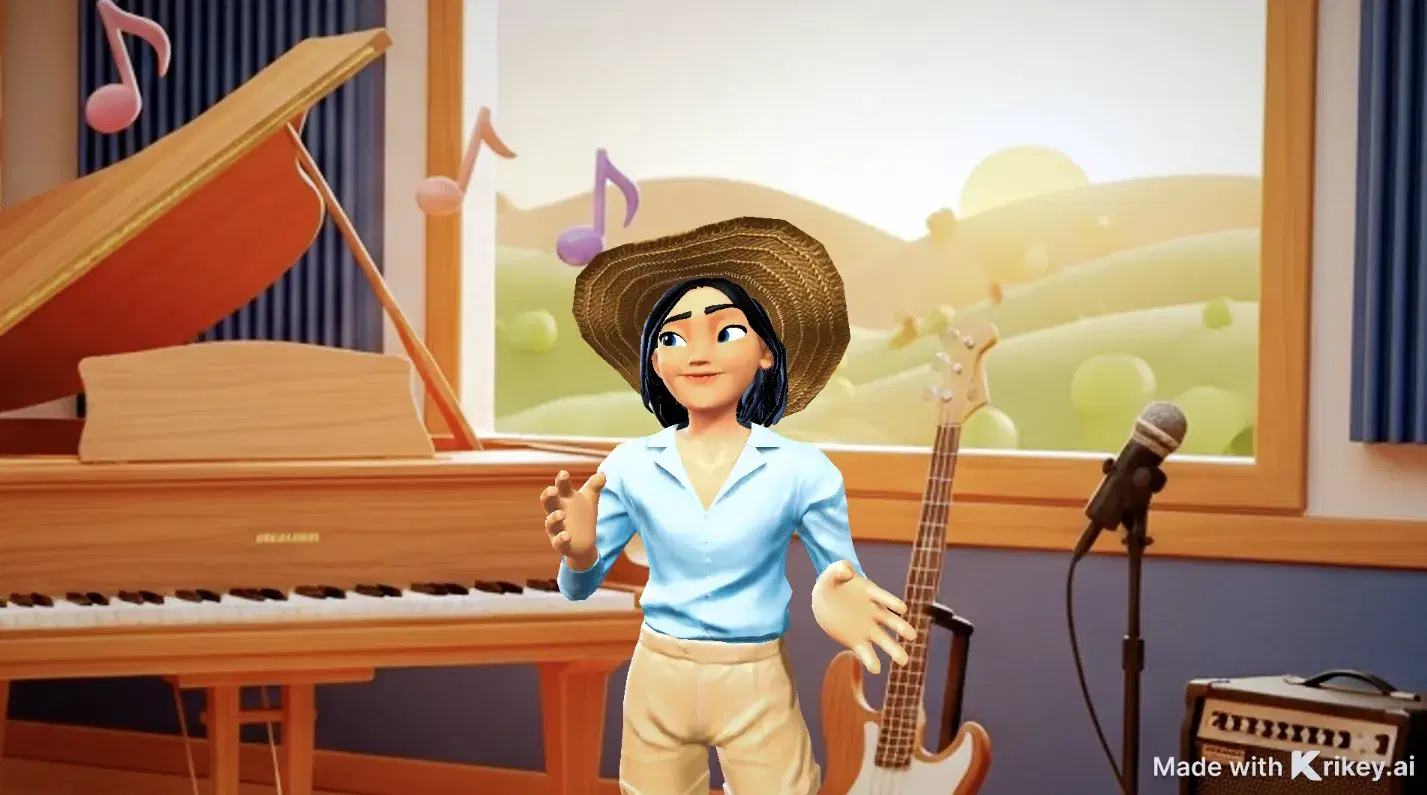

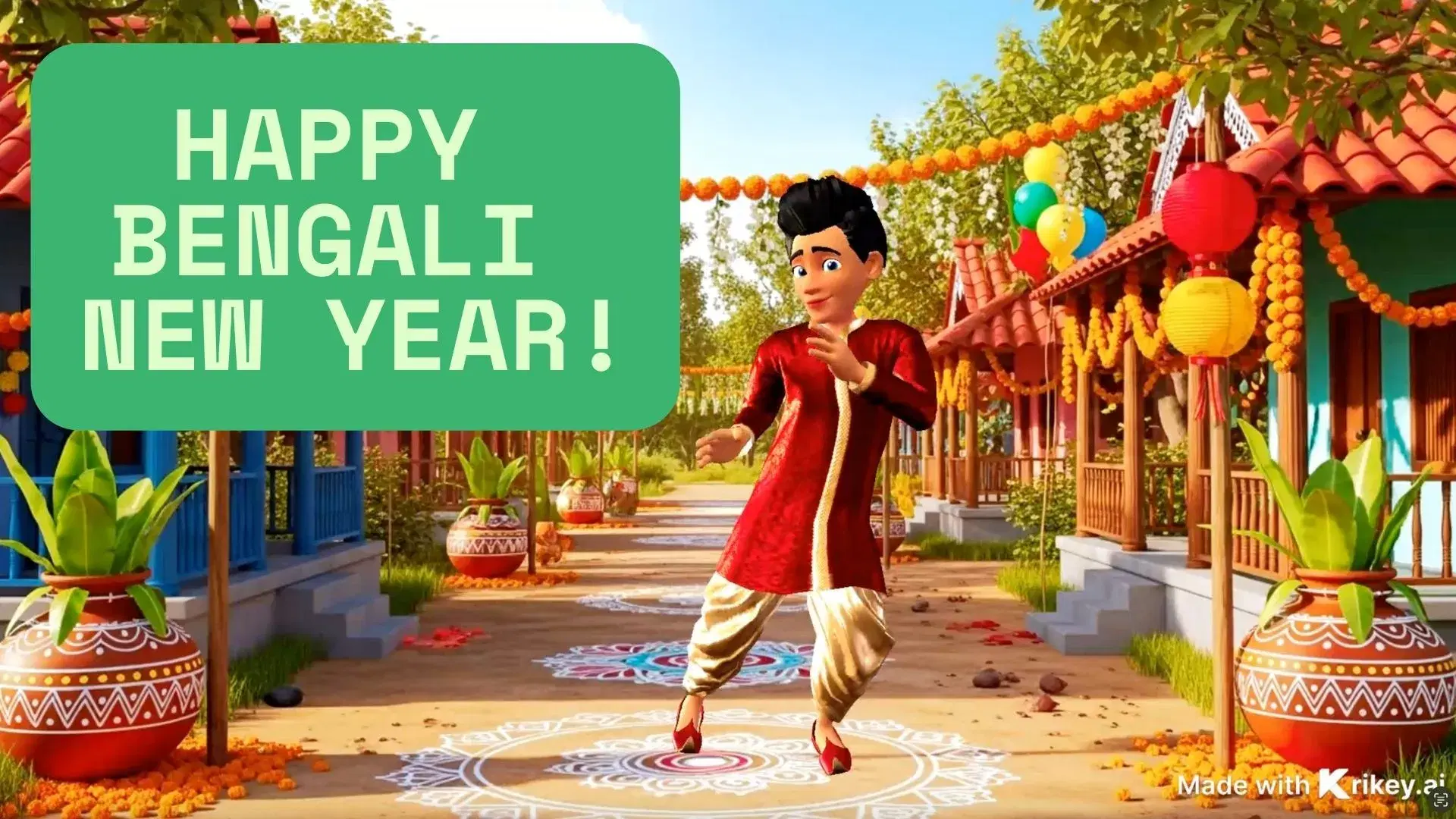
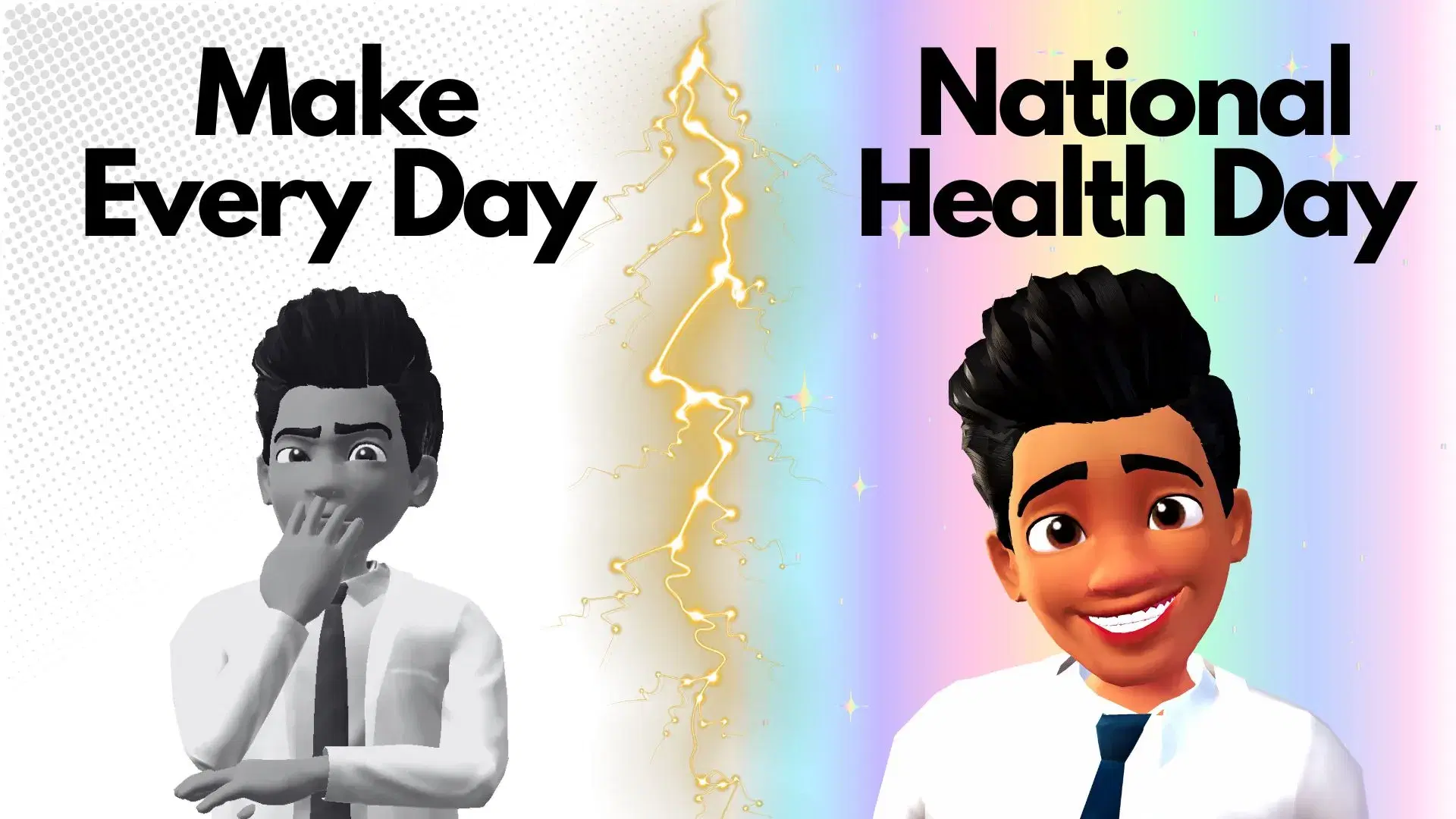

Featured 3D Characters
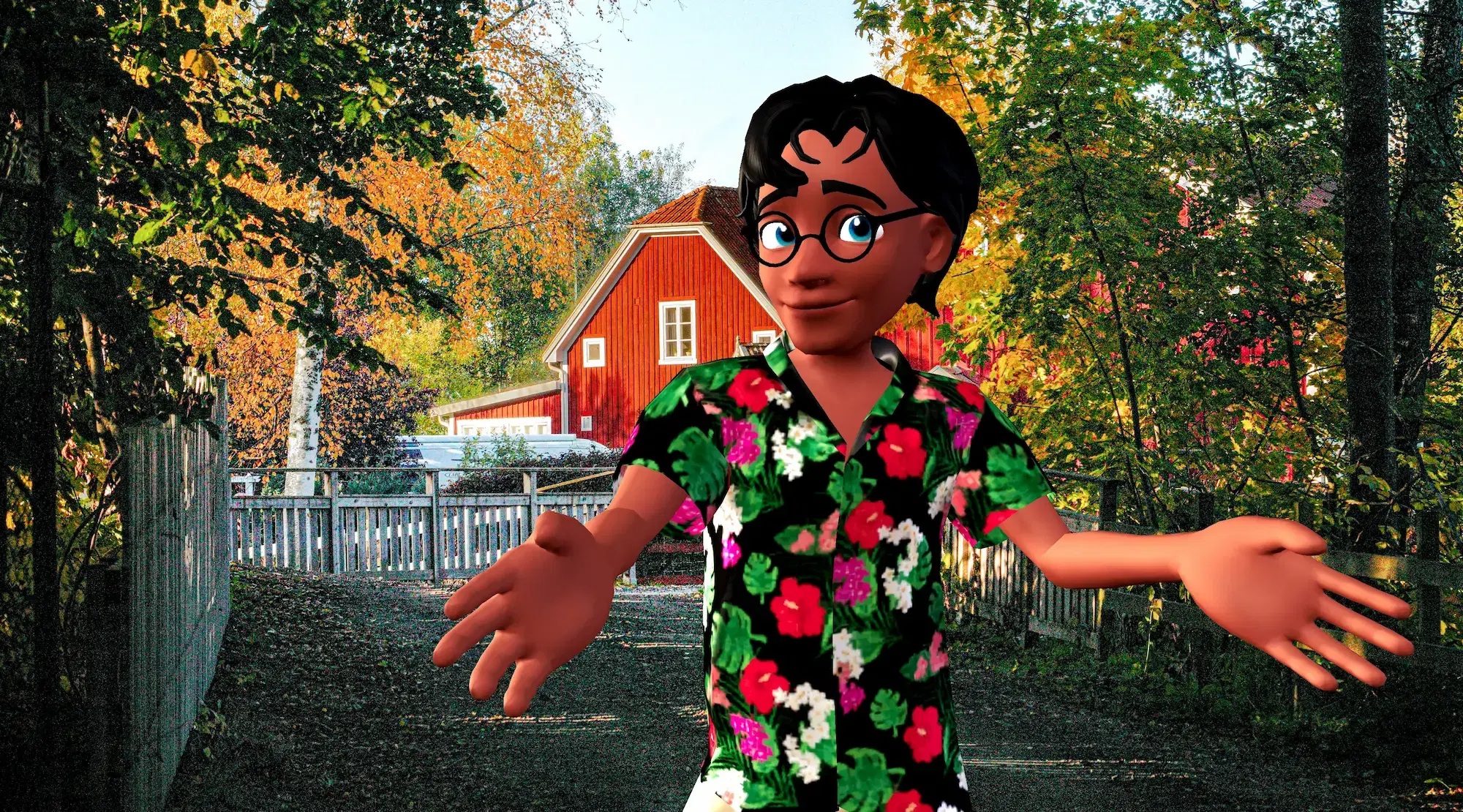
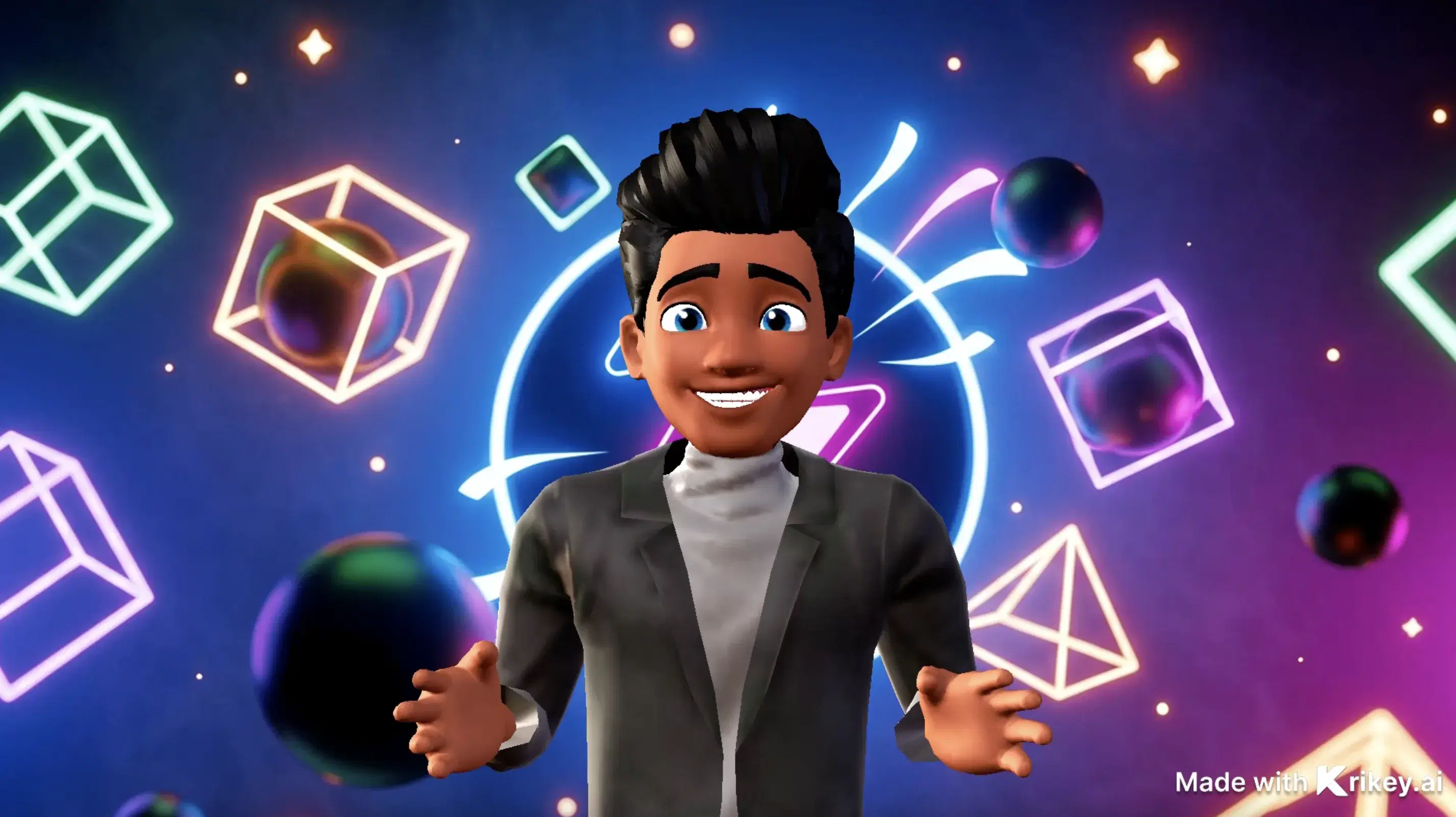
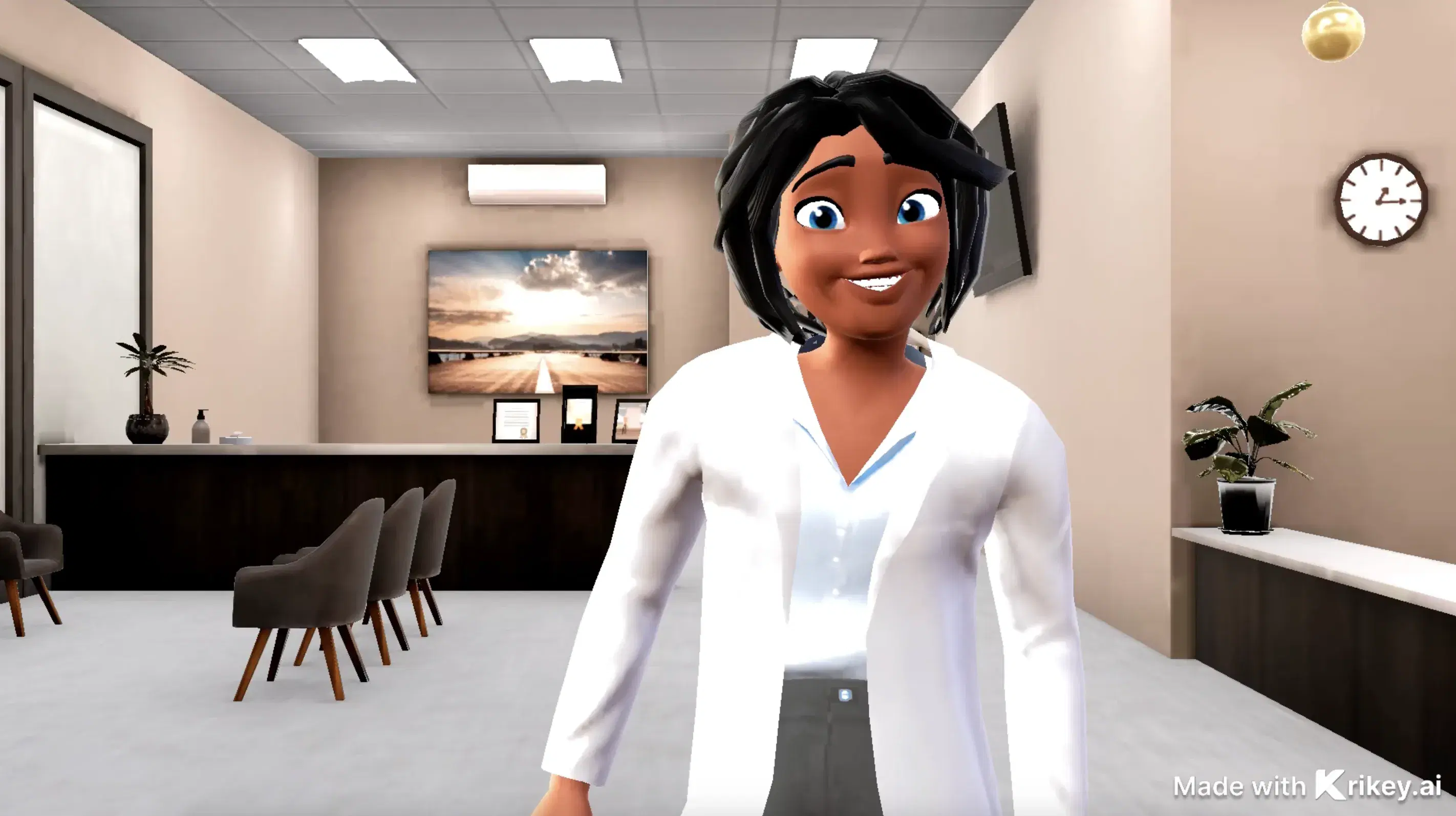
Bring your story to life with customizable 3D animated avatars



Bring 3D Animations to Your Favorite Tools
Export and animate seamlessly across your creative workflow
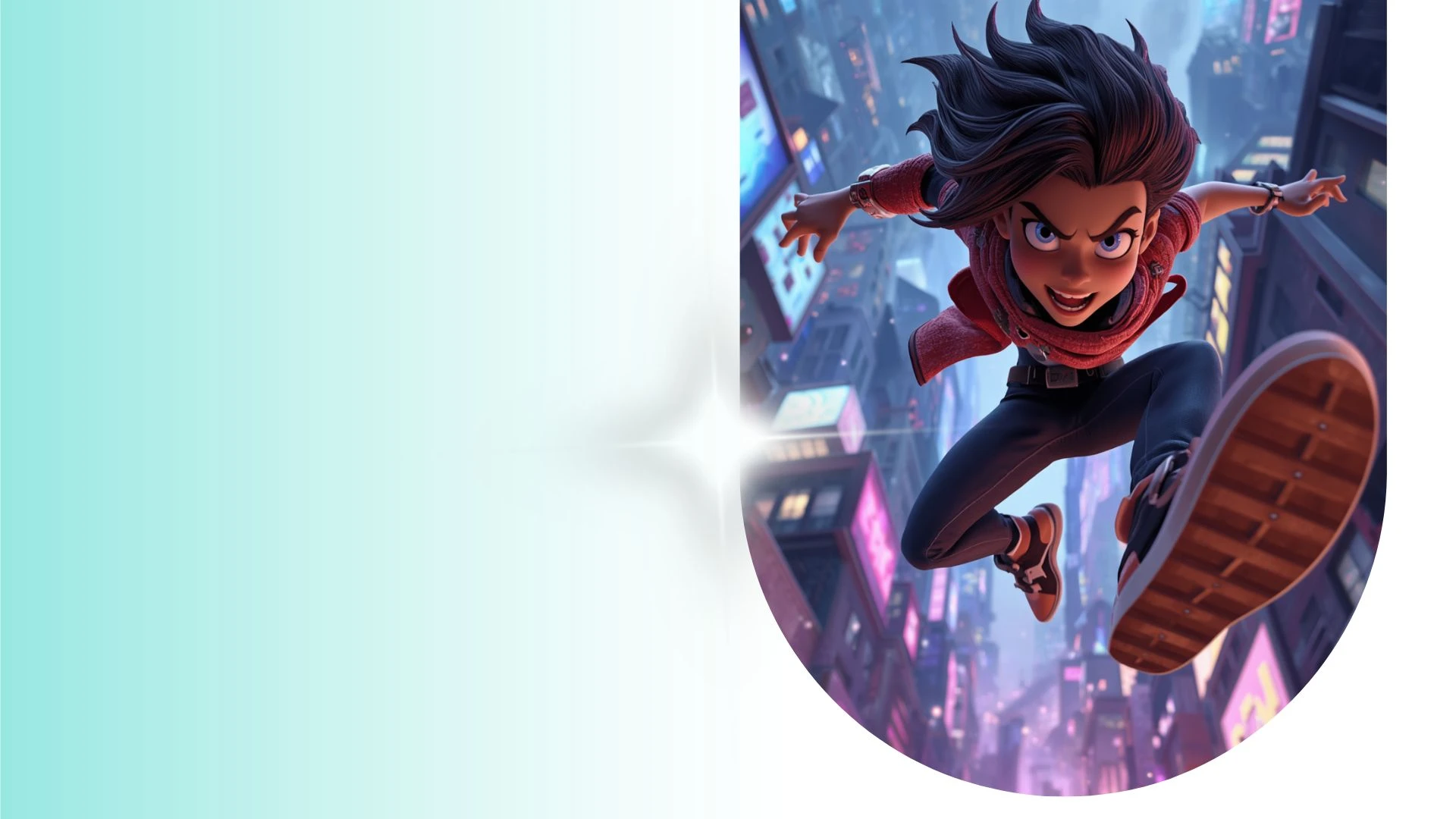
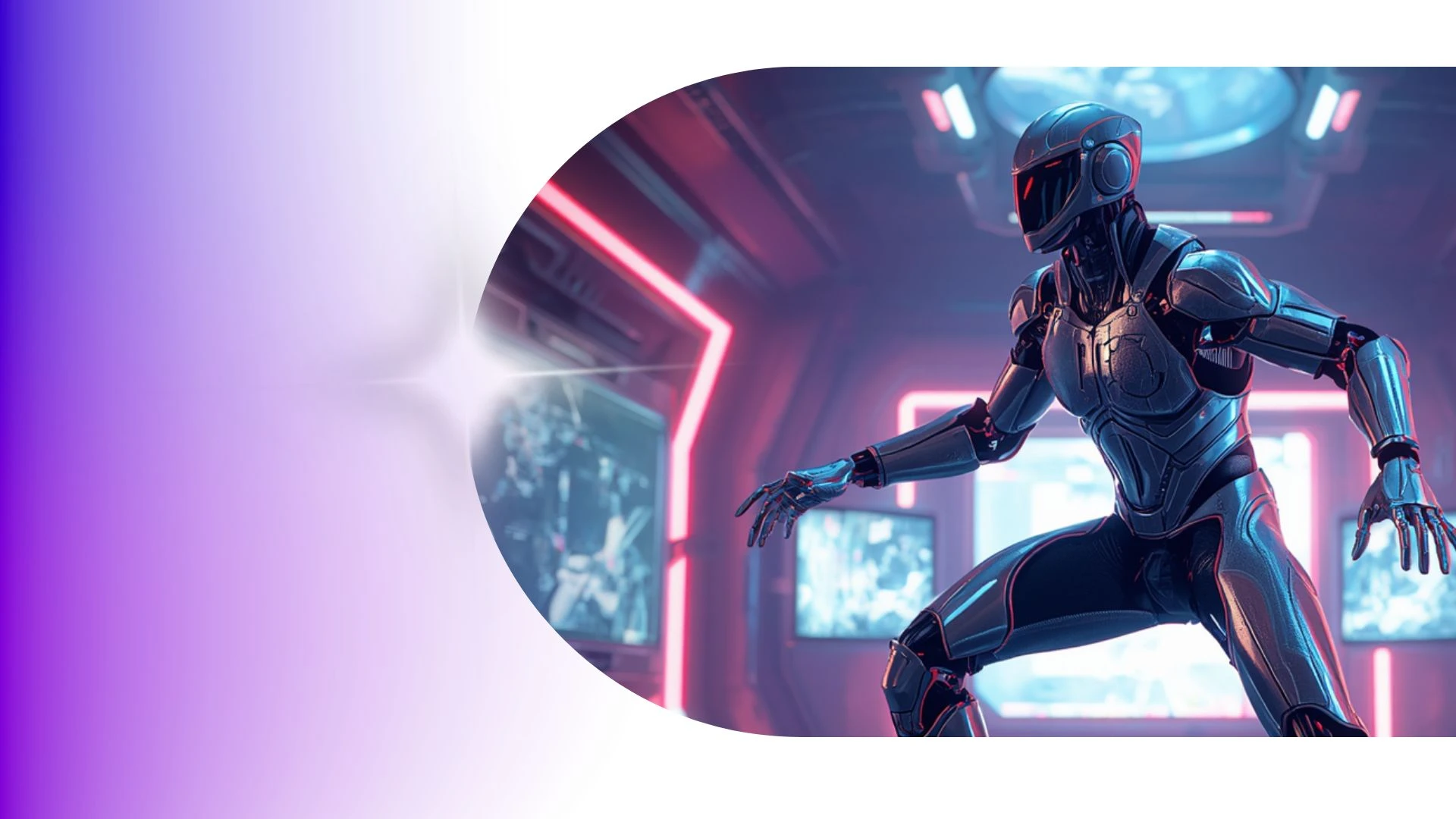
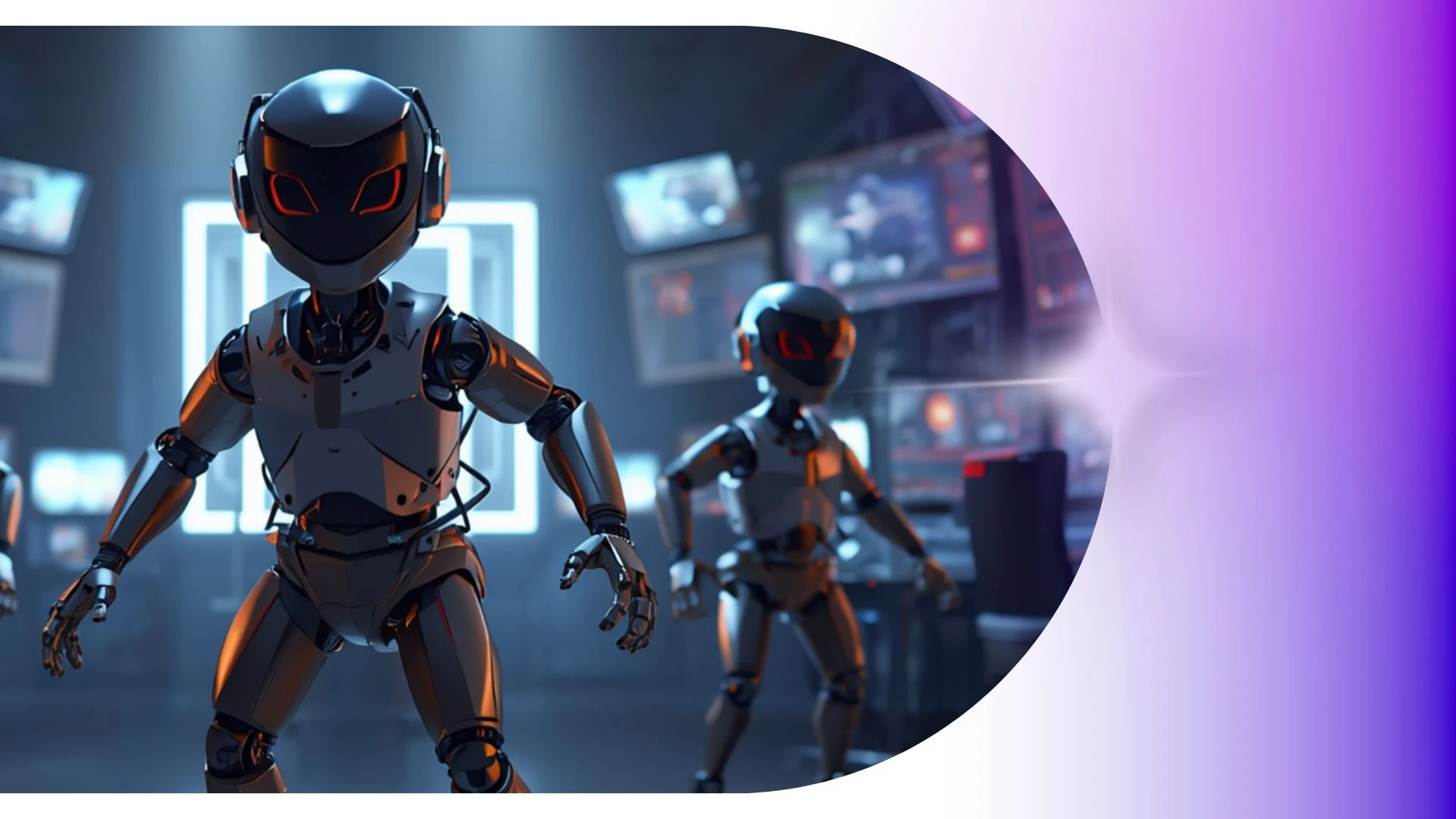
Fast, Lightweight 3D Character Generation Right in Your Browser
Prototype animated pilots and visual storyboards in hours rather than months to pitch creative concepts and win stakeholder greenlights with fully realized 3D pre-viz.
How to Make a Cartoon Character
Design funny cartoon video podcasts from voice recordings using Krikey AI templates with automated speech-driven character reactions.
Funny Cartoon Video Templates
Fast-track fun videos with Krikey AI Taco Tuesday GIFs, transforming video clips into clean 3D skeletal motion data effortlessly.
Seamless Platform Integrations
Amplify brand reach using Krikey AI integrations to share looped 3D animated stickers, transparent GIFs, and social reaction clips.
AI Animation for Kids
Create 3D vertical videos for TikTok and Reels from horizontal scenes using Krikey AI AI Animation Maker easily.
Frequently Asked Questions
Learn more about creating, customizing, and sharing 3D animations with Krikey AI.
What video formats can I export from Krikey AI?▾
You can export completed scenes directly as high-definition MP4 videos, lightweight animated GIFs, FBX files and you can also export high resolution still images of character poses or scenes to use in marketing.
Can I create a custom 3D avatar from a photo?▾
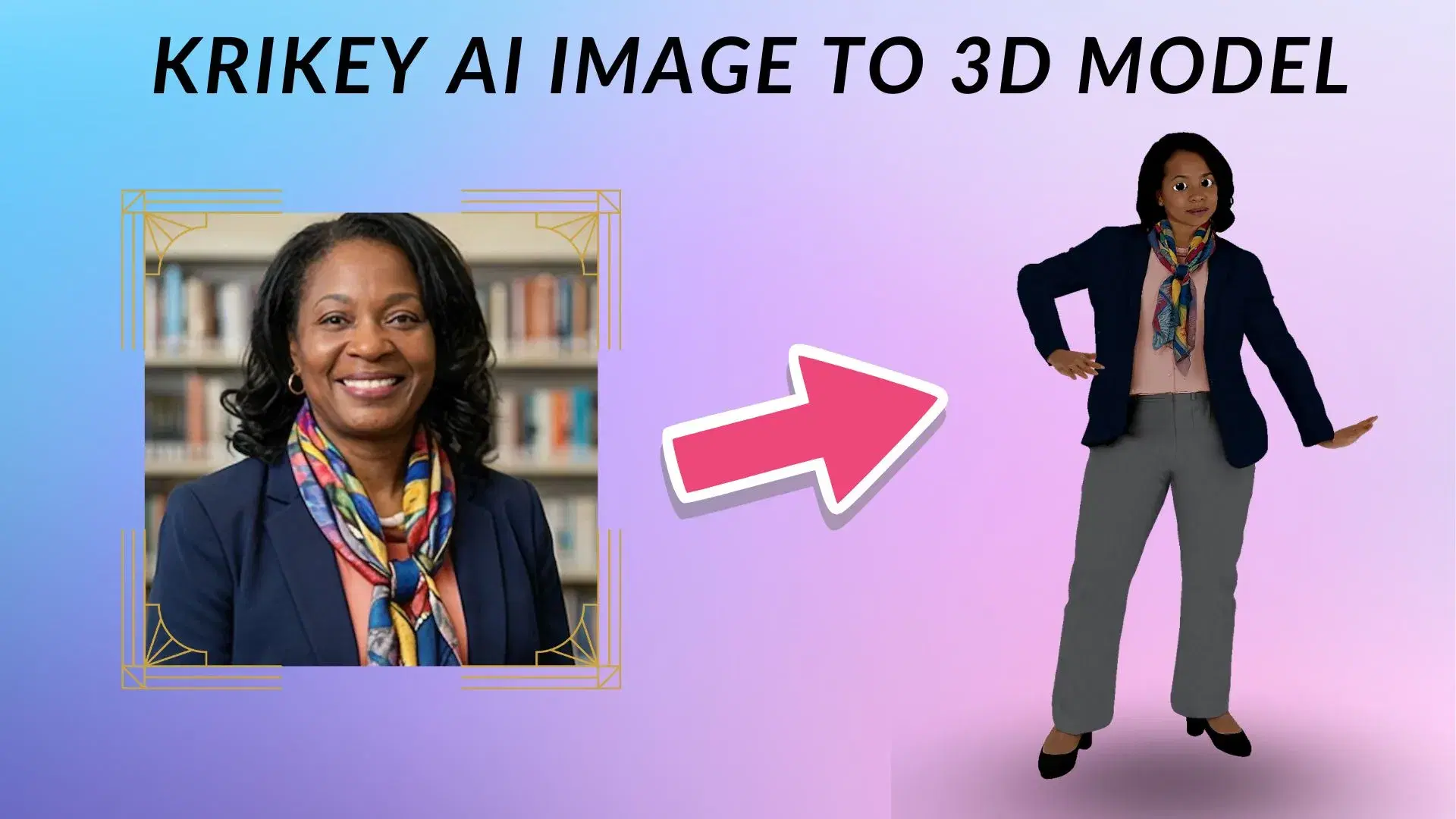
Yes, Krikey’s Character Creator lets you upload a portrait photo or selfie to generate a personalized, stylized 3D avatar within seconds.
Can I use AI to generate custom backgrounds?▾
Yes, the built-in AI image generation tool creates custom scene backdrops from descriptive text prompts directly inside the environment settings.
Does Krikey include a library of pre-made animations?▾
Yes, Krikey provides a searchable motion catalog containing hundreds of ready-made animations, including business greetings, dances, idle loops, and emotional reactions.
Do I need 3D animation or coding skills to use Krikey AI?▾
No prior animation, rigging, 3D modeling, or coding experience is required. The intuitive editor makes professional 3D production accessible to marketers, teachers, and creators.