AI-Music Copy 2_6

This 3D animation was generated using Krikey AI's animation editor. Starting from a simple text prompt: "Alixe, leerling van 12 jaar doet een presentatie over zangeres Fouzia die AI-muziek maakt", the AI rendered the 3D scene, character animations, and voice dialogue.
View full transcript▼
Alixe 1 - Voice clip 1
haar artiestennaam...
Turn your ideas into animations like this.
No complex software. No render farms. Just your imagination and Krikey AI.
Make a new video→More Like This
Explore community 3D animations
Popular 3D Animation Templates
Choose a ready-to-use template to jumpstart your video

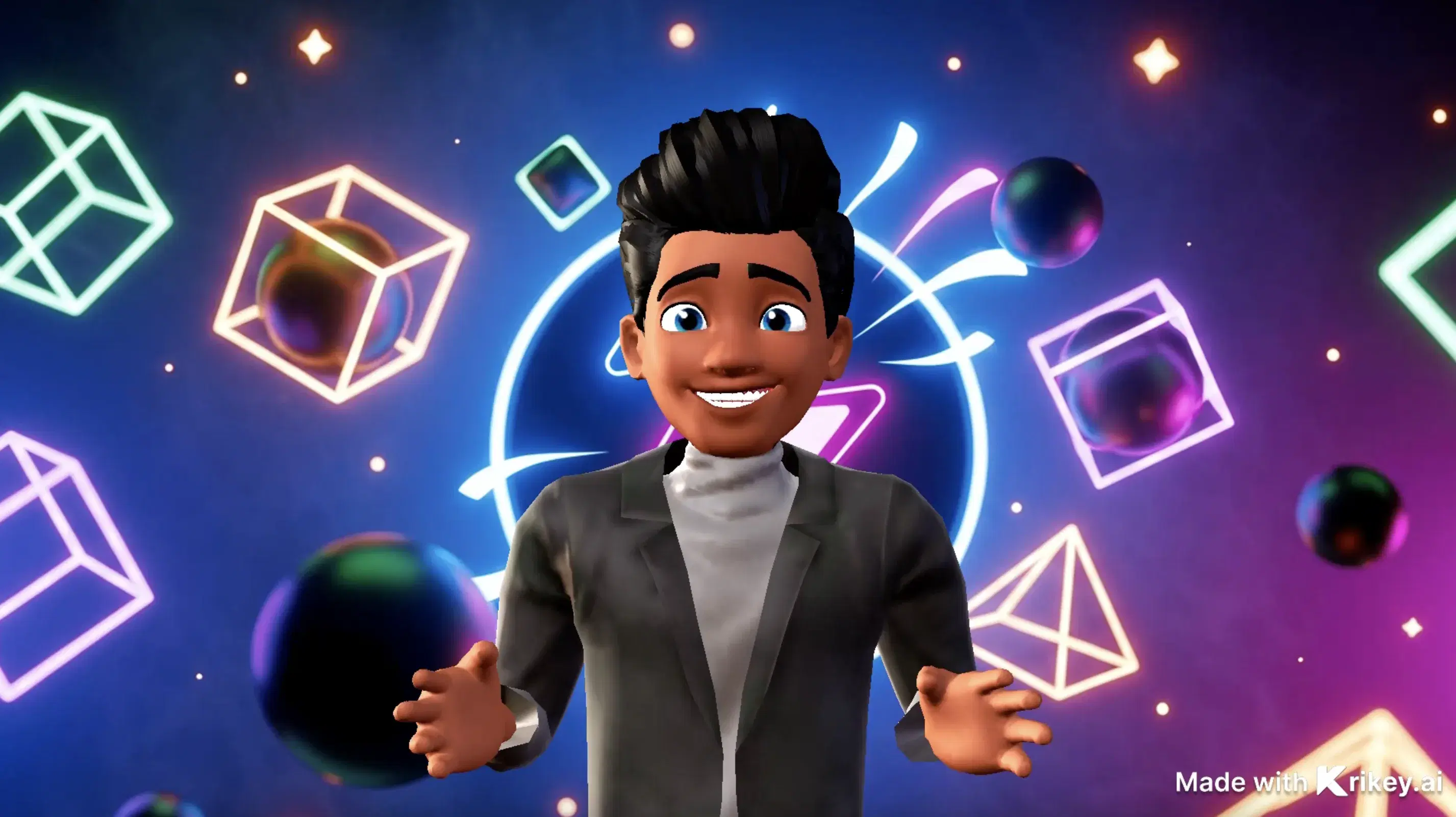
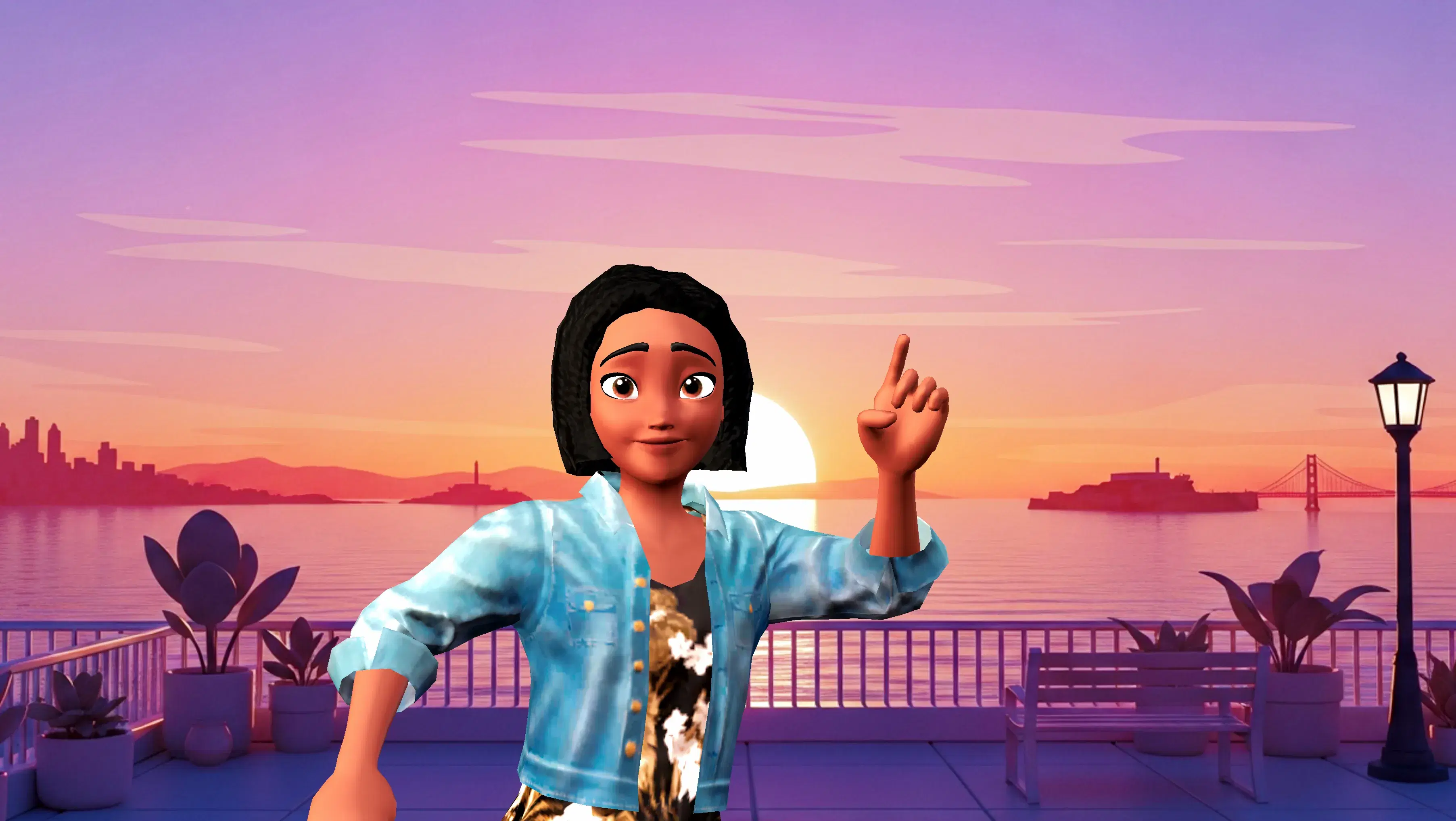
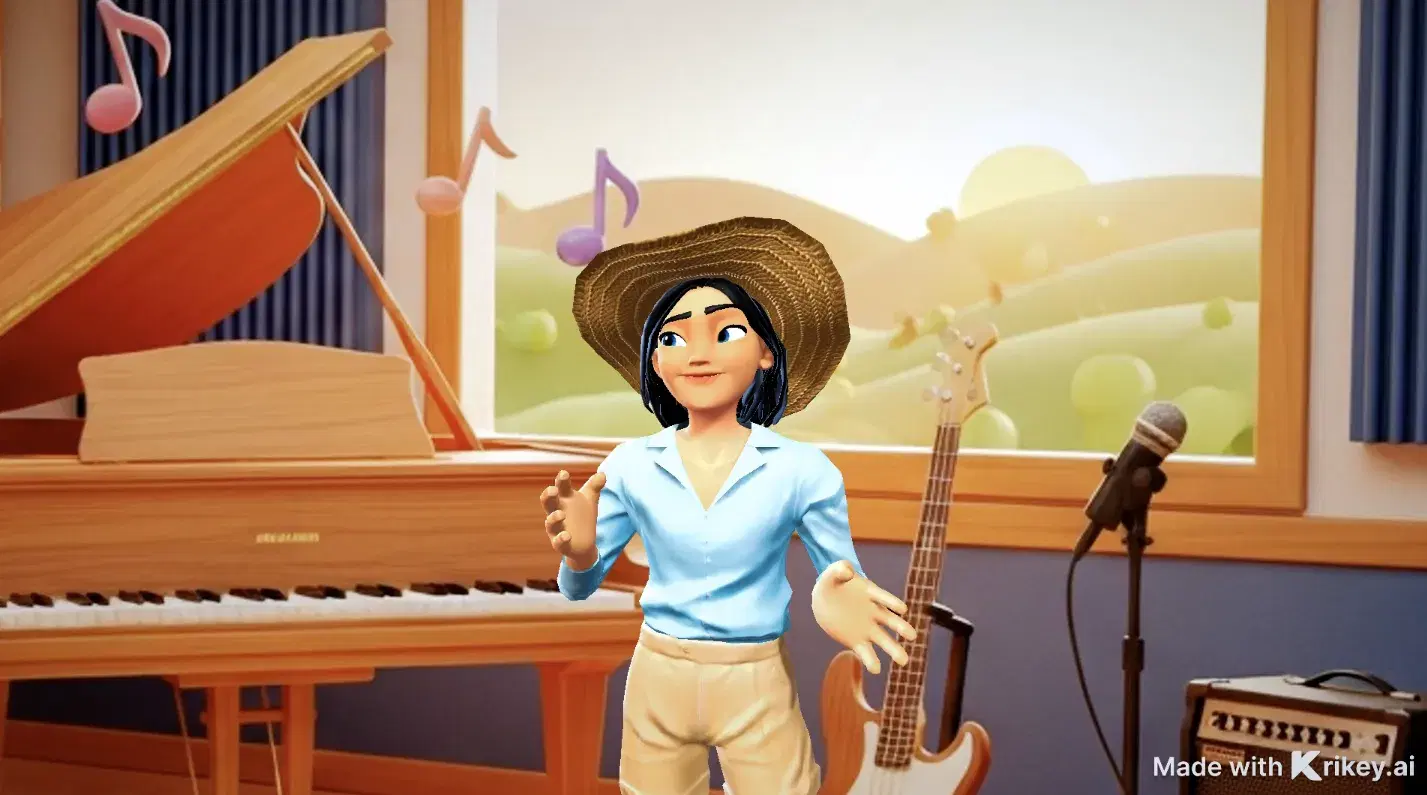
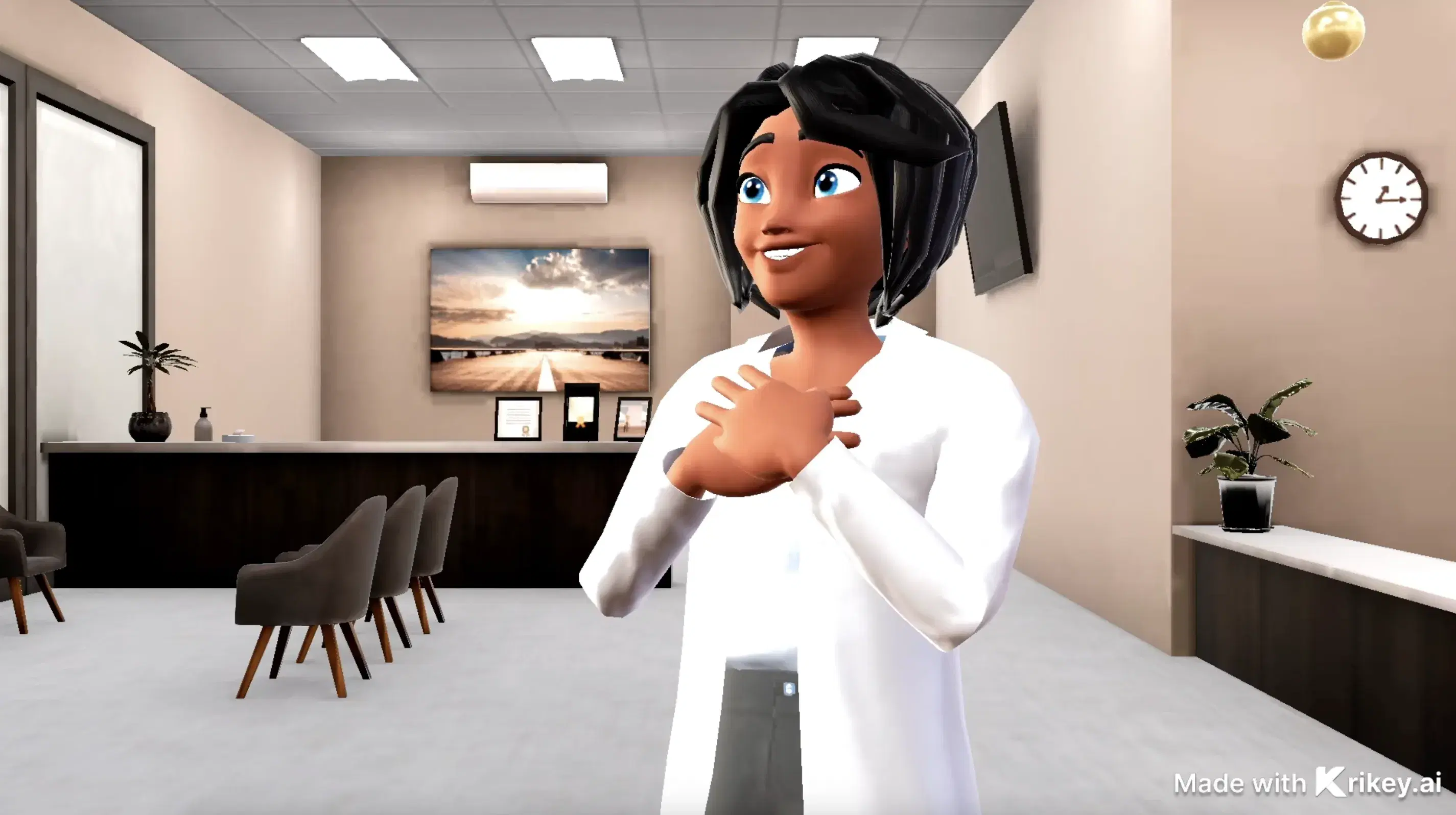
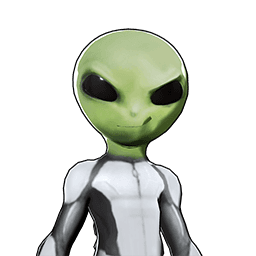
Featured 3D Characters
Bring unique cartoon characters to life with AI animation



Integrations & Workflows
Export 3D animations directly to your favorite creative platforms and game engines
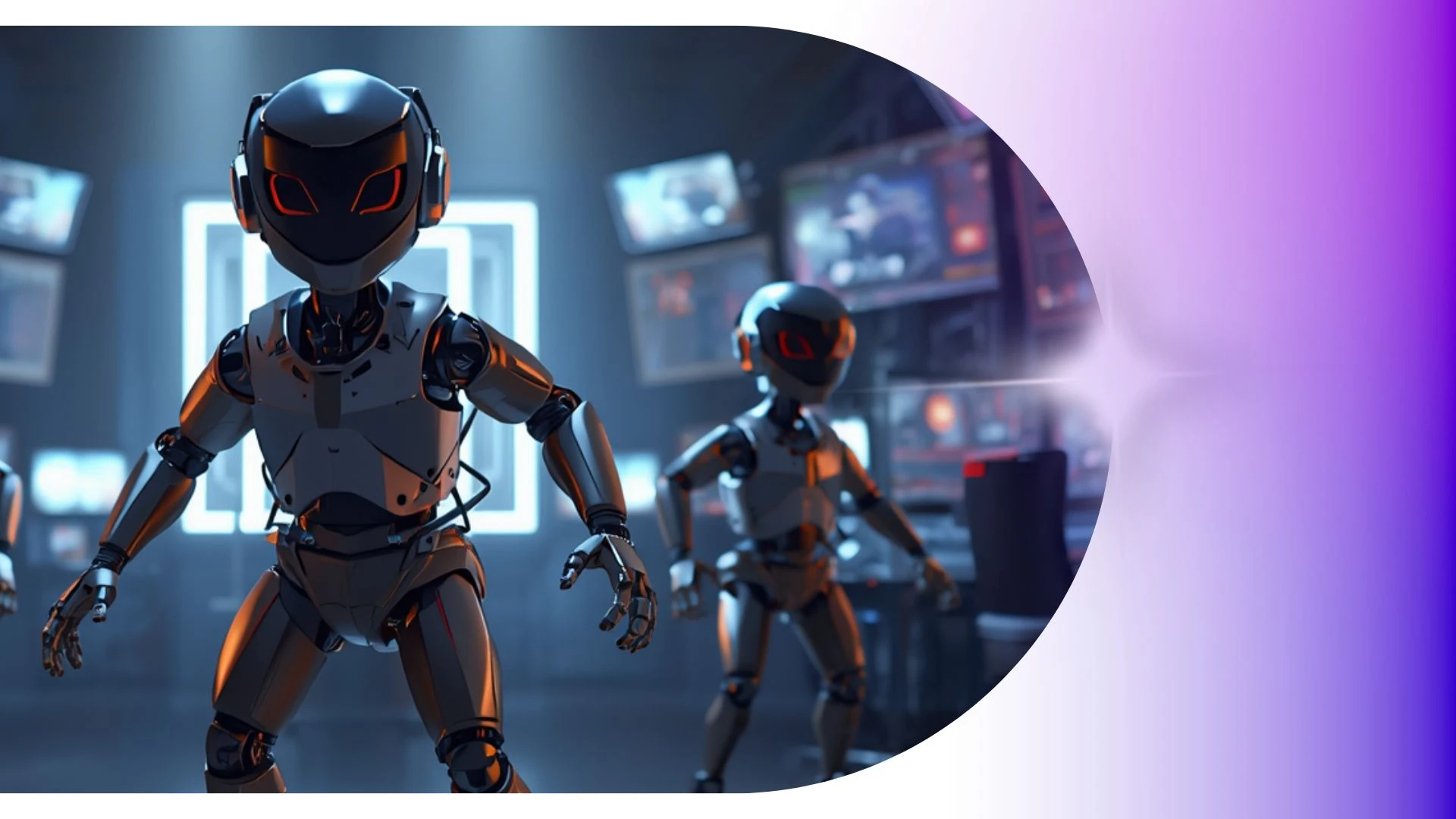

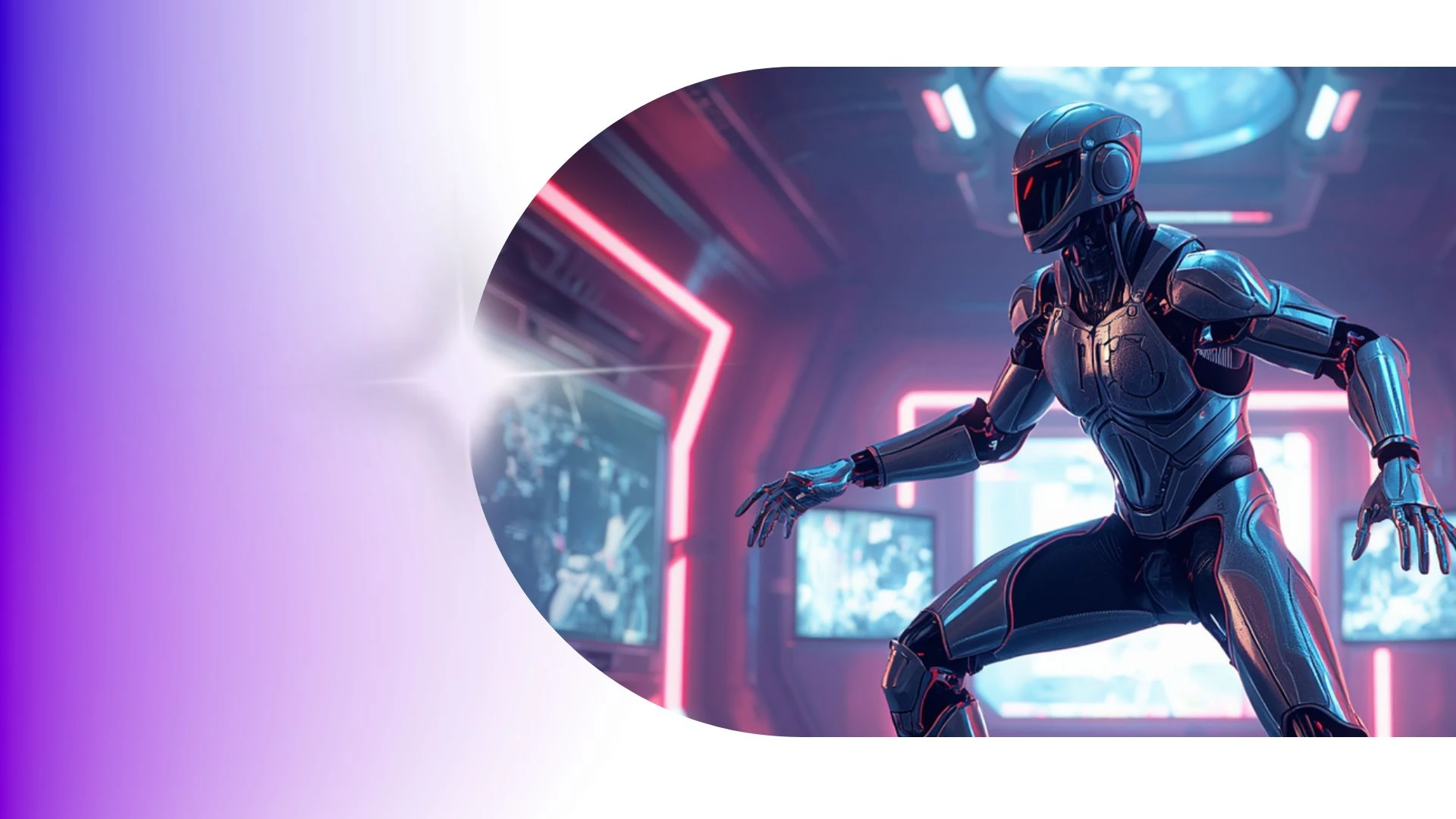
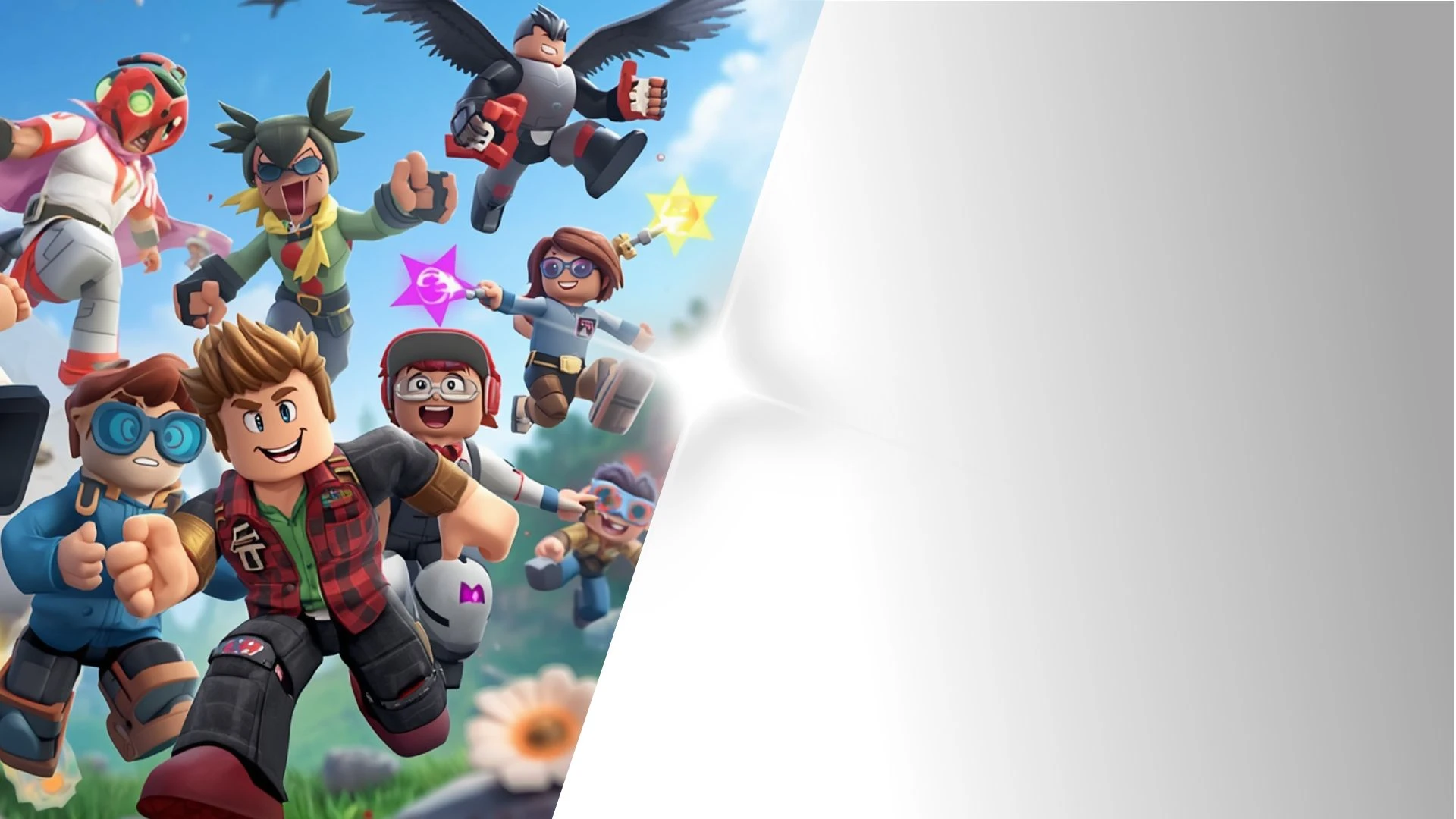
High-Speed 3D Asset Iteration Built for Fast-Moving Creative Teams
Access a vast library of royalty-free motion presets, dance moves, and combat choreographies ready to drag and drop directly onto your timeline for immediate turnaround.
AI Animation Maker
Elevate higher education with Krikey AI, generating cinematic 3D motions, realistic physics, and dynamic camera angles directly from text.
Free Mocap Animations
Build animated pilots and storyboards in minutes using Krikey AI Dance Generator to pitch concepts and win stakeholder greenlights.
3D Animation App Features
Adapt 3D scenes into 9:16 vertical videos for TikTok, Reels, and YouTube Shorts to quickly turn horizontal campaigns into social content.
Create 3D Animations and Videos
Fast-track student projects with Krikey AI 3D Animation tools using royalty-free motion, dance, and combat presets directly on your timeline.
Frequently Asked Questions
Learn more about creating, customizing, and sharing 3D animations with Krikey AI.
How do game developers use Krikey for pre-production?▾
Indie developers and studios use Krikey to rapidly prototype character interactions, generate reference cutscenes, and storyboard cinematic game sequences.
Can I adjust lighting and shadows in the 3D scene?▾
Yes you can choose from a library of lighting presets to change the lighting in your animation video projects on Krikey.
Can I convert real human video into 3D animation?▾
Yes, Krikey’s AI Video-to-Animation tool allows you to upload a short video of a person moving to extract their real-world motion capture data directly onto your 3D avatar.
Can I use AI to generate custom backgrounds?▾
Yes, the built-in AI image generation tool creates custom scene backdrops from descriptive text prompts directly inside the environment settings.
What video formats can I export from Krikey AI?▾
You can export completed scenes directly as high-definition MP4 videos, lightweight animated GIFs, FBX files and you can also export high resolution still images of character poses or scenes to use in marketing.