How to Create a Vegas Pro 3D Animation Overlay with Krikey AI
Produce a professional Vegas Pro 3D Animation overlay using Krikey AI. Our tools speed up your production and allow you to explore more creative options quickly.

 100,000+ creators, social media teams, marketing agencies, teachers & students animate with Krikey


Ready Krikey AI Ultimate Guide Vegas Pro 3D Overlays
Small to medium internet content creators often find that creating Vegas Pro 3D animation overlays is a grueling process because creating 3D layers and scaling them individually is extremely time-consuming and difficult to manage. This technical bottleneck can stall your creative momentum and delay your upload schedule. Krikey AI Animation offers a powerful solution to streamline this workflow. By automating the generation of 3D characters and motions, Krikey AI eliminates the need for manual layering and individual scaling. This allows you to simplify the creation of professional 3D overlays and focus on telling your story, significantly accelerating your overall production speed.
Your AI Pipeline, Demystified
Prompt to 3D Character
Simply prompt to 3D character with Krikey AI to automate Vegas Pro overlays, removing manual layering and scaling.
Bring Text to Life
To bring text to life, simply use Krikey AI to automate Vegas Pro overlays and eliminate manual layering and scaling.
Create & Share Now
Use Krikey AI to Create & Share Now with FBX or MP4 exports, simplifying your Vegas Pro 3D Animation overlay workflow.
Value your Vegas Pro projects with Krikey AI Animation
With Krikey AI Animation, your Vegas Pro 3D Animation overlay projects move from concept to completion at lightning speed. By automating the creation of high-quality 3D characters and motions, you eliminate the need for time-consuming manual layering and complex individual scaling. This cloud-based tool allows you to generate professional animations in minutes, providing easy exports in formats like FBX and MP4 that integrate seamlessly into your Vegas Pro timeline. This efficiency empowers creators to focus on storytelling while the AI handles the technical heavy lifting, drastically reducing production bottlenecks and fueling your creative workflow.
Text to Animation in Seconds
Animate 3D characters for Vegas Pro 3D Animation overlays by simply typing a prompt into Krikey AI. Our text-to-animation tool quickly generates motions that you can export and use in your projects.
Scale with Integrations
By using Krikey AI Animation, you can speed up Vegas Pro 3D overlays, After Effects avatars, and Avid 3D assets. Click this box to see more and start creating!
Use our pre-rigged 3D Characters or Generate Your Own
Creators using Vegas Pro 3D Animation overlay can easily integrate Krikey AI into their workflow. Choose from our pre-rigged 3D character library or use our AI generator to accelerate your projects.
More Integrations like this
Connect Krikey AI with more of your favorite tools and platforms.


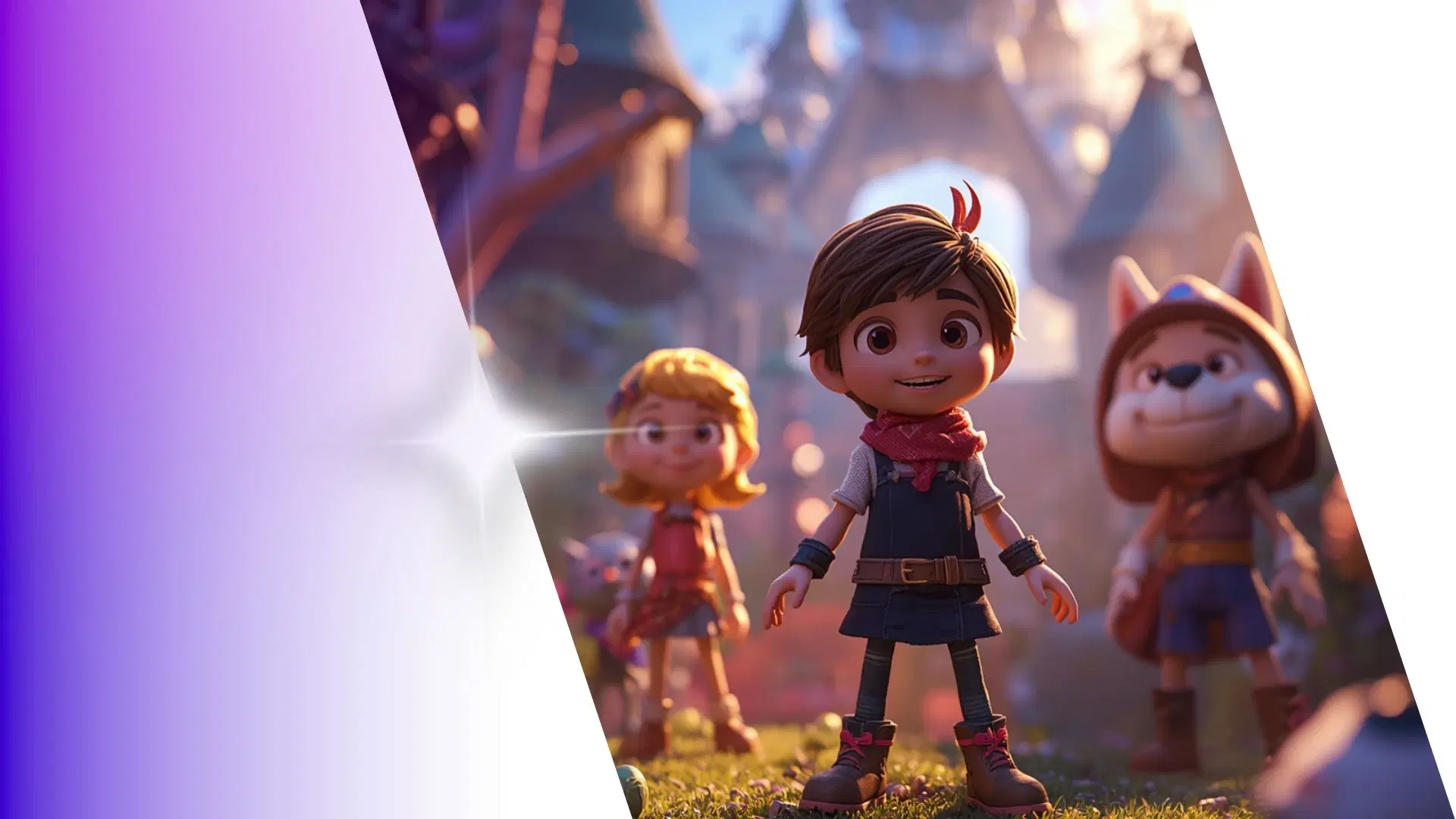


How to Animate from Krikey AI to Vegas Pro 3D Animation overlay
Explore how Krikey can support with your Vegas Pro 3D Animation overlay
Streamline Your Workflow: Select, Create, and Auto-Rig 3D Models with Krikey AI
Design your 3D characters in Krikey AI with auto-rigging for Vegas Pro 3D Animation overlays. Use them for custom video intros, social media ads, or storytelling to speed up your creative process.
Effortlessly Make Your 3D Character Talk, Sing, and Animate with Krikey AI
Easily animate custom 3D models with Krikey AI for Vegas Pro 3D Animation overlays. Create talking avatars, music videos, podcasts, still poses, or GIFs for social media and YouTube video intros.
Seamlessly Integrate Krikey MP4 or FBX Files into Your Creative Workflow
From Krikey AI, export your 3D projects as MP4 or FBX files to easily integrate into Vegas Pro 3D Animation overlays. This is perfect for custom video intros, cinematic transitions, and YouTube ads.
Frequently Asked Questions (FAQs) about Vegas Pro 3D Animation overlay
These are Frequently Asked Questions (FAQs) about Vegas Pro 3D Animation overlay and Krikey AI Animation
More templates like this
Explore templates designed to supercharge this integration.
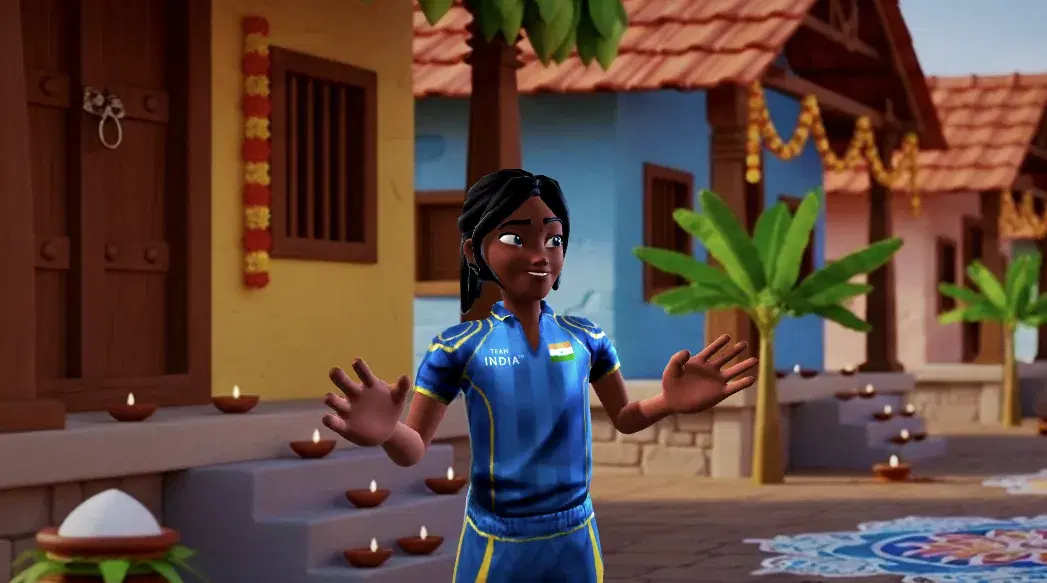
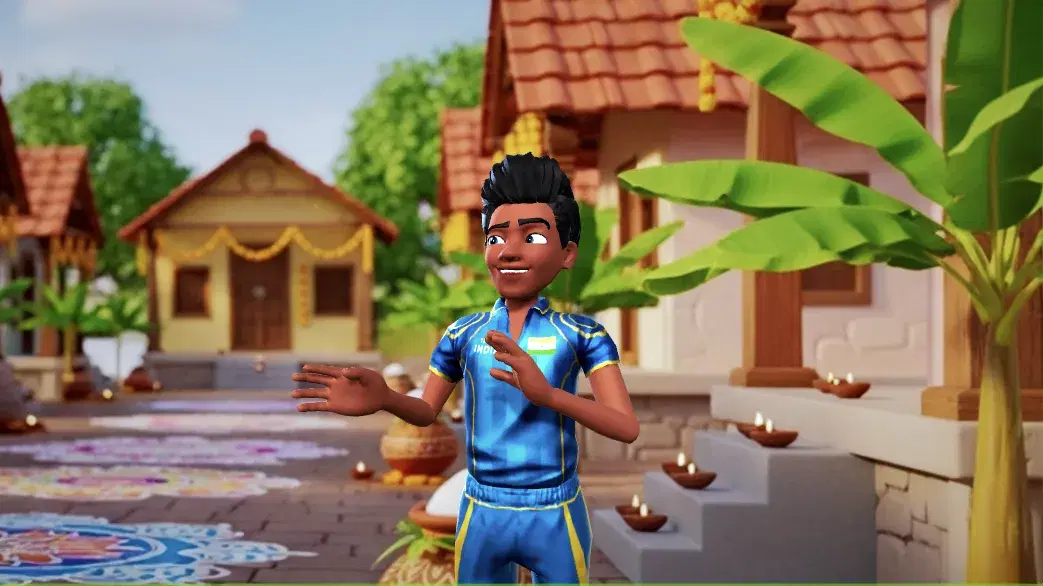
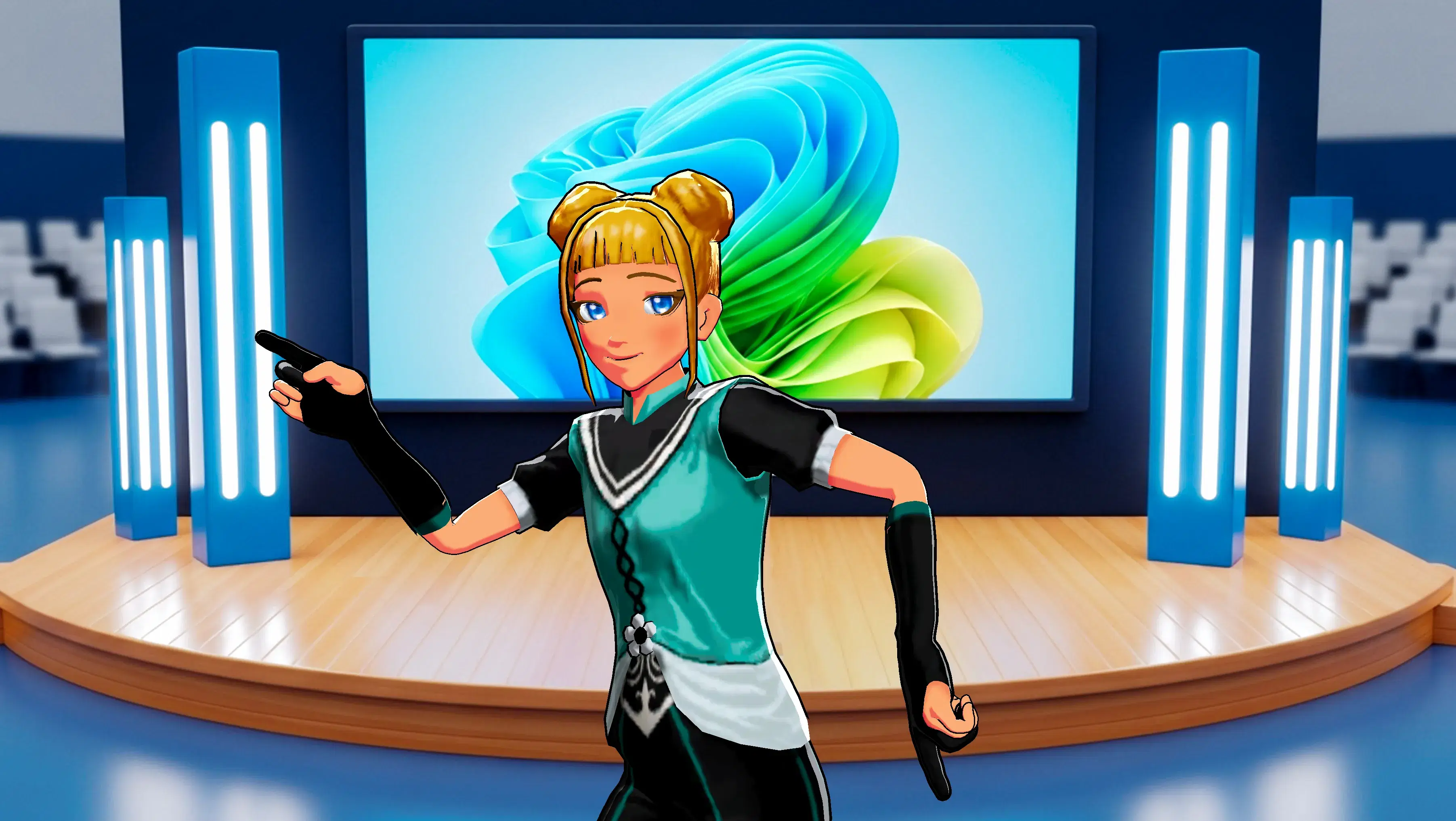
Featured Community Animations
See how creators are using this integration to bring their ideas to life





Supercharge Your Creative Workflow Today
Try Krikey AI for free and generate 3D animated content in seconds.
Get Started Free