Character Customization1

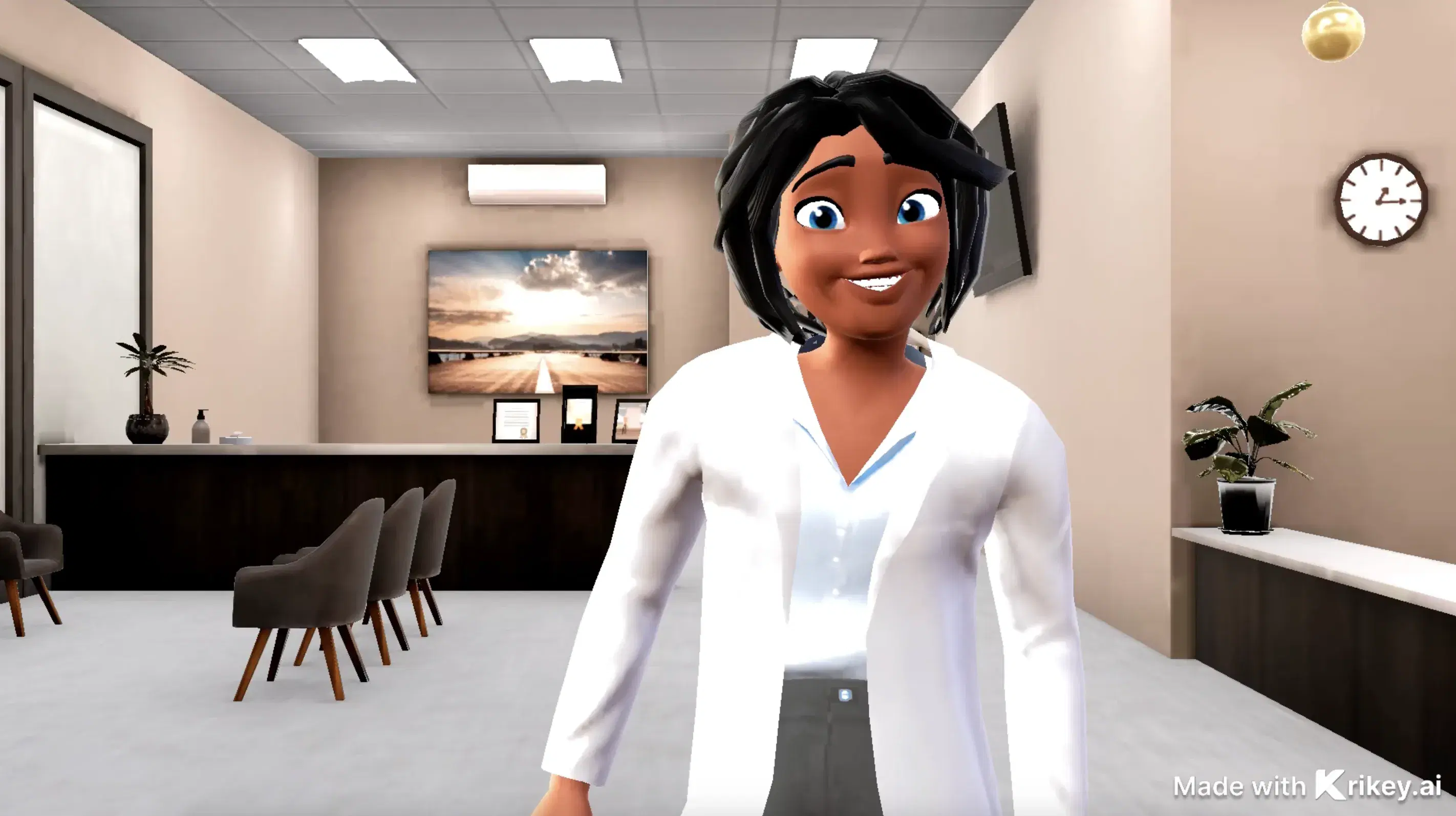
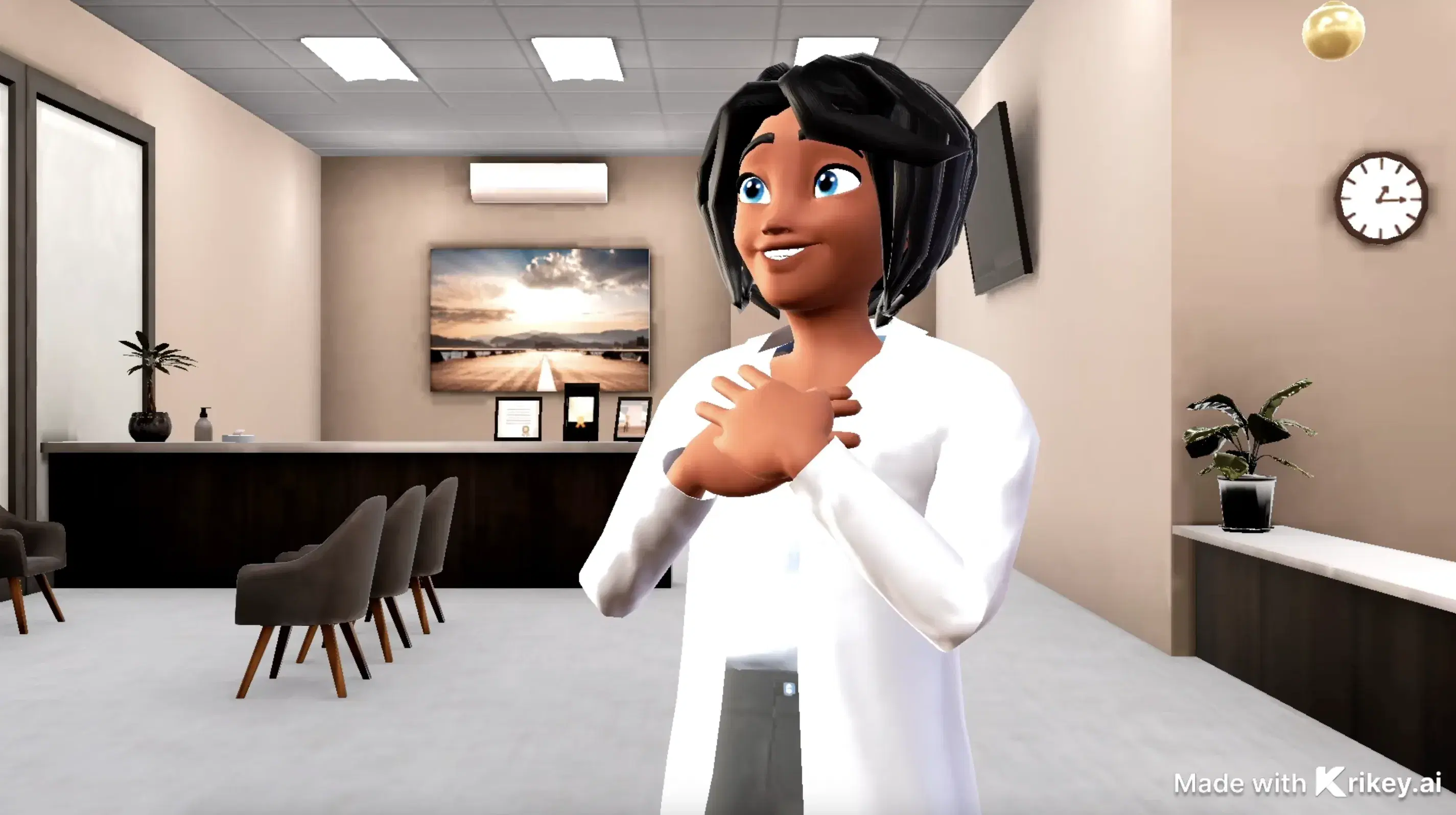
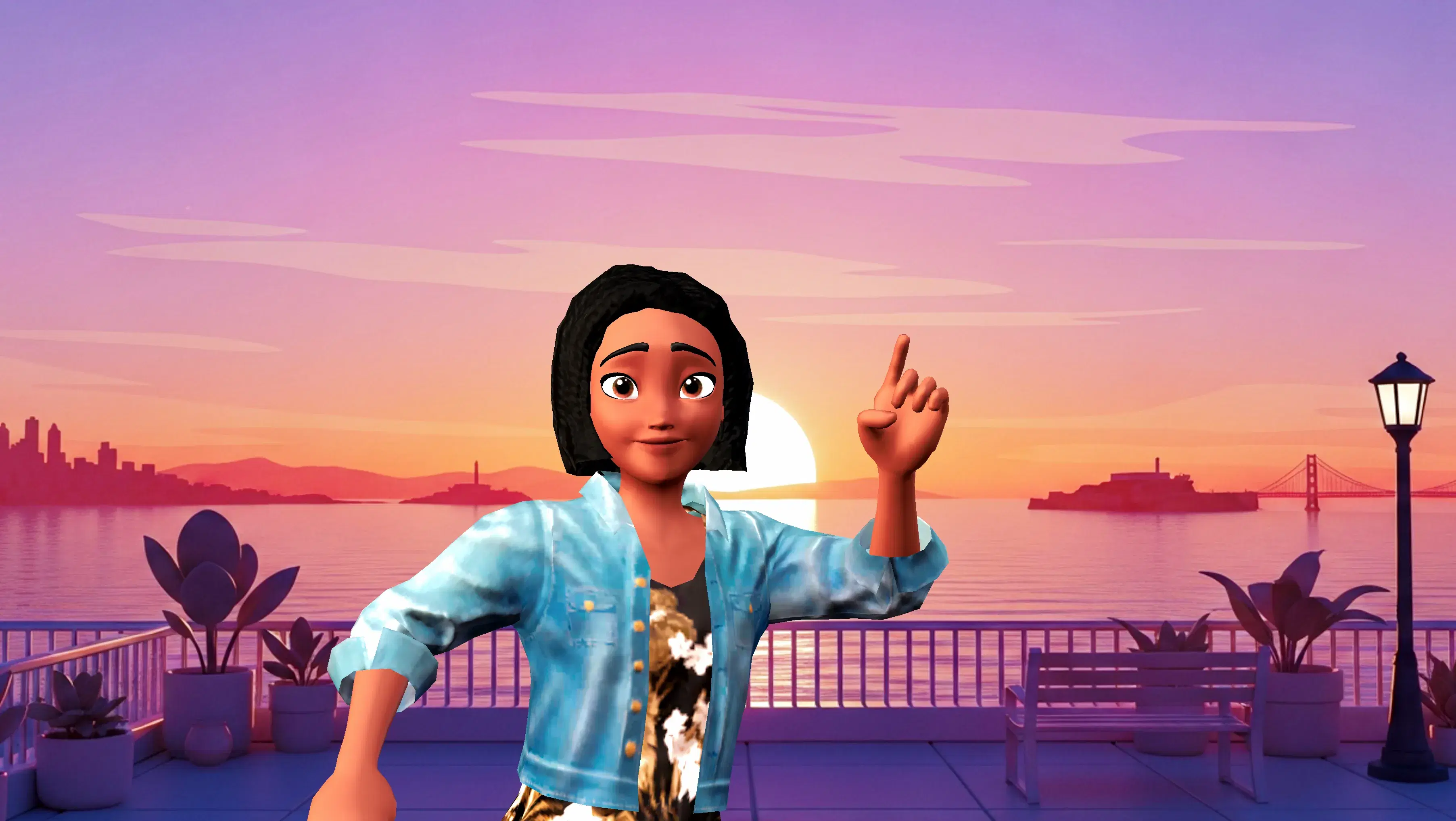
This 3D animation was generated using Krikey AI's animation editor. Starting from a simple text prompt: "Welcome video with explaining how to customize your character for a video game", the AI rendered the 3D scene, character animations, and voice dialogue.
View full transcript▼
Welcome to the character customization guide! In this video, we'll walk you through the steps to personalize your avatar. Explore different hairstyles, outfits, and accessories to create a unique look. Dive into the menu to adjust features and find the style that suits you best. Enjoy!
As generative artificial intelligence and browser-based rendering continue to evolve, the barrier to high-fidelity animation will disappear entirely. What once took weeks of manual keyframing can now be generated effortlessly, empowering visionaries around the world to bring their stories to life at scale.
Turn your ideas into animations like this.
No complex software. No render farms. Just your imagination and Krikey AI.
Make a new video→More Like This
Explore community 3D animations
Popular 3D Animation Templates
Choose a ready-to-use template to jumpstart your video
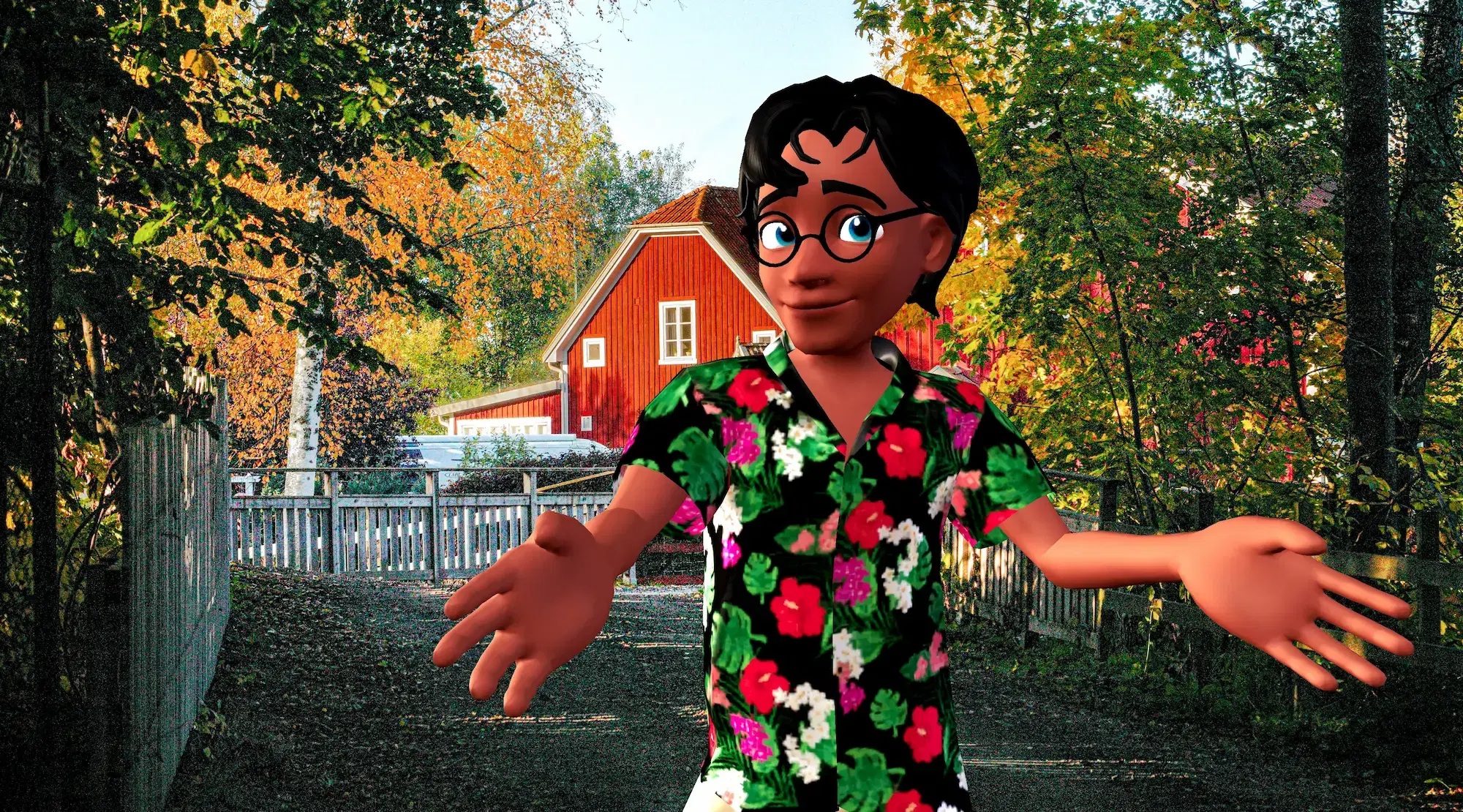

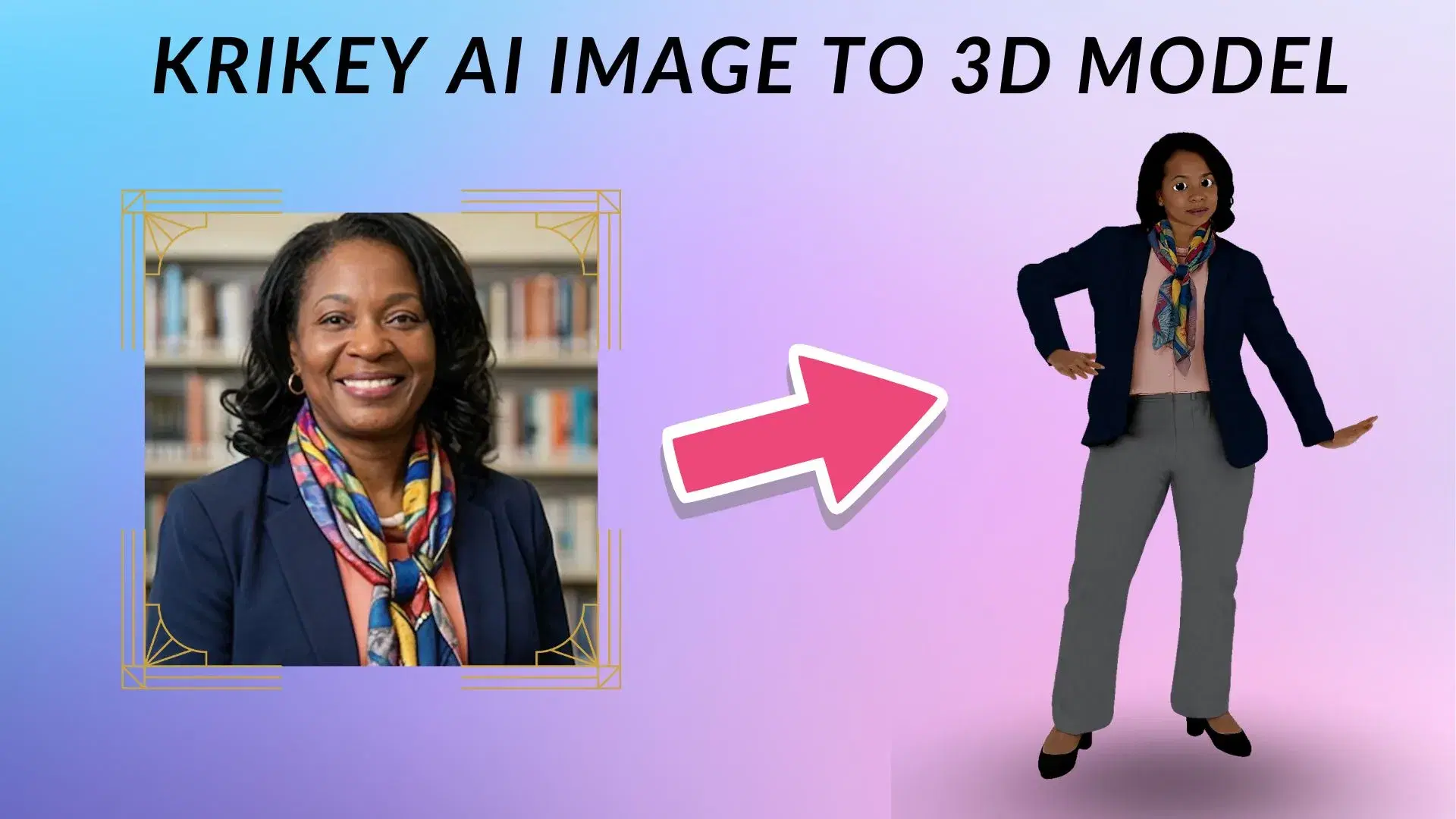
Featured 3D Characters
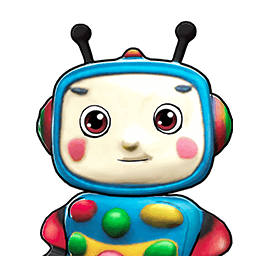
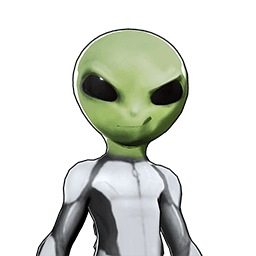
Bring your story to life with customizable 3D animated avatars


Bring 3D Animations to Your Favorite Tools
Export and animate seamlessly across your creative workflow
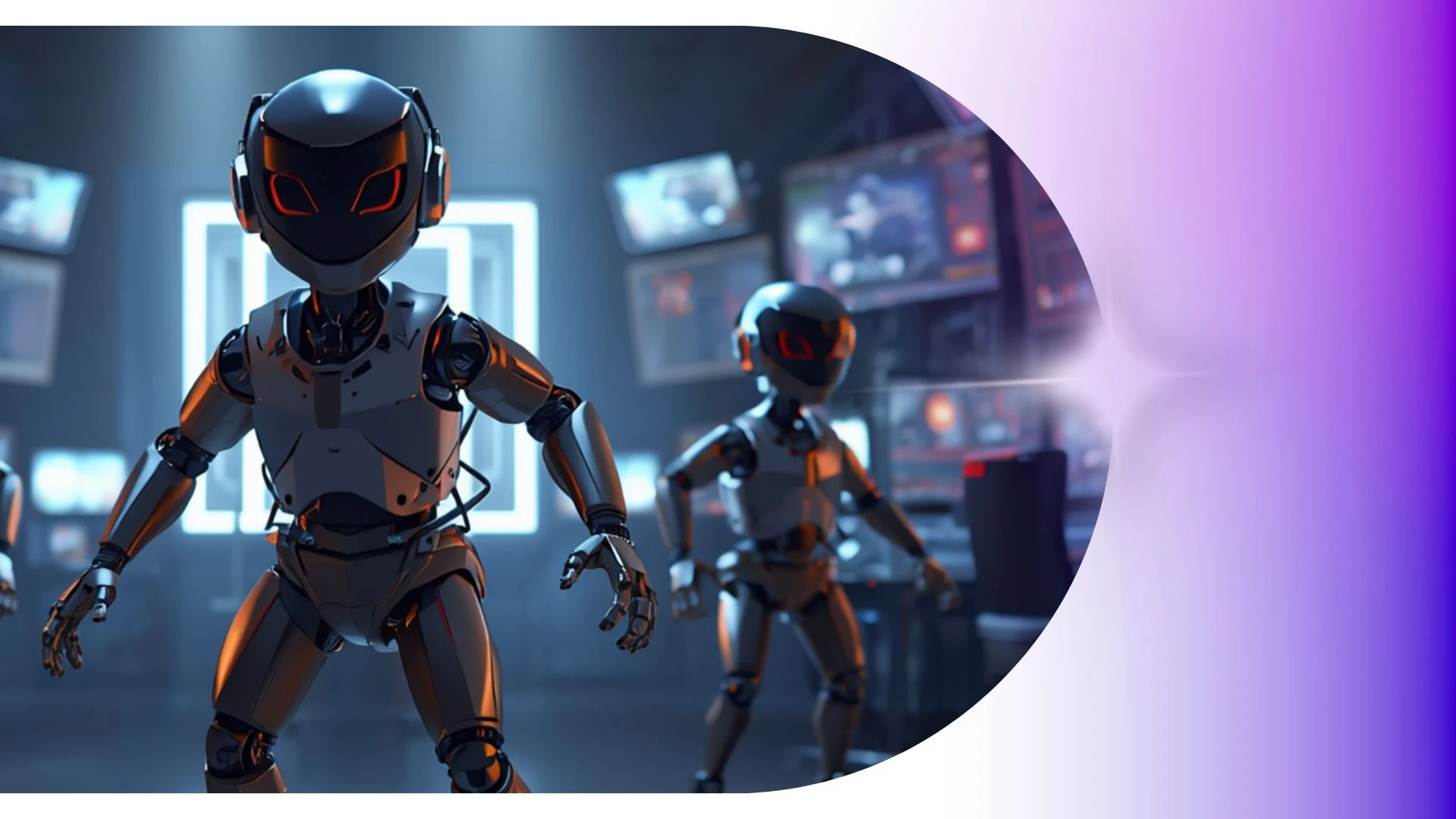
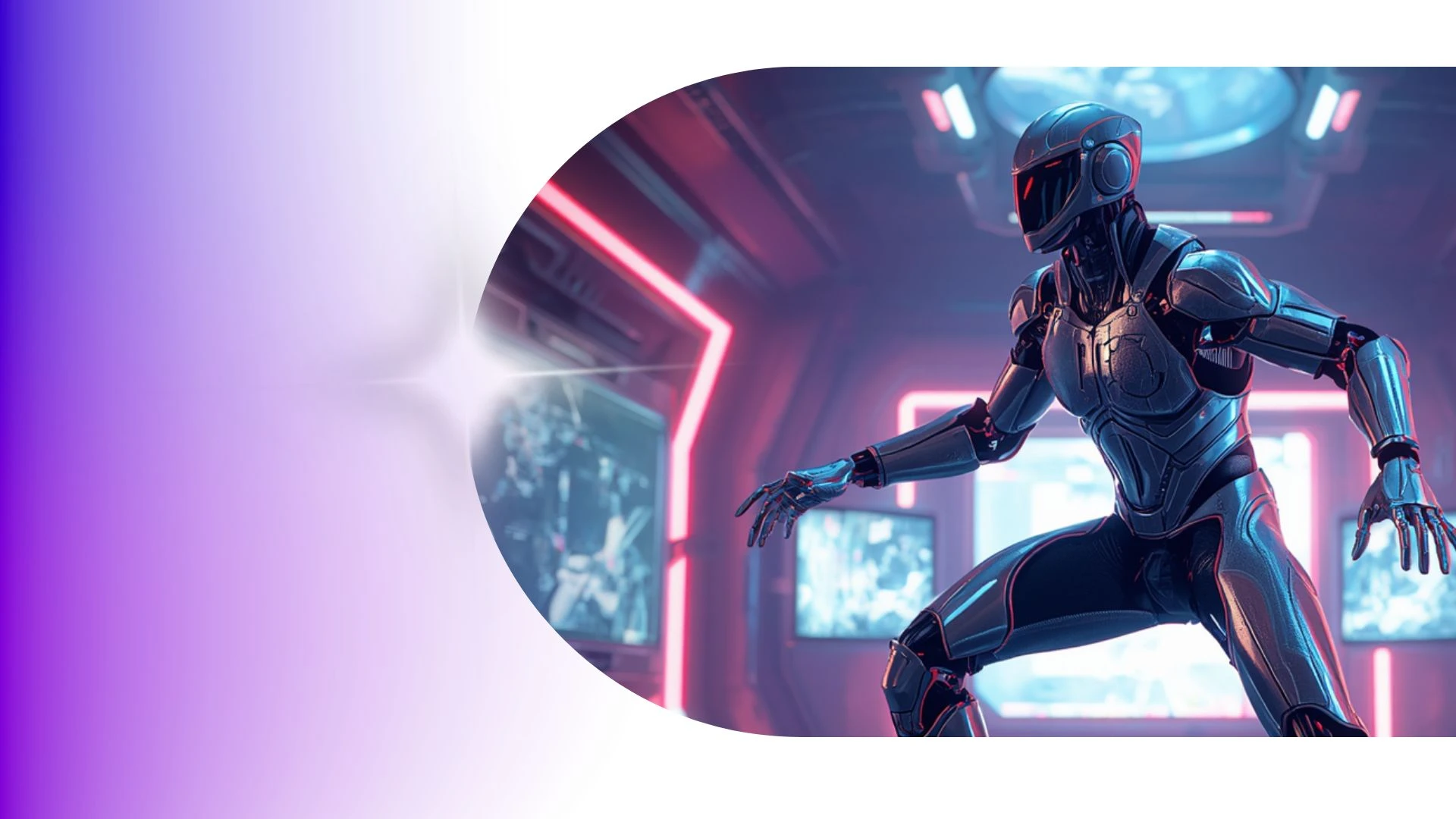
Create Custom 3D Mascots for Interactive Brand Campaigns
Produce interactive 3D product explainer videos starring custom corporate mascots to demonstrate features and guide customers with charismatic virtual hosts.
3D Animation Video Templates
Flip syllabi into engaging 3D STEM animations and historical recreations, helping students visualize complex, abstract concepts.
AI Animation Maker
Elevate higher education with Krikey AI, generating cinematic 3D motions, realistic physics, and dynamic camera angles directly from text.
3D K-Pop Idol Generator
Build 3D K-Pop idols with Krikey AI, featuring script-to-voiceover in 100+ languages and auto lip-syncing with expressions.
AI Video Generators
Animate medical videos with Krikey AI Cartoon Doctor Video Maker, featuring voiceovers in 100+ languages and auto lip-syncing.
Frequently Asked Questions
Learn more about creating, customizing, and sharing 3D animations with Krikey AI.
Can doctors and healthcare providers create patient education videos?▾
Yes, clinics and wellness providers use friendly animated guides to clearly explain health procedures, preventive wellness tips, and post-op care steps.
Can I create vertical 9:16 videos for TikTok, Reels, and YouTube Shorts?▾
Yes, switch your canvas aspect ratio between vertical (9:16), widescreen (16:9), and square (1:1) at any time with automatic resizing.
Why is there a Krikey AI watermark on some videos?▾
Videos created on the free plan feature a subtle Krikey watermark. Upgrading to a Pro or Enterprise subscription removes watermarks and unlocks higher-resolution exports.
How do I insert a Krikey animation into PowerPoint or Google Slides?▾
Export your animation as an MP4 video or looping GIF, then use "Insert > Video" or "Insert > Image" inside Microsoft PowerPoint or Google Slides.
What video formats can I export from Krikey AI?▾
You can export completed scenes directly as high-definition MP4 videos, lightweight animated GIFs, FBX files and you can also export high resolution still images of character poses or scenes to use in marketing.