How to use Canva AI Text to Animation Integration with Krikey AI
Build better content with Canva AI Text to Animation Integration. Krikey AI speeds up production and fuels creativity for your unique 3D character projects.

 100,000+ creators, social media teams, marketing agencies, teachers & students animate with Krikey


Create Canva AI Text to Animation Guide with Krikey AI
Content creators often find that the Canva AI Text to Animation Integration lacks the precise control over complex 3D character movements and camera angles required for professional-grade results. This limitation can stifle creativity and force a reliance on complex, external software. Krikey AI Animation offers a powerful solution by delivering professional-level customization directly into your workflow. With Krikey AI, you gain granular control over character motions and perspectives, allowing you to create high-quality animations quickly. By bridging the gap between ease of use and technical precision, Krikey AI Animation accelerates your production and unlocks new creative potential for all your Canva projects.
Power Your Next Big Project
Step into 3D Creation
Diving into 3D creation is easy with Krikey AI, giving your Canva projects pro control over motion and camera angles.
Auto-Generate Animation
Easily auto-generate animations with Krikey AI for Canva to gain professional control over character and camera angles.
Make & Download
Fast-track your workflow: Make & Download Krikey AI animations in FBX or MP4 for seamless Canva AI integration.
Gain precise 3D control with Krikey AI Animation
Harnessing Krikey AI Animation within your Canva workflow significantly accelerates production by automating complex 3D tasks that typically take days. This integration empowers content creators to bypass the steep learning curve of professional animation software, offering precise control over character movements and camera angles through simple text prompts. By removing the technical tax of rigging and keyframing, you can generate high-quality, talking 3D avatars in minutes. This speed and ease of use allow you to iterate faster, ensuring your creative vision for social media, lesson plans, or presentations is realized with professional-level quality without the high costs or time constraints of traditional methods.
Just Type and Animate
Input your text prompt into Krikey AI to instantly generate 3D characters for your Canva AI Text to Animation Integration. Customize the motion, then export to bring your Canva projects to life.
Discover New Workflows
Join Krikey AI to speed up Canva, Prezi, and Microsoft Teams workflows with 3D animation. Click this box to learn more and see all our creative workflows today!
Check out our 3D rig selection or let our AI build it
Krikey AI Animation provides a library of pre-rigged 3D models and an AI generator, making it easy for Canva creators to integrate high-quality motion into their workflow and accelerate projects.
More Integrations like this
Connect Krikey AI with more of your favorite tools and platforms.


How to Animate from Krikey AI to Canva AI Text to Animation Integration
Explore how Krikey can support with your Canva AI Text to Animation Integration
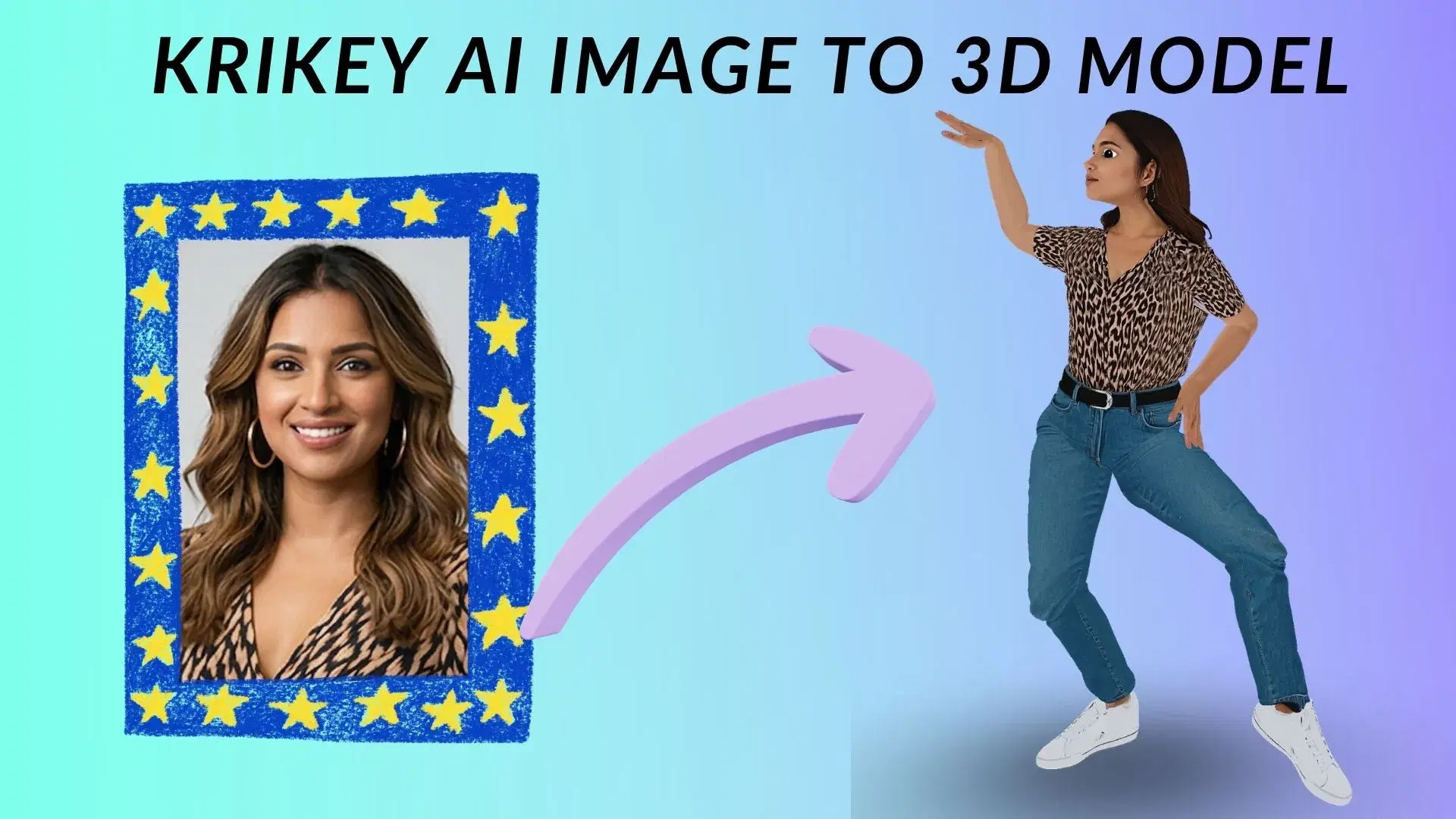
Design Your Hero: 3D Character Creation and Krikey AI Auto-Rigging
Leverage Krikey AI to select pre-rigged models or build custom avatars for Canva. Use these to create talking social media ads, animated lesson plans, or engaging brand mascots instantly.
Go from Text to 3D Talking and Singing Animations Instantly with Krikey AI
Make Canva projects pop using Krikey AI to animate 3D models from text. Create talking avatars for social ads, music videos for brand promos, or custom GIFs for engaging educational presentations.
Interoperable Formats: Export Krikey MP4 or FBX into Your Workflow
Now export Krikey AI projects as MP4, GIF or FBX to Canva for custom social ads, video intros, or presentations. Seamlessly share high-quality 3D animations directly to your favorite creative platforms.
Frequently Asked Questions (FAQs) about Canva AI Text to Animation Integration
These are Frequently Asked Questions (FAQs) about Canva AI Text to Animation Integration and Krikey AI Animation
More templates like this
Explore templates designed to supercharge this integration.
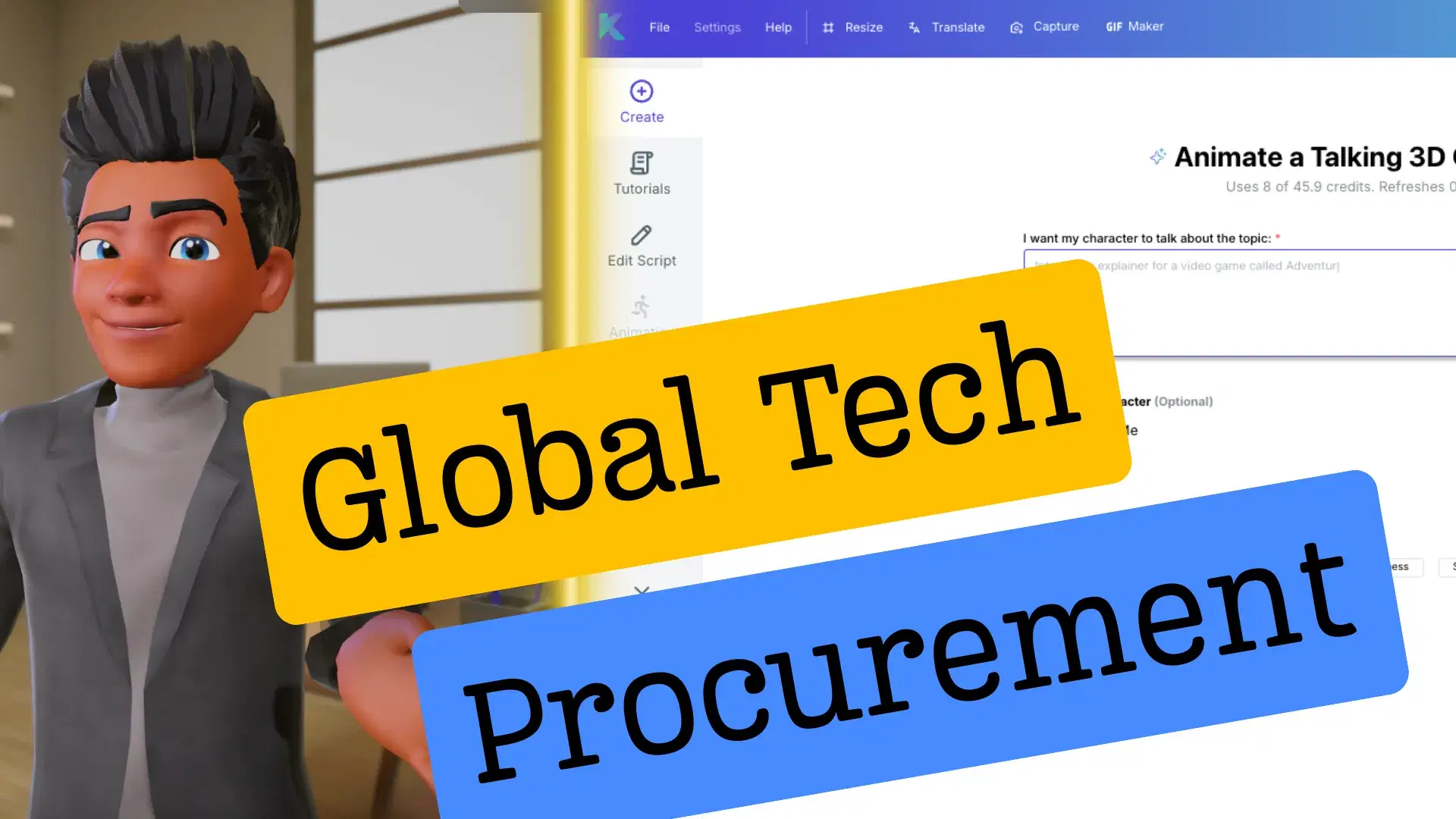
Featured Community Animations
See how creators are using this integration to bring their ideas to life





Supercharge Your Creative Workflow Today
Try Krikey AI for free and generate 3D animated content in seconds.
Get Started Free