How to Create Avid Video Production 3D Assets with Krikey AI
Streamline your Avid Video Production 3D Assets with Krikey AI Animation. Our tools accelerate production and fuel creativity to optimize your entire workflow.

 100,000+ creators, social media teams, marketing agencies, teachers & students animate with Krikey


Top Krikey AI Guide for Avid Video Production 3D Assets
Professional film and television editors often face a significant bottleneck in Avid Video Production when handling 3D assets due to the lack of clip-based parameters. This technical limitation forces creators to apply the complex 3D Warp effect for even basic adjustments like scaling and rotation, which can slow down the editing process and disrupt creative flow. Krikey AI Animation offers a revolutionary solution to this problem. By utilizing Krikey AI, you can export 3D assets with pre-set scaling and rotation, completely removing the need for tedious 3D Warp effects. This streamlines your Avid workflow, allowing you to focus on storytelling rather than technical workarounds. Generate high-quality 3D assets quickly and keep your production moving at the speed of your imagination.
Smarter Pipelines. Better Efficiency.
Magic 3D Character Generator
Using the Krikey AI Magic 3D Character Generator is easy, allowing for pre-set resize exports that remove complex Avid 3D Warps.
Magic AI Animation
Via Krikey AI Magic AI Animation, effortlessly create 3D assets to skip complex Avid 3D Warps and speed up your edit.
Make & Publish
With Krikey AI, Make & Publish is simple with FBX, MP4, or GIF exports, streamlining Avid Video Production 3D Assets.
Accelerate your Avid workflow with Krikey AI Animation
Bypass the tedious 3D Warp effect in Avid Video Production by using Krikey AI Animation to streamline your workflow. Professional film and television editors often struggle with the lack of clip-based parameters for 3D assets, forcing complex manual adjustments. Krikey solves this by allowing you to export animations with pre-set scaling and rotation. This eliminates technical bottlenecks, accelerates project timelines, and empowers you to focus on creative storytelling and high-quality editing.
AI Text to Animation
Create 3D characters for Avid Video Production 3D Assets by typing prompts into Krikey AI. Our text to animation tool generates rigged models and FBX exports to skip complex Avid 3D Warp effects.
Maximize Your Efficiency
Develop 3D assets for Avid, Camtasia, and Filmora faster with Krikey AI Animation. Automate rigging to speed up every project. Click here to see all workflows!
Browse complete 3D models or build a custom AI Character
Easily integrate Krikey AI Animation into your Avid Video Production 3D Assets workflow using our pre-rigged 3D character library and AI Generator to accelerate your creative projects instantly.
More Integrations like this
Connect Krikey AI with more of your favorite tools and platforms.


How to Animate from Krikey AI to Avid Video Production 3D Assets
Explore how Krikey can support with your Avid Video Production 3D Assets
High-Quality 3D Character Selection and Automated Rigging via Krikey AI
Fast-track Avid edits by selecting pre-rigged 3D models or generating custom avatars in Krikey AI. These characters talk and sing, perfect for video overlays, digital doubles, or animated transitions.
Fast-Track Your 3D Animation: Speech and Song with Krikey AI
Generate custom 3D animations in Krikey AI for Avid Video Production 3D Assets. Use it for talking avatars, music videos, or GIFs to enhance video overlays, transitions, and digital doubles.
Connect Krikey MP4 or FBX Exports to Your Favorite Creative Tools
Harness Krikey AI to export MP4 or FBX files directly into Avid. Use them for high-quality video overlays, digital doubles, or animated transitions to streamline your video production workflow.
Frequently Asked Questions (FAQs) about Avid Video Production 3D Assets
These are Frequently Asked Questions (FAQs) about Avid Video Production 3D Assets and Krikey AI Animation
More templates like this
Explore templates designed to supercharge this integration.
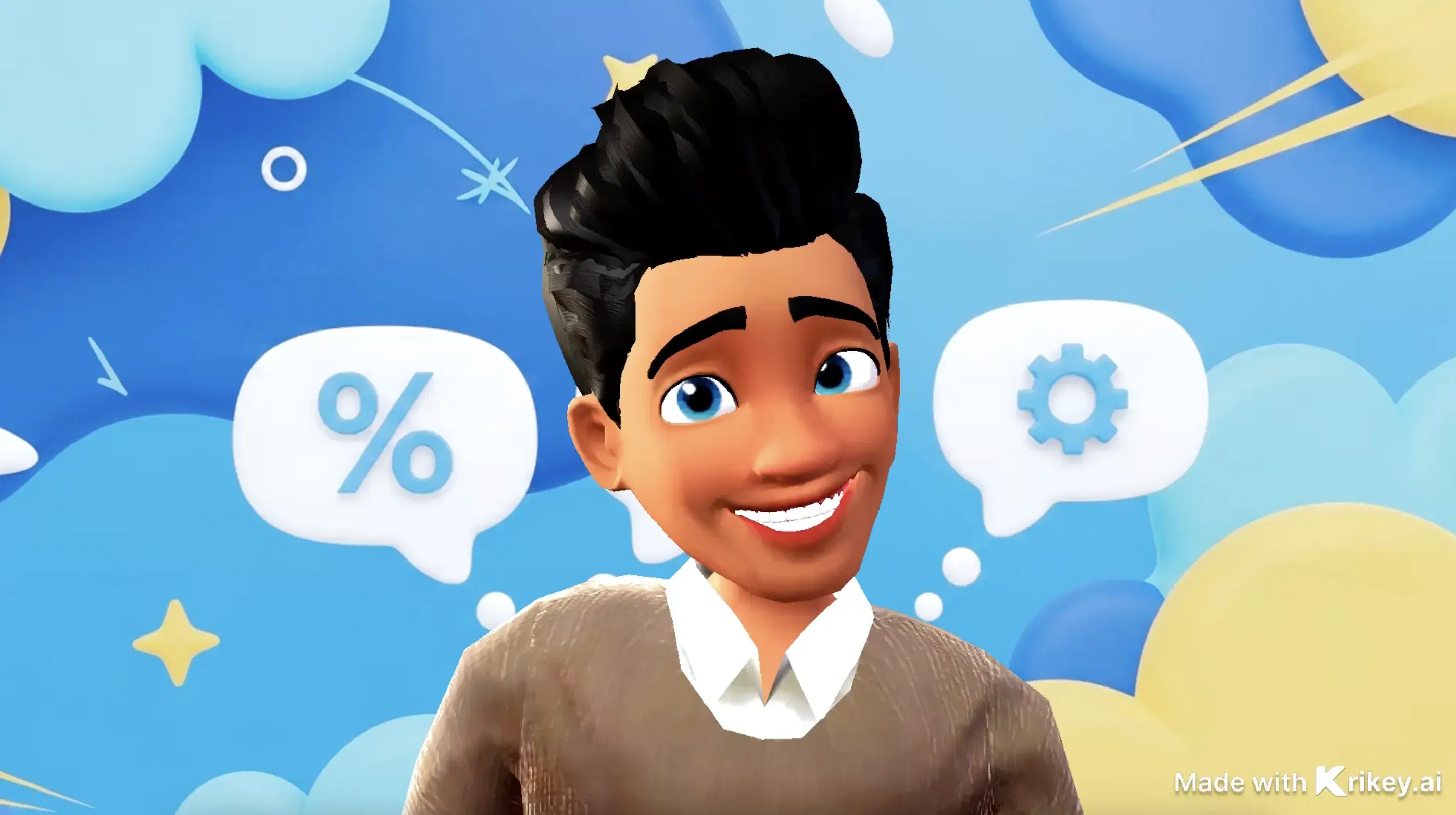
Featured Community Animations
See how creators are using this integration to bring their ideas to life





Supercharge Your Creative Workflow Today
Try Krikey AI for free and generate 3D animated content in seconds.
Get Started Free