How to Create Custom Slack Emoji Maker Transparent GIFs with Krikey AI
Effortlessly create Custom Slack Emoji Maker Transparent GIFs using Krikey AI. Our tools speed up production and spark creativity for your unique workspace assets.

 100,000+ creators, social media teams, marketing agencies, teachers & students animate with Krikey


Fantastic Krikey AI Ultimate Guide for Custom Slack GIFs
Remote work teams often find that creating high-quality, transparent animated GIFs meeting Slack's strict 128x128 pixel and 128KB limits is a grueling, time-consuming process. Traditional design tools make these technical requirements a major bottleneck for creativity. Krikey AI Animation offers a powerful solution for your Custom Slack Emoji Maker Transparent GIFs workflow. By leveraging intuitive AI, you can generate high-quality, transparent GIFs optimized for Slack's specific size and resolution requirements instantly. Krikey AI eliminates the headache of manual optimization, allowing you to produce professional results and bring your workspace to life in seconds.
Your Pipeline, Accelerated
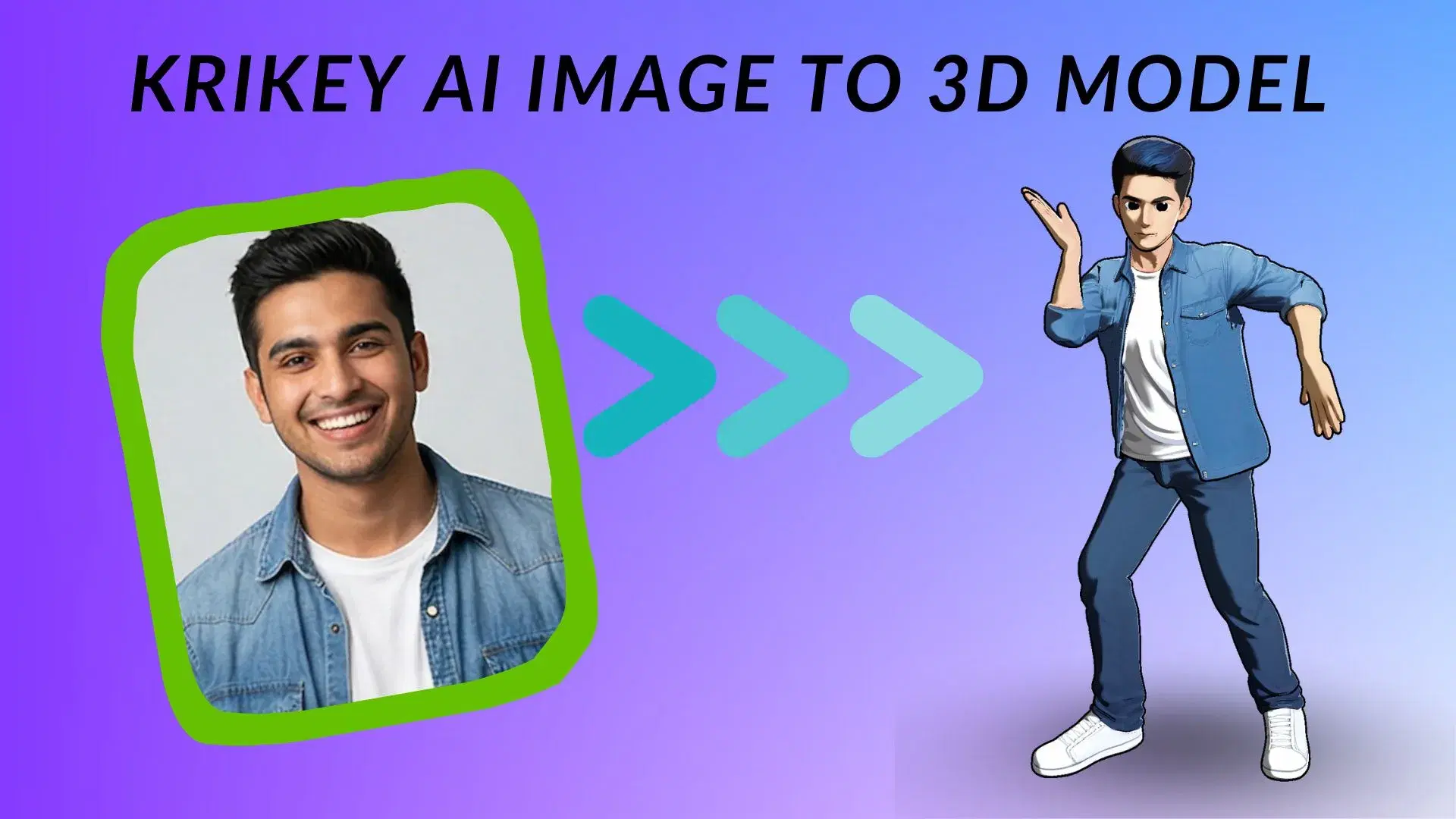
Make My 3D Model
Generate high-quality, transparent Slack GIFs instantly with Krikey AI's intuitive tools to pose your 3D model team mascot.
Prompt to Animation, Instantly
Harness Krikey AI to prompt to animation instantly, creating high-quality Slack emoji GIFs that meet all size standards.
Craft & Export
Instantly craft and export Slack emoji GIFs with Krikey AI in formats like FBX or PNG to simplify your custom workflow.
Jumpstart custom Slack GIFs with Krikey AI Animation
Krikey AI Animation streamlines the creation of Custom Slack Emoji Maker Transparent GIFs by automating the tedious process of rigging and background removal. For remote work teams, this means high-quality, 128x128 pixel animations that meet Slack's strict file size requirements can be generated in seconds. By providing a browser-based, no-code interface, it removes the need for complex design software, allowing anyone to produce unique, professional-grade workspace assets instantly.
Animate My Text
Leverage Krikey AI to quickly turn text into 3D animations for your Custom Slack Emoji Maker Transparent GIFs. Just type a prompt and export high-quality Slack emojis to level up your workspace.
Work with Your Favorite Tools
Many workflows like Custom Slack Emoji Maker Transparent GIFs, Notion videos, and Adobe Captivate assets are faster with Krikey AI. Click here to see more!
Explore fully rigged 3D models or build a custom character
Now you can use Krikey AI's pre-rigged 3D models and AI Character Generator to instantly create Custom Slack Emoji Maker Transparent GIFs. Accelerate your creative workflow with our library.
More Integrations like this
Connect Krikey AI with more of your favorite tools and platforms.

How to Animate from Krikey AI to Custom Slack Emoji Maker Transparent GIFs
Explore how Krikey can support with your Custom Slack Emoji Maker Transparent GIFs
Your Character, Animated: The Krikey AI 3D Selection and Auto-Rig Guide
Our tools let you select pre-rigged 3D models or generate custom avatars to create unique Slack emojis. Use them for animated team reactions, custom status icons, or fun channel mascots in 3D.
High-Quality 3D Voice and Motion Made Simple with Krikey AI
Produce custom talking emojis for Slack instantly with Krikey AI. Use our text to animation tools for unique team reactions, animated channel mascots, or music video avatars to level up Slack workspace.
Accelerate Production by Exporting Krikey MP4/FBX to Your Workflow
Rapidly export your 3D projects from Krikey AI as MP4, GIF or FBX files to integrate into Slack. Ideal for custom animated emojis, transparent reaction GIFs, or unique team channel avatars.
Frequently Asked Questions (FAQs) about Custom Slack Emoji Maker Transparent GIFs
These are Frequently Asked Questions (FAQs) about Custom Slack Emoji Maker Transparent GIFs and Krikey AI Animation
More templates like this
Explore templates designed to supercharge this integration.
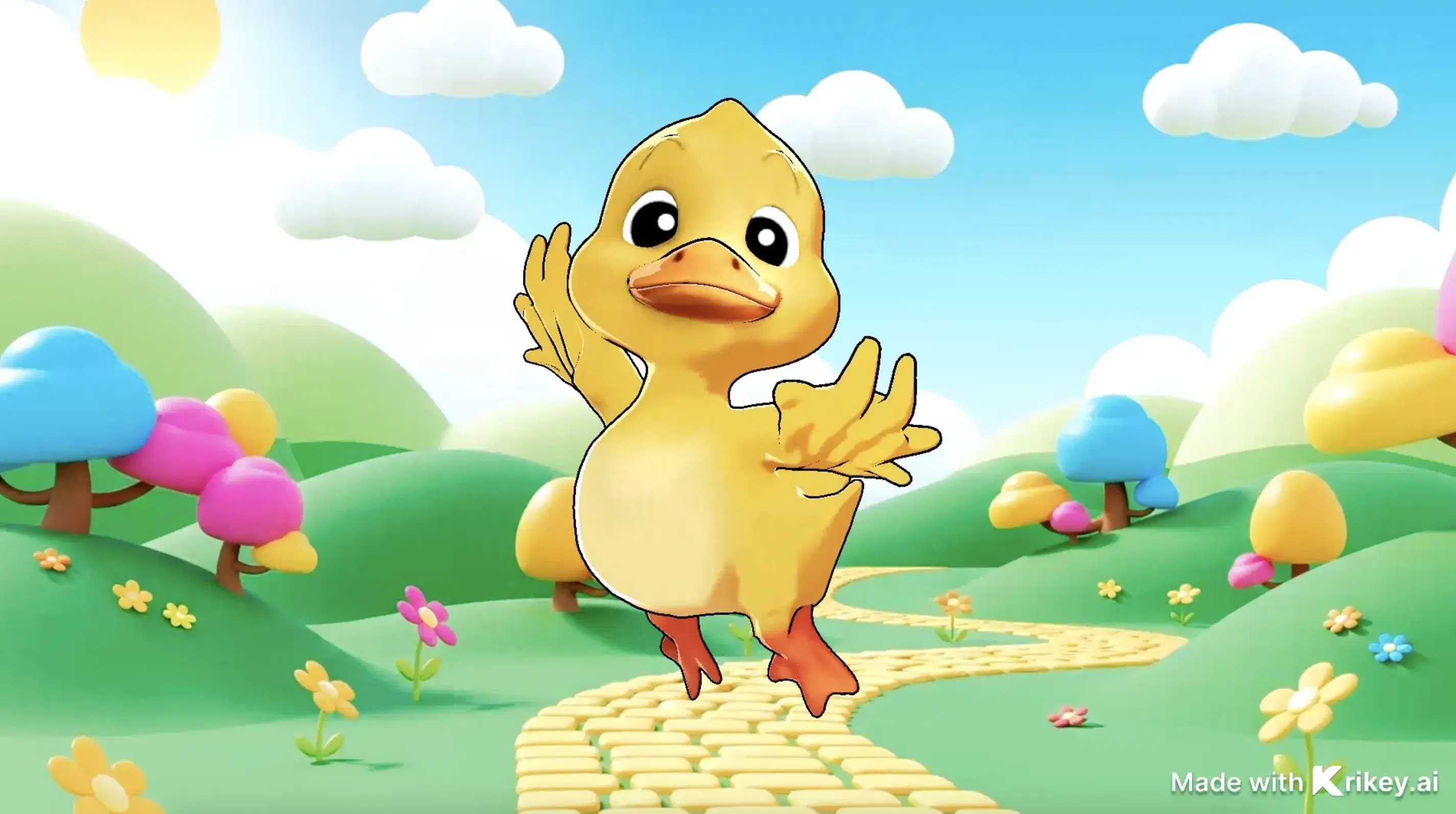
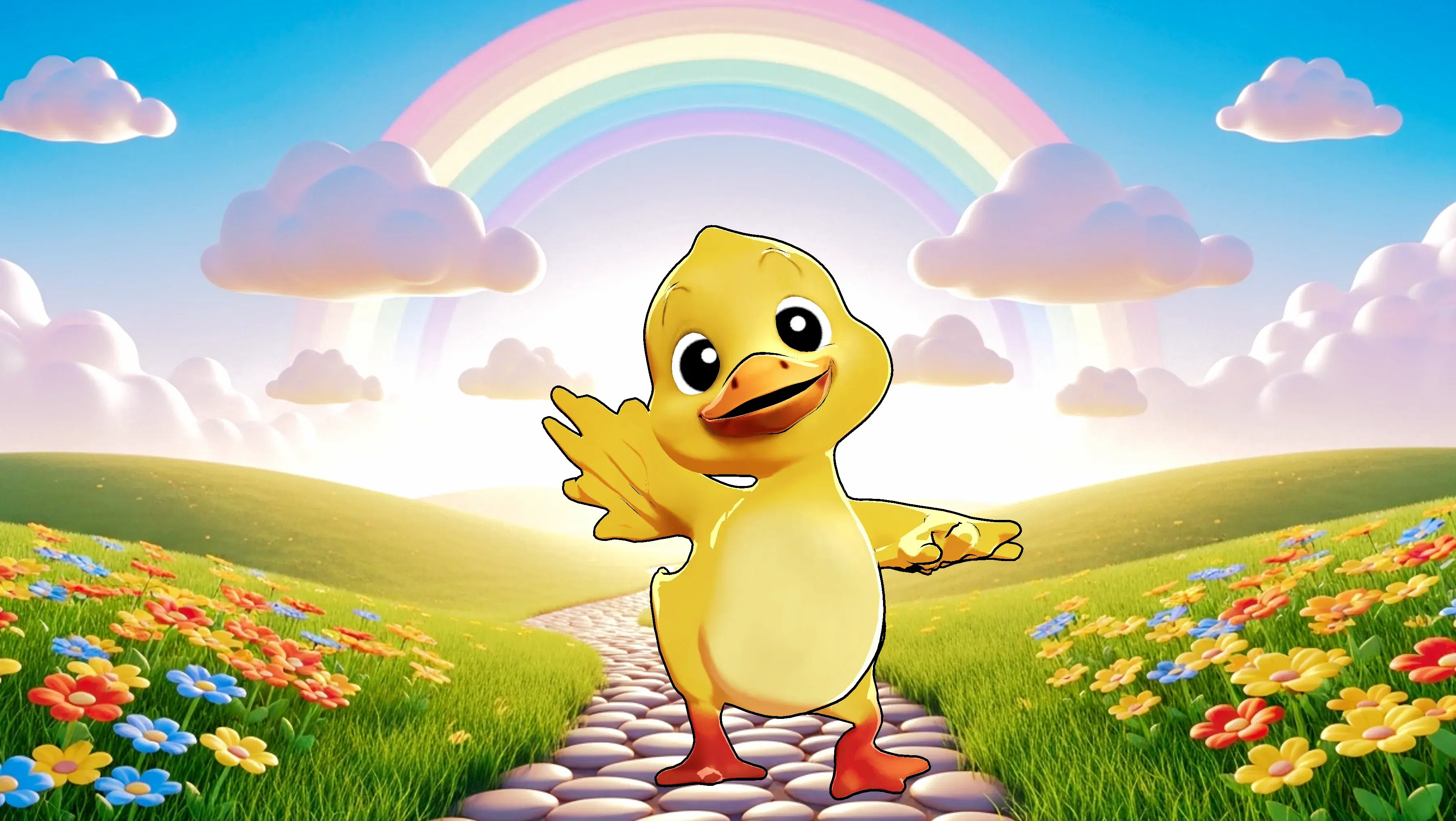
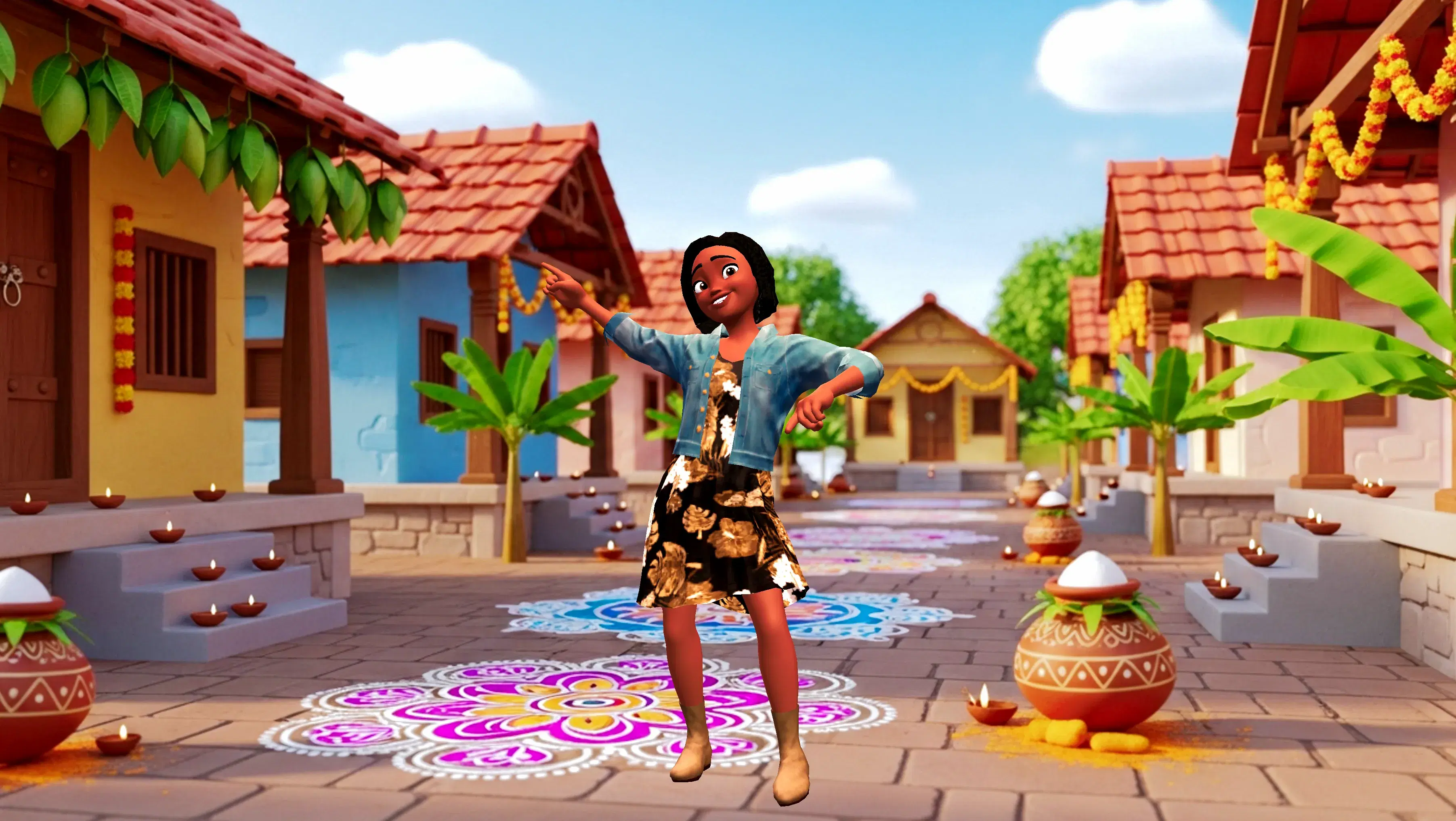
Featured Community Animations
See how creators are using this integration to bring their ideas to life





Supercharge Your Creative Workflow Today
Try Krikey AI for free and generate 3D animated content in seconds.
Get Started Free