How to Create Animated Videos for Microsoft Teams Updates with Krikey AI
Deliver Animated Videos for Microsoft Teams Updates faster with Krikey AI Animation. Automate your workflow to increase production speed and creativity.

 100,000+ creators, social media teams, marketing agencies, teachers & students animate with Krikey


Exciting Krikey AI Ultimate Guide for Microsoft Teams Videos
Corporate teams can now revolutionize how they share information by using Krikey AI Animation to simplify their internal communication. A major hurdle for busy professionals is that reviewing long meeting recordings to catch up on updates is time-consuming and inefficient, often leading to overlooked details. Krikey AI solves this by allowing you to fast-track your communication and create concise video summaries of Microsoft Teams updates. By replacing tedious playback with engaging, animated visuals, you can ensure your team stays informed and productive without wasting valuable time.
Power Your Pipeline
Build My 3D Avatar
Fast-track your Microsoft Teams updates with Krikey AI, creating 3D avatars and video summaries in just five minutes.
Create Animation Effortlessly
Generate animations effortlessly with Krikey AI’s text prompts to create quick video updates for your Microsoft Teams.
Generate & Send
Harness Krikey AI to Generate & Send Microsoft Teams updates using easy exports in FBX, MP4, GIF and PNG formats.
Innovative Teams updates with Krikey AI Animation
Just use Krikey AI Animation to quickly generate concise video summaries for Microsoft Teams updates, saving corporate teams from the inefficiency of reviewing long meeting recordings. This no-code platform accelerates your production pipeline by allowing anyone to create high-quality 3D talking avatars and animations in minutes. By automating rigging and synchronization, Krikey AI empowers your team to deliver engaging, professional content that drives better retention and faster communication.
Prompt, Click, Animate
Krikey AI makes it simple to create animated videos for Microsoft Teams updates. Just type a prompt to generate 3D characters and animations instantly, then export to share with your corporate team.
Look Through Our Workflows
Leverage Krikey AI Animation to accelerate workflows like Microsoft Teams Updates, Slack Emojis, and Notion videos. Click here to see all workflows and start now!
Browse animation-ready rigs or generate custom 3D Avatars
Maximize your Microsoft Teams updates with Krikey AI’s pre-rigged 3D models and AI generator. These tools simplify character creation, allowing you to integrate animations and accelerate creativity.
More Integrations like this
Connect Krikey AI with more of your favorite tools and platforms.
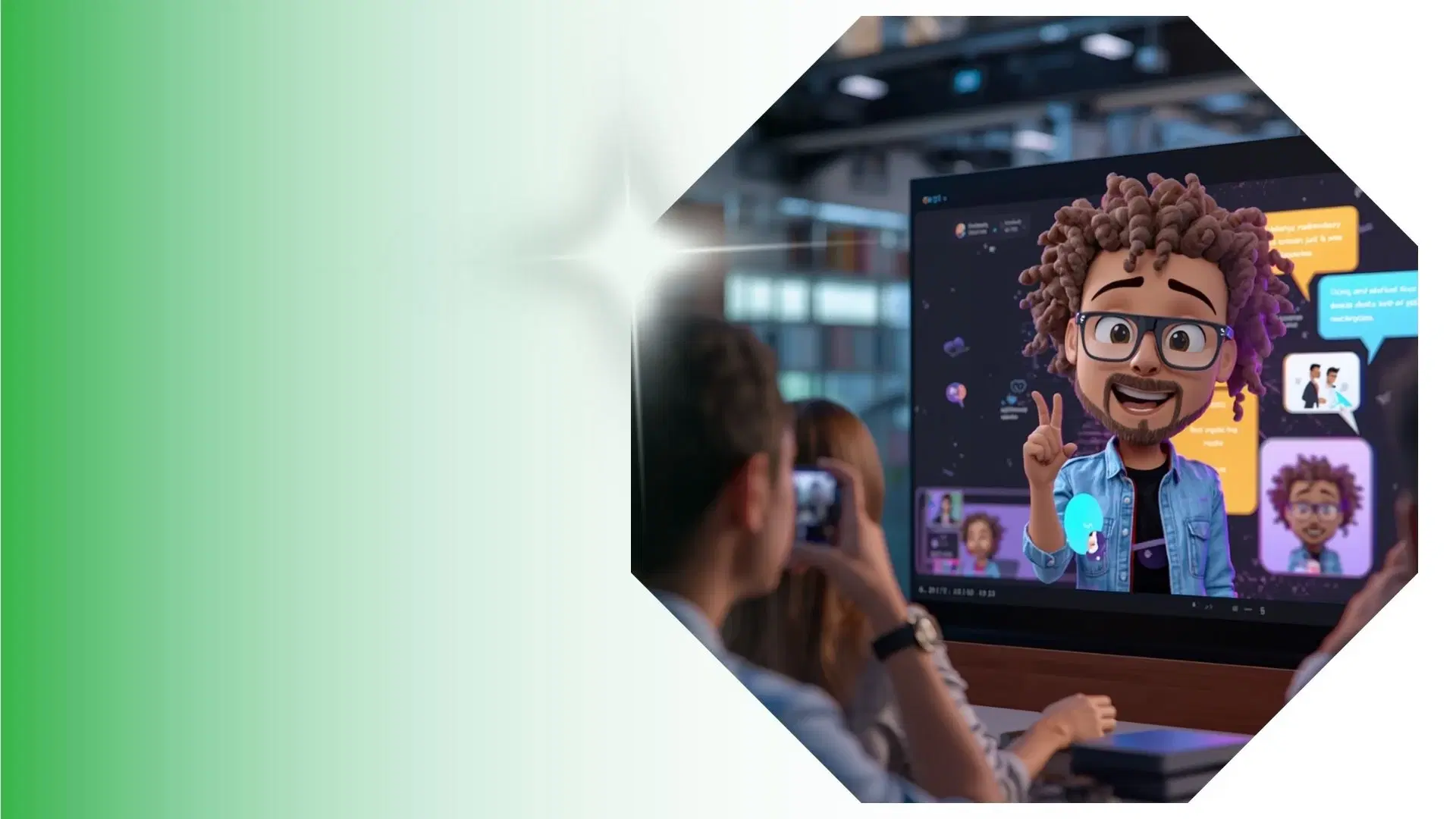

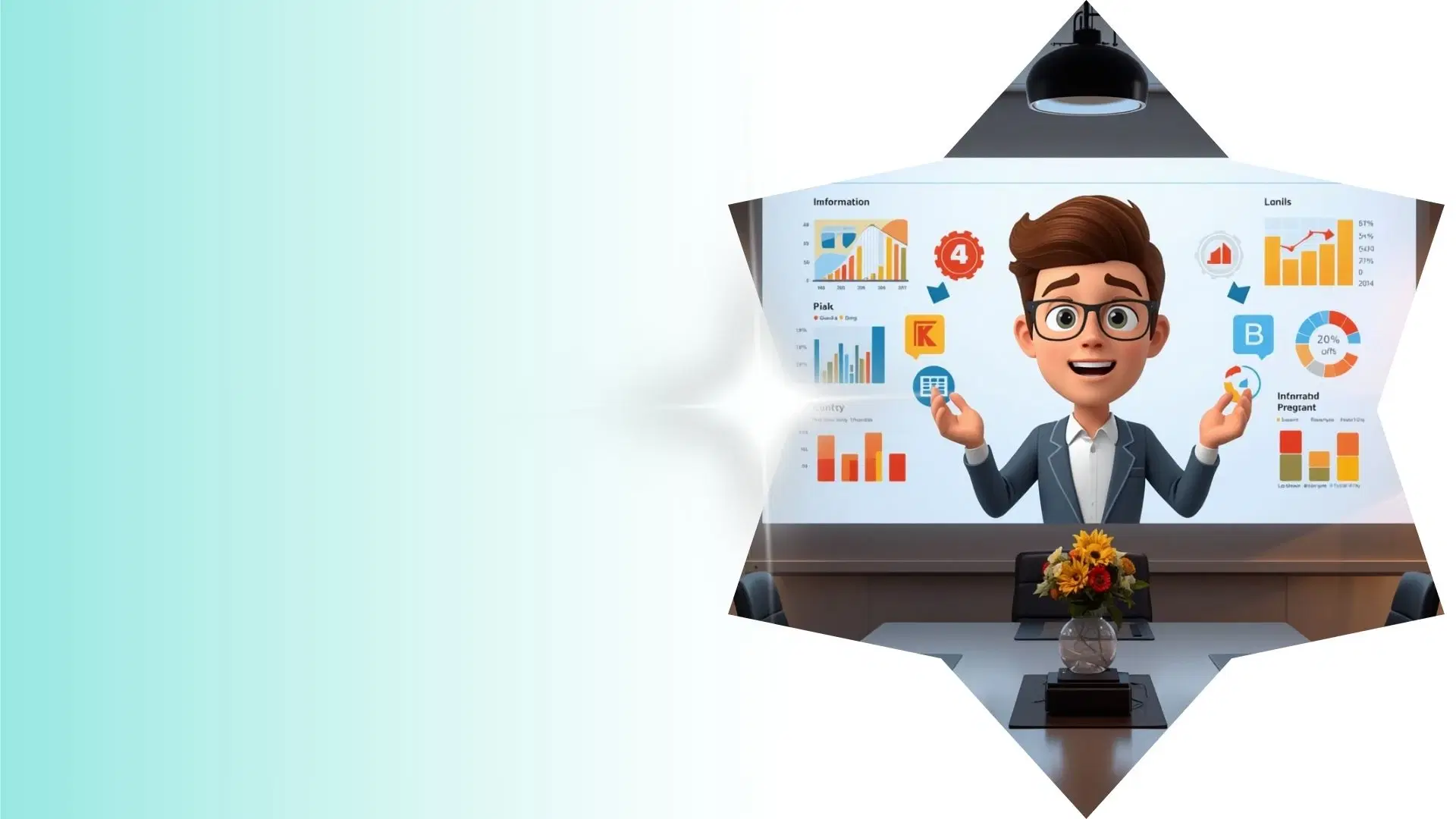
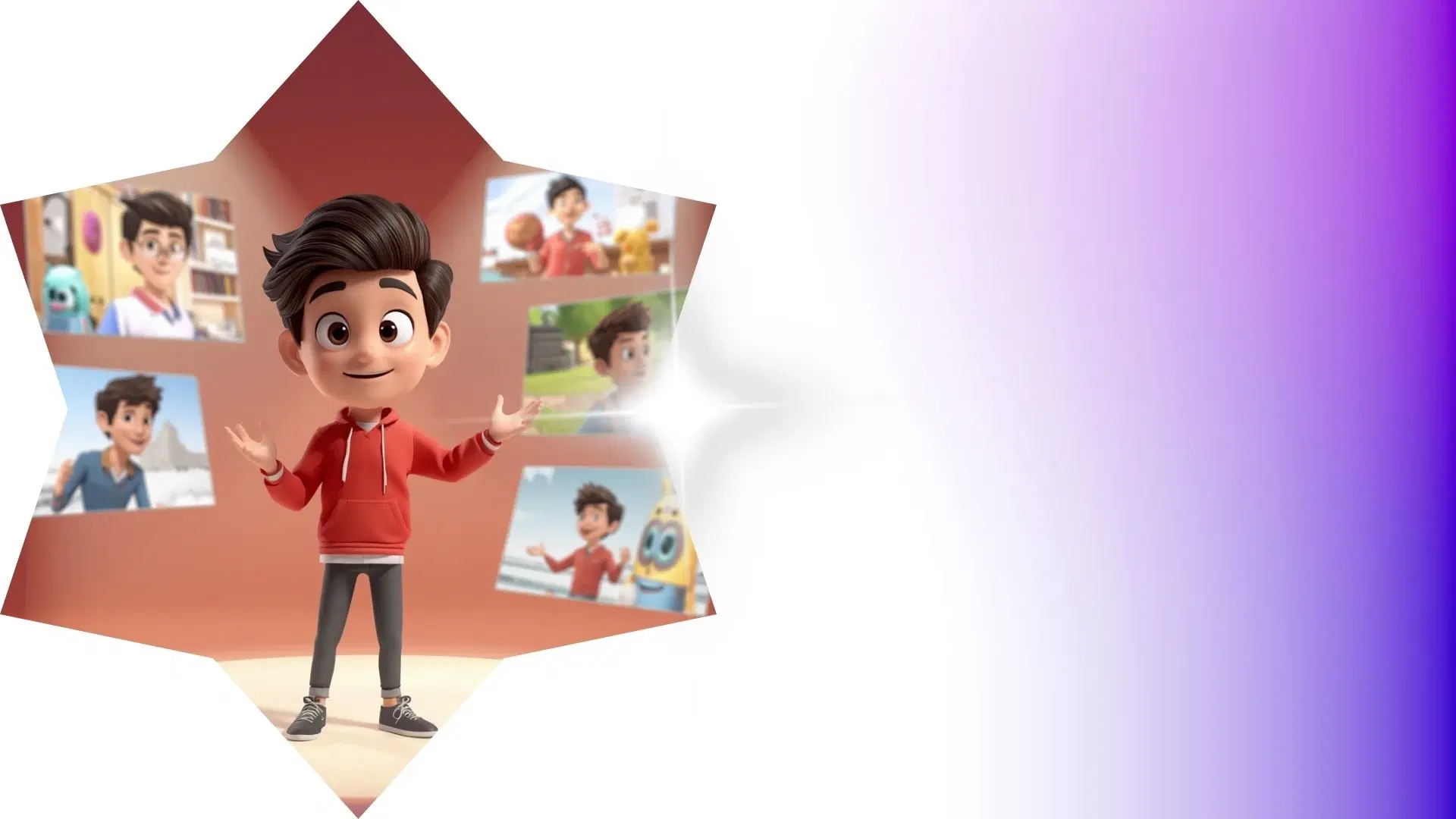
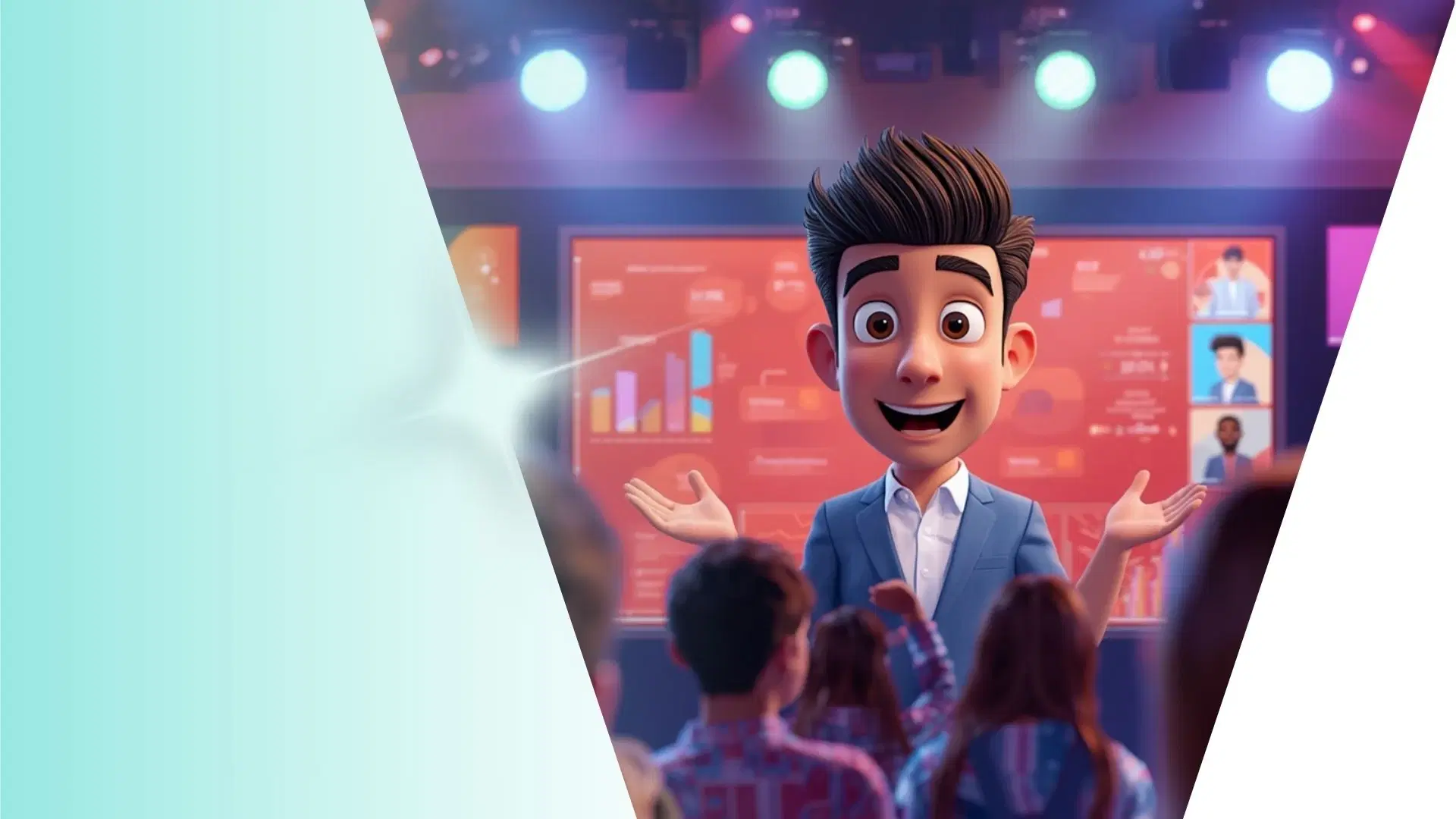
How to Animate from Krikey AI to Animated Videos for Microsoft Teams Updates
Explore how Krikey can support with your Animated Videos for Microsoft Teams Updates
Redefine Animation: Create or Choose 3D Models for Krikey AI Auto-Rigging
Now you can use Krikey AI to select auto-rigged 3D models or create custom avatars that talk and sing. Use them for Microsoft Teams update videos, training modules, or fun team announcements.
Maximize Your Workflow: Animate, Talk, and Sing with Krikey AI
Optimize Microsoft Teams updates with Krikey AI. Animate custom 3D models into talking avatars, music videos, podcasts, or GIFs. Use them for project news, training modules, and still image poses.
Save Time: Move Krikey MP4 or FBX Files Right into Your Creative Workflow
Process your Krikey AI projects by exporting as MP4, GIF or FBX to easily share via Microsoft Teams. These files are perfect for team update videos, project milestones, or fun internal announcements.
Frequently Asked Questions (FAQs) about Animated Videos for Microsoft Teams Updates
These are Frequently Asked Questions (FAQs) about Animated Videos for Microsoft Teams Updates and Krikey AI Animation
More templates like this
Explore templates designed to supercharge this integration.
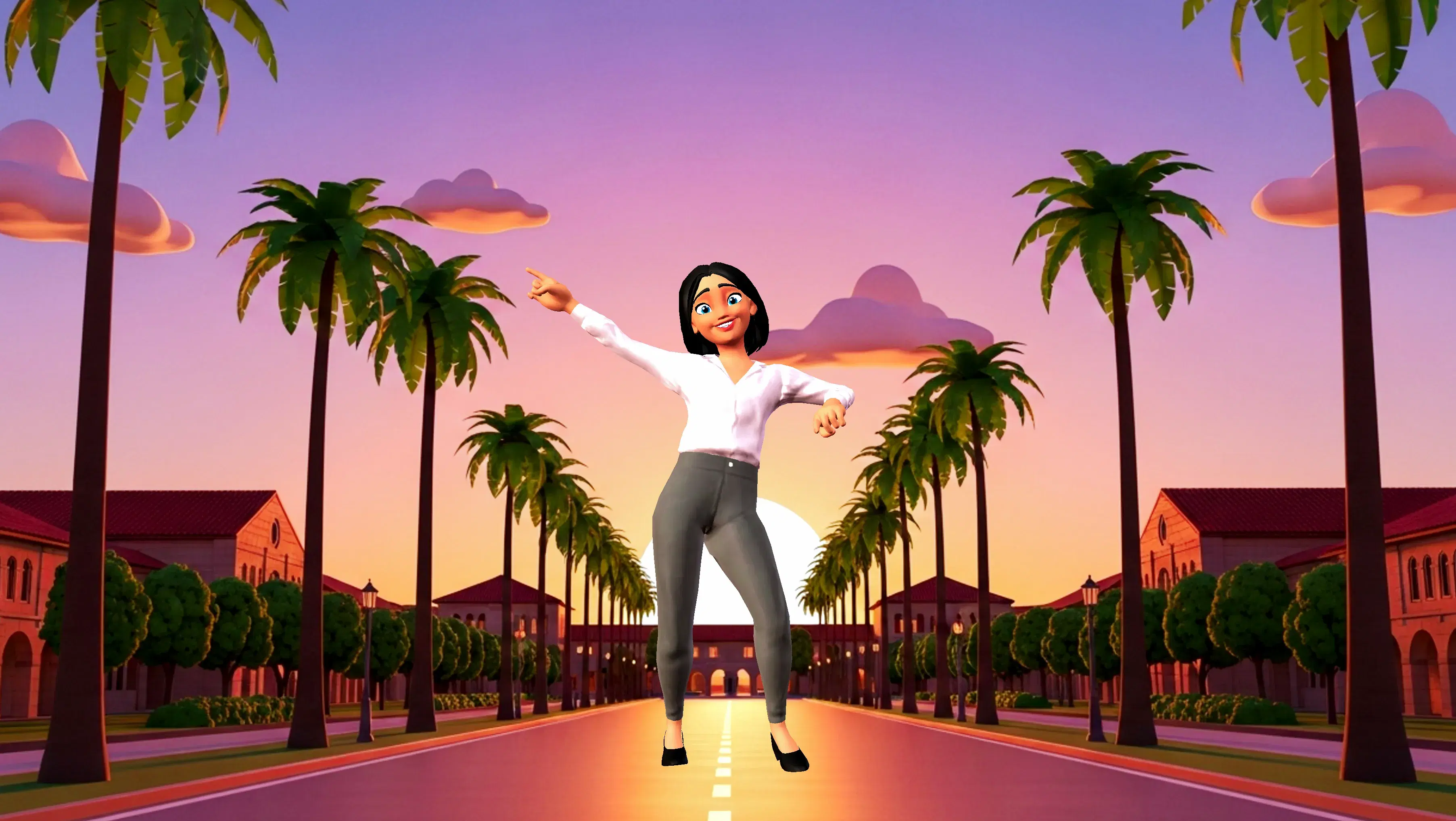
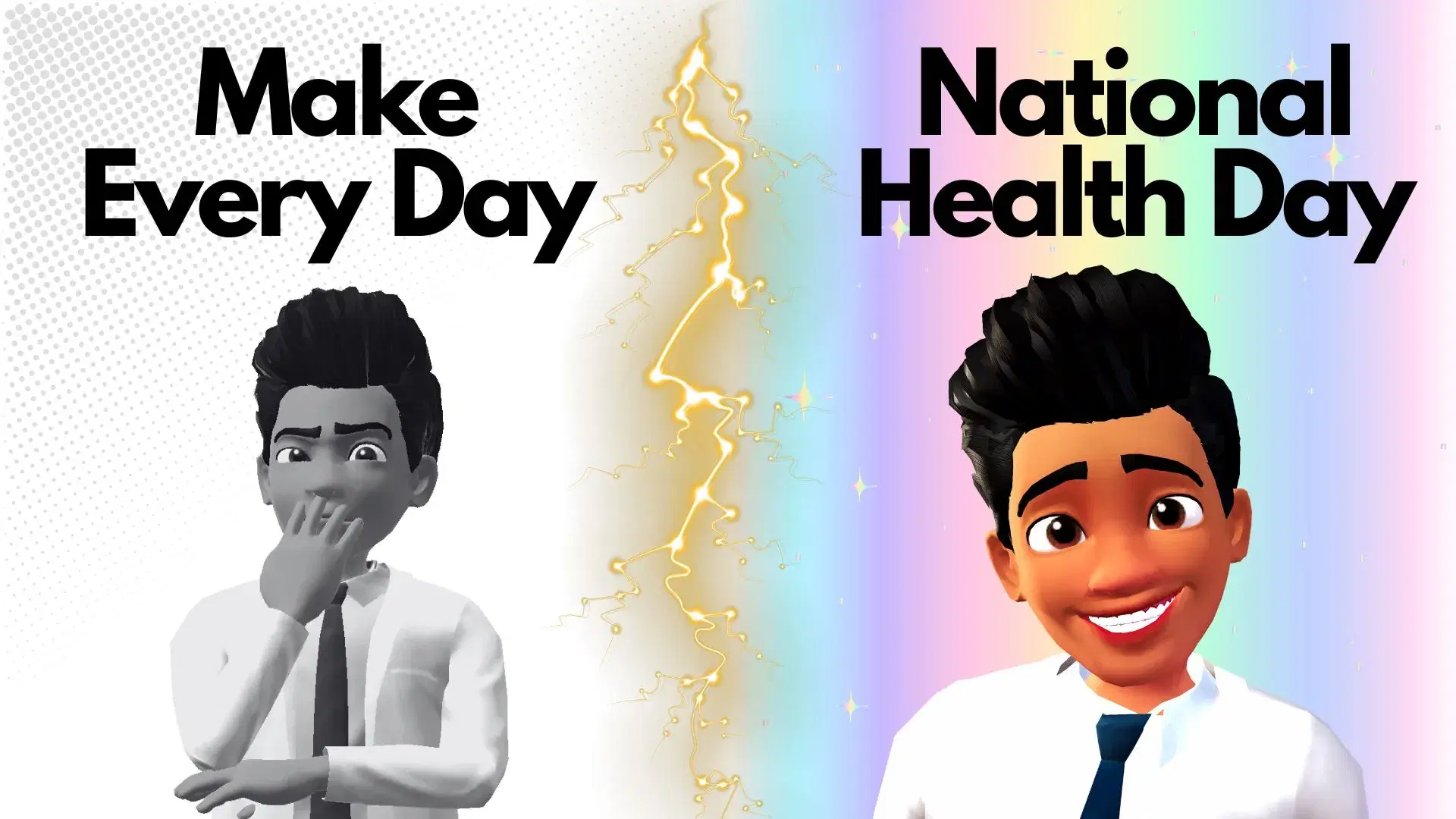
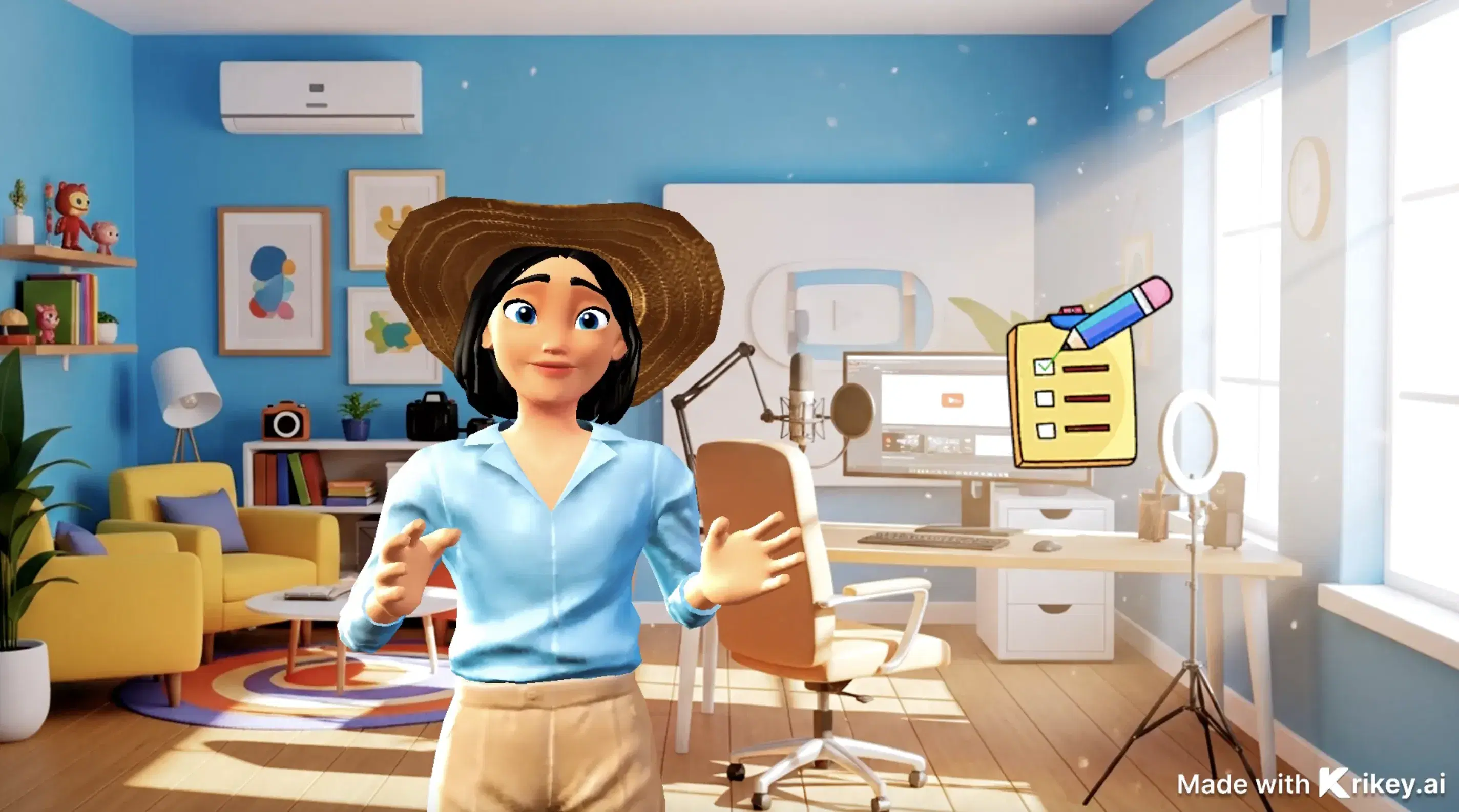
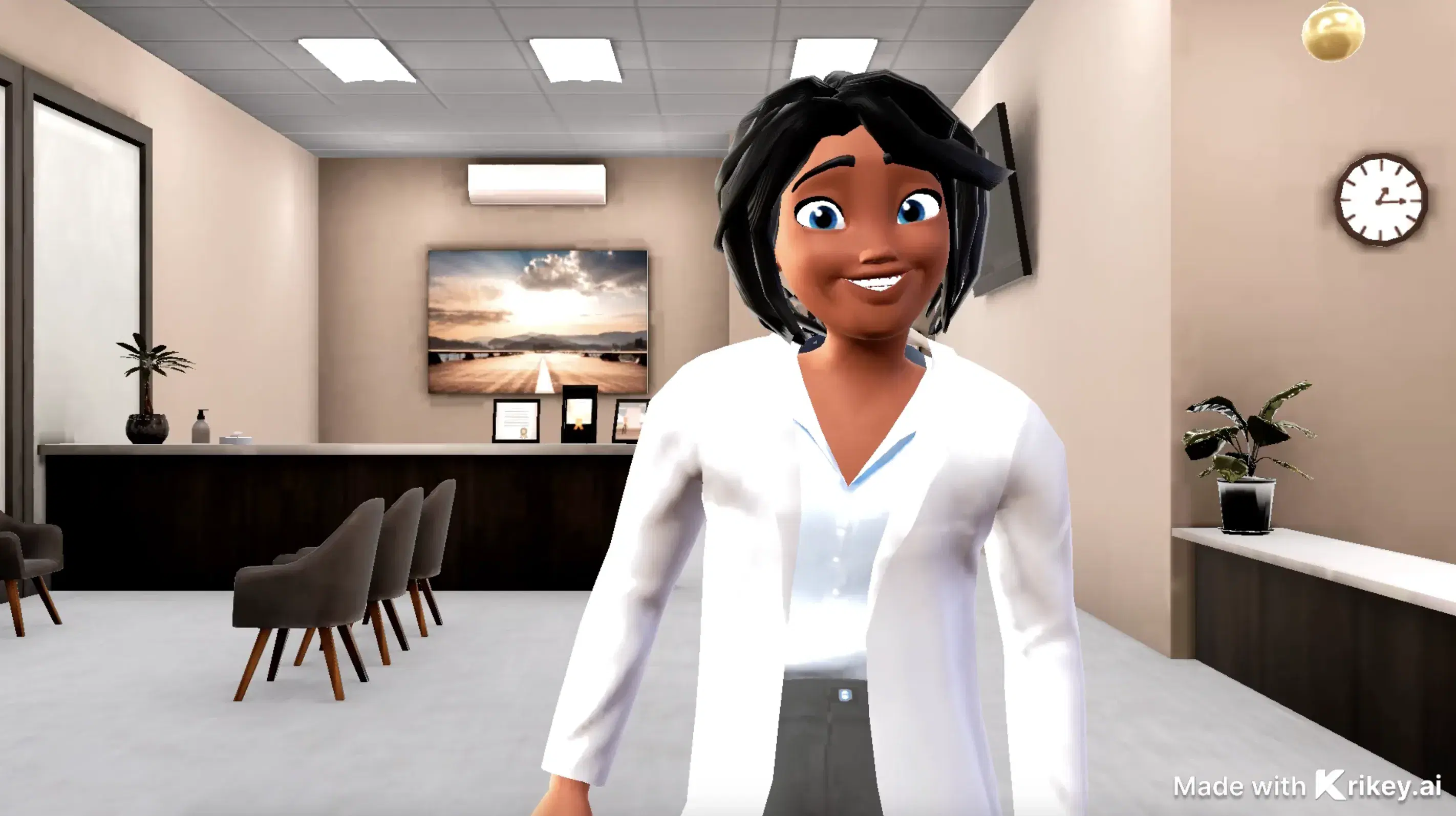
Featured Community Animations
See how creators are using this integration to bring their ideas to life





Supercharge Your Creative Workflow Today
Try Krikey AI for free and generate 3D animated content in seconds.
Get Started Free