How to use Lectora E-Learning Multi-language Audio Sync with Krikey AI
Maximize Lectora E-Learning Multi-language Audio Sync with Krikey AI Animation. Our tools speed up your production and spark new levels of creative storytelling.

 100,000+ creators, social media teams, marketing agencies, teachers & students animate with Krikey


New Krikey AI Animation Guide for Lectora Audio Sync
Instructional designers often struggle with Lectora E-Learning Multi-language Audio Sync, as maintaining accurate synchronization between audio and on-screen events across multiple localized versions is time-consuming and technically complex. This manual bottleneck can stall production and limit the reach of global training materials. Krikey AI Animation offers a powerful solution to this problem. By using Krikey AI, you can automatically synchronize character motions with localized audio tracks, ensuring a seamless learner experience in every language. This intelligent automation optimizes your workflow, allowing you to accelerate production and focus on creating high-quality instructional content without the technical headache of manual syncing.
Run Your Pipeline at Full Speed
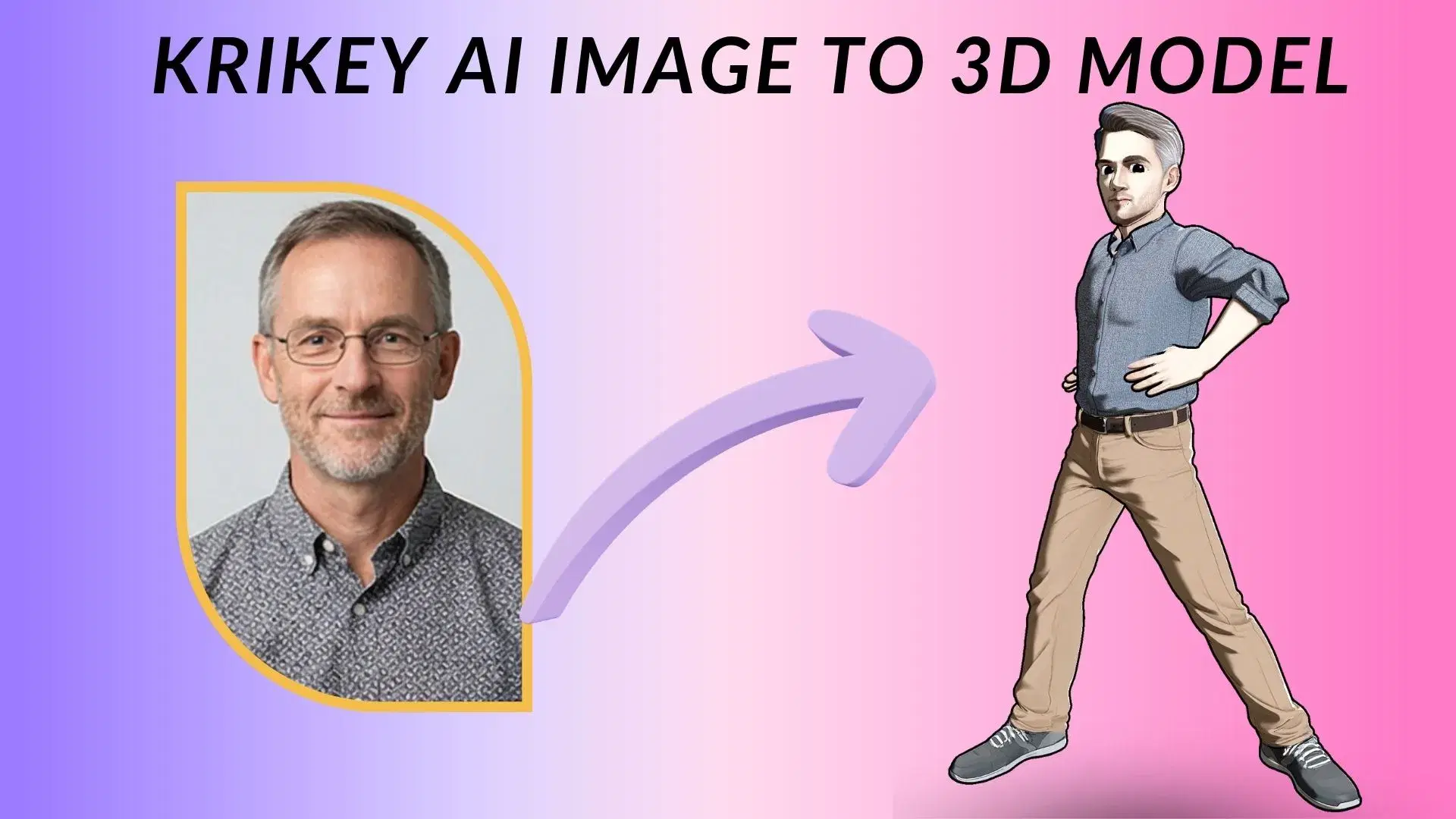
Model Your 3D Character
Optimize your Lectora workflow with Krikey AI to easily model 3D characters and automate multi-language audio sync.
Animate with AI
Perform AI animation in Lectora easily with Krikey AI to automate multi-language sync and speed up your workflow.
Instant Download
Rapidly export in FBX, MP4, or GIF with Krikey AI to simplify your Lectora E-Learning multi-language audio sync projects.
Streamline Lectora audio sync with Krikey AI Animation
Tackling the complexities of Lectora E-Learning Multi-language Audio Sync is easier with Krikey AI Animation. Instructional designers often struggle to manually sync audio and character movements across localized versions, a process that is time-consuming and demanding. Krikey AI solves this by automating synchronization, ensuring motions perfectly match localized tracks. This streamlined workflow allows for rapid iteration, enabling you to deliver high-quality e-learning content in record time.
Animate Your Words
Use Krikey AI Text to Animation to easily create 3D characters for Lectora. Type your prompt to generate motion, then sync with multi-language audio to speed up your global e-learning production.
Browse Integrations
Value-driven Krikey AI Animation speeds up Lectora, WordPress mascot GIFs, and Webflow Lottie workflows. Click this box to learn more and see all our workflows!
Browse our character studio or build from scratch with AI
With Krikey AI Animation, Lectora creators access pre-rigged 3D models and an AI generator, making it easy to integrate custom characters and accelerate multi-language audio sync workflows.
More Integrations like this
Connect Krikey AI with more of your favorite tools and platforms.

How to Animate from Krikey AI to Lectora E-Learning Multi-language Audio Sync
Explore how Krikey can support with your Lectora E-Learning Multi-language Audio Sync
Real-Time 3D Character Auto-Rigging with Krikey AI Tools
Access Krikey AI to select auto-rigged 3D models or create avatars that talk and sing. Use these with Lectora for localized training videos, talking guides, and multi-language storytelling.
Use Krikey AI to Make Your 3D Character Talk, Sing, and Move
By using Krikey AI text to animation, creators can animate custom models for Lectora. Ideal for localized talking head explainers, multi-language training GIFs, and interactive course avatars.
Future-Proof Your Content: Export Krikey MP4/FBX into Your Workflow
Conveniently export Krikey AI projects as MP4, GIF or FBX files to integrate into Lectora. Use these for localized training modules, multi-language talking head guides, and interactive e-learning scenarios.
Frequently Asked Questions (FAQs) about Lectora E-Learning Multi-language Audio Sync
These are Frequently Asked Questions (FAQs) about Lectora E-Learning Multi-language Audio Sync and Krikey AI Animation
More templates like this
Explore templates designed to supercharge this integration.
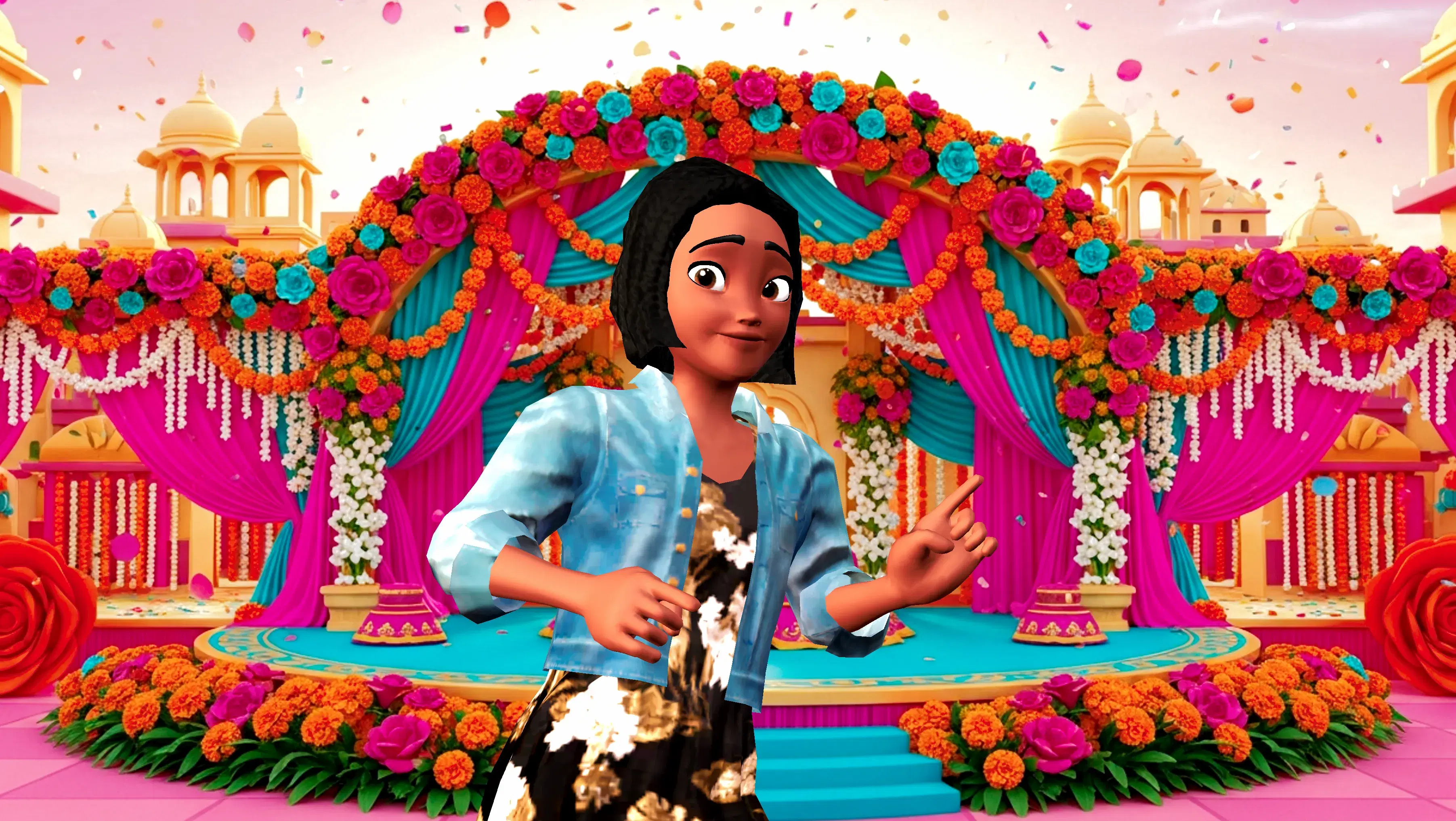
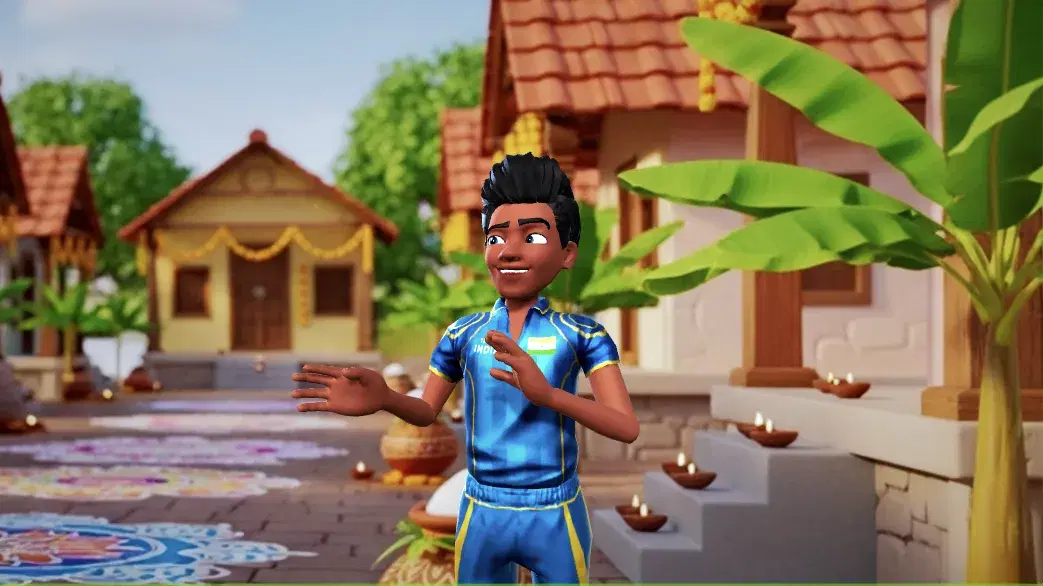

Featured Community Animations
See how creators are using this integration to bring their ideas to life





Supercharge Your Creative Workflow Today
Try Krikey AI for free and generate 3D animated content in seconds.
Get Started Free