Fashion Review1

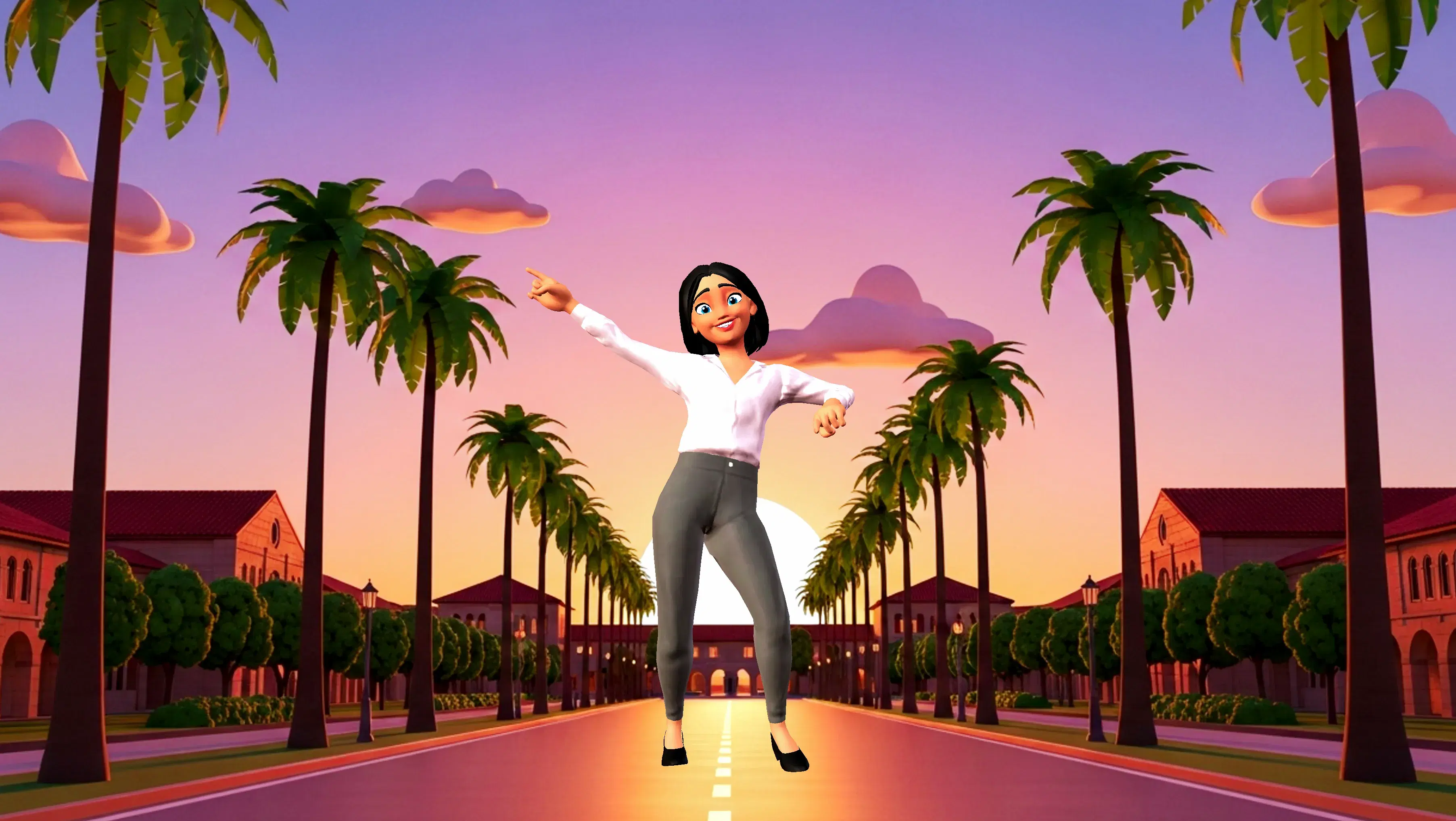
This 3D animation was generated using Krikey AI's animation editor. Starting from a simple text prompt: "Funny video explaining and reviewing last week's fashion show while demonstrating a runway walk ", the AI rendered the 3D scene, character animations, and voice dialogue.
View full transcript▼
Step into giggles as we hilariously recap last week's fashion extravaganza! Join us as we strut the runway, mimicking iconic poses and styles. Whether it's wild hats or bold prints, our quirky review and comical catwalk moves promise a delightful fashion feast for all!
Turn your ideas into animations like this.
No complex software. No render farms. Just your imagination and Krikey AI.
Make a new video→More Like This
Explore community 3D animations
Popular 3D Animation Templates
Choose a ready-to-use template to jumpstart your video




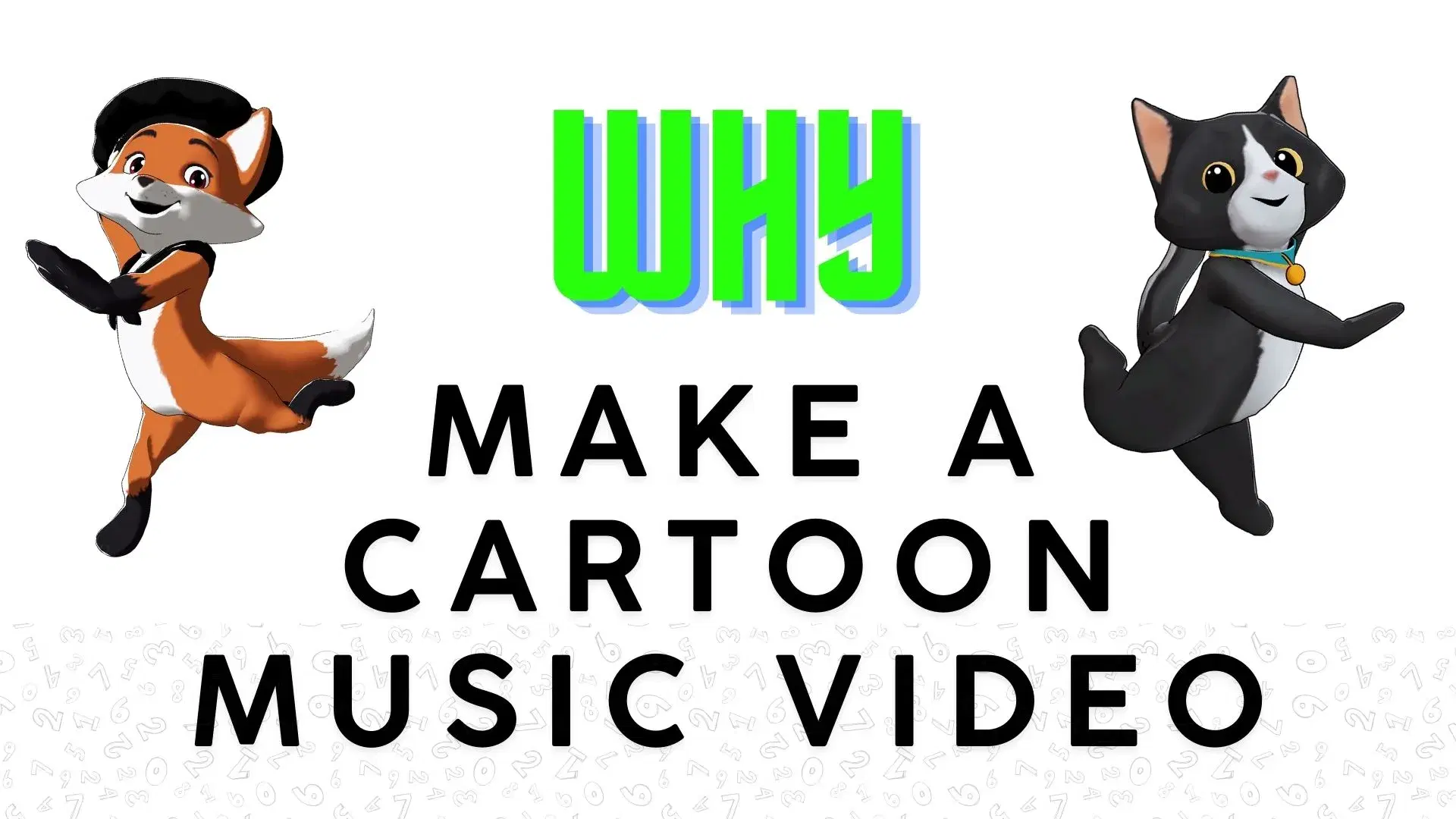
Featured 3D Characters
Bring unique cartoon characters to life with AI animation



Integrations & Workflows
Export 3D animations directly to your favorite creative platforms and game engines
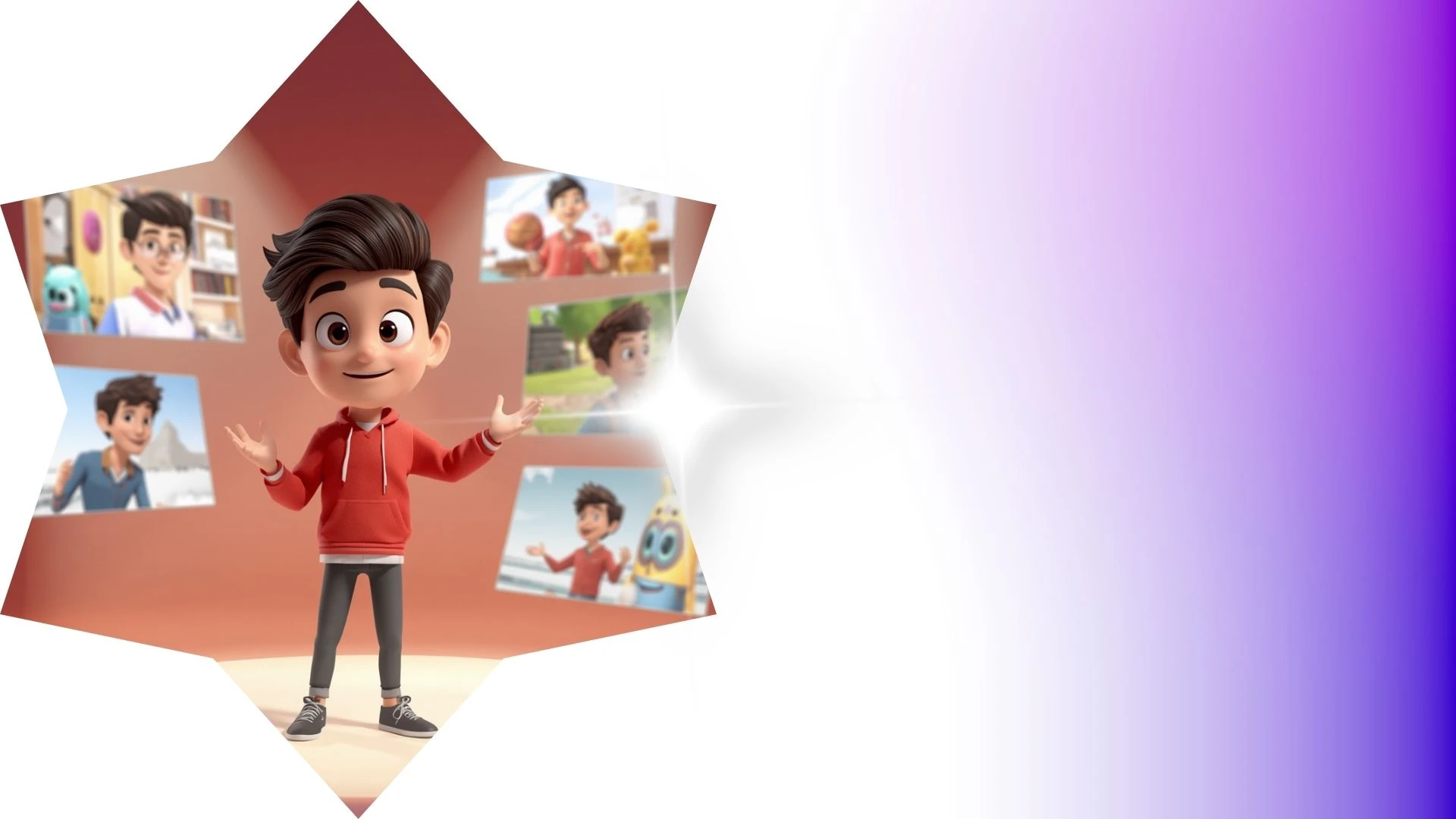

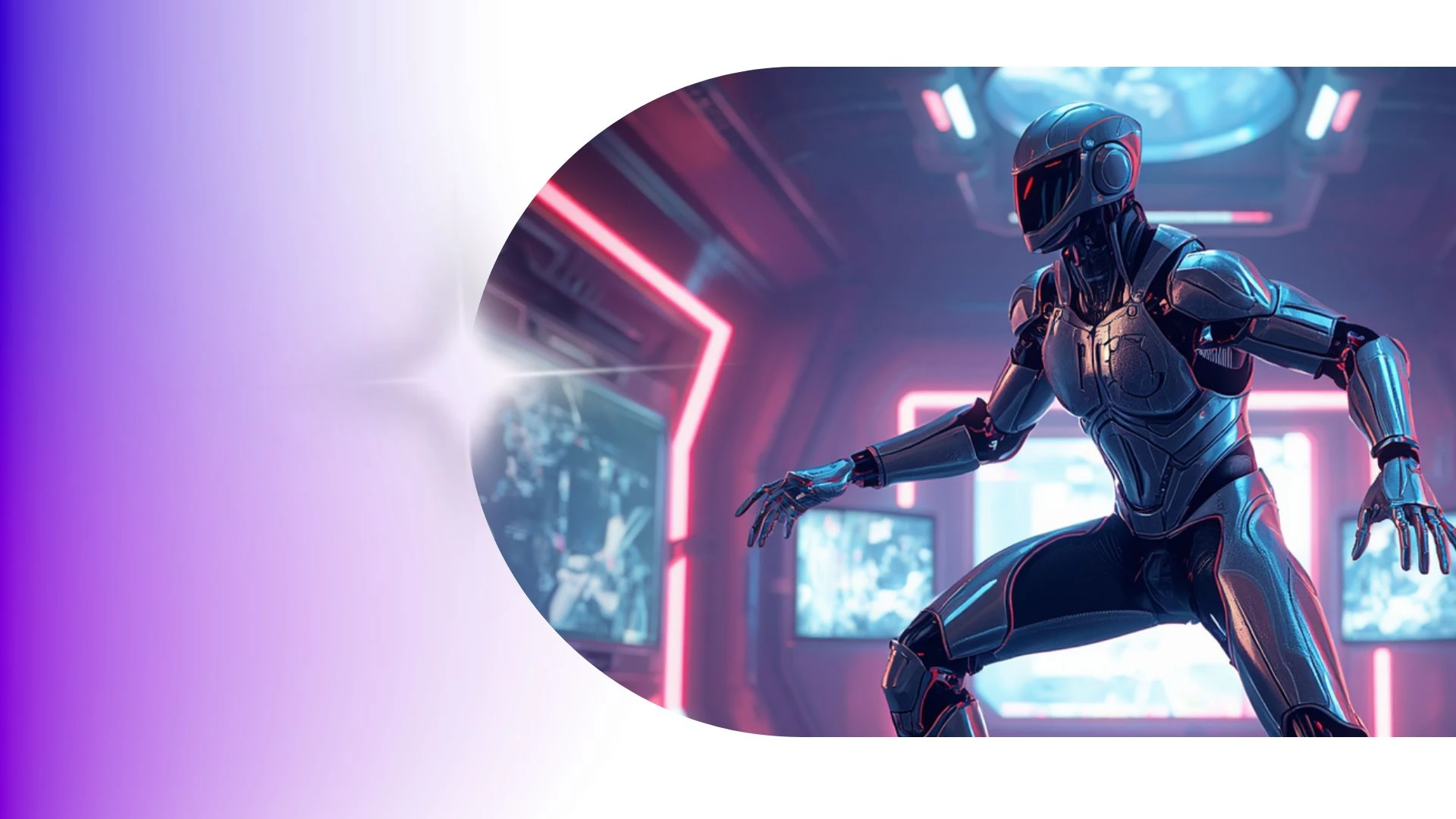
Transform Character Animation Production Timelines from Weeks to Minutes
Generate fully textured 3D avatars directly from single 2D concept photos or character art with instant silhouette and color palette controls right in your browser.
Help Center & How-To Guides
Explore Krikey AI Help Center guides to turn text prompts into cinematic 3D motions with realistic physics and dynamic camera controls.
AI Anime Voice Generator Tools
Animate models with Krikey AI 3D Character Rigging Tool, converting raw video into clean 3D skeletal motion data effortlessly.
Funny Cartoon Video Templates
Fast-track fun videos with Krikey AI Taco Tuesday GIFs, transforming video clips into clean 3D skeletal motion data effortlessly.
AI Funny Video Generator
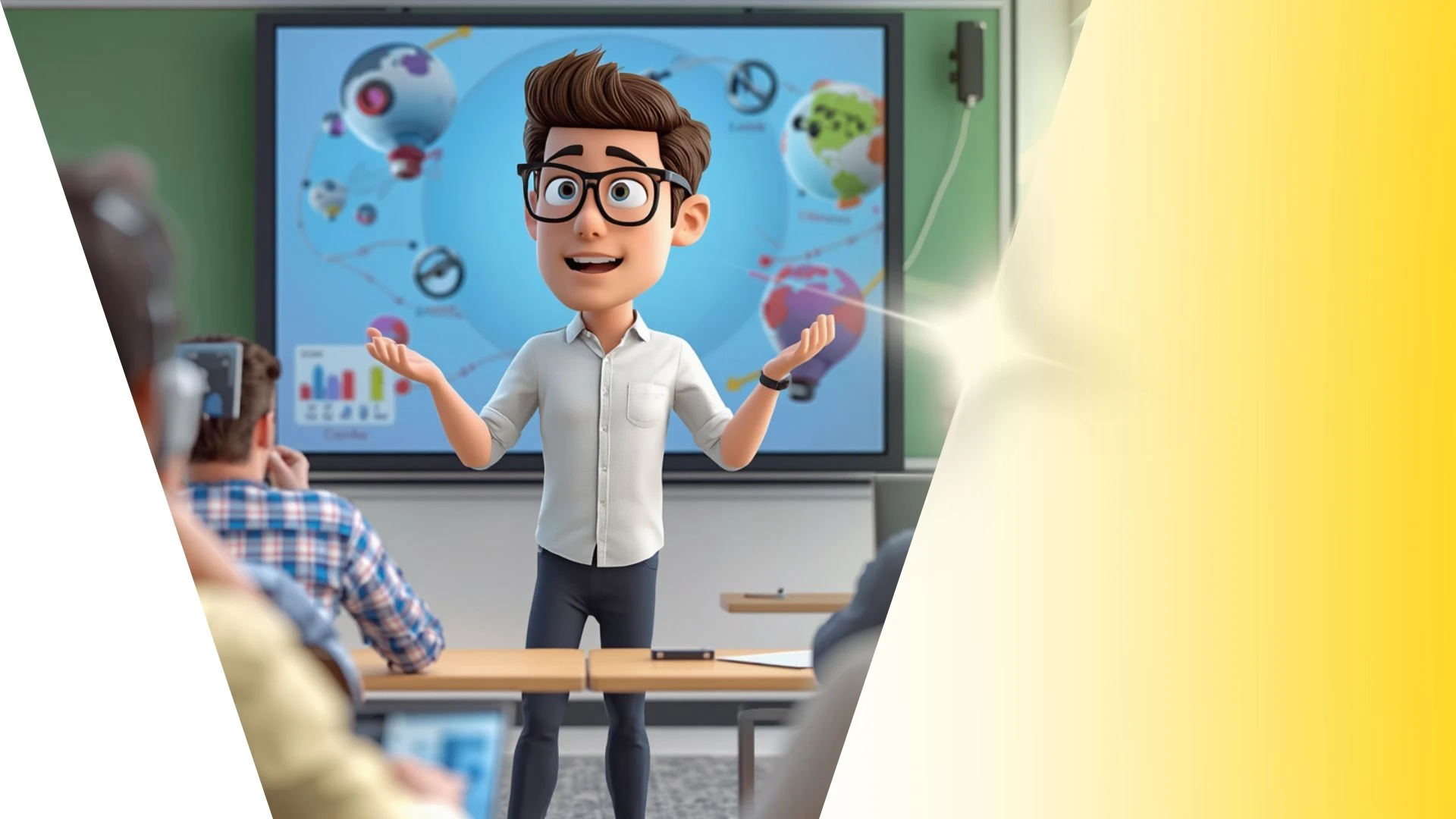
Create 3D cartoon teacher videos and adapt scenes into 9:16 vertical clips for TikTok, Reels, and Shorts using Krikey AI.
Frequently Asked Questions
Learn more about creating, customizing, and sharing 3D animations with Krikey AI.
How many languages does Krikey's Text-to-Speech support?▾
Krikey supports AI-powered lip-synced text-to-speech across more than 20 languages with diverse regional accents and natural cadences.
Can teachers use Krikey to create animated classroom lessons?▾
Yes, educators use 3D avatars to illustrate historical figures, demonstrate scientific concepts, and create bite-sized interactive learning modules.
Can I save and reuse the same character across multiple projects?▾
Yes, all custom avatars are saved directly to your account asset library and can be loaded into any future animation project with one click.
Can I import Krikey FBX files into Blender or Maya?▾
Yes, standard FBX exports can be imported into Blender, Autodesk Maya, or 3ds Max for further rigging, custom lighting, or VFX simulation.
Can I adjust lighting and shadows in the 3D scene?▾
Yes you can choose from a library of lighting presets to change the lighting in your animation video projects on Krikey.