Coffee Tip1_3

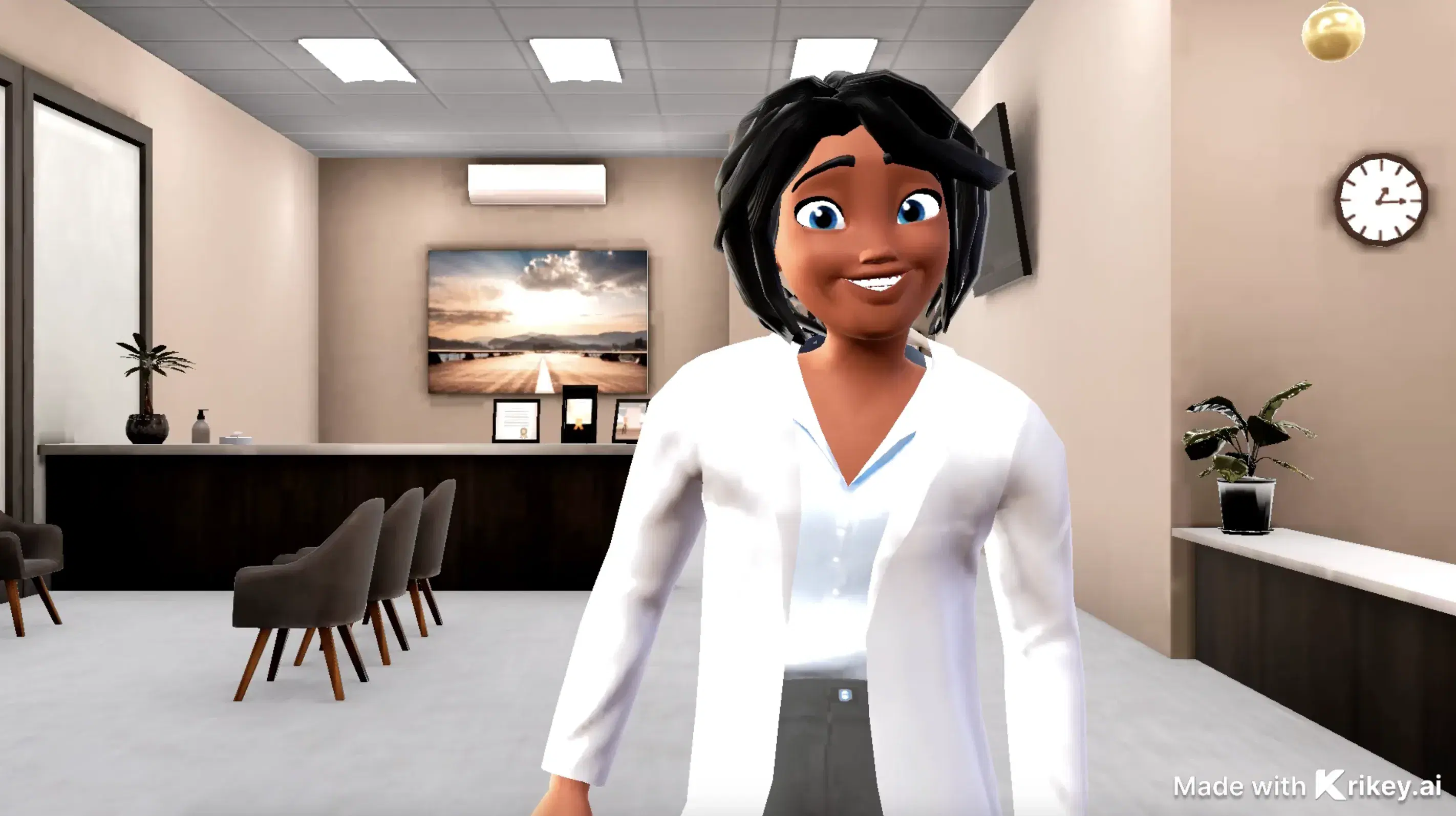
This 3D animation was generated using Krikey AI's animation editor. Starting from a simple text prompt: "Beanie, a coffee bean detective, shares one eggnog coffee tip on a cozy cold-morning kitchen counter", the AI rendered the 3D scene, character animations, and voice dialogue.
View full transcript▼
onegreatcoffee.com
hi flavored coffee lovers, Beanie here
Your favorite, flavored coffee explorer
Do you love eggnog like I do?
My all-time favorited eggnog flavor coffee tip
Skip the sugar. Add nutmeg.
Eggnog coffee already has the flavor. No sugar is needed.
Save the calories for the pie!
Your welcome
One Great Coffee.com
Turn your ideas into animations like this.
No complex software. No render farms. Just your imagination and Krikey AI.
Make a new video→More Like This
Explore community 3D animations
Popular 3D Animation Templates
Choose a ready-to-use template to jumpstart your video


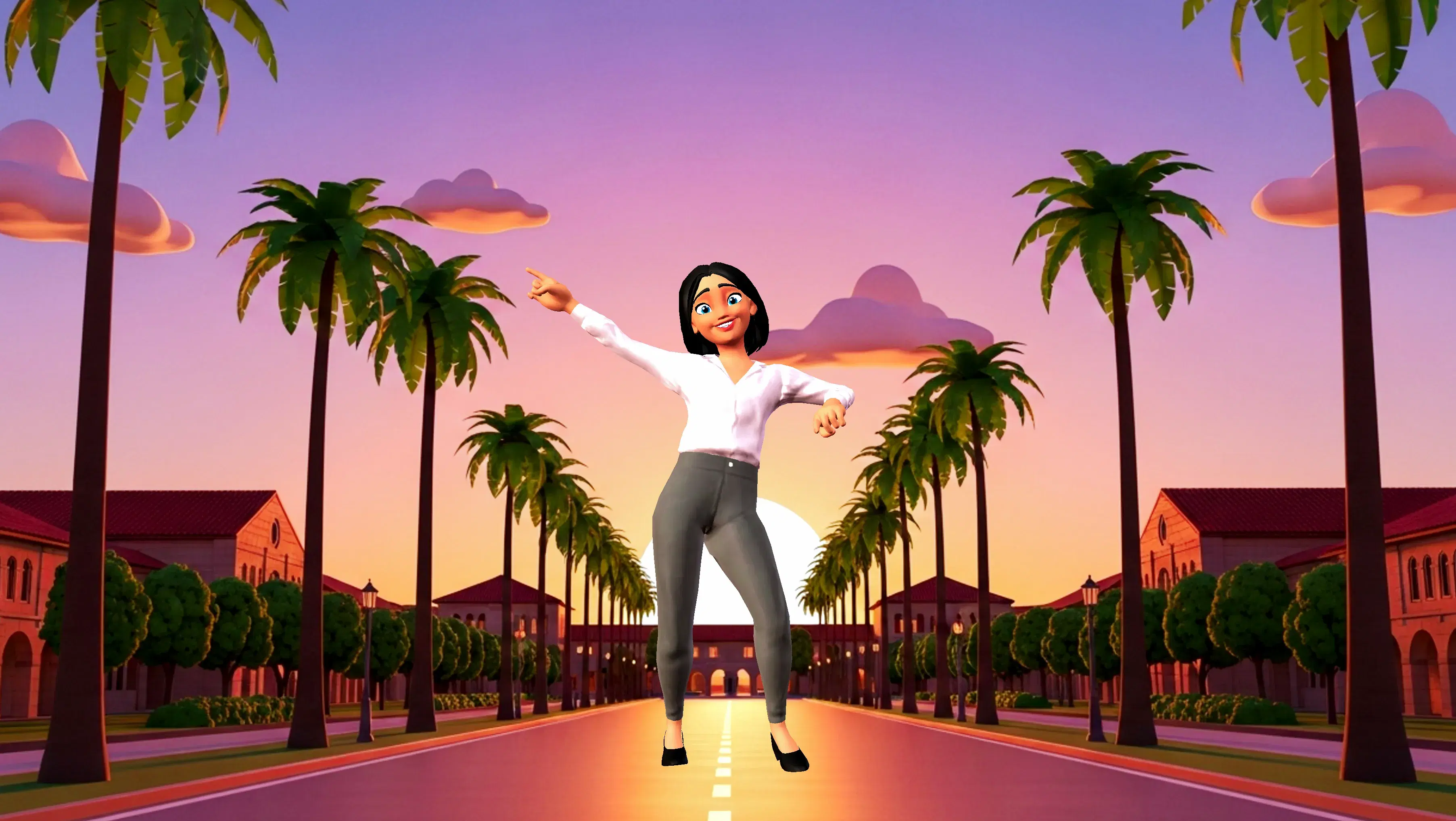
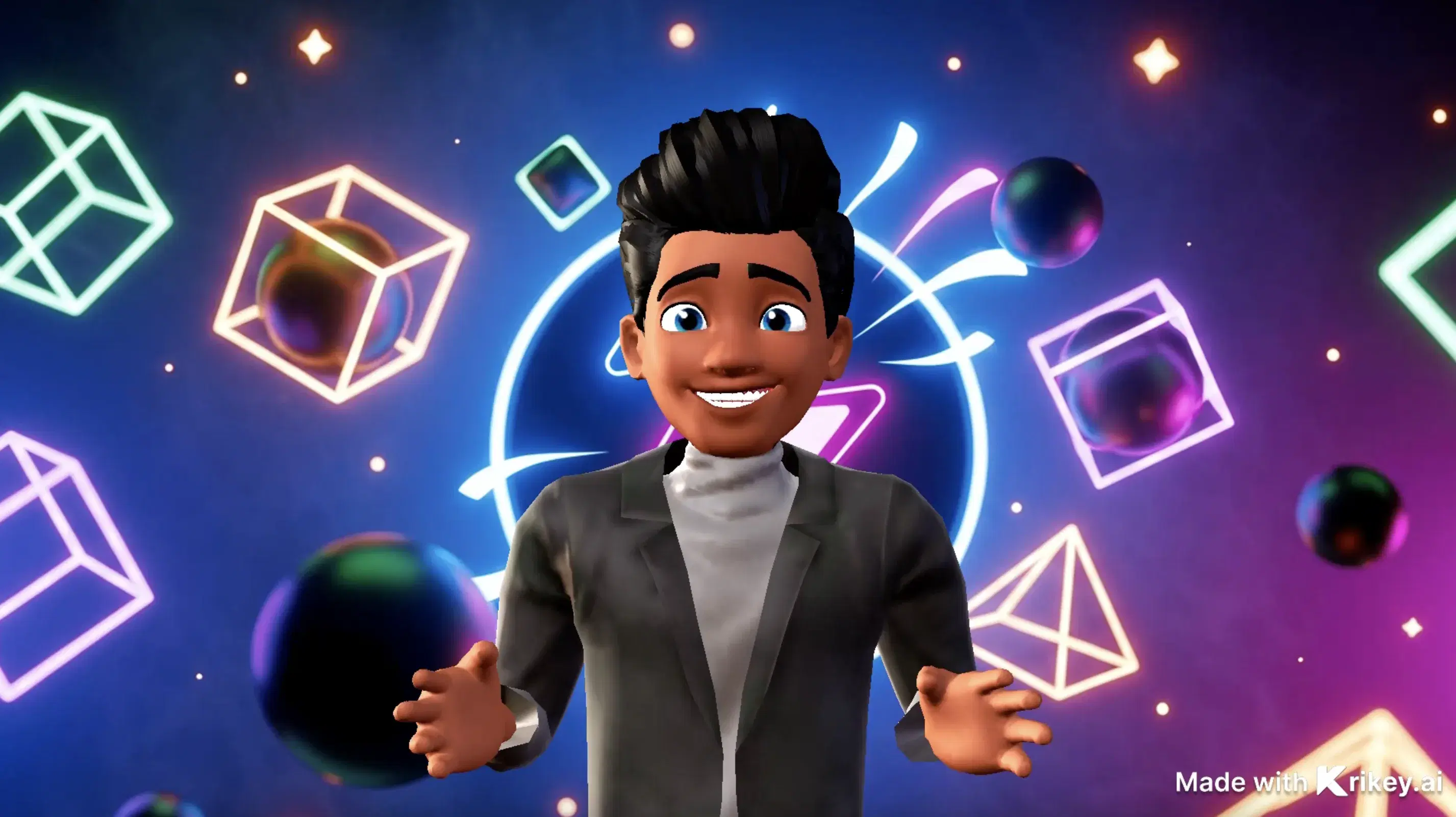

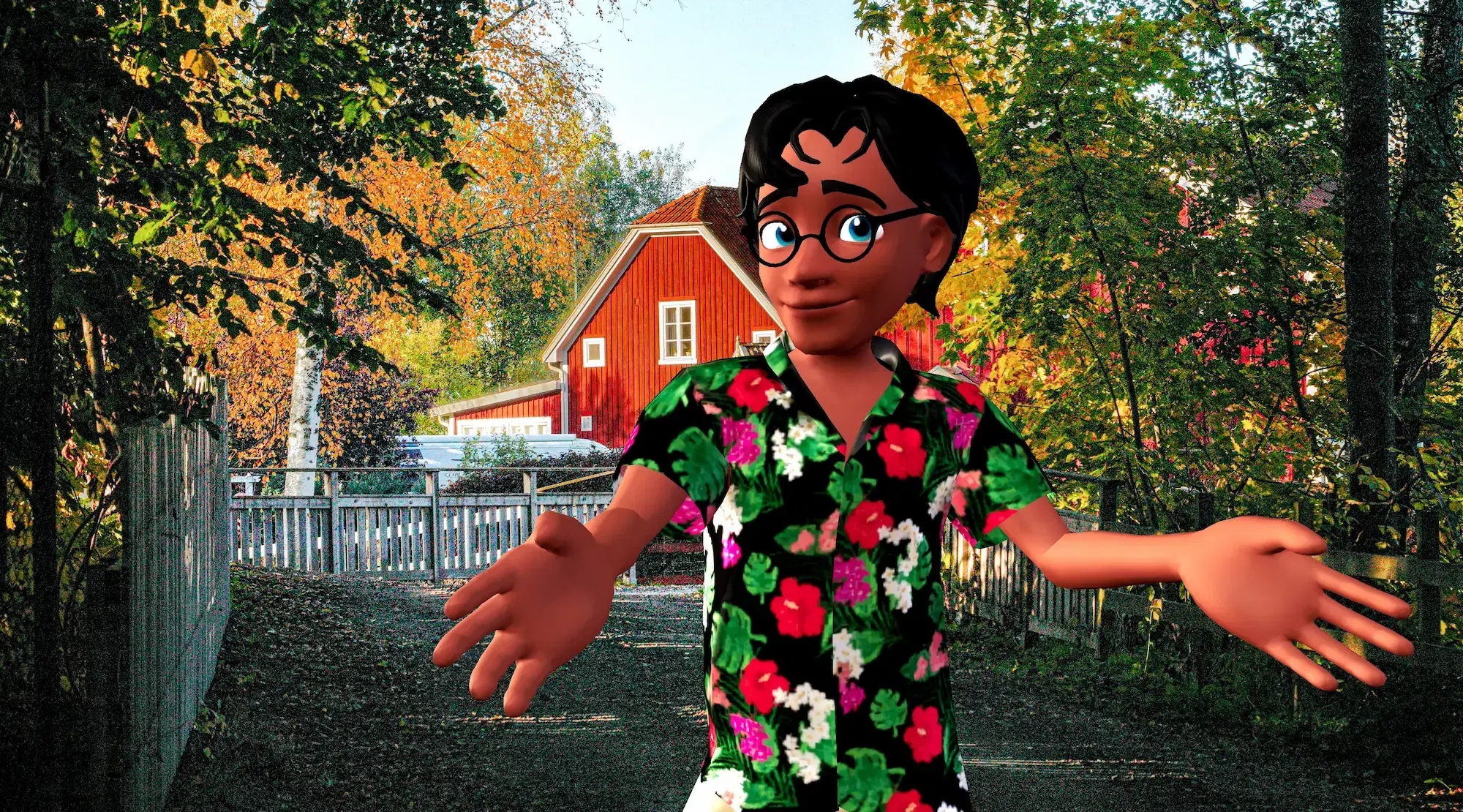

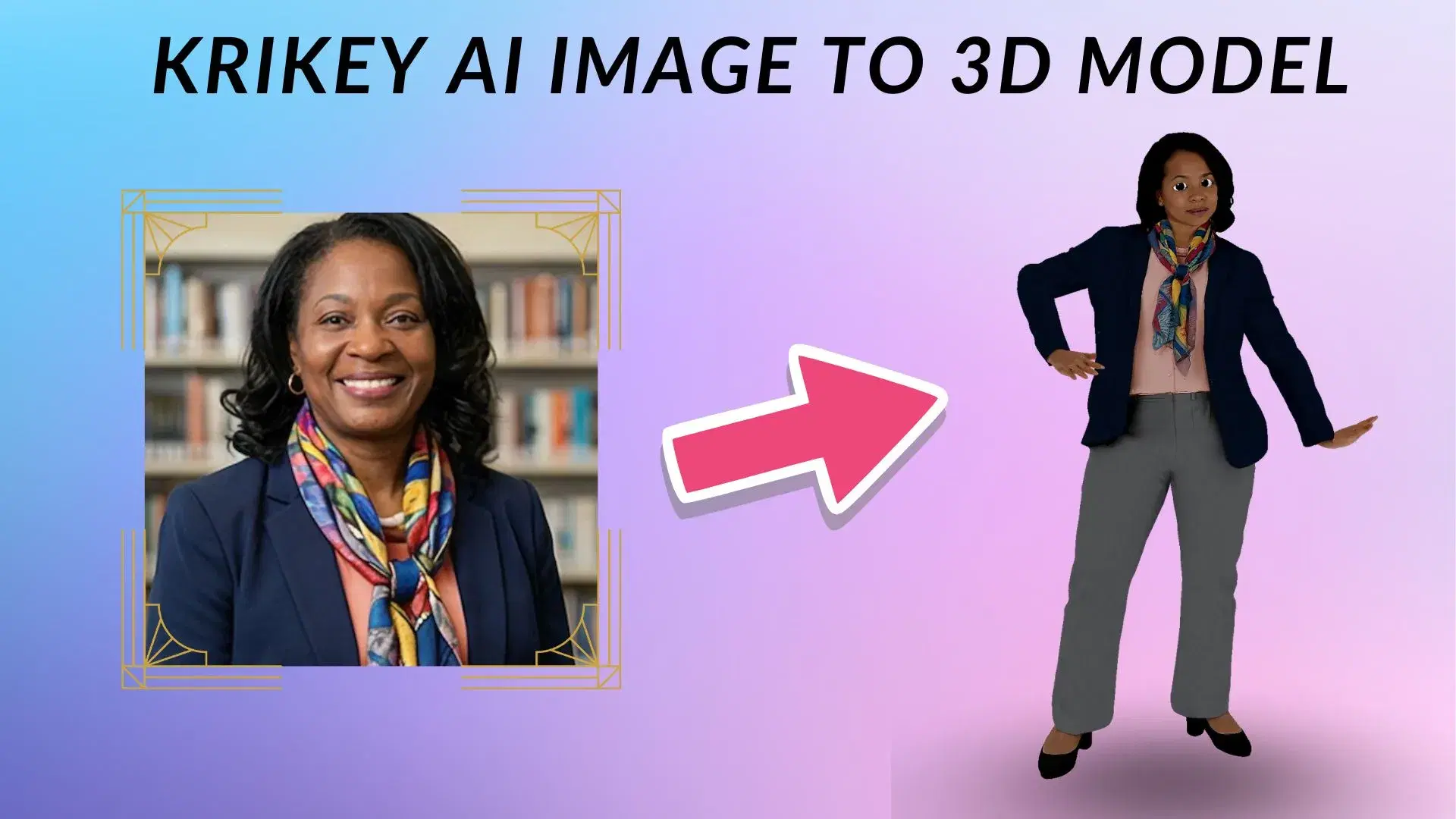
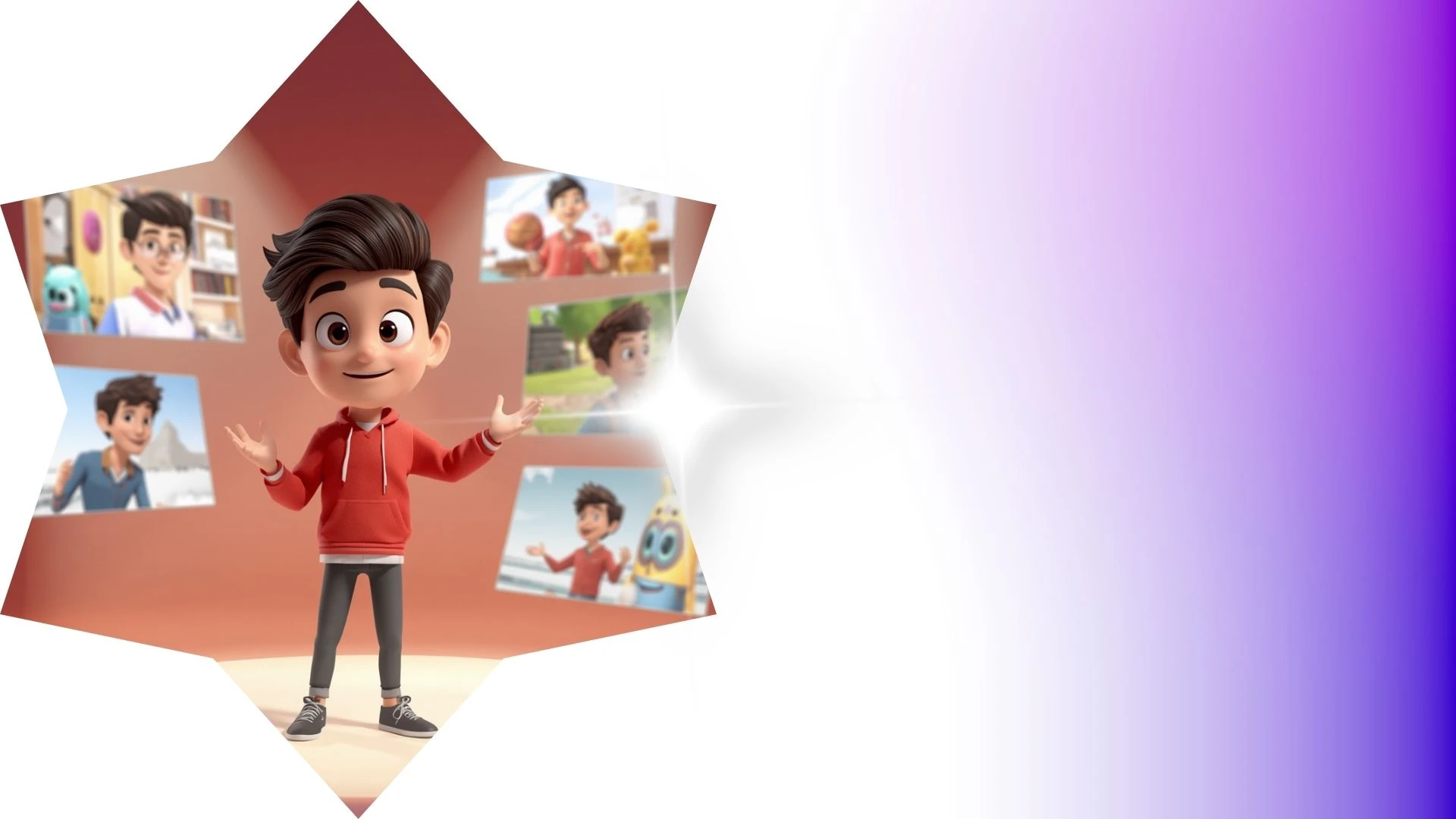
Featured 3D Characters
Bring unique cartoon characters to life with AI animation




Integrations & Workflows
Export 3D animations directly to your favorite creative platforms and game engines
Create High-Impact Animated Content for Social Media and Marketing
Transform podcast episodes and voice recordings into engaging animated video podcasts with automated speech-driven character reactions.
3D Animation Editor Tool
Build 3D skeletal motion data from video clips to capture complex athletics, dance, and body mechanics without optical tracking suits.
3D Character Rigging Tool
Animate custom models easily with Krikey AI 3D Character Rigging Tool to instantly build dynamic skeletons and full body motion.
Create 3D Animations and Videos
Fast-track student projects with Krikey AI 3D Animation tools using royalty-free motion, dance, and combat presets directly on your timeline.
AI Dance Generator
Feature Krikey AI Dancing Skeleton GIFs to transform dry classroom syllabi into engaging 3D STEM animations and visual lessons.
Frequently Asked Questions
Learn more about creating, customizing, and sharing 3D animations with Krikey AI.
Does Krikey integrate with Canva?▾
Yes, install the official Krikey AI app from the Canva Apps marketplace to insert customizable 3D animated avatars directly into Canva presentations and designs.
Can I change the camera angle in my animation?▾
Yes, you can switch between preset camera perspectives (close-up, medium shot, wide shot) in 3D space.
What AI tools were used to generate this animation?▾
This video was created using Krikey AI's generative suite, including Text-to-3D Animation, AI Voice dialogue dubbing with automatic lip-sync, customizable 3D avatars, and real-time cloud rendering.
Does Krikey AI run on Mac and Windows?▾
Yes, Krikey runs completely in modern web browsers (Chrome, Edge, Safari, Firefox) on both macOS and Windows without requiring local GPU rendering or manual software installs.
Is Krikey AI free to use?▾
Yes, Krikey AI offers a free plan that lets you create 3D animations, customize avatars, and export video projects. We also offer Pro and Enterprise plans with higher resolution exports, commercial rights, and unlimited generation credits.