Coffee Tip1_4

This 3D animation was generated using Krikey AI's animation editor. Starting from a simple text prompt: "Beanie, a coffee bean detective, shares one eggnog coffee tip on a cozy cold-morning kitchen counter", the AI rendered the 3D scene, character animations, and voice dialogue.
View full transcript▼
onegreatcoffee.com
hi flavored coffee lovers, Beanie here
Your favorite, flavored coffee explorer
Do you love eggnog like I do?
My all-time favorited eggnog flavor coffee tip
Skip the sugar. Add nutmeg.
Eggnog coffee already has the flavor. No sugar is needed.
Save the calories for the pie!
Your welcome
One Great Coffee.com
Turn your ideas into animations like this.
No complex software. No render farms. Just your imagination and Krikey AI.
Make a new video→More Like This
Explore community 3D animations
Popular 3D Animation Templates
Choose a ready-to-use template to jumpstart your video



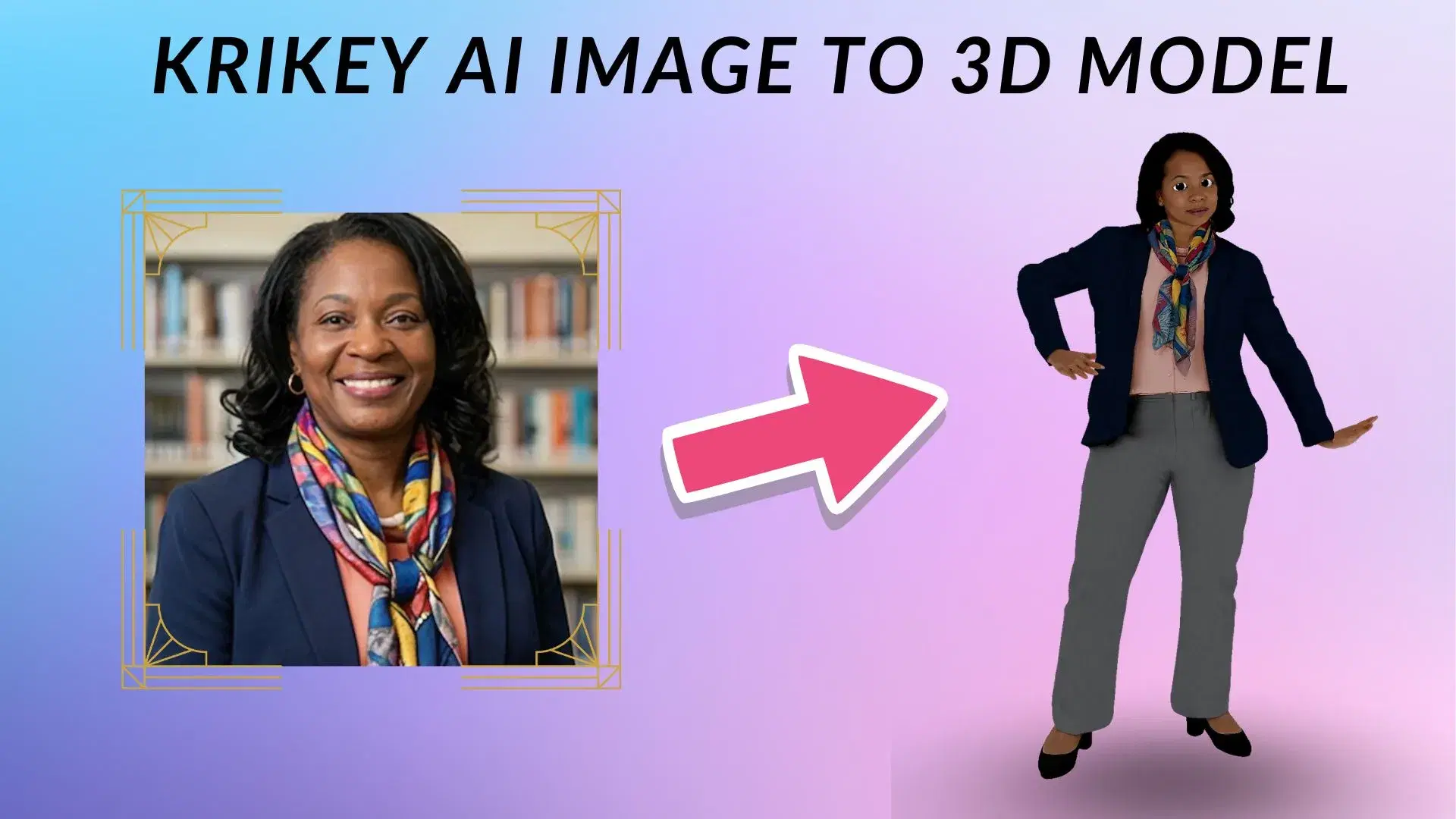
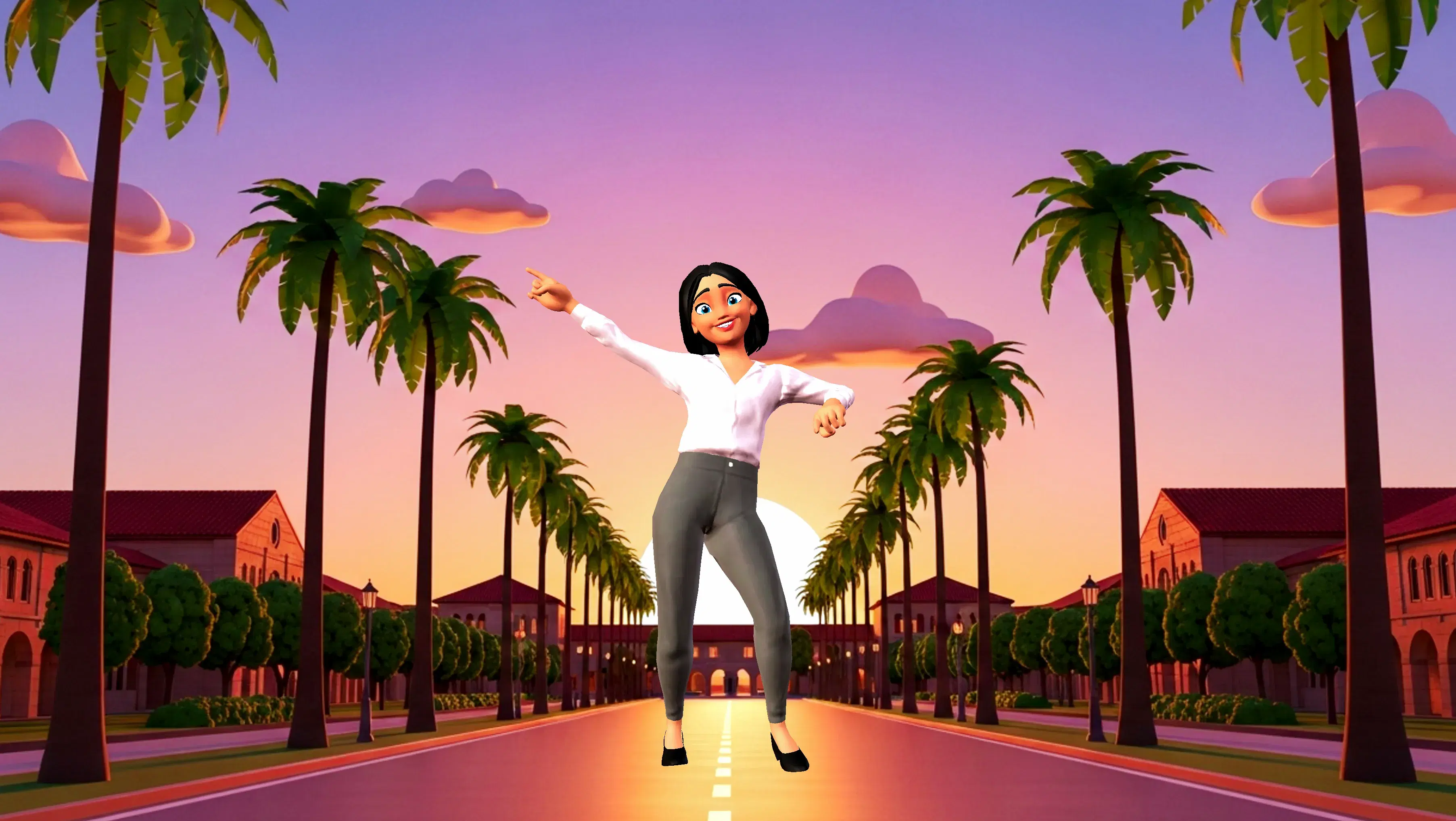
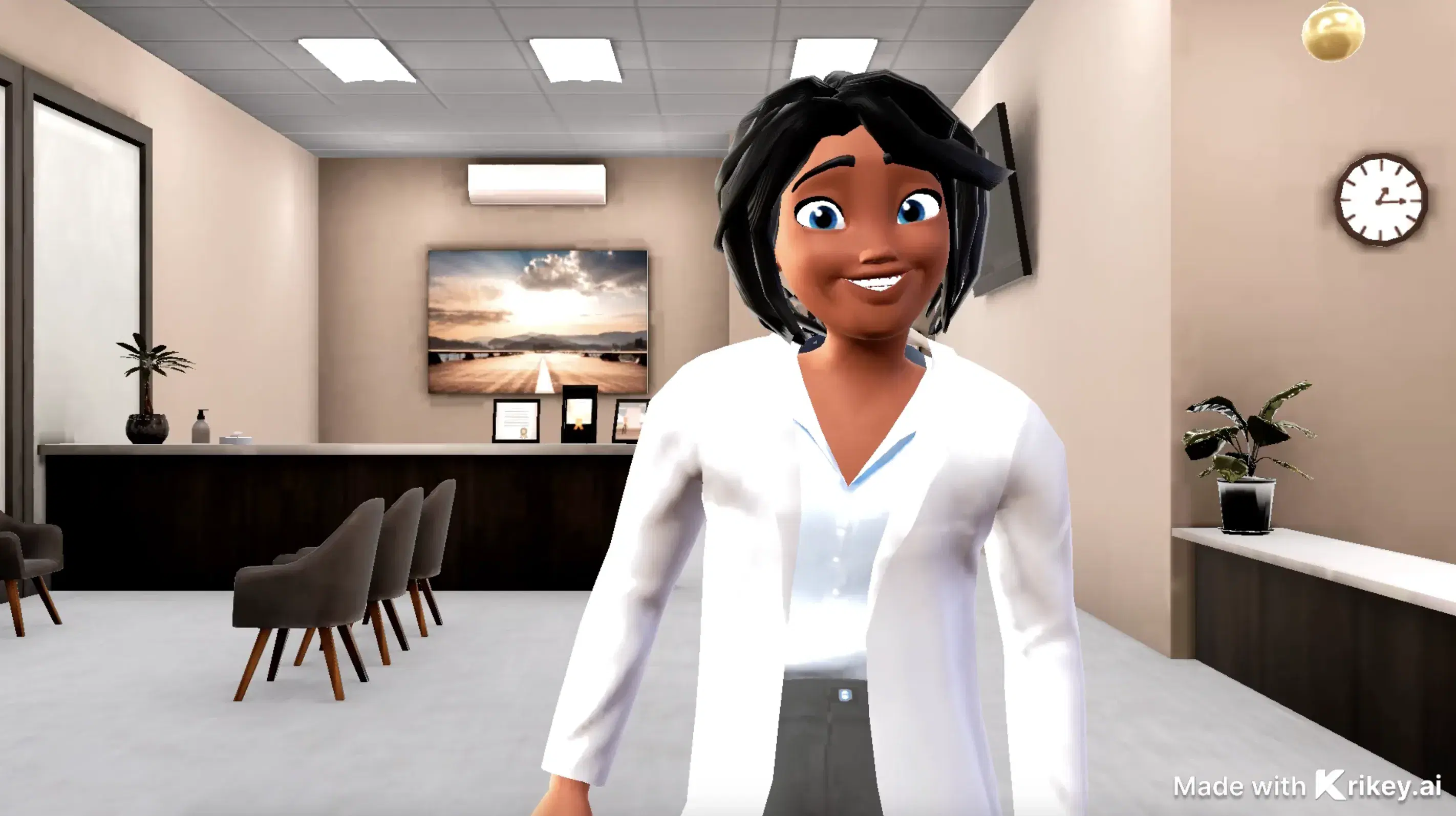
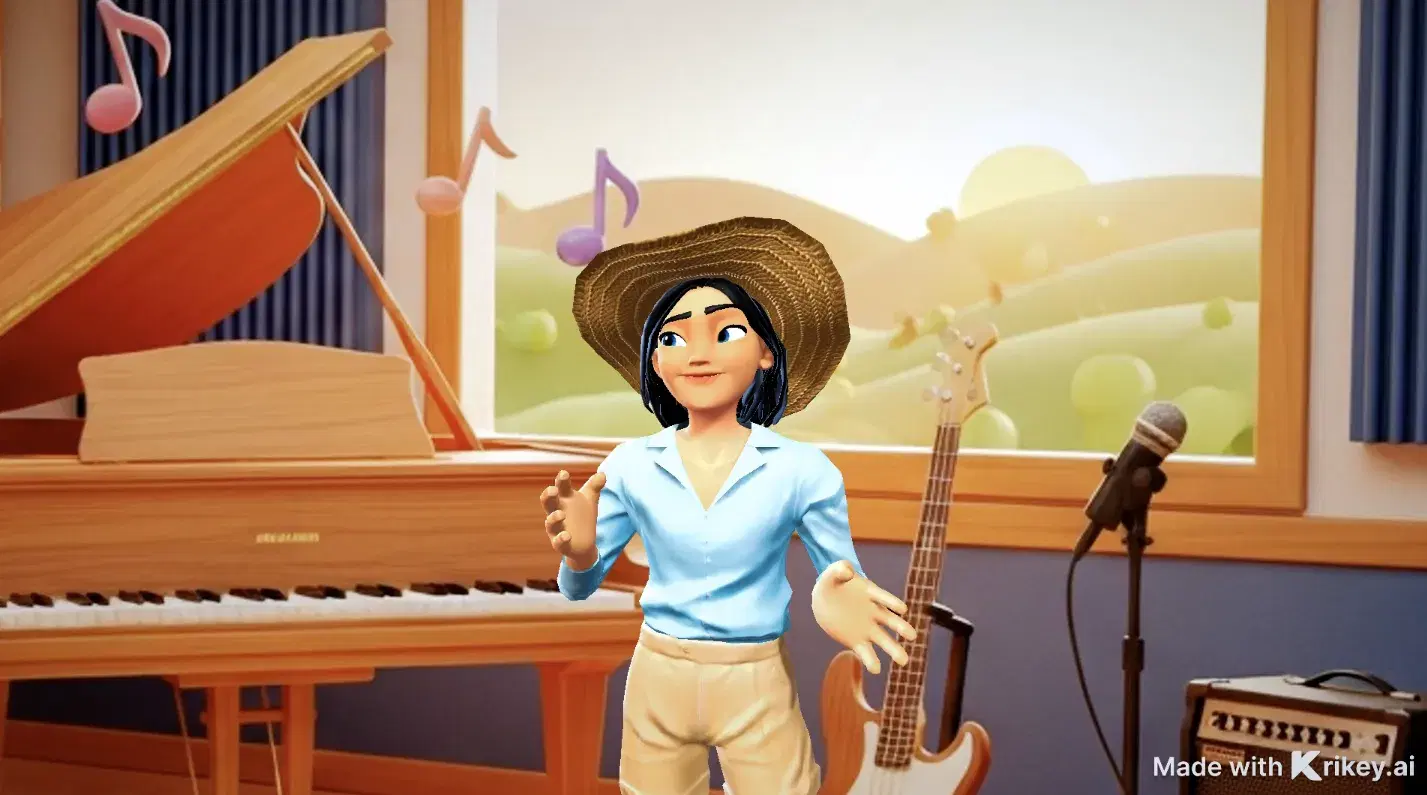
Featured 3D Characters
Bring unique cartoon characters to life with AI animation



Integrations & Workflows
Export 3D animations directly to your favorite creative platforms and game engines
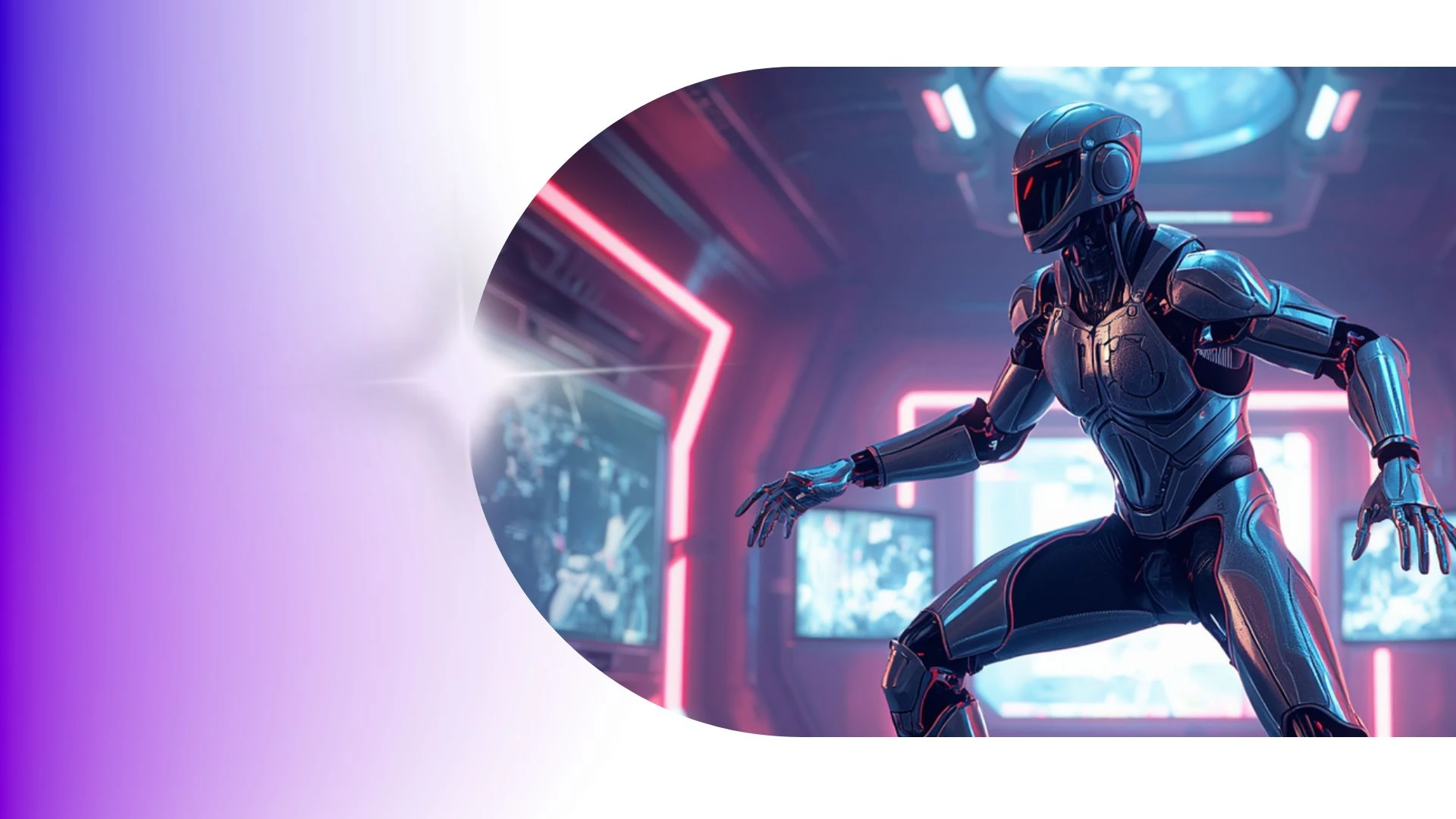

Fast, Lightweight 3D Character Generation Right in Your Browser
Prototype animated pilots and visual storyboards in hours rather than months to pitch creative concepts and win stakeholder greenlights with fully realized 3D pre-viz.
AI Cartoon Generator
Create unique 3D cartoon characters instantly with Krikey AI, enabling custom avatars, expressions, and animations directly in your browser.
AI Anime Voice Generator Tools
Animate models with Krikey AI 3D Character Rigging Tool, converting raw video into clean 3D skeletal motion data effortlessly.
AI Podcast Generator for Creators
Create 3D podcasts with Krikey AI and export 1080p MP4, GIF, or FBX files in minutes without needing expensive GPUs or render farms.
AI Animation Maker
Elevate higher education with Krikey AI, generating cinematic 3D motions, realistic physics, and dynamic camera angles directly from text.
Frequently Asked Questions
Learn more about creating, customizing, and sharing 3D animations with Krikey AI.
How was this 3D animation video created?▾
This video was created using Krikey AI's generative 3D creation suite, featuring Text-to-3D Animation, AI Voice dubbing with automatic lip-sync, customizable 3D avatars, and AI Animation.
Can teachers use Krikey to create animated classroom lessons?▾
Yes, educators use 3D avatars to illustrate historical figures, demonstrate scientific concepts, and create bite-sized interactive learning modules.
Does Krikey AI run on Mac and Windows?▾
Yes, Krikey runs completely in modern web browsers (Chrome, Edge, Safari, Firefox) on both macOS and Windows without requiring local GPU rendering or manual software installs.
Can I save and reuse the same character across multiple projects?▾
Yes, all custom avatars are saved directly to your account asset library and can be loaded into any future animation project with one click.
Can I import Krikey FBX files into Blender or Maya?▾
Yes, standard FBX exports can be imported into Blender, Autodesk Maya, or 3ds Max for further rigging, custom lighting, or VFX simulation.