Biblical Storytelling1

This 3D animation was generated using Krikey AI's animation editor. Starting from a simple text prompt: "Crée une vidéo biblique cinématographique de 55 secondes racontant l'histoire de David et Goliath", the AI rendered the 3D scene, character animations, and voice dialogue.
View full transcript▼
Crée une vidéo biblique cinématographique de 55 secondes racontant l'histoire de David et Goliath
Turn your ideas into animations like this.
No complex software. No render farms. Just your imagination and Krikey AI.
Make a new video→More Like This
Explore community 3D animations
Popular 3D Animation Templates
Choose a ready-to-use template to jumpstart your video
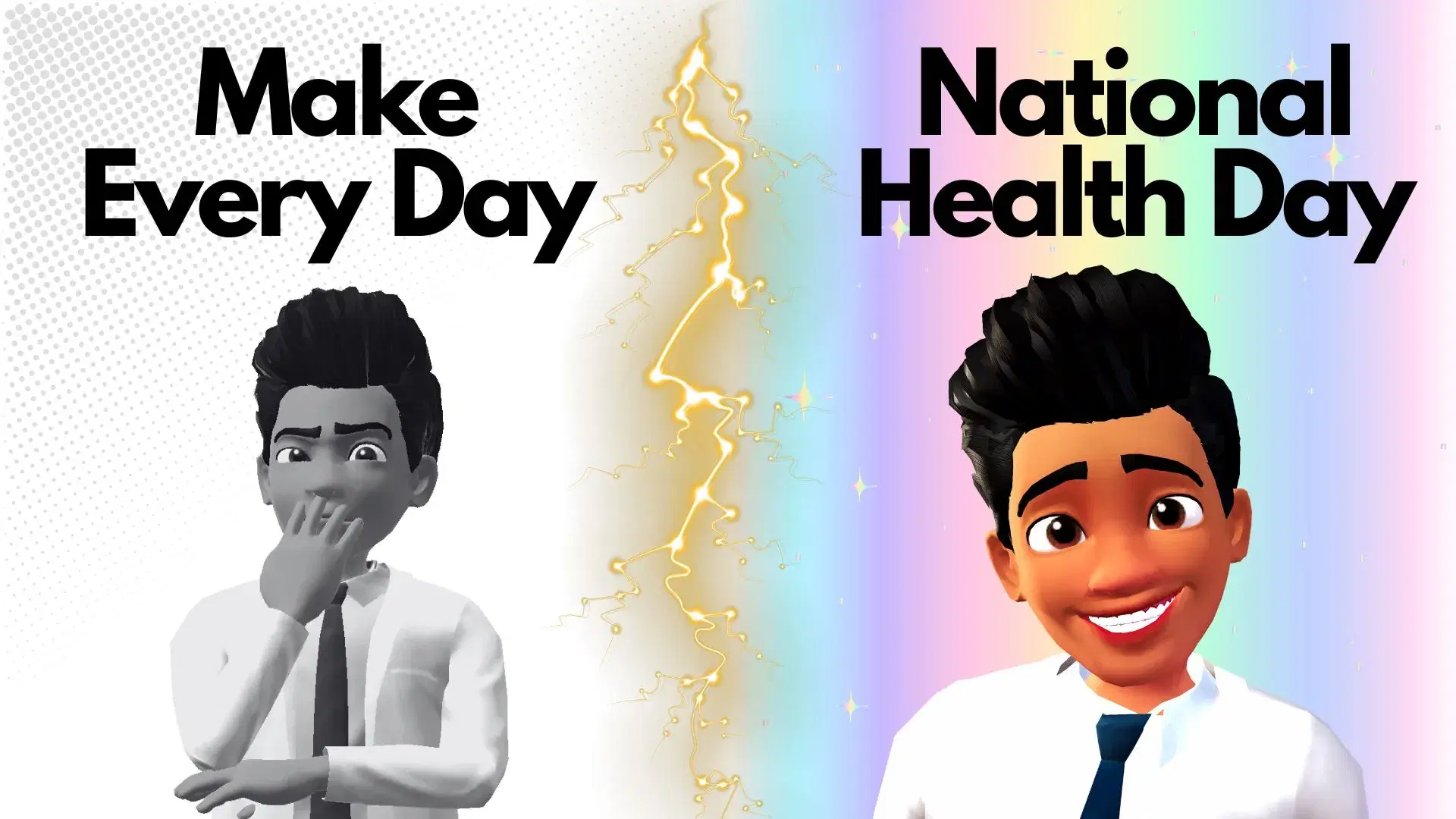

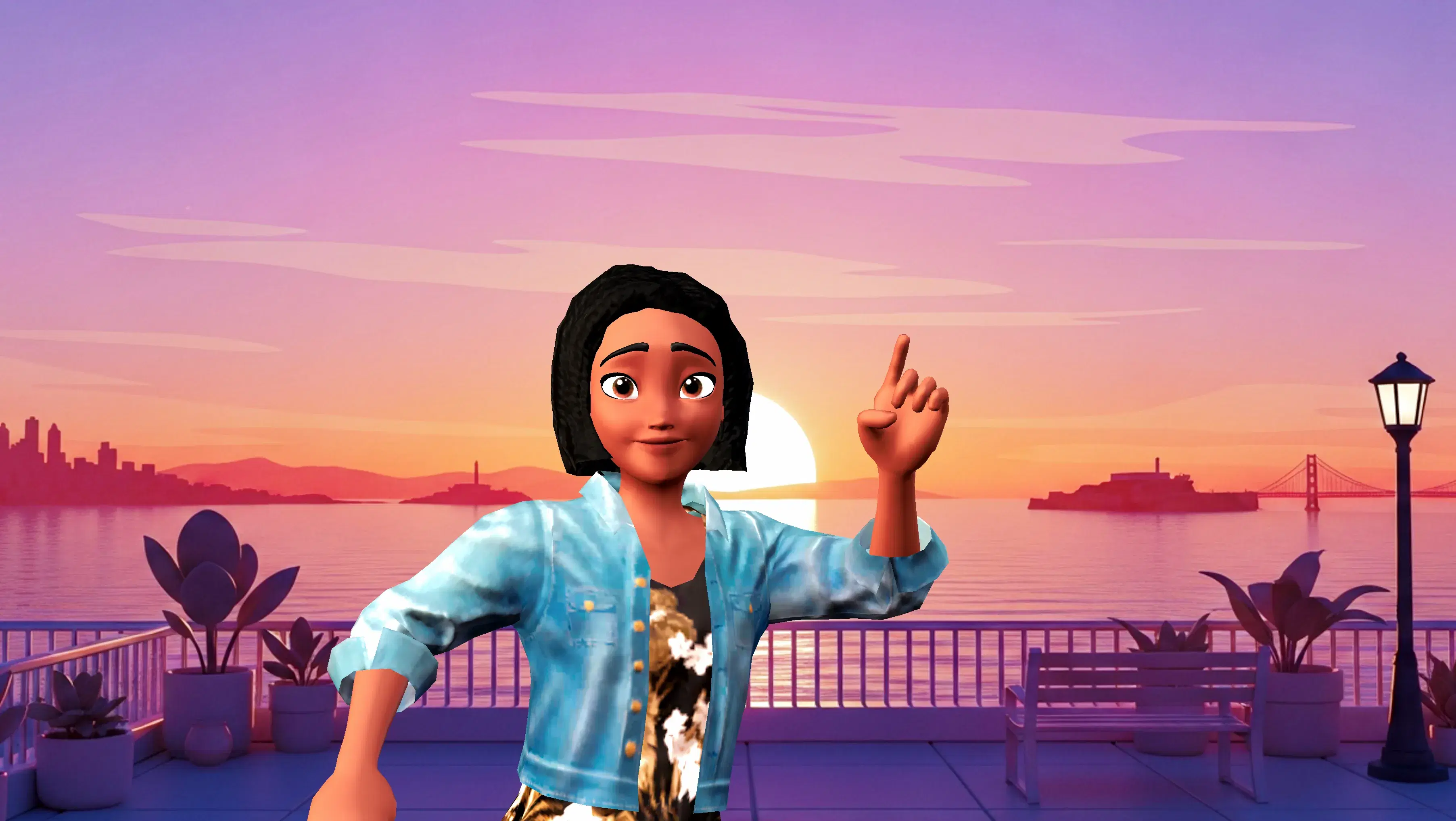
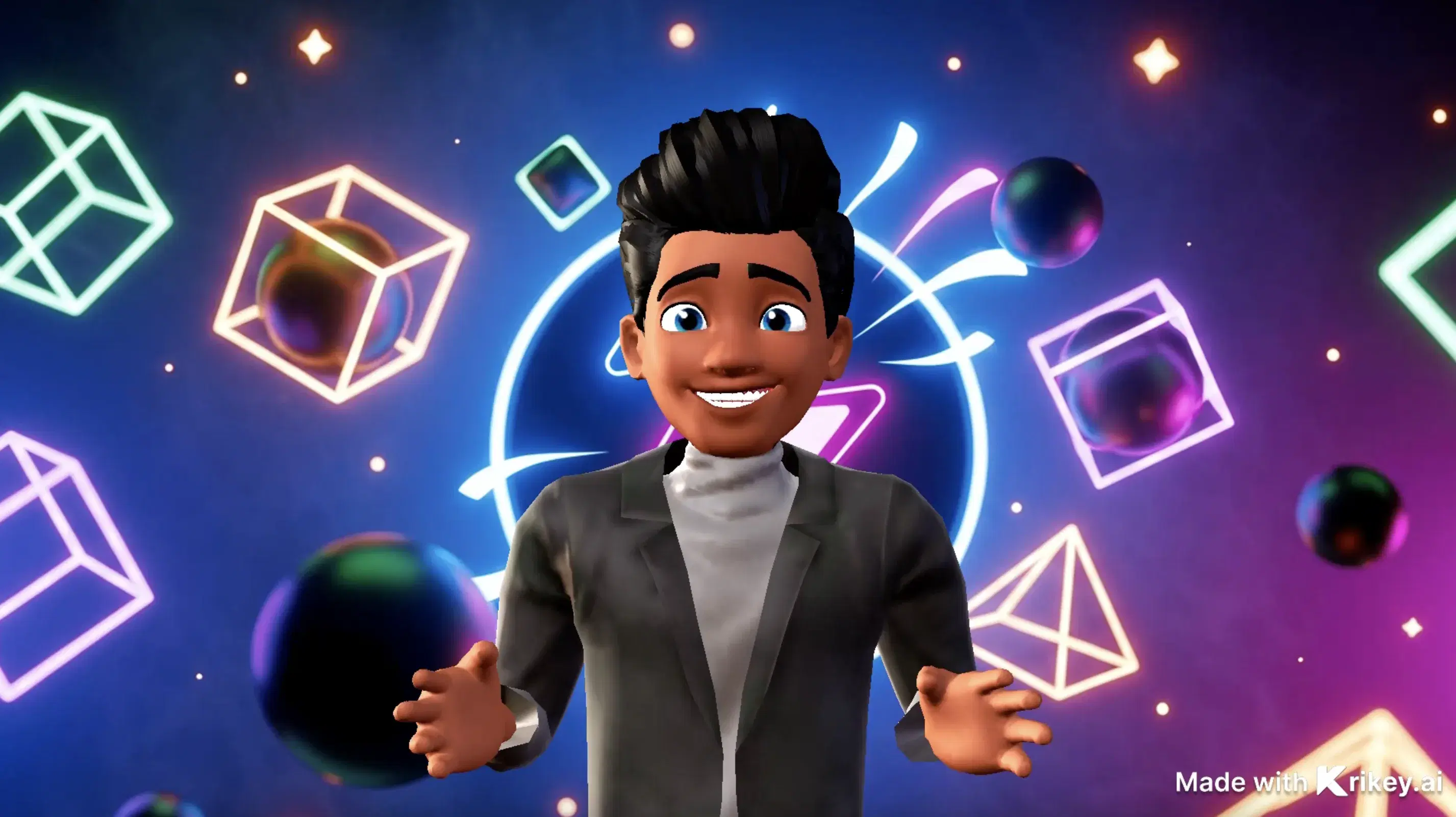
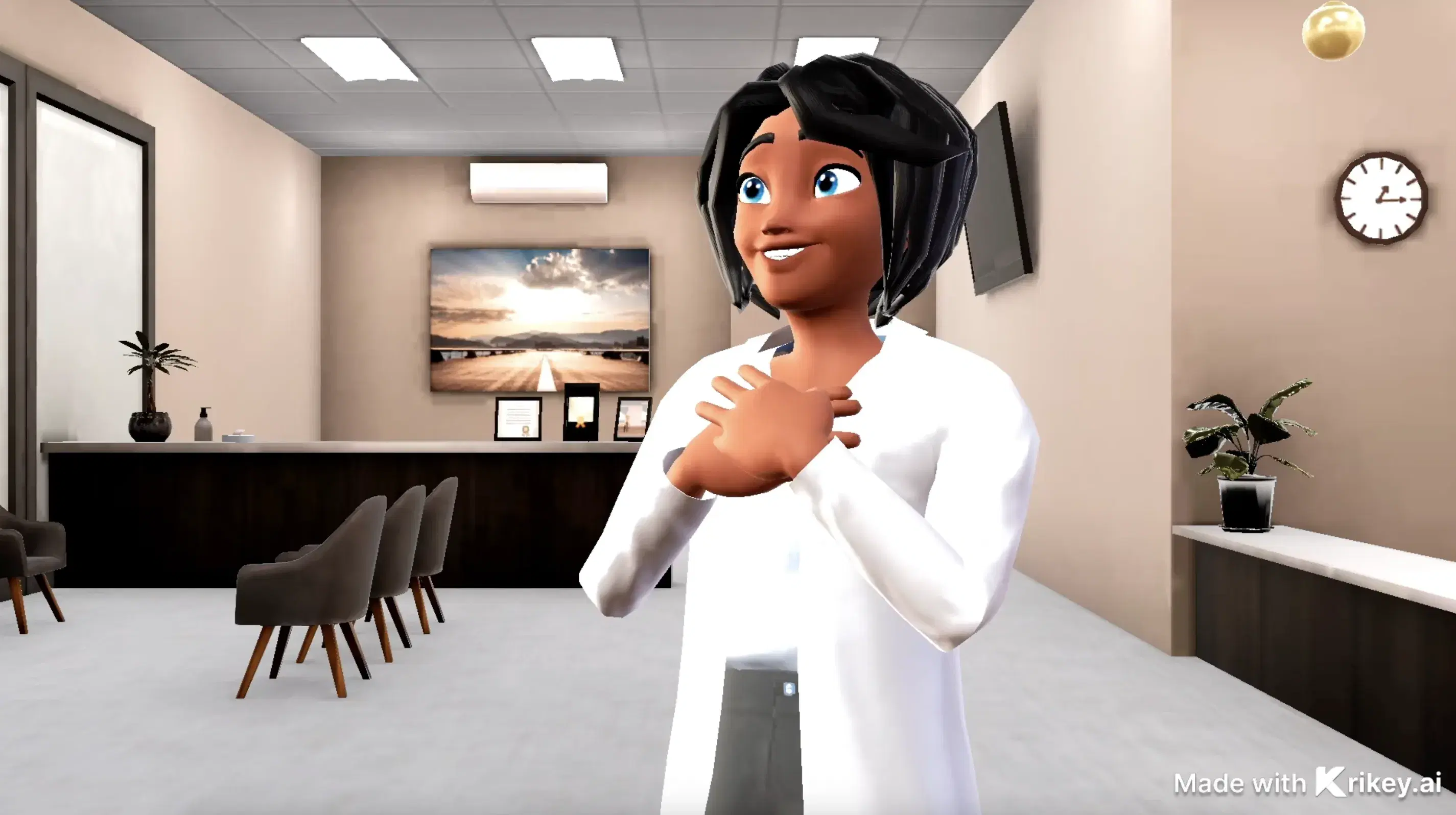

Featured 3D Characters
Bring unique cartoon characters to life with AI animation




Integrations & Workflows
Export 3D animations directly to your favorite creative platforms and game engines

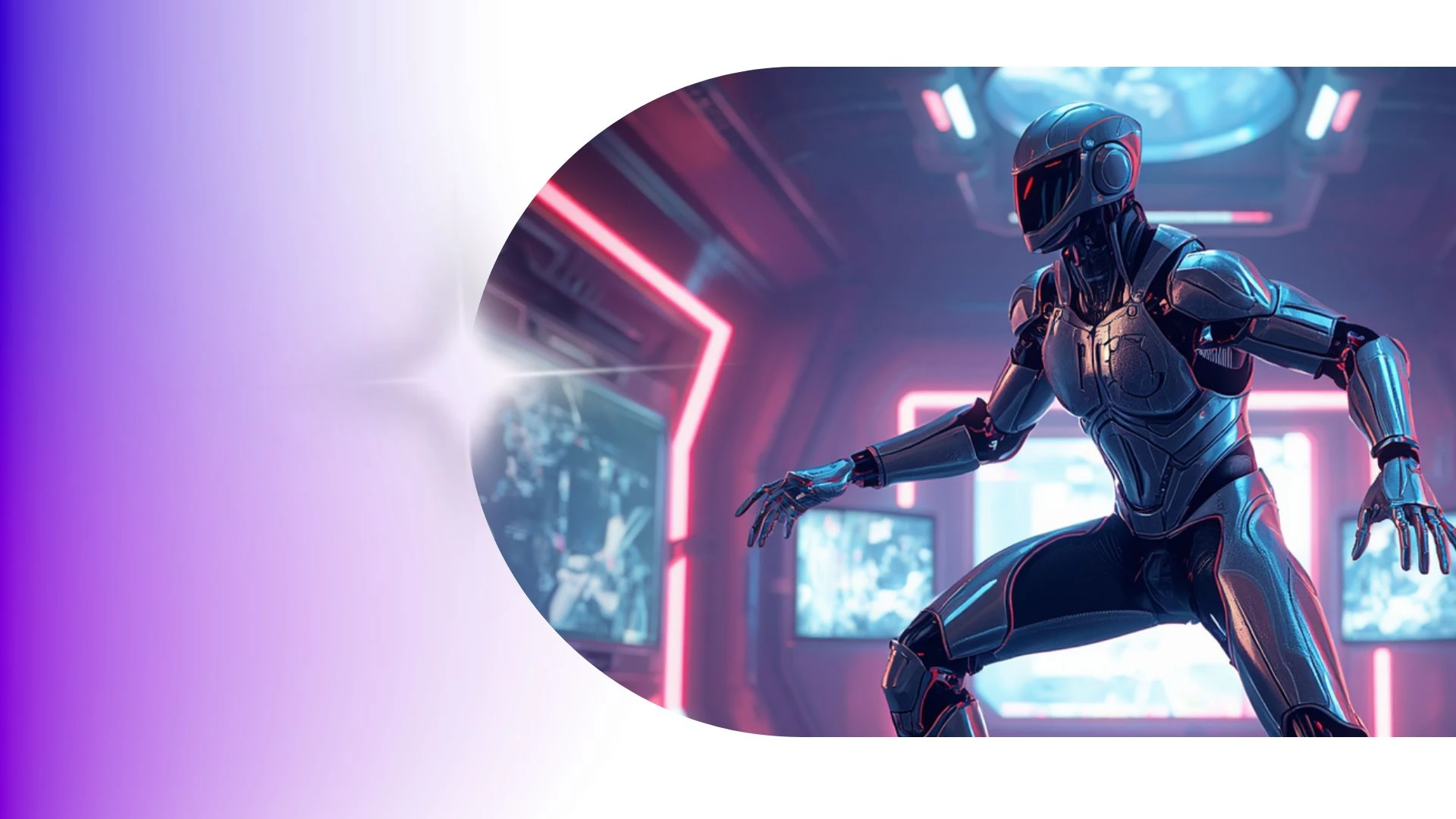

The Modern Animation Studio: Infinite 3D Motion in Seconds
Turn text prompts into cinematic 3D character motions. Generate realistic physics, dynamic camera angles, and smooth choreography effortlessly.
3D Storytelling Tools for Students
Build engaging lessons with Krikey AI 3D Animation Tools for Education, turning video clips into clean 3D skeletal motion data easily.
3D Cartoon Character Store
Enable interactive 3D explainer videos using custom corporate mascots to demonstrate features and guide customers as charismatic virtual hosts.
3D Animation for Higher Education
Create animated storyboards and pilots fast using Krikey AI Animation Tools for Teachers to pitch concepts and greenlight projects.
Cartoon Doctor Video Maker
Animate healthcare stories using Krikey AI Cartoon Doctor Video Maker to craft custom 3D medical videos and avatars easily.
Frequently Asked Questions
Learn more about creating, customizing, and sharing 3D animations with Krikey AI.
How do I insert a Krikey animation into PowerPoint or Google Slides?▾
Export your animation as an MP4 video or looping GIF, then use "Insert > Video" or "Insert > Image" inside Microsoft PowerPoint or Google Slides.
Can teachers use Krikey to create animated classroom lessons?▾
Yes, educators use 3D avatars to illustrate historical figures, demonstrate scientific concepts, and create bite-sized interactive learning modules.
Can I create viral meme videos with Krikey?▾
Yes, creators combine popular dance animations, custom character outfits, and trending audio tracks to quickly publish engaging memes for TikTok and Instagram.
Does Krikey support complex sports and dance movements?▾
Yes, generative motion capture and text prompts handle athletic stunts, sports drills, hip-hop routines, ballet poses, and everyday physical gestures.
Can I create vertical 9:16 videos for TikTok, Reels, and YouTube Shorts?▾
Yes, switch your canvas aspect ratio between vertical (9:16), widescreen (16:9), and square (1:1) at any time with automatic resizing.