Character Audio Copy33

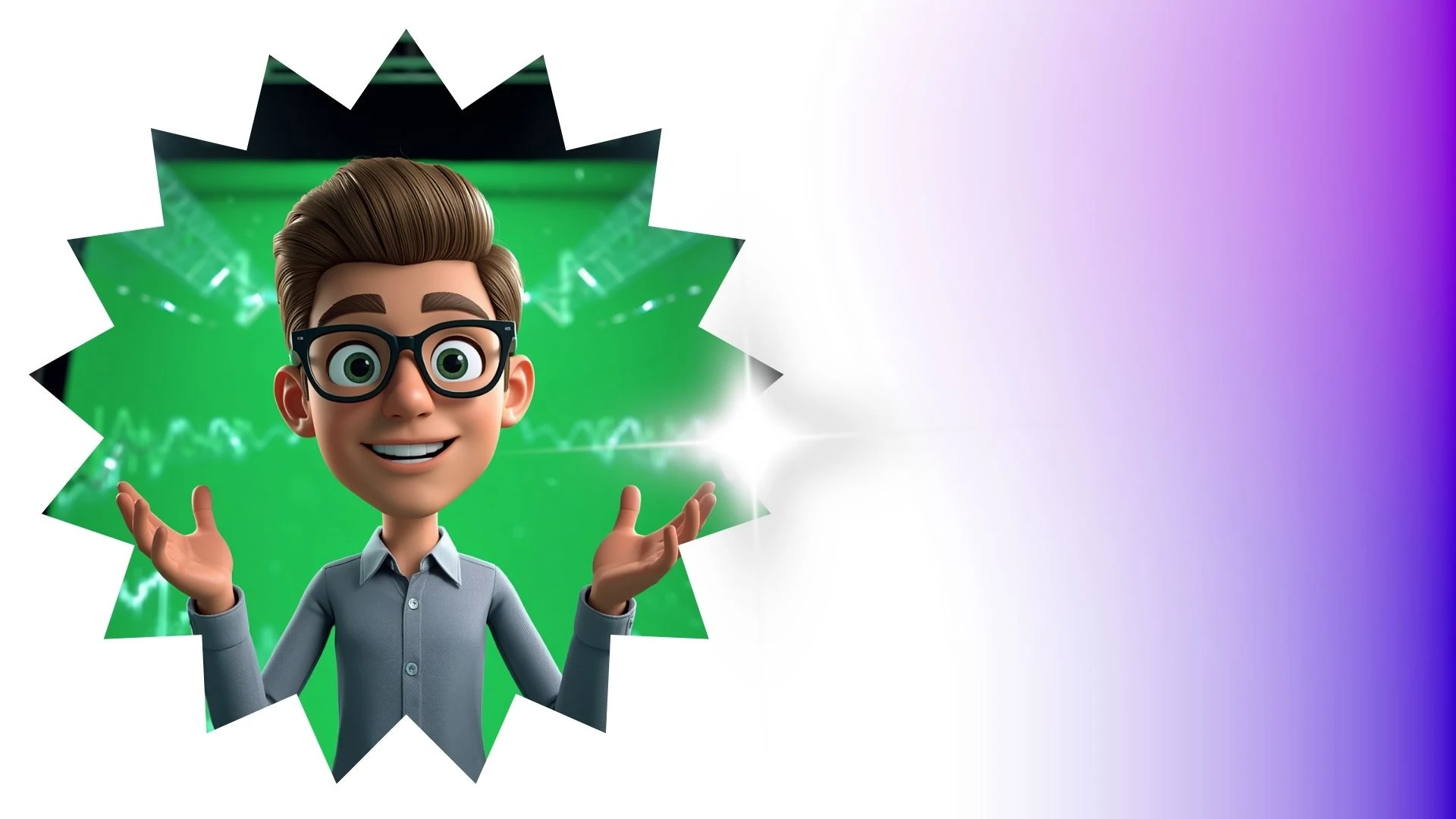
This 3D animation was generated using Krikey AI's animation editor. Starting from a simple text prompt: "History presentation on the ancient pyramids of Egypt. Explain the math behind the triangle shape of the pyramid", the AI rendered the 3D scene, character animations, and voice dialogue.
View full transcript▼
it's easy to quickly pose your character, you just need them in true 3D.
Most people prompt 2D generators, which means tweaking text, waiting on queues, and rerolling each pose.
A 3D character gives you one asset that stays consistent from any angle.
Move the limbs to fit your layout—pointing at a headline or waving forward.
Freeze the frame, snap a transparent cutout, and drop it onto Canva.
You build a batch of matching graphics without touching a prompt box.
To pose 3D characters without learning complex software, start at Cry-Key AI.
Turn your ideas into animations like this.
No complex software. No render farms. Just your imagination and Krikey AI.
Make a new video→More Like This
Explore community 3D animations
Popular 3D Animation Templates
Choose a ready-to-use template to jumpstart your video
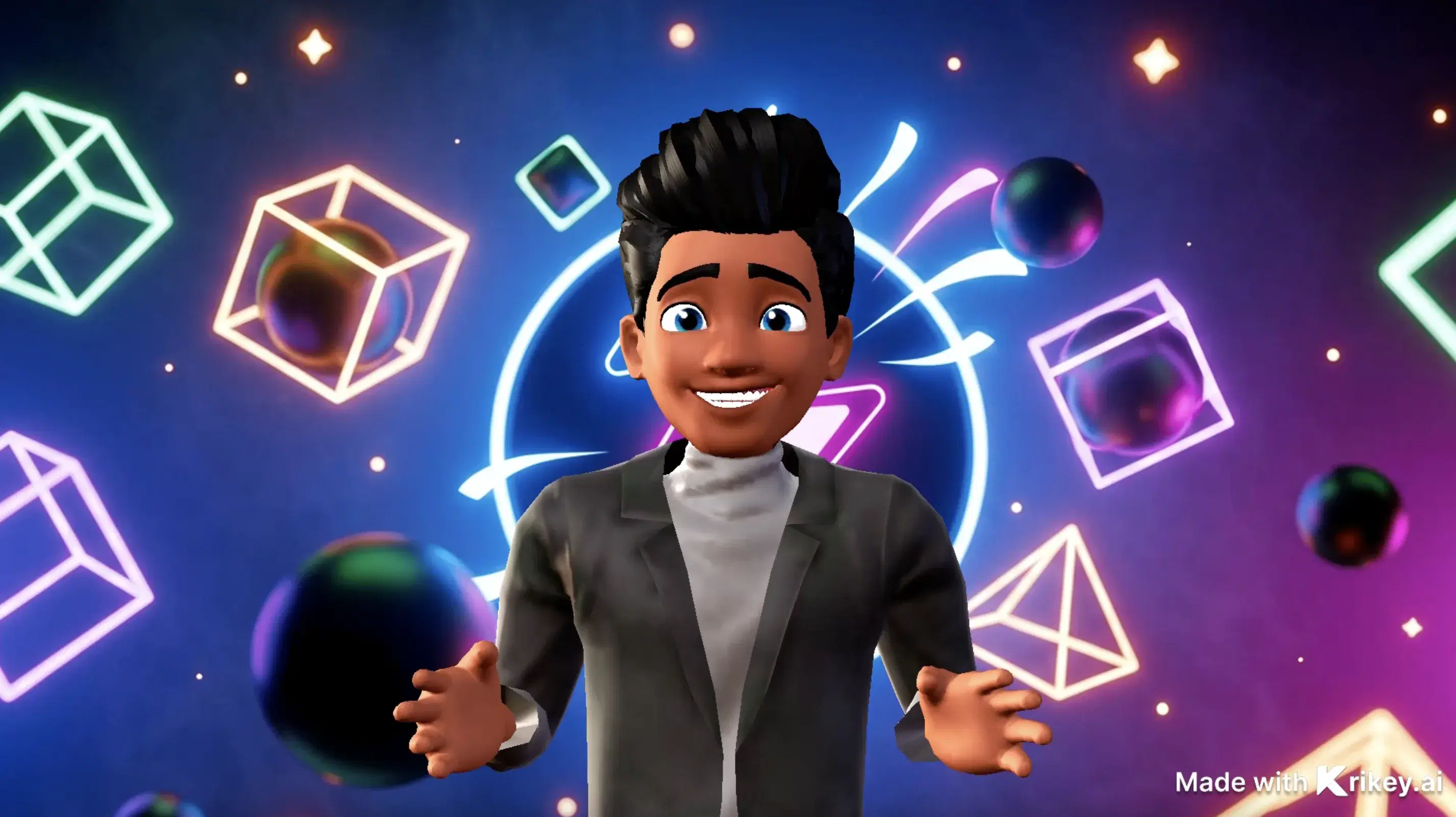

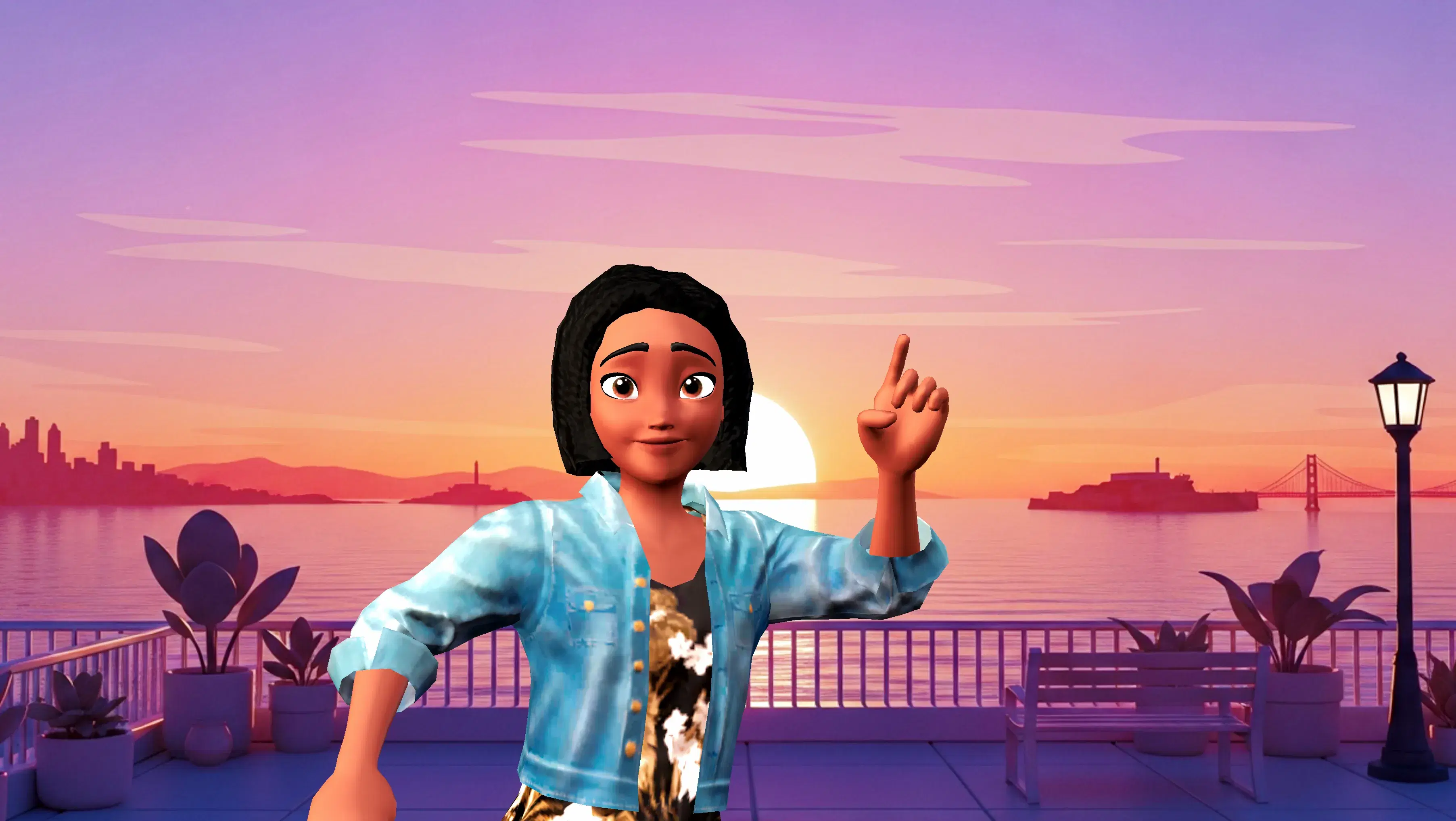
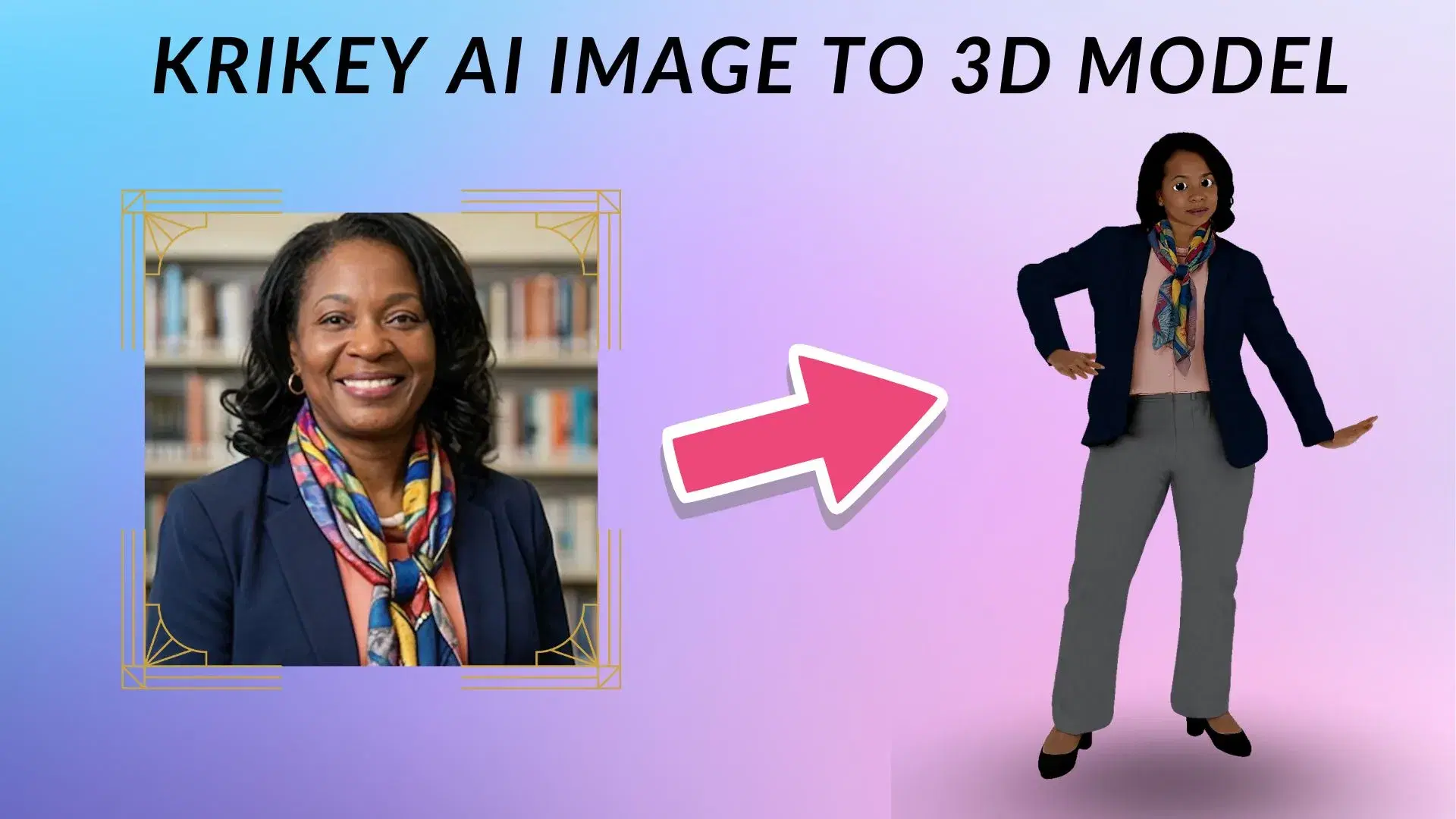
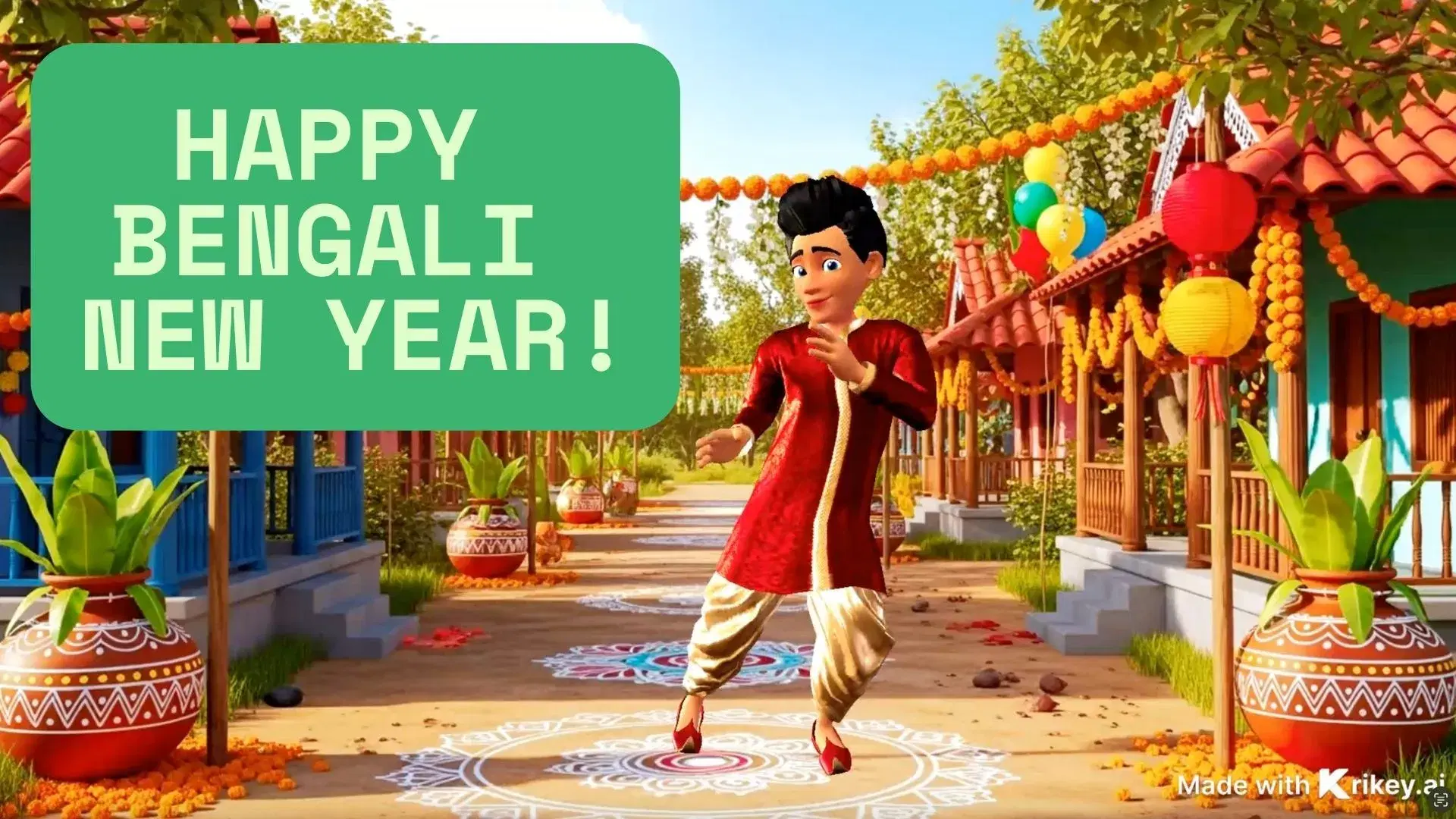
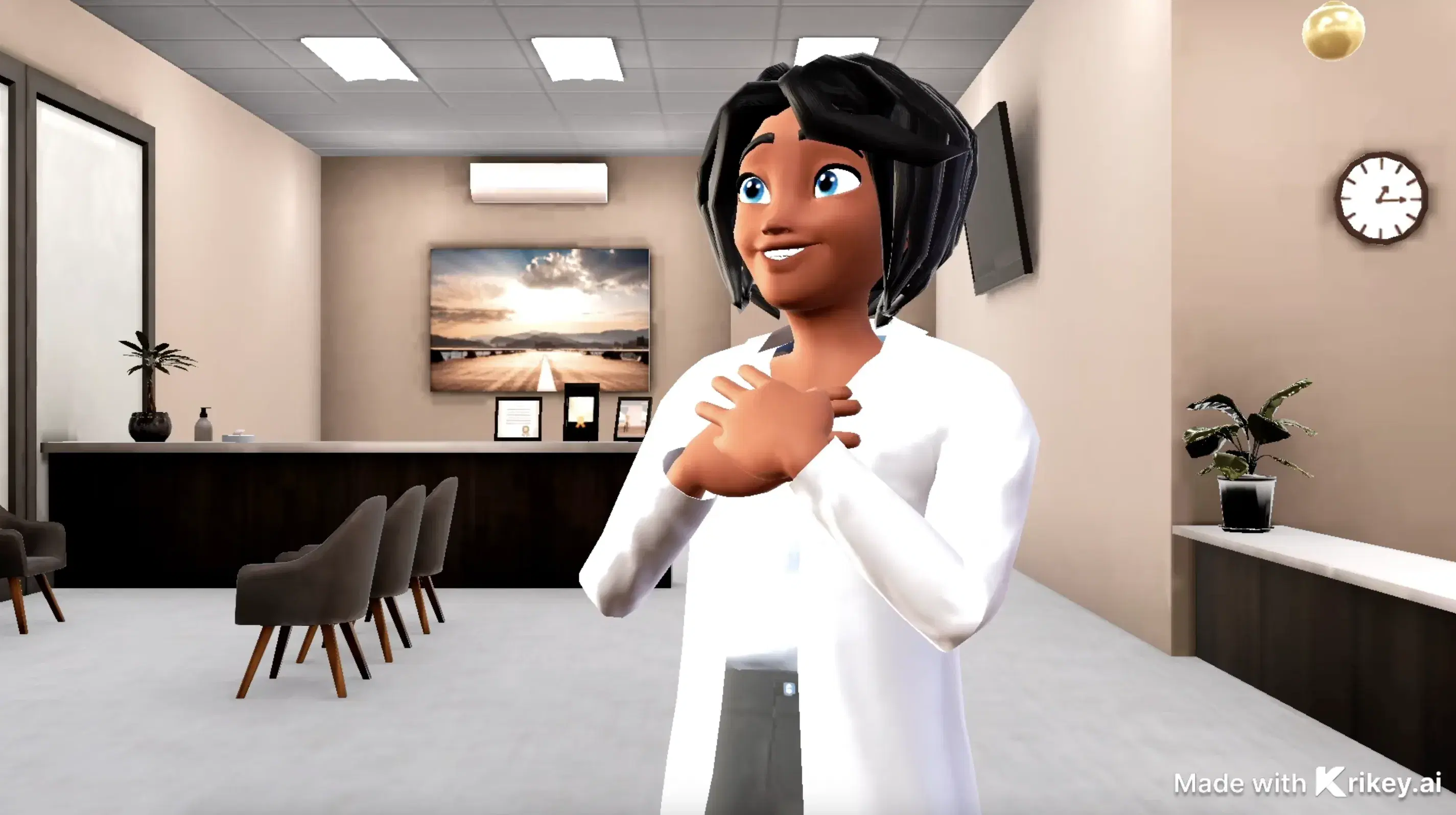
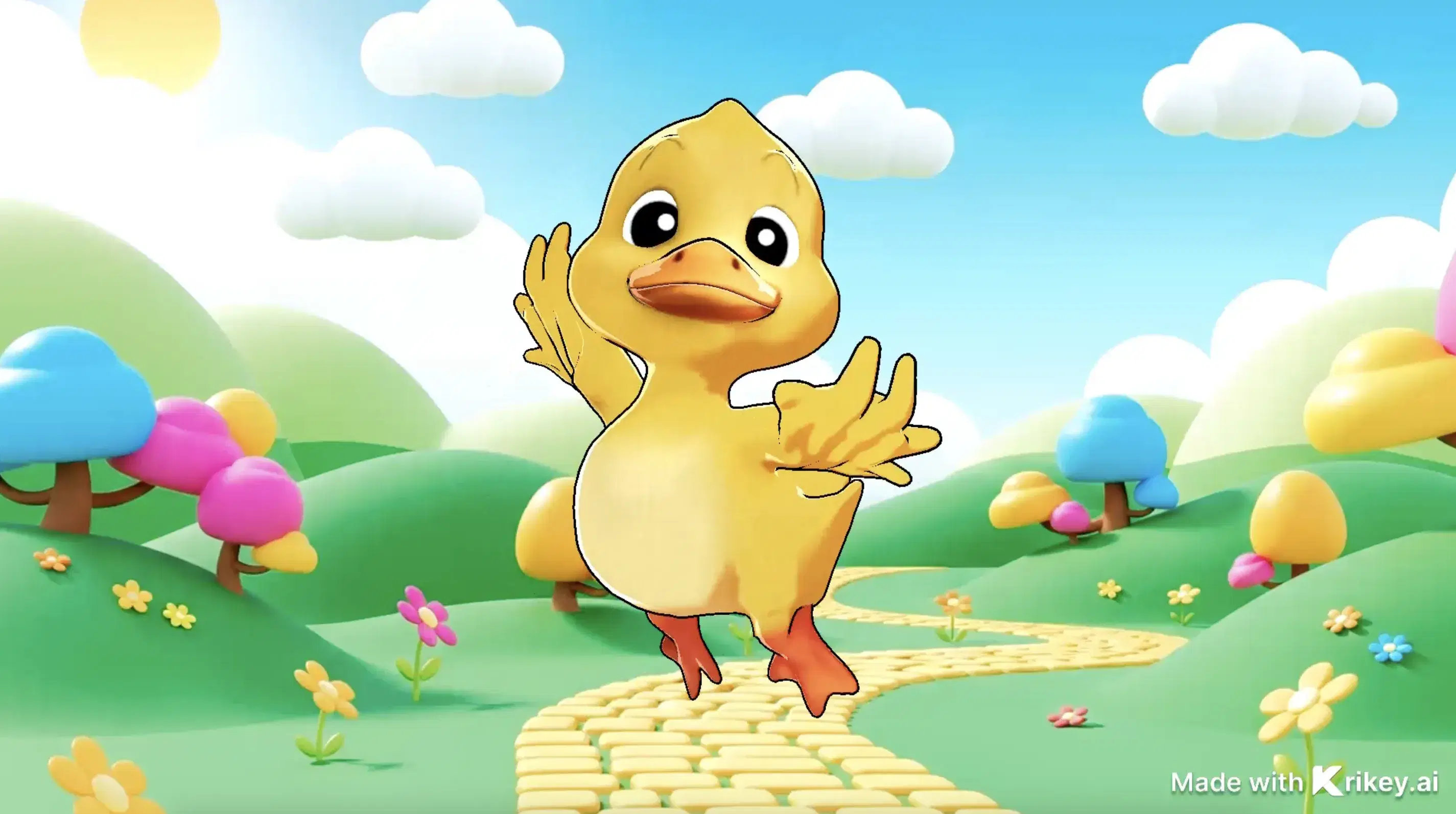
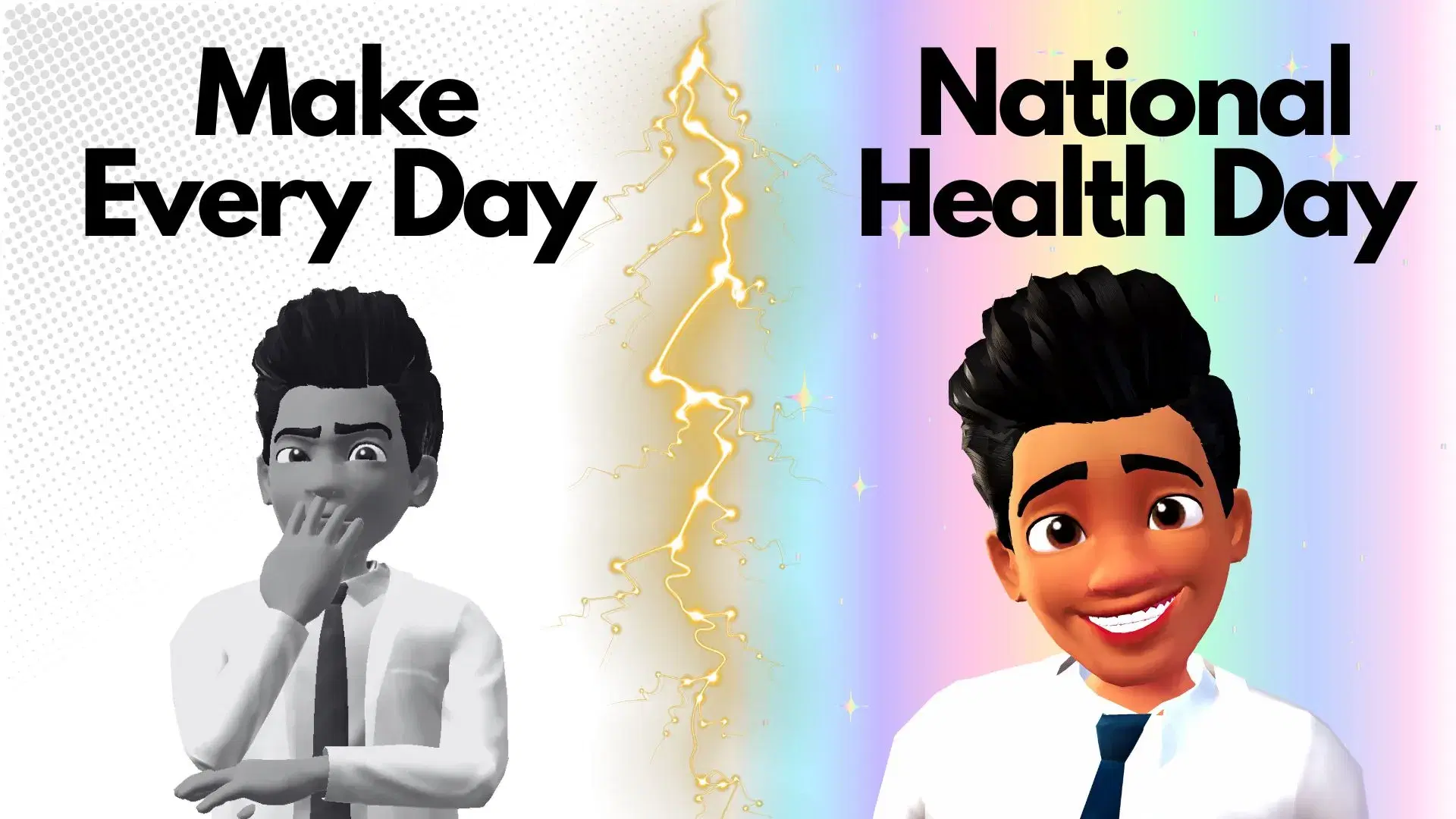
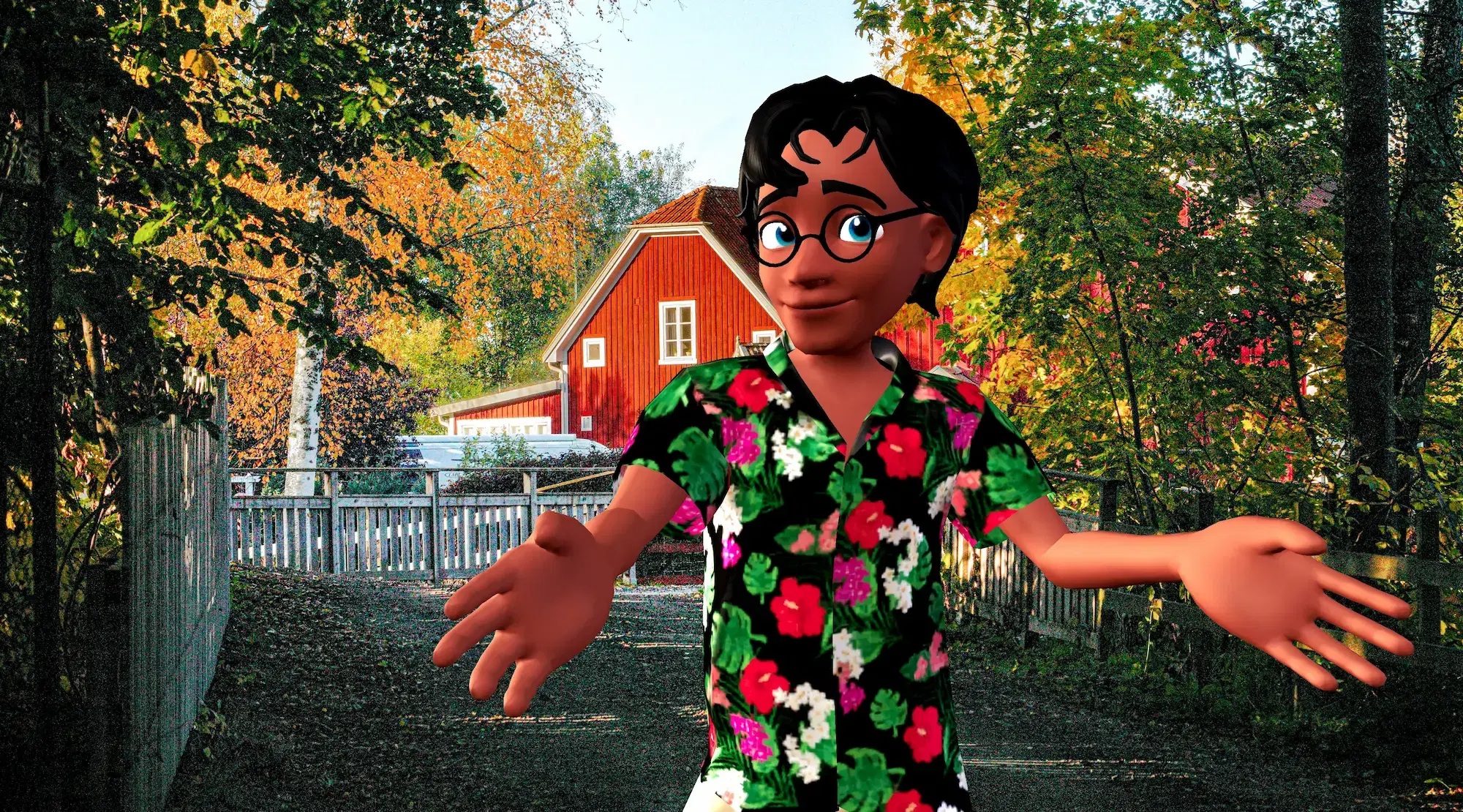
Featured 3D Characters
Bring your story to life with customizable 3D animated avatars



Bring 3D Animations to Your Favorite Tools
Export and animate seamlessly across your creative workflow
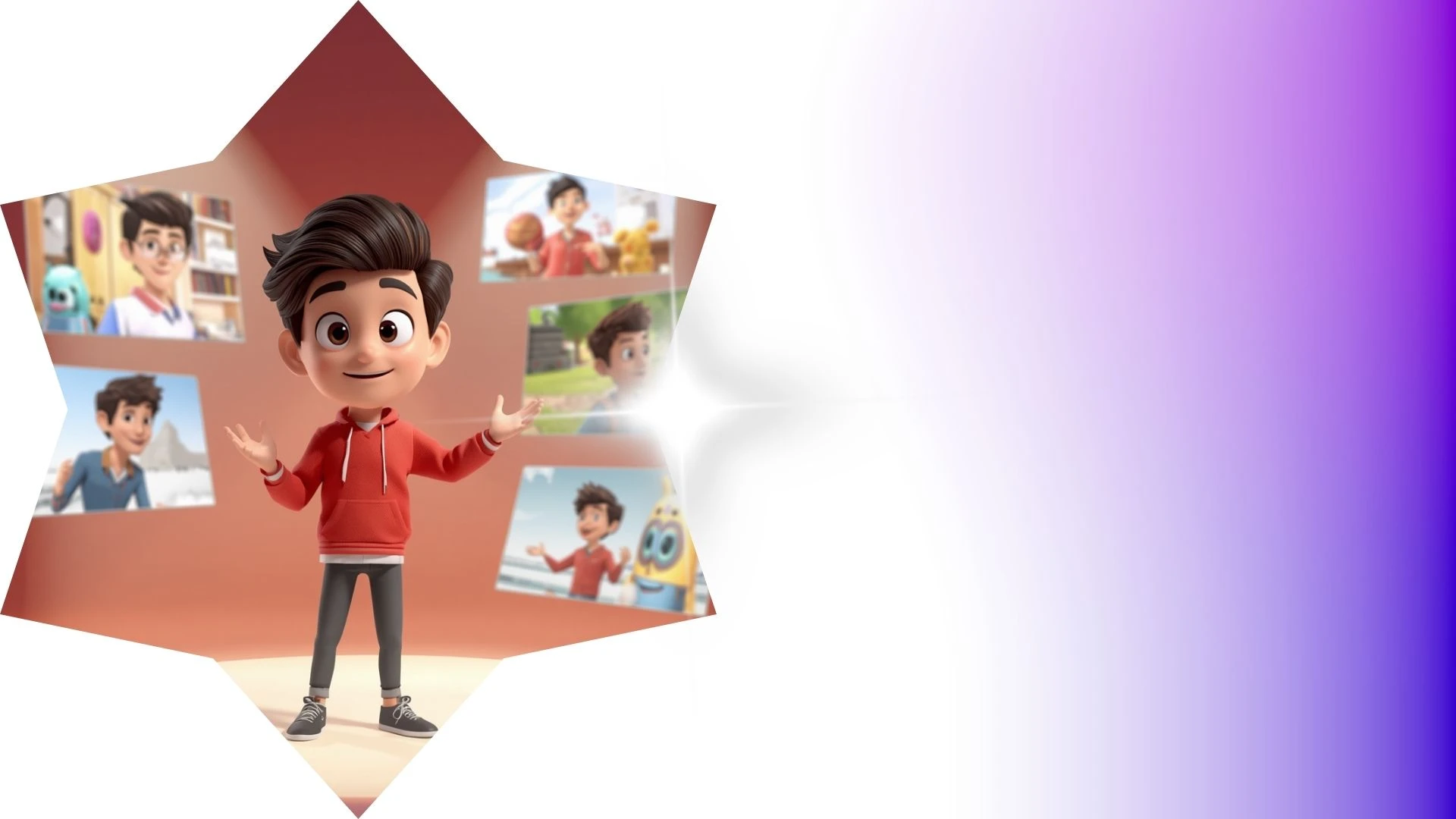
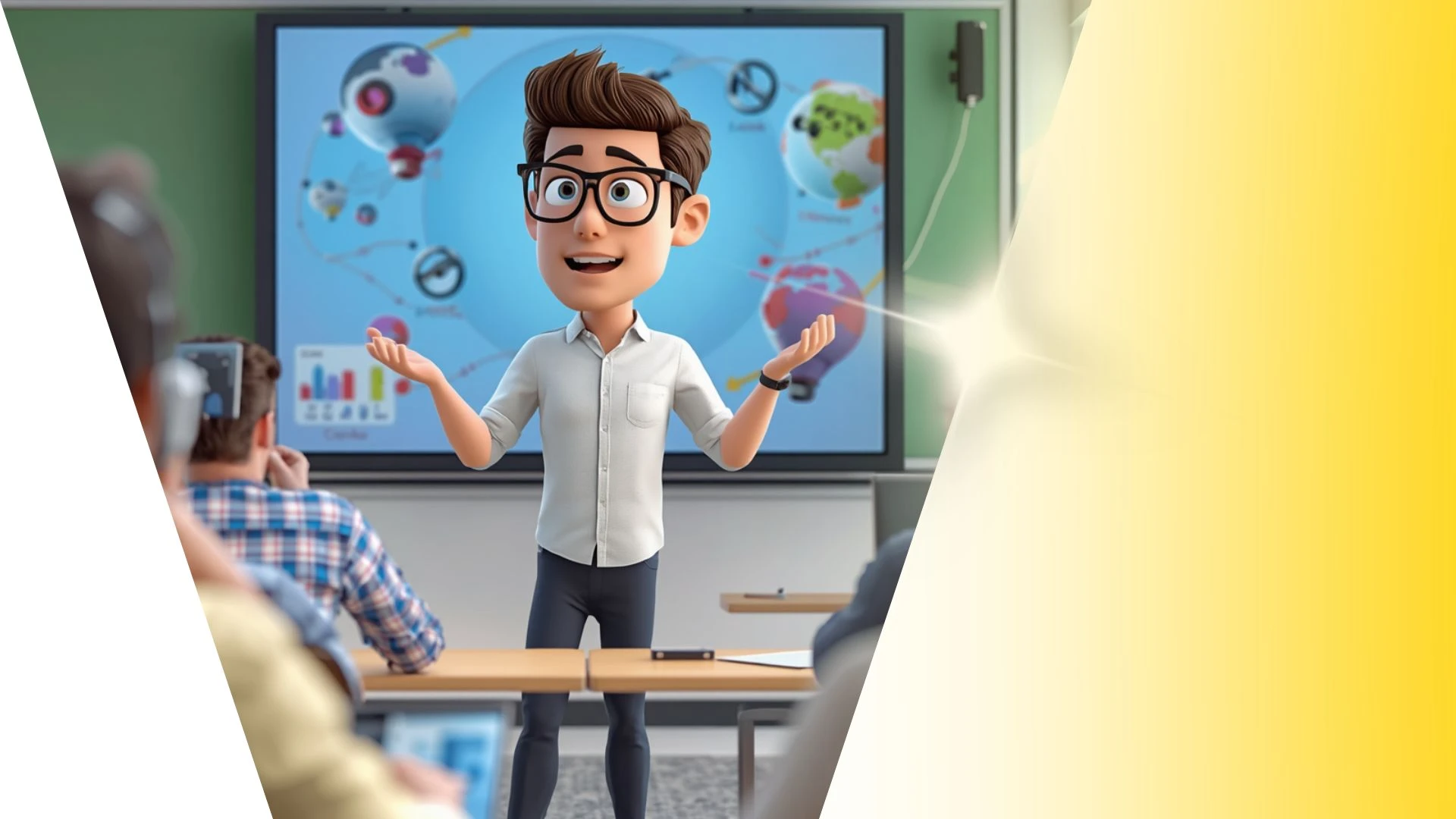
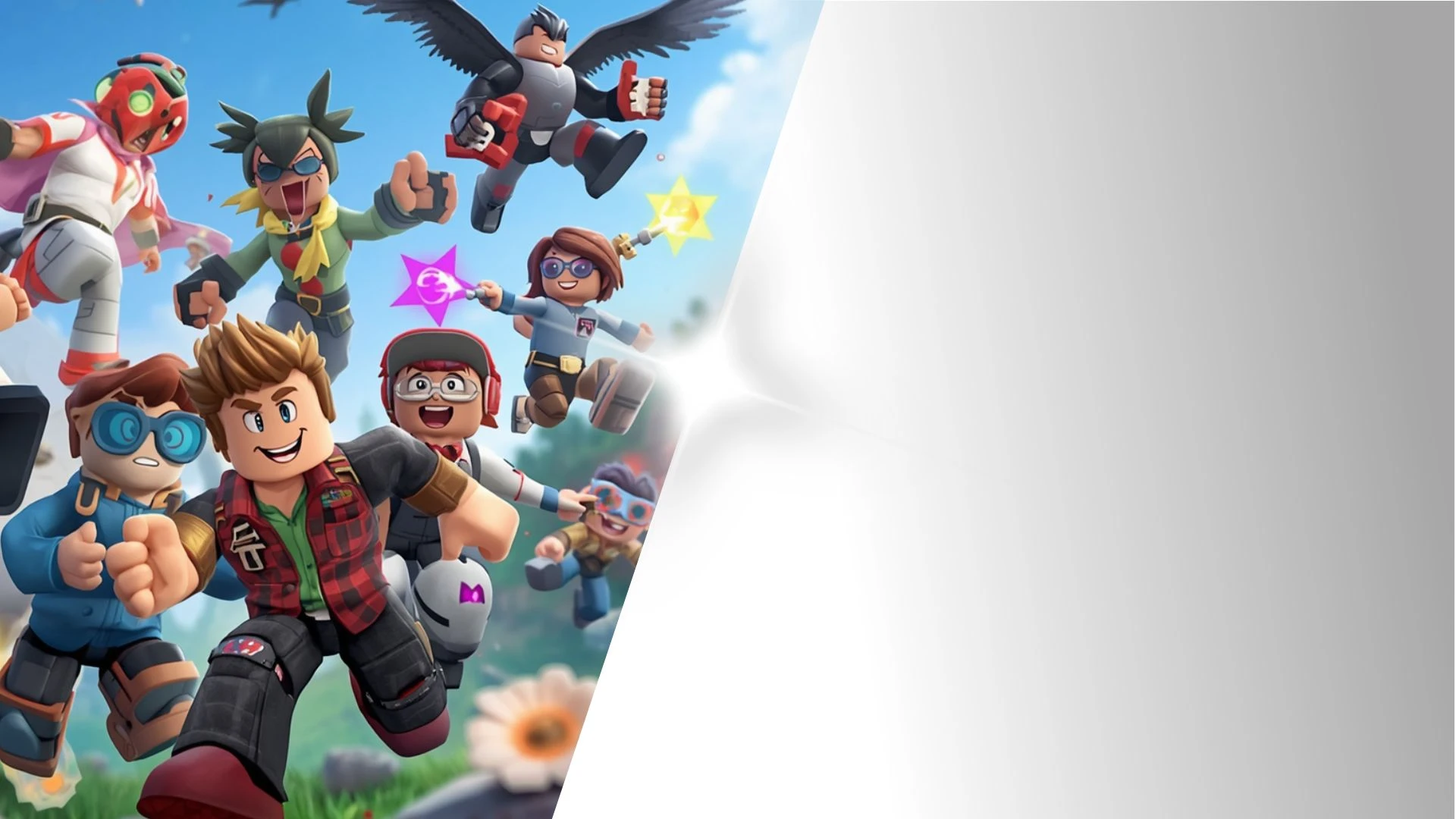
Captivate Audiences with Engaging Animated Characters
Convert written scripts into lifelike voiceovers in 100+ languages. Automatically synchronize lip movements and emotional facial expressions.
AI Animation for Kids
Create 3D vertical videos for TikTok and Reels from horizontal scenes using Krikey AI AI Animation Maker easily.
AI YouTube Shorts Generator Template
Build custom 3D avatars with Krikey AI Character Generator, accessing royalty-free motion presets and dance moves directly on your timeline.
AI Video Generators
Animate medical videos with Krikey AI Cartoon Doctor Video Maker, featuring voiceovers in 100+ languages and auto lip-syncing.
AI Animation Maker
Elevate higher education with Krikey AI, generating cinematic 3D motions, realistic physics, and dynamic camera angles directly from text.
Frequently Asked Questions
Learn more about creating, customizing, and sharing 3D animations with Krikey AI.
Can I create vertical 9:16 videos for TikTok, Reels, and YouTube Shorts?▾
Yes, switch your canvas aspect ratio between vertical (9:16), widescreen (16:9), and square (1:1) at any time with automatic resizing.
Can I convert real human video into 3D animation?▾
Yes, Krikey’s AI Video-to-Animation tool allows you to upload a short video of a person moving to extract their real-world motion capture data directly onto your 3D avatar.
Can I import Krikey FBX files into Blender or Maya?▾
Yes, standard FBX exports can be imported into Blender, Autodesk Maya, or 3ds Max for further rigging, custom lighting, or VFX simulation.
Can teachers use Krikey to create animated classroom lessons?▾
Yes, educators use 3D avatars to illustrate historical figures, demonstrate scientific concepts, and create bite-sized interactive learning modules.
Can I export animations with a transparent background (green screen)?▾
Yes, you can render your characters against a solid chroma green screen or export transparent GIF files for effortless compositing in video editing tools.