Tiger Facts1

This 3D animation was generated using Krikey AI's animation editor. Starting from a simple text prompt: "YouTube intro video with cool dance moves that welcomes people to my channel: Tina's Tiger Facts", the AI rendered the 3D scene, character animations, and voice dialogue.
View full transcript▼
Welcome to Tina's Tiger Facts! Get ready to groove with our dynamic, high-energy dance moves as we dive deep into the untamed world of the jungle's ultimate apex predators.
Here, we perfectly blend wildlife education with pure entertainment. Our channel brings you fascinating, little-known tiger facts alongside stunning, high-definition visuals that are guaranteed to ignite your curiosity.
From their incredible hunting strategies to their secretive family lives, you will discover what truly makes these big cats legendary. Do not miss out on any of our upcoming wild adventures.
Hit that subscribe button right now, join our fast-growing community, and let's roar together!
Turn your ideas into animations like this.
No complex software. No render farms. Just your imagination and Krikey AI.
Make a new video→More Like This
Explore community 3D animations
Popular 3D Animation Templates
Choose a ready-to-use template to jumpstart your video
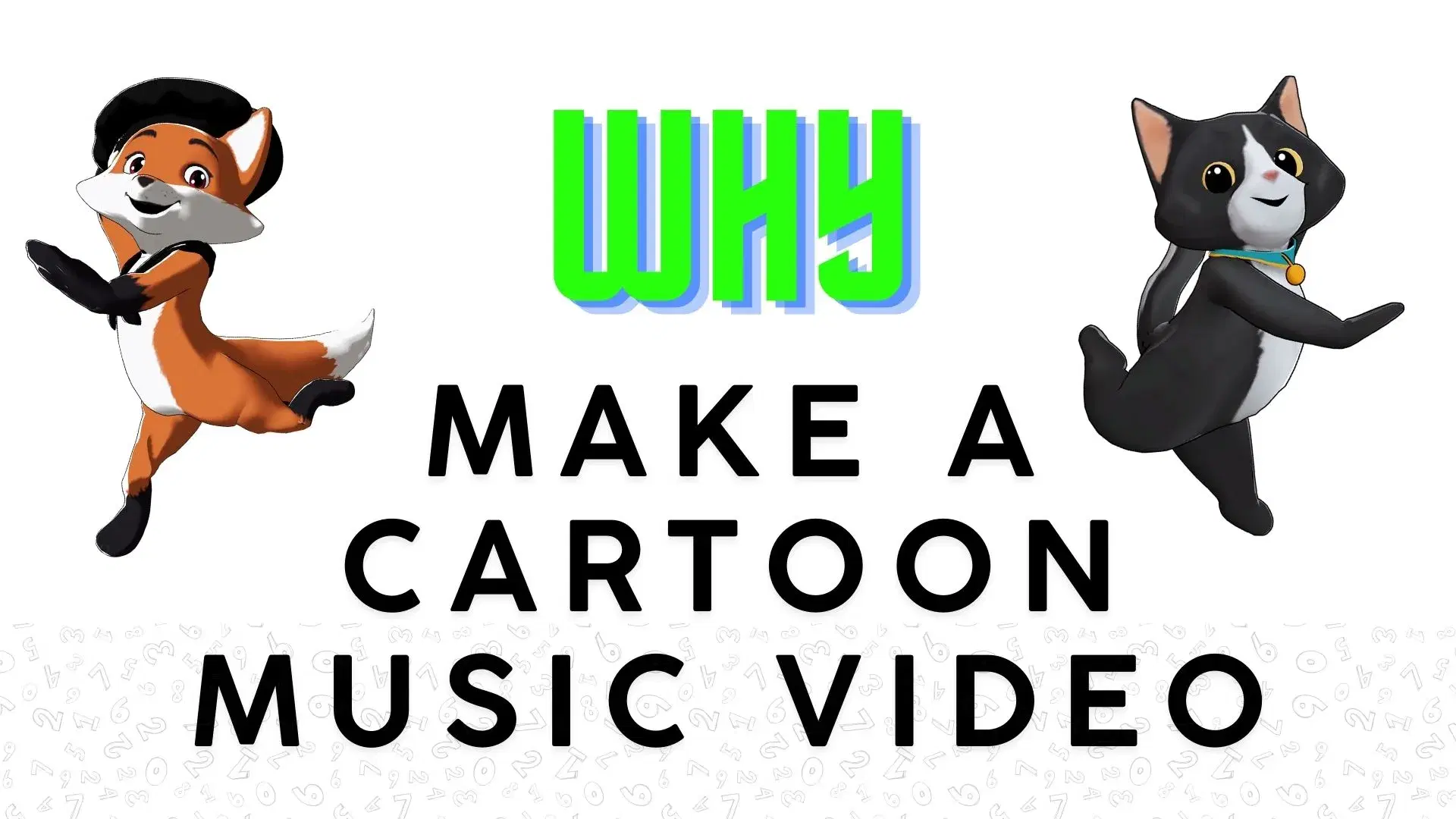

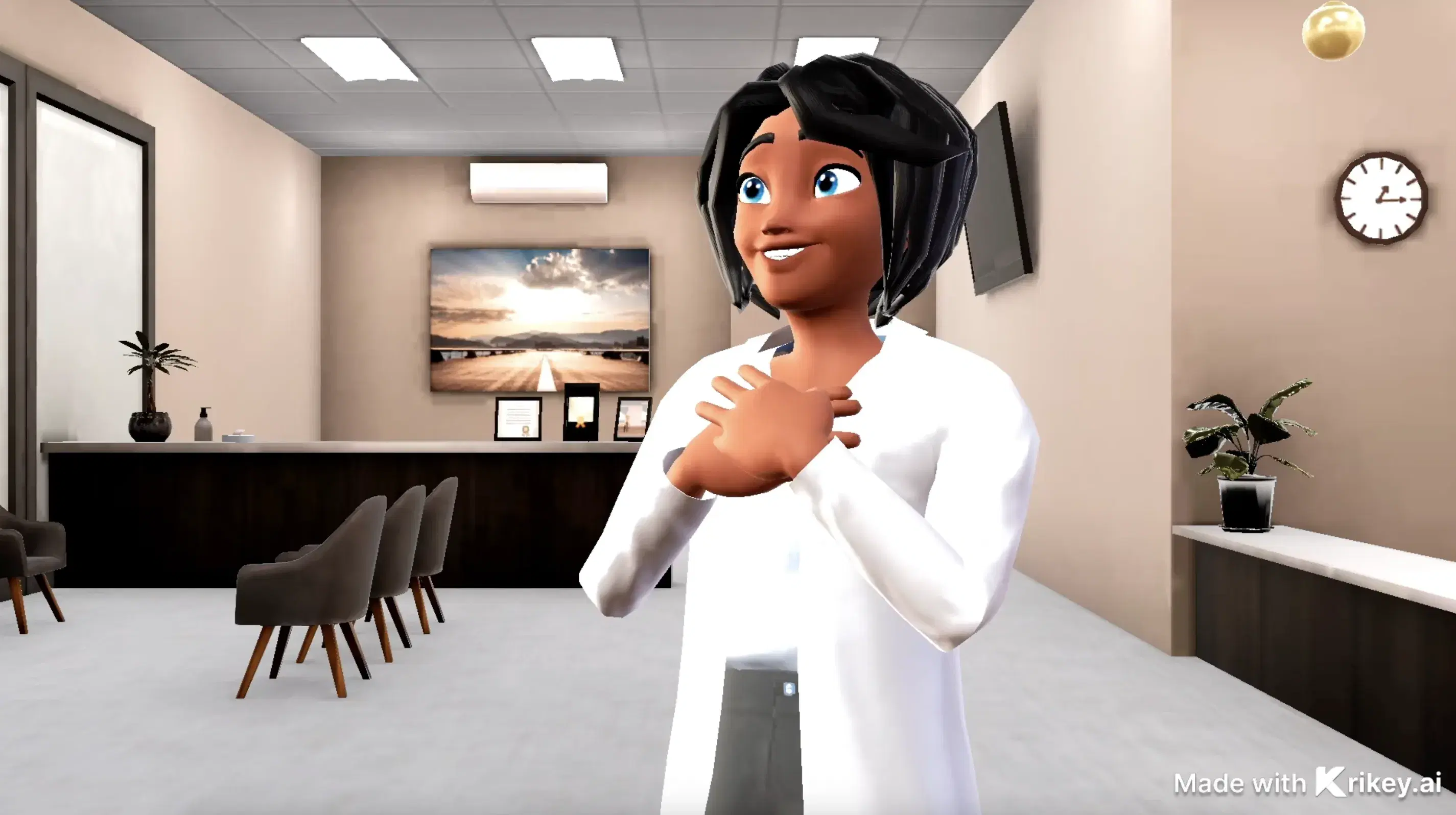
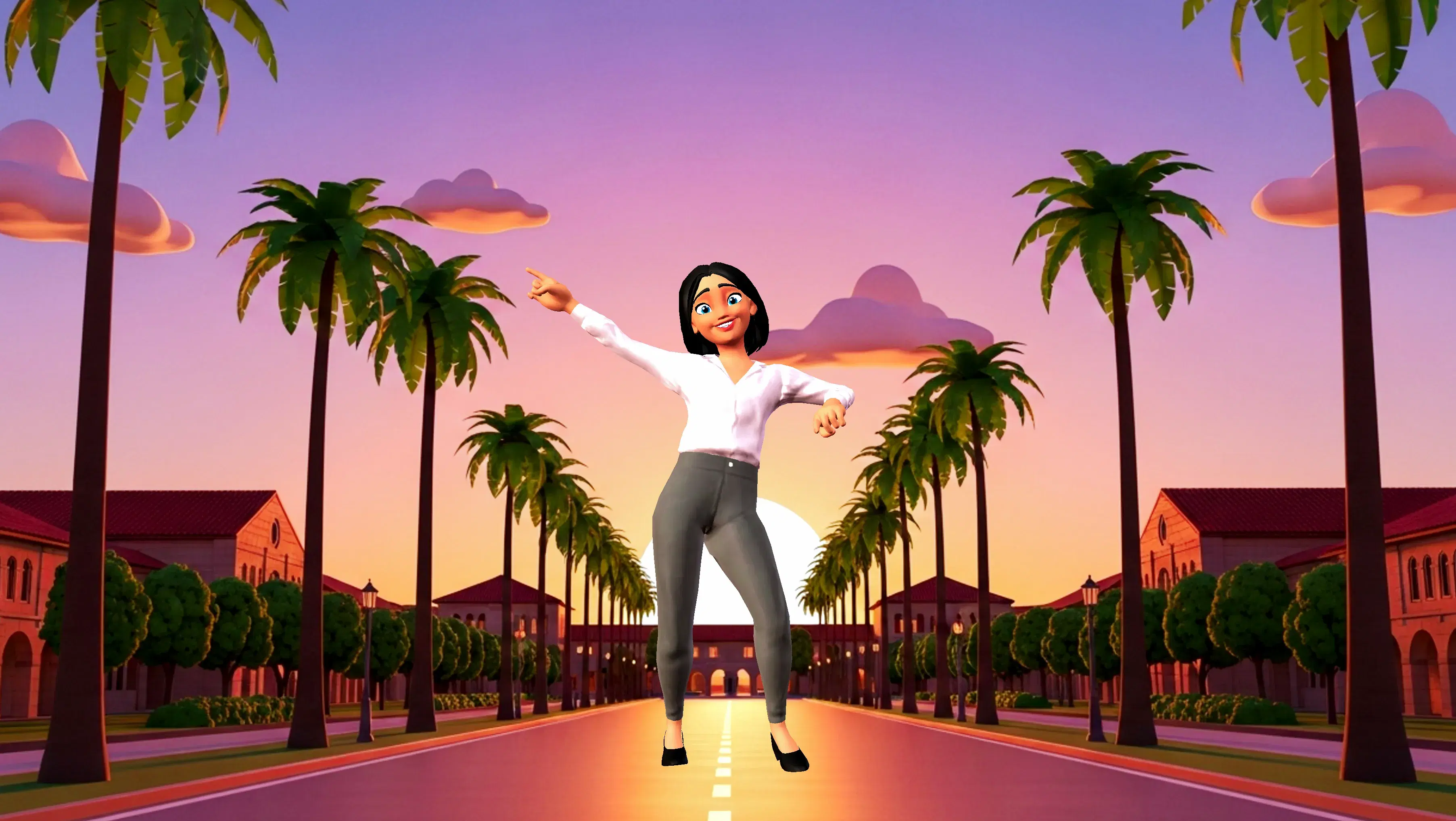
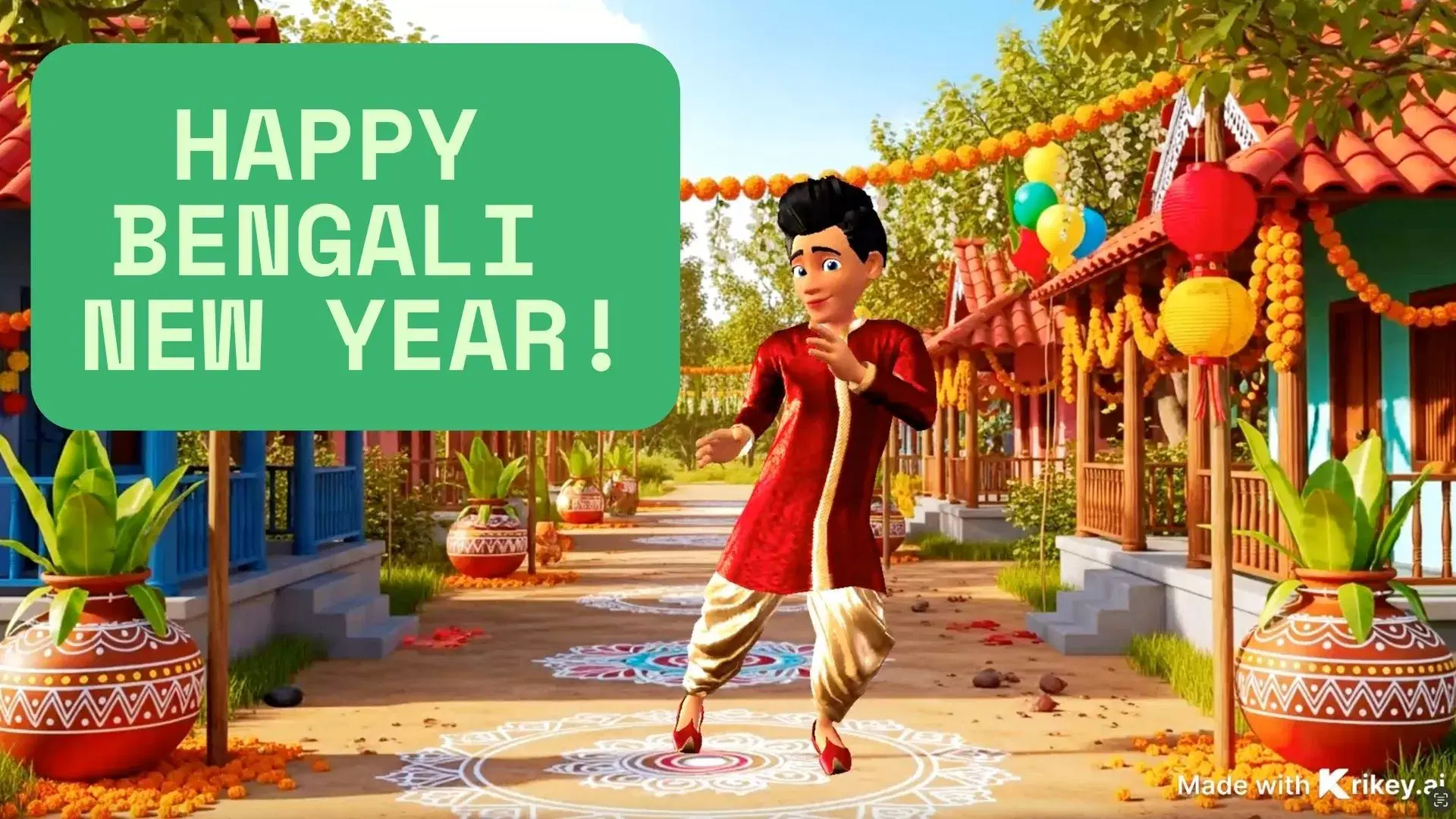
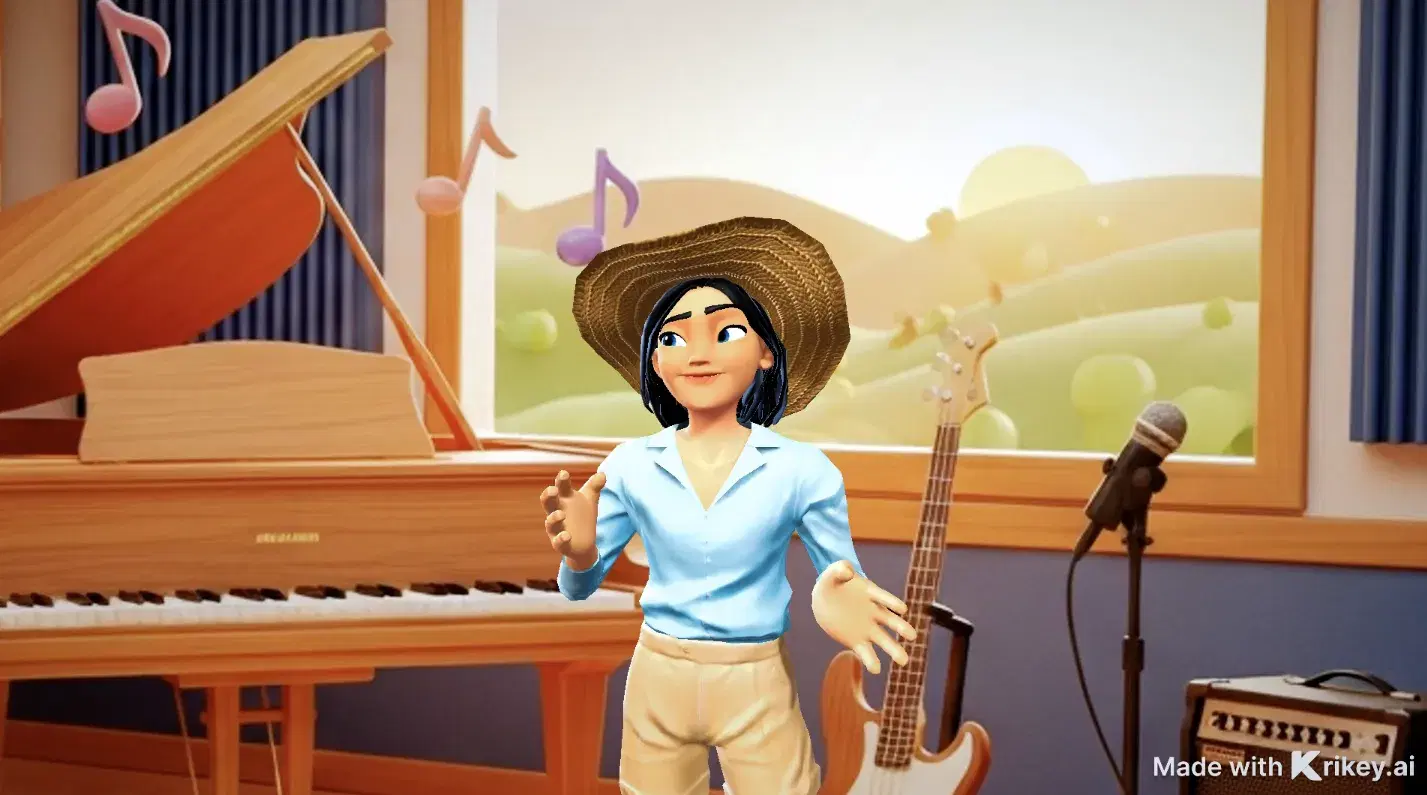
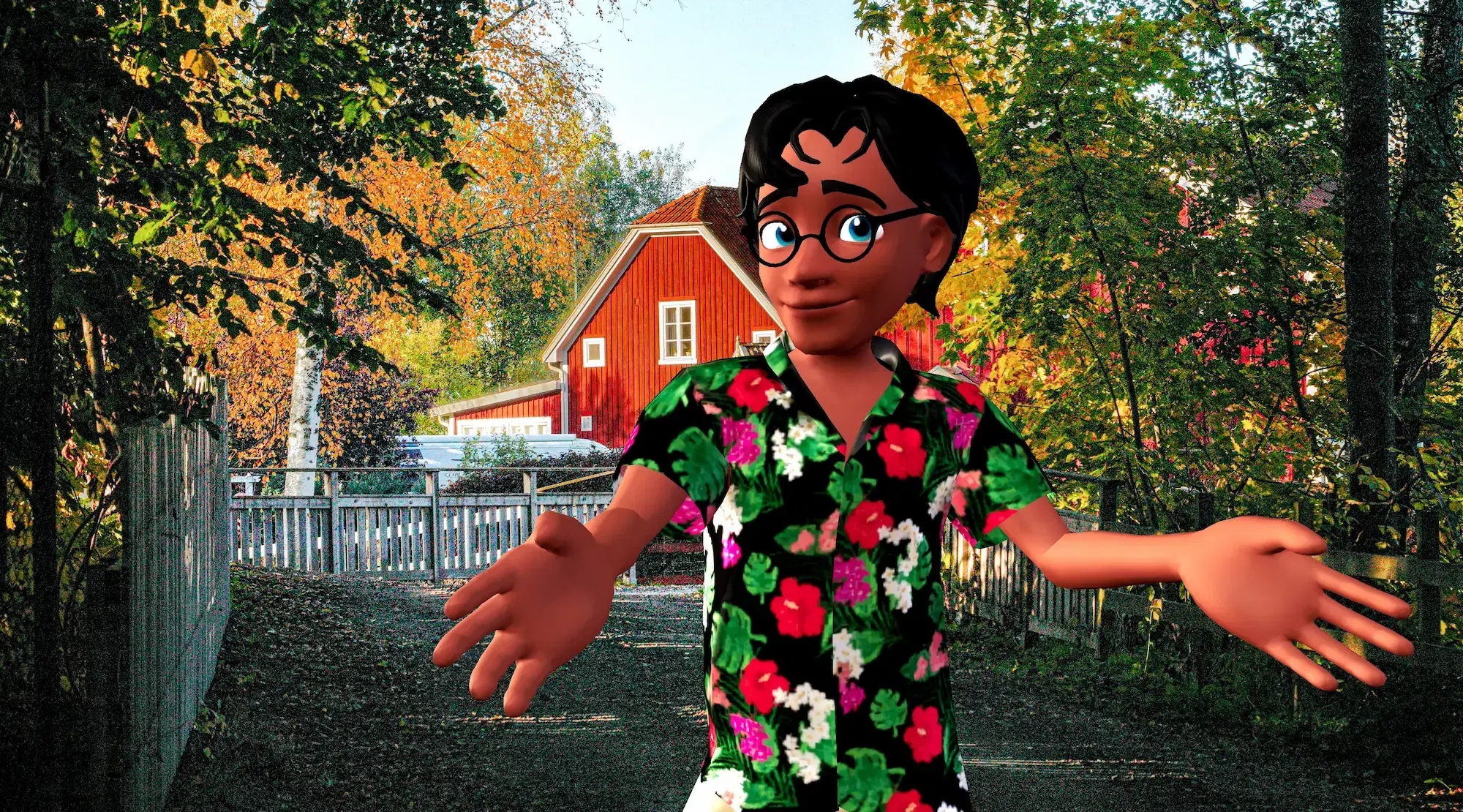

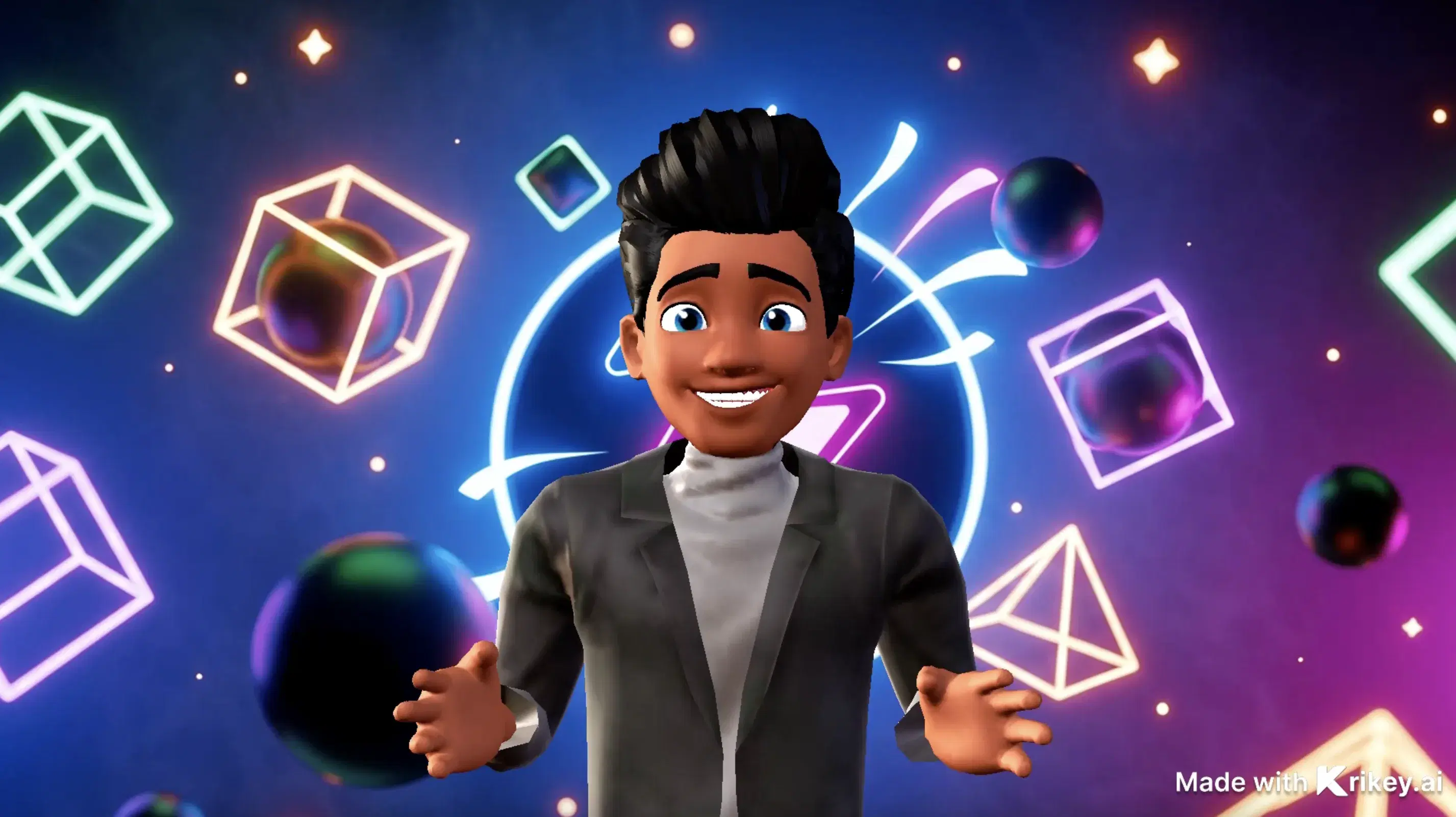
Featured 3D Characters
Bring unique cartoon characters to life with AI animation



Integrations & Workflows
Export 3D animations directly to your favorite creative platforms and game engines

The Modern Animation Studio: Infinite 3D Motion in Seconds
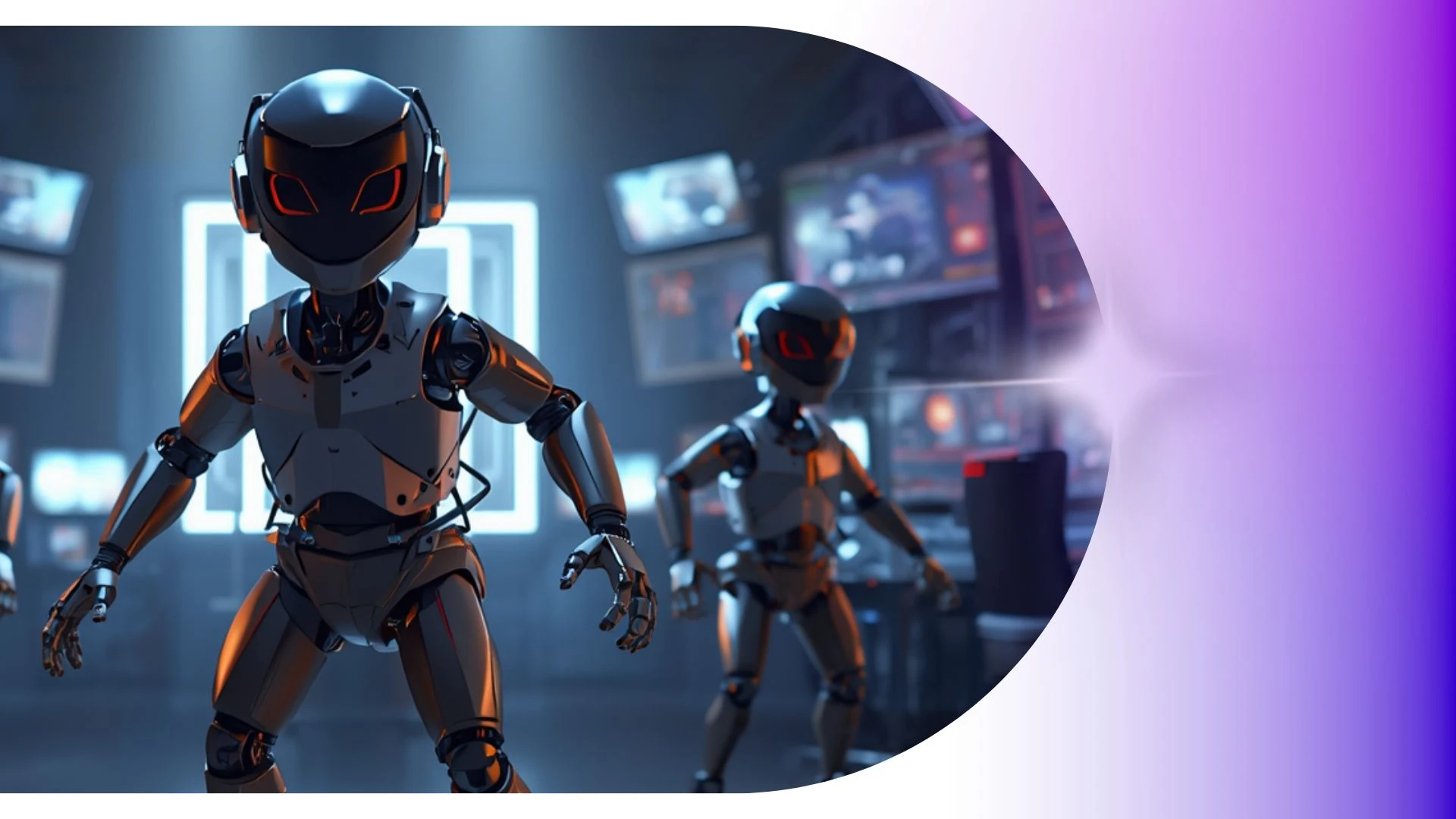
Turn text prompts into cinematic 3D character motions. Generate realistic physics, dynamic camera angles, and smooth choreography effortlessly.
AI Video to Anime Converter
Easily transform podcast episodes and voice recordings into animated video podcasts using Krikey AI Free Mocap Animations.
Transparent GIF Maker
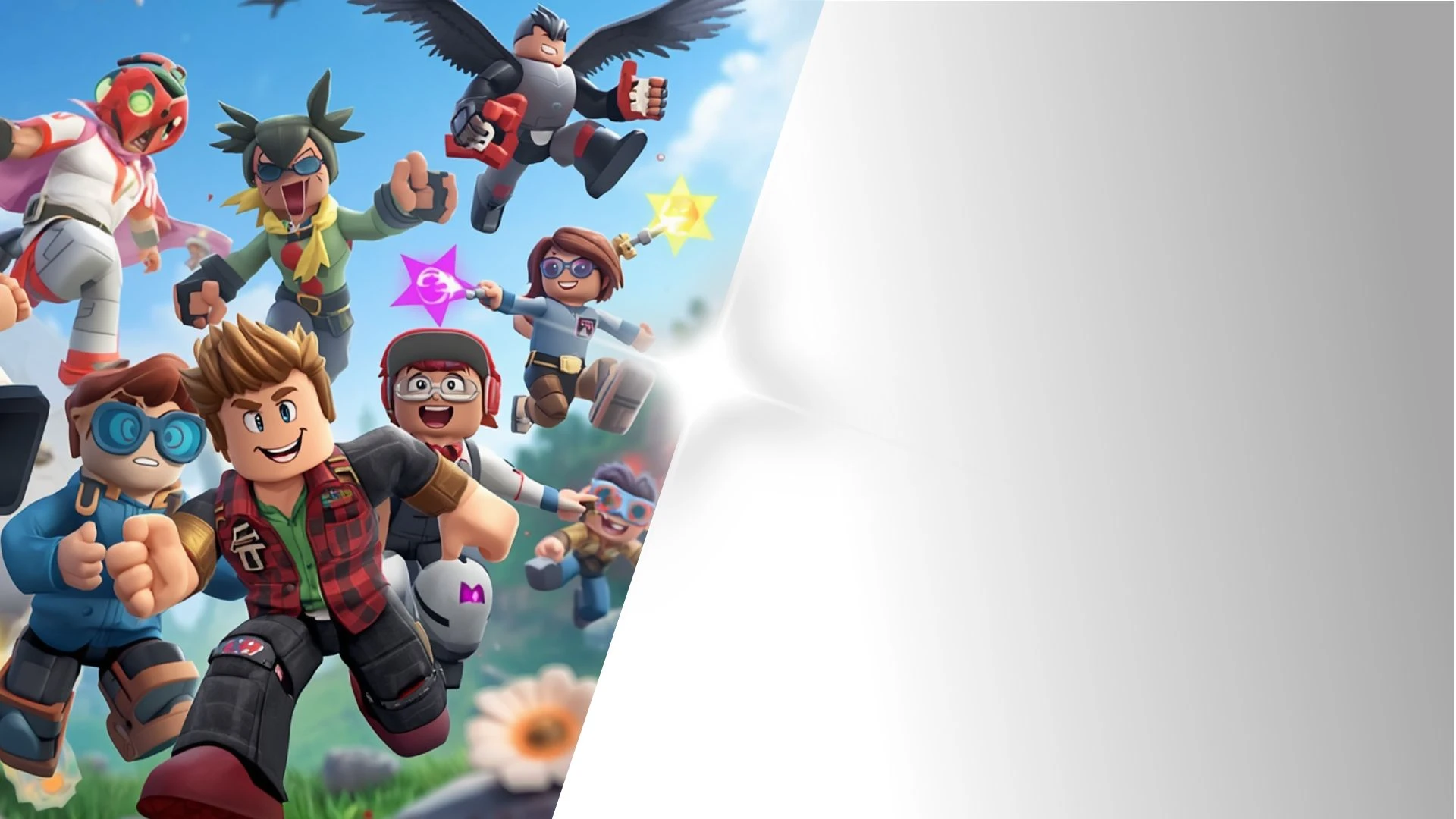
Create AI animations for kids with Krikey AI, exporting high-res 1080p MP4, GIF, or FBX files quickly without expensive GPUs.
3D Storytelling Tools for Students
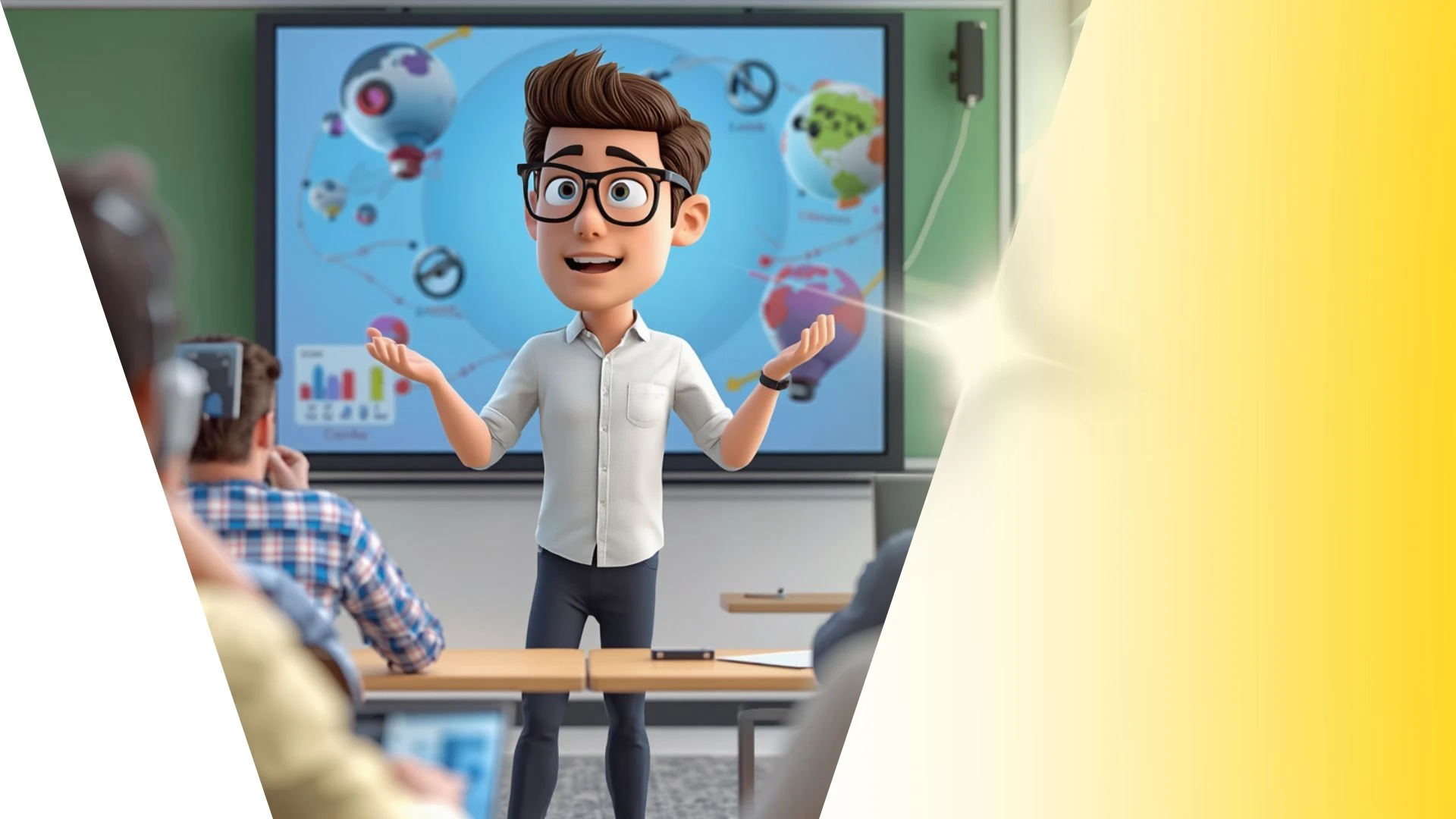
Build engaging lessons with Krikey AI 3D Animation Tools for Education, turning video clips into clean 3D skeletal motion data easily.
3D Animation App Features
Adapt 3D scenes into 9:16 vertical videos for TikTok, Reels, and YouTube Shorts to quickly turn horizontal campaigns into social content.
Frequently Asked Questions
Learn more about creating, customizing, and sharing 3D animations with Krikey AI.
Can I record my own voice directly in the editor?▾
Yes, you can record voiceovers live using your computer microphone directly inside the Krikey audio recording interface.
What AI tools were used to generate this animation?▾
This video was created using Krikey AI's generative suite, including Text-to-3D Animation, AI Voice dialogue dubbing with automatic lip-sync, customizable 3D avatars, and real-time cloud rendering.
Can I control facial expressions separately from body movement?▾
Yes, you can layer distinct facial expressions (such as happy, skeptical, surprised, or focused) independently over any running body animation.
Do I need 3D animation or coding skills to use Krikey AI?▾
No prior animation, rigging, 3D modeling, or coding experience is required. The intuitive editor makes professional 3D production accessible to marketers, teachers, and creators.
How many languages does Krikey's Text-to-Speech support?▾
Krikey supports AI-powered lip-synced text-to-speech across more than 20 languages with diverse regional accents and natural cadences.