How to Create Adobe Captivate interactive 3D Learning Assets with Krikey AI
Generate Adobe Captivate interactive 3D Learning Assets with Krikey AI Animation. Simplify your workflow and speed up asset production to fuel your creativity.

 100,000+ creators, social media teams, marketing agencies, teachers & students animate with Krikey


Happy Krikey AI Guide to Captivate 3D Learning Assets
Instructional designers often find that the steep learning curve and non-intuitive interface of traditional tools make configuring advanced interactions and 3D assets for Adobe Captivate time-consuming and complex. This technical bottleneck can stall the development of immersive training content. Krikey AI Animation offers a powerful solution to accelerate your workflow. Instead of struggling with complex configurations, Krikey AI Animation offers an intuitive, AI-powered interface that simplifies creating interactive 3D assets for Adobe Captivate. By automating the rigging and animation process, you can focus on creating high-quality, engaging learning experiences. Streamline your production and bring your 3D learning assets to life effortlessly with the power of Krikey AI.
Your Growth, Amplified
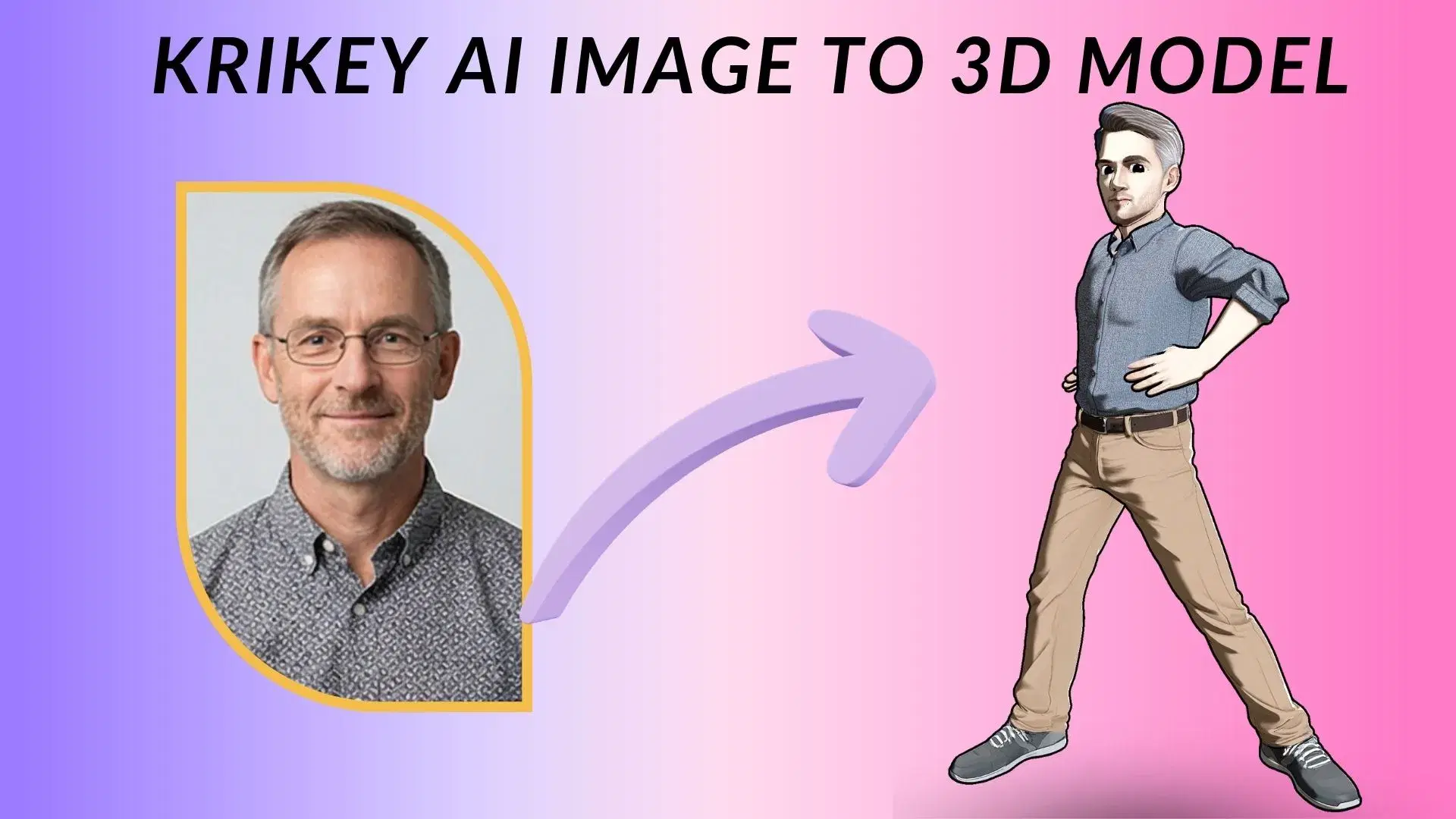
Build Your 3D Character
Instead of complex setups, use Krikey AI to build 3D characters for Adobe Captivate with an easy, intuitive interface.
Generate Pro AI Animation
Just use Krikey AI to Generate Pro AI Animation; it's the easiest way to simplify Adobe Captivate interactive 3D assets.
Publish Your Design
Krikey AI makes it easy to Publish Your Design via FBX, MP4, GIF or PNG for Adobe Captivate interactive 3D assets.
Learn with Krikey AI Animation for Adobe Captivate assets
Mastering the creation of Adobe Captivate interactive 3D Learning Assets is now faster and more intuitive with Krikey AI Animation. By providing an easy-to-use, AI-powered interface, Krikey removes the technical barriers and steep learning curves traditionally associated with 3D asset configuration. Instructional designers can quickly generate high-quality animations and export them in various formats, significantly reducing production time and allowing for more focus on creating immersive and effective training content for their learners.
Animate Your Script
Now, use Krikey AI to turn text into 3D animations for Adobe Captivate interactive 3D Learning Assets. Simply type a prompt to generate motion and export for immersive training content in minutes.
Browse Workflows
Optimize your workflows like Adobe Captivate, Moodle, and Canvas with Krikey AI Animation. Speed up production effortlessly. Click here to see all our workflows!
Download animatable 3D characters or create via AI
Pick from Krikey AI's library of pre-rigged 3D models or use the AI generator to create custom characters for Adobe Captivate. This seamless integration accelerates your interactive learning workflow.
More Integrations like this
Connect Krikey AI with more of your favorite tools and platforms.

How to Animate from Krikey AI to Adobe Captivate interactive 3D Learning Assets
Explore how Krikey can support with your Adobe Captivate interactive 3D Learning Assets
Empower Your Assets: Automated 3D Character Rigging via Krikey AI
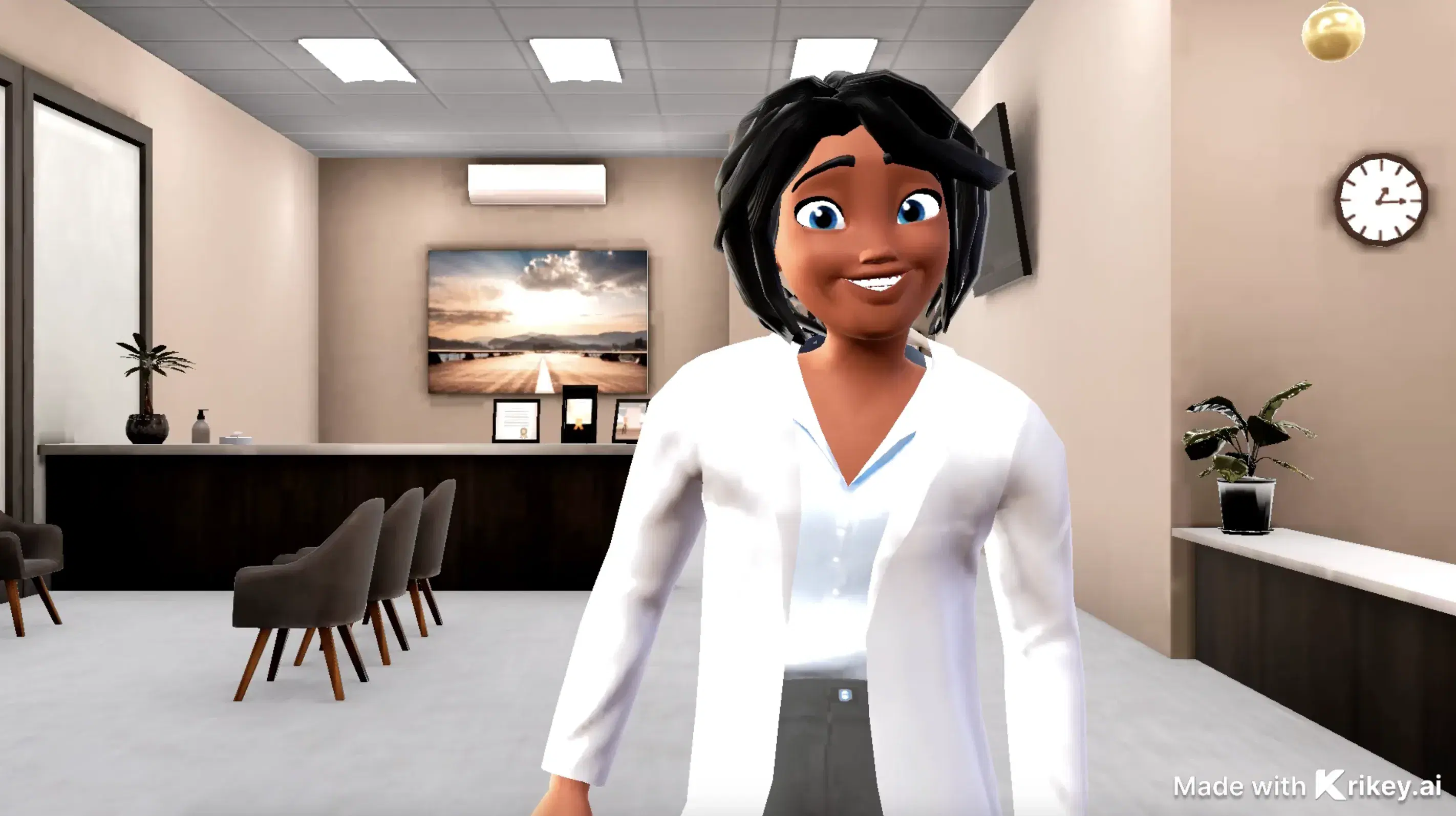
Rigging and creating 3D avatars is easy with Krikey AI. Use them in Adobe Captivate for immersive branch scenarios, interactive software simulations, or guided learning tours with talking characters.
Anyone Can Make 3D Characters Talk and Sing with Krikey AI
Simplify 3D learning in Adobe Captivate with Krikey AI. Use text to animation for interactive avatars in training videos, talking podcasts, or GIFs for software projects.
Speed Up Content Creation: Export Krikey MP4/FBX to Your Workflow
Transfer your Krikey AI 3D projects as FBX or MP4 files to any workflow or social platform. Use these exports in Adobe Captivate for interactive simulations, branched scenarios, or software tours.
Frequently Asked Questions (FAQs) about Adobe Captivate interactive 3D Learning Assets
These are Frequently Asked Questions (FAQs) about Adobe Captivate interactive 3D Learning Assets and Krikey AI Animation
More templates like this
Explore templates designed to supercharge this integration.

Featured Community Animations
See how creators are using this integration to bring their ideas to life





Supercharge Your Creative Workflow Today
Try Krikey AI for free and generate 3D animated content in seconds.
Get Started Free