Create a Moodle Course Explainer Video Animation with Krikey AI
How to create a Moodle Course Explainer Video Animation using Krikey AI. Our tools speed up your production and offer new ways to spark your creative workflow.

 100,000+ creators, social media teams, marketing agencies, teachers & students animate with Krikey


Incredible Krikey AI Moodle Course Animation Guide
Educators often struggle with static, one-way content that fails to engage learners or capture their attention in digital environments. This lack of interactivity can lead to decreased motivation and poor information retention. Krikey AI Animation offers a revolutionary solution for Moodle Course Explainer Video Animation by allowing you to easily integrate interactive 3D talking avatars into your lessons. These dynamic characters transform traditional text and slides into a captivating experience. Just use Krikey AI Animation to replace static content with interactive 3D talking avatars that capture student attention and improve information retention. By streamlining the animation process, Krikey helps you accelerate production while delivering high-quality, professional results that truly resonate with your students and breathe new life into your online courses.
Your Funnel, Velocity-Driven
Create Your 3D Character
Just use Krikey AI to create 3D characters that replace static content with talking avatars to boost student engagement.
Generate Dynamic AI Motion
Krikey AI makes it easy to generate dynamic AI motion for Moodle, replacing static content with engaging 3D animations.
Generate Final Build
Learn to easily generate your final build and export in any format like FBX or MP4 for your Moodle course animations.
Maximize Moodle lessons with Krikey AI Animation
Now you can revolutionize your Moodle Course Explainer Video Animation by integrating Krikey AI to replace static, unengaging slides with dynamic 3D talking avatars. This innovative tool accelerates production by automating the rigging and animation process, allowing educators to create professional-quality videos in minutes rather than days. By streamlining the workflow from character creation to final export, Krikey AI helps you deliver immersive lessons that capture student attention.
Turn Prompts into Videos
Open the Krikey AI editor to use Text to Animation for Moodle courses. Enter your prompt, customize your 3D character, and export to create engaging explainer videos that captivate your students.
Let's Upgrade Your AI Workflows
Push your creativity with Krikey AI Animation to speed up Moodle, Canvas, and Kajabi workflows. Click this box to see all our integrations and start creating today!
Skip the modeling pipeline and generate 3D assets with AI
Ready-to-use 3D characters and an AI generator in Krikey AI help Moodle creators skip the rigging process. This integration accelerates your workflow, making course videos more creative and fast.
More Integrations like this
Connect Krikey AI with more of your favorite tools and platforms.




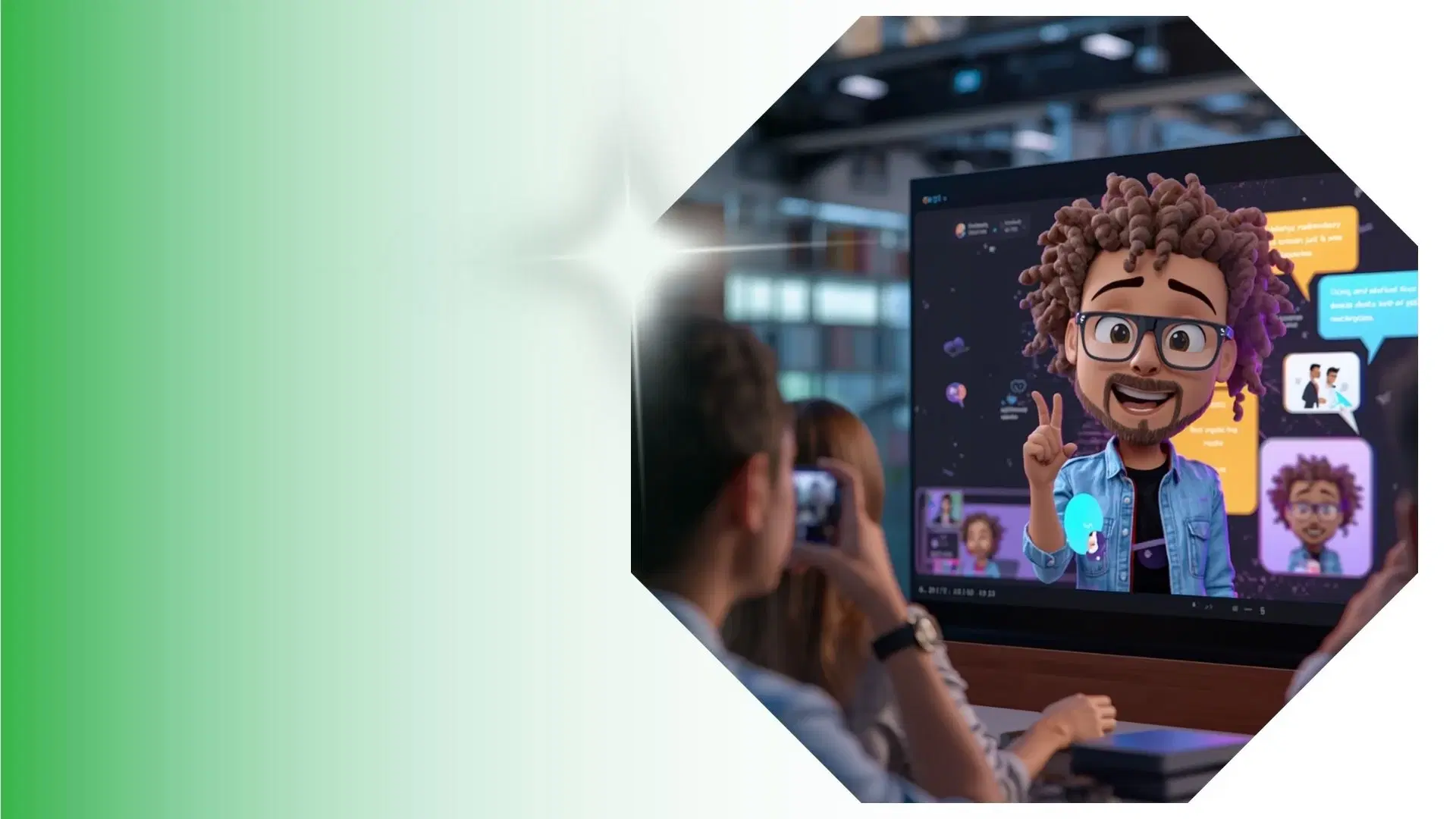
How to Animate from Krikey AI to Moodle Course Explainer Video Animation
Explore how Krikey can support with your Moodle Course Explainer Video Animation
Rapid 3D Character Creation and Automated Rigging with Krikey AI
Select or generate 3D avatars with auto-rigging for Moodle. These talk and sing, perfect for interactive lessons, virtual lecturers, or step-by-step course explainer videos to keep students engaged.
Streamline 3D Animation: Talk, Sing, and Move Using Krikey AI
Take Moodle Course Explainer Video Animation to the next level with Krikey AI. Animate custom 3D models for virtual lecturers, student podcasts, or interactive GIFs to boost learner engagement.
Enhance Your Final Edit: Bring Krikey MP4/FBX into Your Creative Workflow
Utilize Krikey AI to export MP4, GIF or FBX files directly into Moodle. This is perfect for embedding 3D virtual lecturers, animated lesson summaries, or interactive student feedback clips in your courses.
Frequently Asked Questions (FAQs) about Moodle Course Explainer Video Animation
These are Frequently Asked Questions (FAQs) about Moodle Course Explainer Video Animation and Krikey AI Animation
More templates like this
Explore templates designed to supercharge this integration.
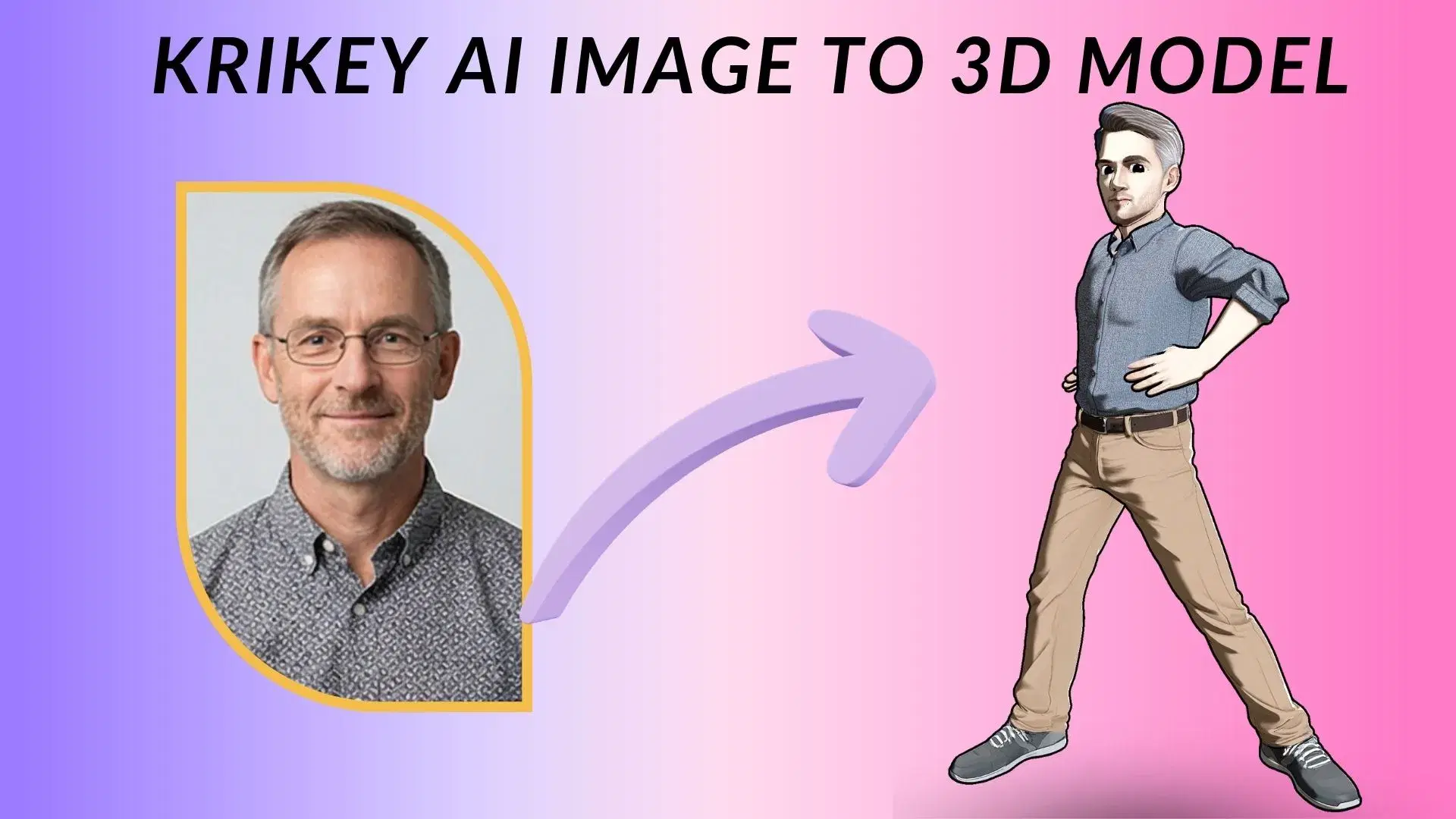

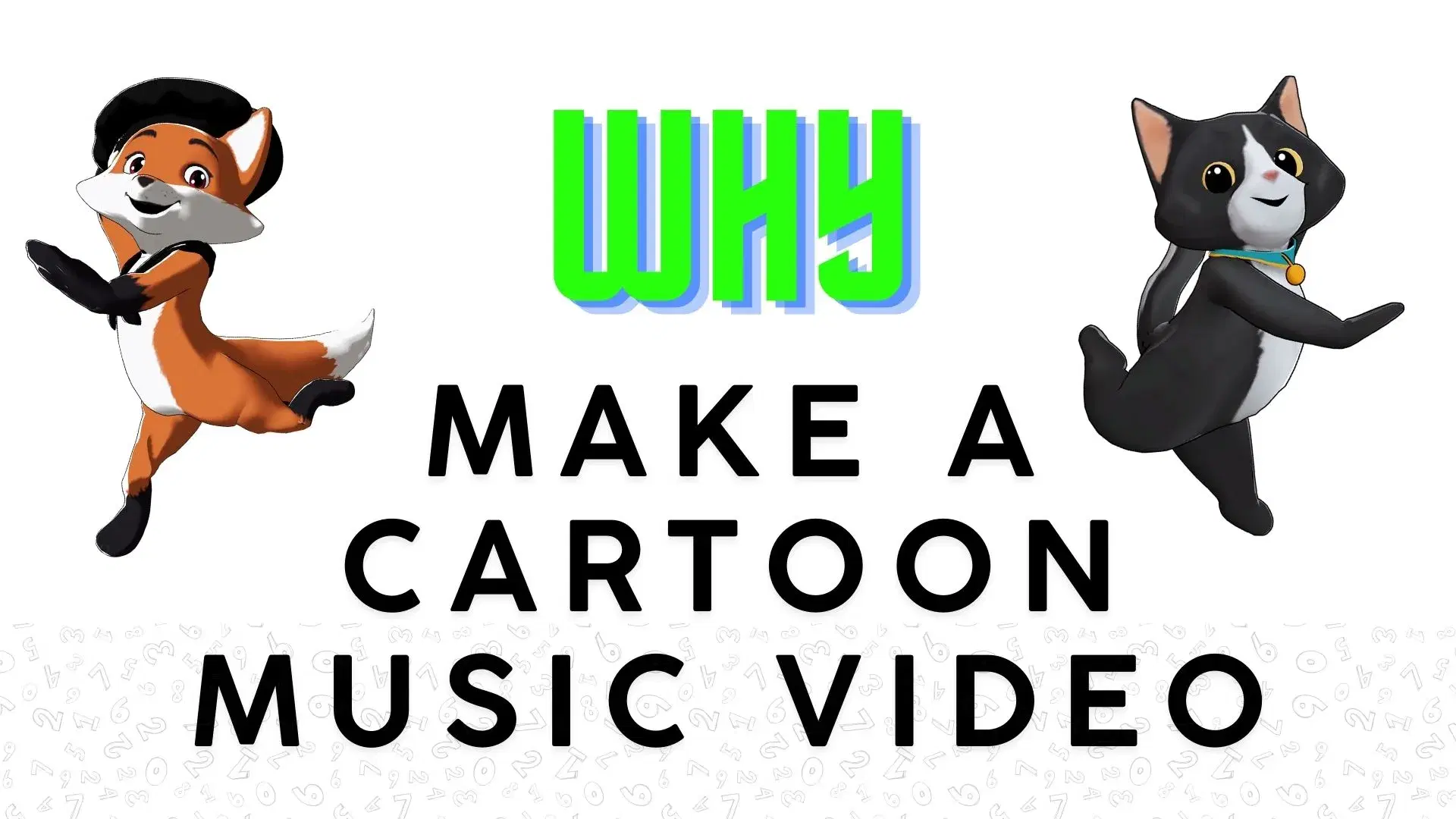
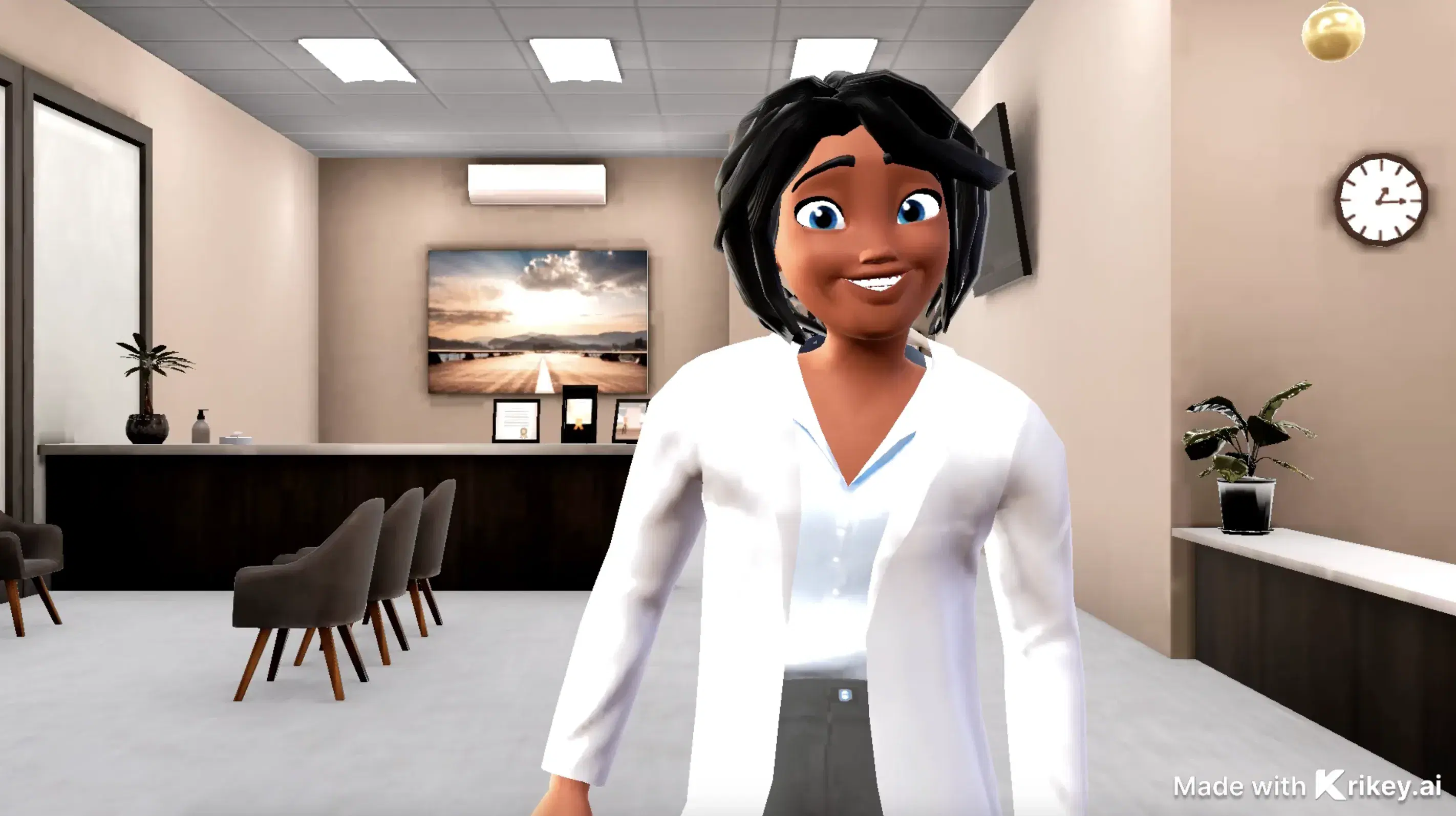
Featured Community Animations
See how creators are using this integration to bring their ideas to life





Supercharge Your Creative Workflow Today
Try Krikey AI for free and generate 3D animated content in seconds.
Get Started Free