How to Create EdTech Video Generator for Canvas Courses with Krikey AI
Innovate your workflow using our EdTech Video Generator for Canvas Courses. Krikey AI Animation accelerates your production and sparks limitless creativity today.

 100,000+ creators, social media teams, marketing agencies, teachers & students animate with Krikey


Joyful Krikey AI Guide for Canvas EdTech Video Generator
Educators often struggle to keep up with the demand for high-quality content, finding that creating professional instructional videos for Canvas is often too expensive and time-consuming to manage at scale. This bottleneck can hinder student engagement and course effectiveness. Krikey AI Animation offers a transformative solution by providing an affordable and efficient EdTech Video Generator for Canvas Courses. With this tool, you can generate professional-quality 3D animations without the high costs or heavy time commitment of traditional production, accelerating your workflow instantly.
Your Process, Streamlined
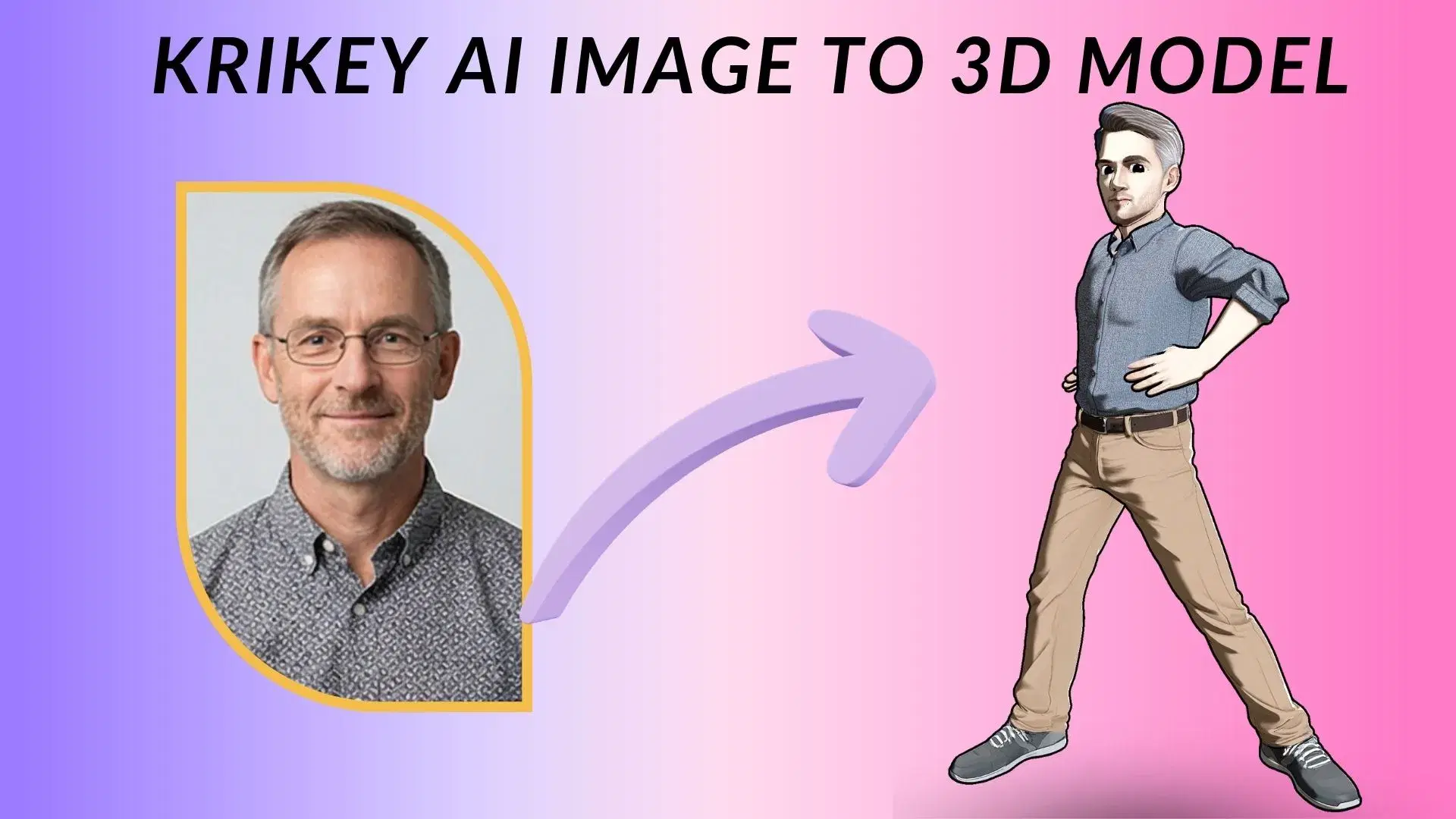
Generate Your 3D Character
Krikey AI makes it easy to generate 3D characters, helping educators create affordable Canvas animations in minutes.
Next-Gen AI Animation
Leverage Next-Gen AI Animation in Krikey to easily create affordable, pro 3D assets that streamline Canvas course production.
Finish & Export
Make it easy to Finish & Export in FBX, MP4, GIF or PNG for your EdTech Video Generator for Canvas Courses with Krikey AI.
Now use Krikey AI Animation for your Canvas courses
Offering an affordable and efficient toolset, Krikey AI Animation empowers educators to generate professional-quality 3D content for Canvas courses without the high costs or time commitment of traditional production. By automating character rigging and lip-syncing, it shortens animation time from days to minutes. This allows individual teachers to manage instructional video creation at scale, bypassing technical hurdles. With easy exports in MP4, GIF, and FBX, educators can rapidly innovate their workflows and spark limitless creativity.
From Prompt to Production
Pick Krikey AI to easily generate 3D characters for Canvas. Simply type a prompt in the text-to-animation tool, customize your avatar, and export as an MP4 or FBX to create engaging EdTech videos.
Make Your Tools Talk
Rapidly accelerate workflows like EdTech for Canvas, Kajabi promos, and Vyond 3D styles with Krikey AI Animation. Click here to see all workflows and start now!
Find studio-ready 3D models or generate characters via AI
Streamline your Canvas courses with Krikey AI Animation. Use our library of pre-rigged 3D models and AI generator to create custom characters quickly, accelerating your EdTech video production.
More Integrations like this
Connect Krikey AI with more of your favorite tools and platforms.


How to Animate from Krikey AI to EdTech Video Generator for Canvas Courses
Explore how Krikey can support with your EdTech Video Generator for Canvas Courses
Quick Setup: Choose, Create, and Auto-Rig 3D Models in Krikey AI
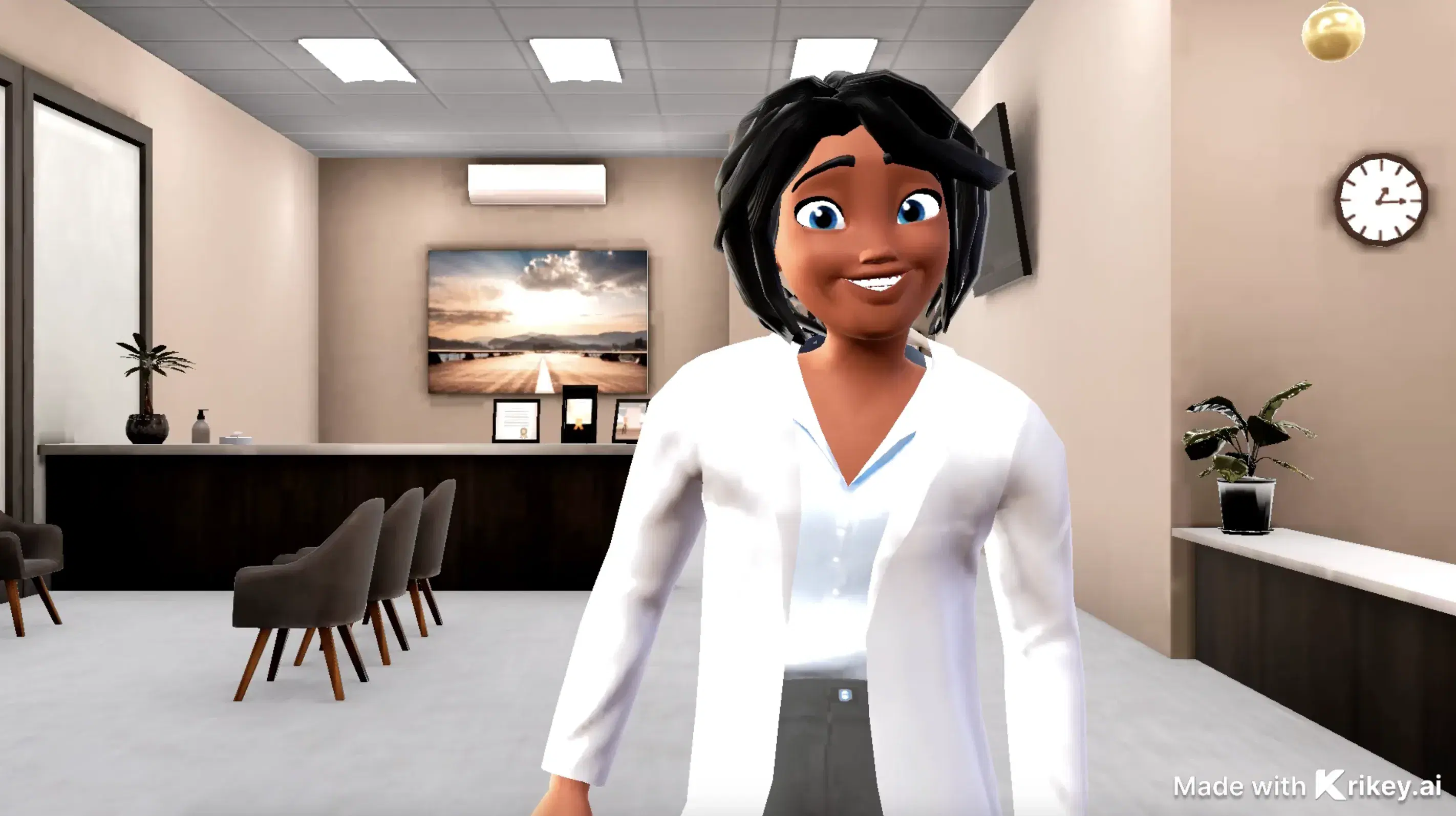
To create engaging Canvas courses, use Krikey AI to build custom 3D avatars that talk and sing. Use cases include virtual teaching assistants, interactive lectures, and animated course trailers.
Elevate Your Projects: Use Krikey AI to Voice and Animate 3D Characters
Utilize Krikey AI text to animation for custom 3D models in Canvas. Make talking avatars for lessons, podcasts, or GIFs. These features enable educators to generate engaging EdTech course videos.
Maximize Efficiency: Export MP4 or FBX from Krikey to Your Workflow
Versatile Krikey AI exports in MP4, GIF or FBX formats allow educators to share 3D animations directly to Canvas. Use cases include interactive course lectures, virtual tutors, and video announcements.
Frequently Asked Questions (FAQs) about EdTech Video Generator for Canvas Courses
These are Frequently Asked Questions (FAQs) about EdTech Video Generator for Canvas Courses and Krikey AI Animation
More templates like this
Explore templates designed to supercharge this integration.

Featured Community Animations
See how creators are using this integration to bring their ideas to life





Supercharge Your Creative Workflow Today
Try Krikey AI for free and generate 3D animated content in seconds.
Get Started Free