Character Audio Copy53

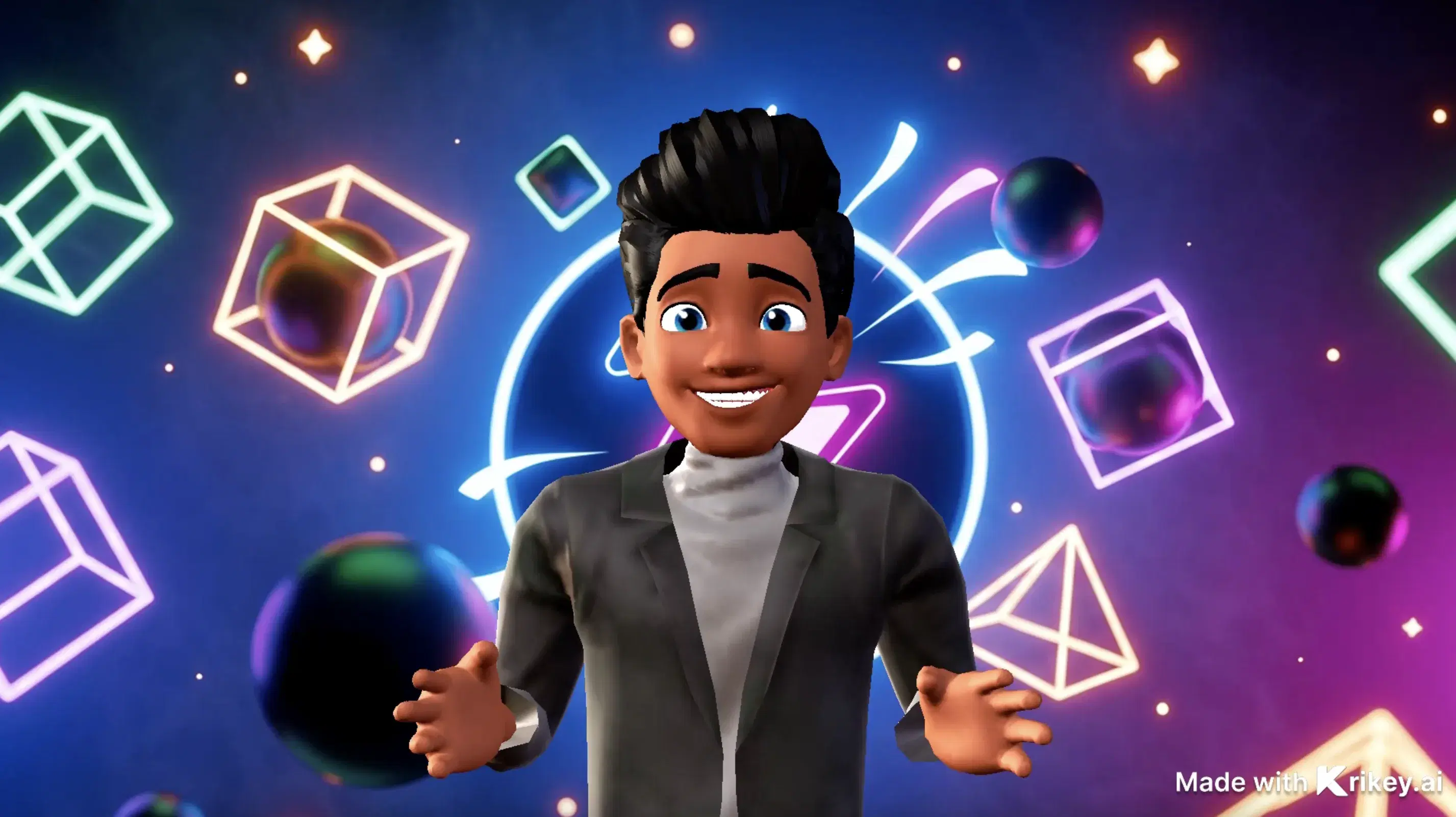
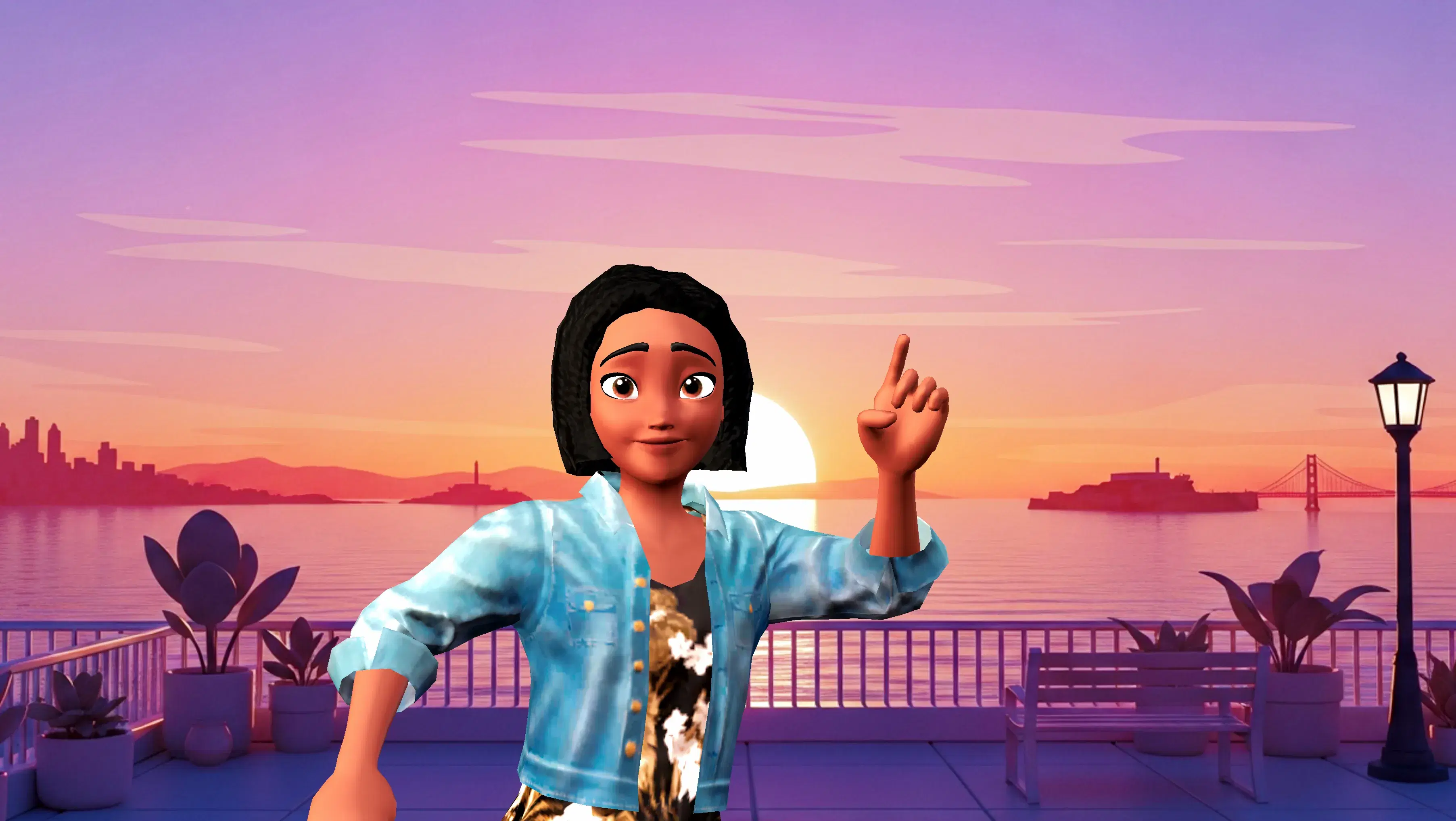
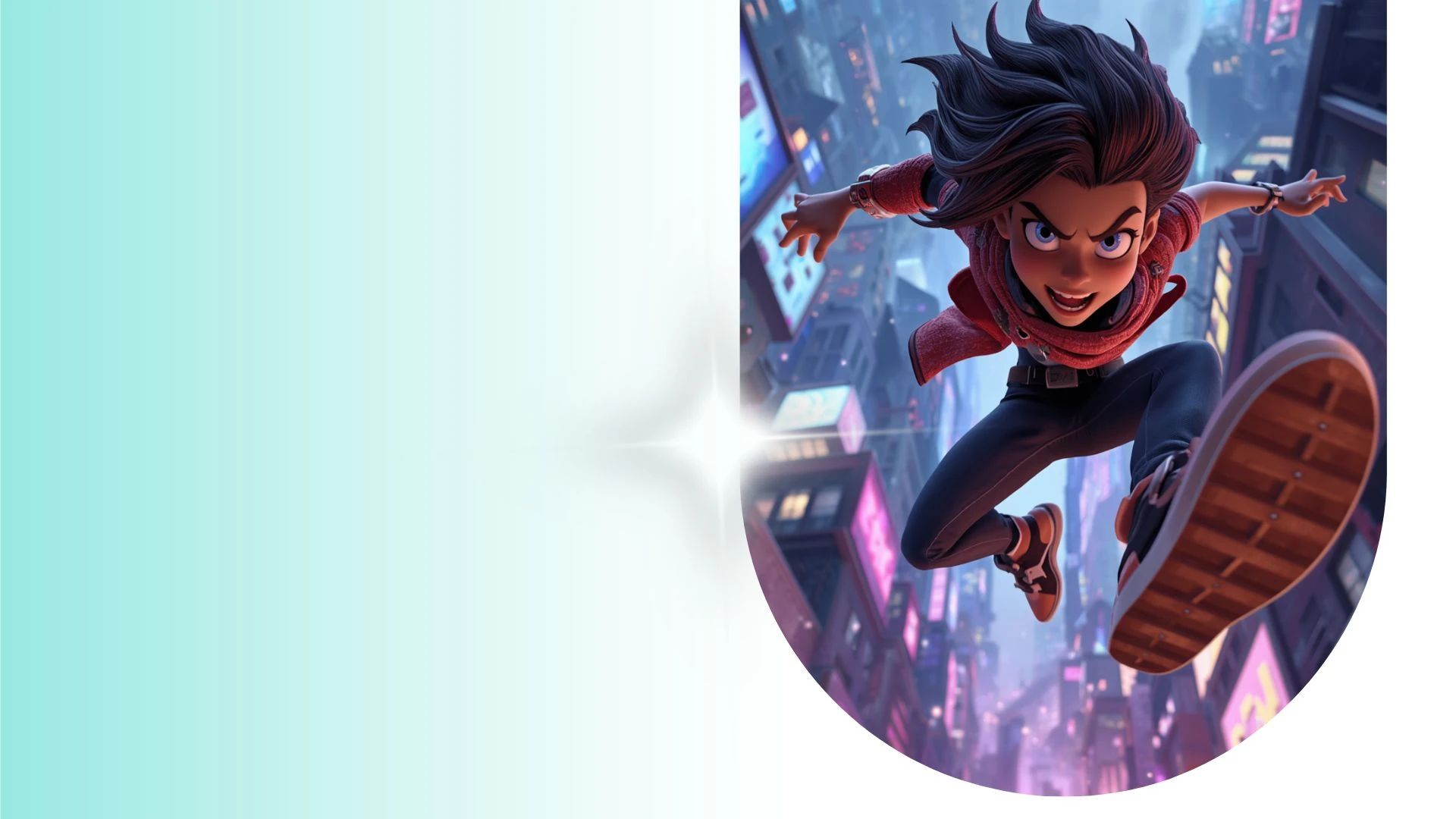
This 3D animation was generated using Krikey AI's animation editor. Starting from a simple text prompt: "History presentation on the ancient pyramids of Egypt. Explain the math behind the triangle shape of the pyramid", the AI rendered the 3D scene, character animations, and voice dialogue.
View full transcript▼
Test a kick on a rough placeholder character, and the hip pulls the ear downward.
You sit down to block camera angles, but end up fixing a caving shoulder.
You can't judge camera framing when your character folds in half on a floor mark.
When the outer body connects unevenly to the skeleton, moving a leg stretches the chest apart.
Feature studios lock the internal skeleton in place before staging a single camera.
Aligned joints keep limbs connected while the character sprints, kicks, and hits floor marks.
Your tracking camera frames clean silhouettes across the set without the body tearing apart.
To test camera staging on posable 3D characters without manual setup, stage your scene at Cry-Key AI.
Turn your ideas into animations like this.
No complex software. No render farms. Just your imagination and Krikey AI.
Make a new video→More Like This
Explore community 3D animations
Popular 3D Animation Templates
Choose a ready-to-use template to jumpstart your video




Featured 3D Characters
Bring unique cartoon characters to life with AI animation




Integrations & Workflows
Export 3D animations directly to your favorite creative platforms and game engines
Transform Classroom Lessons into Interactive 3D Educational Experiences
Convert dry classroom syllabi into high-engagement STEM animations and historical recreations that help students grasp abstract concepts through 3D visualization.
AI Music Video Generator
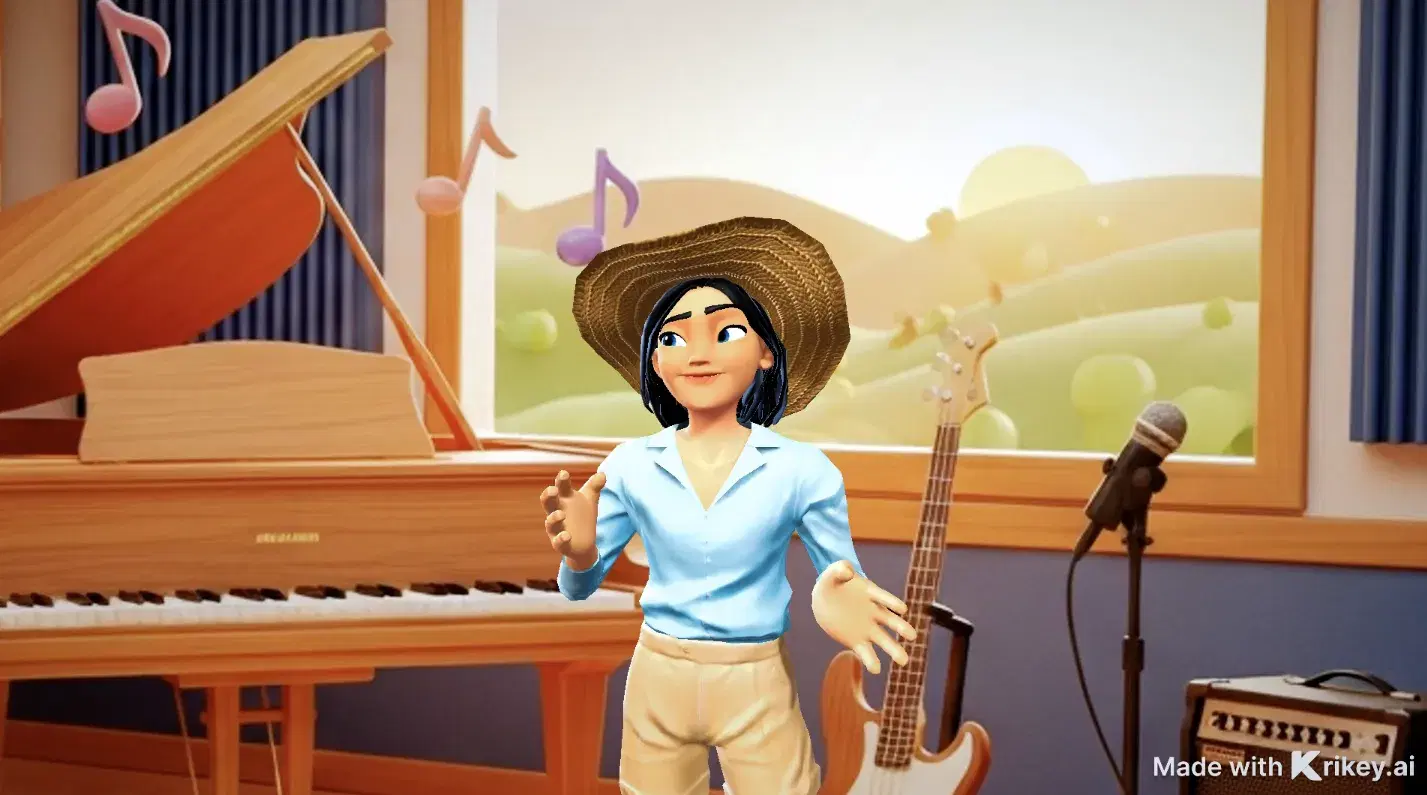
Design custom 3D music videos by customizing character outfits, expressions, and avatars, or uploading unique models using Krikey AI.
AI Animation for Kids
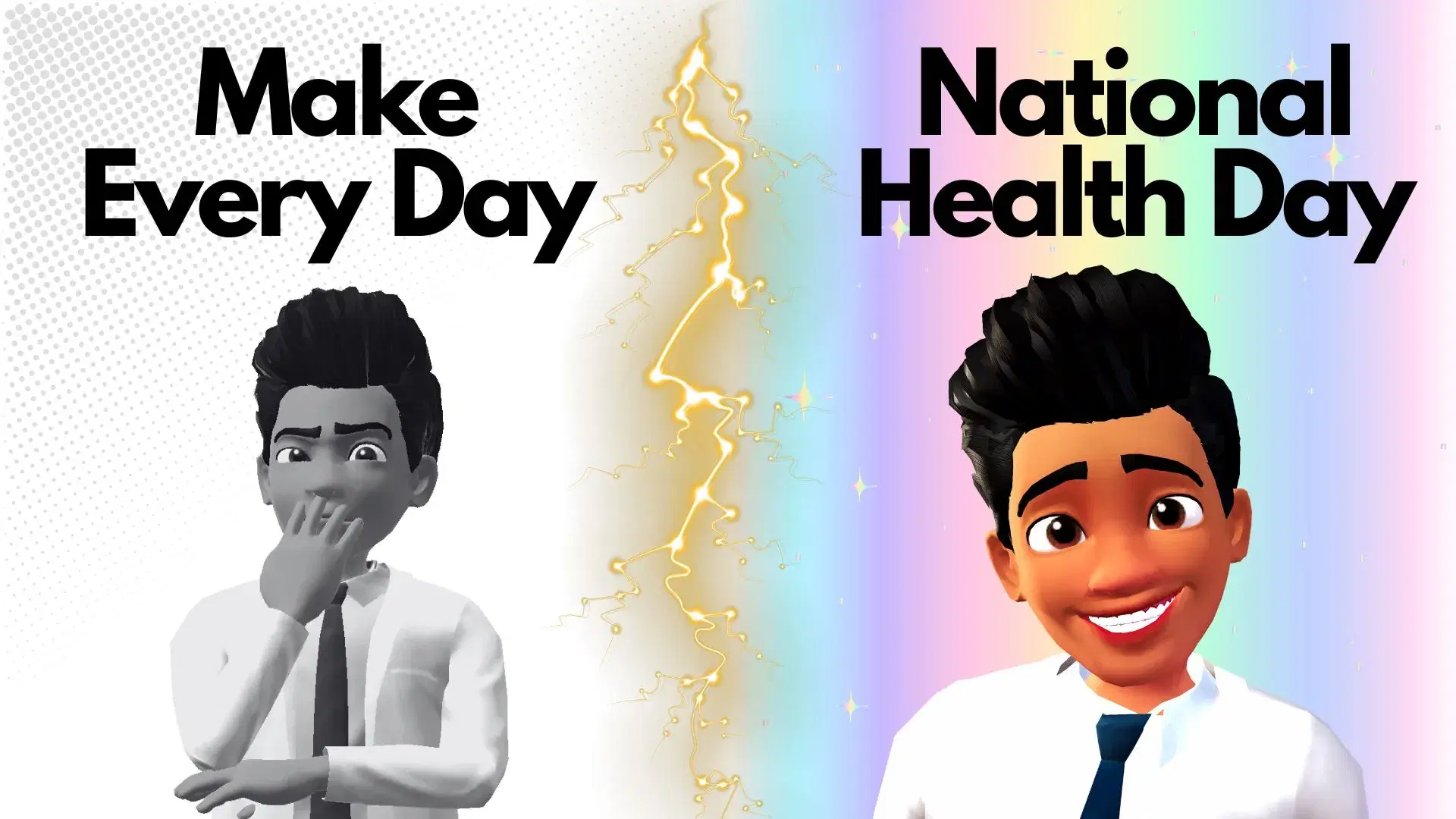
Create 3D vertical videos for TikTok and Reels from horizontal scenes using Krikey AI AI Animation Maker easily.
3D Storytelling Tools for Students
Build engaging lessons with Krikey AI 3D Animation Tools for Education, turning video clips into clean 3D skeletal motion data easily.
AI Video Generators
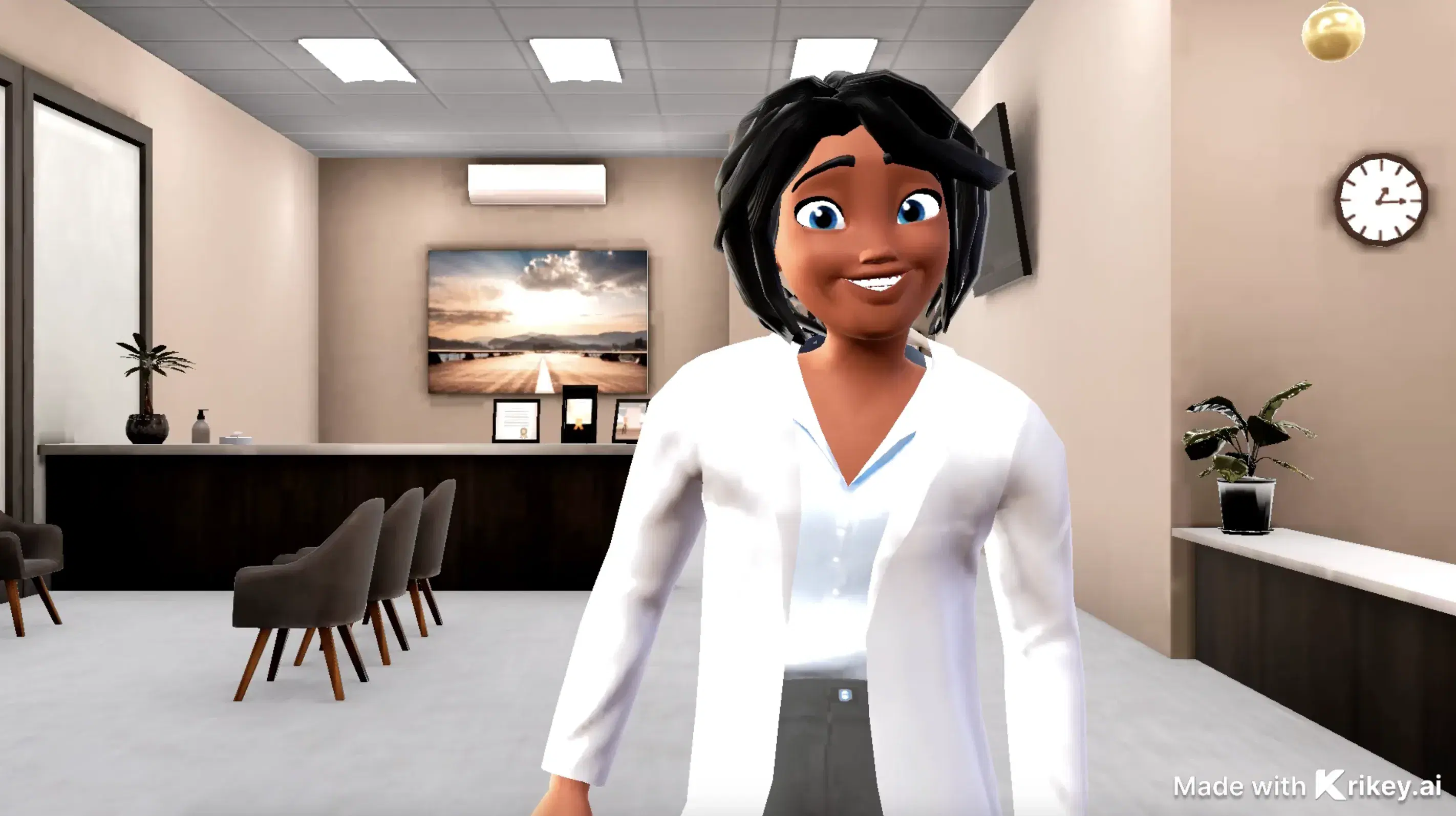
Animate medical videos with Krikey AI Cartoon Doctor Video Maker, featuring voiceovers in 100+ languages and auto lip-syncing.
Frequently Asked Questions
Learn more about creating, customizing, and sharing 3D animations with Krikey AI.
Is Krikey AI free to use?▾
Yes, Krikey AI offers a free plan that lets you create 3D animations, customize avatars, and export video projects. We also offer Pro and Enterprise plans with higher resolution exports, commercial rights, and unlimited generation credits.
Can I change the camera angle in my animation?▾
Yes, you can switch between preset camera perspectives (close-up, medium shot, wide shot) in 3D space.
Can I create a custom 3D avatar from a photo?▾
Yes, Krikey’s Character Creator lets you upload a portrait photo or selfie to generate a personalized, stylized 3D avatar within seconds.
Does this video feature AI voiceover and lip sync?▾
Yes, Krikey AI automatically lip-syncs 3D avatar facial blendshapes and mouth expressions to uploaded audio files or AI text-to-speech dialogue across dozens of languages.
Can doctors and healthcare providers create patient education videos?▾
Yes, clinics and wellness providers use friendly animated guides to clearly explain health procedures, preventive wellness tips, and post-op care steps.