Point Right Demo B2
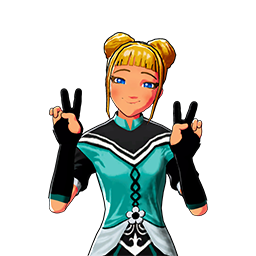
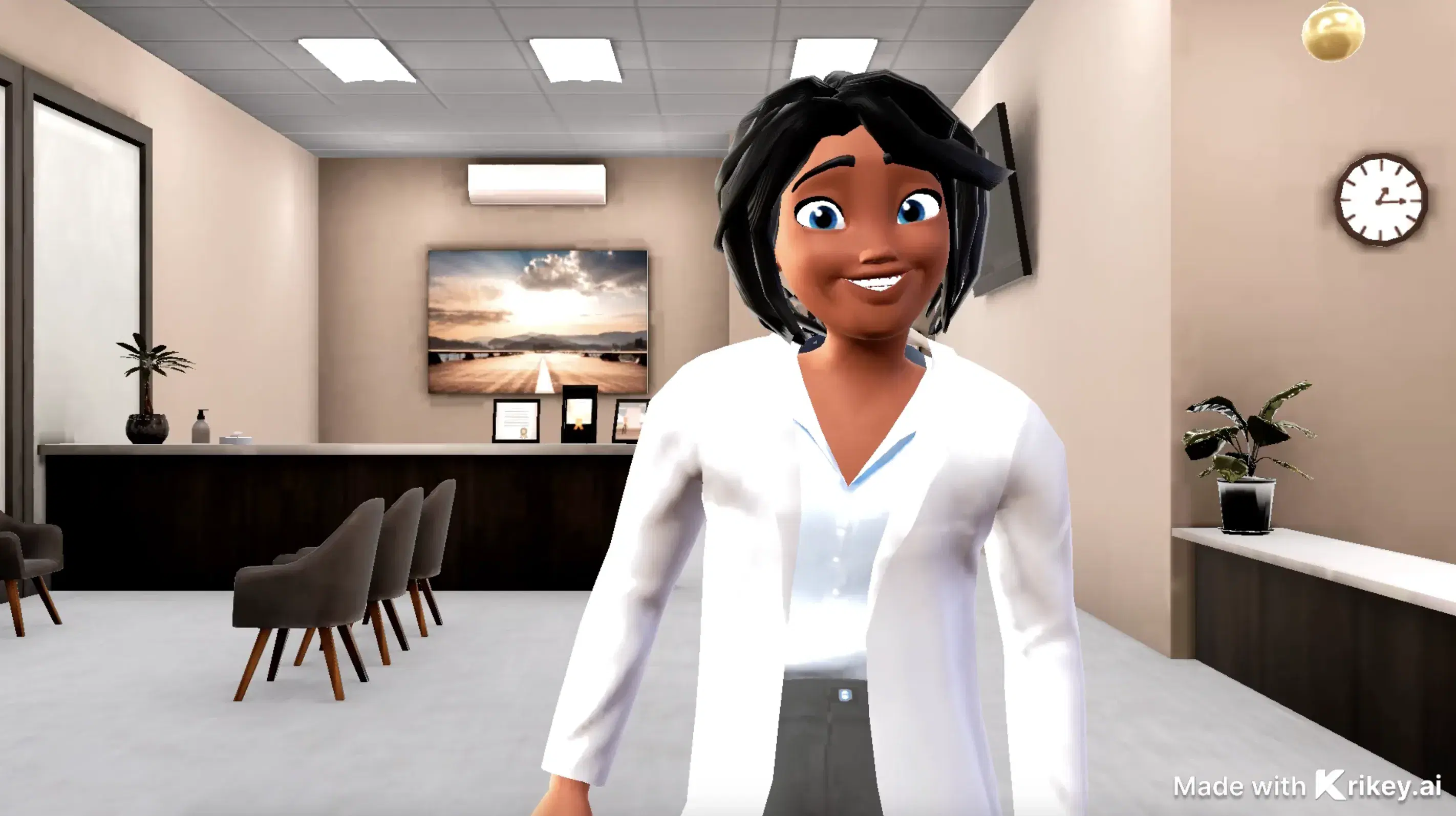
This 3D animation was generated using Krikey AI's animation editor. Starting from a simple text prompt: "Create a highly realistic cinematic futuristic world in the year 2050. Show a breathtaking ultra-mod", the AI rendered the 3D scene, character animations, and voice dialogue.
View full transcript▼
2050 – भविष्य की दुनिया
Scene 1 – Introduction
नमस्कार दोस्तों!
क्या आपने कभी सोचा है कि आने वाले समय में हमारी दुनिया कैसी होगी?
एक ऐसी दुनिया जहाँ गाड़ियाँ सड़कों पर नहीं बल्कि आसमान में उड़ेंगी और इंसान अपनी जिंदगी पहले से कहीं ज्यादा आधुनिक तरीके से जिएगा।
स्वागत है आपका
Turn your ideas into animations like this.
No complex software. No render farms. Just your imagination and Krikey AI.
Make a new video→More Like This
Explore community 3D animations
Popular 3D Animation Templates
Choose a ready-to-use template to jumpstart your video

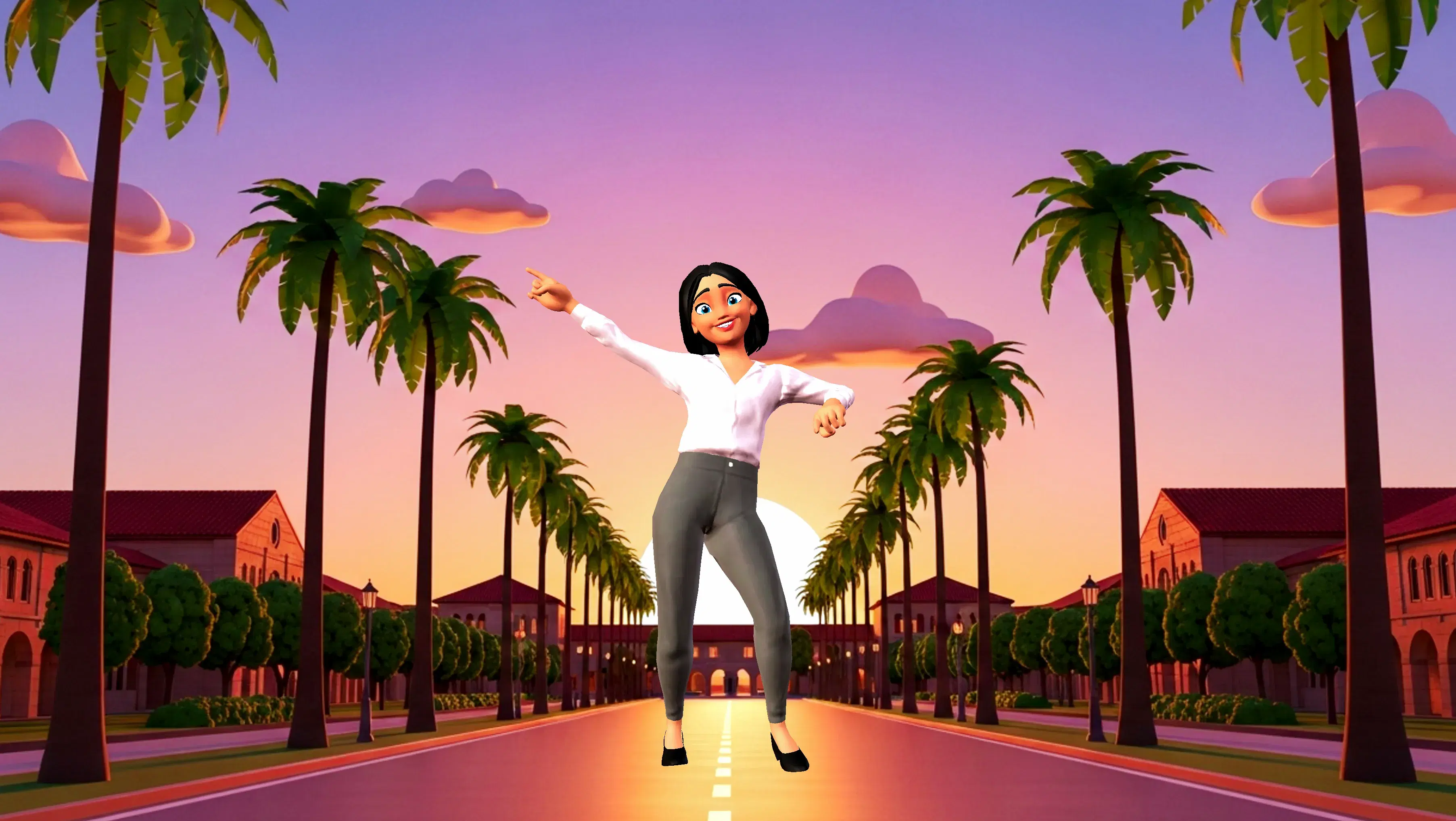
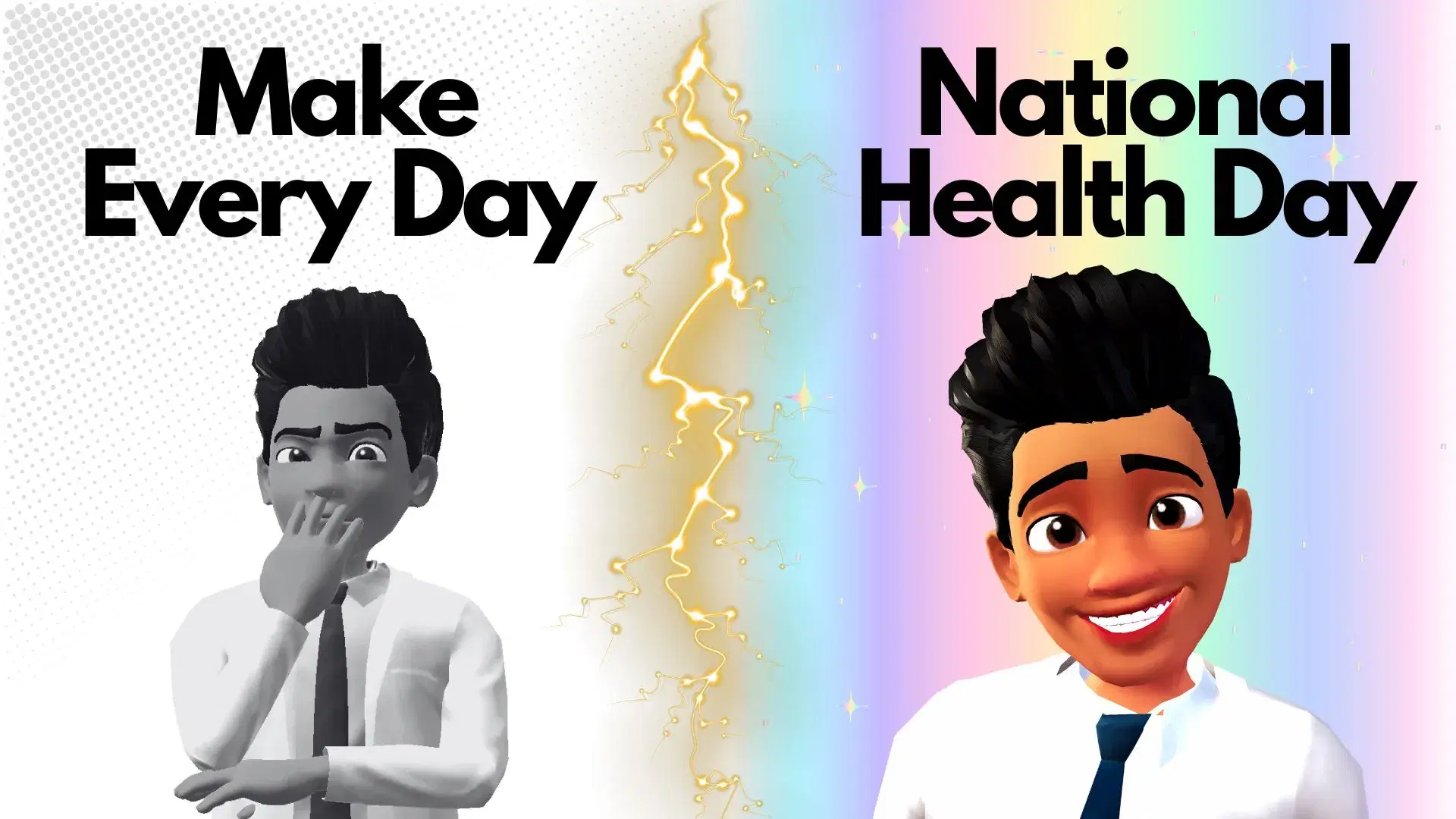
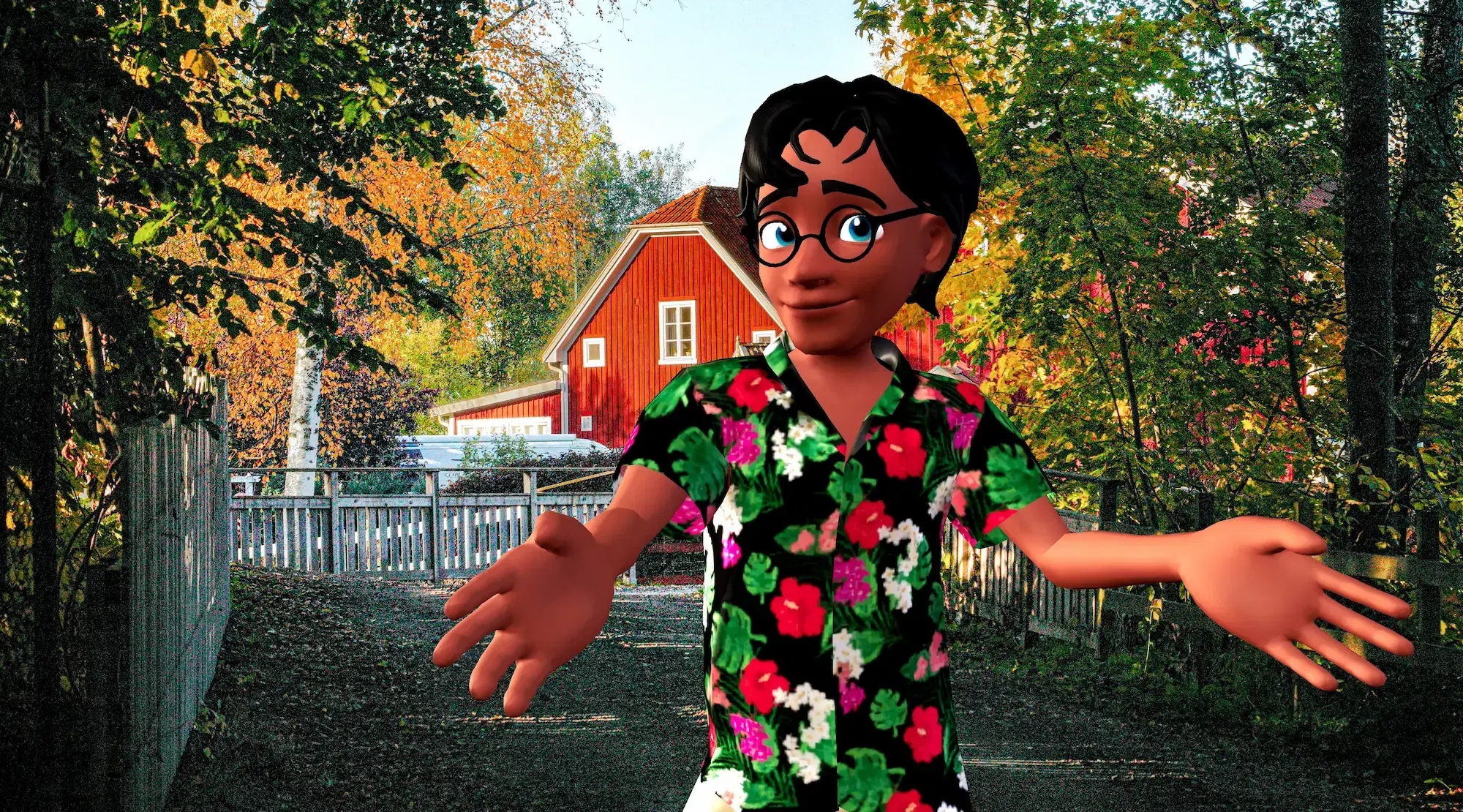
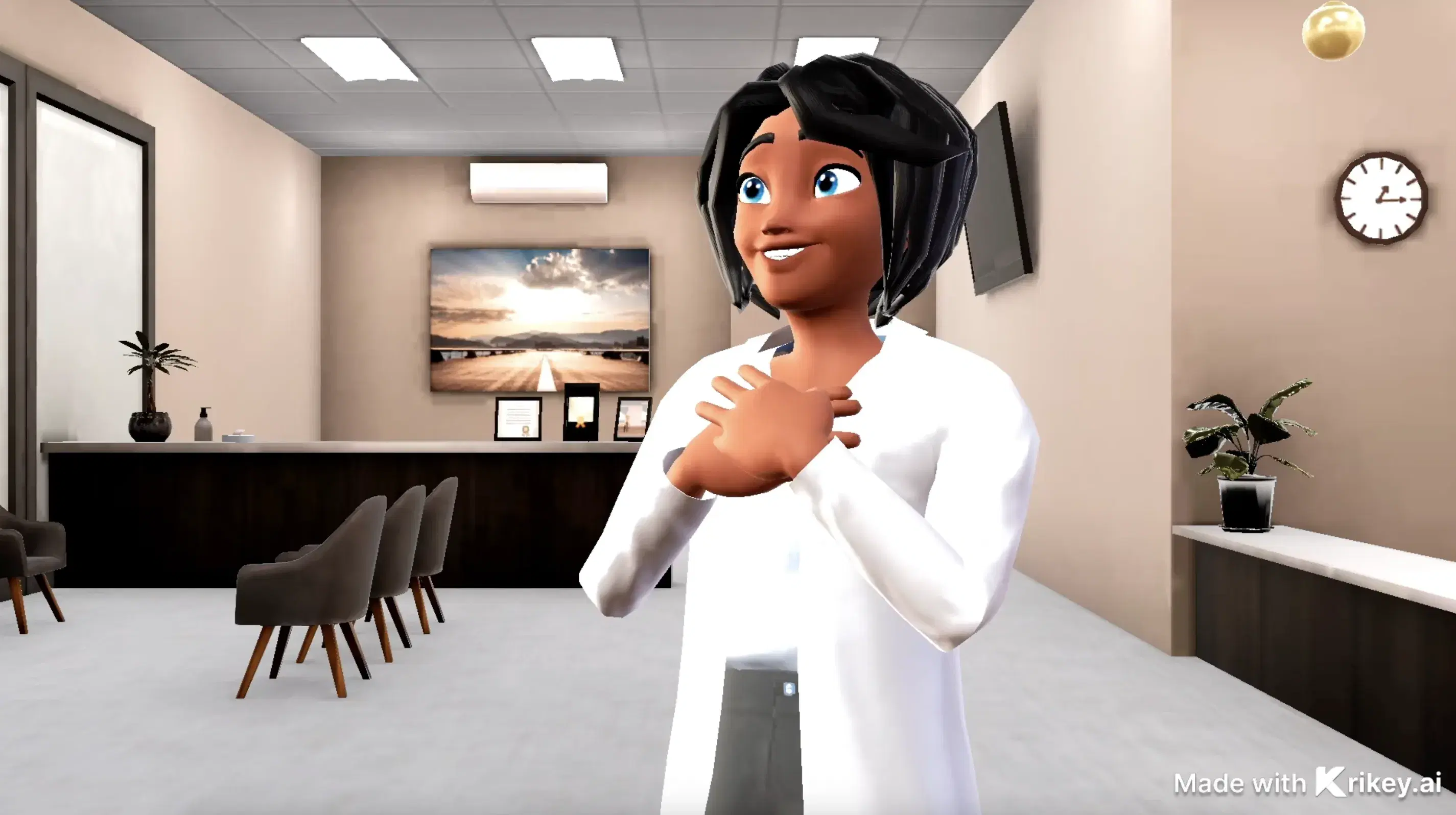
Featured 3D Characters
Bring unique cartoon characters to life with AI animation




Integrations & Workflows
Export 3D animations directly to your favorite creative platforms and game engines
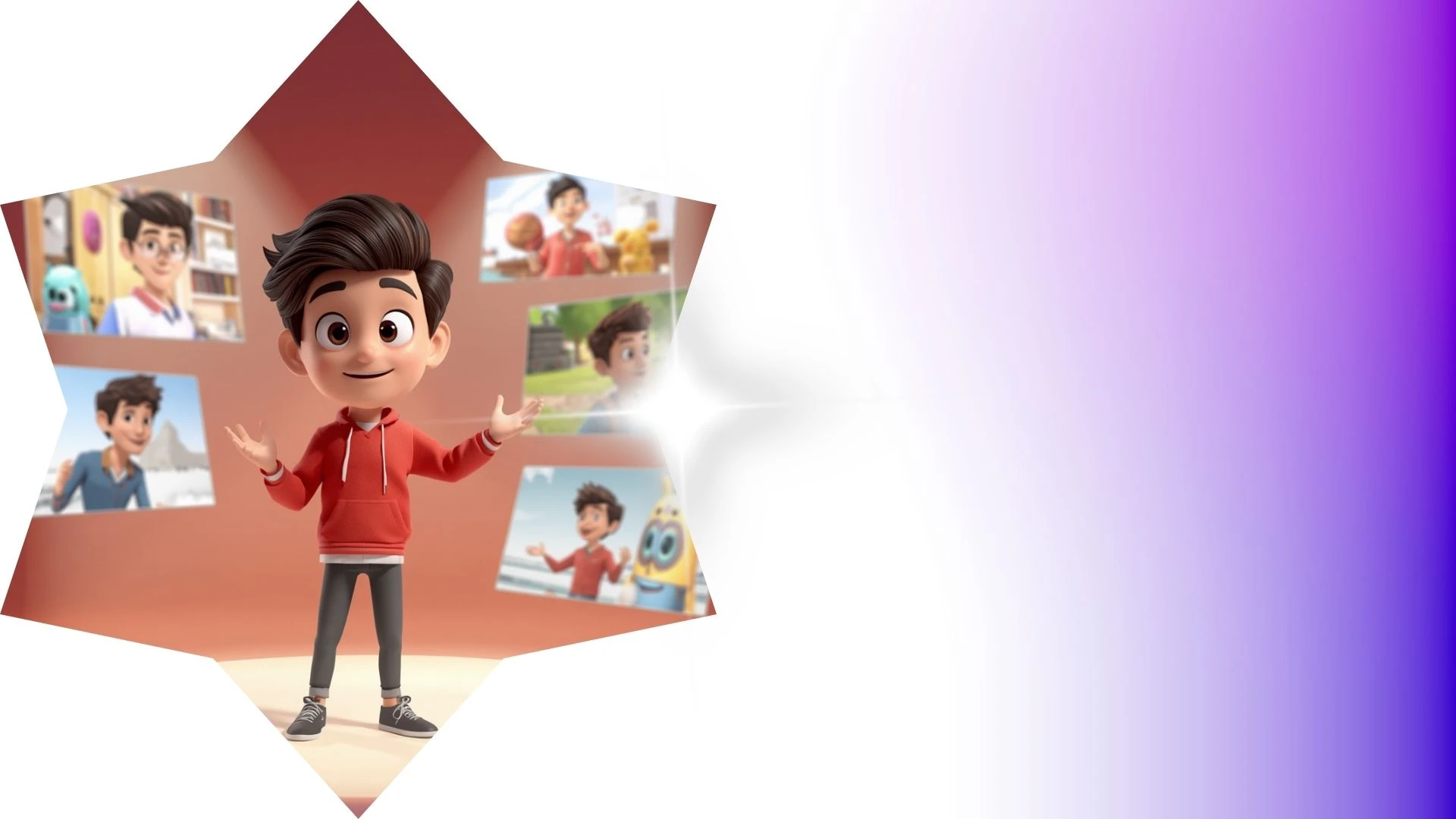
Scalable 3D Animation Solutions for Small Business and EdTech
Create looped 3D animated stickers, transparent GIFs, and social reaction clips to scale organic brand engagement across messaging platforms.
AI Video to Anime Converter
Easily transform podcast episodes and voice recordings into animated video podcasts using Krikey AI Free Mocap Animations.
Free 3D Animation Maker
Create animated pilots and storyboards in hours with Krikey AI Free 3D Animation Maker to pitch concepts and secure stakeholder greenlights.
How to Make a Cartoon Character
Design funny cartoon video podcasts from voice recordings using Krikey AI templates with automated speech-driven character reactions.
Free Mocap Animations
Build animated pilots and storyboards in minutes using Krikey AI Dance Generator to pitch concepts and win stakeholder greenlights.
Frequently Asked Questions
Learn more about creating, customizing, and sharing 3D animations with Krikey AI.
What video formats can I export from Krikey AI?▾
You can export completed scenes directly as high-definition MP4 videos, lightweight animated GIFs, FBX files and you can also export high resolution still images of character poses or scenes to use in marketing.
Can I export animations with a transparent background (green screen)?▾
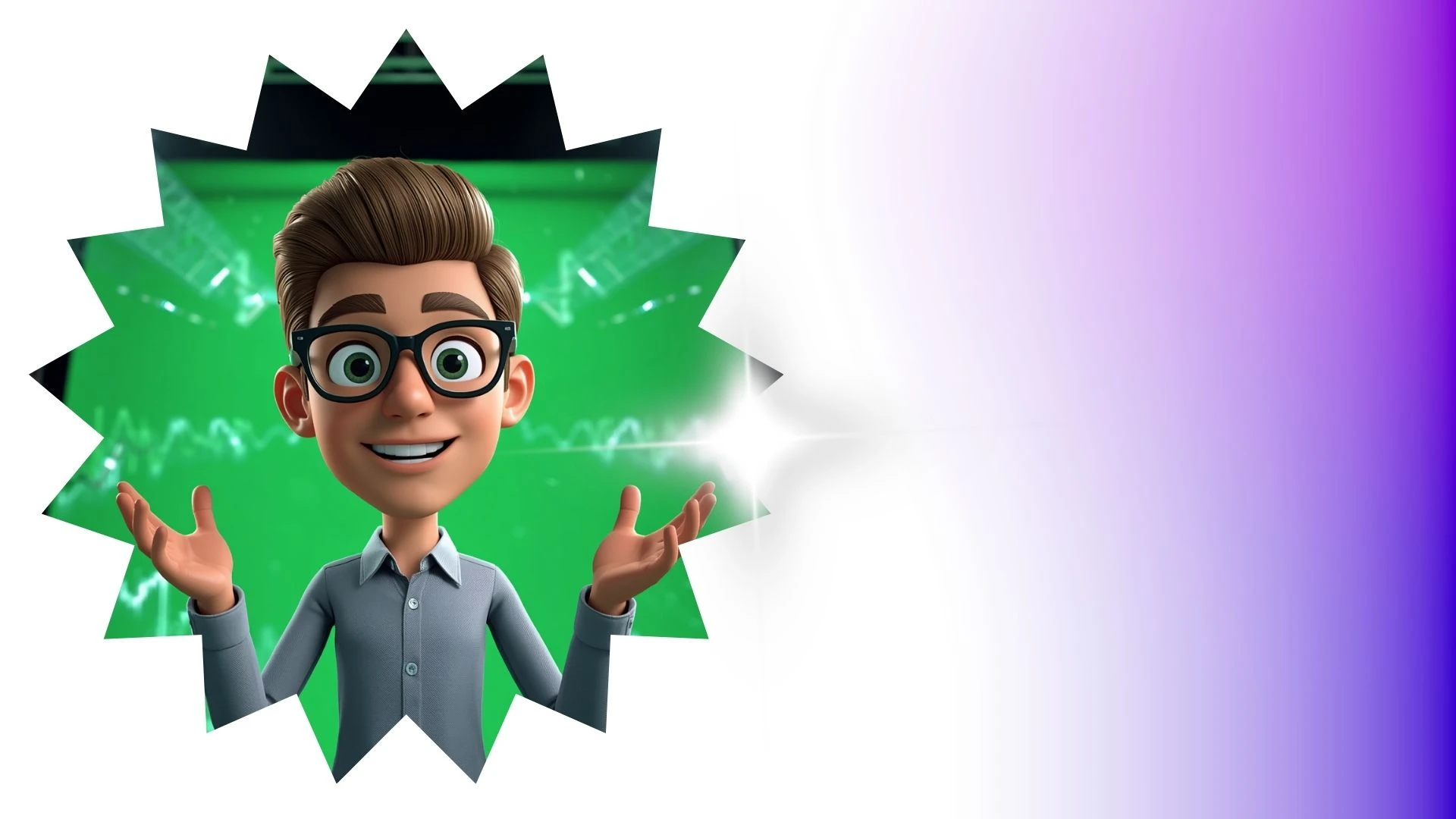
Yes, you can render your characters against a solid chroma green screen or export transparent GIF files for effortless compositing in video editing tools.
Is Krikey AI free to use?▾
Yes, Krikey AI offers a free plan that lets you create 3D animations, customize avatars, and export video projects. We also offer Pro and Enterprise plans with higher resolution exports, commercial rights, and unlimited generation credits.
Do I need 3D animation or coding skills to use Krikey AI?▾
No prior animation, rigging, 3D modeling, or coding experience is required. The intuitive editor makes professional 3D production accessible to marketers, teachers, and creators.
Can I change the camera angle in my animation?▾
Yes, you can switch between preset camera perspectives (close-up, medium shot, wide shot) in 3D space.