Travel Tips1

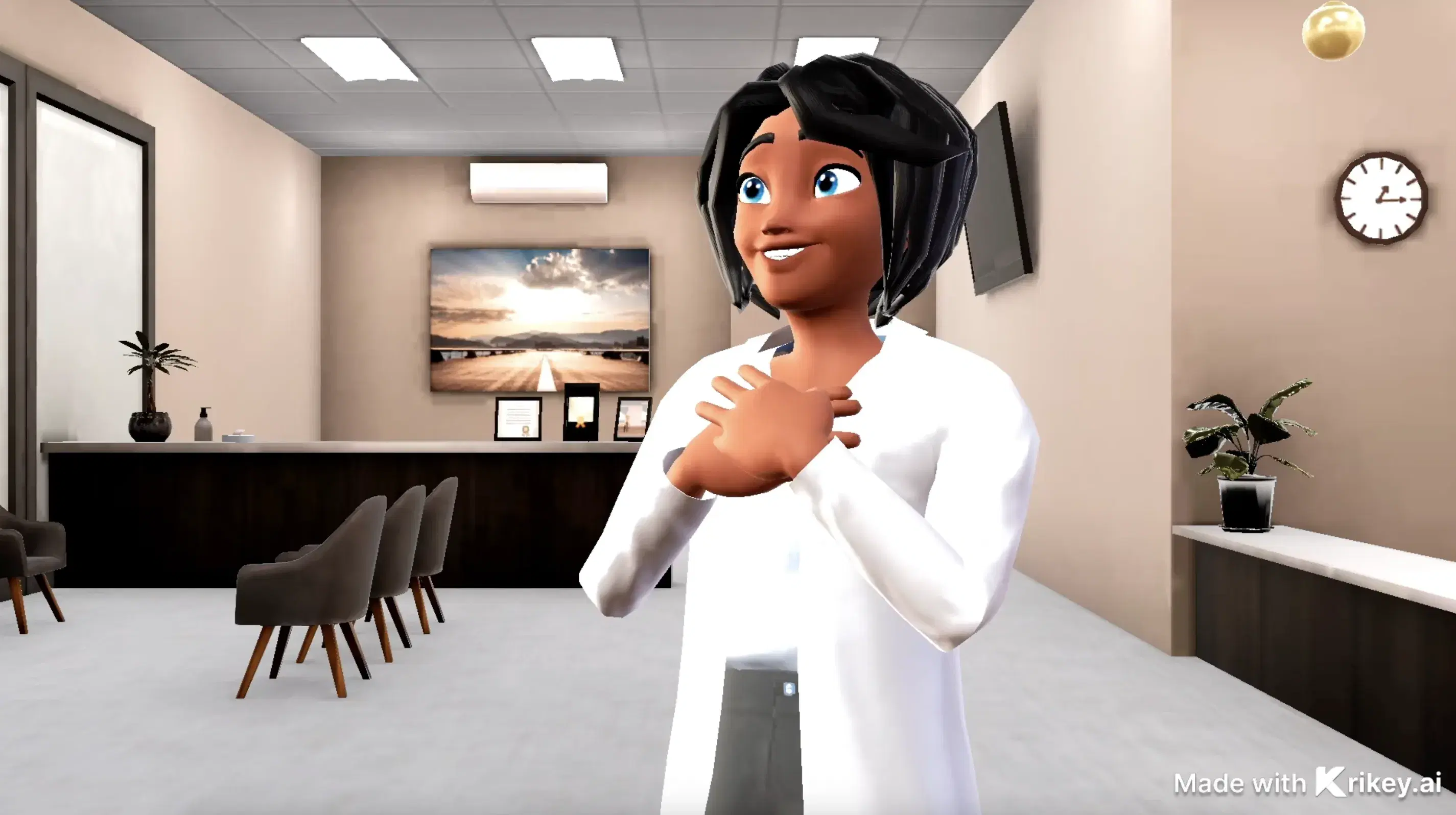
This 3D animation was generated using Krikey AI's animation editor. Starting from a simple text prompt: "Make a travel video about Indonesia explaining the best travel tips", the AI rendered the 3D scene, character animations, and voice dialogue.
View full transcript▼
Discover Indonesia with top travel tips! Embrace local culture by learning basic phrases; respect traditions by dressing modestly at temples. Savor diverse cuisine and drink bottled water. Explore Bali's beaches, Java's temples, and Komodo's wildlife. Plan for unforgettable memories!
Turn your ideas into animations like this.
No complex software. No render farms. Just your imagination and Krikey AI.
Make a new video→More Like This
Explore community 3D animations
Popular 3D Animation Templates
Choose a ready-to-use template to jumpstart your video
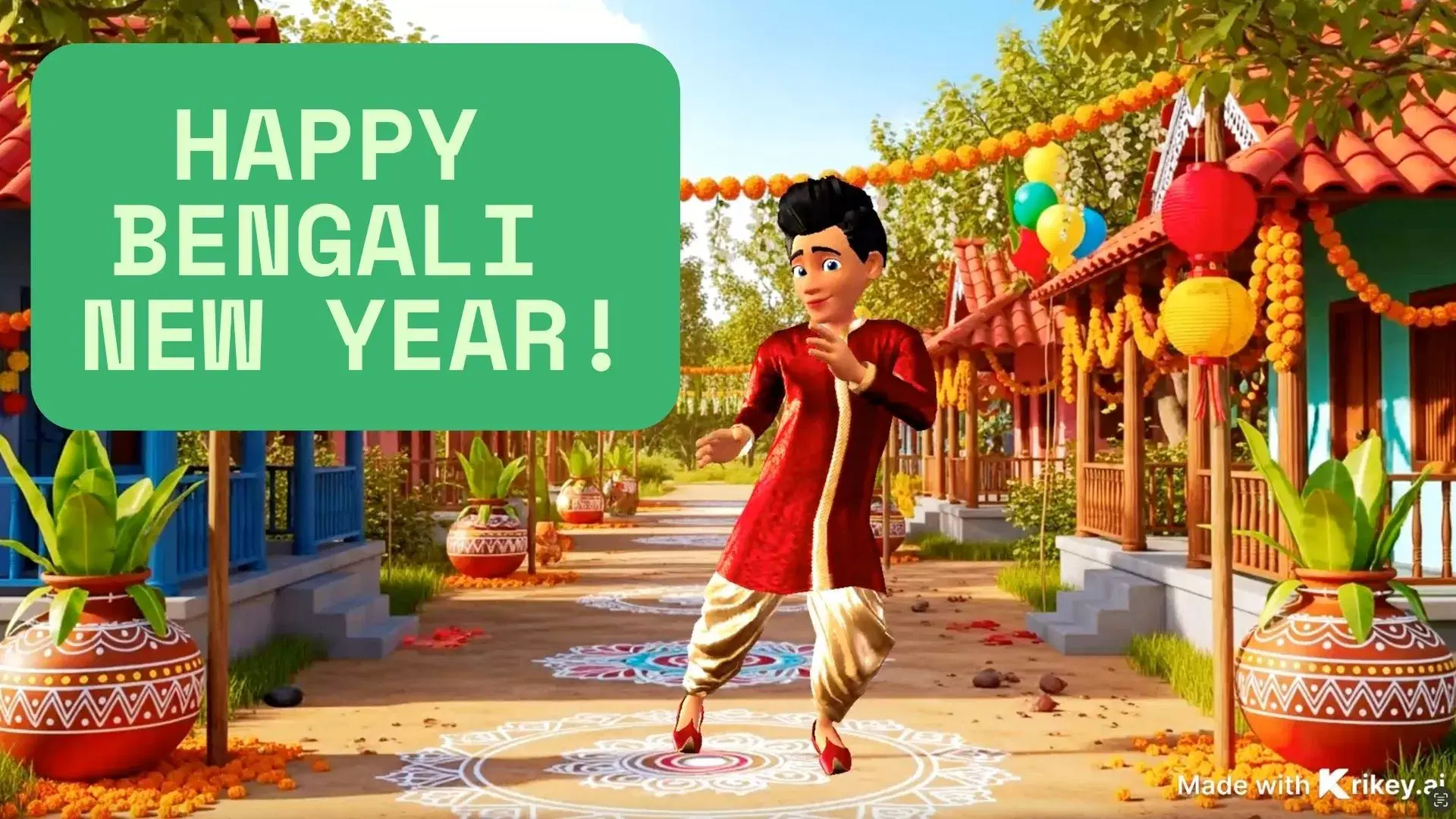


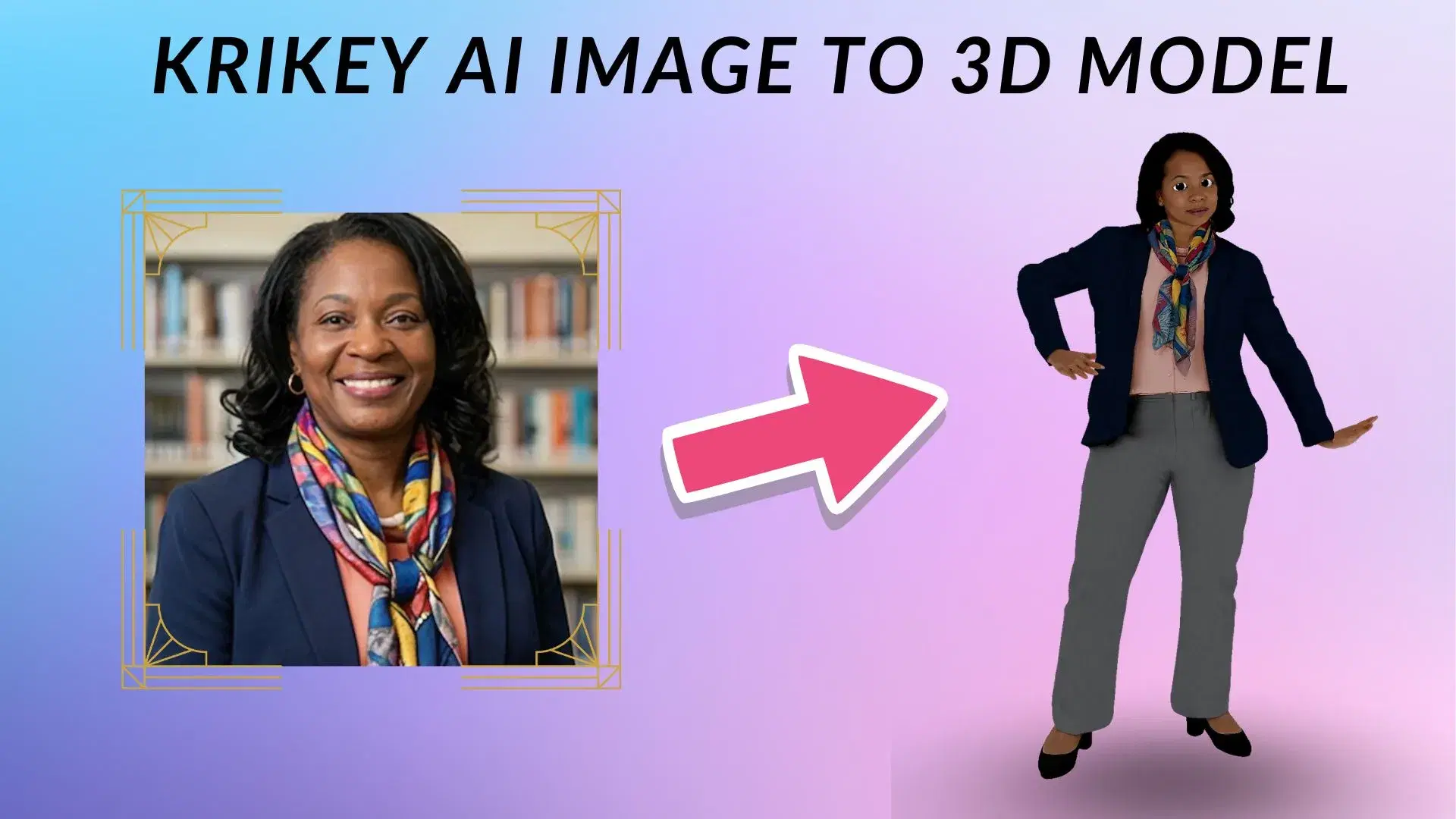
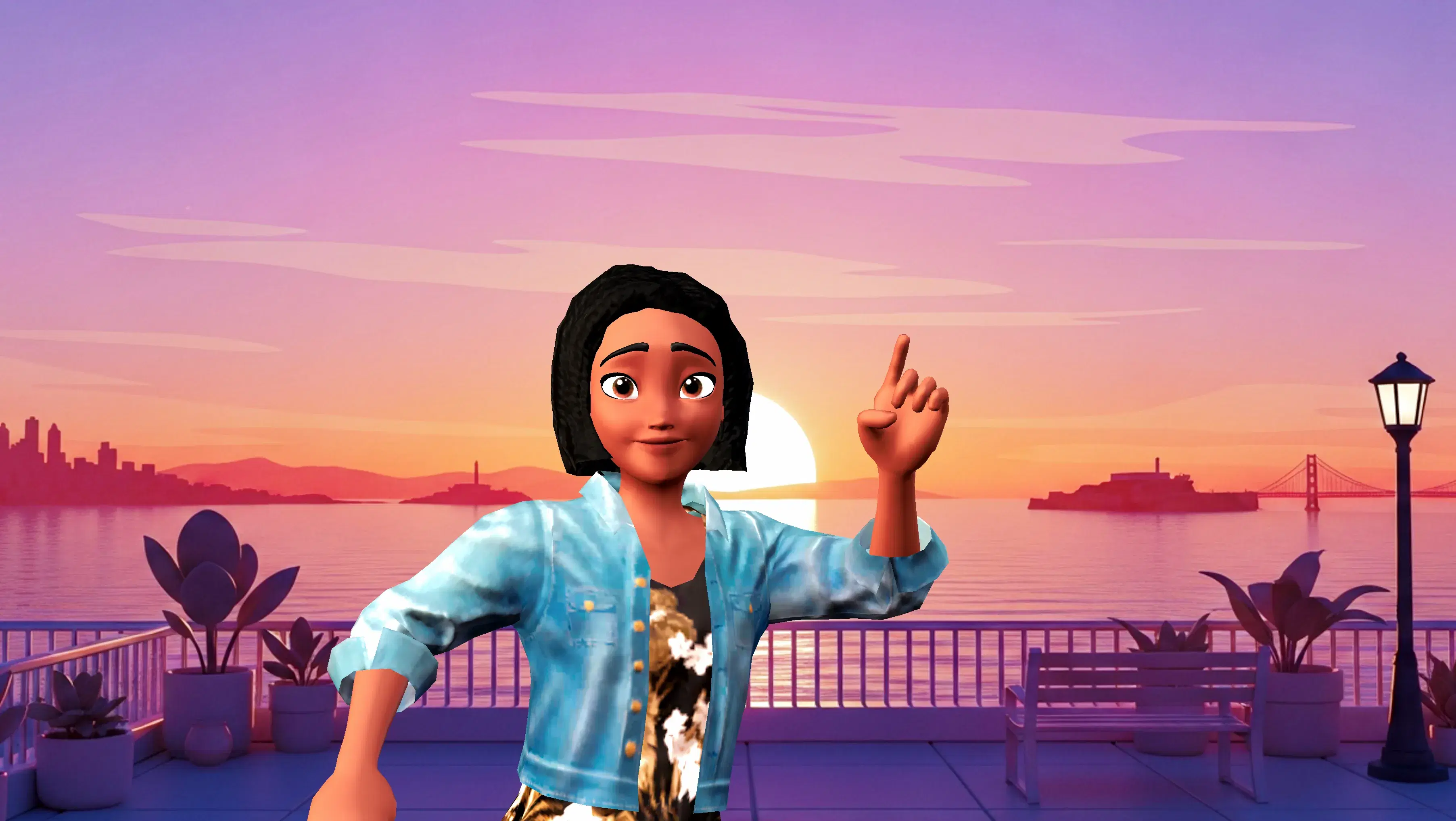
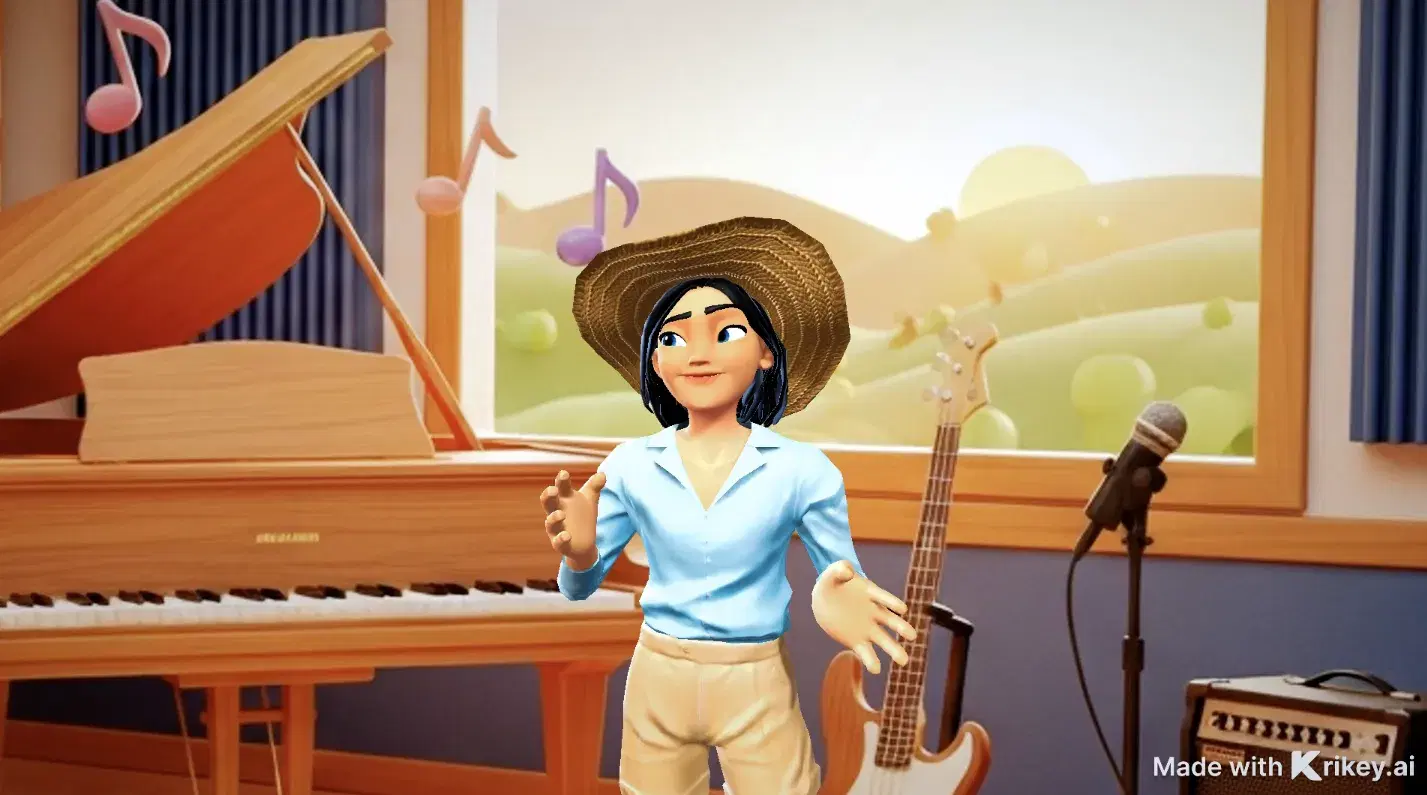


Featured 3D Characters
Bring unique cartoon characters to life with AI animation




Integrations & Workflows
Export 3D animations directly to your favorite creative platforms and game engines

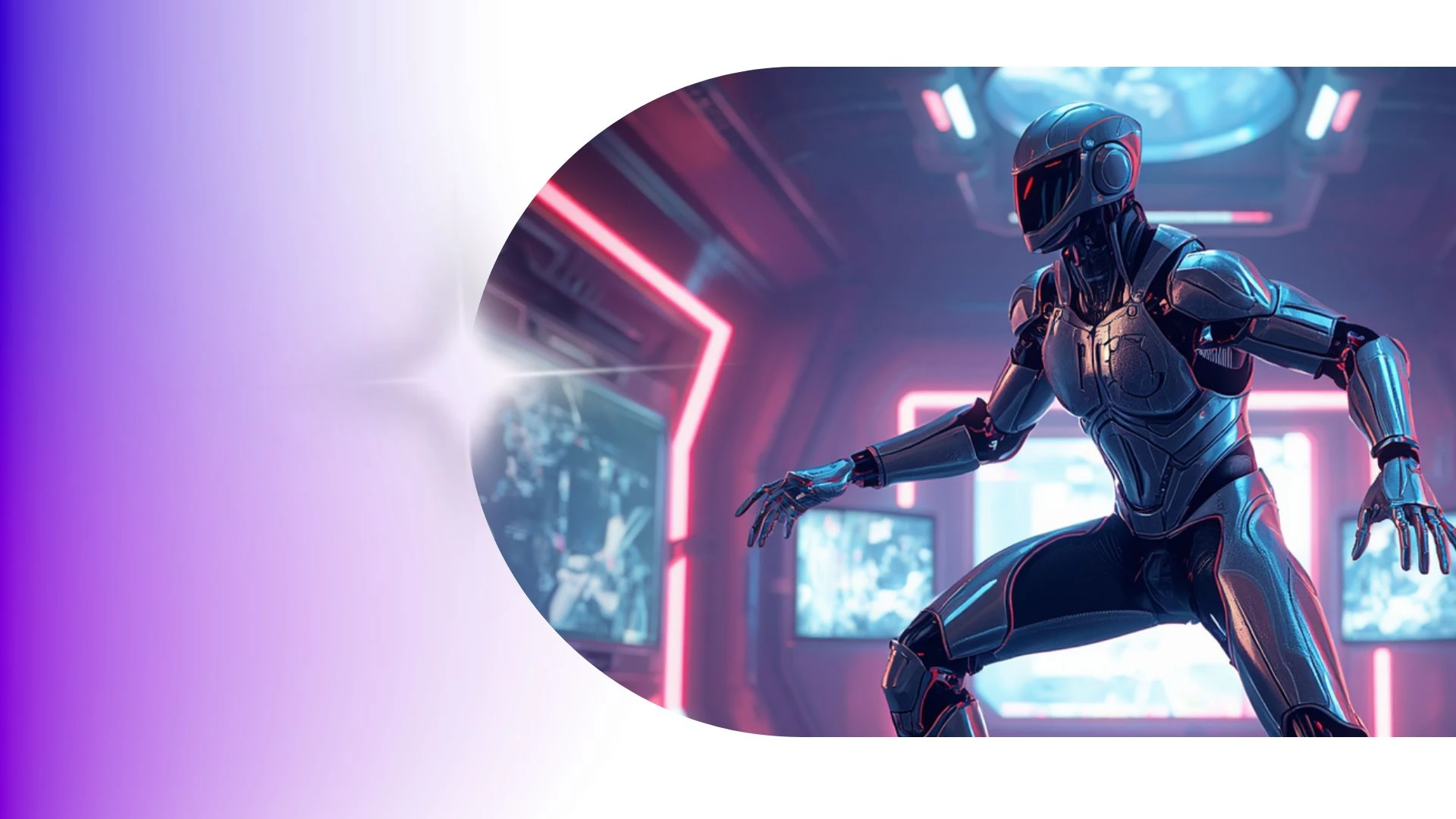
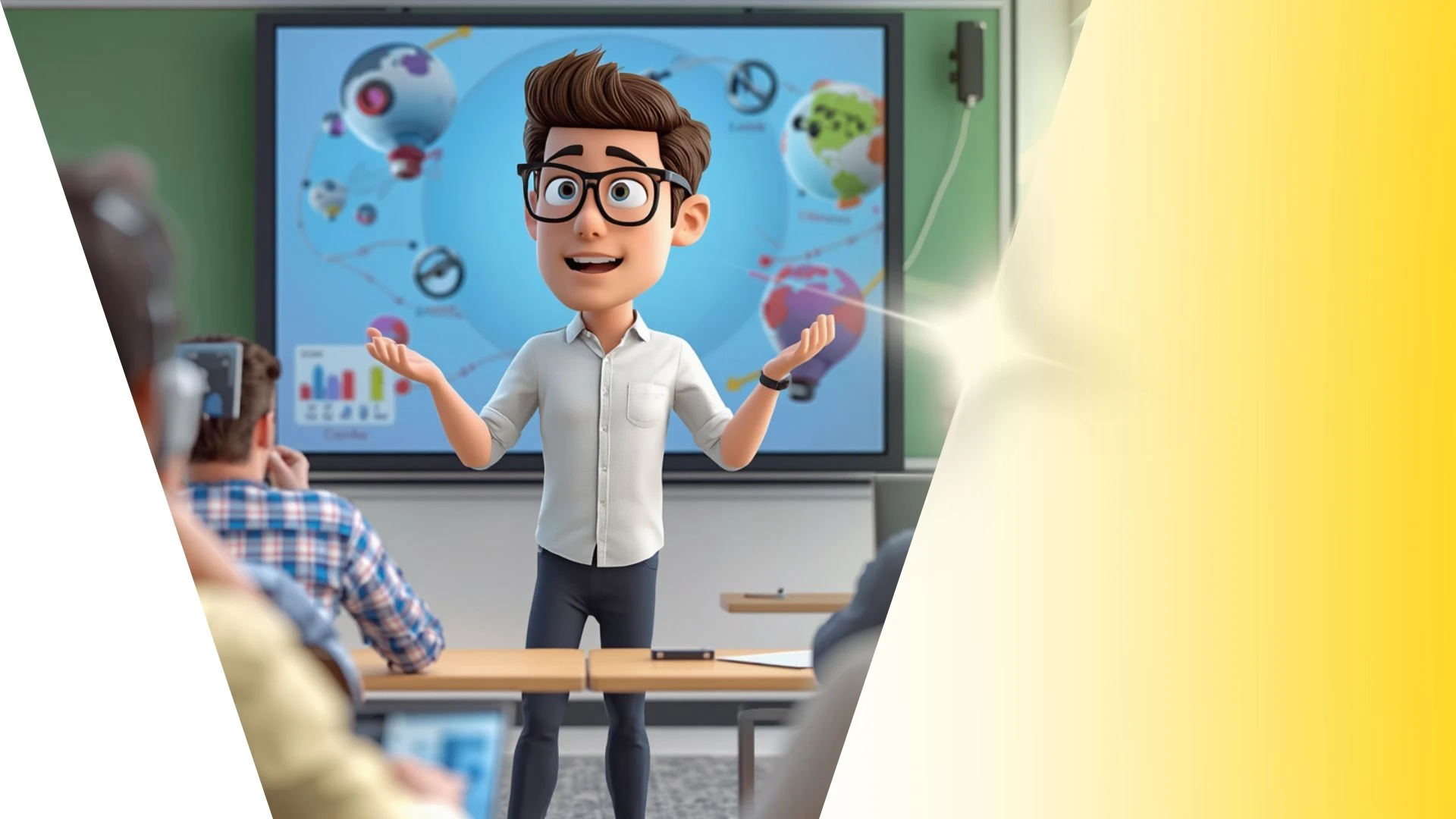

Create Custom 3D Mascots for Interactive Brand Campaigns
Produce interactive 3D product explainer videos starring custom corporate mascots to demonstrate features and guide customers with charismatic virtual hosts.
AI Invitation Maker
Design interactive 3D product explainer videos with Krikey AI Video Generators using custom corporate mascots as virtual hosts.
3D Animation Tools for Education
Bring interactive 3D lessons into classrooms with Krikey AI 3D Animation Tools for Education to boost student engagement and visual learning.
Funny Cartoon Video Templates
Fast-track fun videos with Krikey AI Taco Tuesday GIFs, transforming video clips into clean 3D skeletal motion data effortlessly.
Pro 3D Animation Plan & Features
Discover royalty-free motion presets, dance moves, and combat animations to drop directly into your timeline with Krikey AI Pro.
Frequently Asked Questions
Learn more about creating, customizing, and sharing 3D animations with Krikey AI.
Can I convert real human video into 3D animation?▾
Yes, Krikey’s AI Video-to-Animation tool allows you to upload a short video of a person moving to extract their real-world motion capture data directly onto your 3D avatar.
Can I record my own voice directly in the editor?▾
Yes, you can record voiceovers live using your computer microphone directly inside the Krikey audio recording interface.
Do I need 3D animation or coding skills to use Krikey AI?▾
No prior animation, rigging, 3D modeling, or coding experience is required. The intuitive editor makes professional 3D production accessible to marketers, teachers, and creators.
Why is there a Krikey AI watermark on some videos?▾
Videos created on the free plan feature a subtle Krikey watermark. Upgrading to a Pro or Enterprise subscription removes watermarks and unlocks higher-resolution exports.
Can I use AI to generate custom backgrounds?▾
Yes, the built-in AI image generation tool creates custom scene backdrops from descriptive text prompts directly inside the environment settings.