Coffee Tip1_1

This 3D animation was generated using Krikey AI's animation editor. Starting from a simple text prompt: "Beanie, a coffee bean detective, shares one eggnog coffee tip on a cozy cold-morning kitchen counter", the AI rendered the 3D scene, character animations, and voice dialogue.
View full transcript▼
onegreatcoffee.com
hi flavored coffee lovers, Beanie here
Your favorite, flavored coffee explorer
Do you love eggnog like I do?
My all-time favorited eggnog flavor coffee tip
Skip the sugar. Add nutmeg.
Eggnog coffee already has the flavor. No sugar is needed.
Save the calories for the pie!
Your welcome
One Great Coffee.com
Turn your ideas into animations like this.
No complex software. No render farms. Just your imagination and Krikey AI.
Make a new video→More Like This
Explore community 3D animations
Popular 3D Animation Templates
Choose a ready-to-use template to jumpstart your video
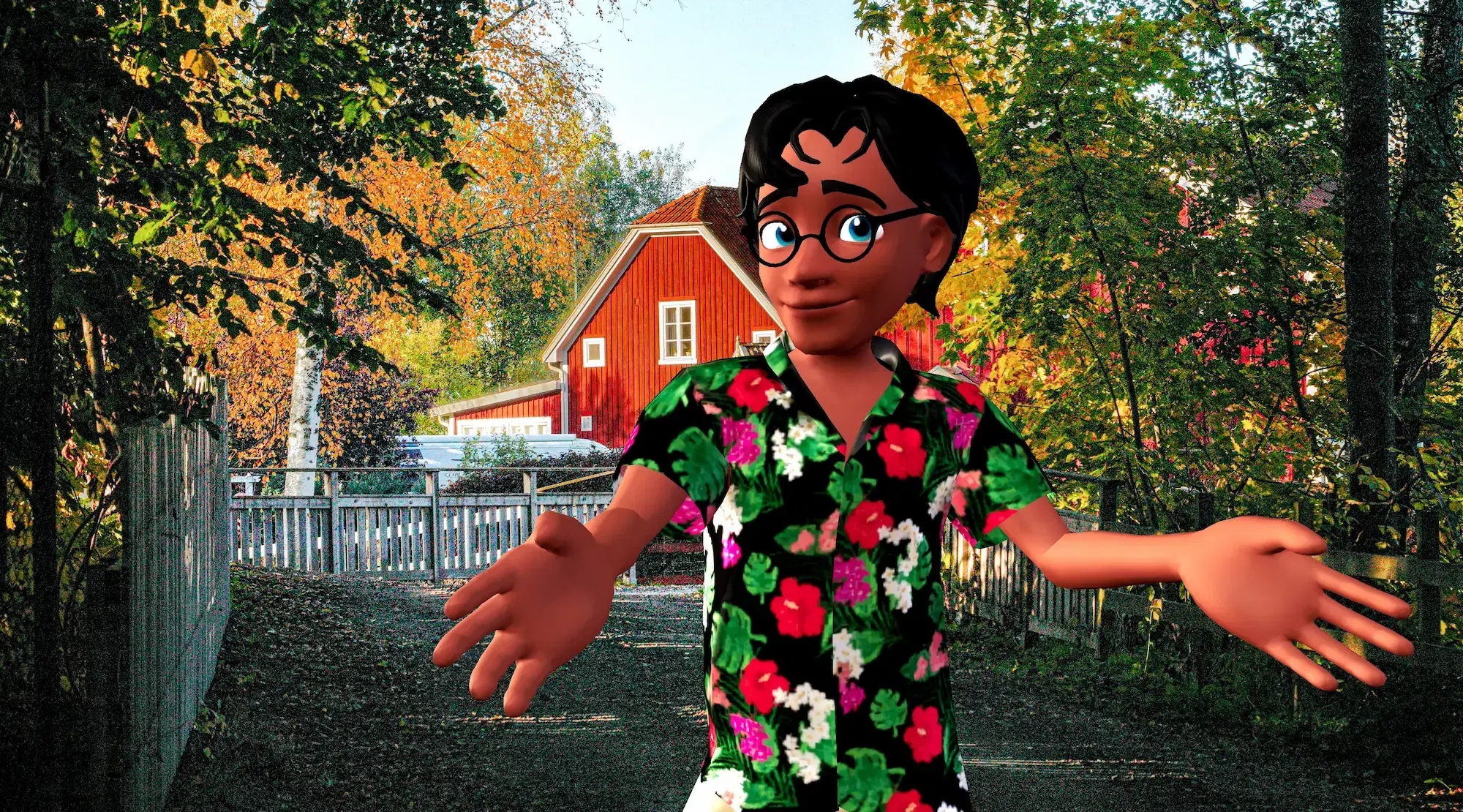


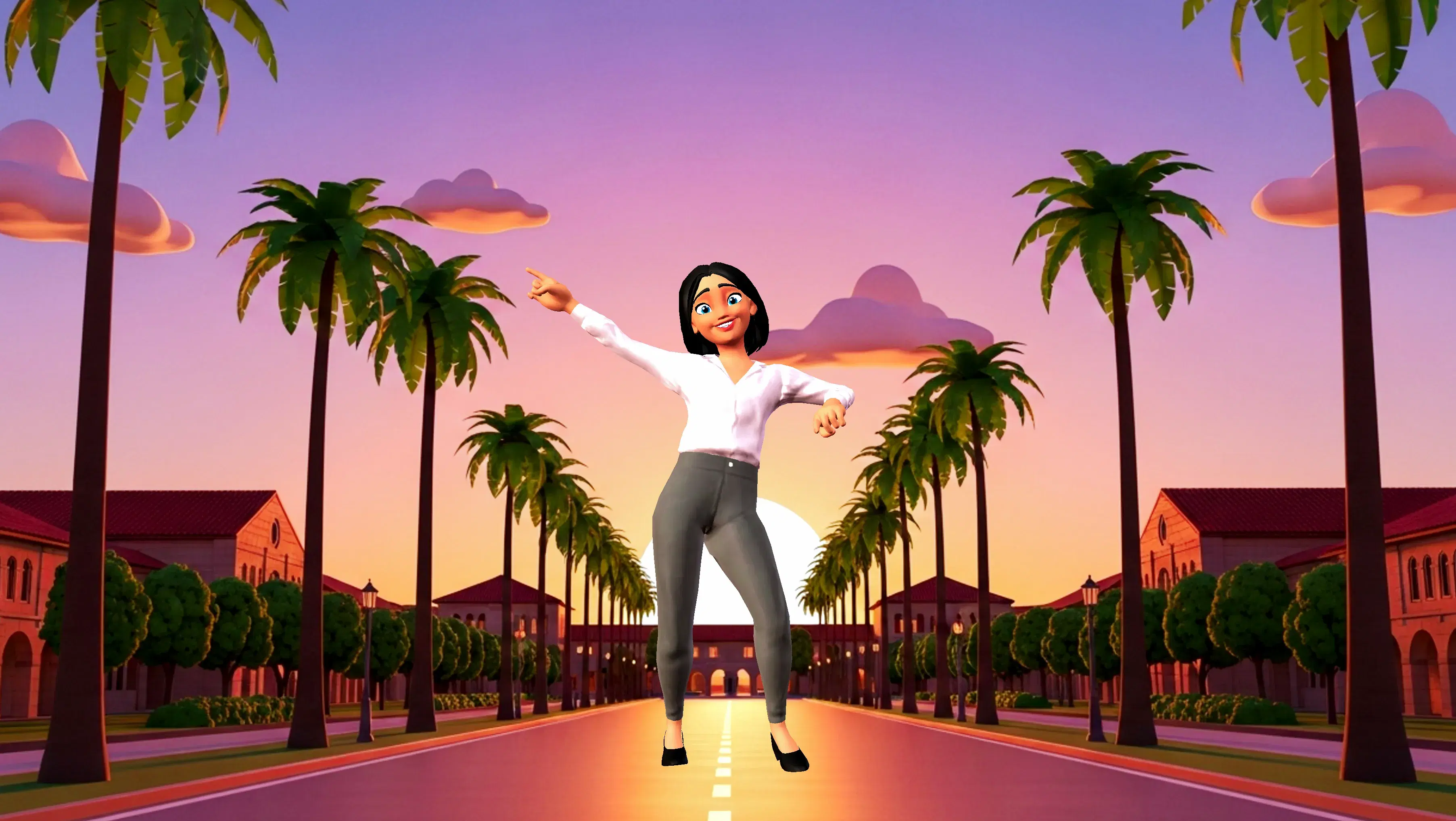
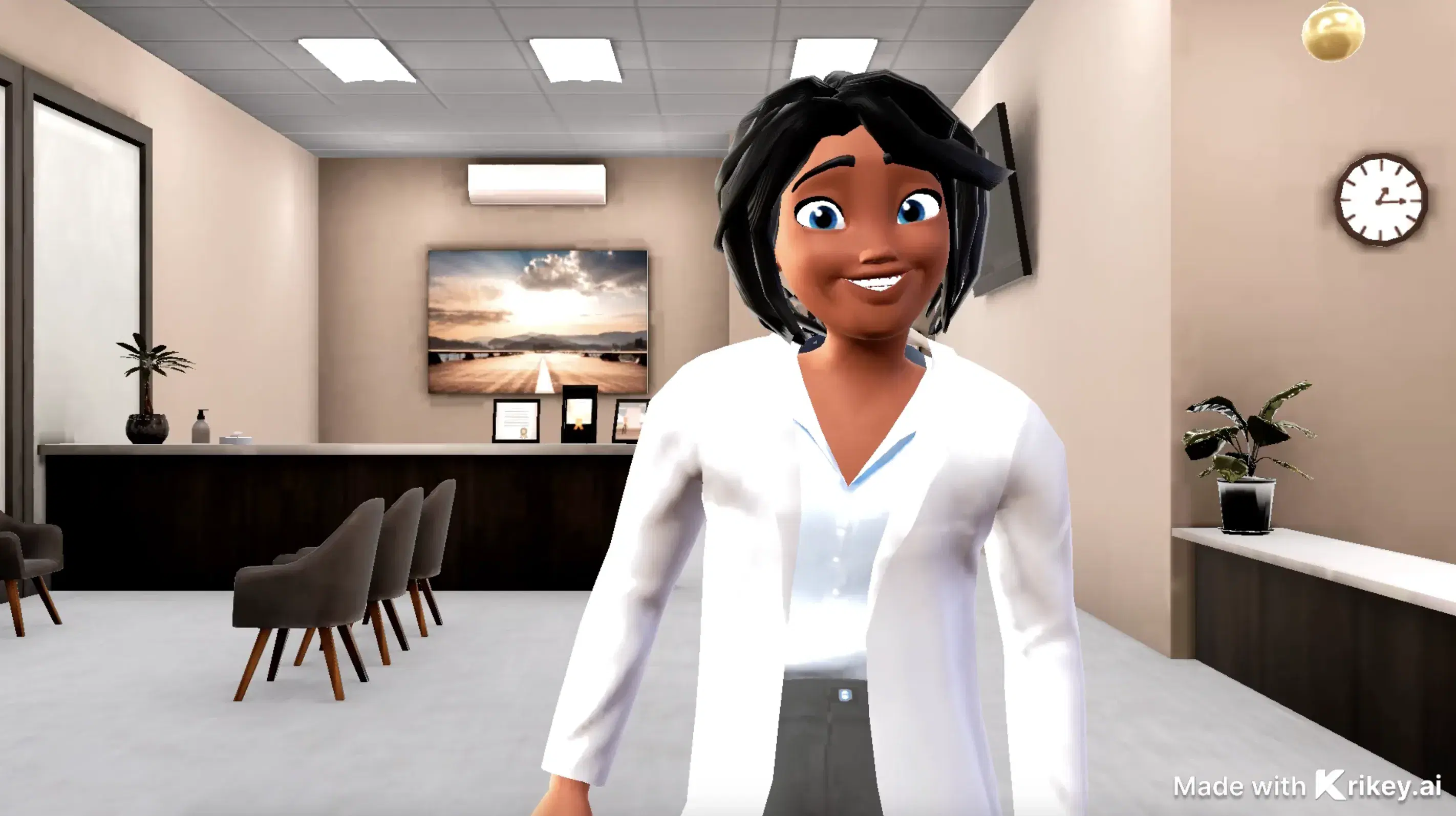
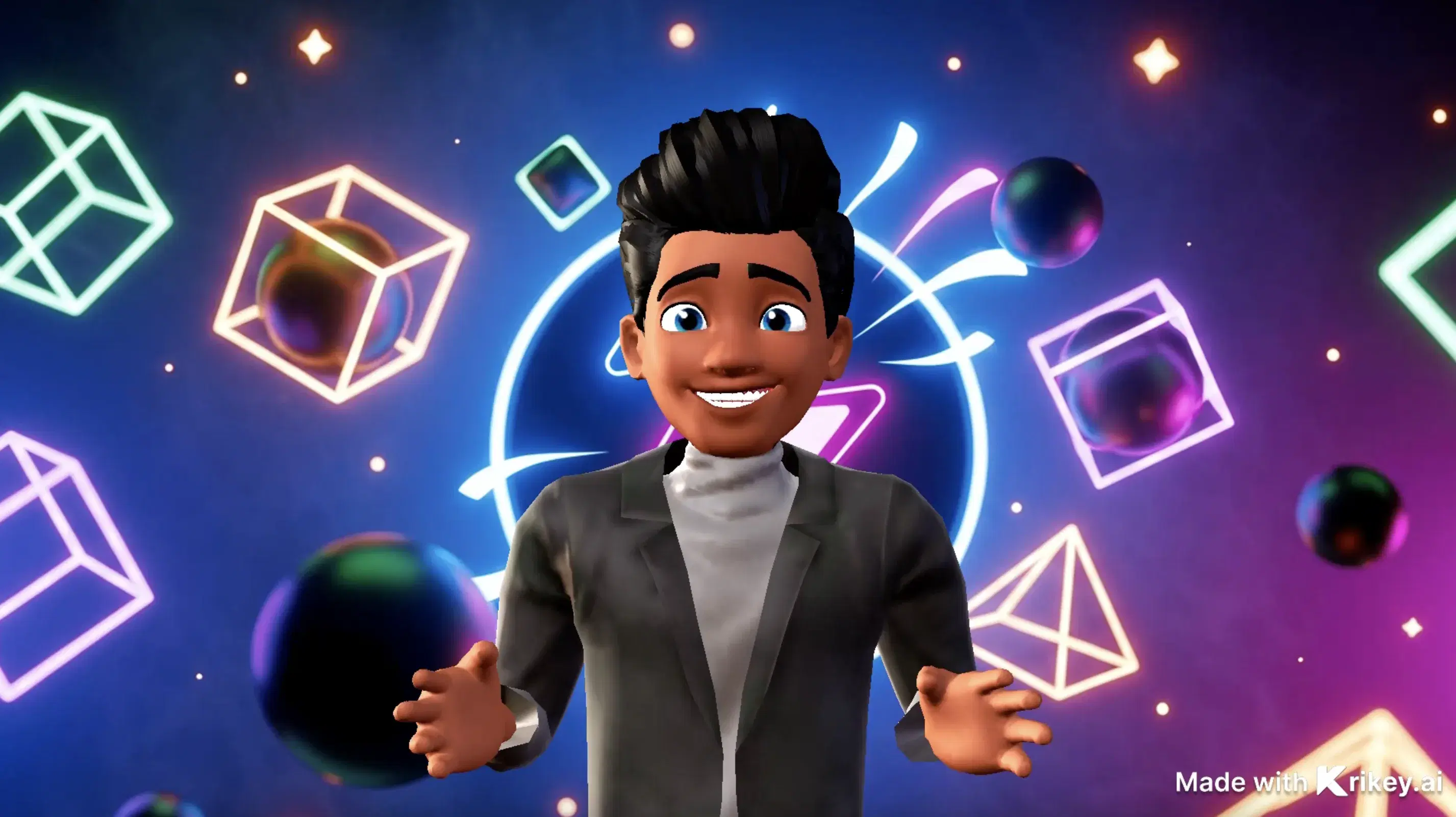
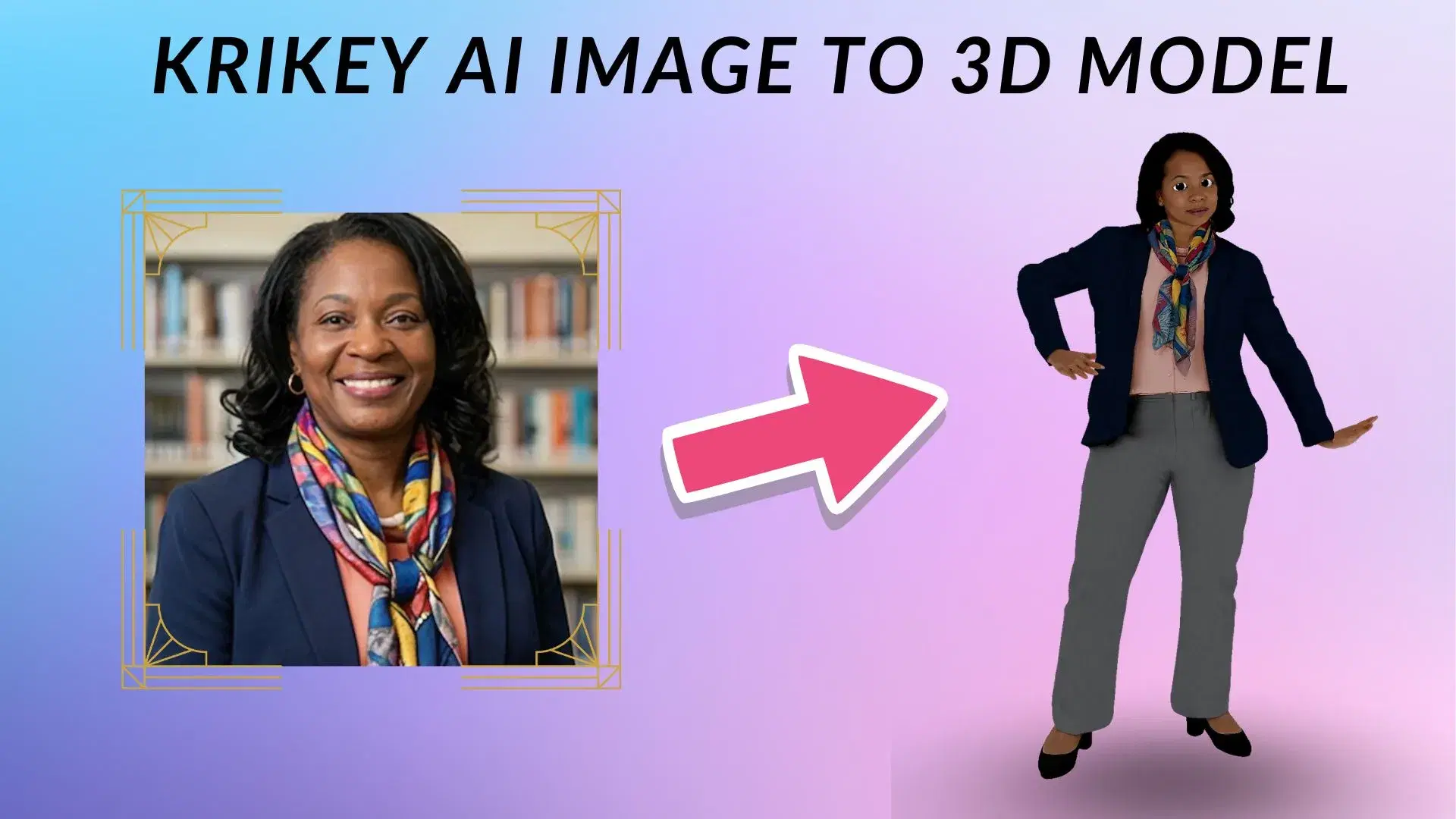
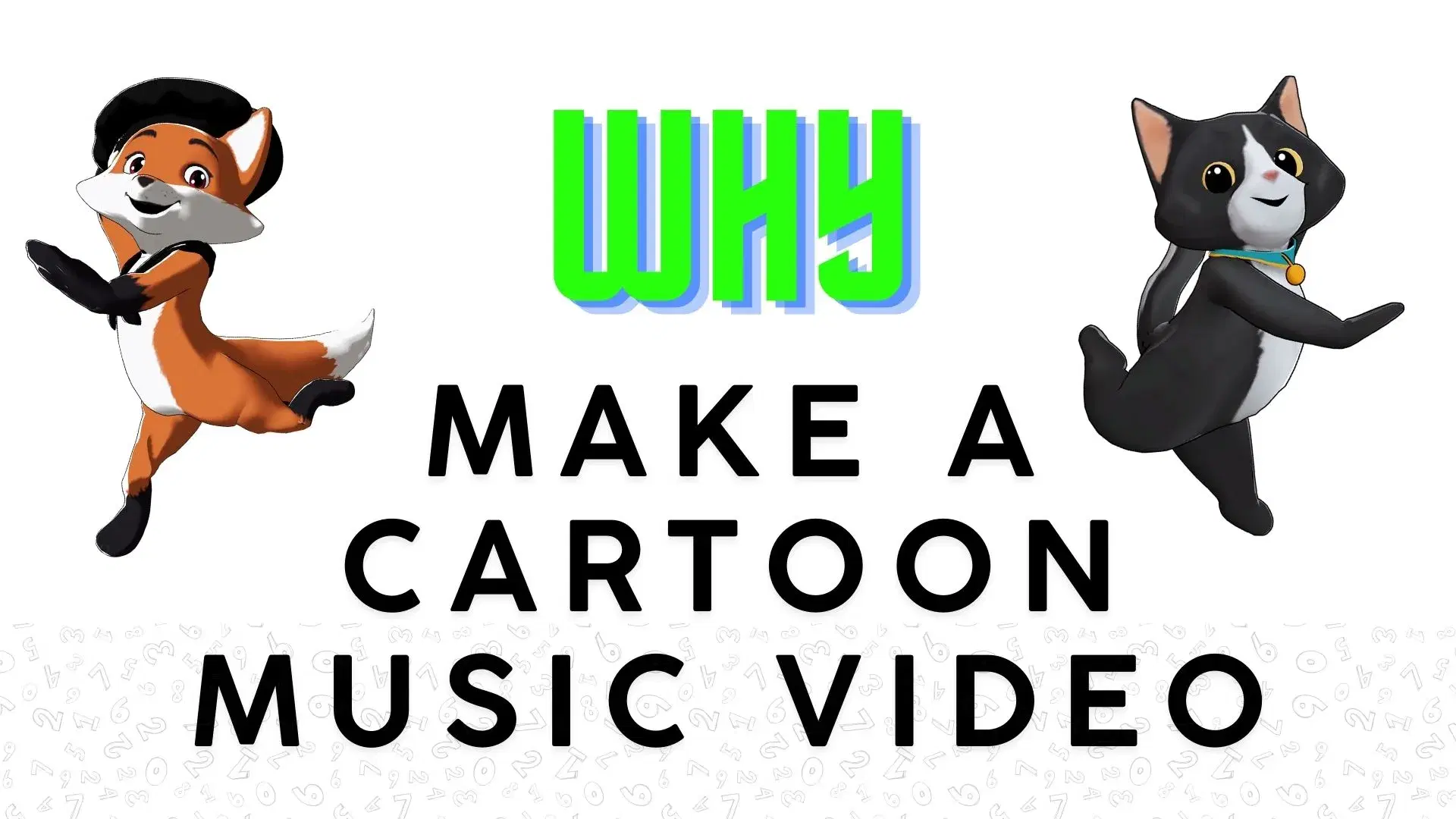
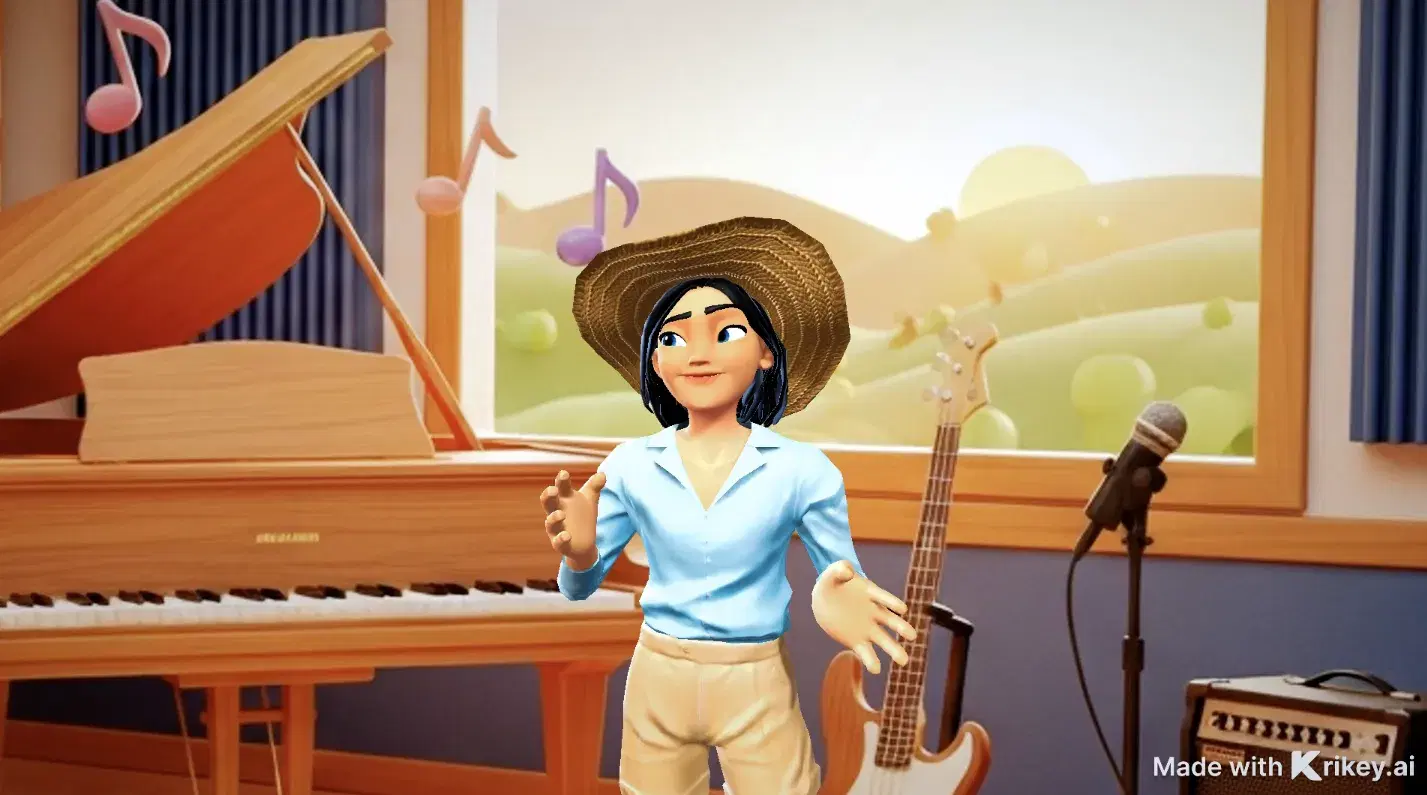
Featured 3D Characters
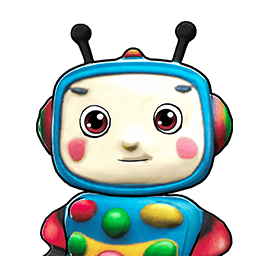
Bring unique cartoon characters to life with AI animation



Integrations & Workflows
Export 3D animations directly to your favorite creative platforms and game engines
Scale Your 3D Video and Game Asset Production Without Increased Cost
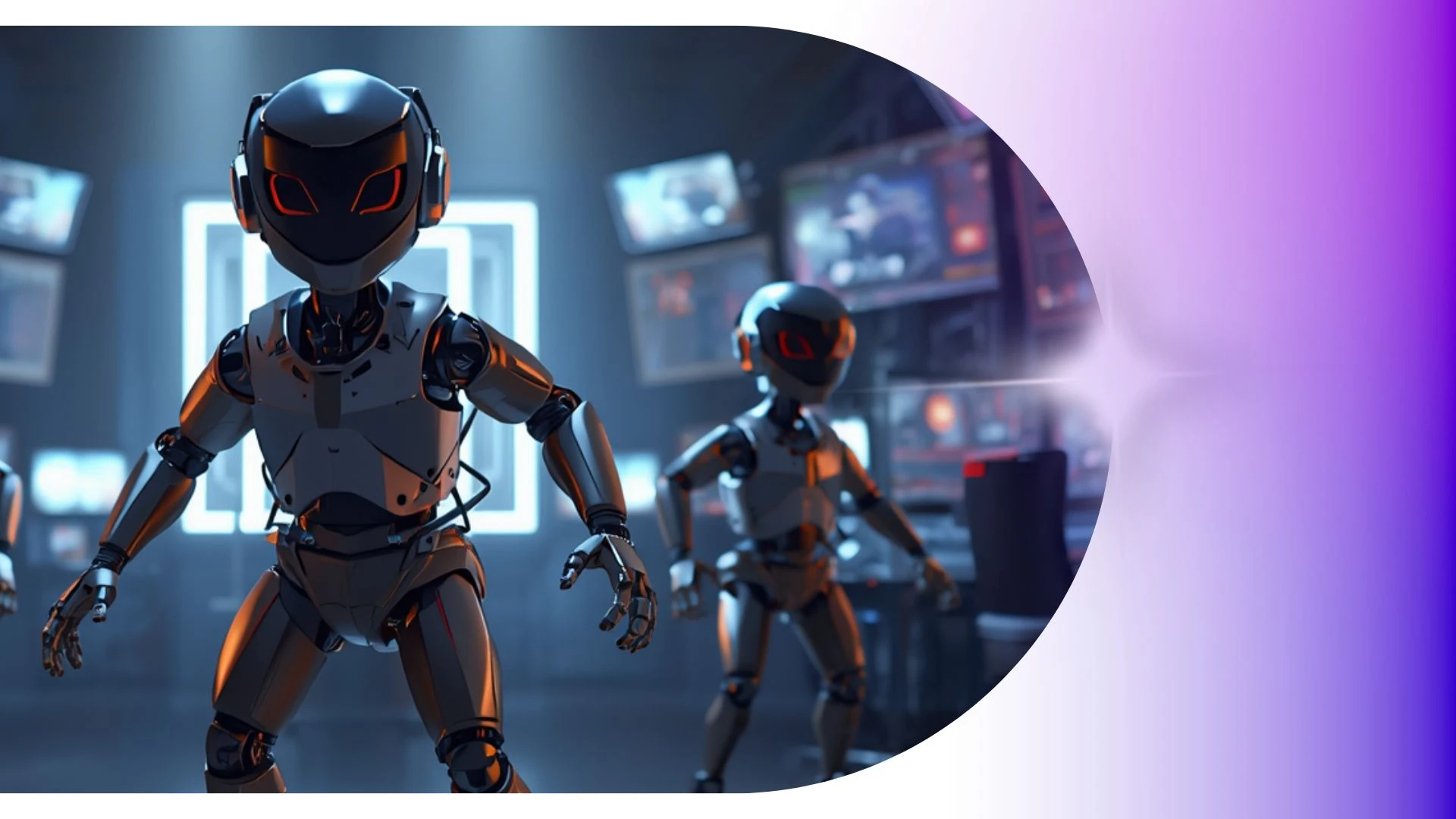
Transform raw video clips into clean, editable 3D skeletal motion data to capture complex athletics, dance routines, and body mechanics without optical tracking suits.
AI Birthday Card Generator
Fast-track content with Krikey AI Create 3D Animations and Videos, turning voice recordings into animated videos with speech-driven reactions.
AI Video Generators
Animate medical videos with Krikey AI Cartoon Doctor Video Maker, featuring voiceovers in 100+ languages and auto lip-syncing.
3D Animation Editor Tool
Build 3D skeletal motion data from video clips to capture complex athletics, dance, and body mechanics without optical tracking suits.
AI Video to Anime Converter
Easily transform podcast episodes and voice recordings into animated video podcasts using Krikey AI Free Mocap Animations.
Frequently Asked Questions
Learn more about creating, customizing, and sharing 3D animations with Krikey AI.
Can I use Krikey assets in Apple Vision Pro or ARKit apps?▾
Yes, exported 3D character assets can be converted to FBX format for interactive augmented reality experiences on iOS and visionOS.
What character styles are available on Krikey AI?▾
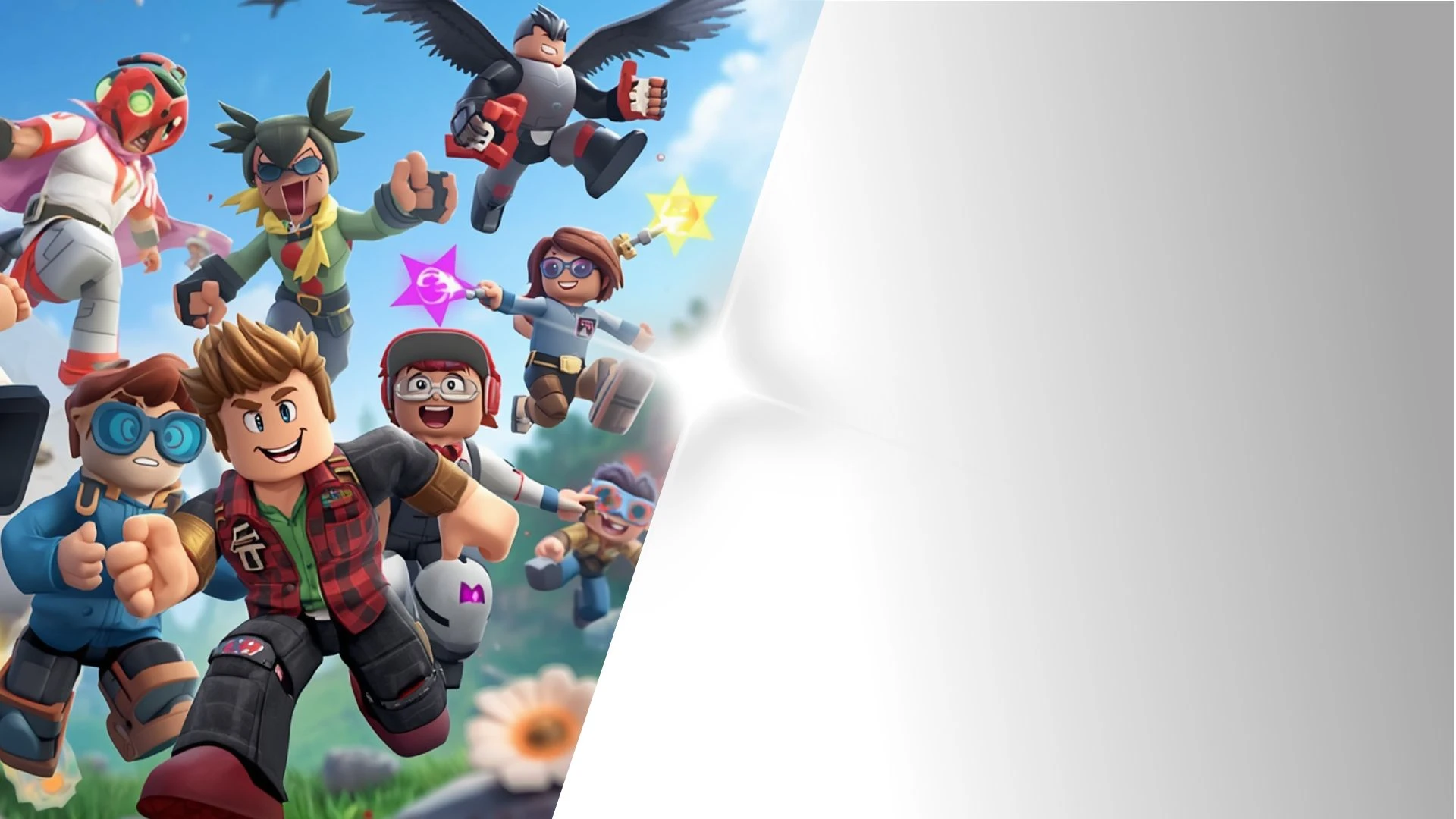
You can select and customize avatars across multiple visual styles, including stylized anime, 3D cartoon, mini-me, k-pop, and cartoon mascot looks.
How do I insert a Krikey animation into PowerPoint or Google Slides?▾
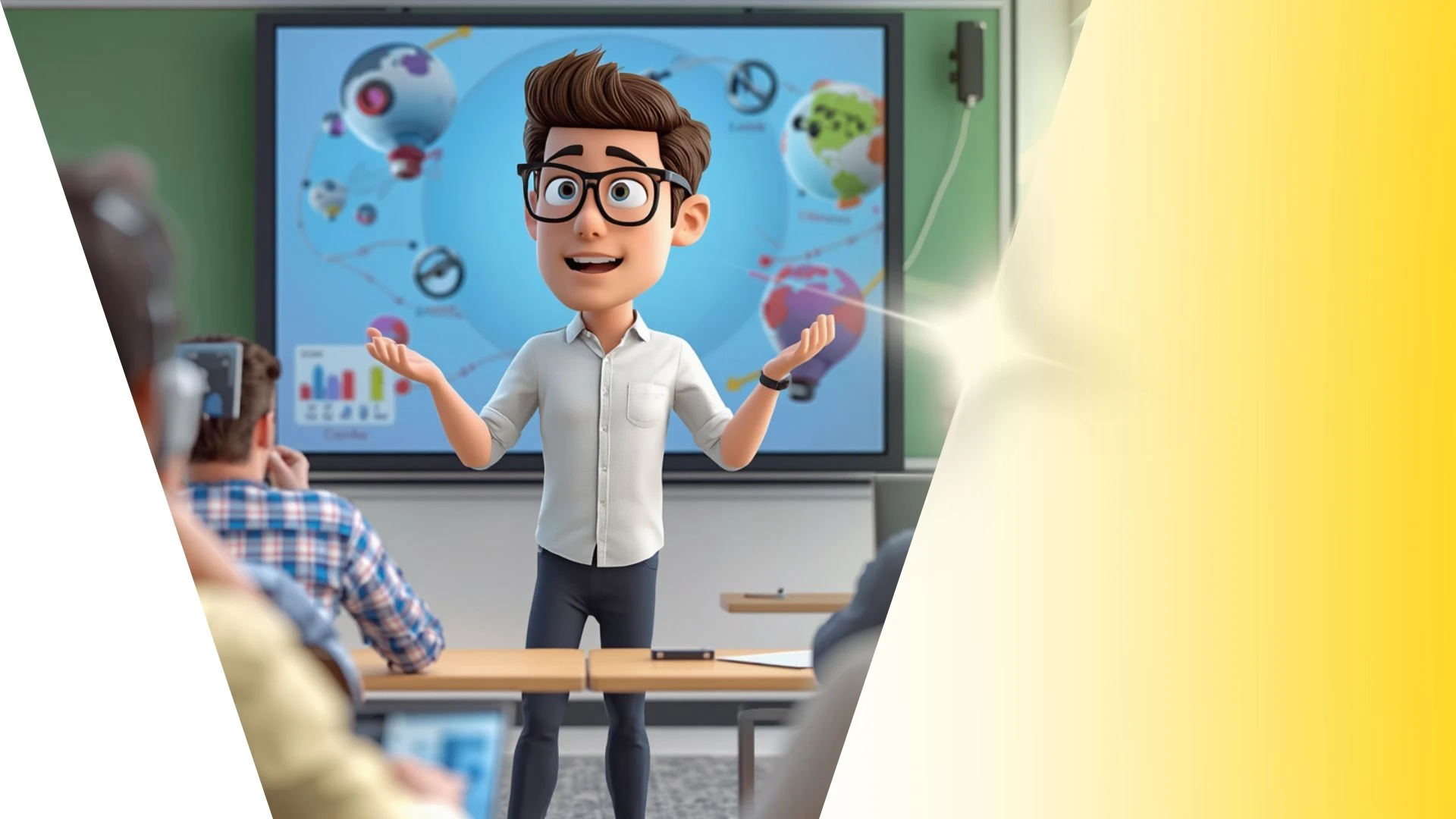
Export your animation as an MP4 video or looping GIF, then use "Insert > Video" or "Insert > Image" inside Microsoft PowerPoint or Google Slides.
Can I change the camera angle in my animation?▾
Yes, you can switch between preset camera perspectives (close-up, medium shot, wide shot) in 3D space.
Does Krikey AI include pre-built 3D backgrounds?▾
Yes, Krikey offers an environment library spanning modern offices, classrooms, living spaces, outdoor city parks, sci-fi corridors, and fantasy stages.